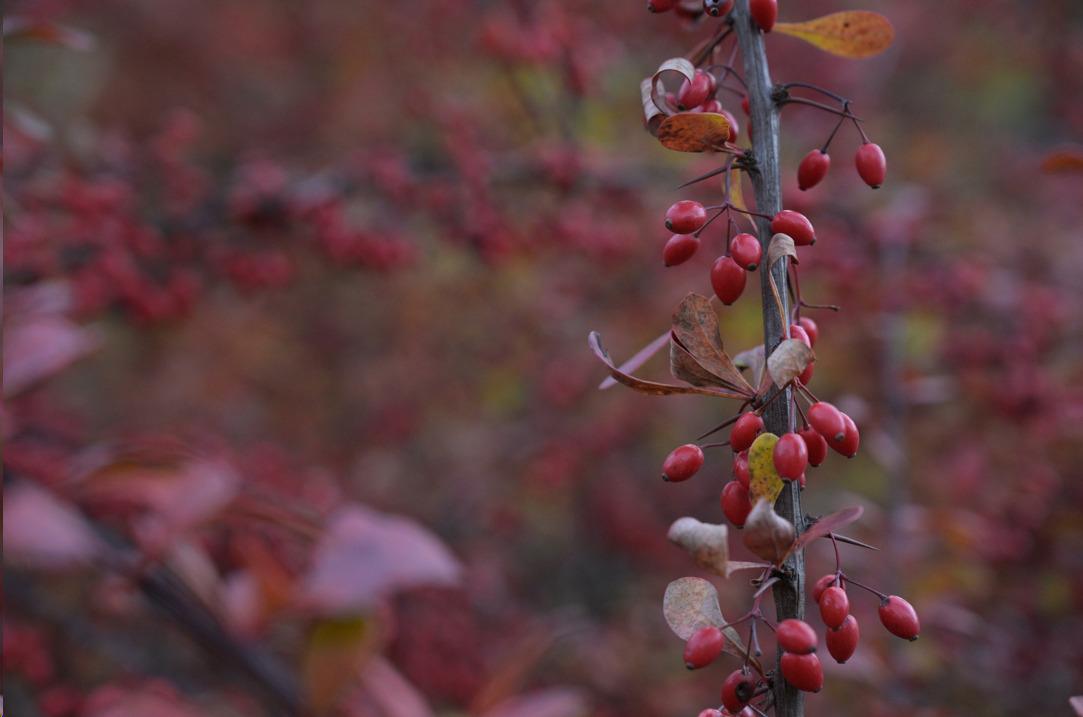
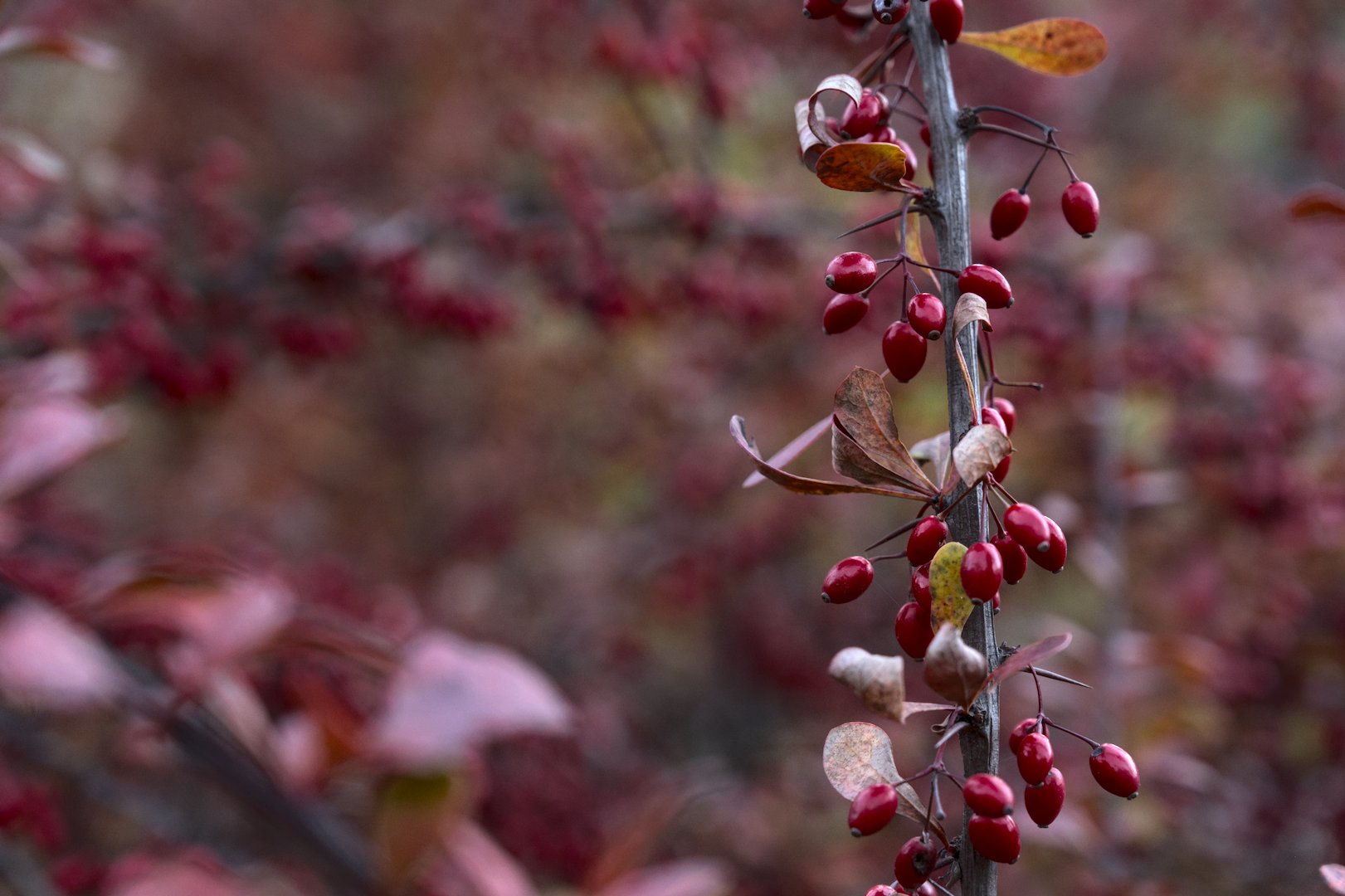
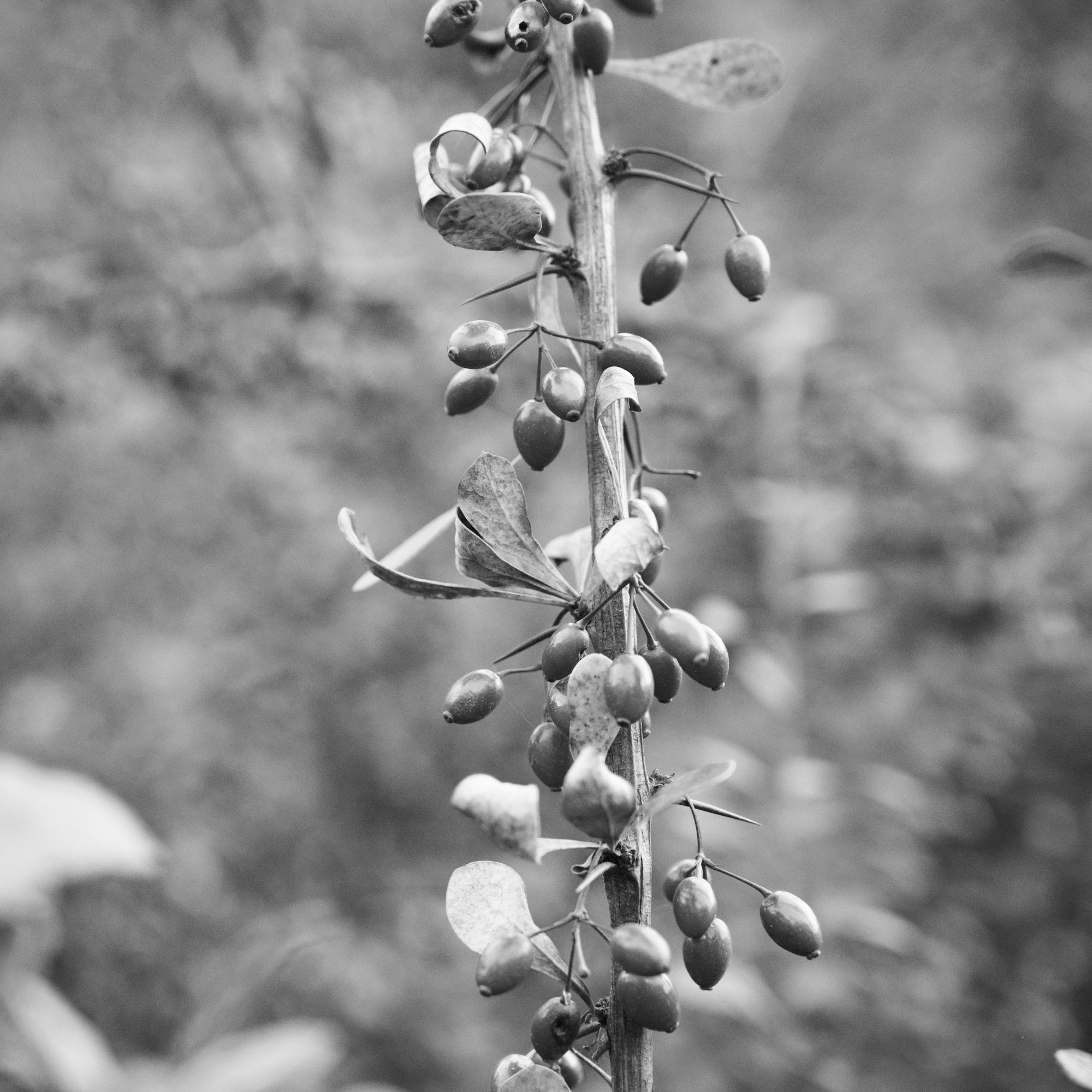
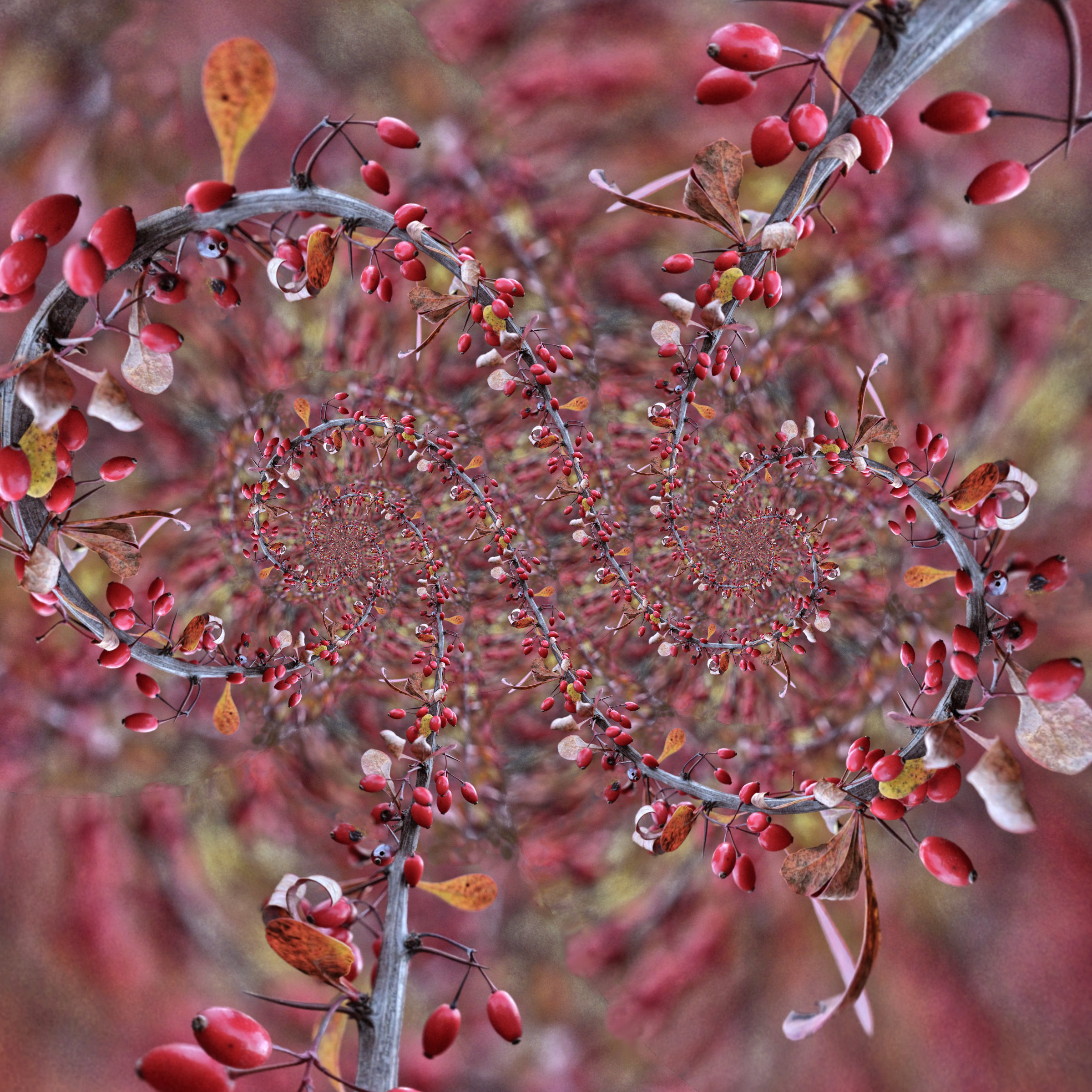
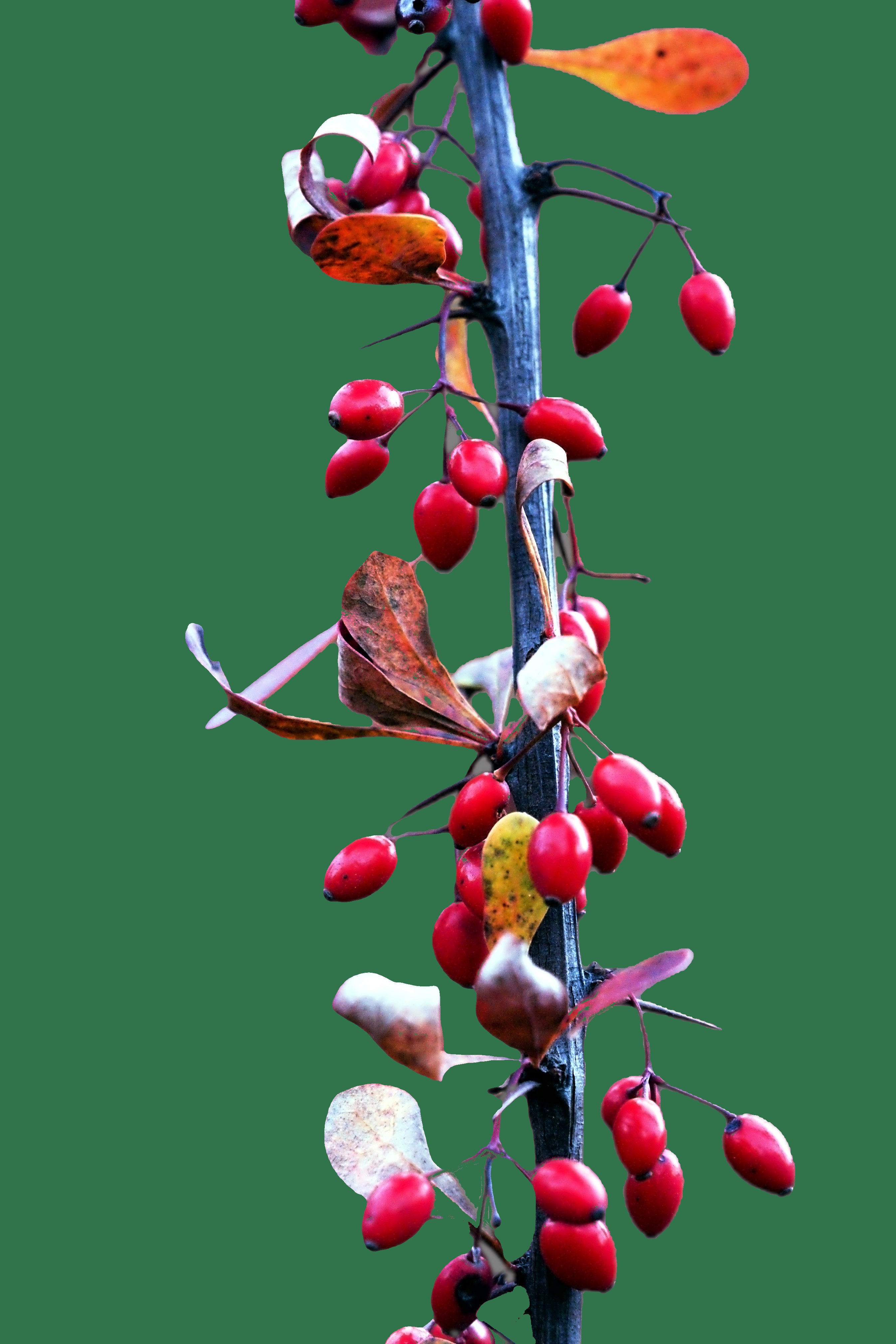
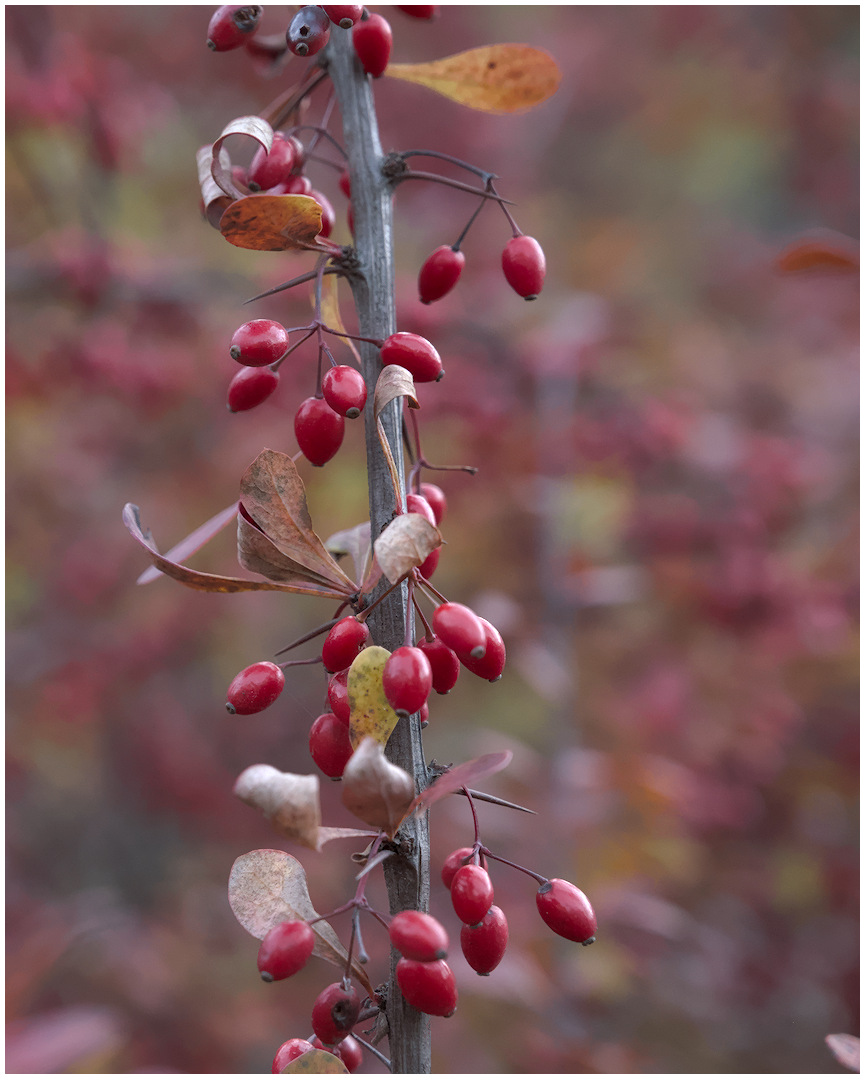
I’ve been thinking… what crazy play-raw idea has not been tried before? I remember a video of a music producer trying to recreate Crazy Frog – Axel F while muted and the result was quite hilarious… so why not try something similar in the photography world, right?
Many folk here know already that doing something crazy is just Tuesday for me (and today just happens to be Tuesday; lol).
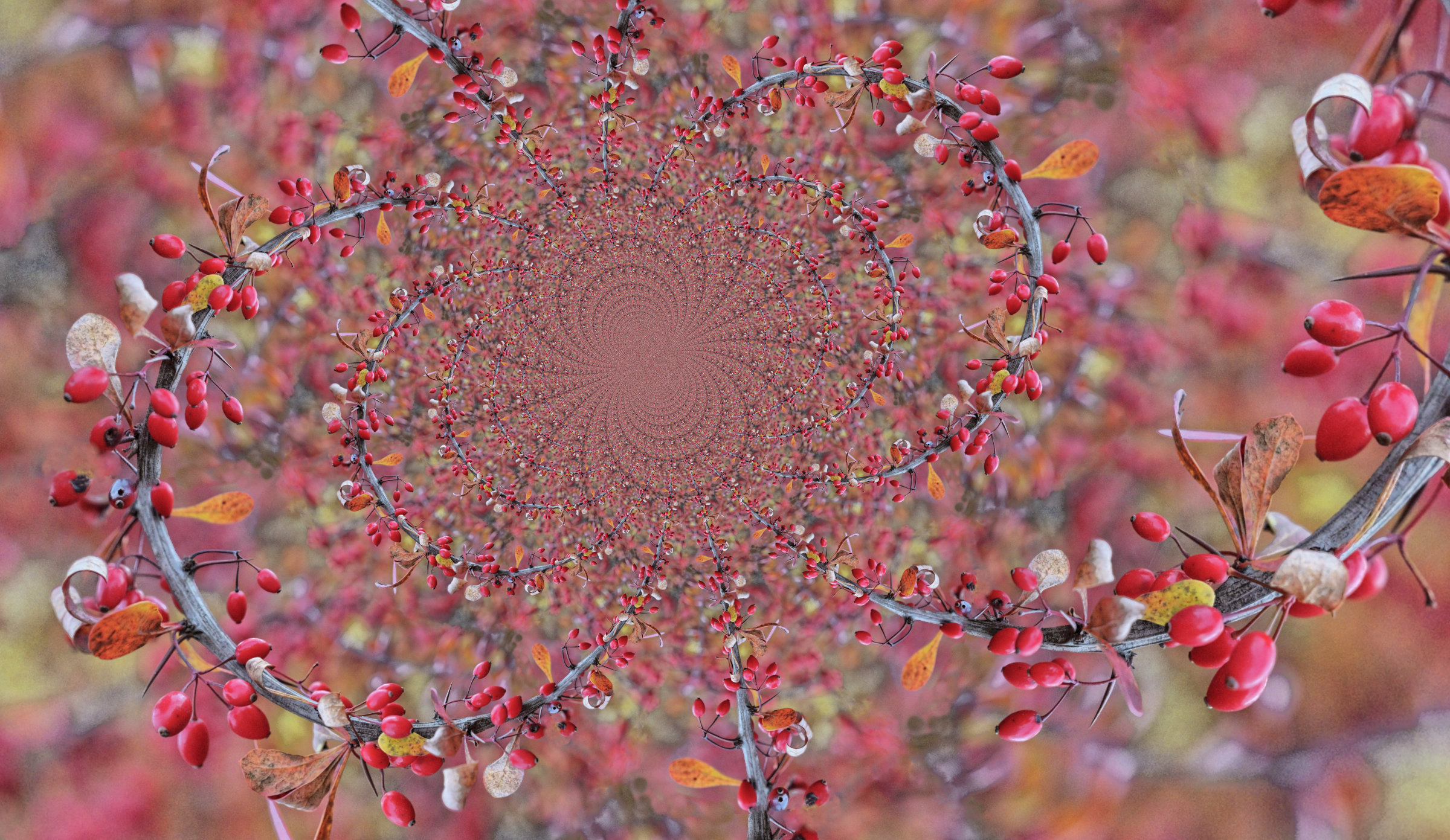
Of course, to be honest to your challenge, I’ve done 2 pole-droste renders many times, so I suppose I didn’t quite meet the challenge that you requested. Oh well.
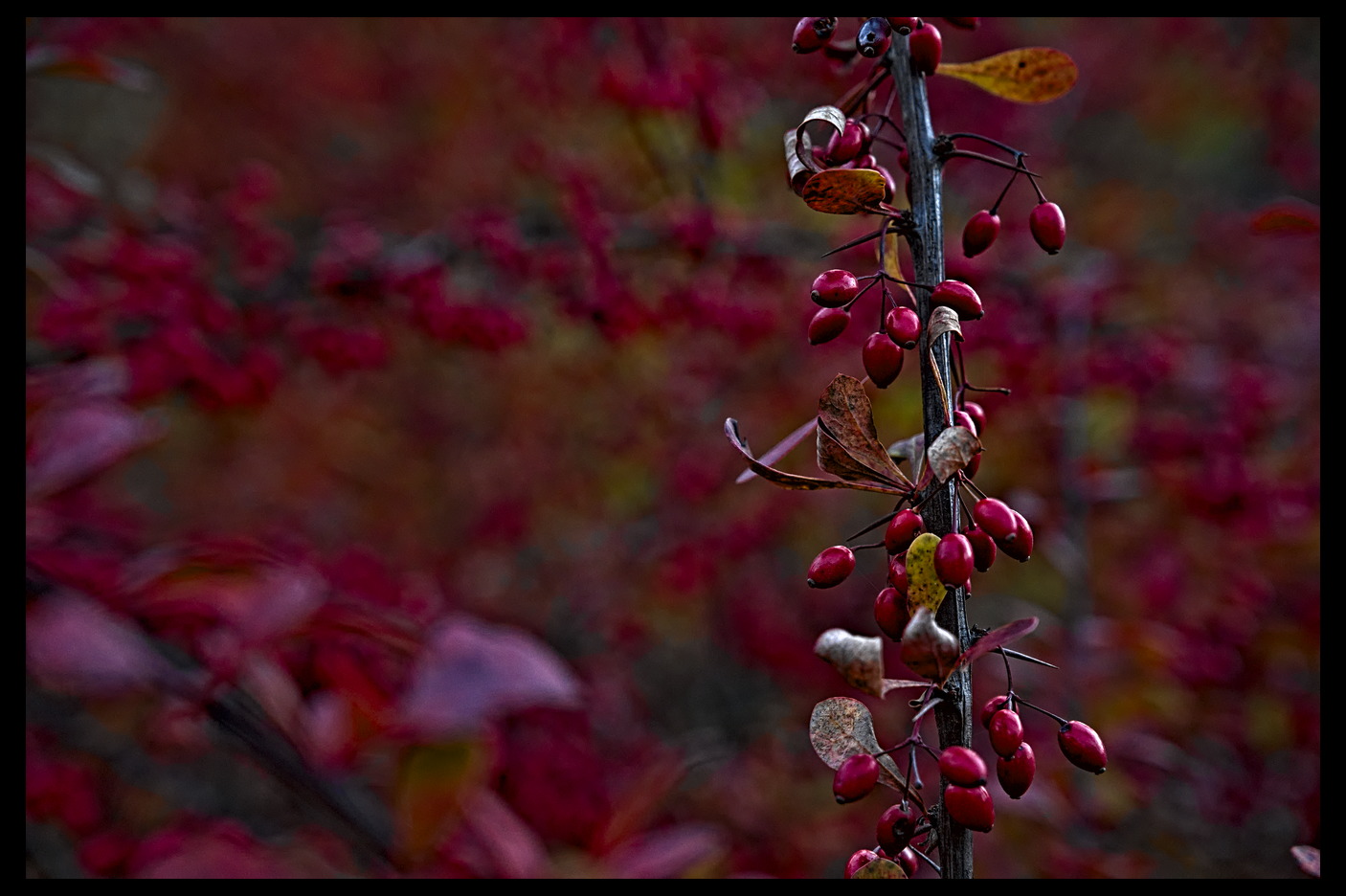
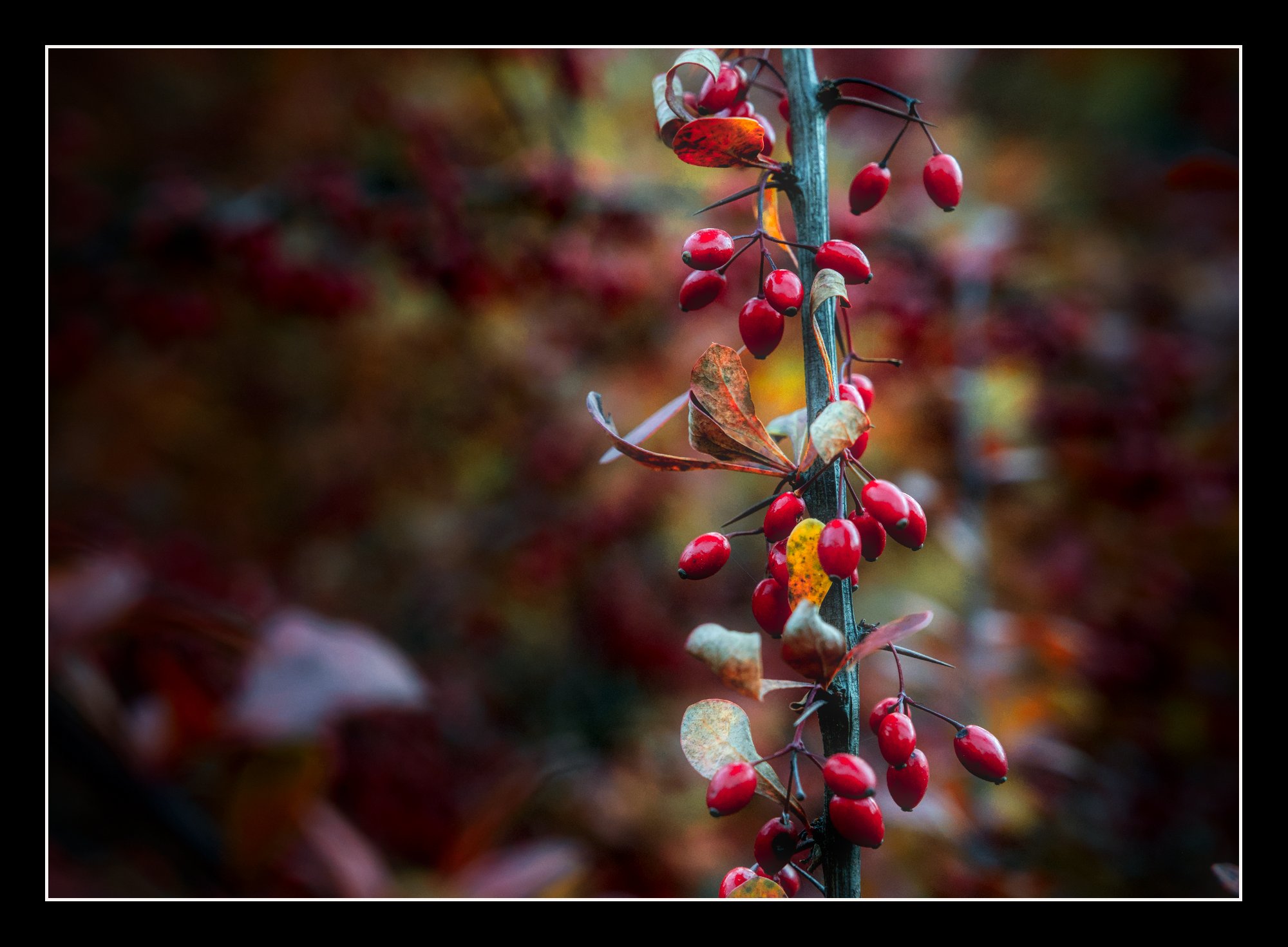
I don’t know if I went ‘significant’ enough. I just thought I was risking crushed areas with more DorS iterations. Light CB-RGB settings too… And it’s still dark.
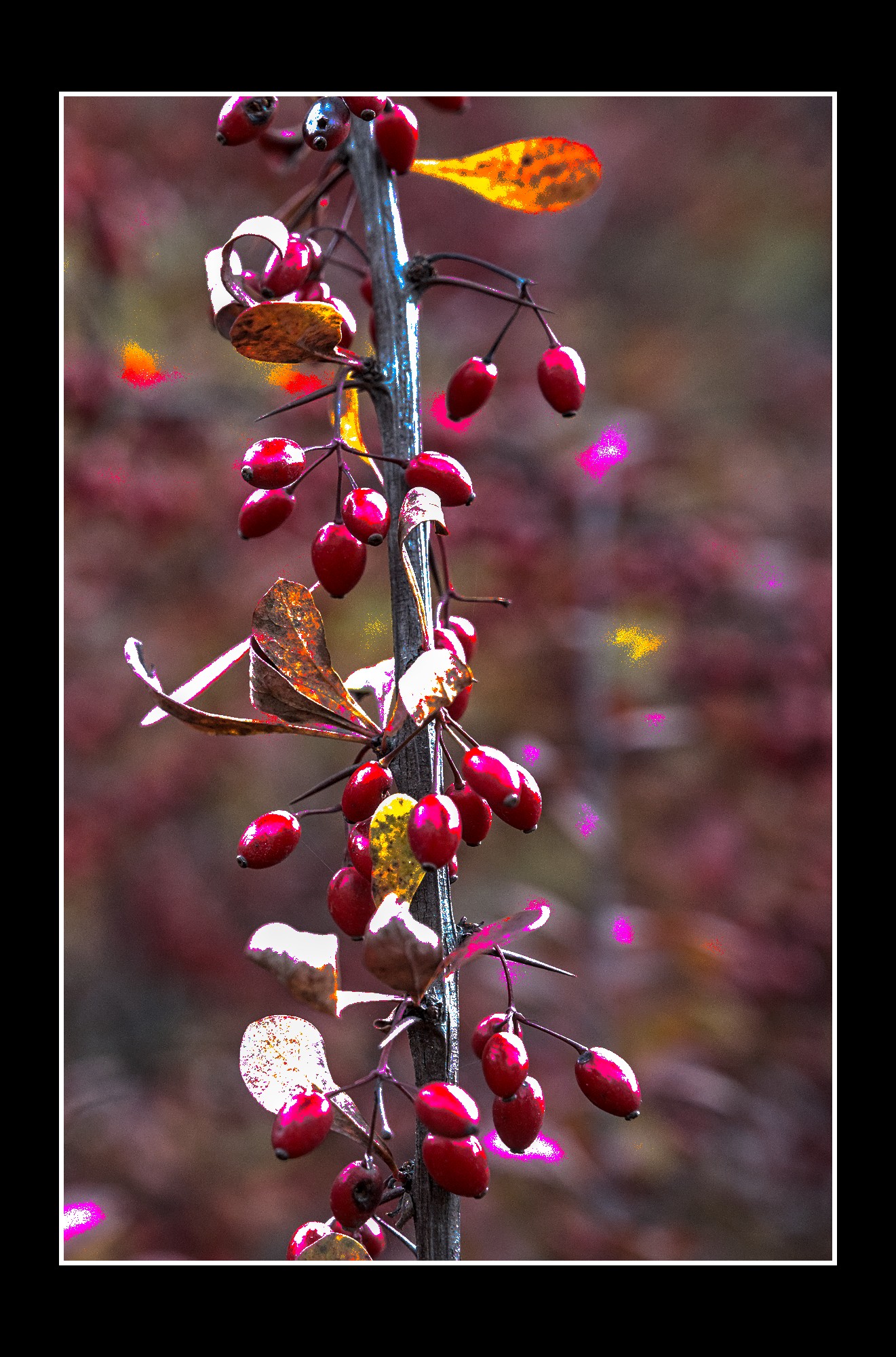
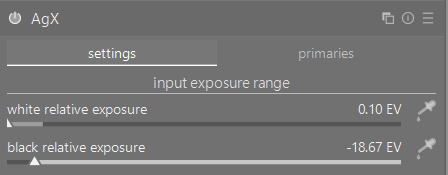
I broke one of your rules. I used AgX how I always would by clicking on auto tune levels. But the result kept with the spirit of what you wanted to achieve because AgX produced the posterization.
DT 5.7 DSC_2637.NEF.xmp (14.1 KB)
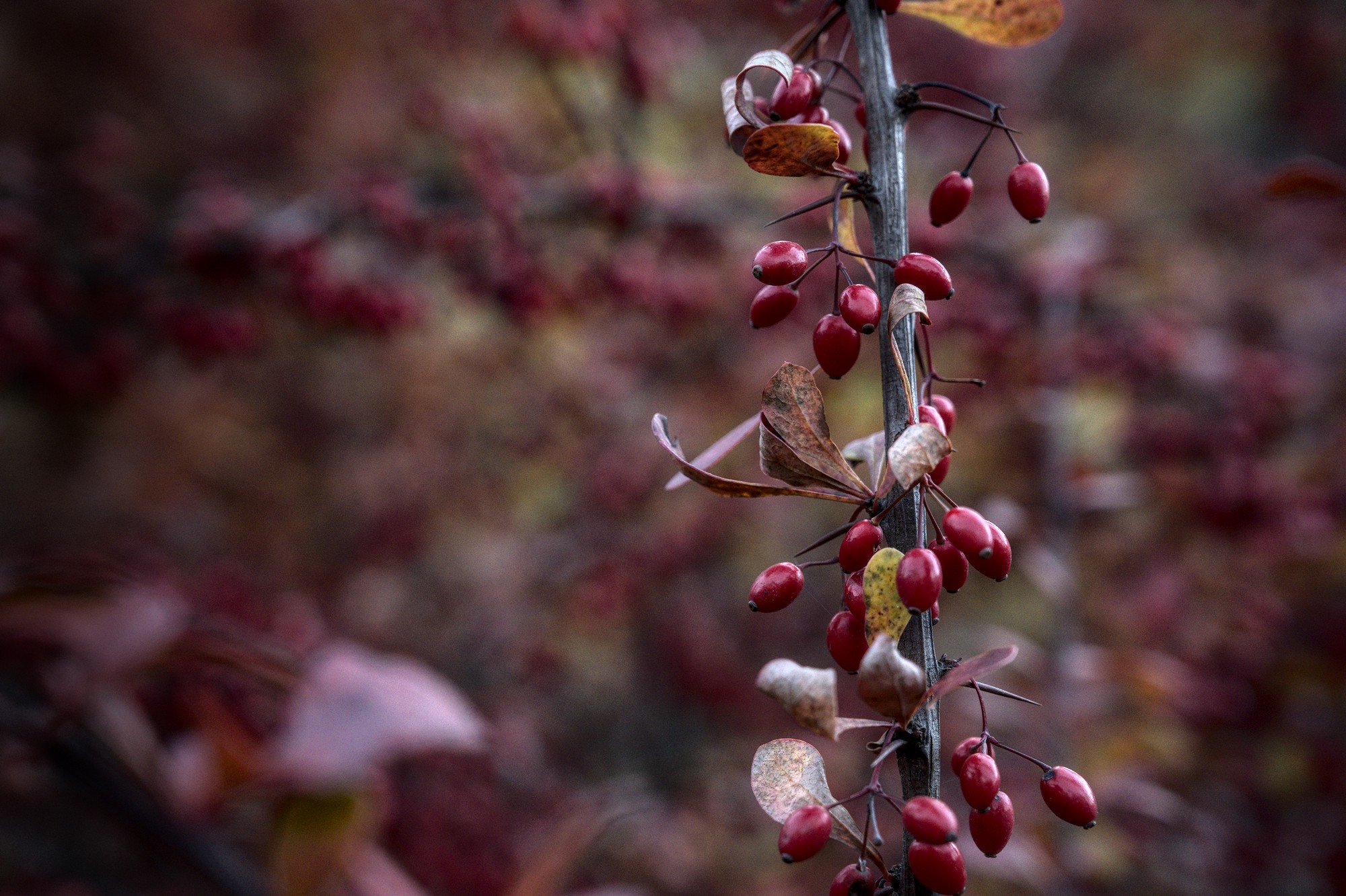
Yeah, me too. I was thinking that my edit must already be way too bright… But ended up super dark
Tonemappers normally keep colors rather tame – I have no idea how AgX managed to produce that I like how it kinda looks like… Glass? Idk, reminds me of Christmas decorations
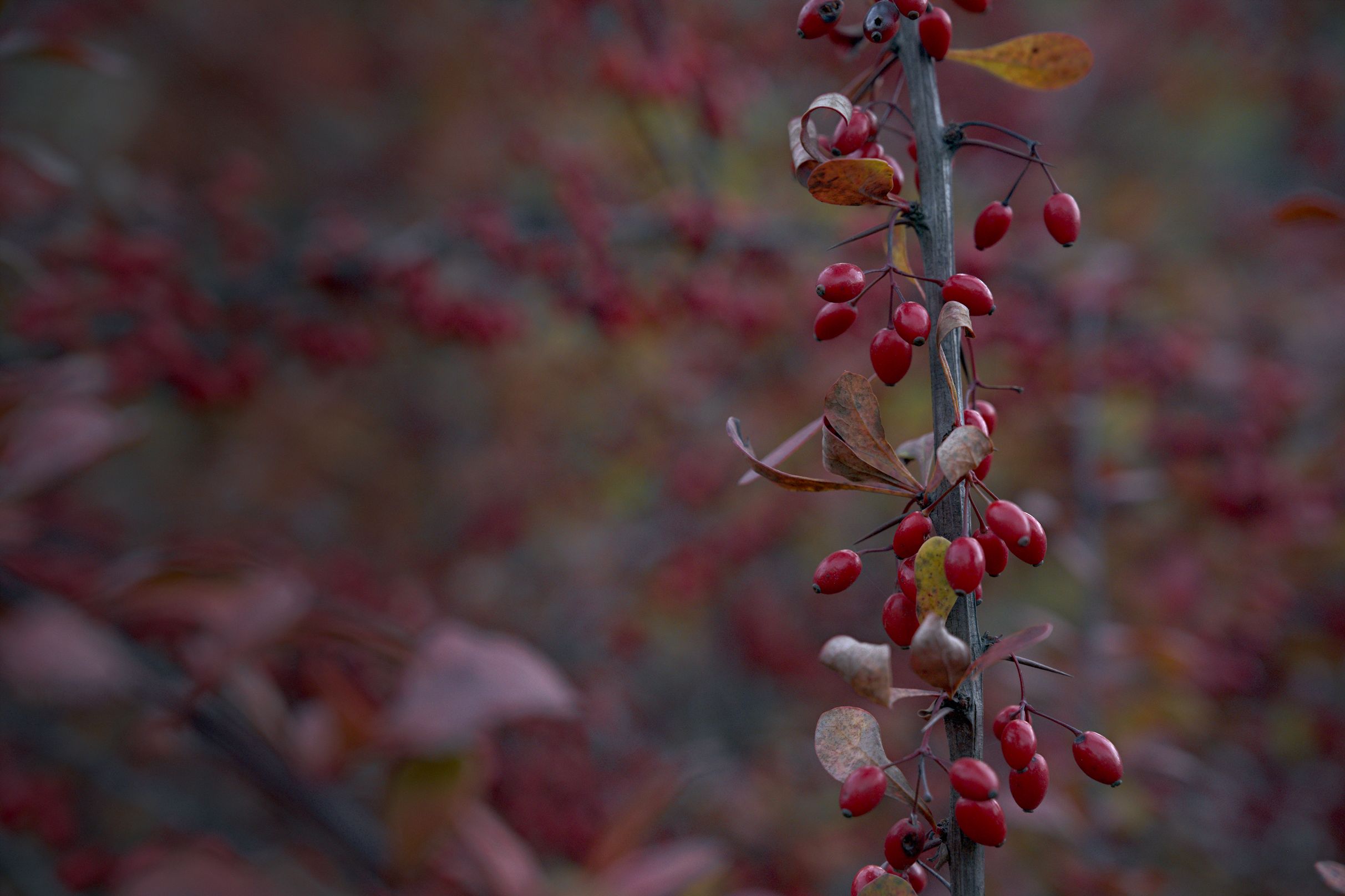
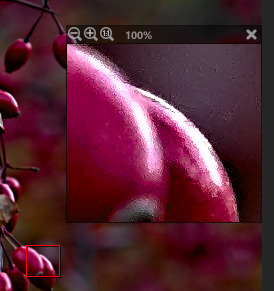
Interesting and fun way to start my day… Using RT 5.13 it’s not possible, as far as I know, to create a duplicate of the exposure module, so I set about making the image neutral and than basically turned everything on under the Detail tab, and moved a few sliders around without looking at the 100% size box (a key feature IMO for making a good image… I got this:
This feels horribly wrong, especially because I had to stay away from AgX which usually is doing a lot of things, including contrast and saturation. So I was even blinder than expected.
Anyway…
That was my main point here – losing the ability to use a tone-mapper that keeps the image looking okay it makes editing extra hard if you’re used to always using one, then you have no idea what’s happening
And I see you ended up with a similar result as me – too dark
I’m well prepared for the next time! Alternative blindfold method is default watermark module with the module’s opacity setting (just below ‘colour’) at 0, blend colourspace RGB scene and subtract blend mode.