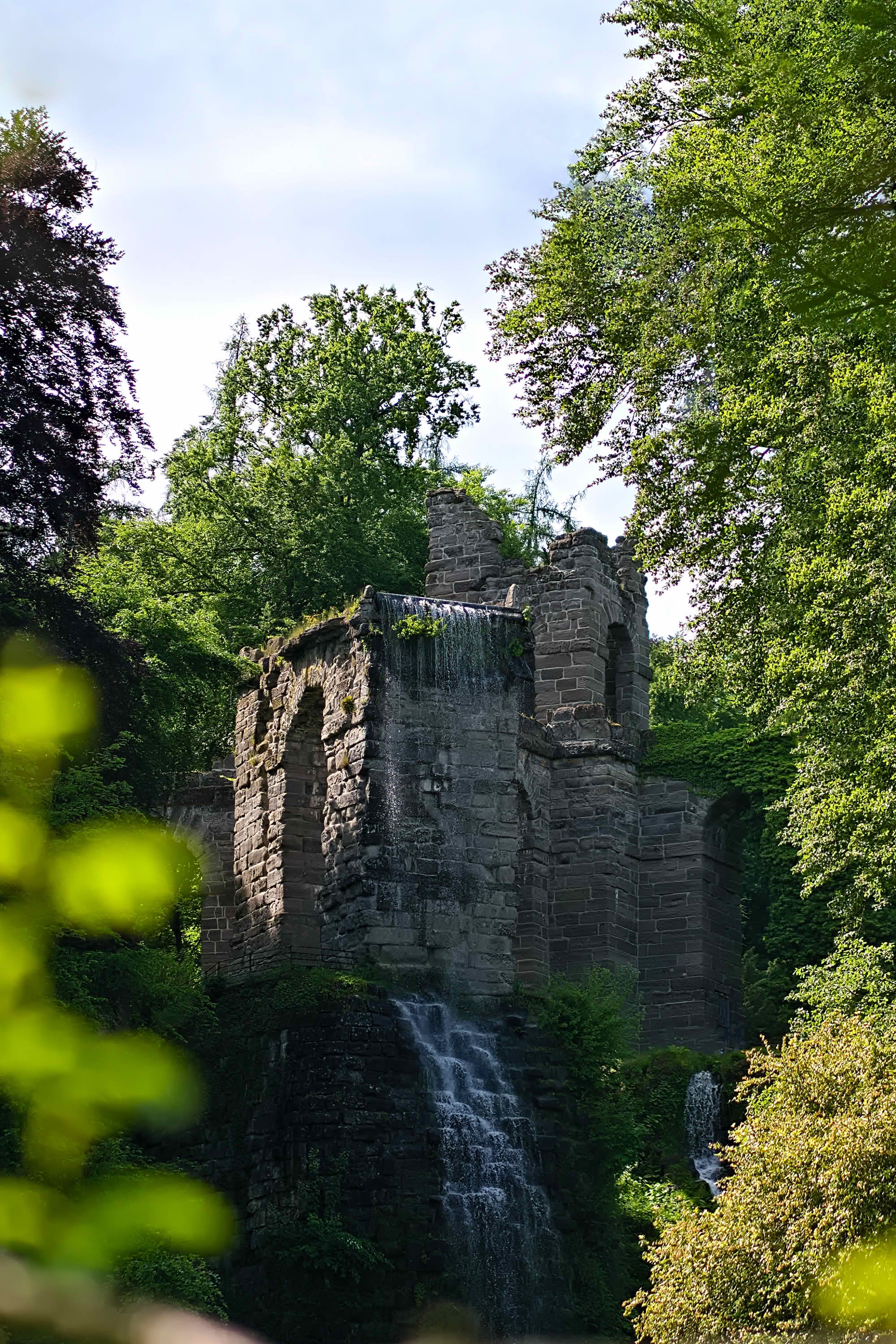
Using a LUT shouldn’t have impact on the fringes.
And is using LUTs cheating? I wouldn’t say so.
I’m not a fan of LUTs and you will never see me one using at least if I haven’t created it on my own. But it has absolutely nothing to do with cheating.
1 Like
Think I needed high quality processing on to see it properly 
Thanks for the defringe suggestion, I tried ‘RGB green channel’ with DorS but I couldn’t get it properly. ‘Darken only’ plus the ‘very large’ checkbox in CA module actually did very well compared to everything else I tried though.
(Now I don’t have colour contrast on so the greens are different)
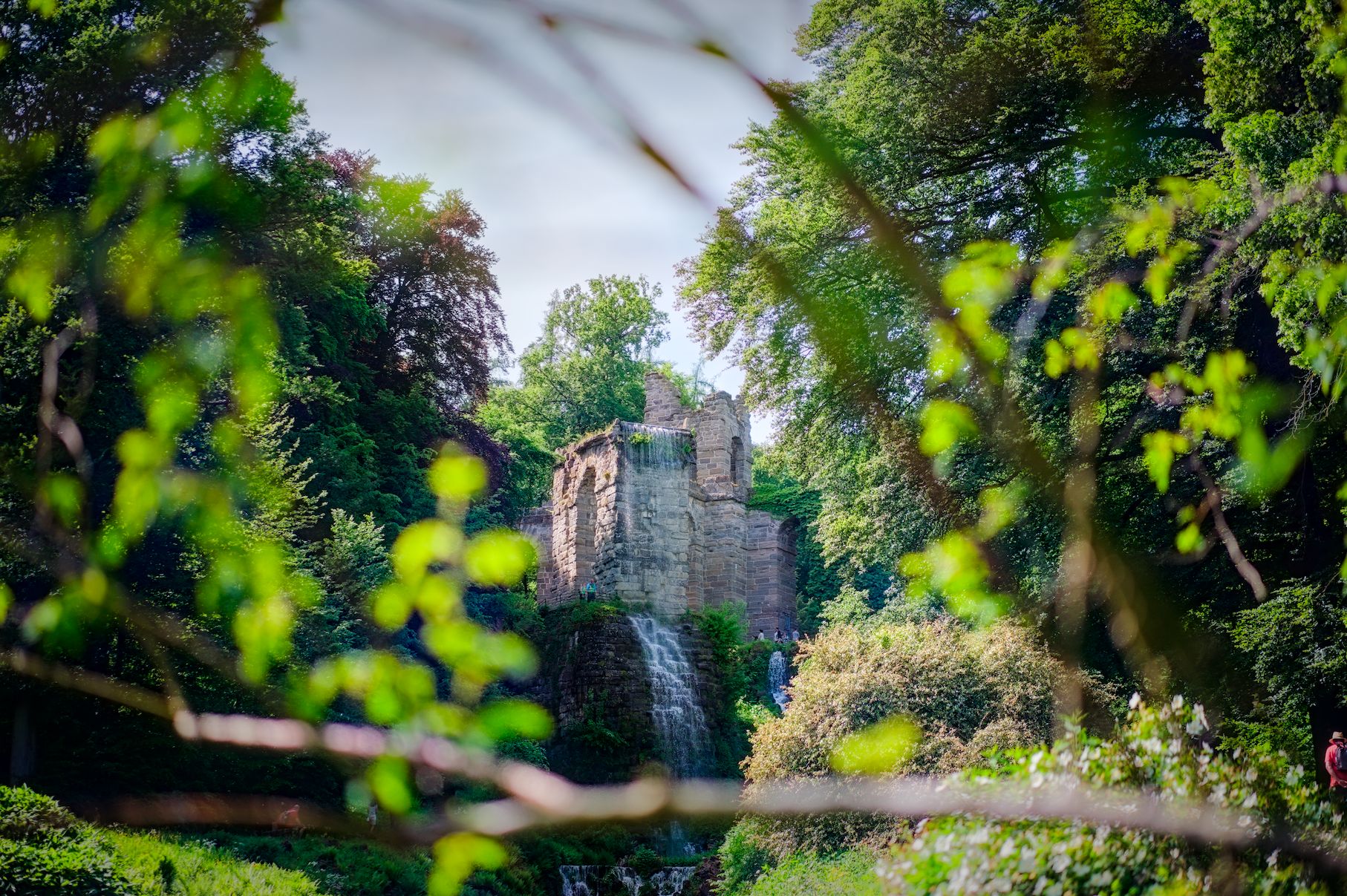
260524_155113_DSC01712.ARW.xmp (18.7 KB)
1 Like
With the new agx based filmic module it is not far from what I would do in darktable:
- A lot of contrast in the tonemapper, even more in the toe region, less in the highlights
- a lot of global and shadow saturation, I mean really a lot
- tone equalizer for bringing back information close to midtones
- local exposure masks
- channel mixing for warmer colors, even more warmth to shadow greens with color equalizer
- DorS bloom to highlights
- season with classic cold / warm global / highlight tint according to taste
- the one module that keeps me returning to Ansel is Photographic grain. Love the way it destroys details
1 Like
You can also use CB-RGB set in color blend mode which will preserve color everywhere else.
I used your earlier xmp and added what I am talking about. Note the position of the module. It is a trick that is better in a pixel pusher with HSL adjustment, but still works in dt.
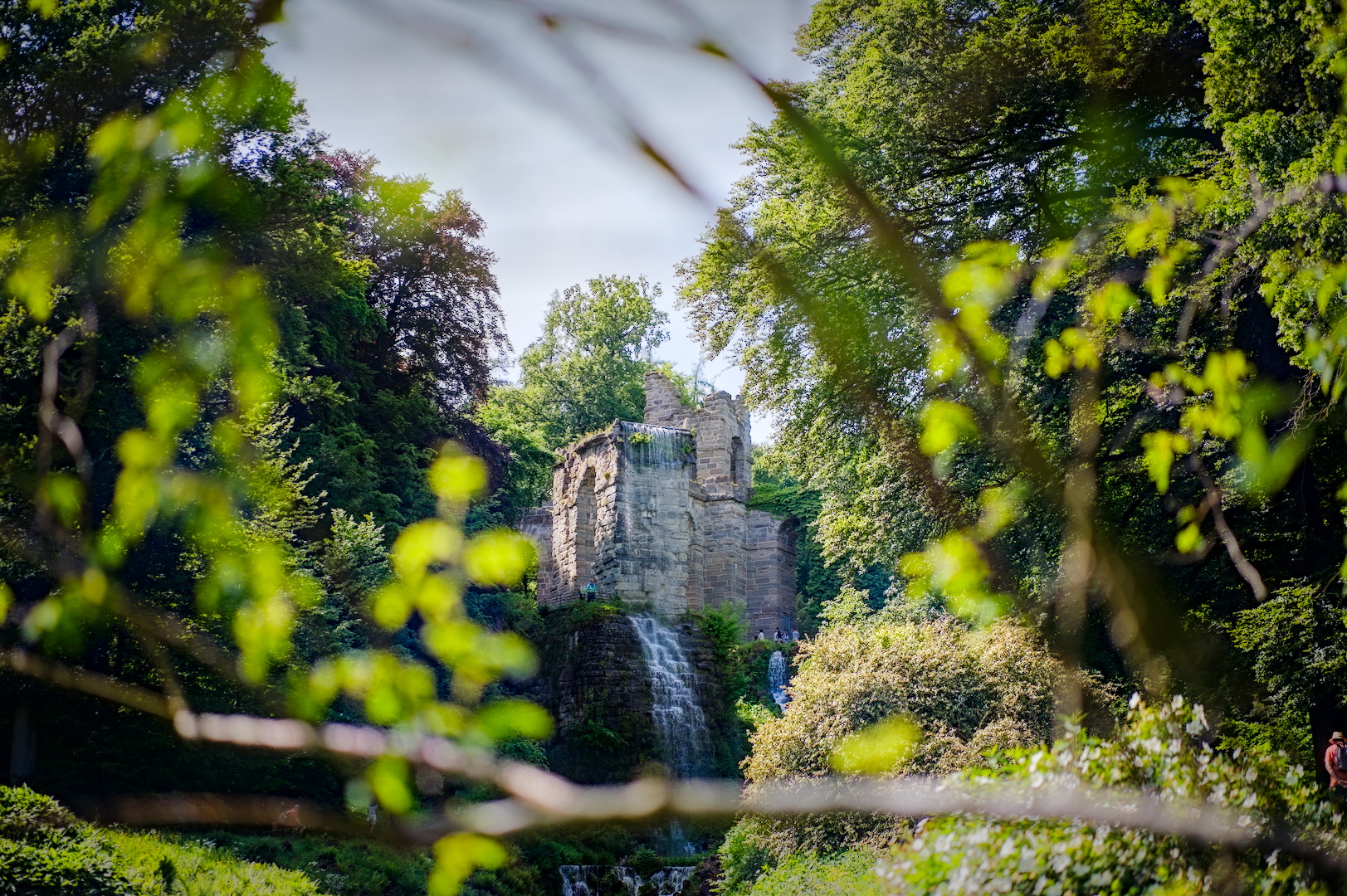
260524_155113_DSC01712.ARW.xmp (26.5 KB)
I am on dt 5.4.1 so hopefully it still looks the same on your screen.
1 Like
Nice! That works even better than HSV colour but it clips and it doesn’t remove 100% when placed before AgX, which is why it has to go after AgX. It also works better than ‘chromaticity’ mode in ‘scene’ blending modes (I’m seeing grey fringing with ‘chromaticity’ but not with ‘colour’).
I made it work without the ‘colour contrast’ module by increasing the mask hue range right hand sliders both to 360.
1 Like
I need to redo this one with Terry P. super fancy crop…
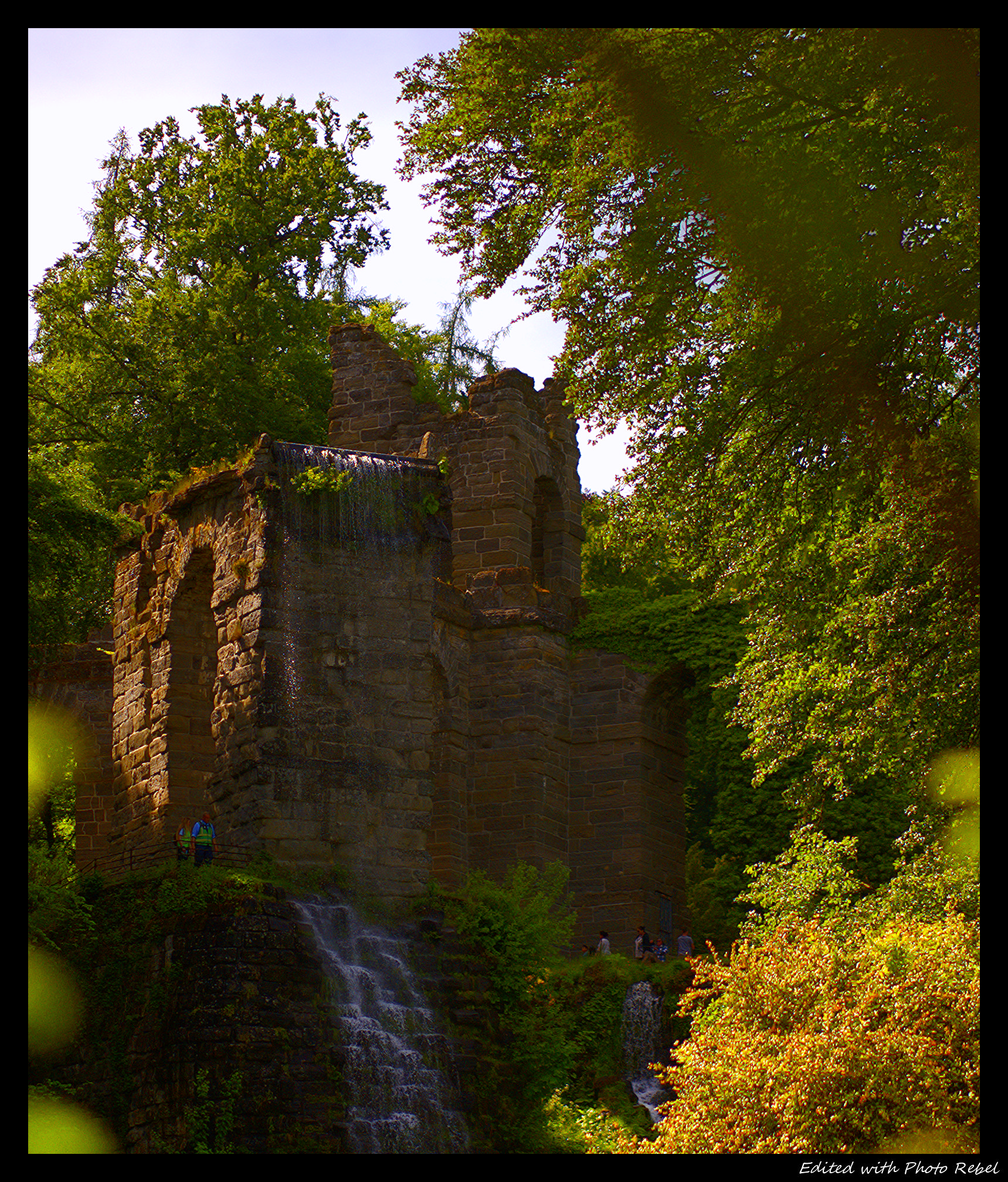
Take Two, better crop inspired by Terry. More work on colours to avoid the all “bile green and yellow piss” mentioned above.
So there:
2 Likes
After looking through all submissions, I agree that a tighter crop does not hurt.
I also played bit more with contrast equalizer to emphasize the aqueduct while calming the surroundings. It seems to help quite a bit to tame the purple fringing, at least for the left and middle trees. On the left is still potential for improvement…
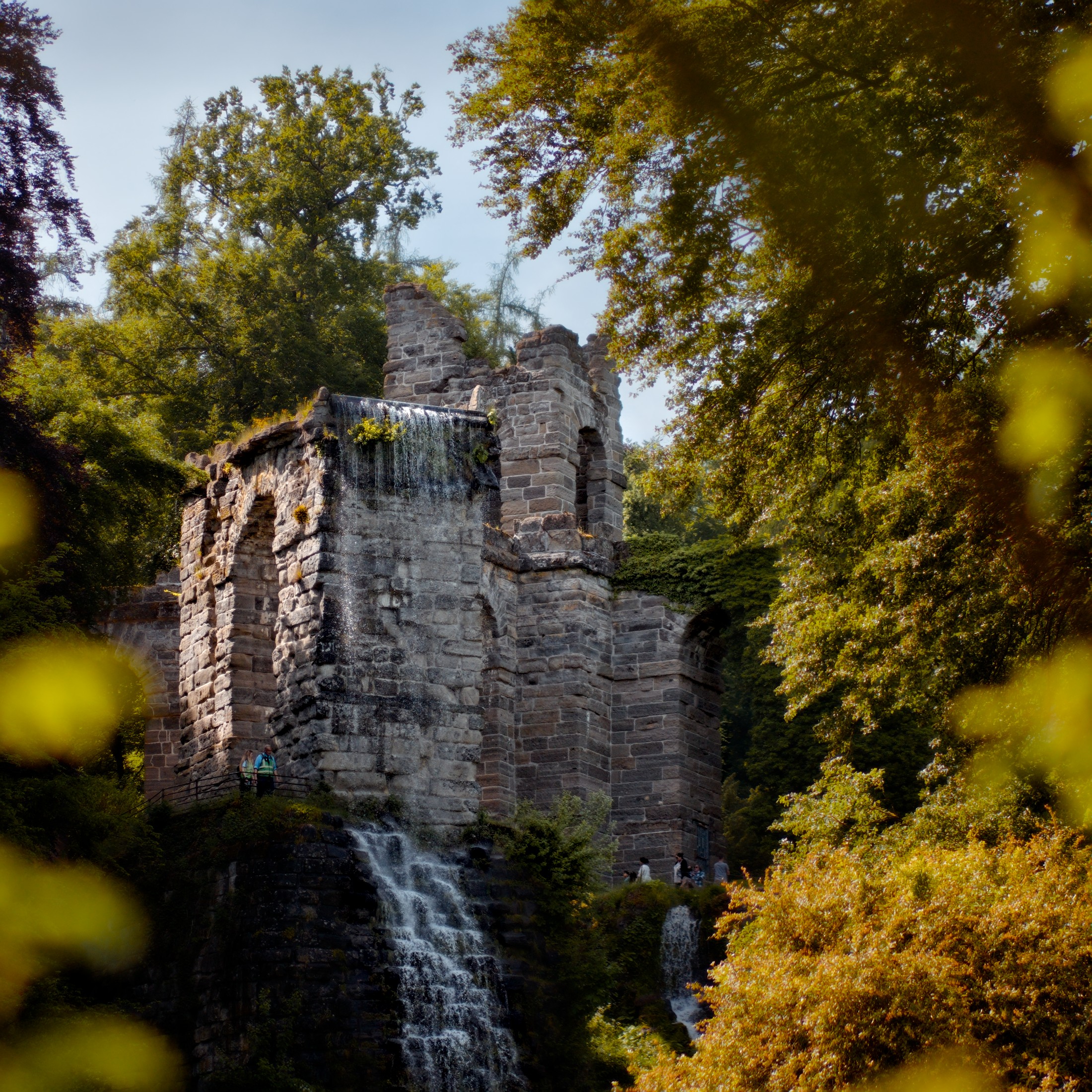
260524_155113_DSC01712_02.ARW.xmp (39.1 KB)
1 Like
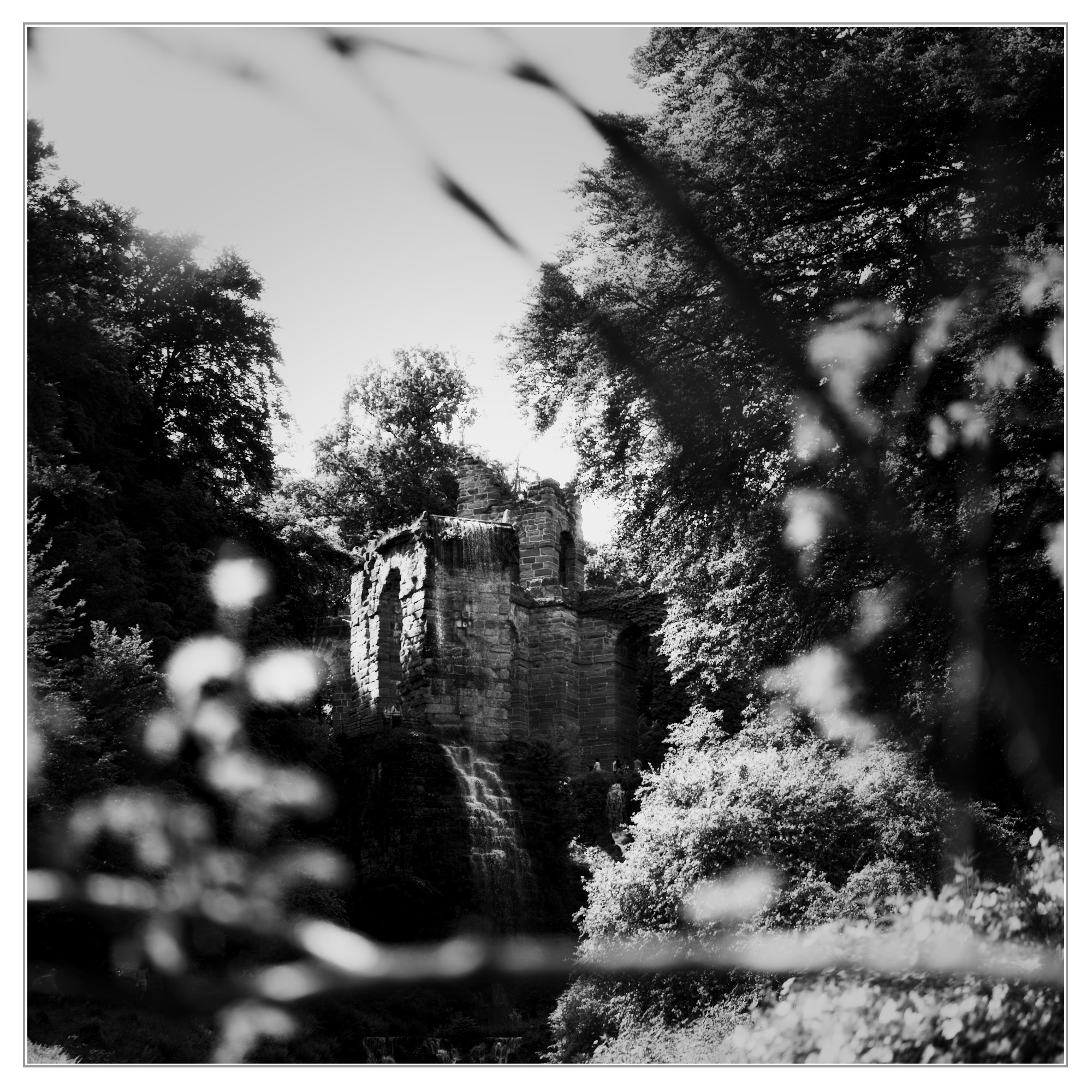
4 Likes