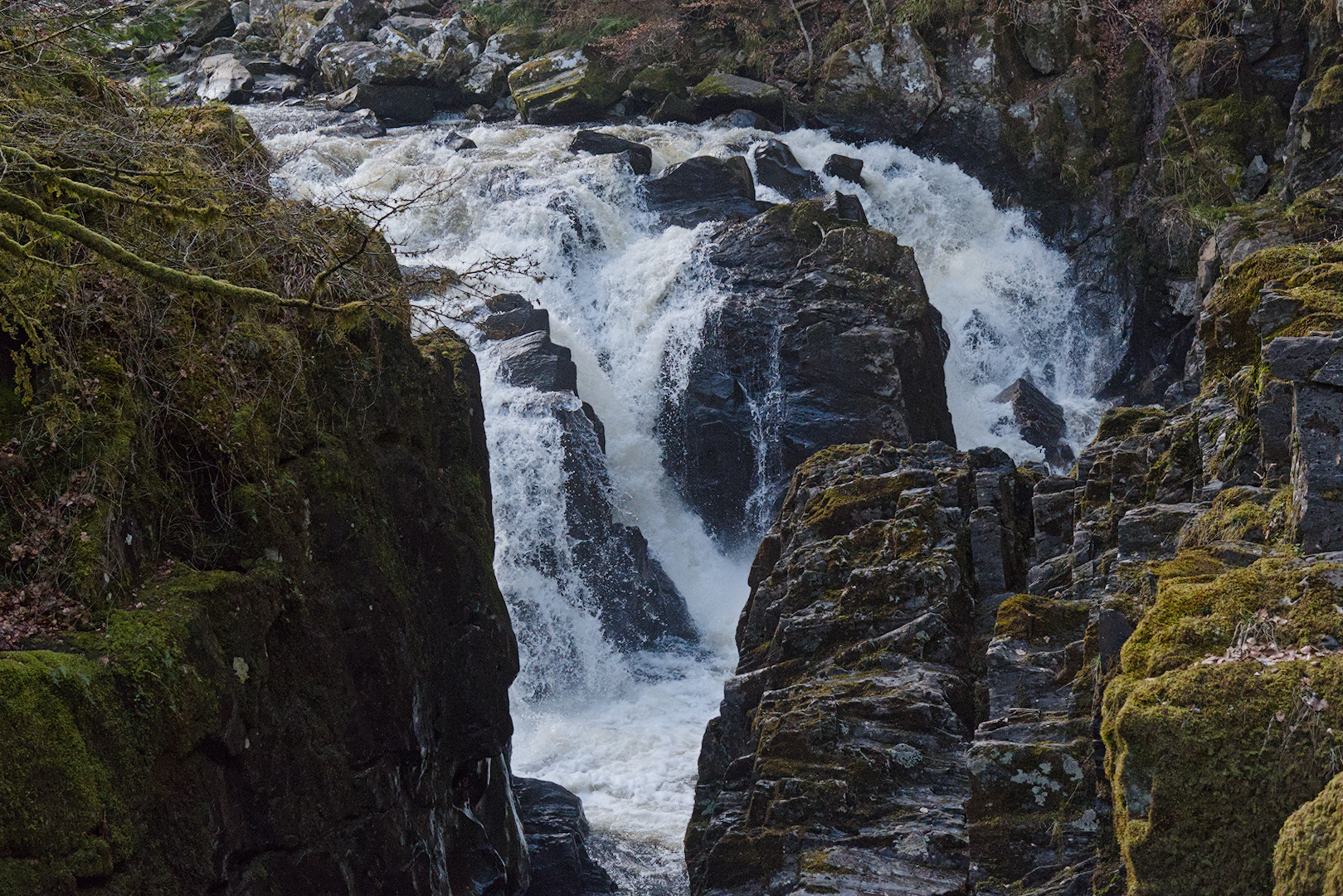
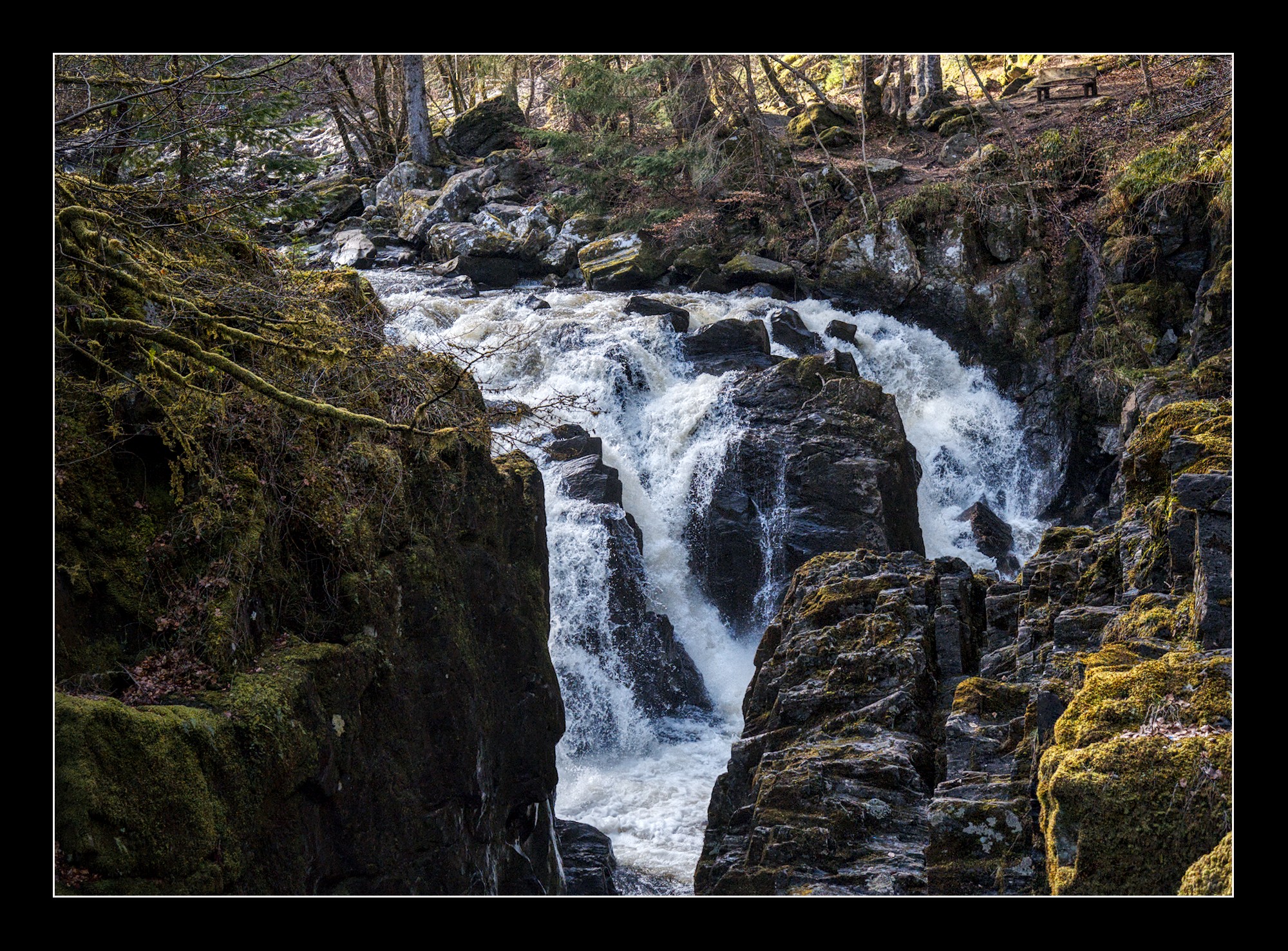
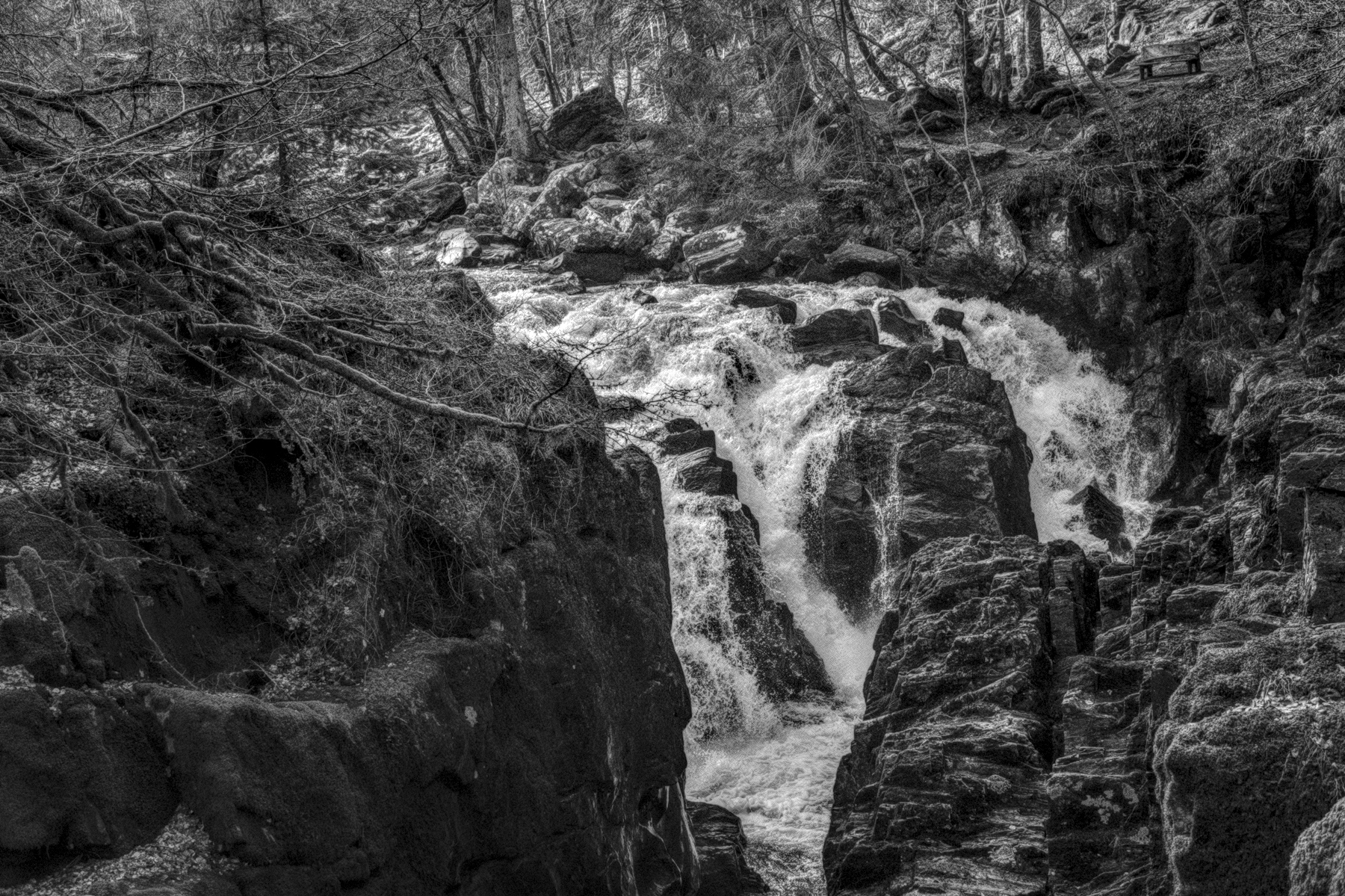
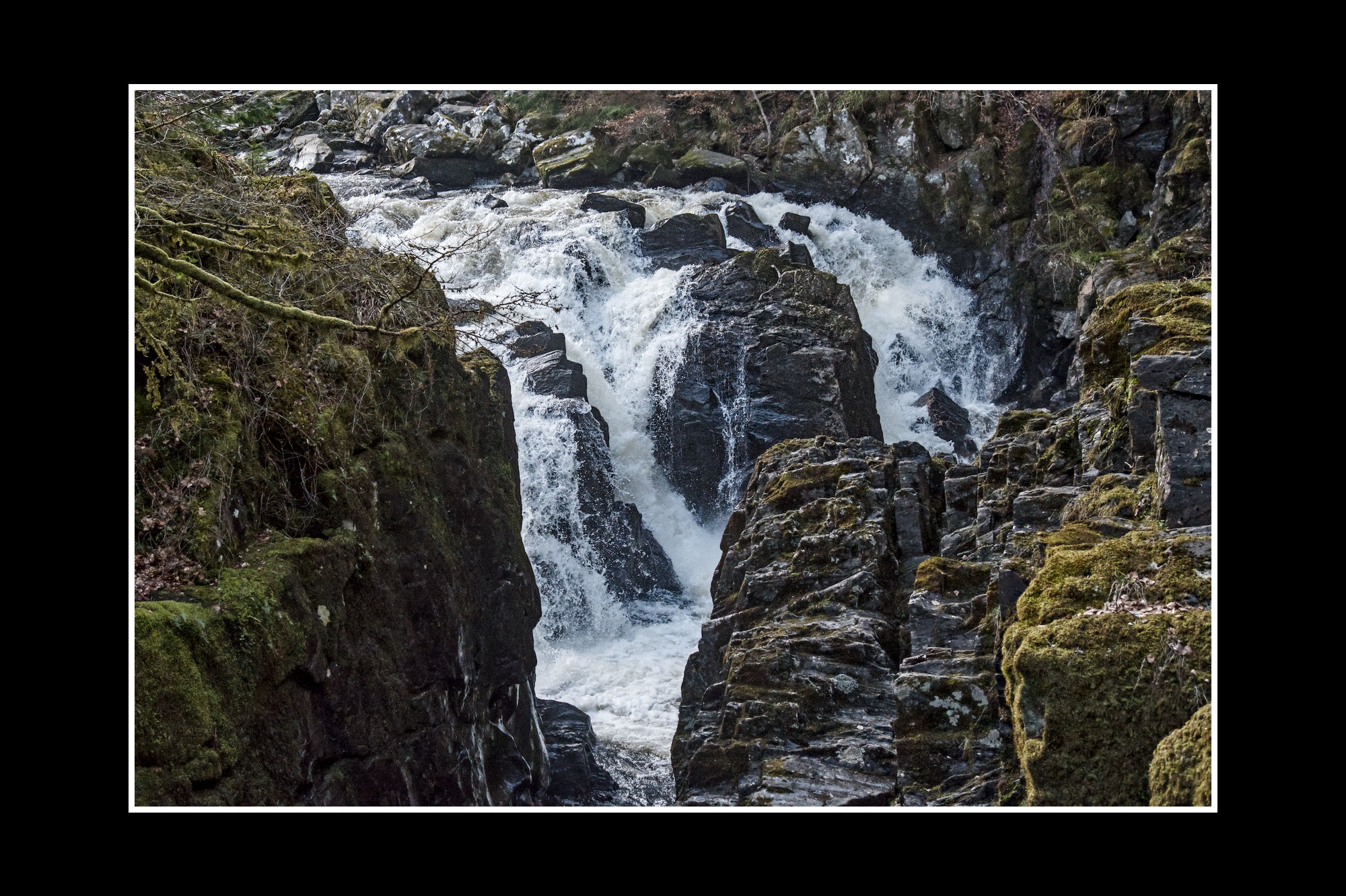
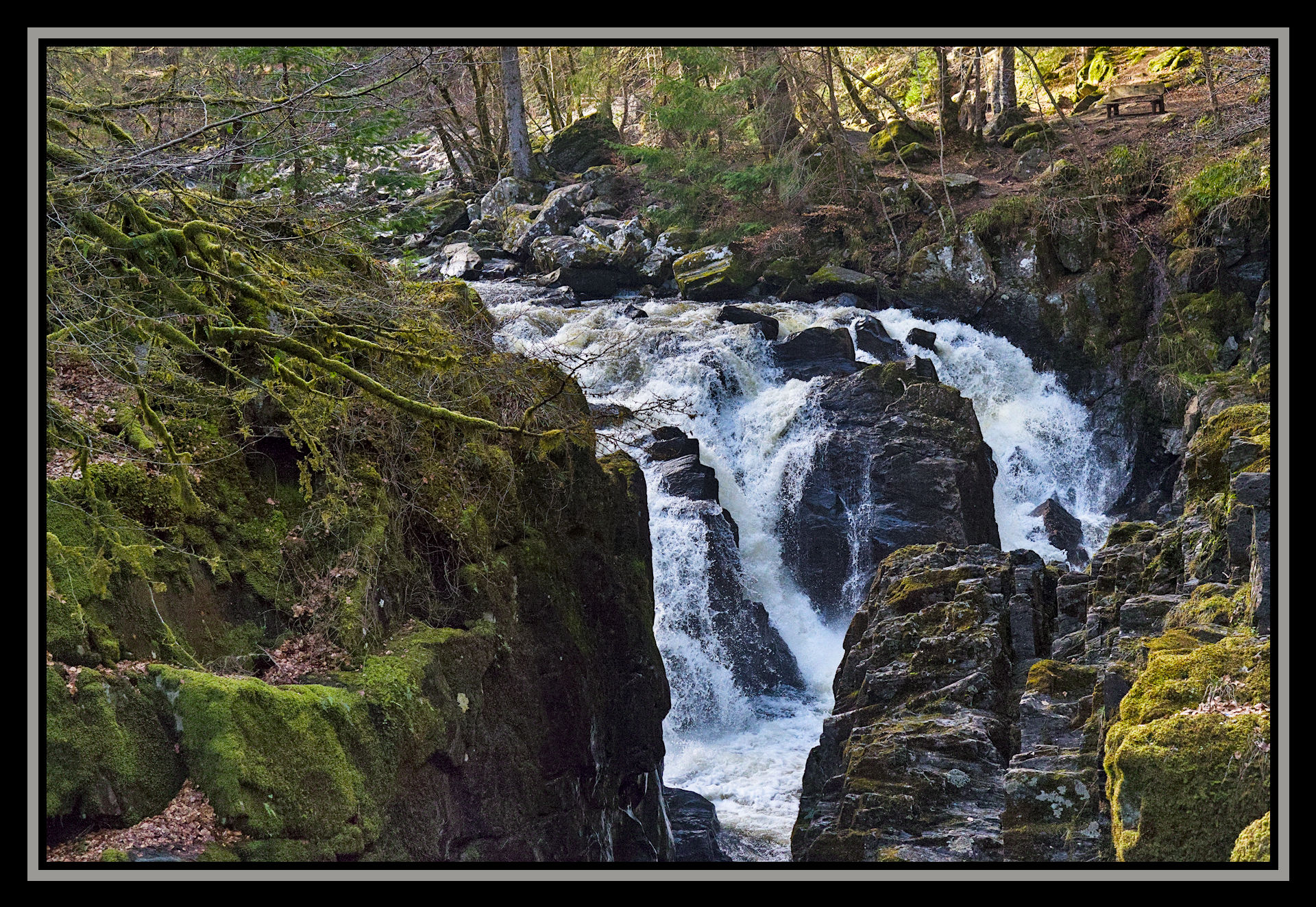
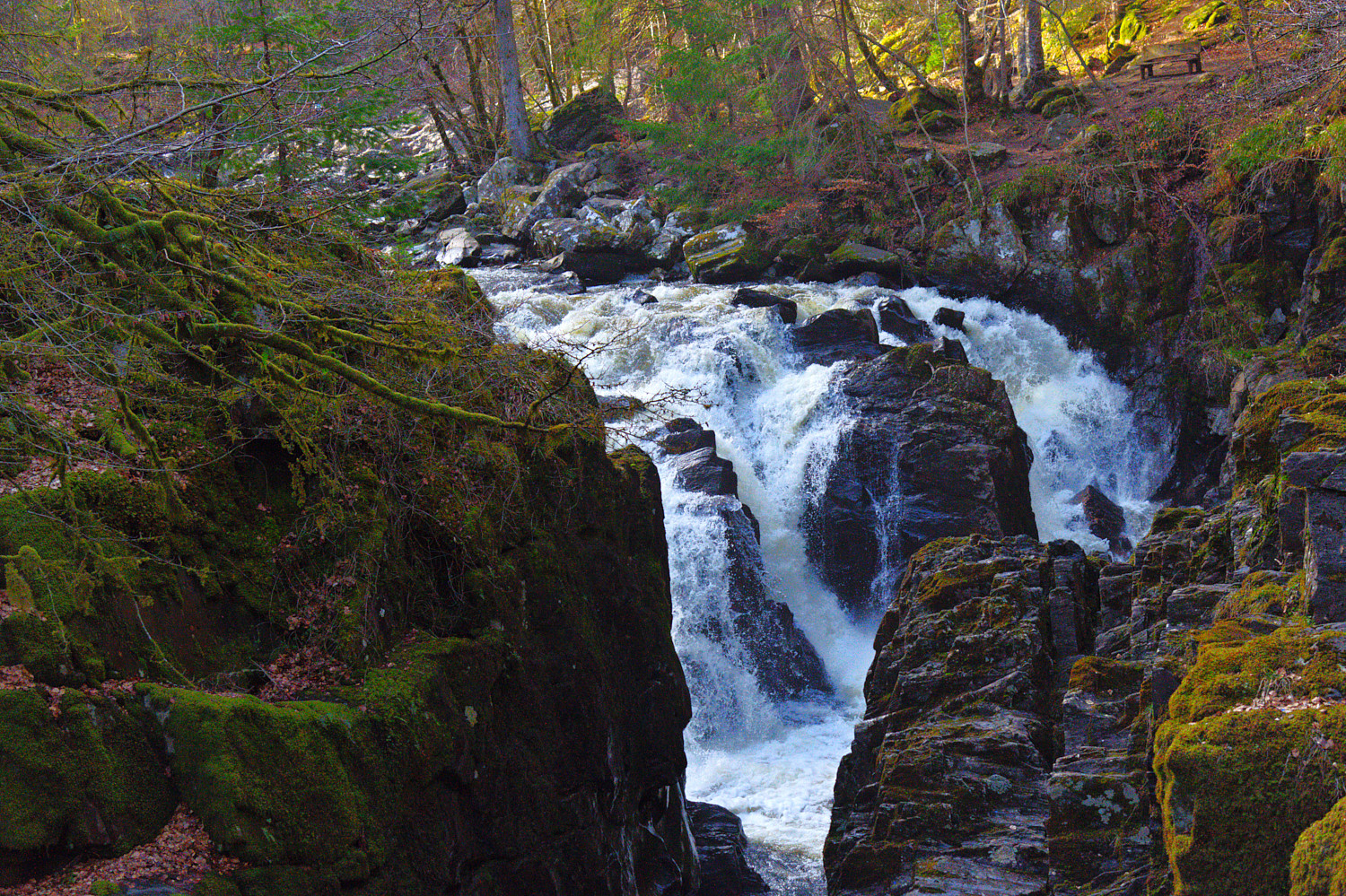
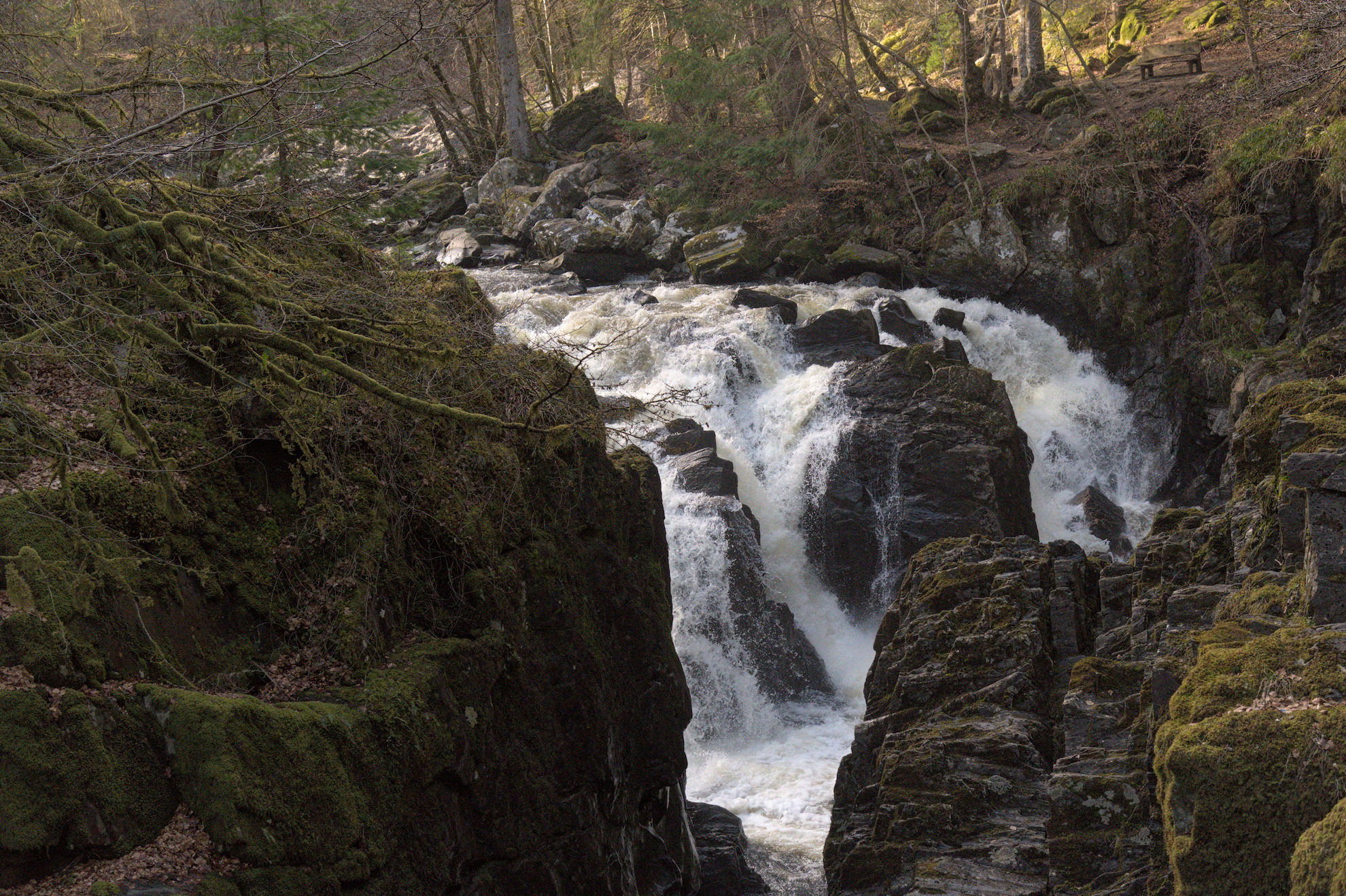
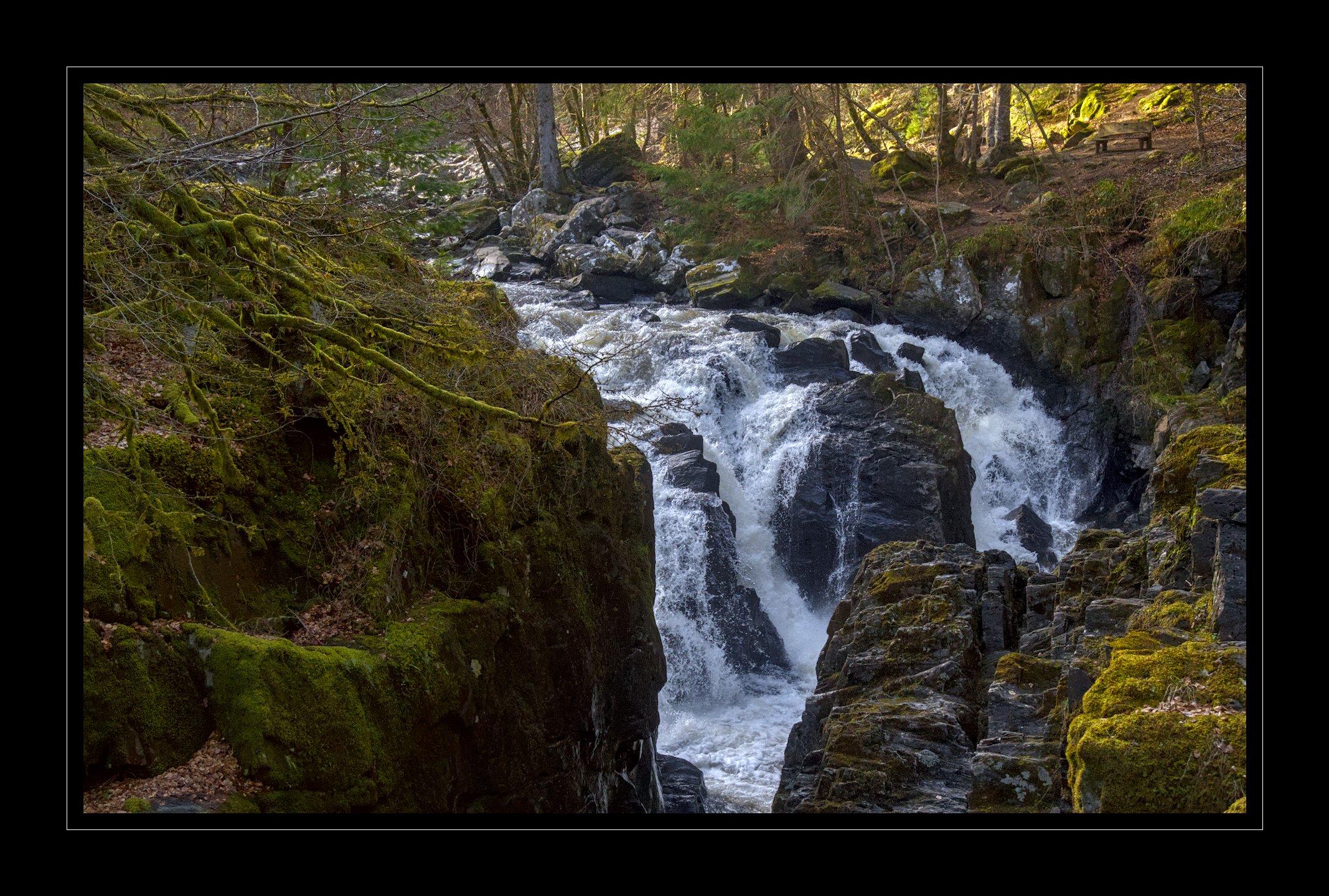
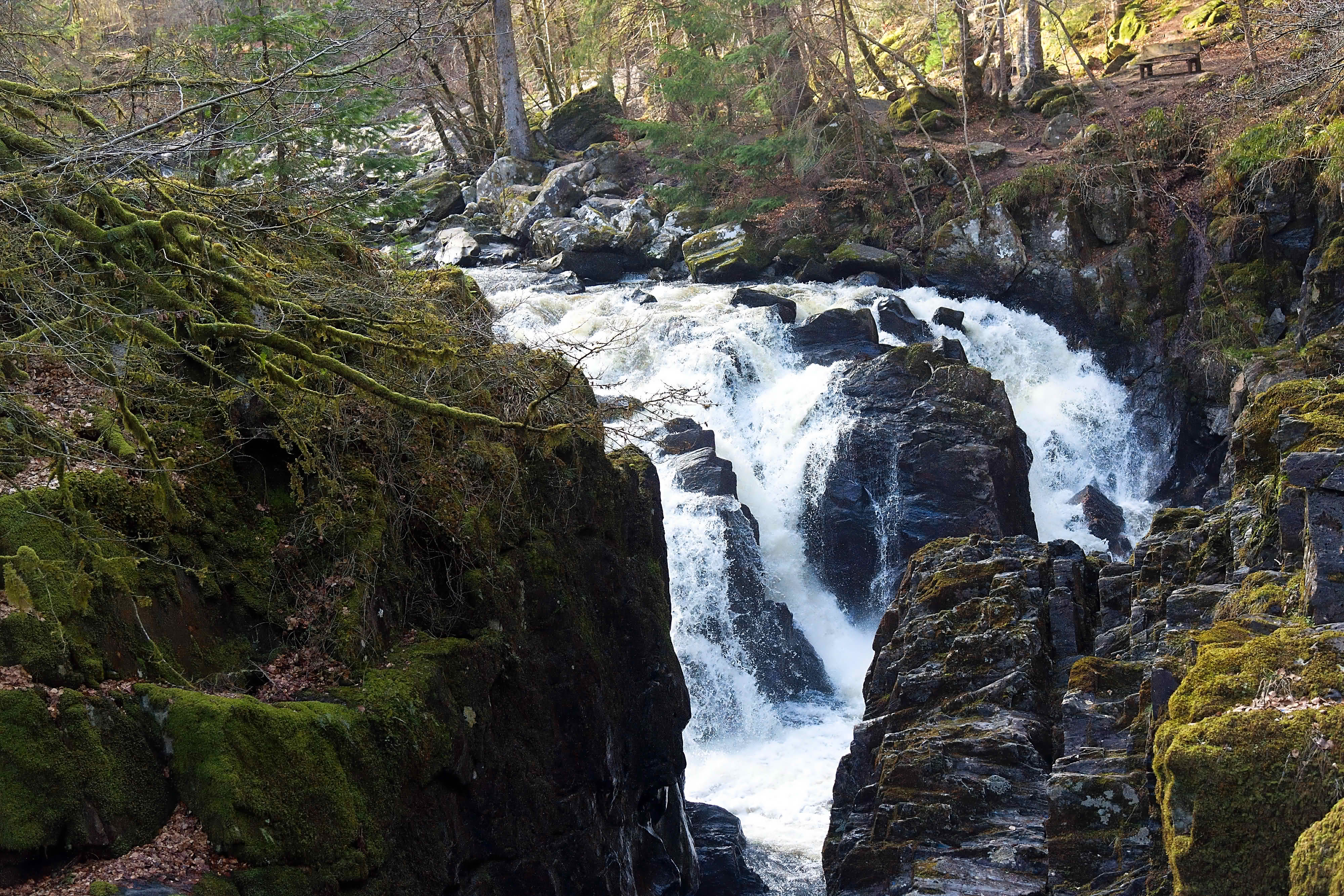
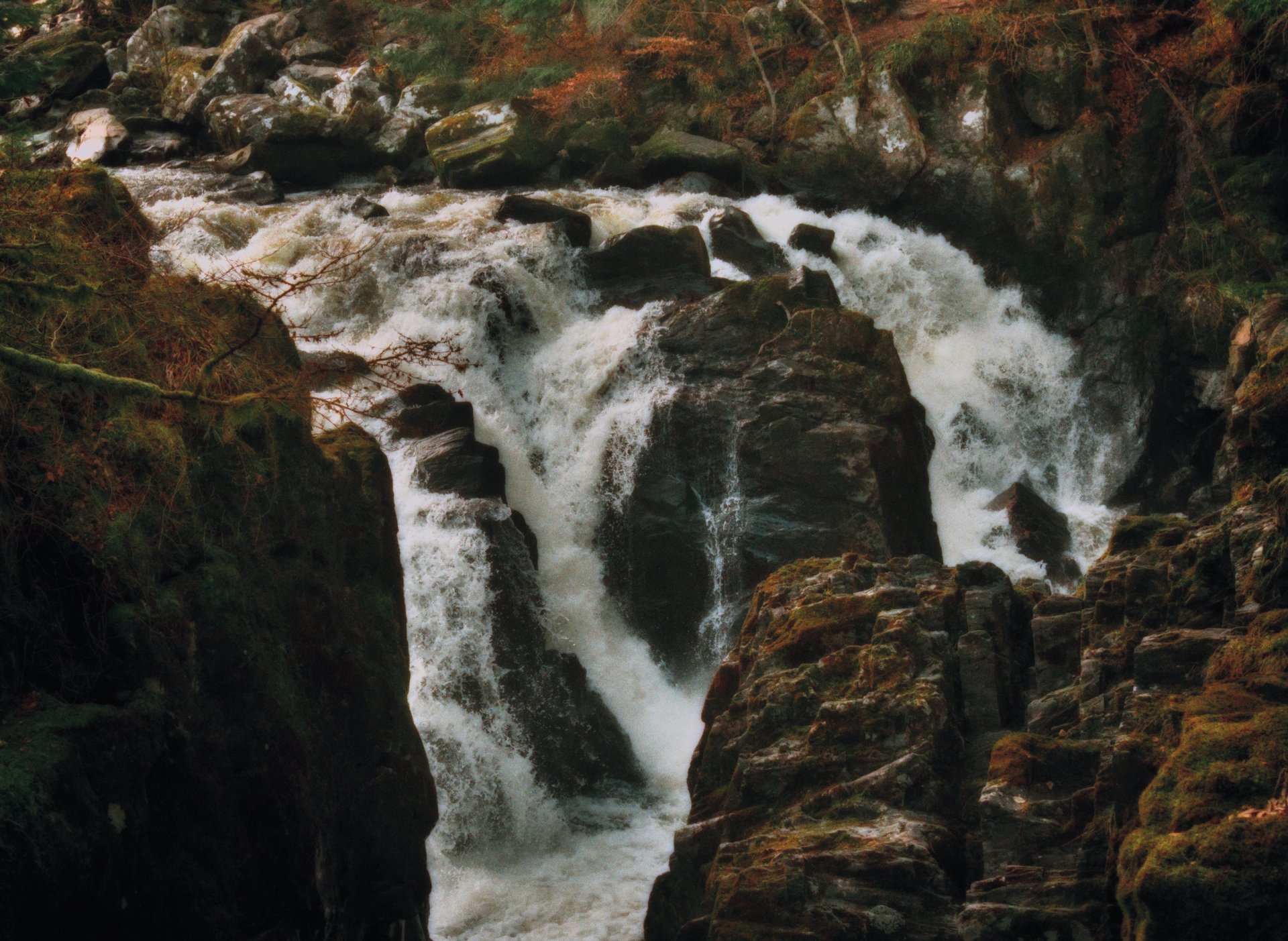
I have now switched to the master version of DT, and hence have access to the new “Contrast and Texture” module. I think I am doing slightly better than the Photoshop, “push a few sliders until you get what you want” methodology, but I am still not sure what I am doing.
For the C & T module I:
Increased the base detail level to try and get more details in the water
Increased the shadows to show more detail in the rocks
Decreased the highlights to lower the change of blow-out in the water
Increased the fine details to improve the texture in the water
I am quite happy to be told what I did was complete bollocks and be shown a better way of doing it.
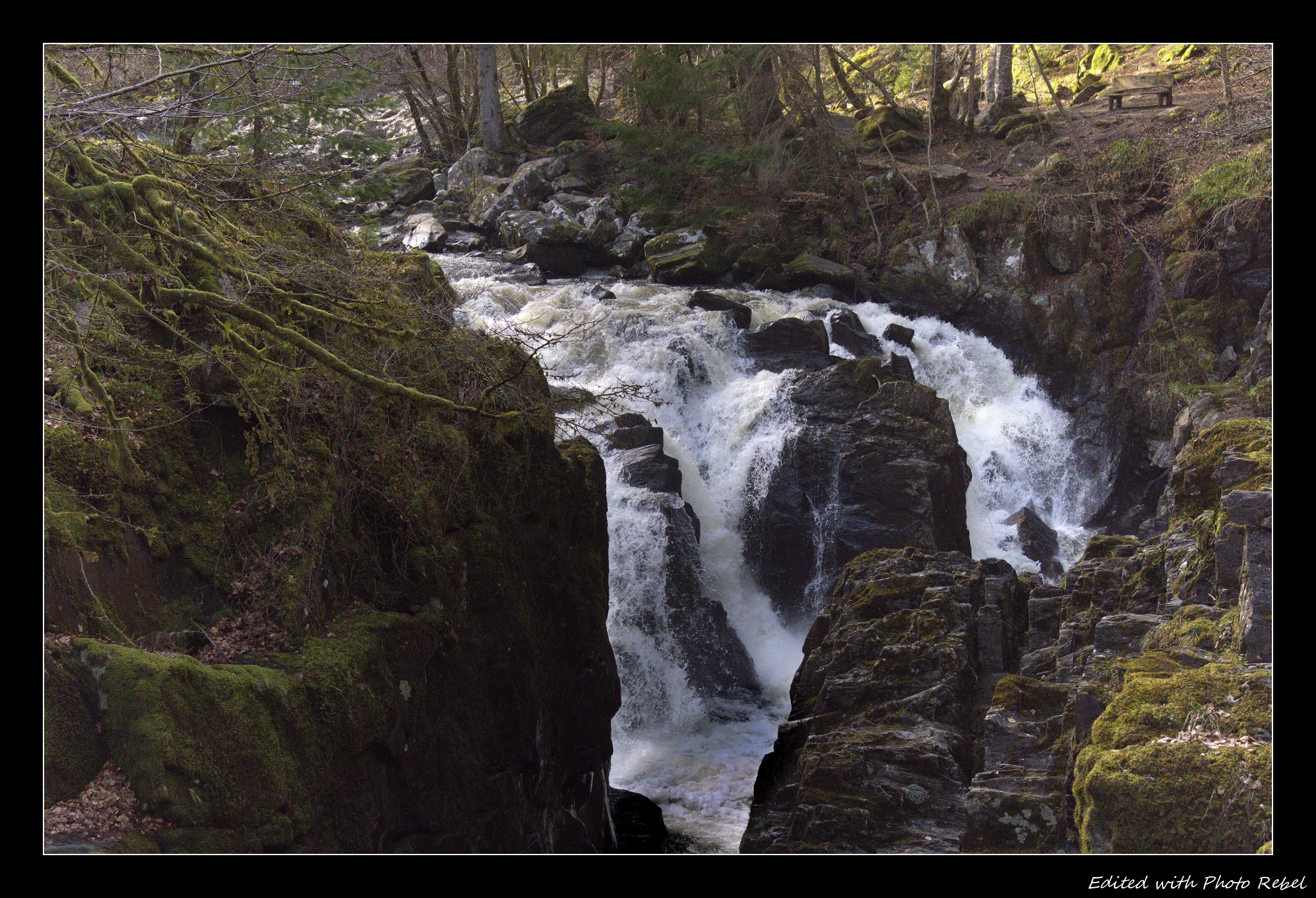
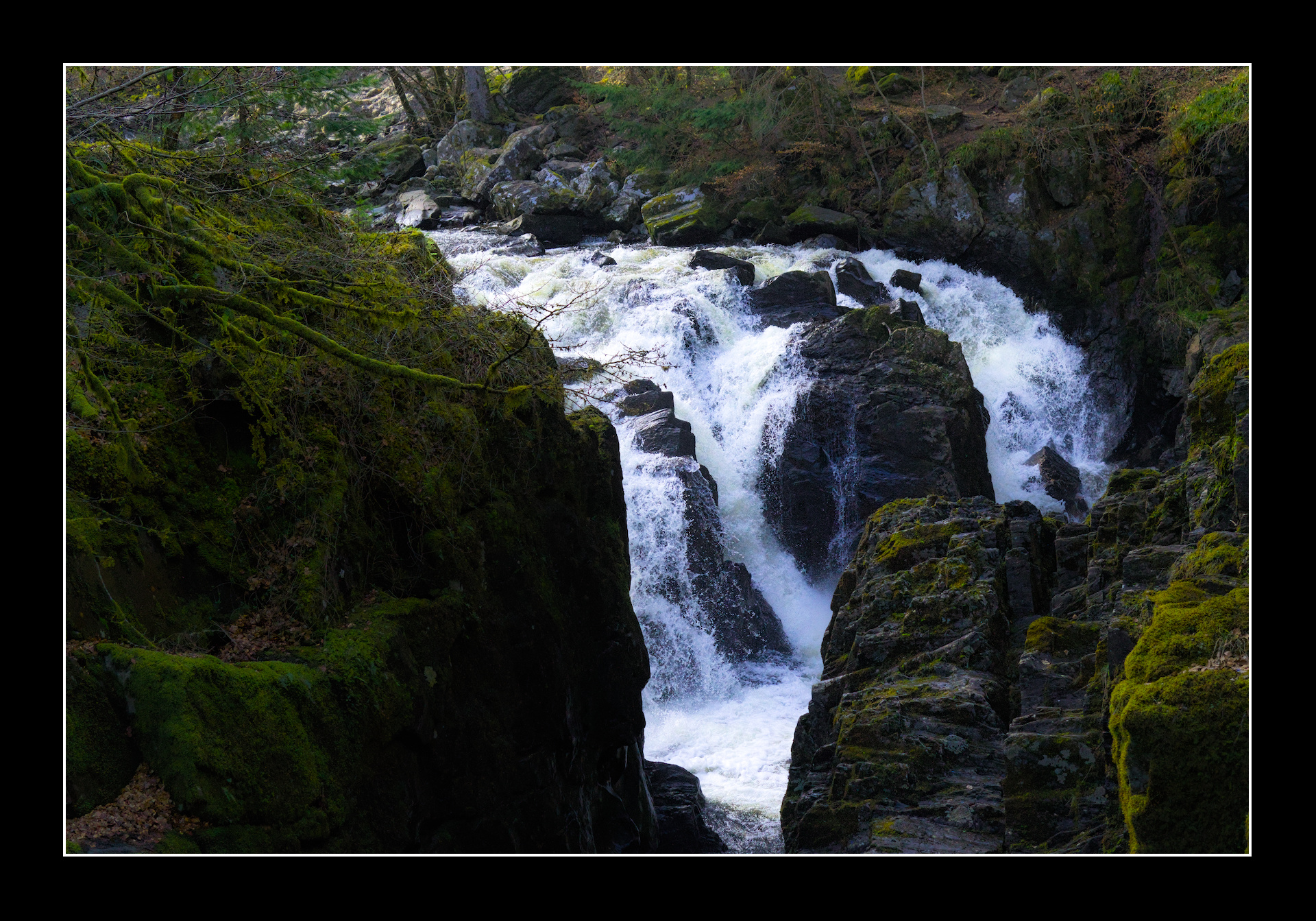
DT 5.6.2. Going for clarity, even in the brightest parts of the water, but that tends to make the picture a bit dark overall. Bank on the left and lower right are purposefully darker as a form of vignette.
Here is my edit DT 5.7.
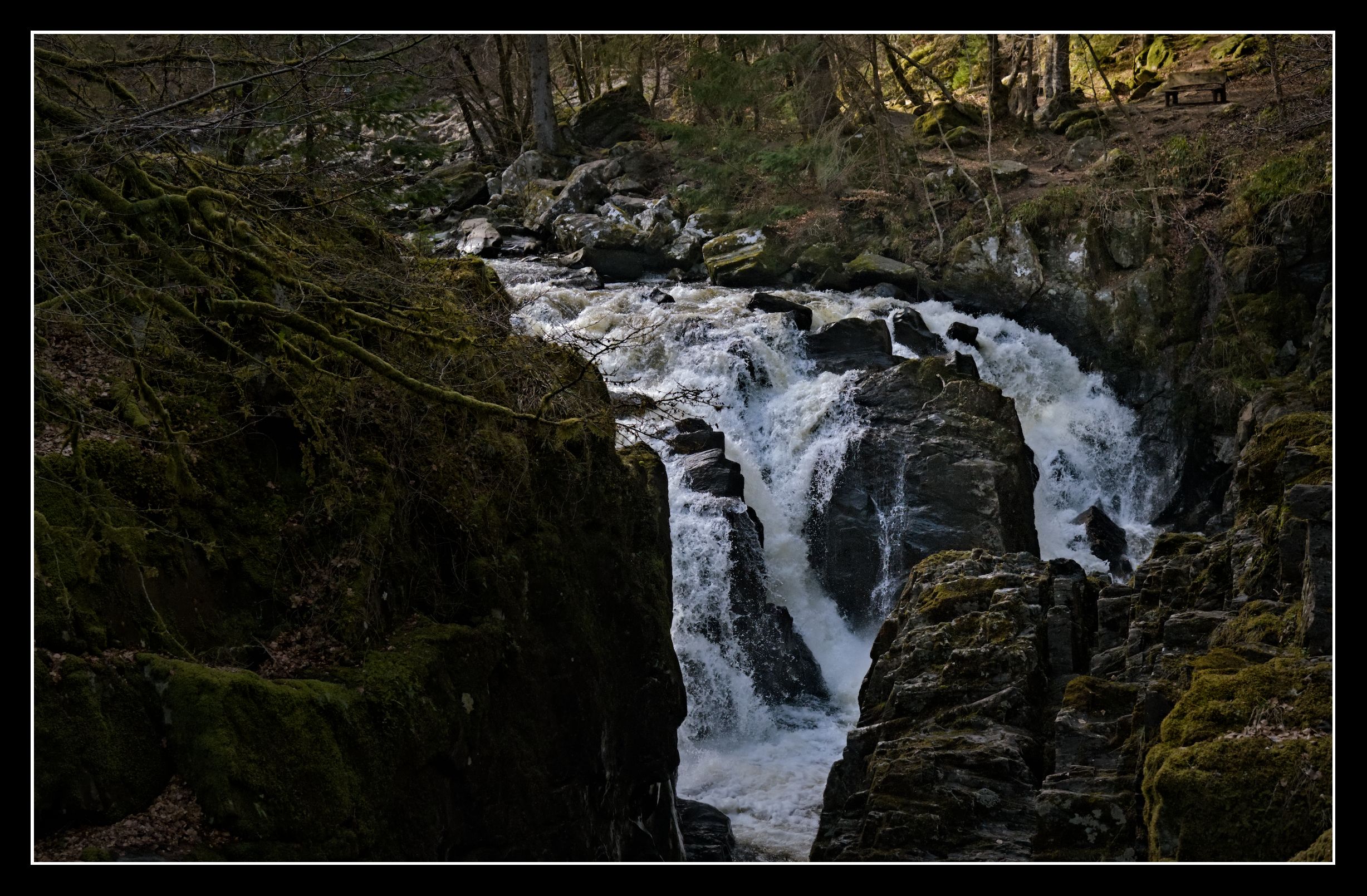
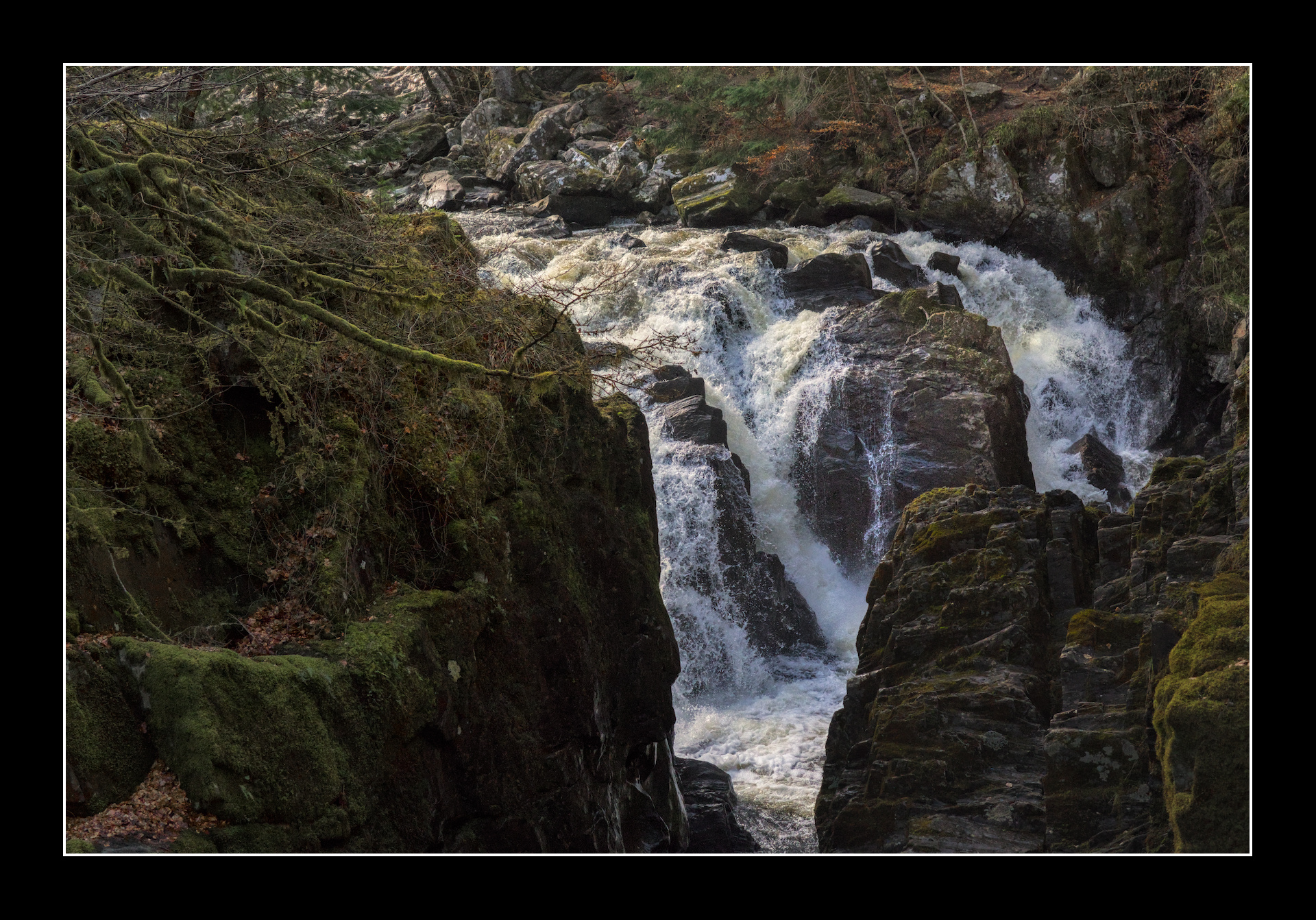
I used the new contrast and texture module. I have not worked out how to exploit the base detail slider yet since I am still on Lplates. I adjusted the medium details slider as this had the best effect on water details with the base detail slider in the default position. I used the C&T module to lighten the shadows. I was concerned that the image looked too sharp and softened it with a preset I use to soften skin, but I excluded the water from the softening to retain the definition of the droplets. I also cropped it to my taste and only realized when posting it that me and Colin shared the same vision for this. _CTW8243.NEF.xmp (16.2 KB)
I used an increase “base level detail” and the “fine details” slider. You used the “medium details” slider. Is my method right and yours wrong, yours right and mine wrong, both right or both wrong? I really don’t know.
I am hoping that as the C & T module becomes more used that some kind of heuristic is developed for its best usage.
Hi Colin, I suspect your change to base level detail made the fine detail closer to the medium detail if the base level was at default. Therefore we are probably both right (or wrong).