IMG_3212.CR2 (9.5 MB)
This file is licensed Creative Commons, By-Attribution, Share-Alike.
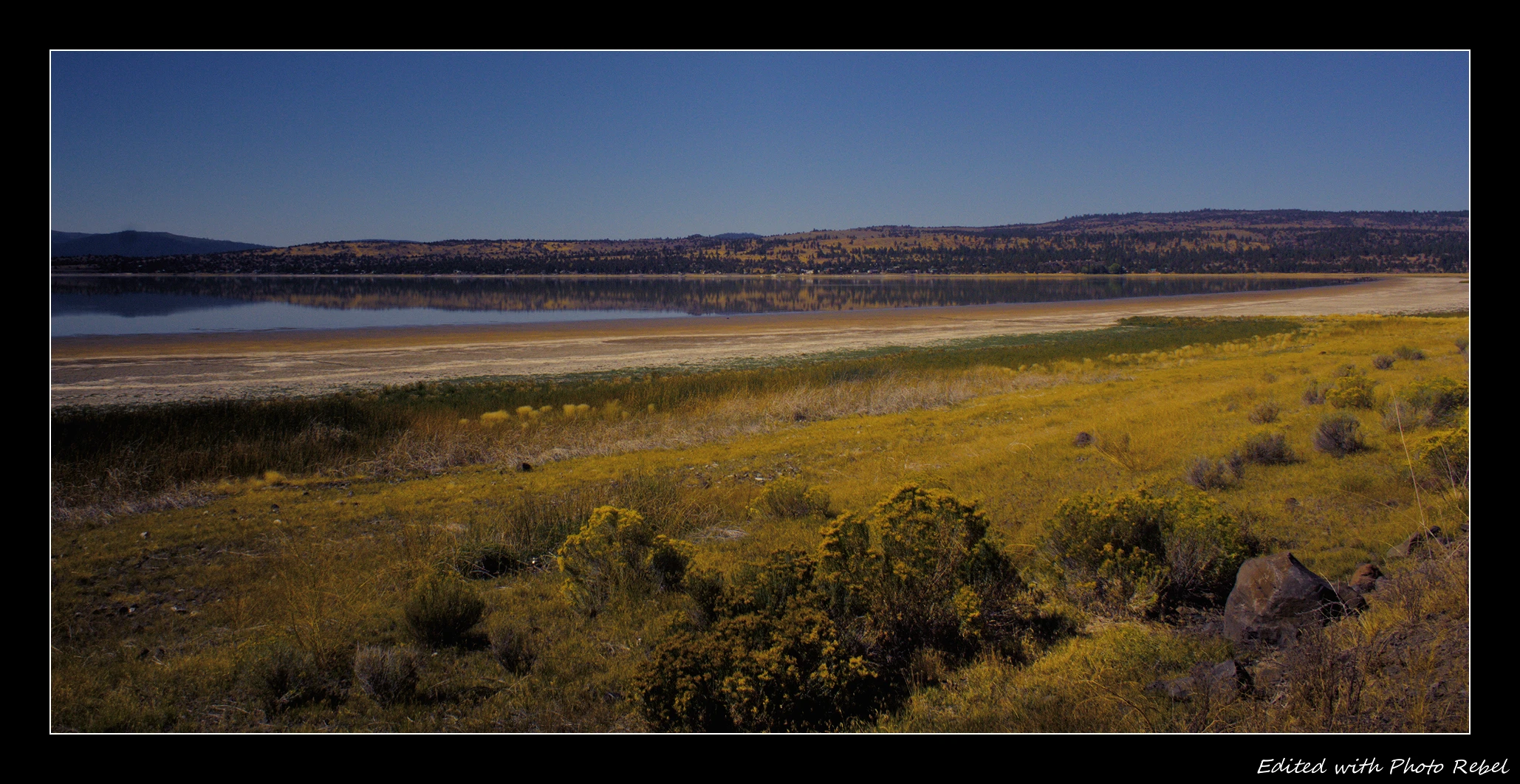
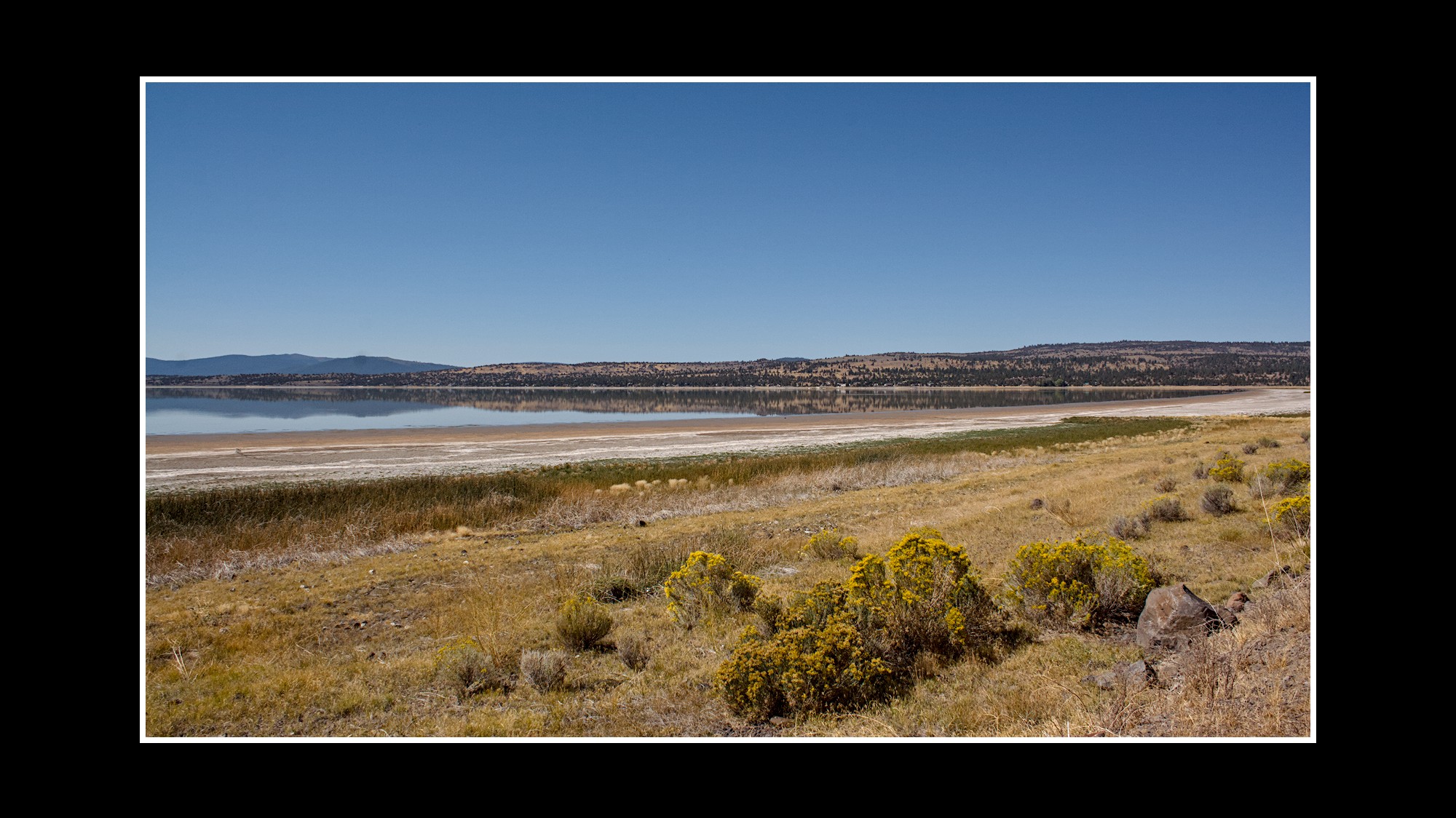
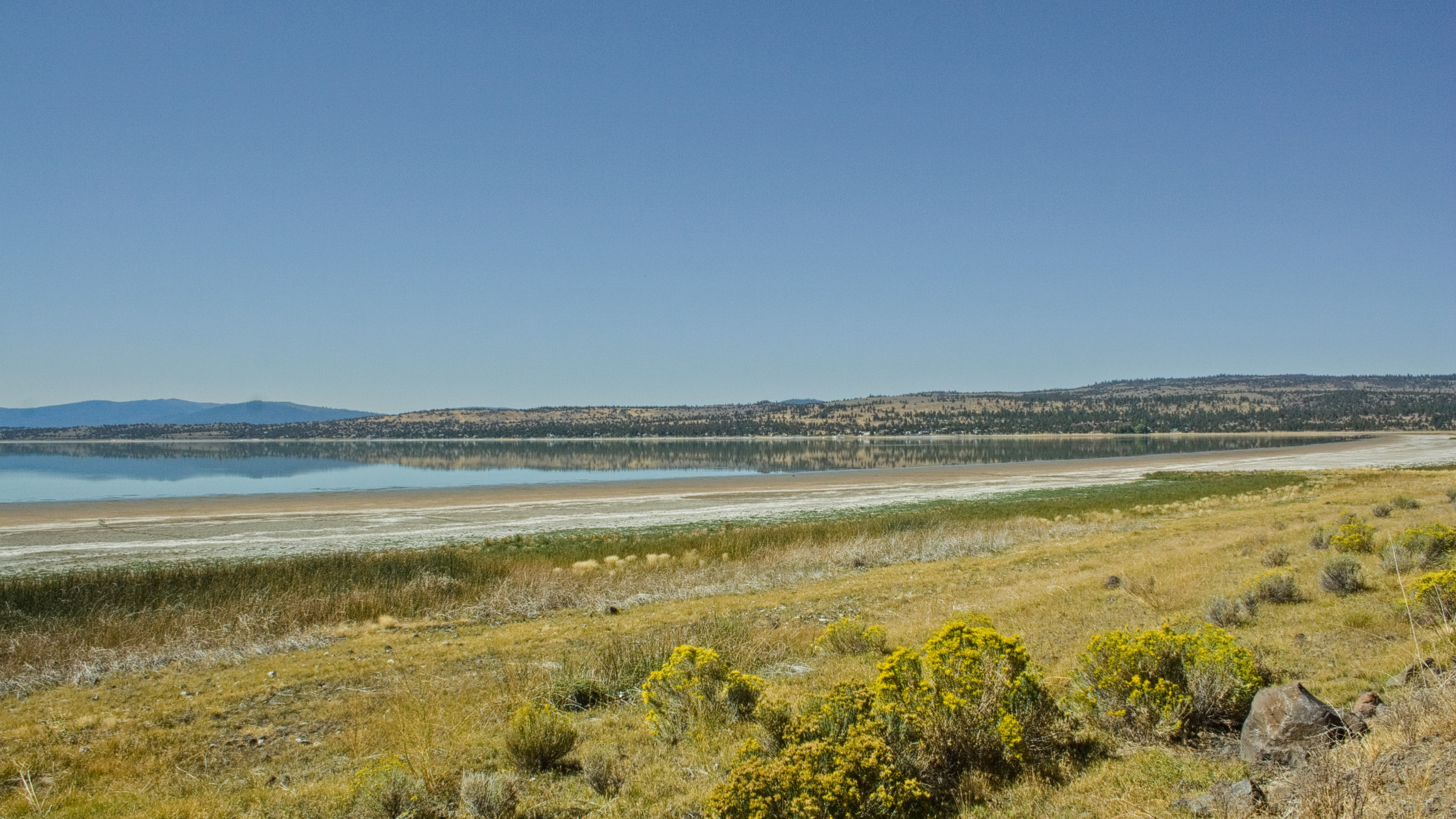
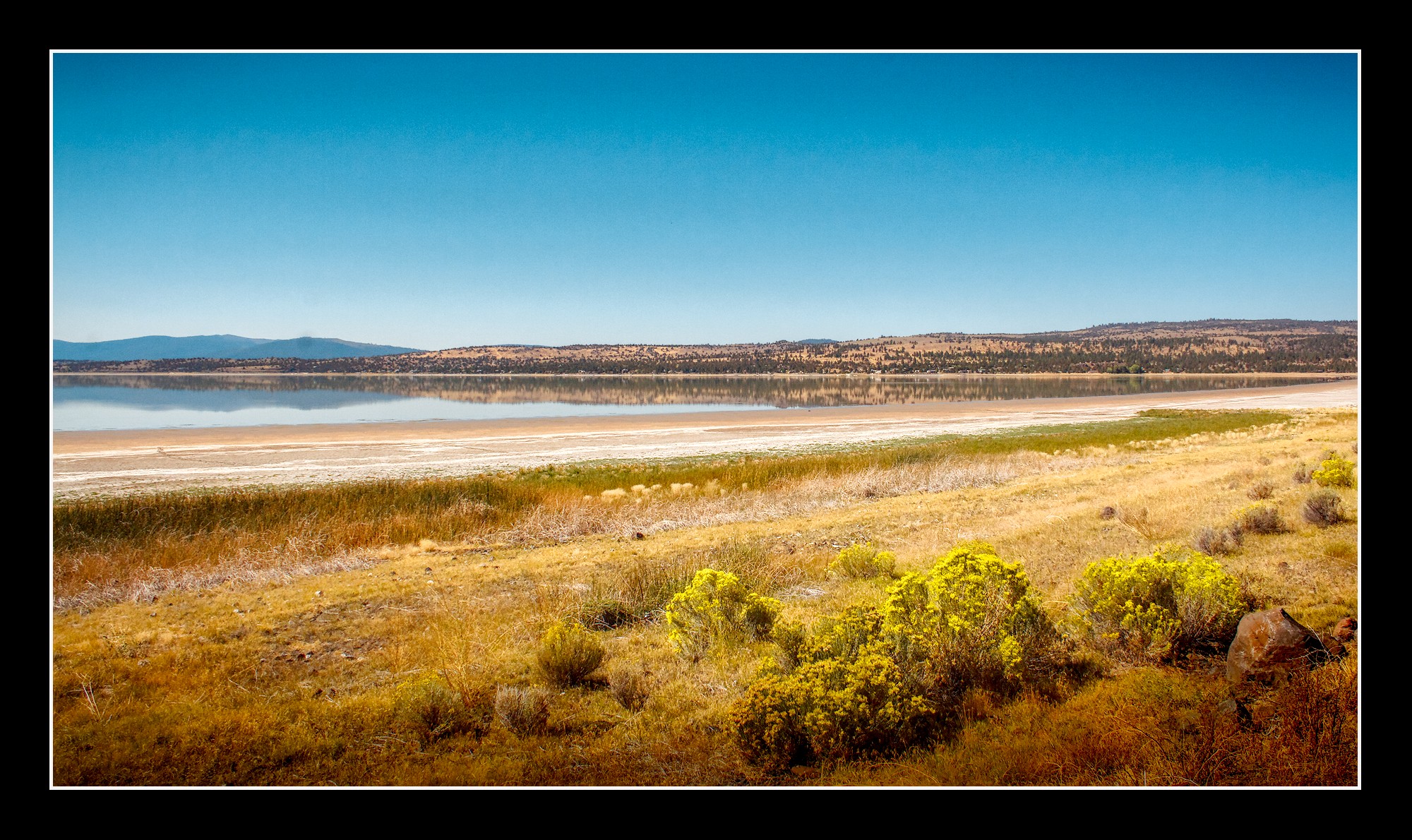
My panoramic rendition…
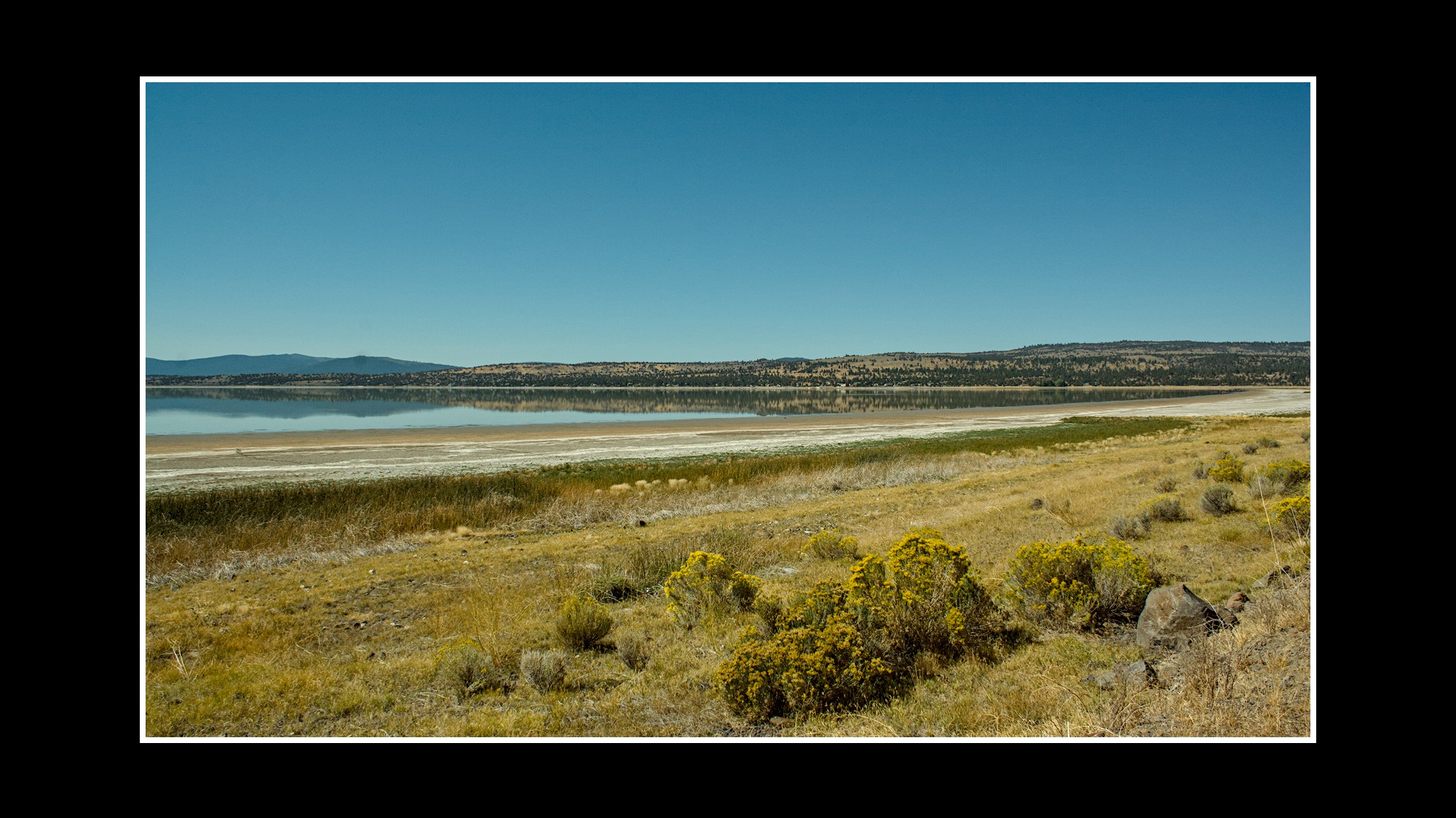
A straight forward edit in DT 5.7
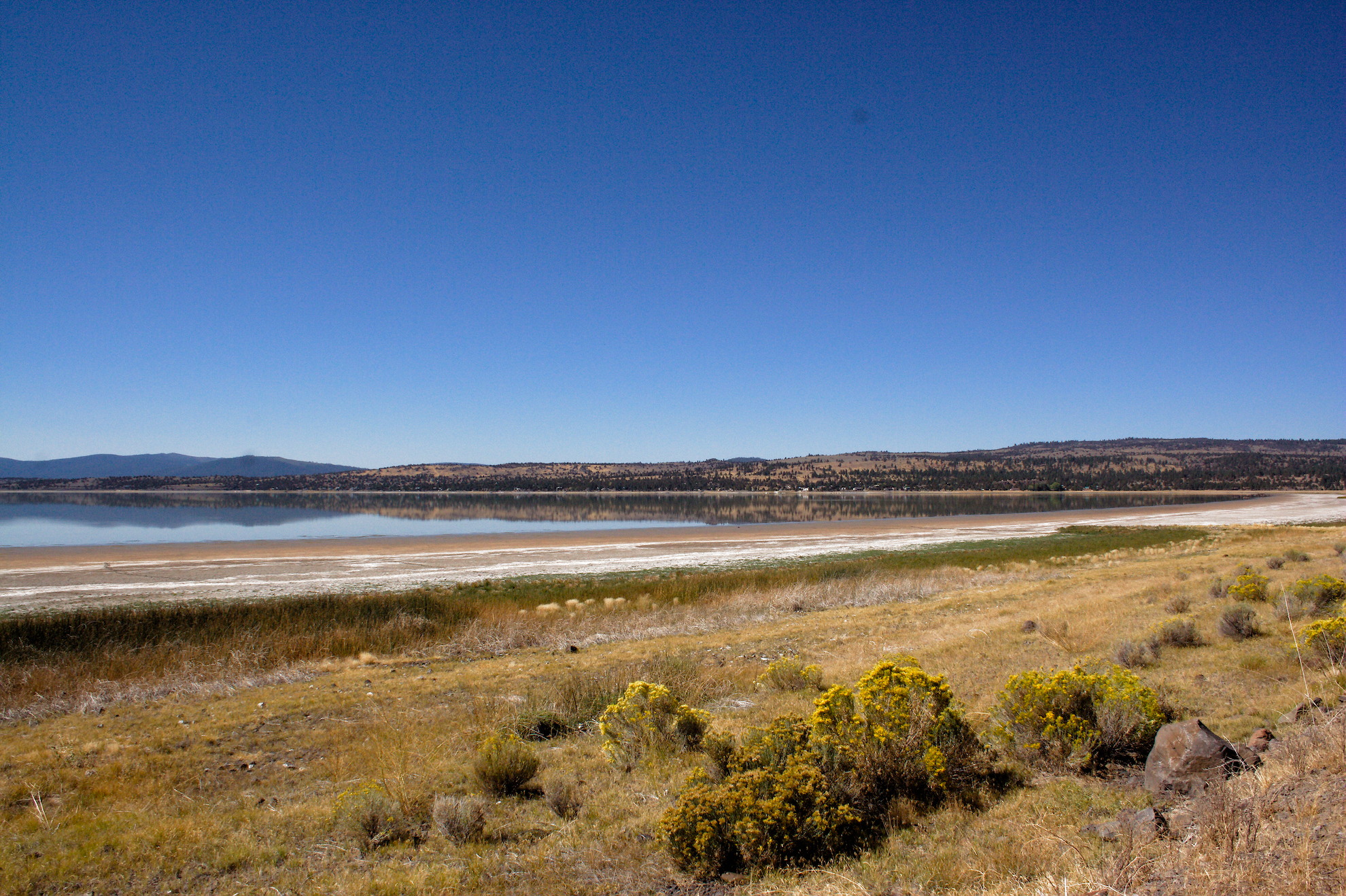
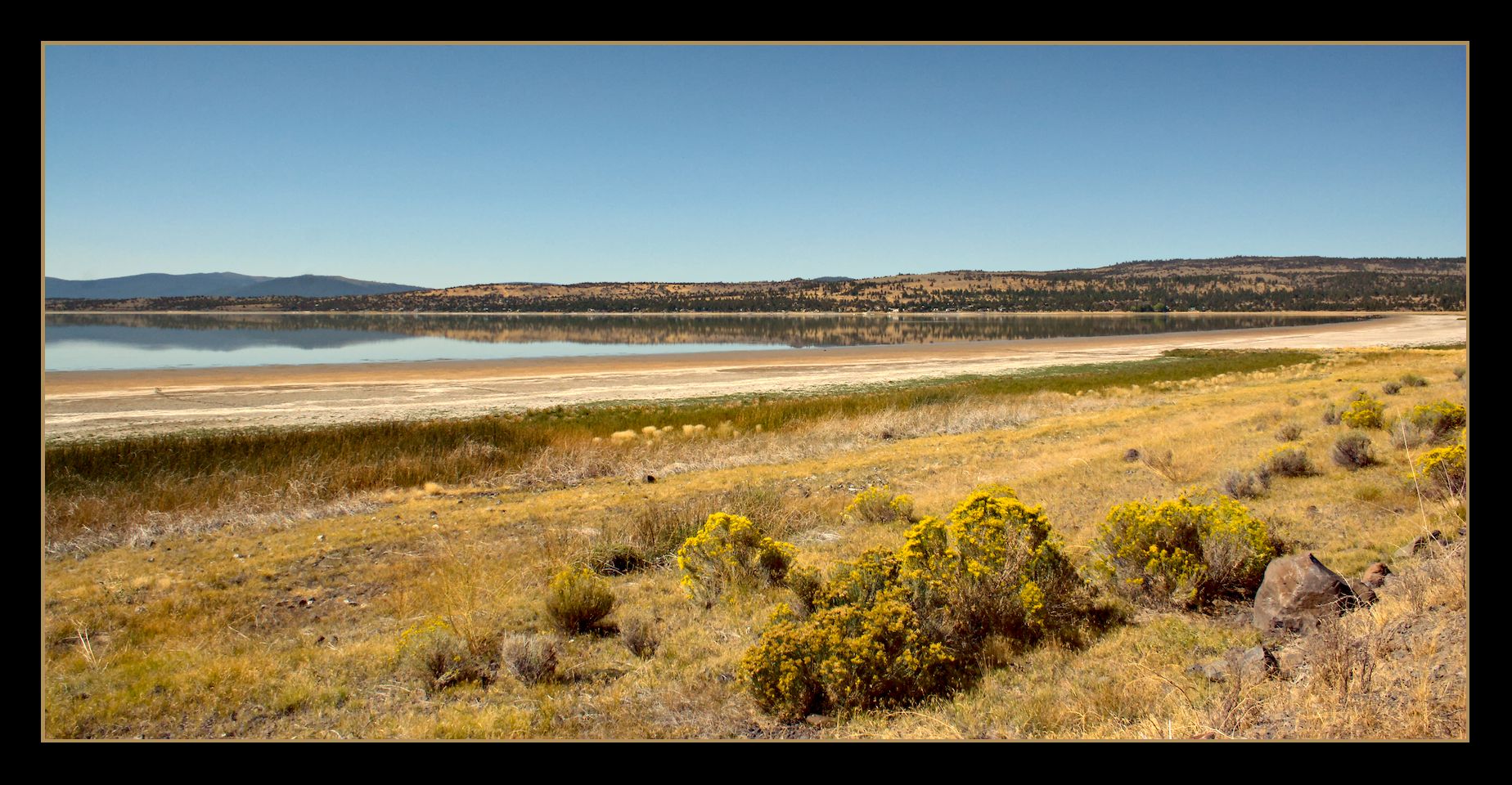
This first output is color as shot in camera
What lens did you use, please.
I wonder why you decided to shoot this at f/14? My main lens is 18mm APS-C as well and I’d say you could shoot it at f/5.6 and get everything in focus, maybe even f/4. I often come across apertures like that in the playraw category and I always wonder why people do that
What advantage would you have by open the aperture so wide on a landscape shot, where there is more than enough light? Most lenses have there sweet spot regarding sharpness at around f8.
Not having diffraction which hits at f/8 for APS-C lenses, which is already f/12 or so in full frame equivalent. Resulting in a much sharper image (in both fine detail as well as mid detail, tonal transitions) where everything is equally in focus. That’s one of the big advantages of the 24~28mm (ff equiv.) lenses, is that they have a very deep depth of focus, allowing you to capture the entire scene without diffraction.

In theory maybe, have you tested this and have you tested this with the lens @LaurentFromSF used? (which doesn’t show up in the exifs).
I shot APS-C until the End of last year. On all of my lenses F8 was always sharper than F4. The differences weren’t big but for pixelpeepers clearly visible. On the other hand F14 was most of the time less sharp than F8. But again, still more than usable. By the way, sometimes I use F18 or even F22, just to get some nice Starbursts.
Often the reason for such settings is, that you simply forgot to reset it, after a shot where you really needed this setting. This happens to me as well from time to time. I doubt anyway the photographer still knows what the reason for this setting was. The shot is from 2010.
IMG_3212.CR2.xmp (20.1 KB)
IMG_3212.CR2.zip (101.1 KB)
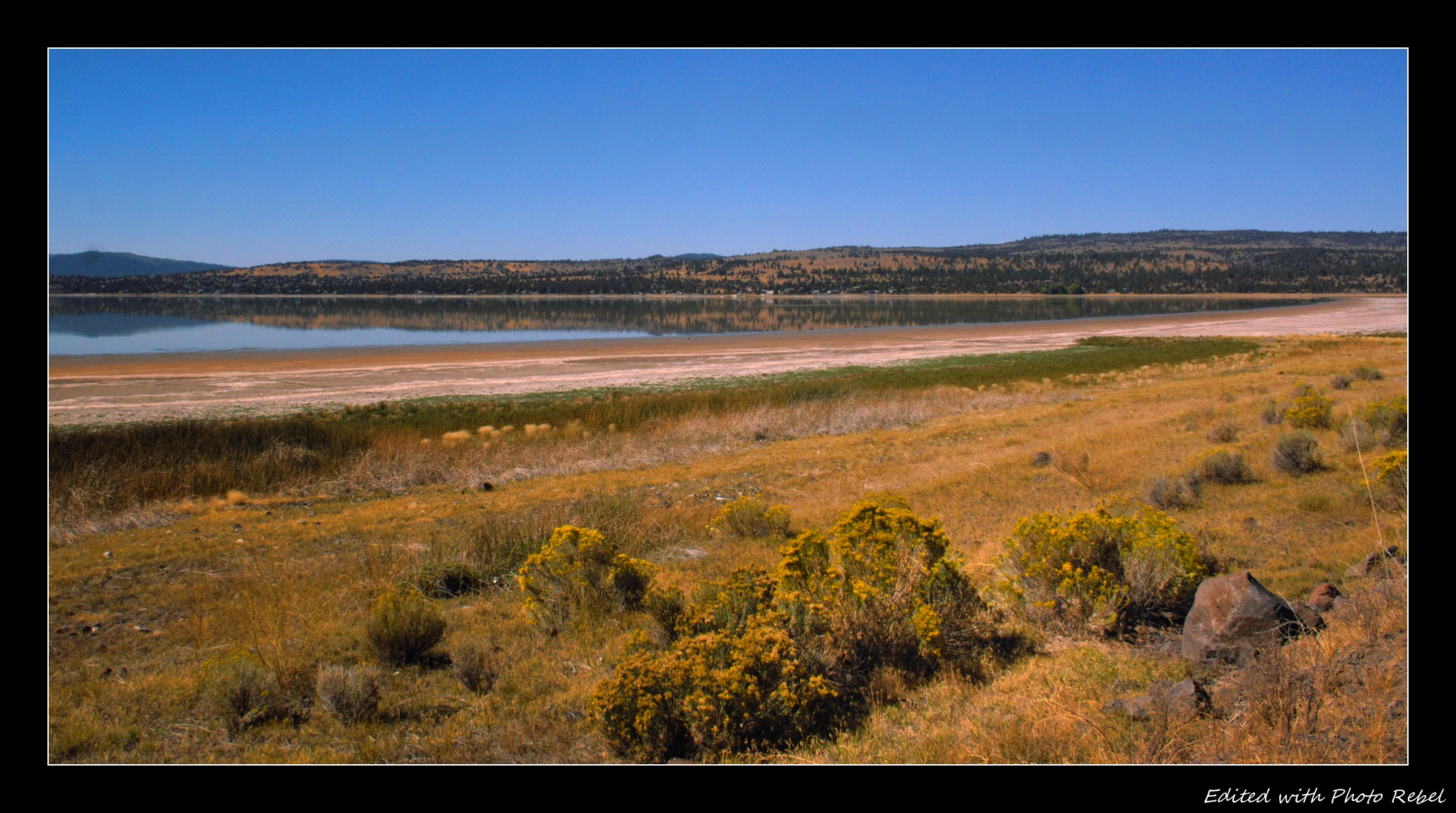
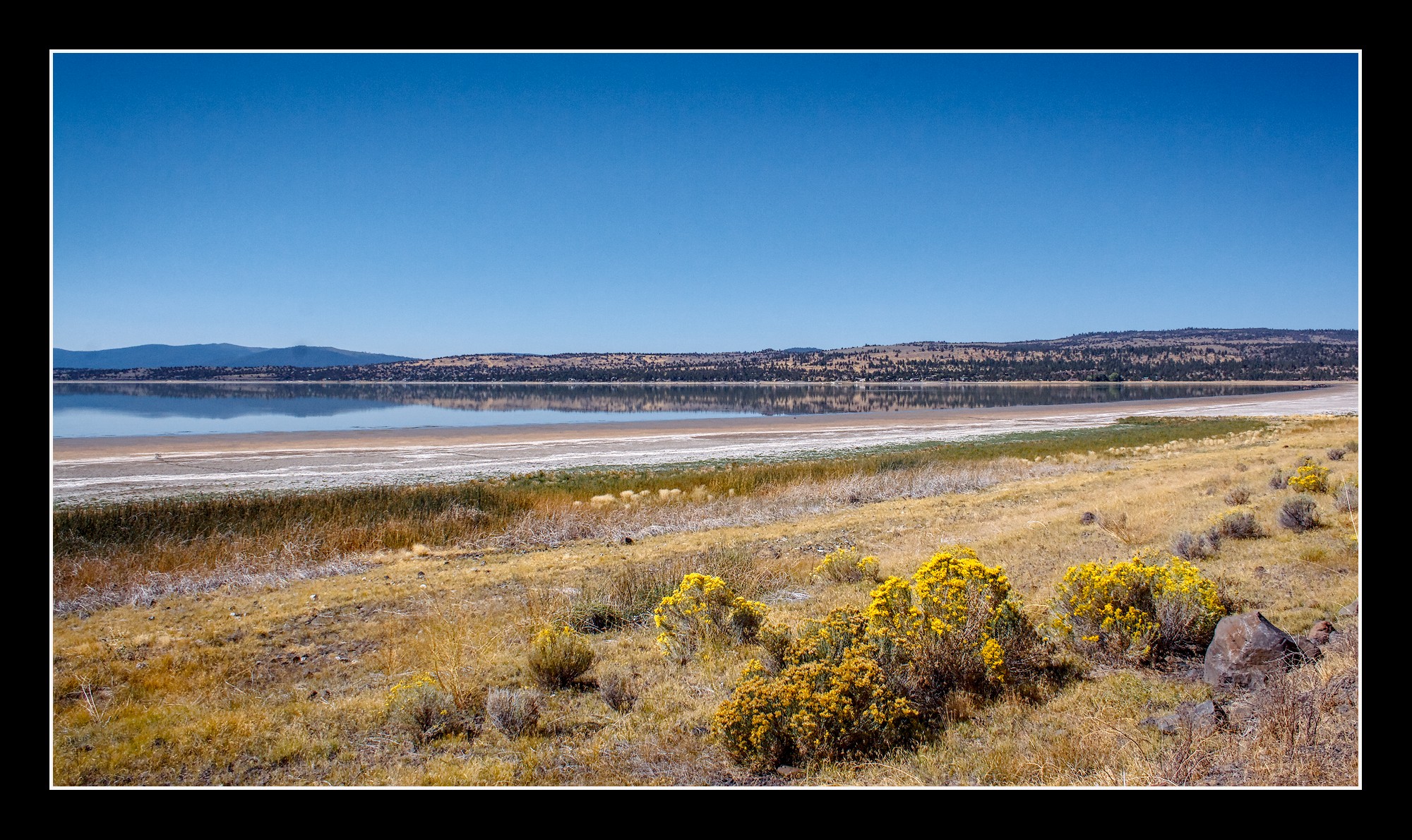
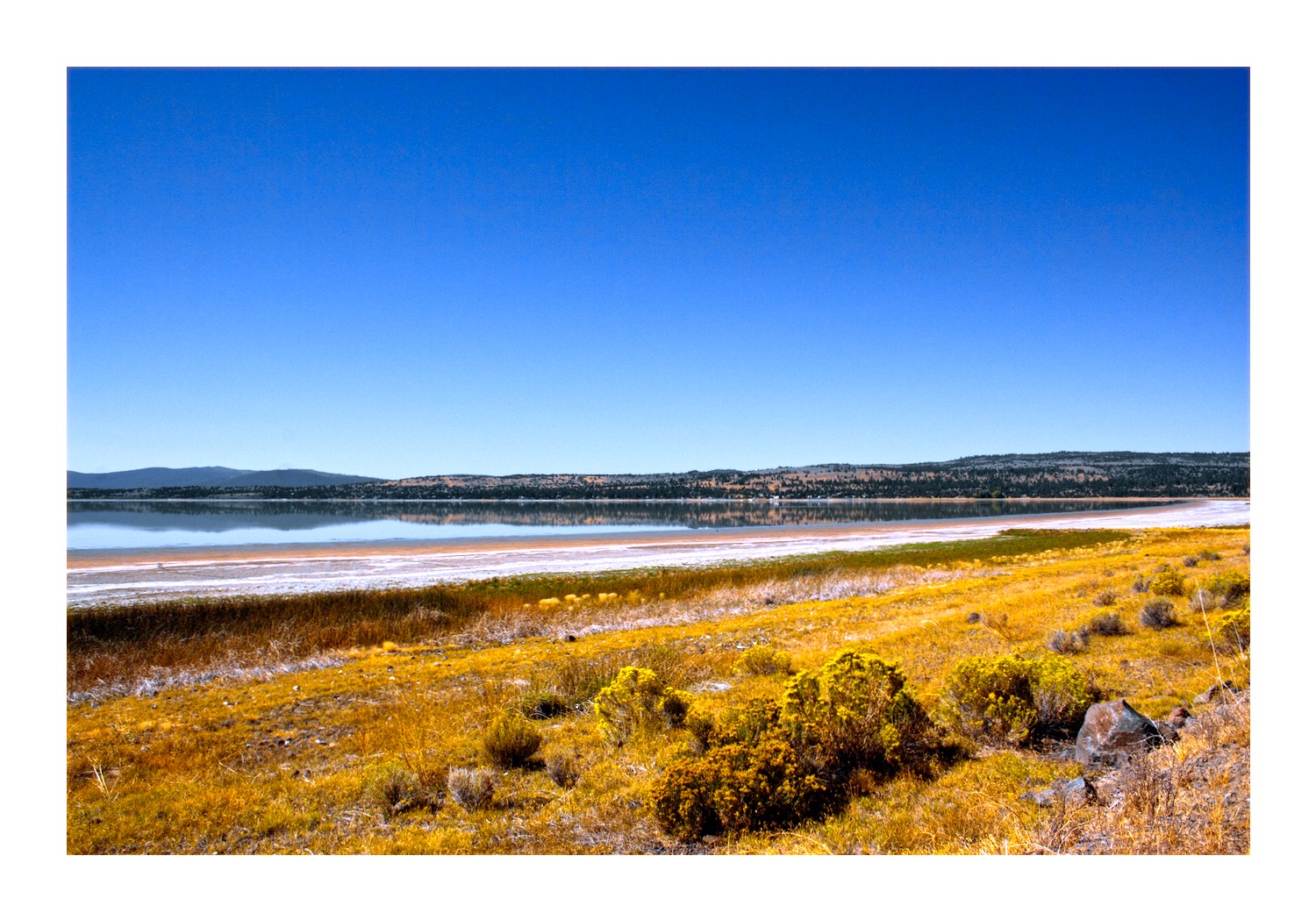
Used CalibRaw. Tried to get some depth but that wasn’t easy.
If you use Darktable, capture sharpen can do a lot to compensate for diffraction. I often shoot high F stops because telephoto DoF and I’m pleasantly surprised what it can do.
Also, as a side note – you forgot to upload an .xmp file 
IMG_3212 (2).CR2.xmp (24,8 KB)
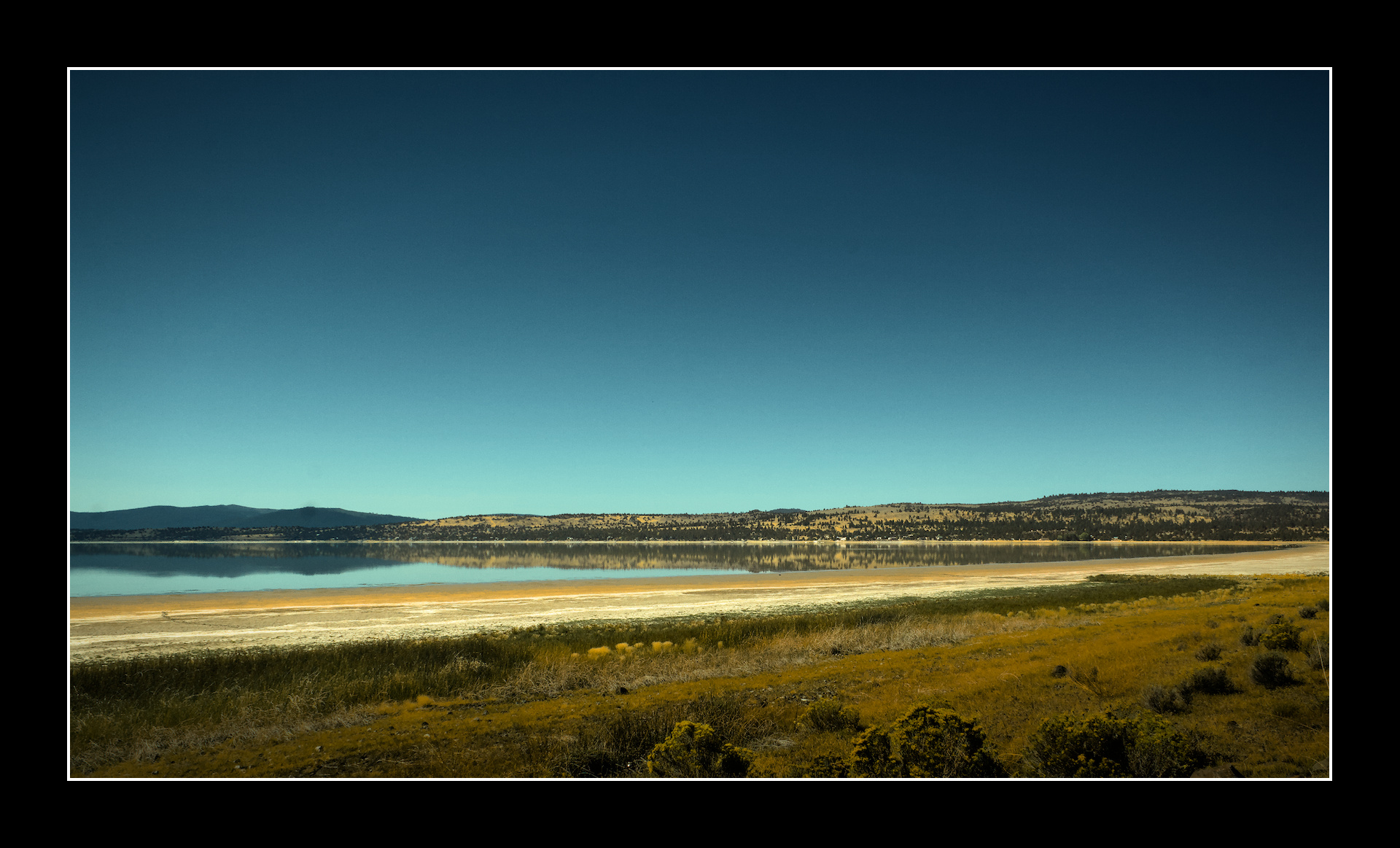
FIrst thought: This blue is killing me.
But somehow it works anyway.
This was set by the automatic “Landscape” program of the Canon. I guess the camera software adjusted the aperture after picking low iso and medium shutter speed.
Cheap zoom that was on sale when I purchased the camera, cant remember. Exif says: f/14 - 18mm
Yeah, its a constant struggle, I never know when its too little or too much. Also exasperated by not acutally seeing the scene in real life.
Its fun seeing that the “progression” of our edits make it look more and more like mid-daylight, while the first version in Laurents original post almost looks like evening twilight.