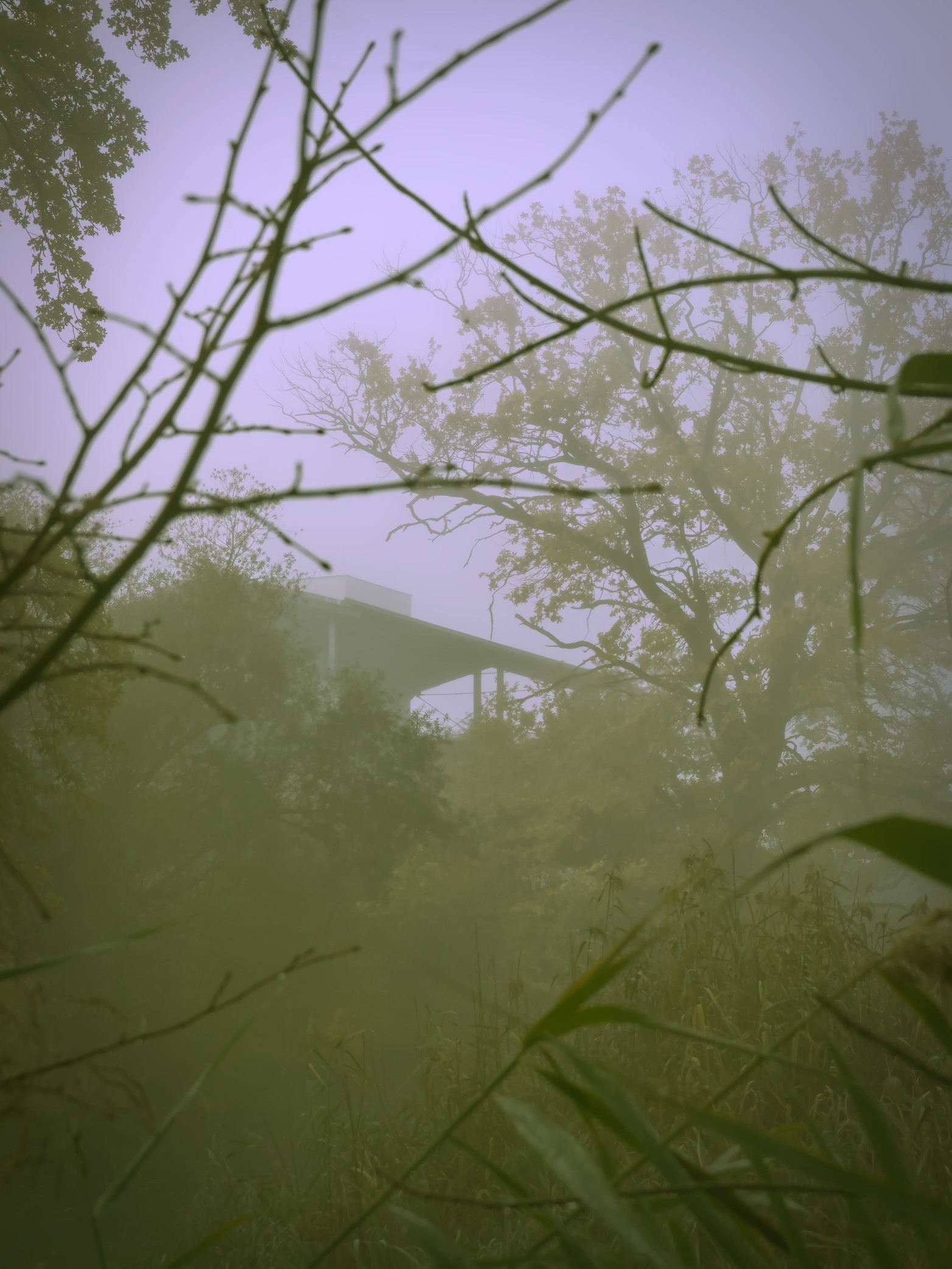
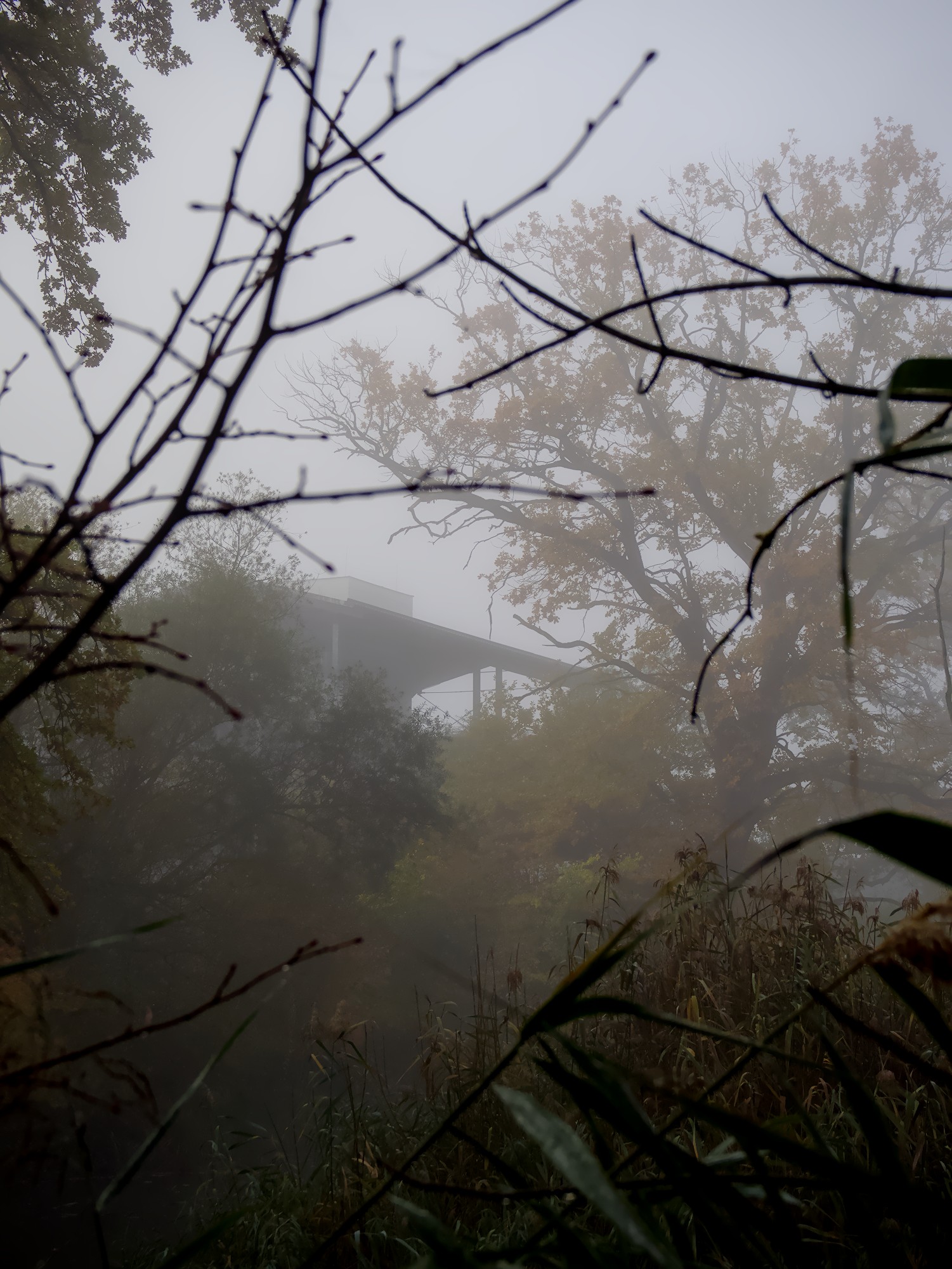
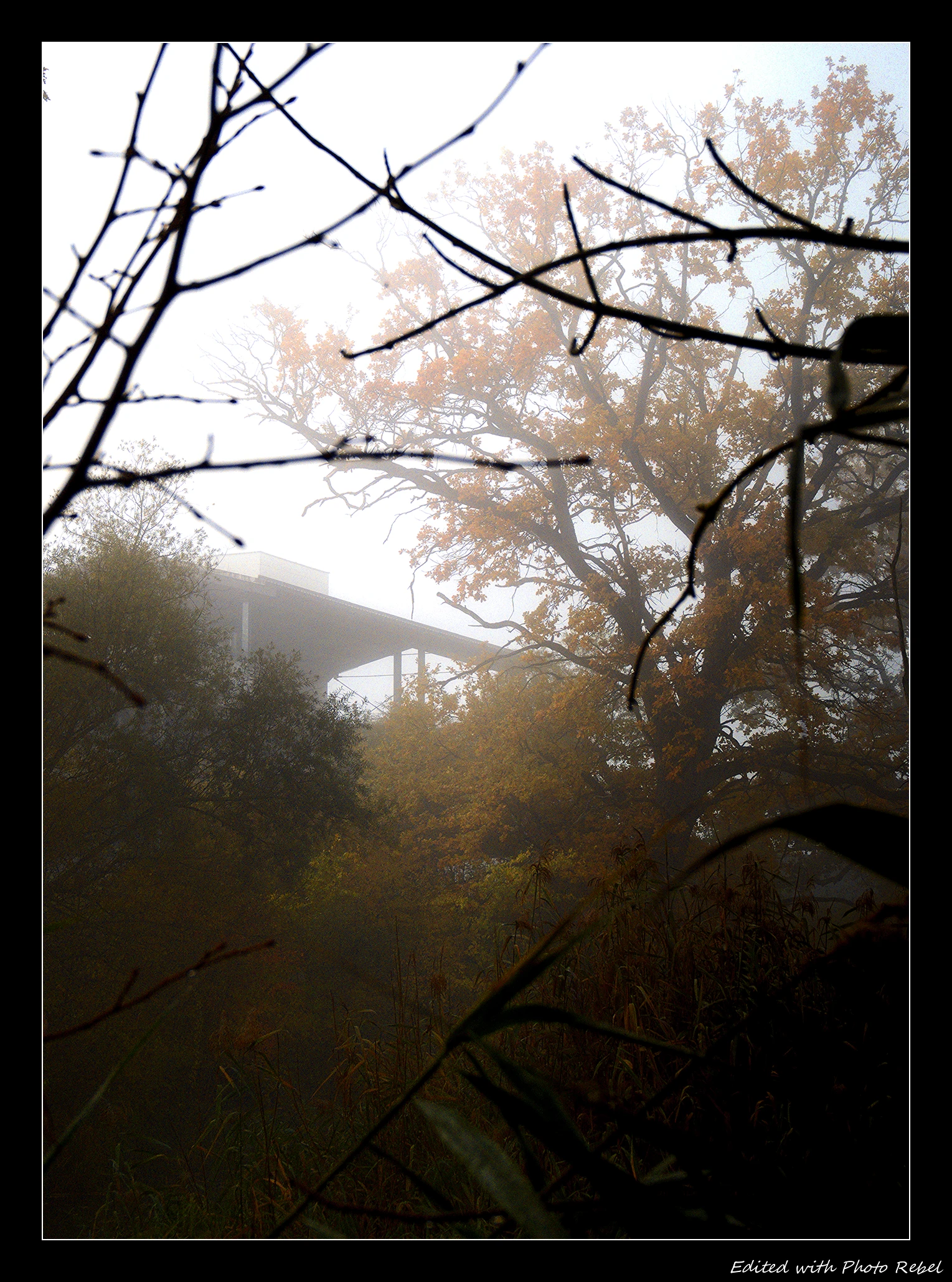
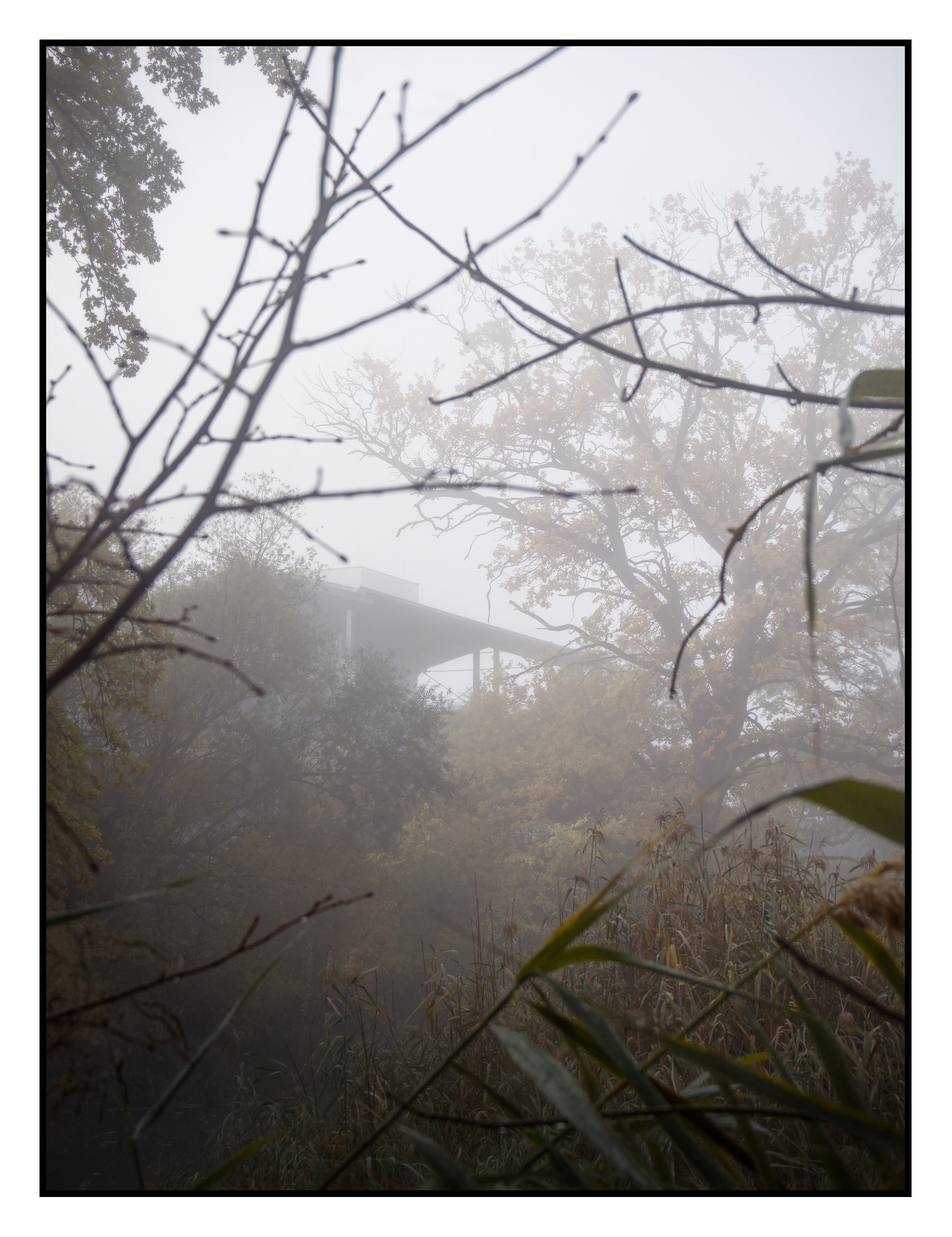
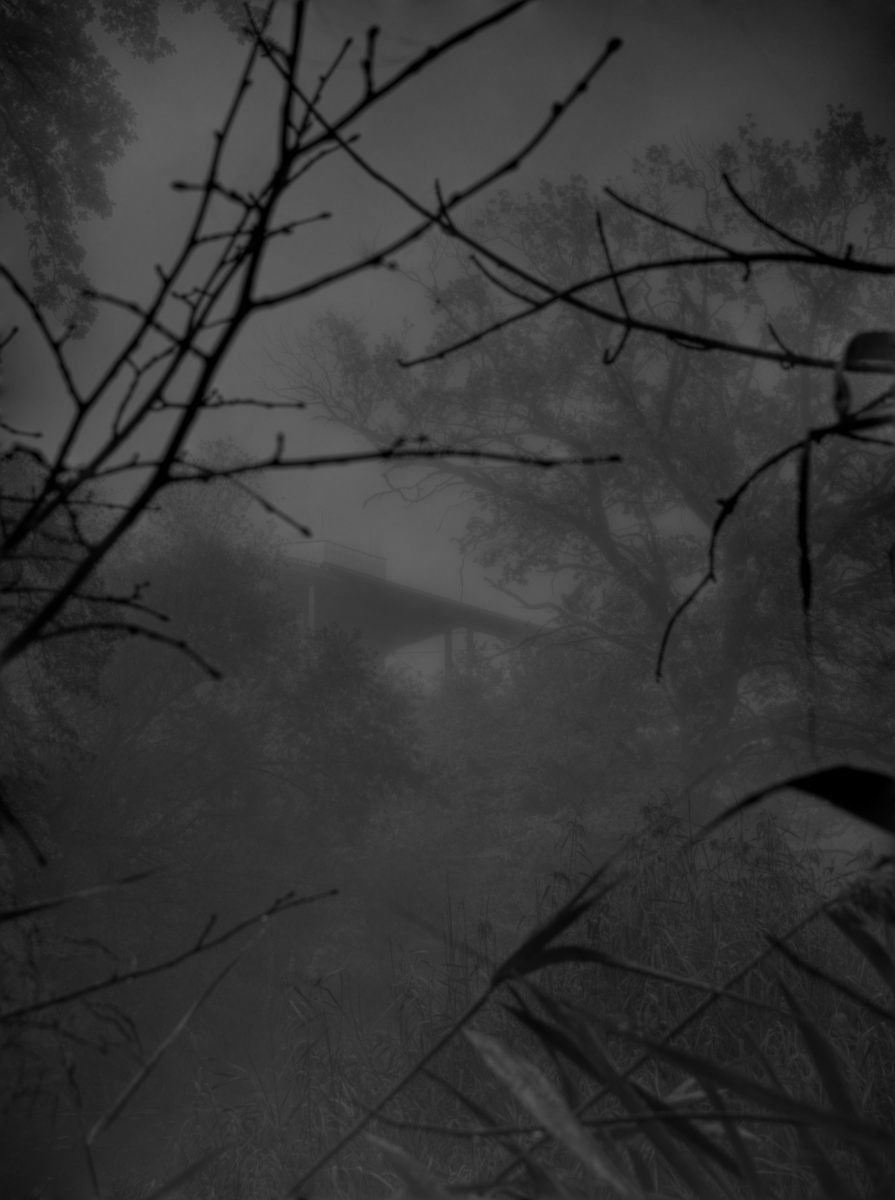
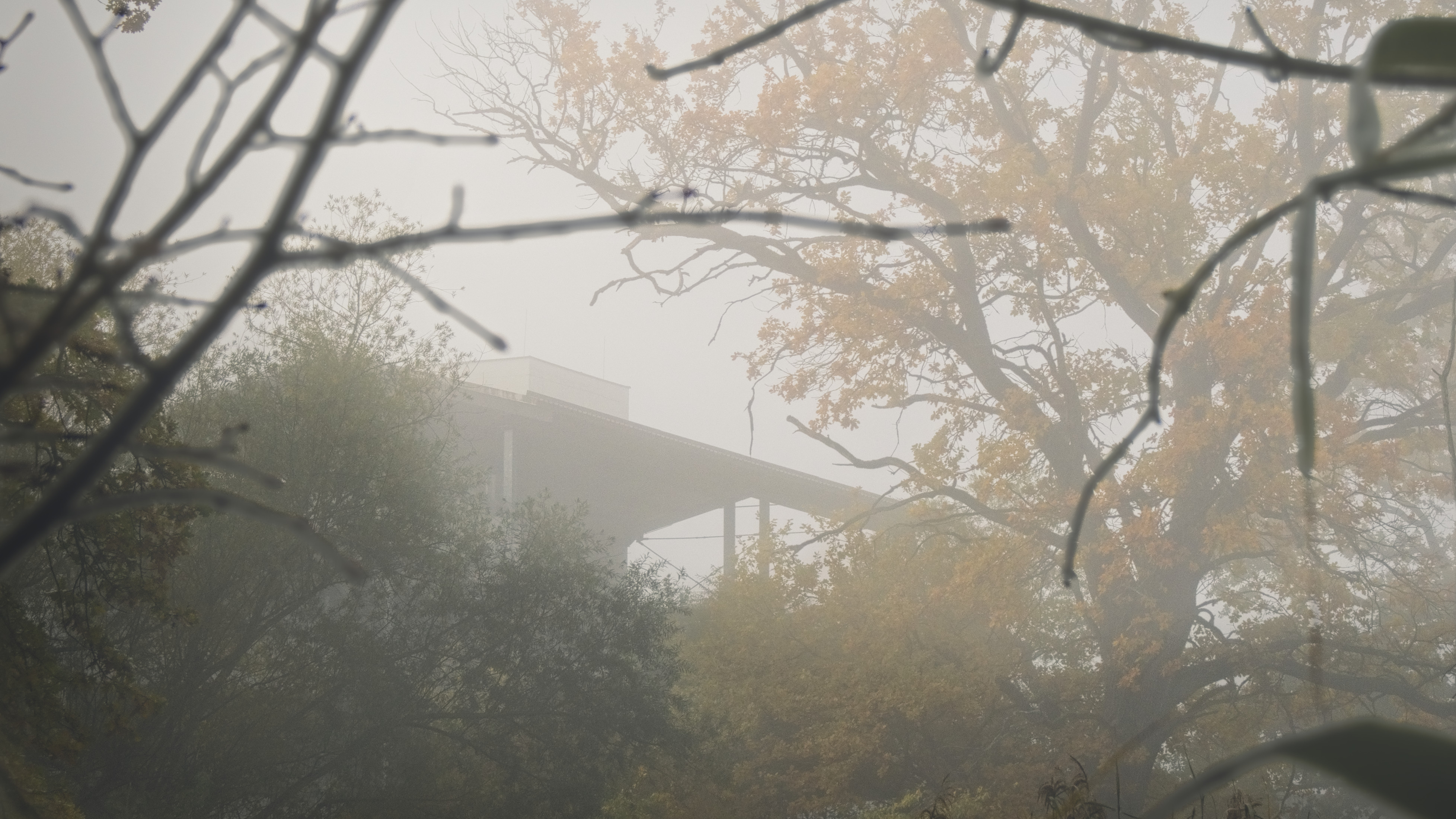
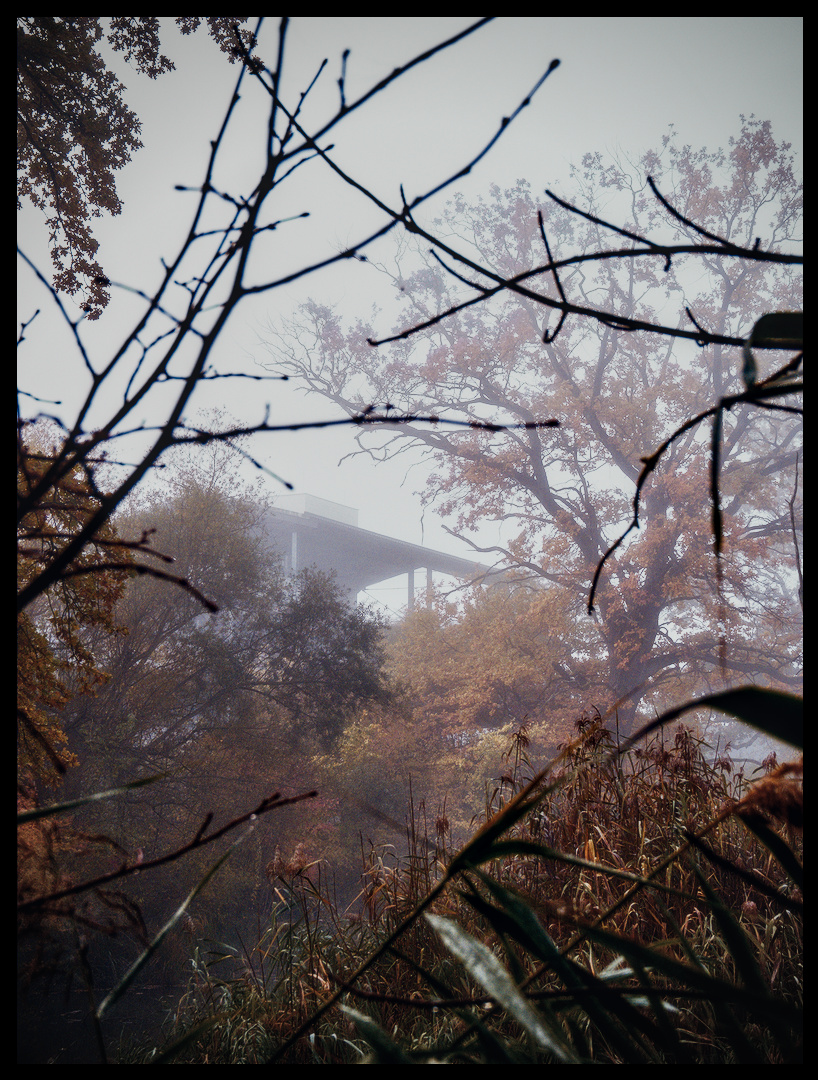
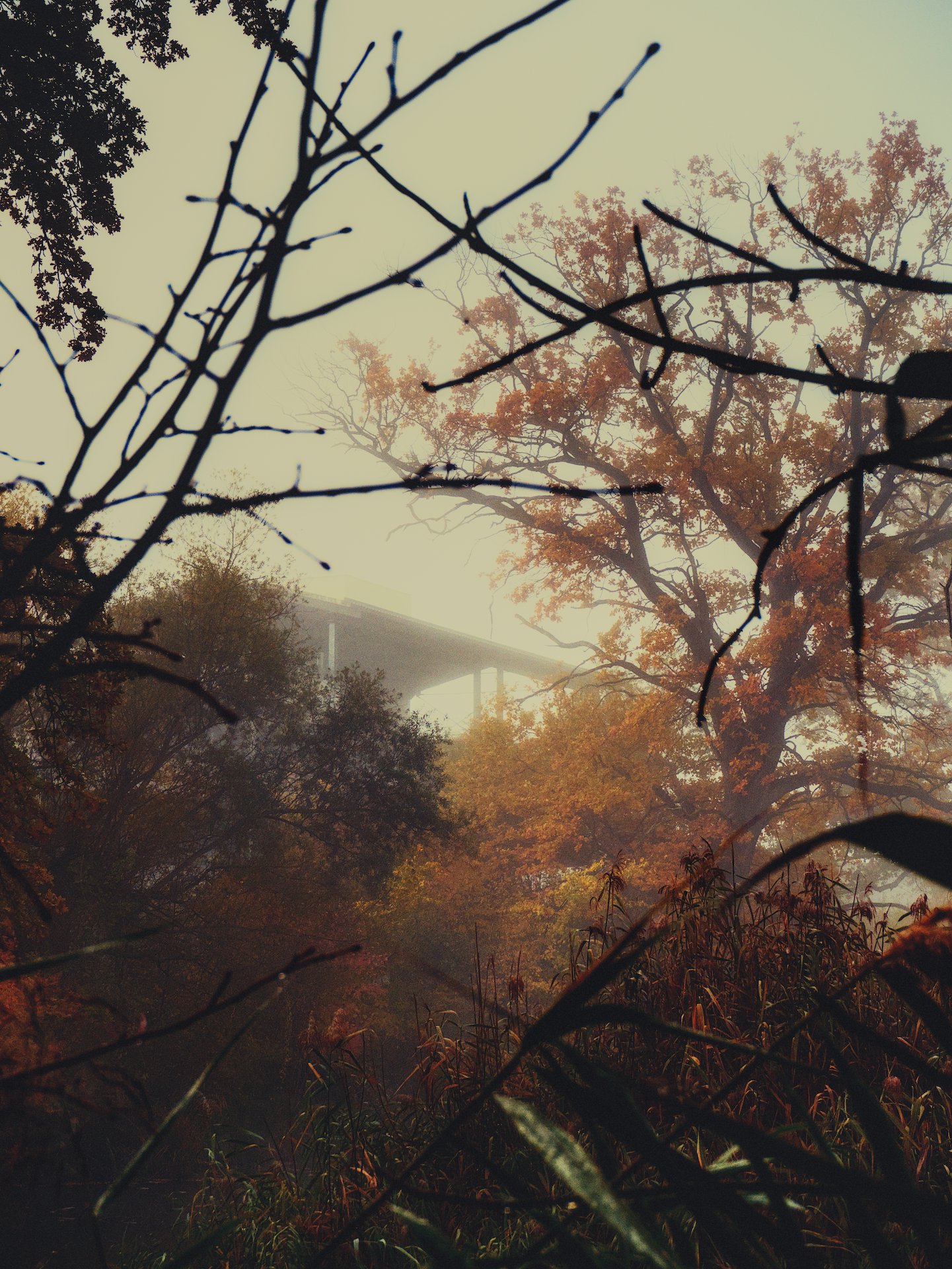
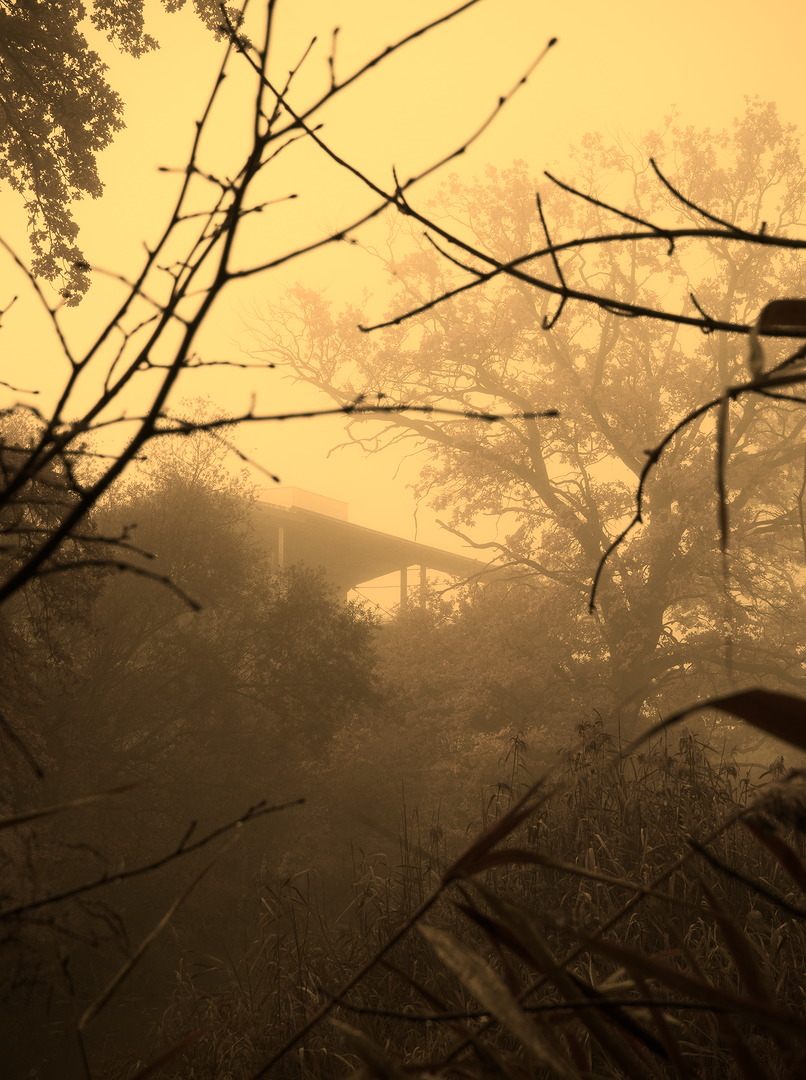
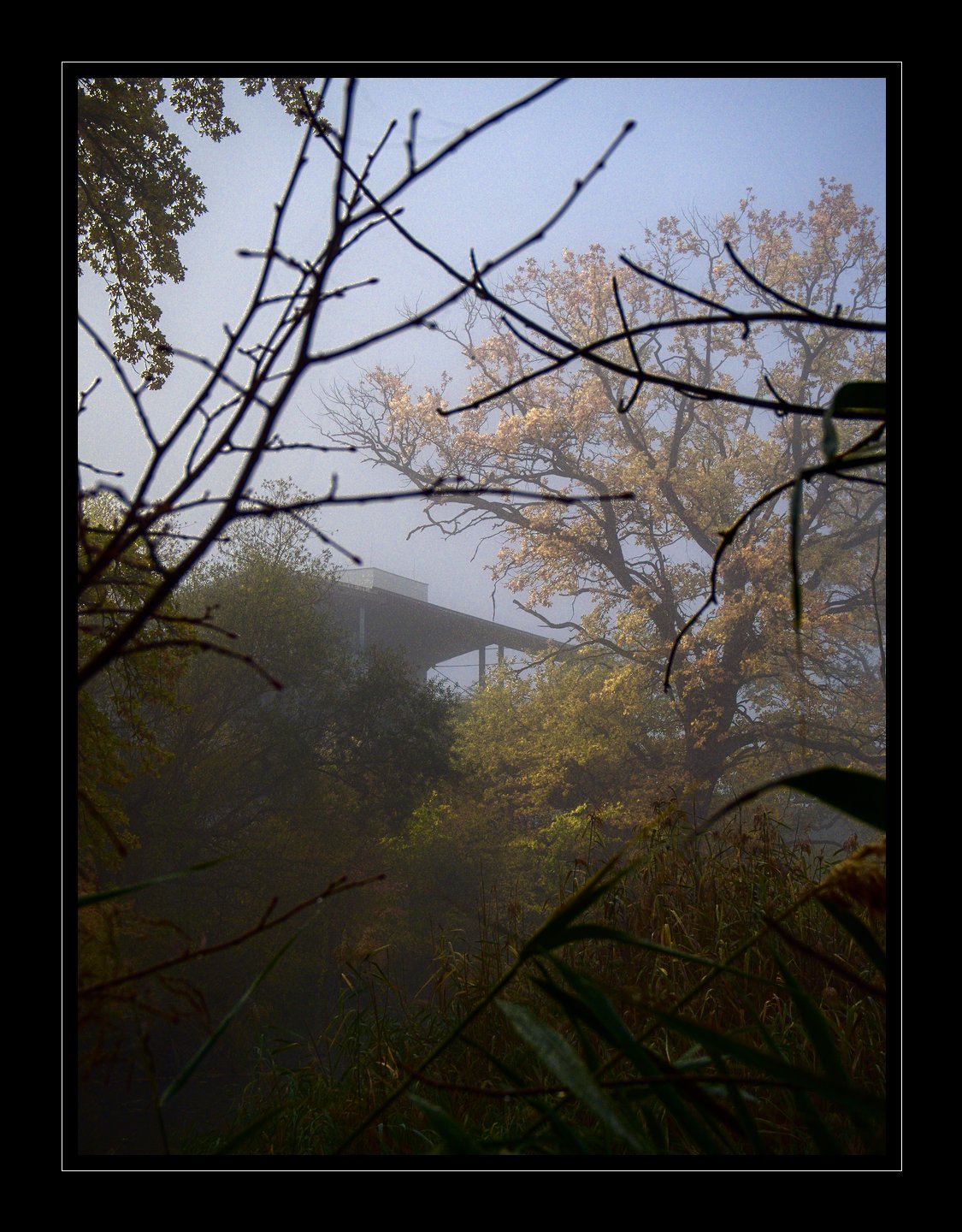
Eery foggy scene

Well, it’s Halloween, and I have just captured several picture in the fog. The building disturbing the nature gives me a bit of eery lost places vibes (in fact, I think it is a lost place…)

Btw, the jpg that came out of the camera can be found here.

PA300098.ORF (16.9 MB)
PA300098.ORF.xmp (16.1 KB)

This file is licensed Creative Commons, By-Attribution, Share-Alike.

4 Likes


PA300098.ORF.xmp (13.5 KB)

1 Like

I wasn’t sure where to go with this so I did a one click edit using a Fujifilm Velvia style based on a style I downloaded from this forum.
R7 Velvia.dtstyle (6.0 KB)

PA300098.ORF.xmp (13.5 KB)

5 Likes

Tried to break the overall uniformity of the lighting, worked out the colours, and then some sharpening.

5 Likes


PA300098.ORF.xmp (13,8 KB)

2 Likes

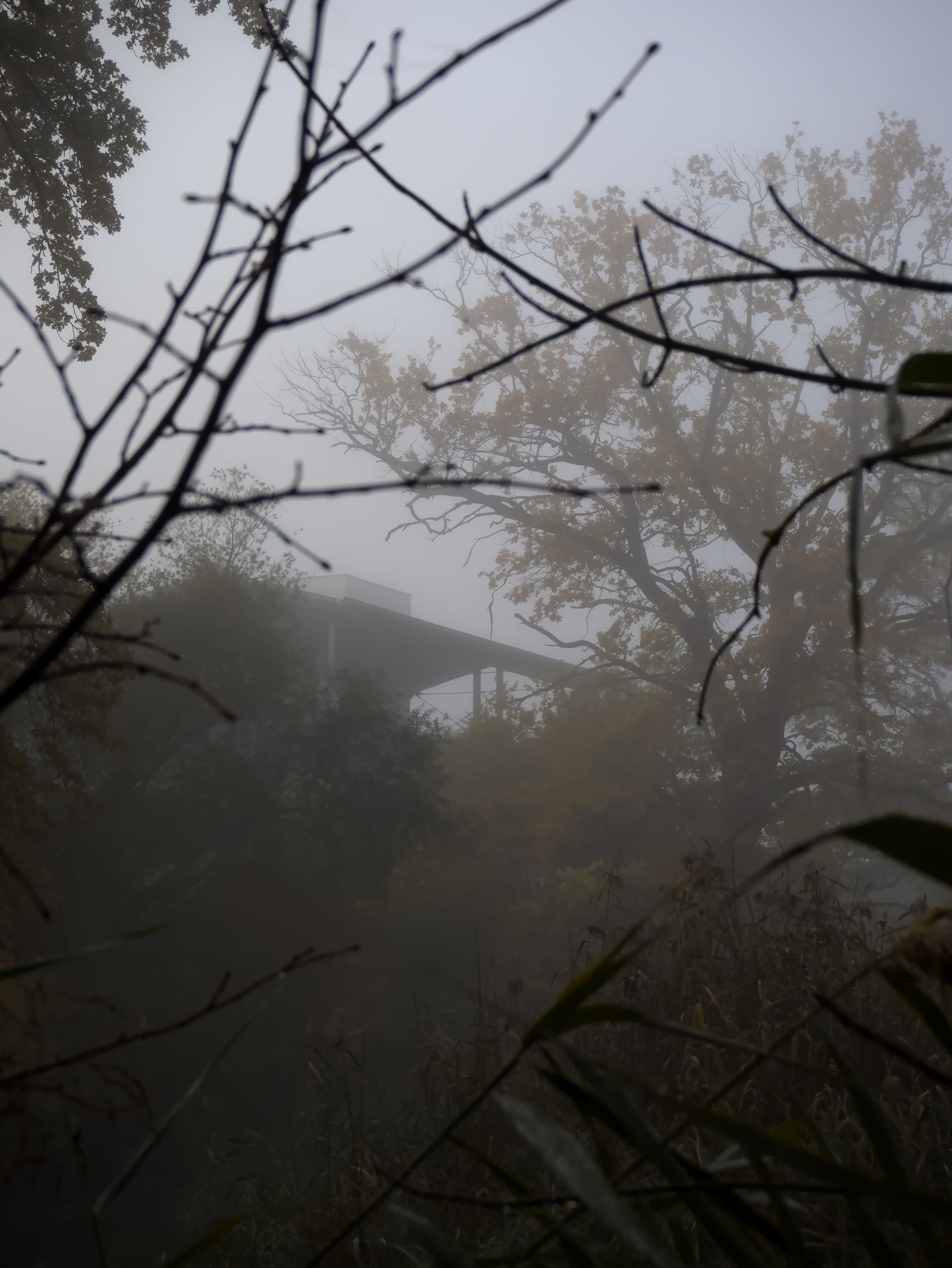
Very interesting photo. At first I thought this was easy. Just a couple of adjustments and that would be it. Then I began noticing all the little details and I ended up with probably too much editing: Tone Equalizer, Local Contrast (lots of it), Contrast Equalizer and a few other things.

Square crop seems natural because the close up branches frames the image nicely.
Safelight 3.1.0


PA300098.ORF.safelight.zip (6.3 KB)

5 Likes

This upcoming horror shot needs b&w imo. :upside_down_face:

ART exposure + film simulation HP5 > Gimp > G’mic Freaky b&w > ART final exposure.

1 Like

RT and GIMP

2 Likes

This wasn’t easy. But I gave it a go in CalibRaw.
PA300098.ORF.zip (1.1 MB)

2 Likes

PA300098.ORF.xmp (20,9 KB)

2 Likes


PA300098.ORF.xmp (15.7 KB)

3 Likes

Fun … tried some stuff, got this!


PA300098.jpg.out.pp3 (19.2 KB)

Thanks for sharing!

2 Likes


PA300098.ORF.xmp (19.2 KB)

2 Likes