marter
November 9, 2025, 7:22am
1
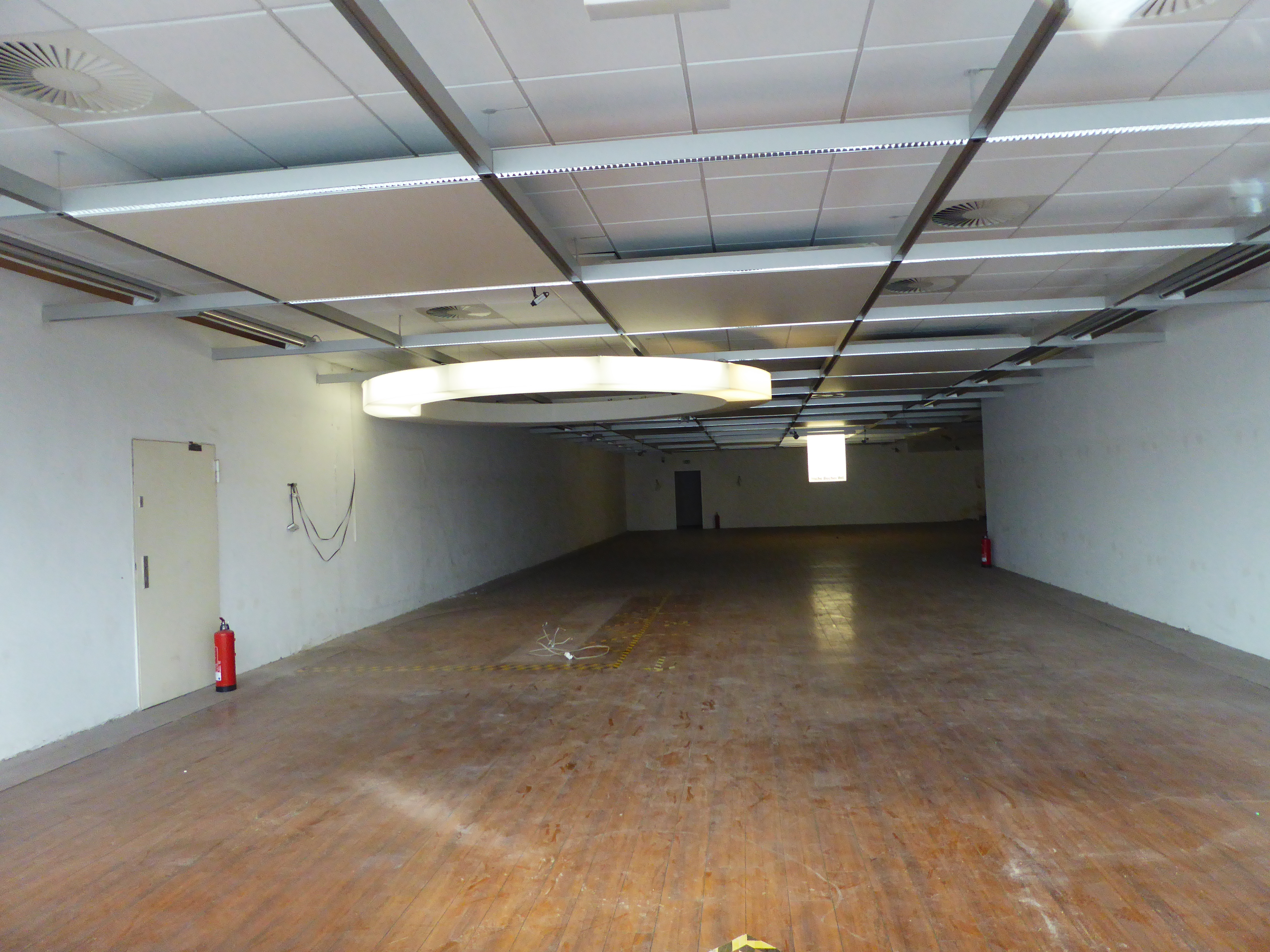
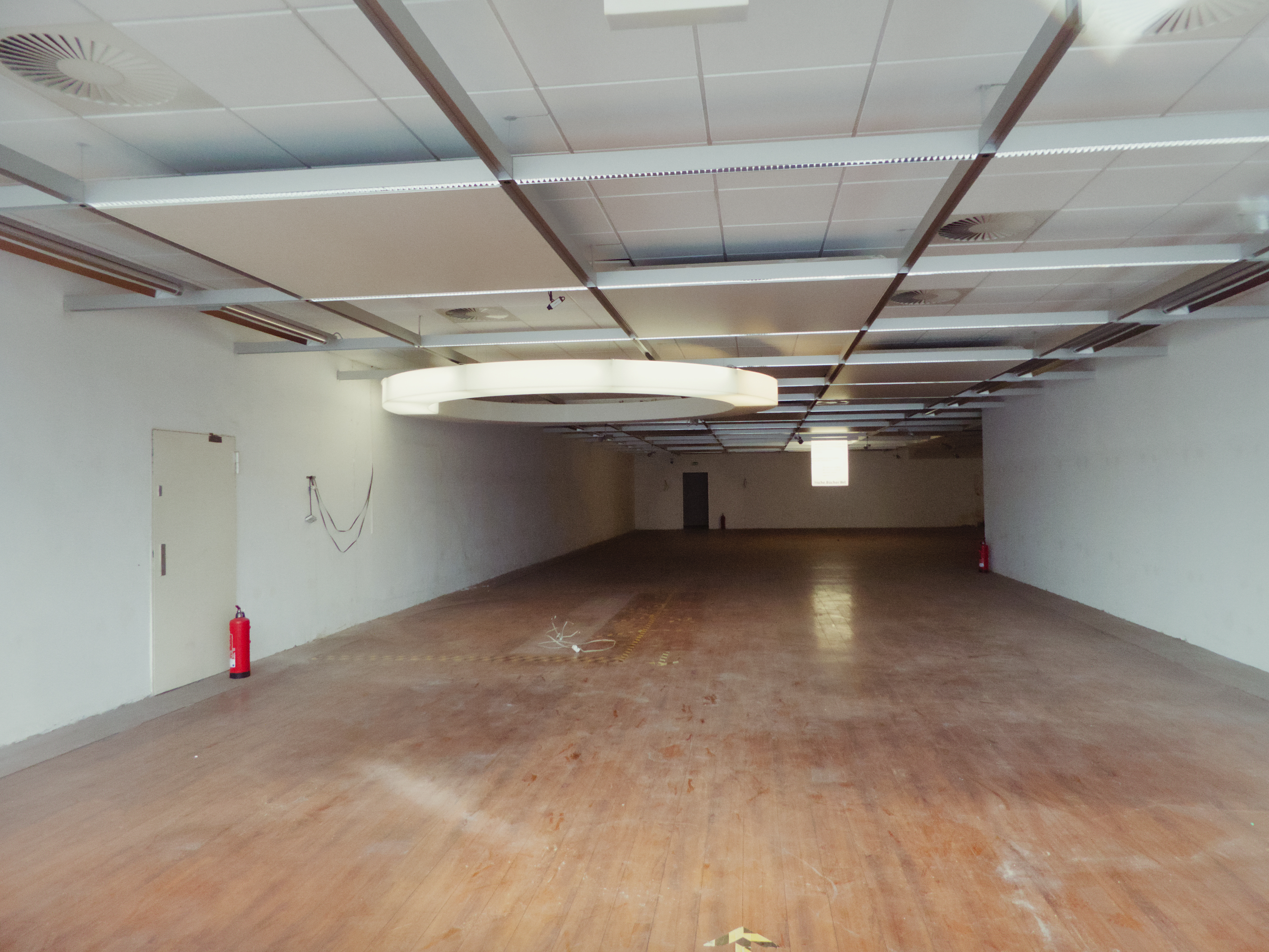
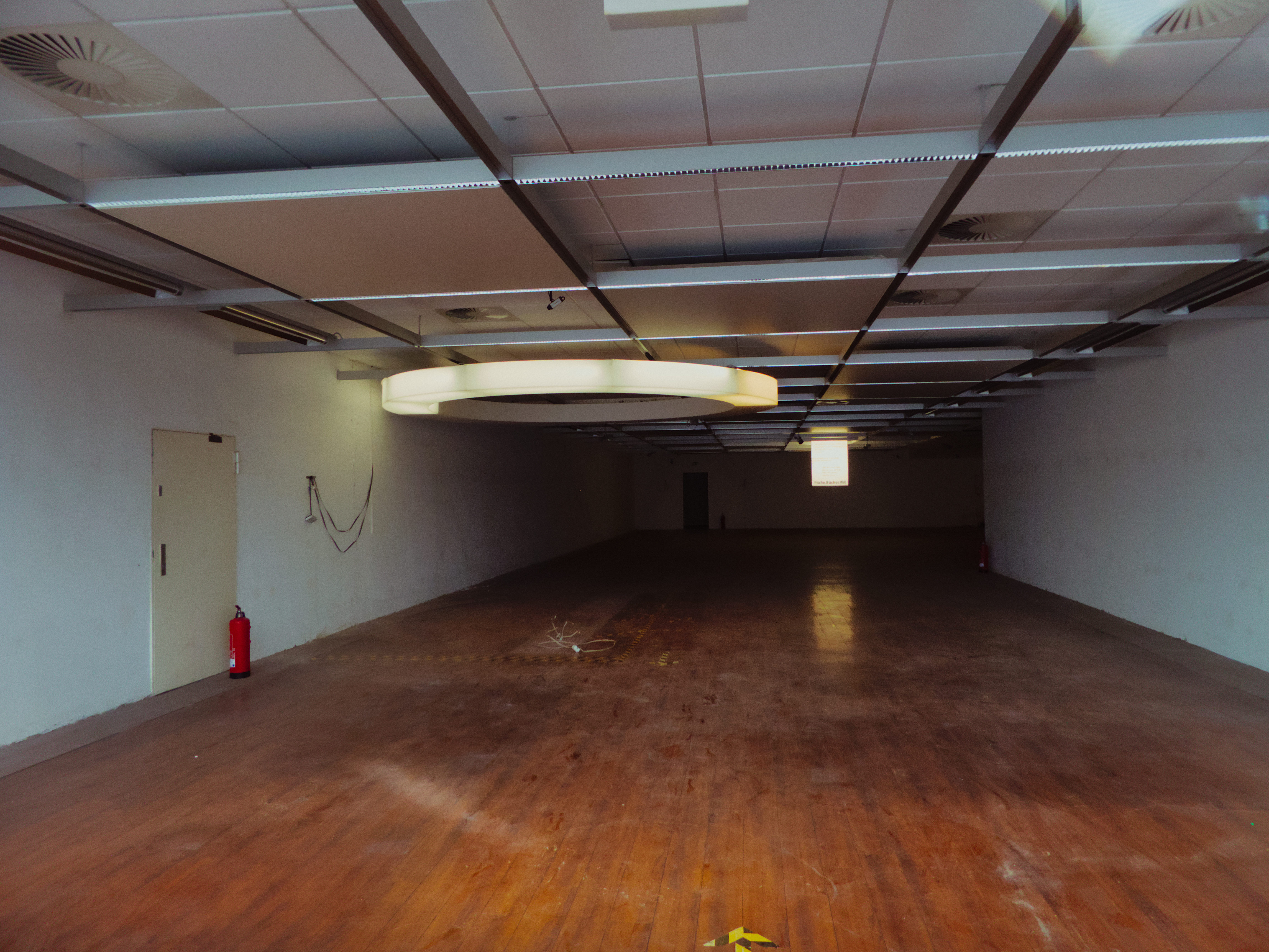
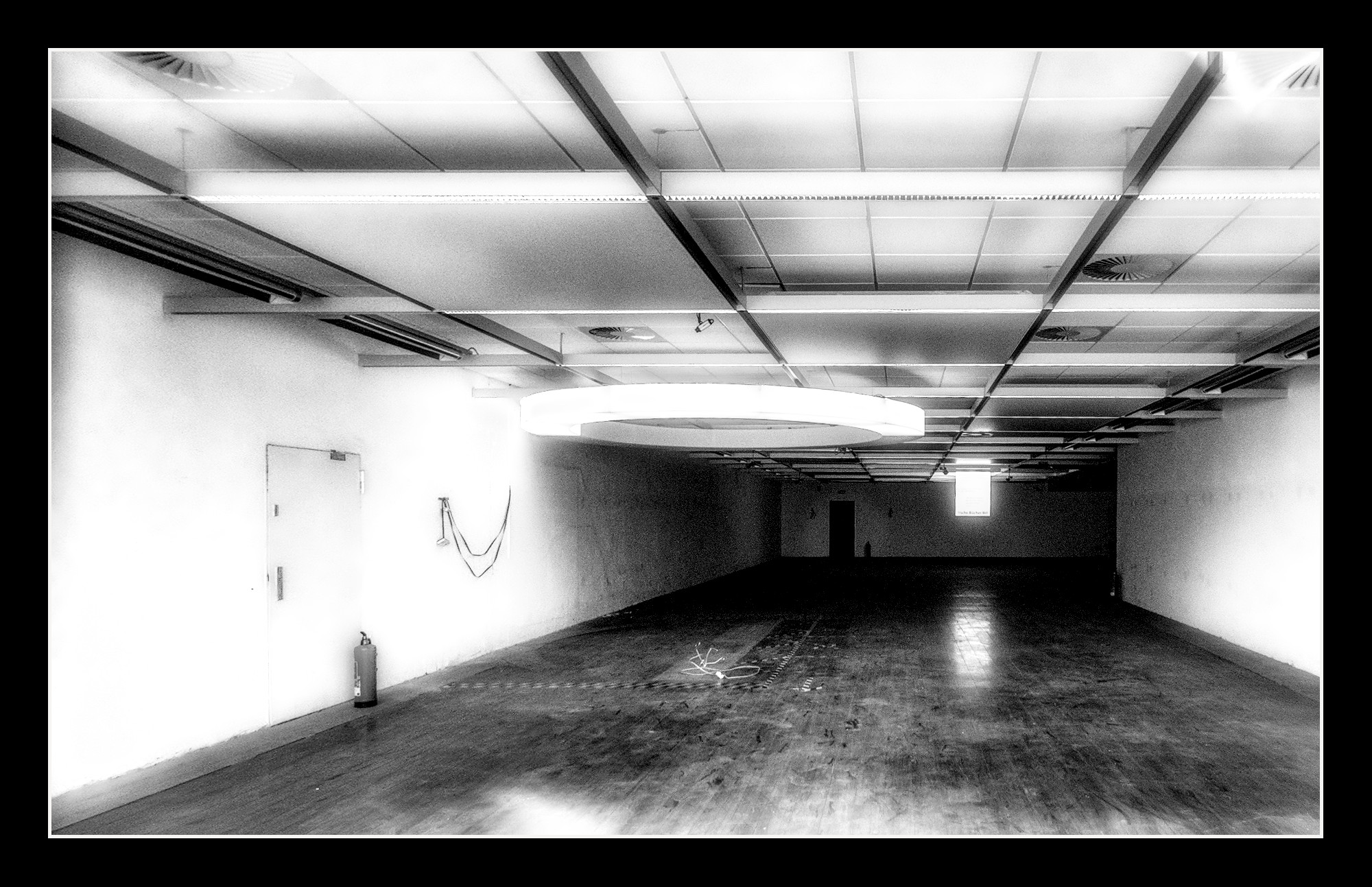
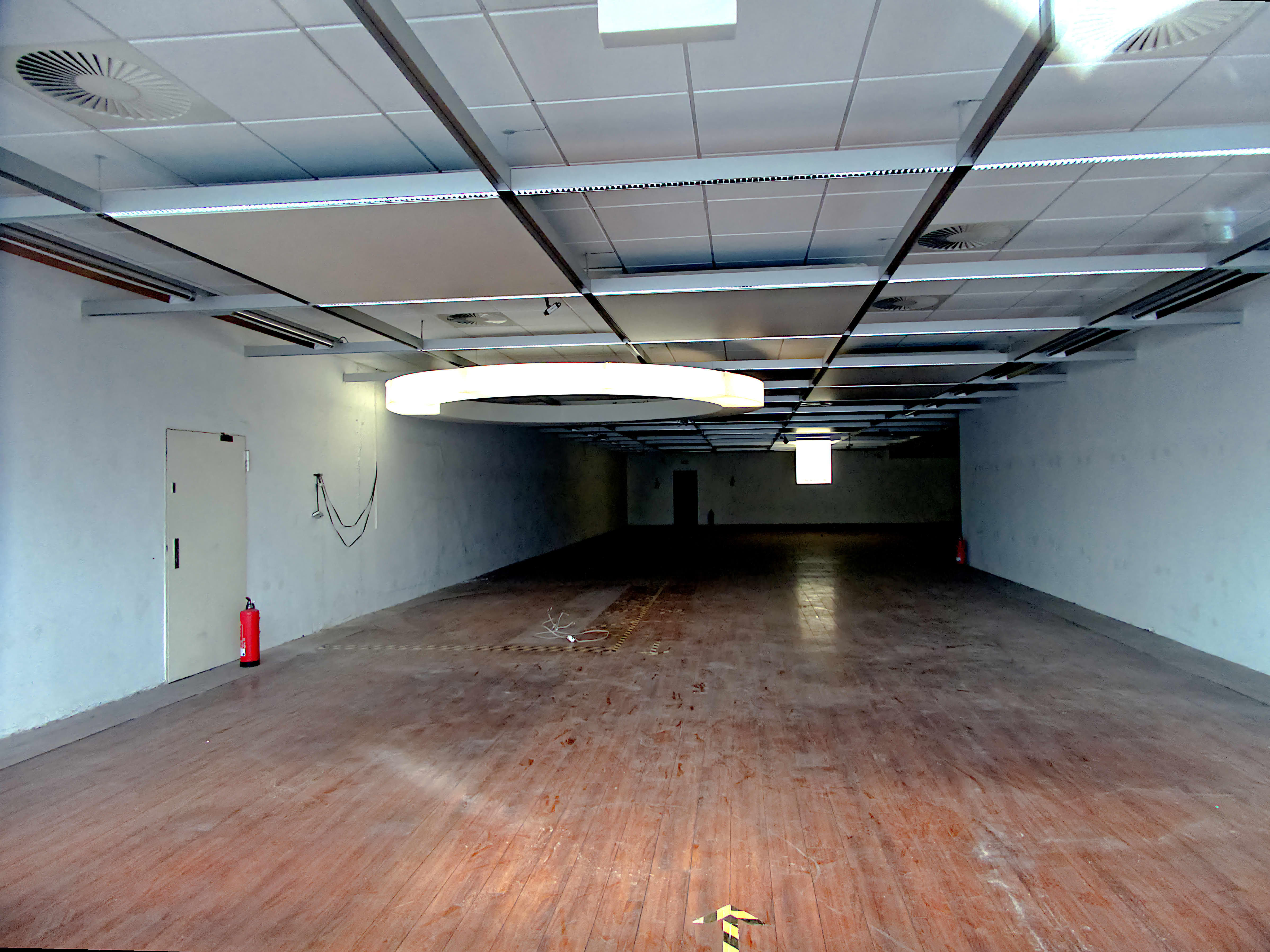
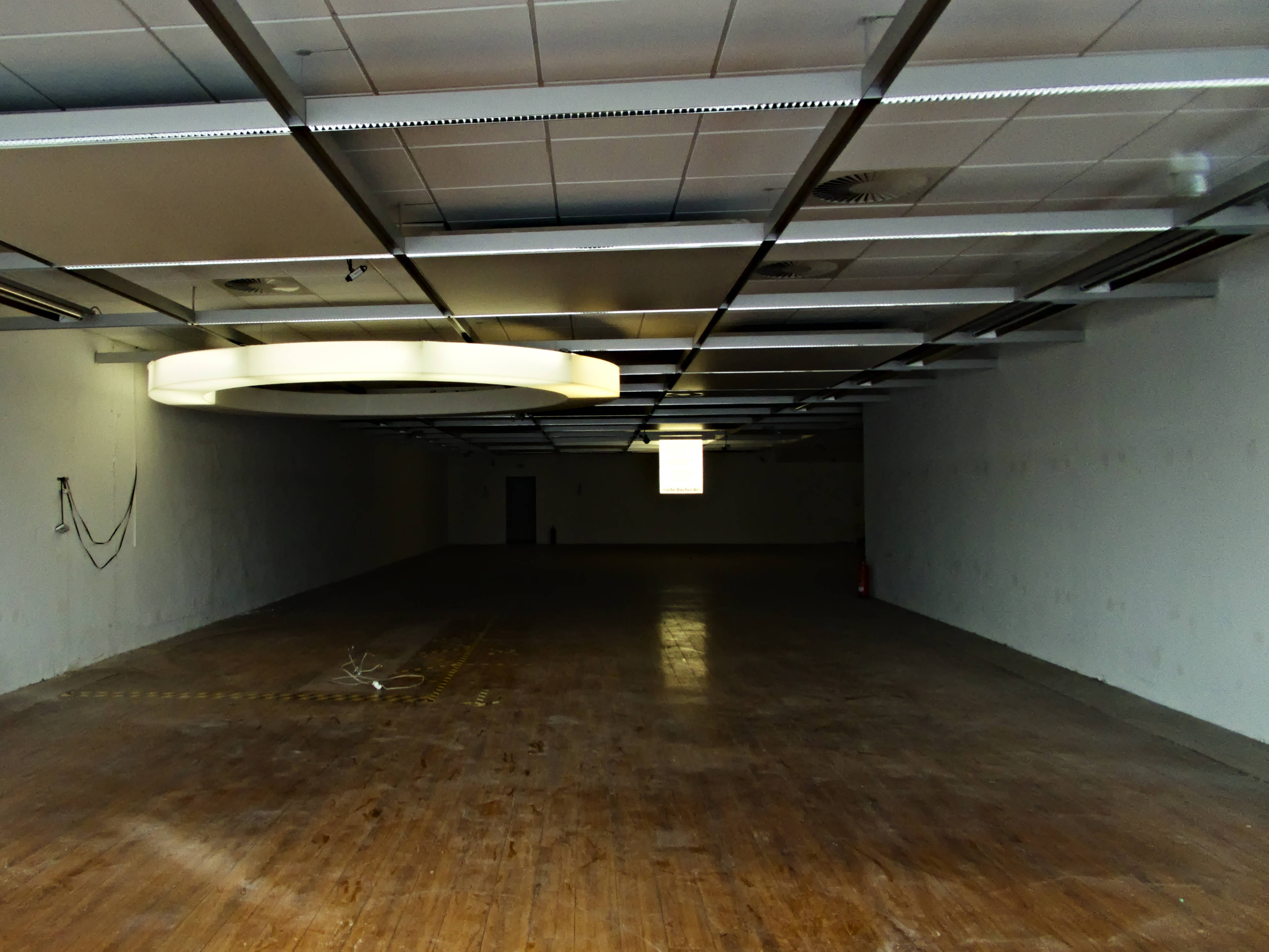
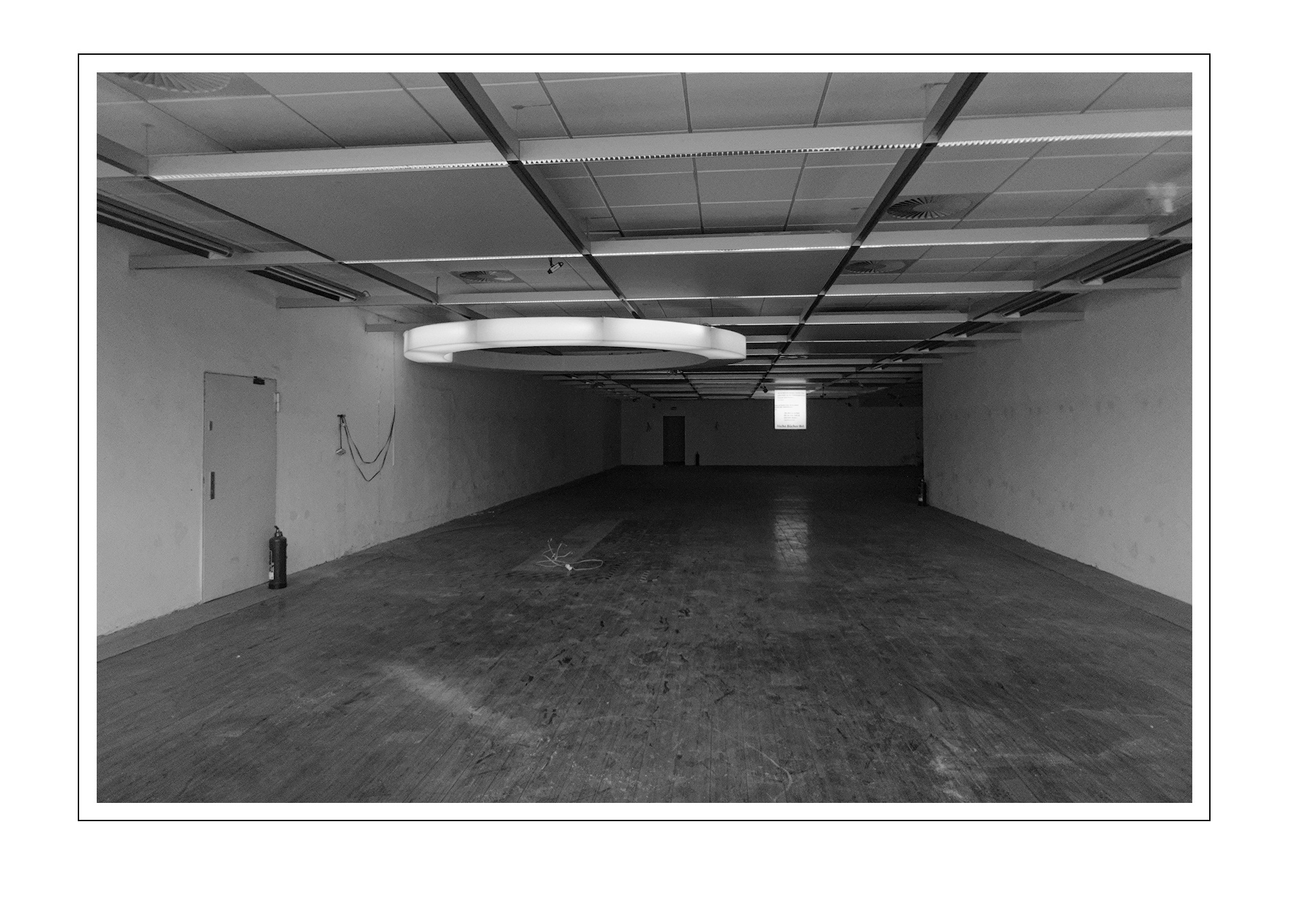
This pic was a quick shot through a window in 2021 and i had forgotten about it. these days, while cleaning the harddisk, i was about to delete it but wondered, how it would look after playing.
P1030376.RW2 (20,7 MB)
License: Creative Commons Attribution-NonCommercial-ShareAlike 4.0 International License .
Have fun!
5 Likes
Ogven
November 9, 2025, 7:58am
2
So you stumbled upon this on your harddisk? I’d say, maybe add some yellow carpet and old wallpaper, but otherwise it’s already perfect
2 Likes
age
November 9, 2025, 8:07am
3
1 Like
marter
November 9, 2025, 8:42am
5
wow, i didn’t know of this
marter
November 9, 2025, 8:44am
6
great, i like the darker contrasty version.
1 Like
Popanz
November 9, 2025, 8:45am
7
P1030376.RW2.xmp (17,3 KB)
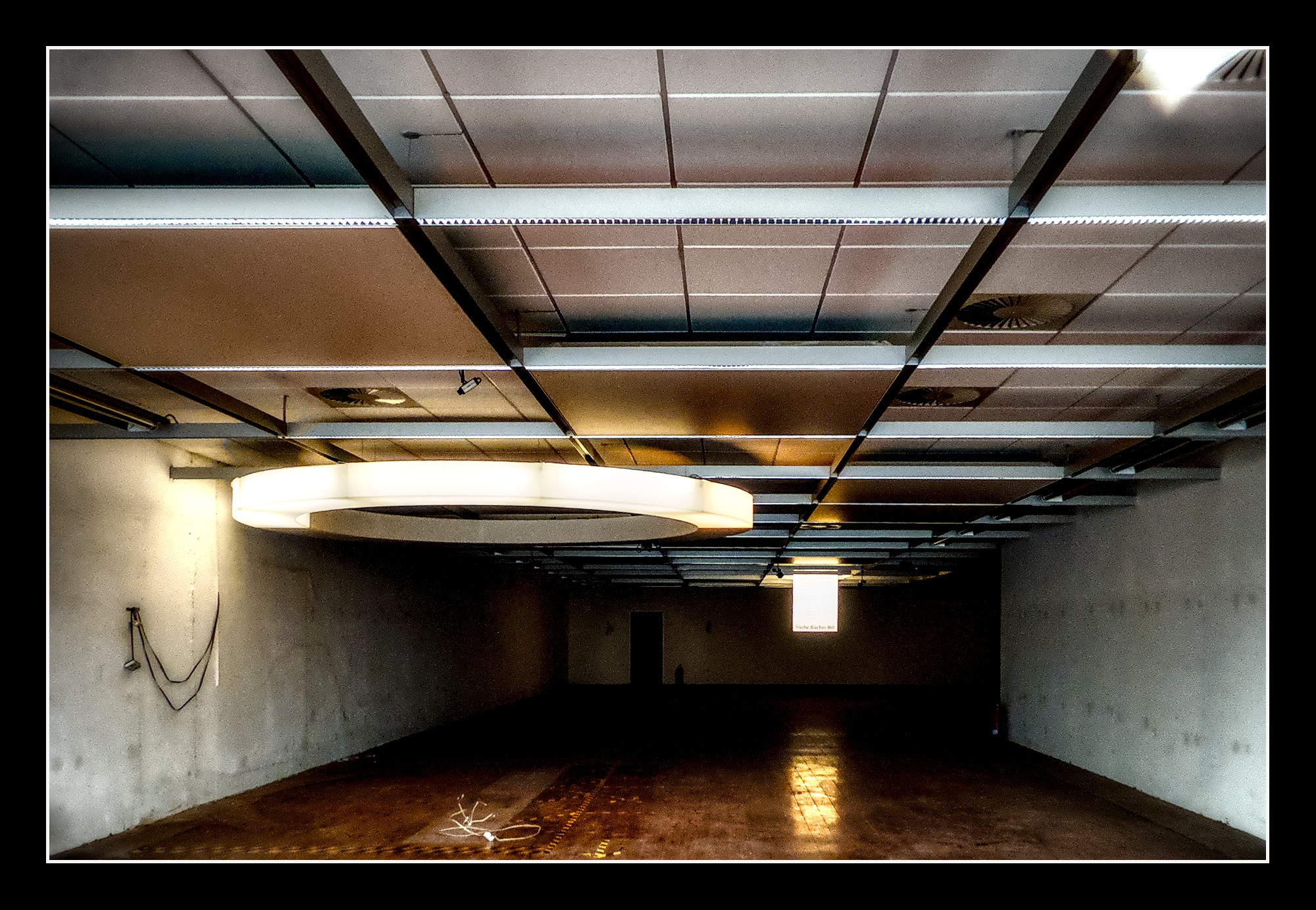
If you don’t like the glow Effect just disable the bloom module and it is a classical B&W,
5 Likes
marter
November 9, 2025, 9:13am
8
ha! Without the glow-effect, this comes close to my final version.
Popanz
November 9, 2025, 12:44pm
9
A further one. It’s fun. I’m still thinking about a different crop. So maybe The will be more…
P1030376_01.RW2.xmp (18,7 KB)
8 Likes
Terry
November 9, 2025, 12:46pm
10
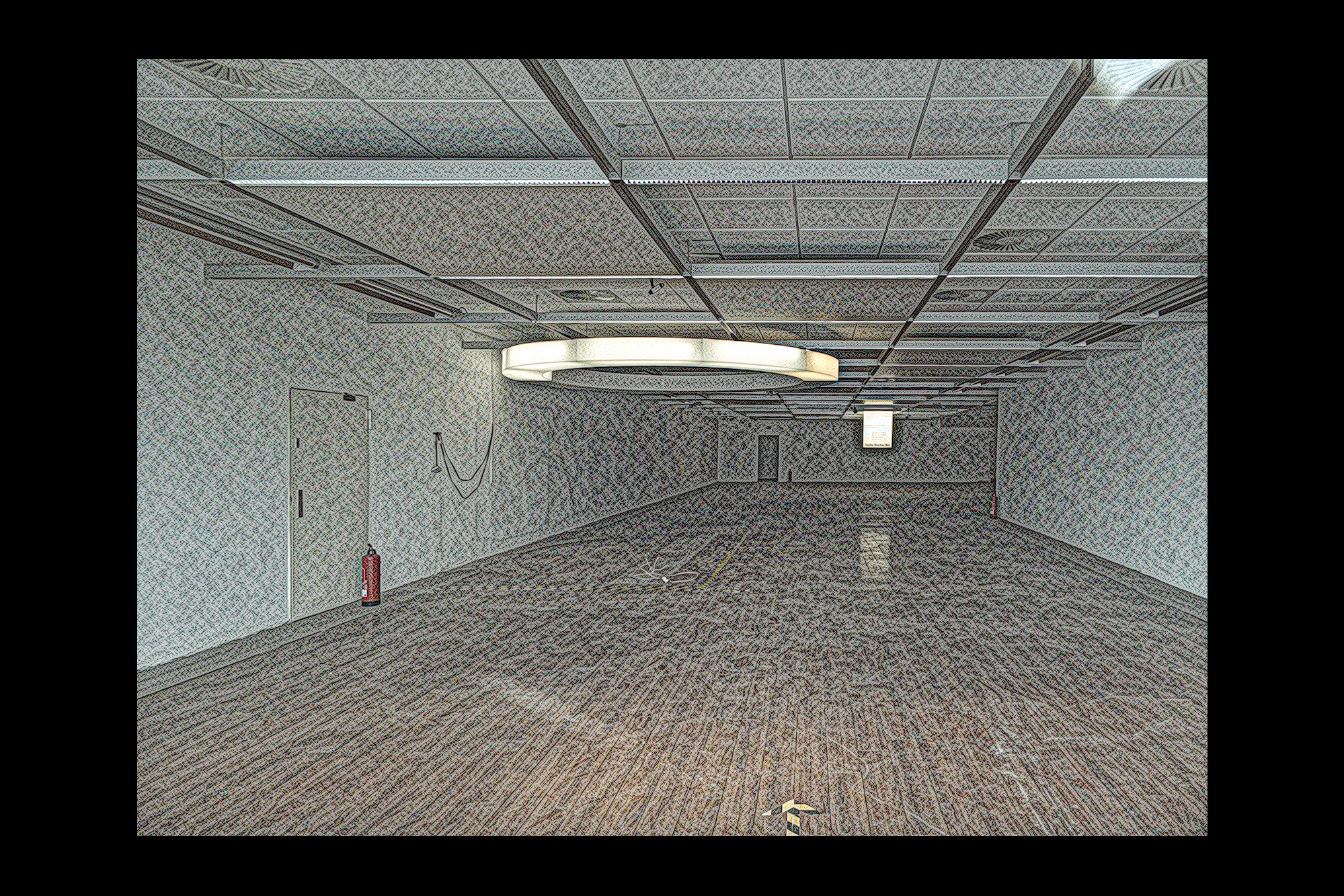
I just had to do some weird stuff with effects in DT 5.3P1030376.RW2.xmp (16.3 KB)
3 Likes
Rawtherapee and GIMP 3.0.6-1
2 Likes
marter
November 9, 2025, 2:08pm
12
great effect, looks like it could become a living room
marter
November 9, 2025, 6:23pm
16
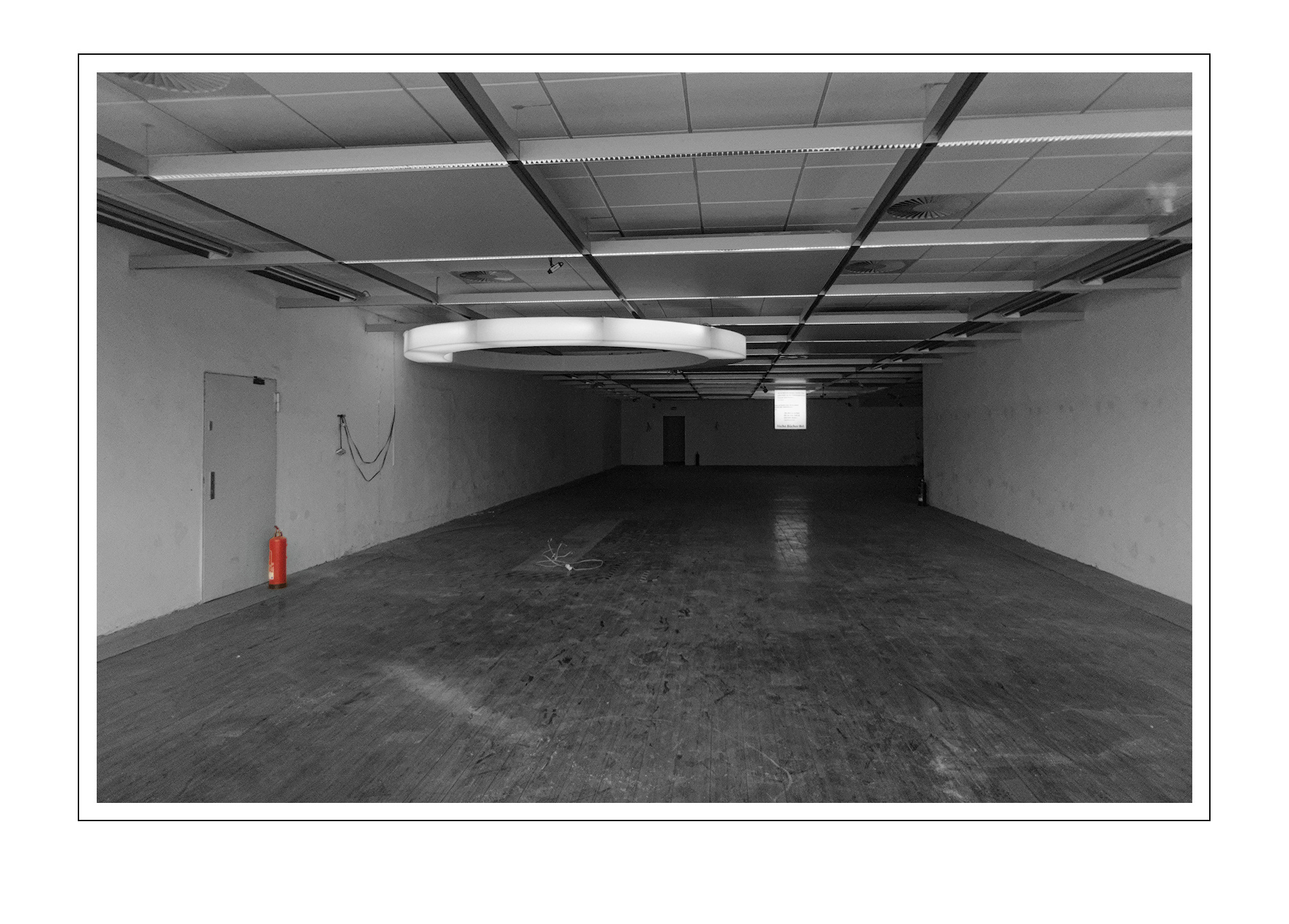
I like that colourkey idea very much
marter
November 9, 2025, 6:46pm
17
Wow, this is my favorite until now. I will need to investigate into this clear and contrasty look.
2 Likes
marter
November 10, 2025, 7:54am
19
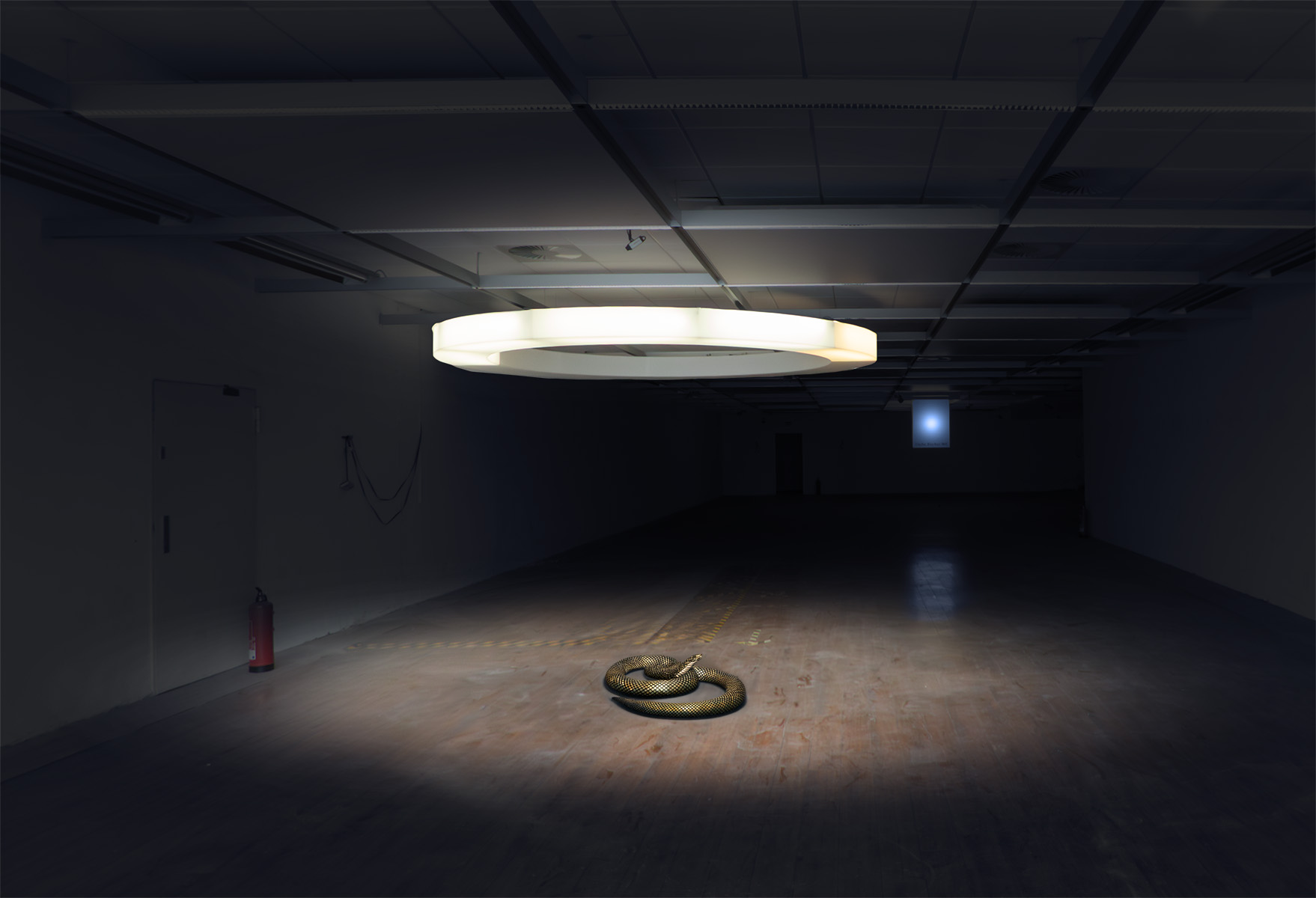
oh yes, thats spooky. well done!
Popanz
November 10, 2025, 11:38am
20
Unfortunately it’s not done with FOSS software but Photoshop.