Hi, I’m an amateur photographer, and this is my first post here. Just wanted to document a hack I pulled off.
All of the photos in this post are mine and licensed under CC-BY-SA 4.0.
Why?
I’ve been using RawTherapee to develop my smartphone photos for the past 2 years or so. A few months ago, I decided to try Darktable, and I was genuinely impressed by its AgX display transform. This almost made me switch apps, but I reconsidered in the end because I realized I much prefer RawTherapee’s UI (especially the file browser and the crop tool). I tried using ART but didn’t end up sticking with it either because of a few missing features.
So I kept using RawTherapee with regular tone curves until I saw this video by Hadi Farid:
This made me realize that I could probably make a display transform too if I tried hard enough. And after a few months, I managed to hack something similar to AgX into RawTherapee using its Film Simulation tool.
How?
Film Simulation only supports HaldCLUTs, and it’s a pretty bad tool for this job because it’s limited to sRGB unit-interval data (i.e. no sample can go below 0 or above 1). Since there wasn’t any other way to use a LUT, I found a couple workarounds for this issue:
- RawTherapee has an undocumented(?) feature that lets it import HaldCLUTs in color spaces other than sRGB, so I used it to encode my LUT as Rec.2020:
- My phone’s sensor is only 10 bits per channel, and since HaldCLUTs can be encoded as 16 bits, I figured that in order encode samples above 1, I could just underexpose the photo (or do nothing if the photo is already underexposed) and add the exposure back inside the LUT with no loss of precision.
As dumb as this sounds, it seems to work well:
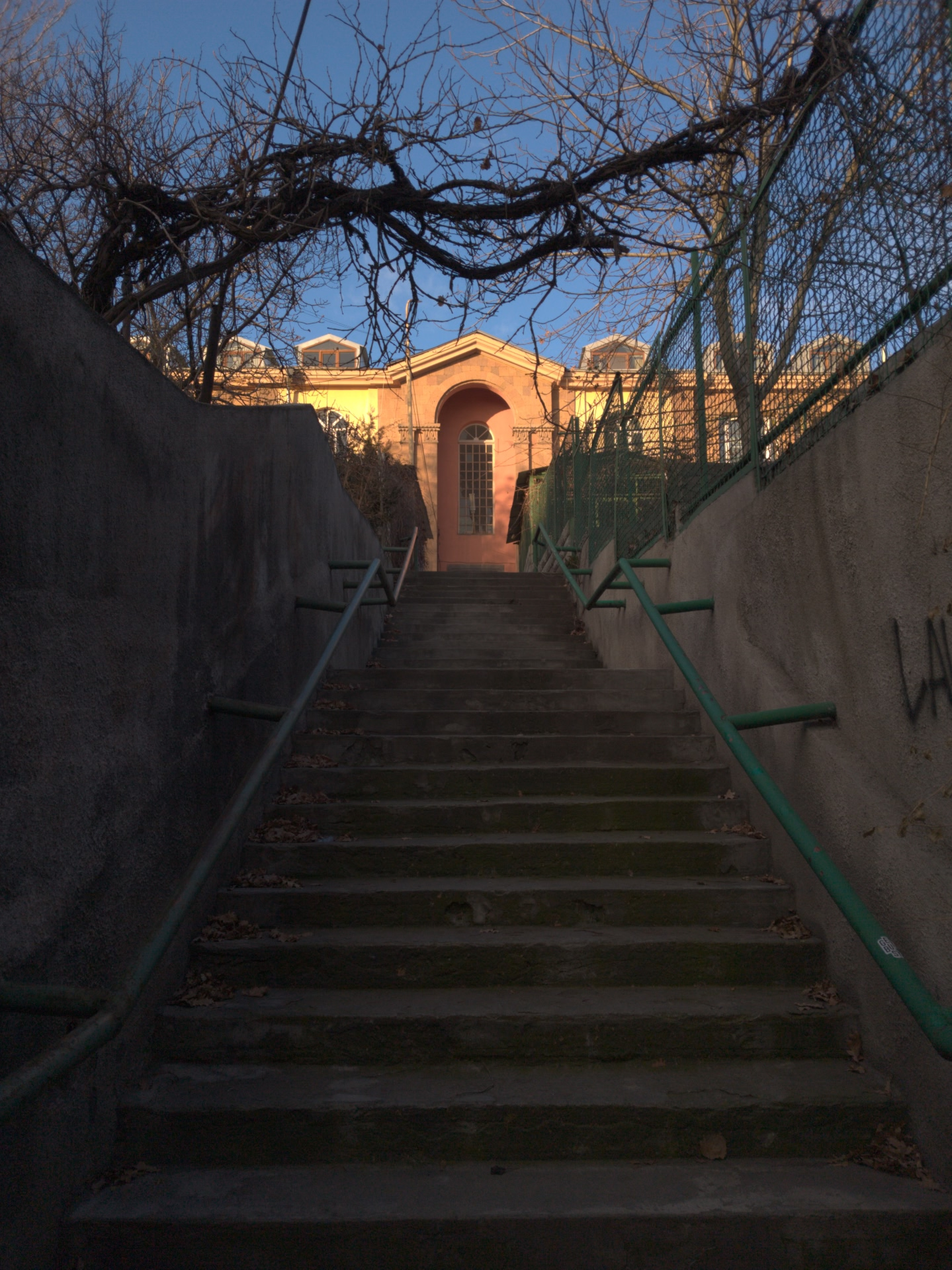
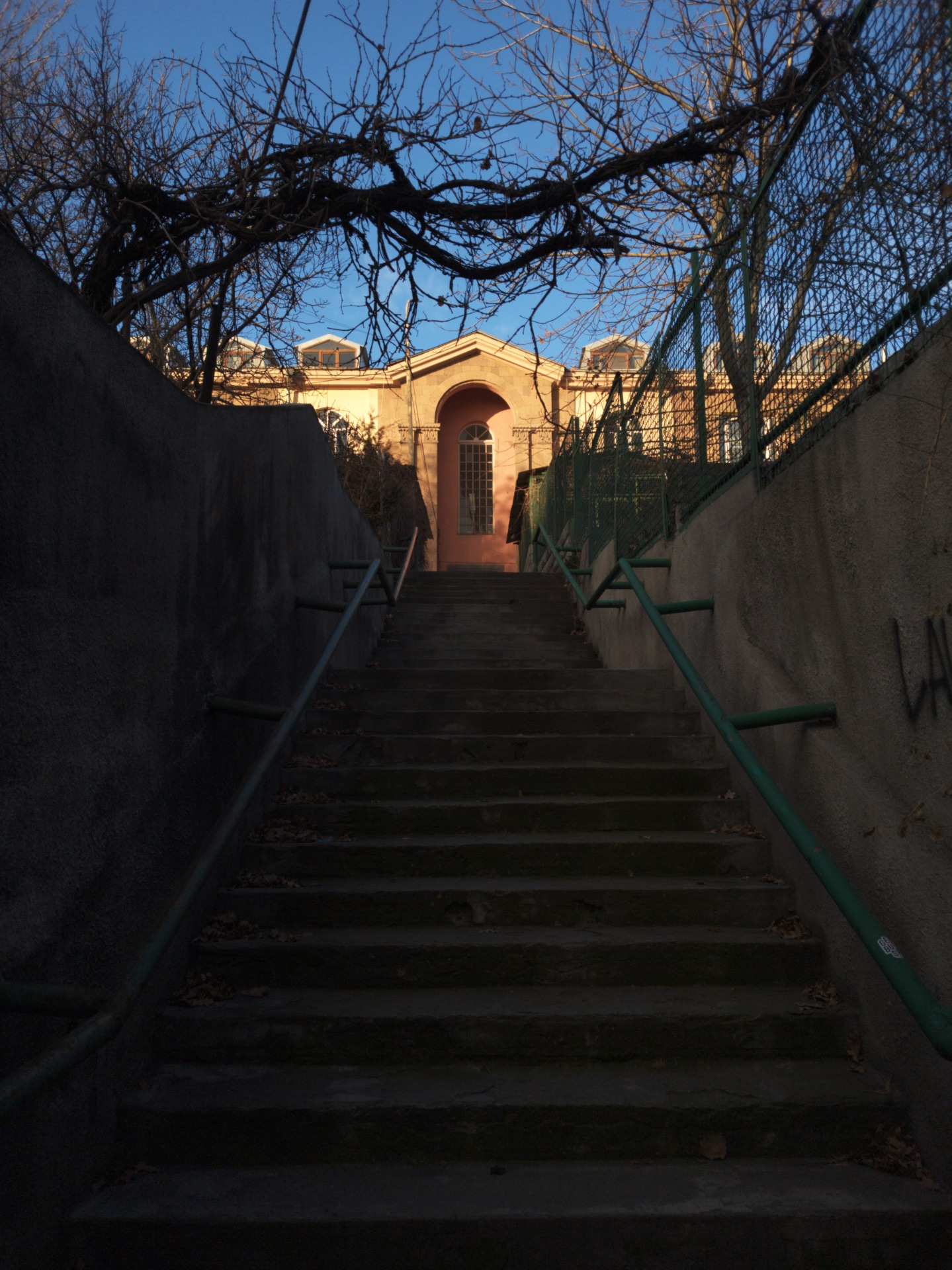
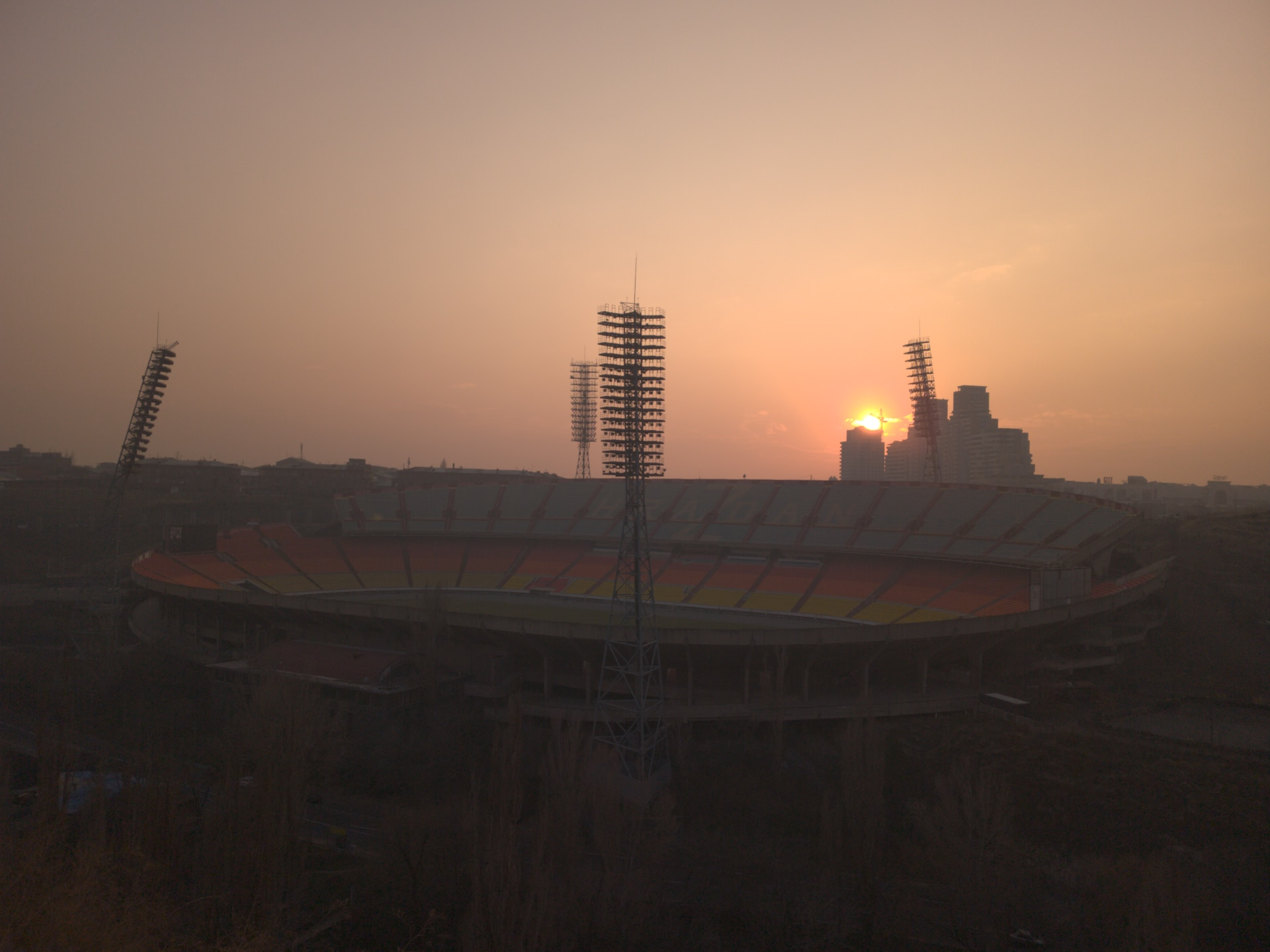
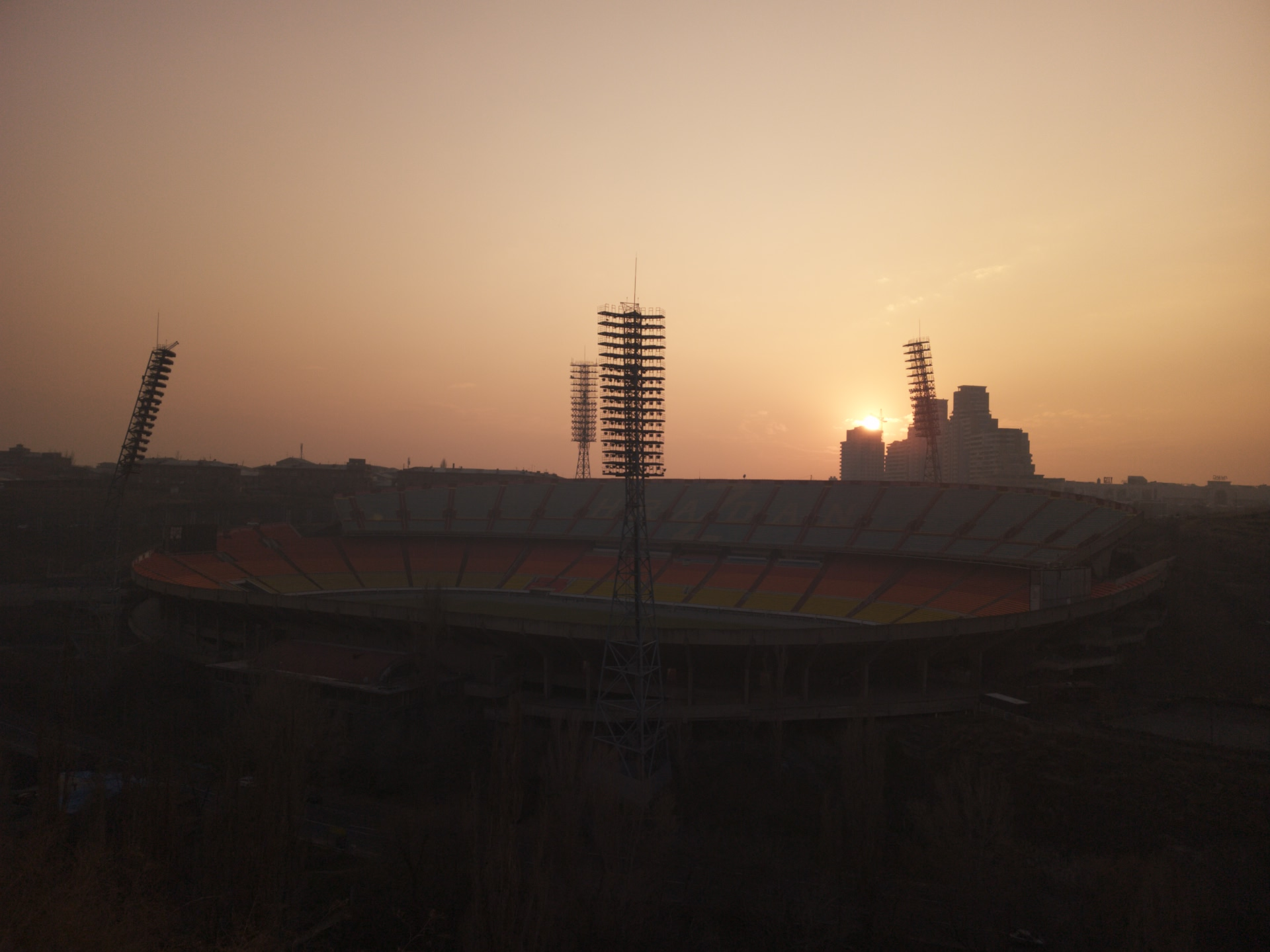
The LUT generator can be found here. All of the code is in the public domain:
My exact LUT can be reproduced with this command:
node . --format rt-clut --max-exposure 0.75 --shoulder 1 -o ketchunnaise-Rec2020.png
What doesn’t work well
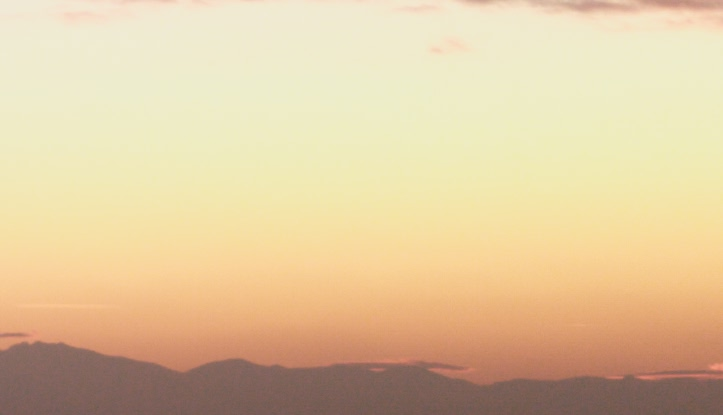
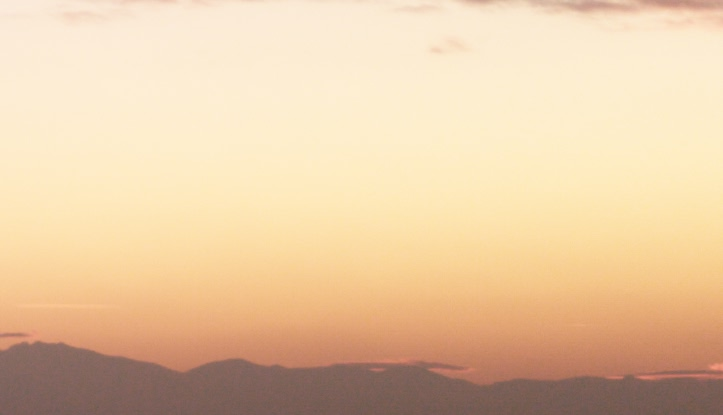
The “Clip out-of-gamut colors” option of the “Exposure” tool seems to perform some sort of hue-preserving gamut clipping, which breaks highlights before they arrive to the LUT, so I have to disable it.
Clipping on:
Clipping off:
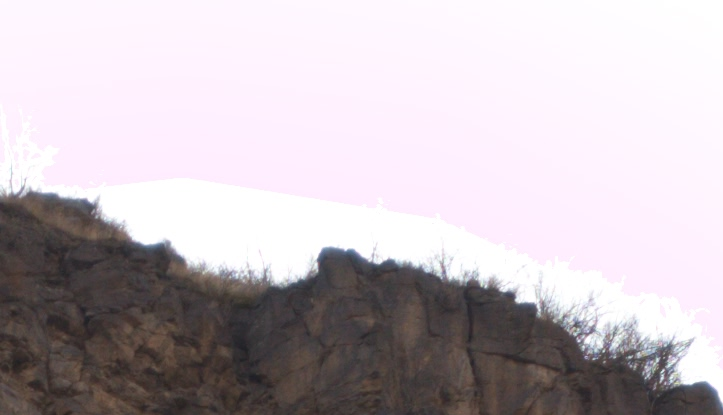
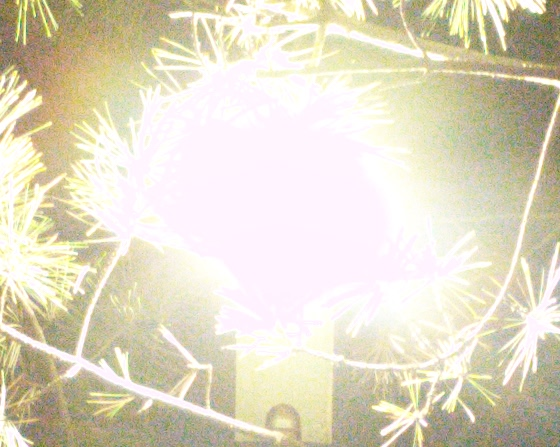
Some photos with wildly out of gamut areas, like these ones attached, seem to produce whatever this is:
two-thousand-and-three.dng (24.0 MB)
artificial-tree.dng (24.2 MB)
Switching the working profile from Rec.2020 to sRGB (while keeping the LUT Rec.2020) seems to fix this without breaking the LUT in any way (the photos in the “How?” section were also processed in sRGB):
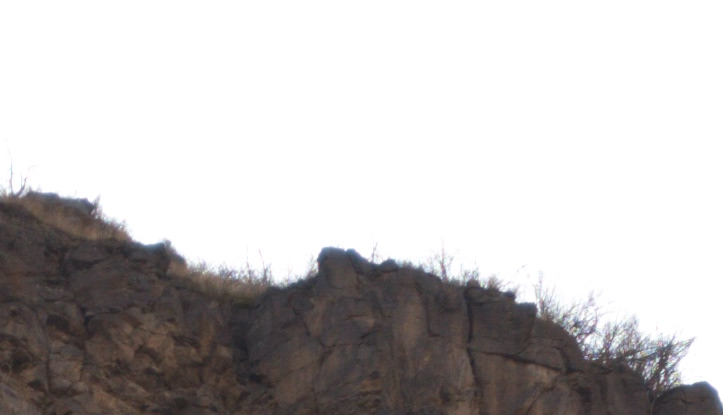
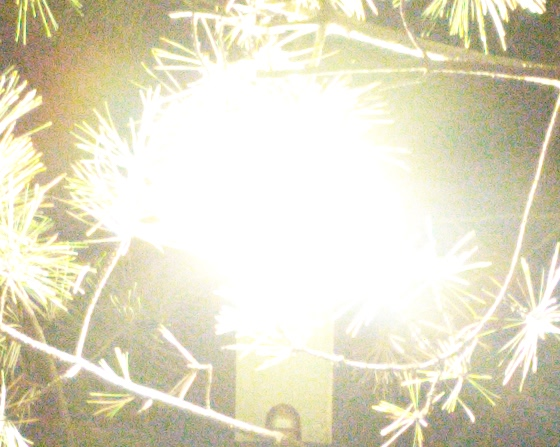
There’s 1 photo where it still breaks, but I’m completely at a loss here:
just-a-week-away.dng (24.0 MB)
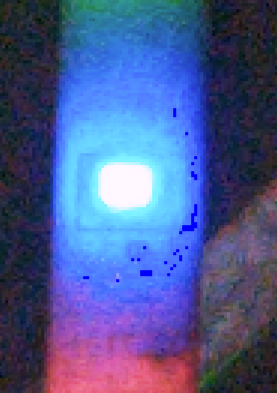
Setting the working profile to ACESp0 fixes it…:
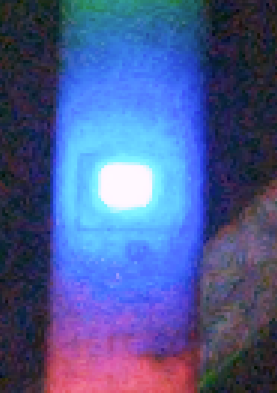
…But then it reintroduces the same issue as in the street light photo:
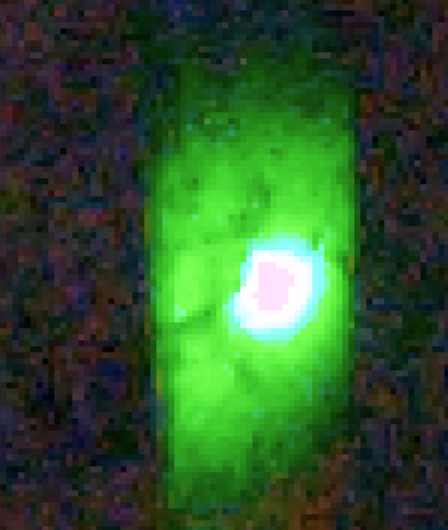
So I guess that’s about as far as I could take it. I’m hoping RawTherapee adds another LUT format because, as you can probably tell, this is quite finicky.
 ) type images (perhaps these remain in sRGB gamut ???). Interesting to see these developments coming through.