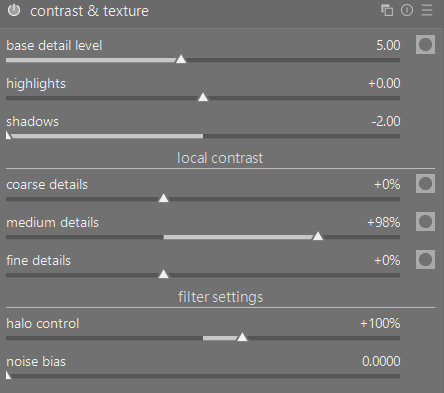
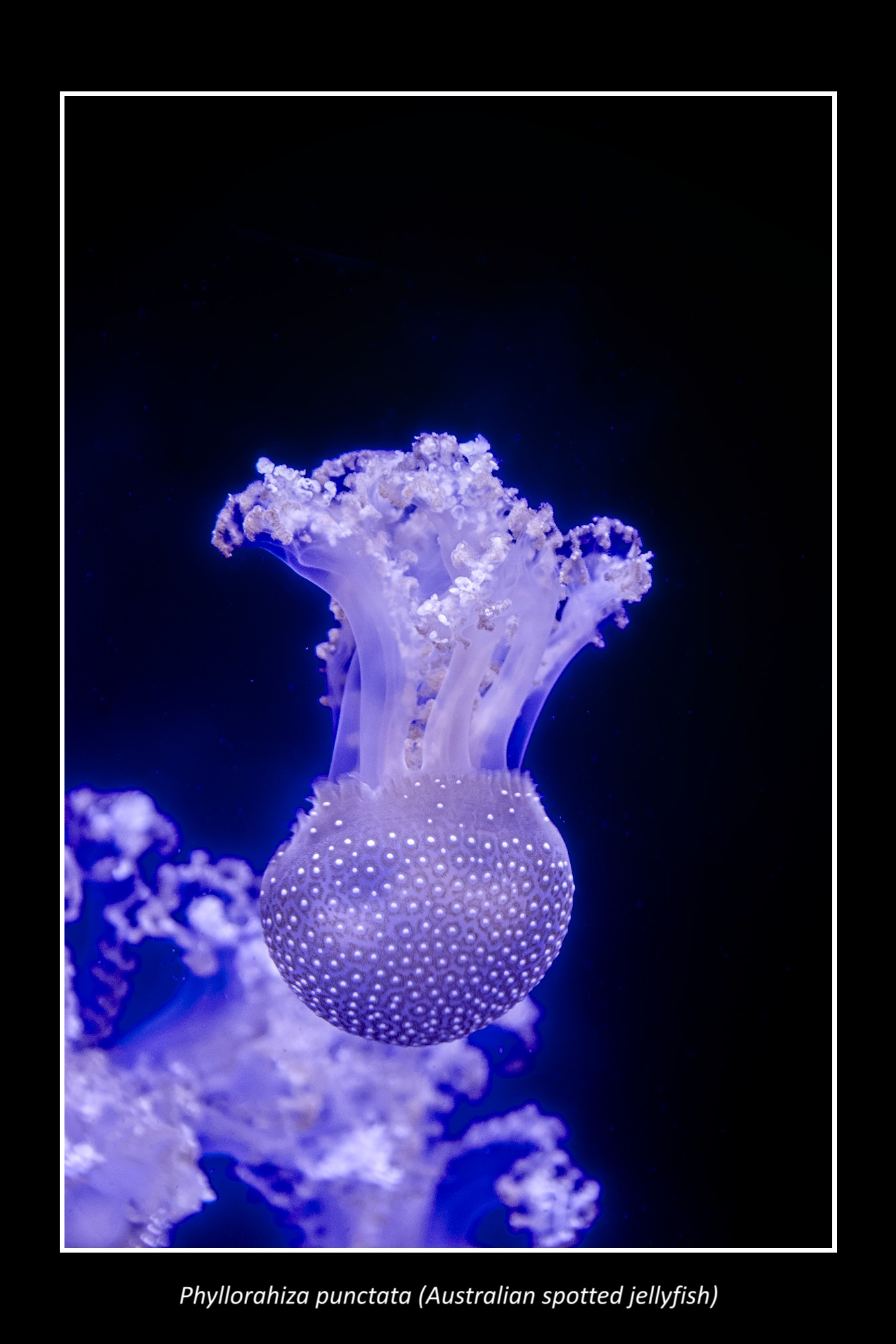
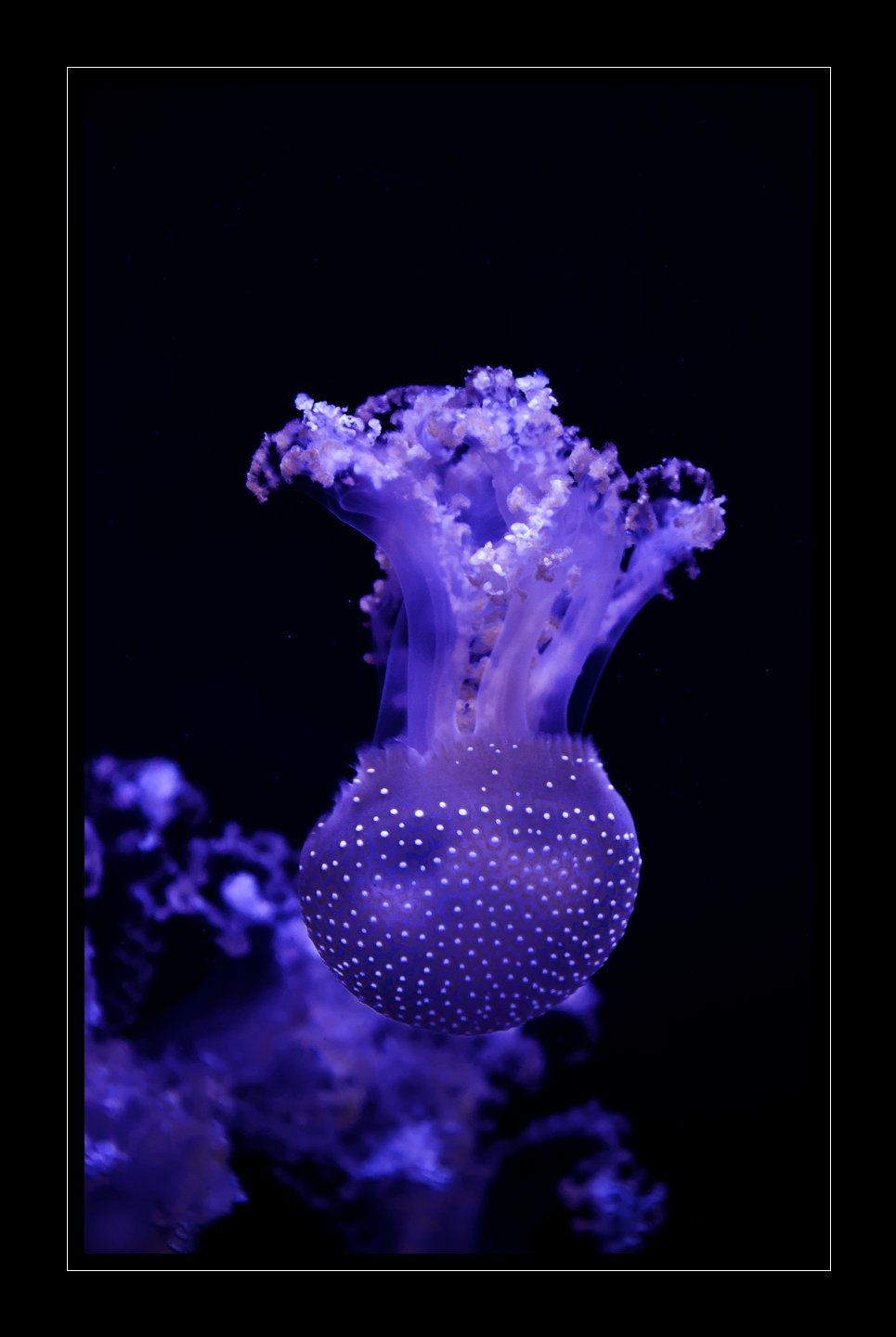
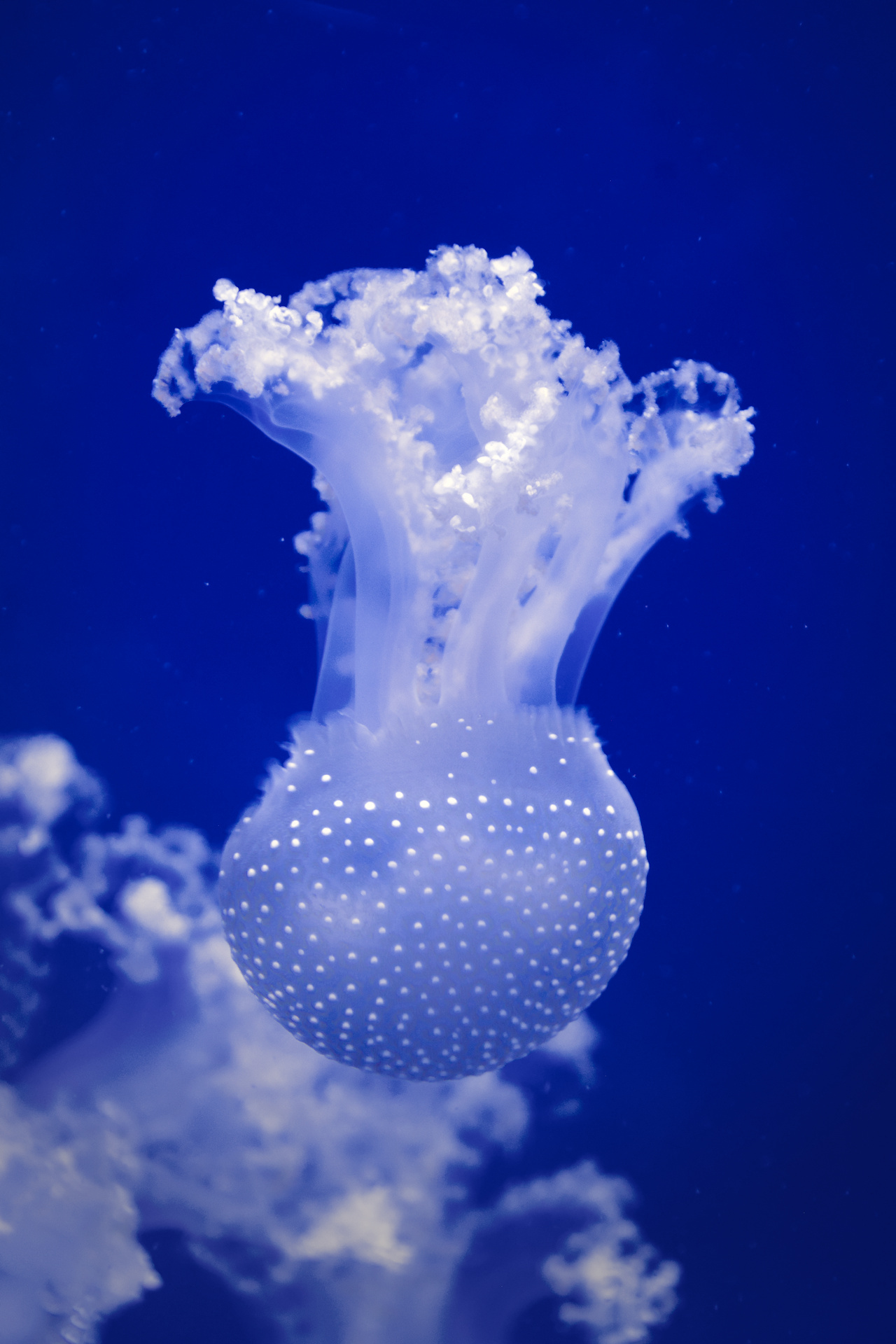
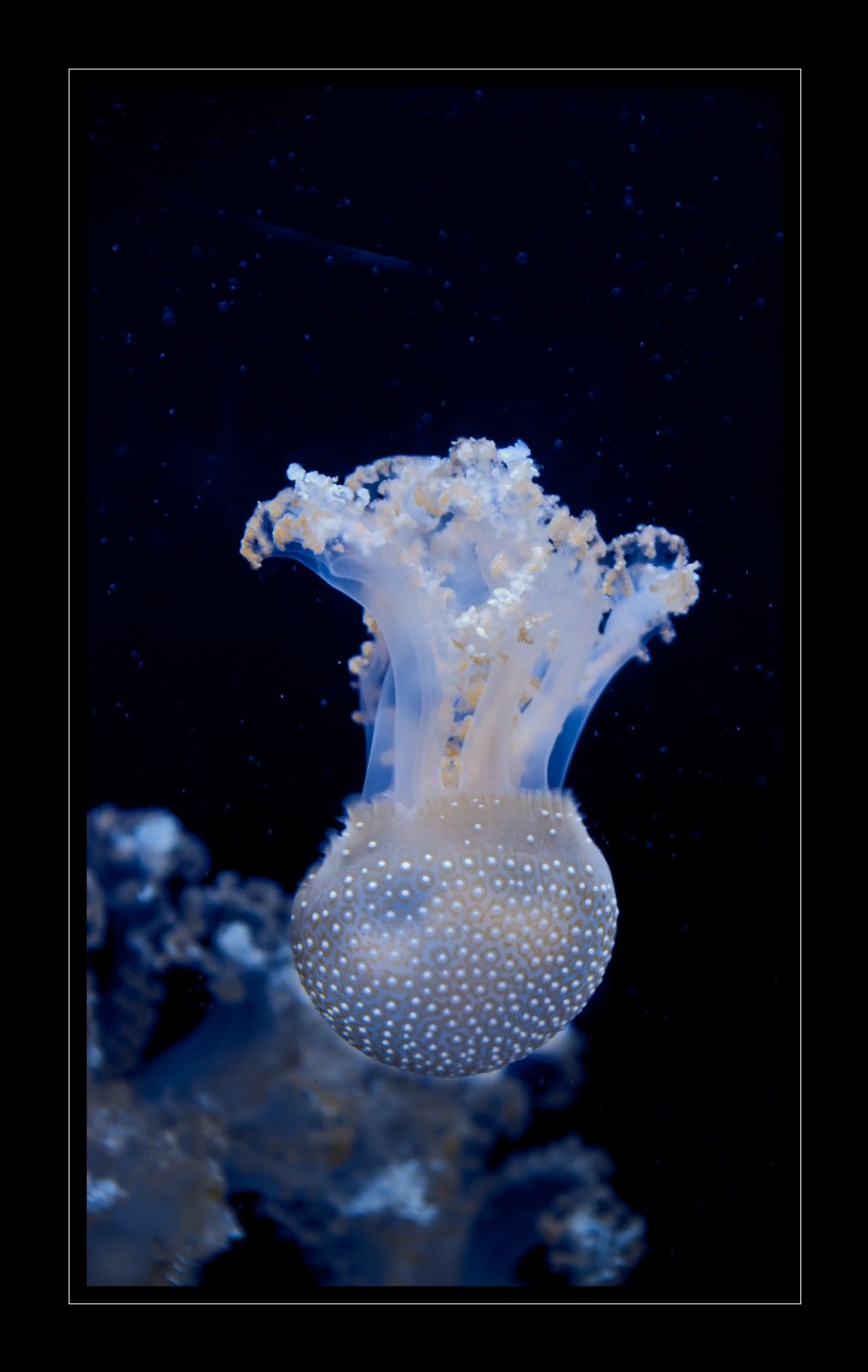
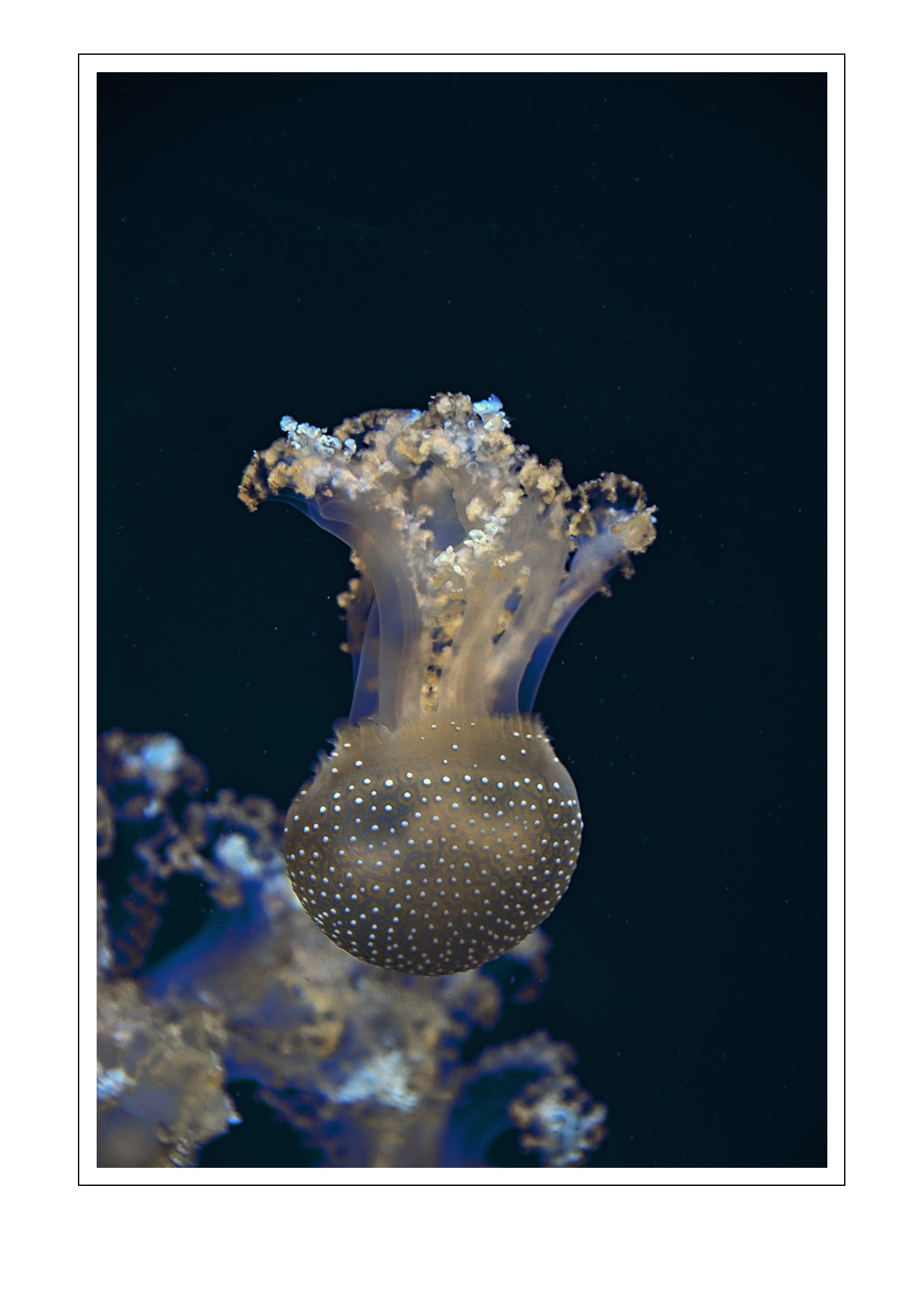
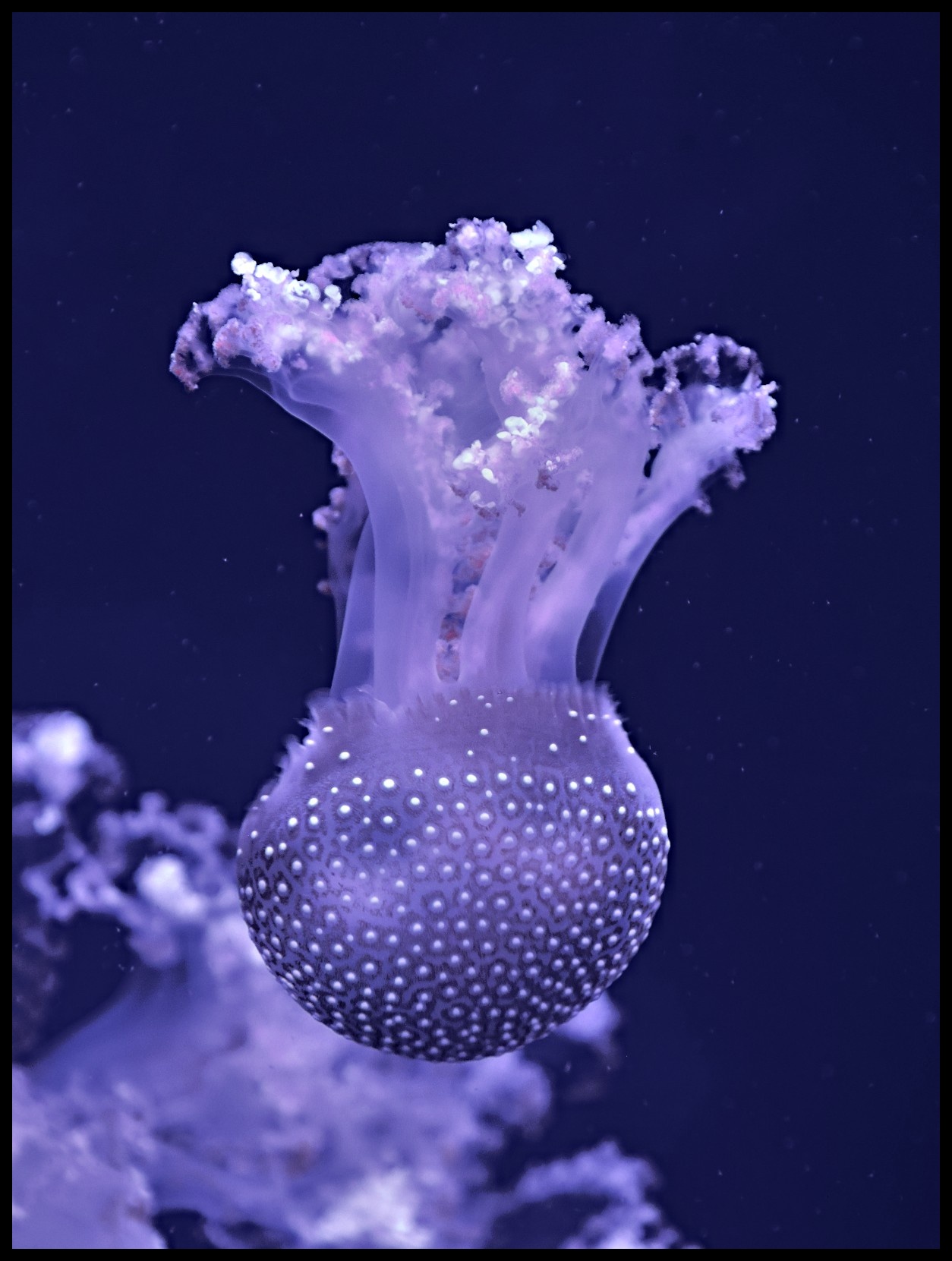
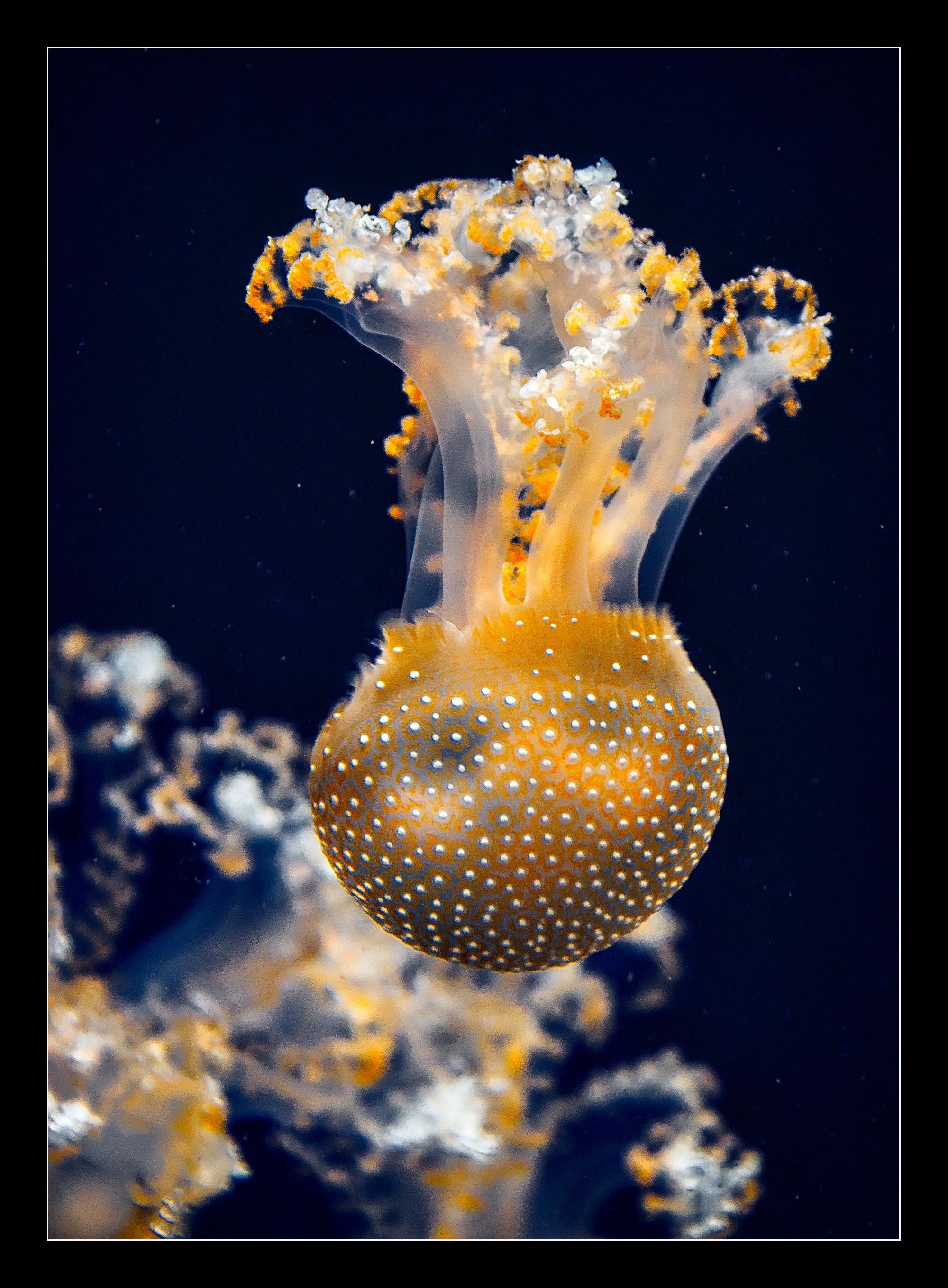
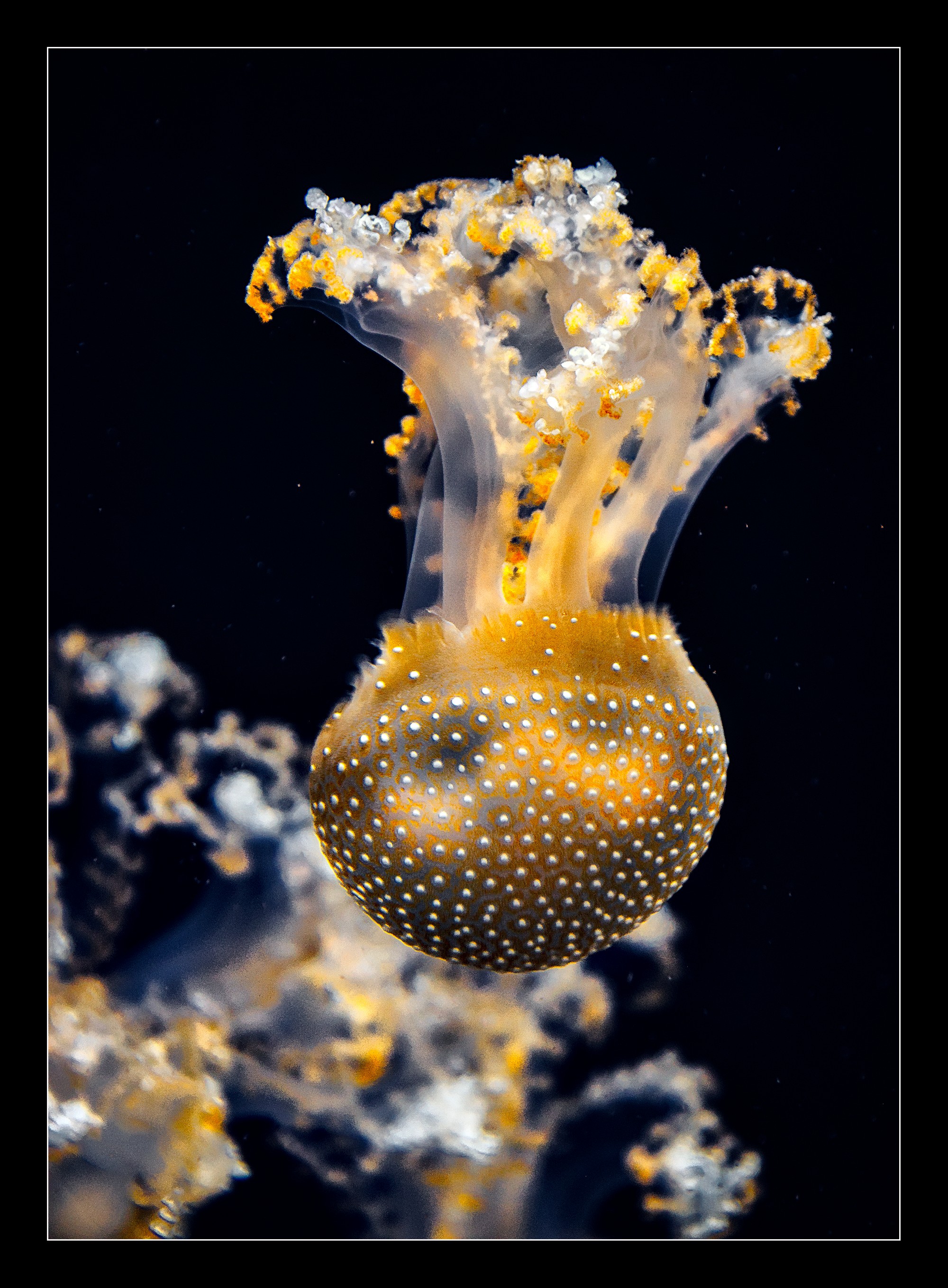
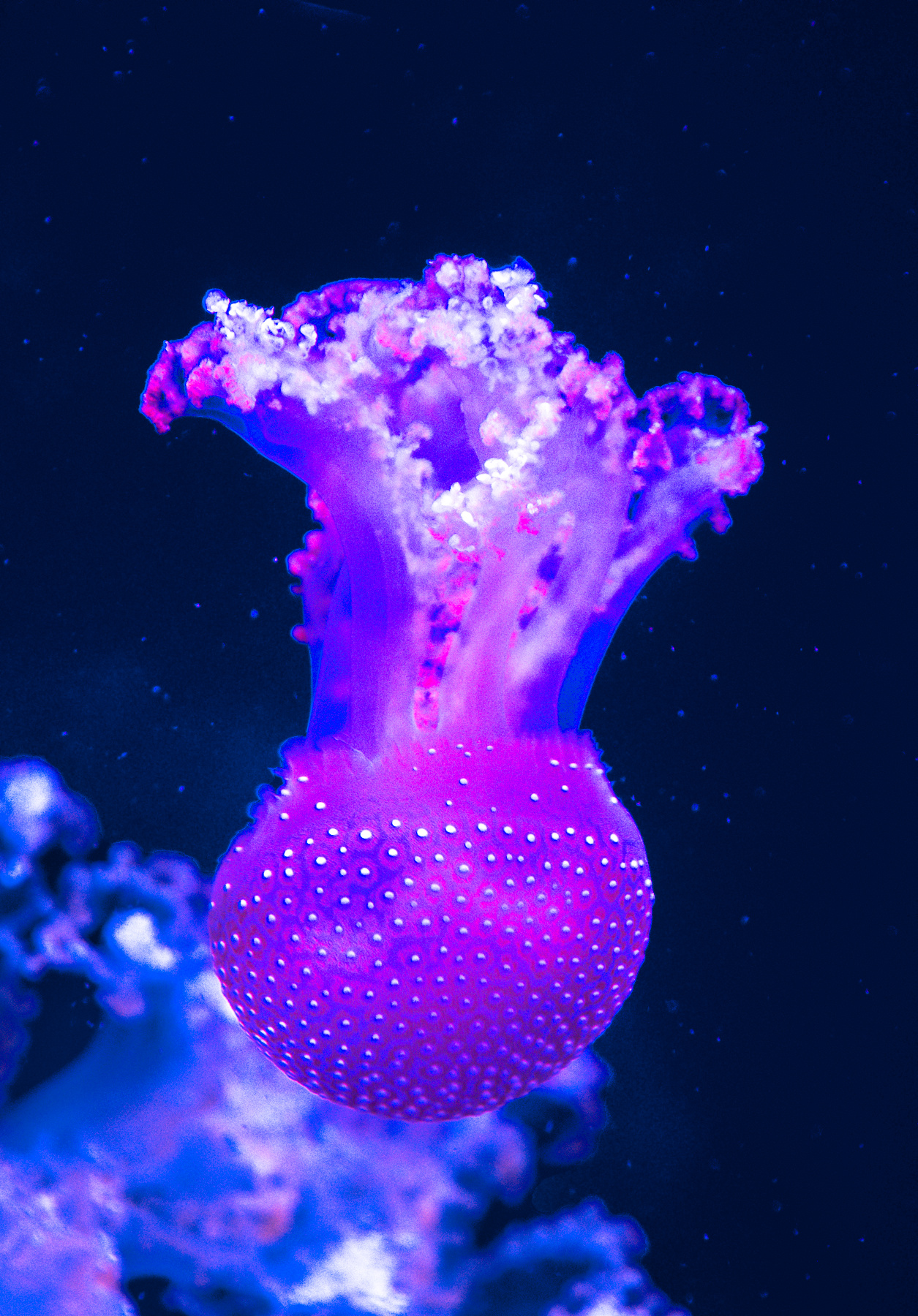
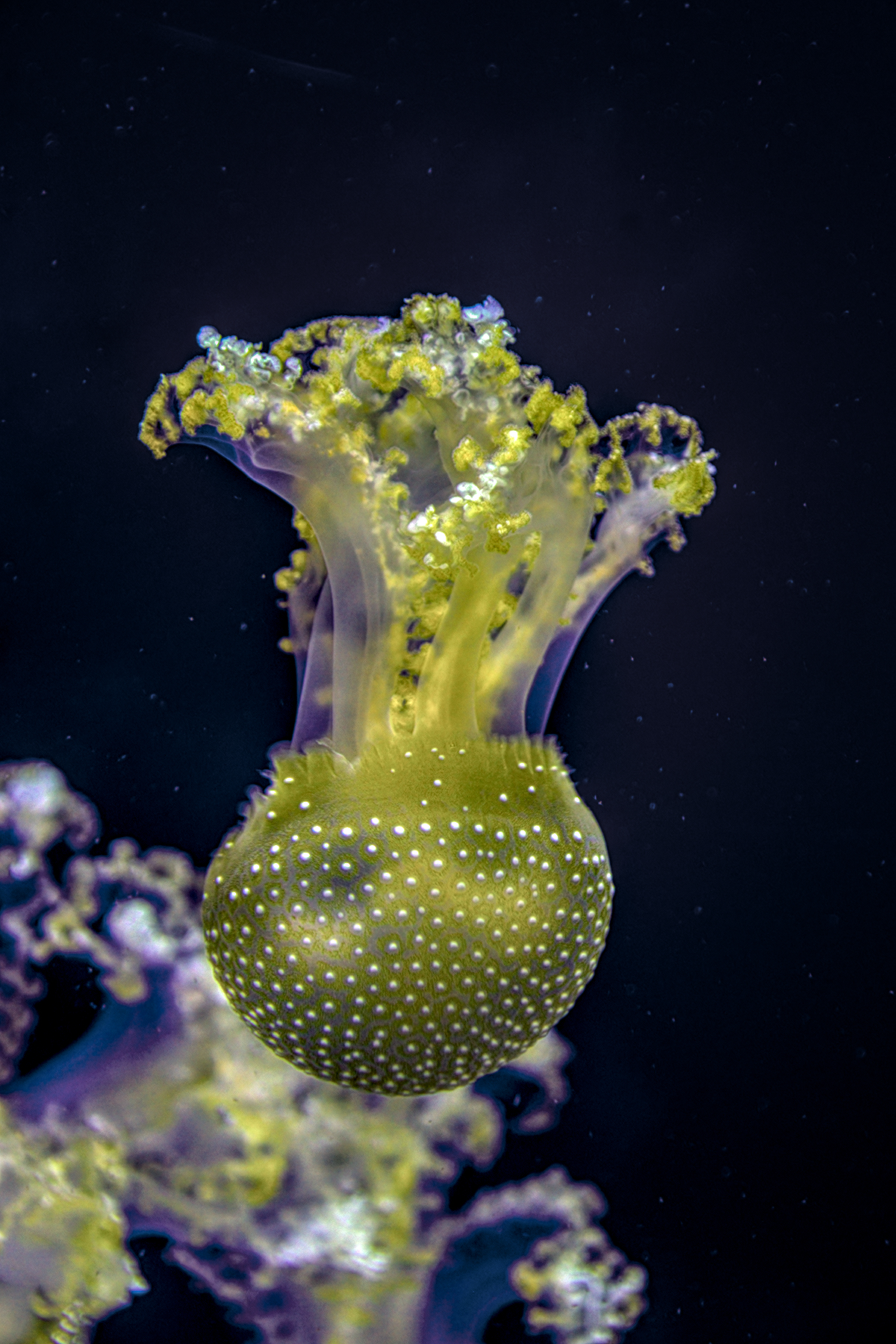
Any program is welcome for this edit but I thought it was a good one to understand a bit more about the new contrast and texture module in DT 5.7.
I found it helpful to better understand the fine, medium and course detail sliders better. I also darkened shadows a lot . But I am still on L plates with this module.
Hi Terry … sorry I do repeat myself , at least I think so .
Nice try … to show something new or your way of using the module .
I do See one major issue , the captured file is not sharp at all .
So why working on a photograph that his not sharp and displaying it to show the capabilities of. a certain module ?
I do not want to step on your toes … I would rather like to understand why you go along that route ?
Why not working on a good solid sharp base image … to show the great capabilities of the module ?!
Let me know what you think about any thoughts ?!
Beautiful!
Used ‘contrast & texture’ for first time.
Turned of ‘sharpen’, ‘contrast equalizer’ and ‘local contrast’ modules I usually have on.
Trying to get to know the new masking panel as well.
@helgeschneider
I do believe a super tack sharp & noise free picture will show of the capabilities of this new module at max.
On the other hand, life is different and presents us with noisy pictures, some not 100% optimally sharp.
So lets see how the module plays out in different situations. Which is an indirect invitation to you to make us happy with a super sharp play-raw challenge.
Underwater images are often not razor sharp. I feel the module returned some degree of sharpness or detail to the jellyfish and brought it back to acceptable in my view.
EDIT: I selected this image because it wasn’t perfect but I felt it was worth saving. The new module presented one tool to help with saving the image and I found it demonstrated the individual sliders well to me and improved my understanding of the module.
I’m not using master, but I’ve used a few DorS instances to increase contrast.
Some unusual preliminary white balance settings because of the amount of blue… I hope it helped
When you get access to the new contrast and texture module it is less resource intensive than the DorS module. Also the sliders and masks are easier to understand.
I like your white balance adjustments. I stuck with WB as shot but yours is a nice interpretation.
Would not share your thoughts at all , IMHO a unsharp capture has to be binned and a "UW " image should be sharp as well .
But we might see things differently and have different expectations of a usable file
Something tells me that this shot was captured in an aquarium rather than in the open ocean …but I might be well wrong .
Just look at the used gear … not a traditional UW kit , but you might know better . My personal time " UW " was with analog … and manual kit . And there was a lot of rubbish shots … and there was no deleting , there was just throw the color slides into the bin .