A bit of clarity here:
Highlights and Shadows work very similar to your typical Lightroom/Capture One, moving the brighter and darker sections.
Lift moves the black end, carrying shadows and midtones with it while keeping nominal white anchored. Raising it gives blacks a faded appearance, lowering it adds weight.
Gain scales brightness with black anchored, moving midtones and highlights together. It changes the image’s overall brightness and tonal spread.
Midtone detail works like a clarity slider, adjusting local texture contrast.
Color boost works like vibrance, lifting muted colors with neutral gray protection, saturation works like… well, saturation, multiplying all colors equally.
Marked approximate: these are modelled from sample photographs rather than manufacturer data
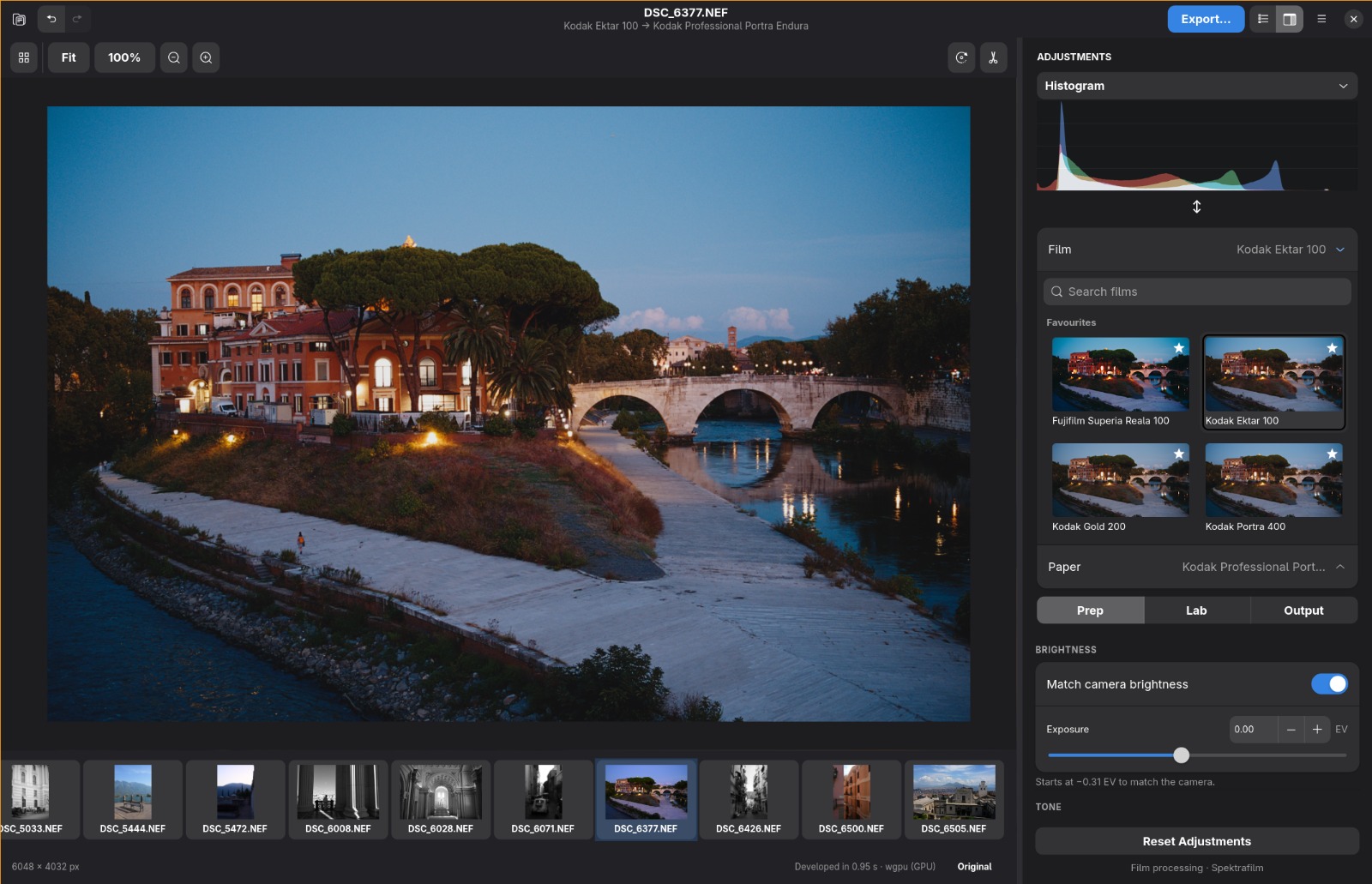
Another highlight is the new “Prep” tab with an auto exposure feature that matches the exposure of the original photo, shadow, highlight, saturation and more controls (thank you @Chris_Bailey).
This release also includes simplified MacOS controls and a redesigned windows UI and more features and bug fixes.
And even better performance!
Special thanks to yosoyelchris for Prep and Fotufilm for the film profiles.
I just try the new portable version and noticed the adjustments that I do in previous version are transferred, is it saved to EXIF or temporary file in OS etc?
It’s great, feels like Lightroom.
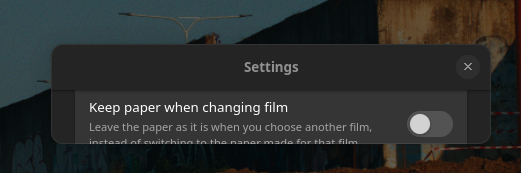
EDIT: I saw in setting, there’s start fresh and keep previous but my setting is the former, is it bug or happy accident?
I’d much prefer a simple file browser that shows one directory or all directories under it recursively. A library and database seems over engineered for what you are building.
Settings would be saved in XMP like files, like .neg (or .ngx if XML/XMP based).
This method also has the pro of the Negs settings always following the file (as long as you move both). A database only works as the image does not move. Being able to upload an .ngx to a Play Raw here on the forum would be cool.
That’s what I’m leaning towards! I’d love to gather peoples feedback here before I implement anything.
Your proposal sounds great! I want to keep the ease of use . I don’t want users to have to import photos like in Lightroom. If should open and be ready to edit a photo.
Oh no I’ll fix it soon. Linux received the least polish, but I want to completely rework the UI and polish it more soon. Eventually I want to abandon macOS…
No worries! I just wanted to see whats cooking up with the ported fotufilm profiles
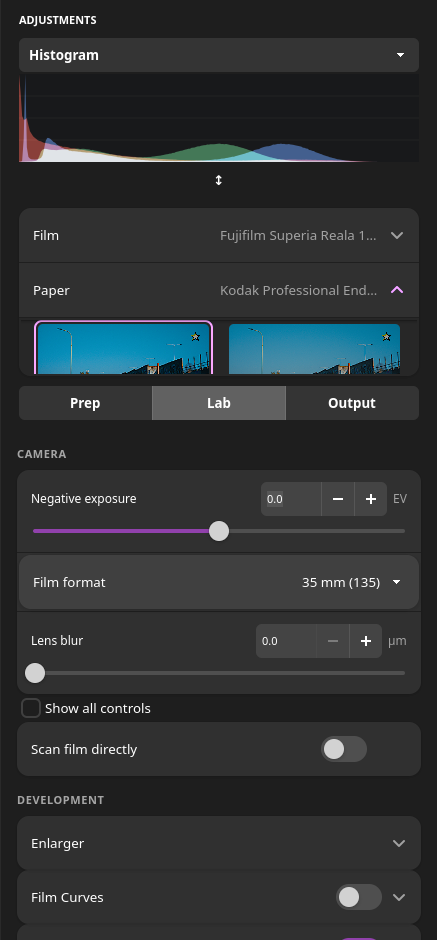
Btw, one thing that shouldnt be too hard to include and would do wonders - if I see correctly, the only thing that you can do in the DIR couplers module is to control the overall amount - one more slider, one that controls the inhibition spread+spread tail (perhaps in the default 10x multiplier) would do wonders - I always disliked the default 20/200um because of the sharpening/clarity it introduces, I usually set mine to 5/20 (but 5/50 is also good), but with just one slider you decrease the clarity effect while also loosing the color.
I think the layout is fine, just the “show all controls” button doesnt really stand out - quite the opposite .
On the 4K screen the buttons feel like theyre too tall, you could probably save some space by cutting the vertical spacing, but I am not sure how that translates for smaller screens, if youre doing any scaling - and how much of that is the gtk…
 A bit of clarity here:
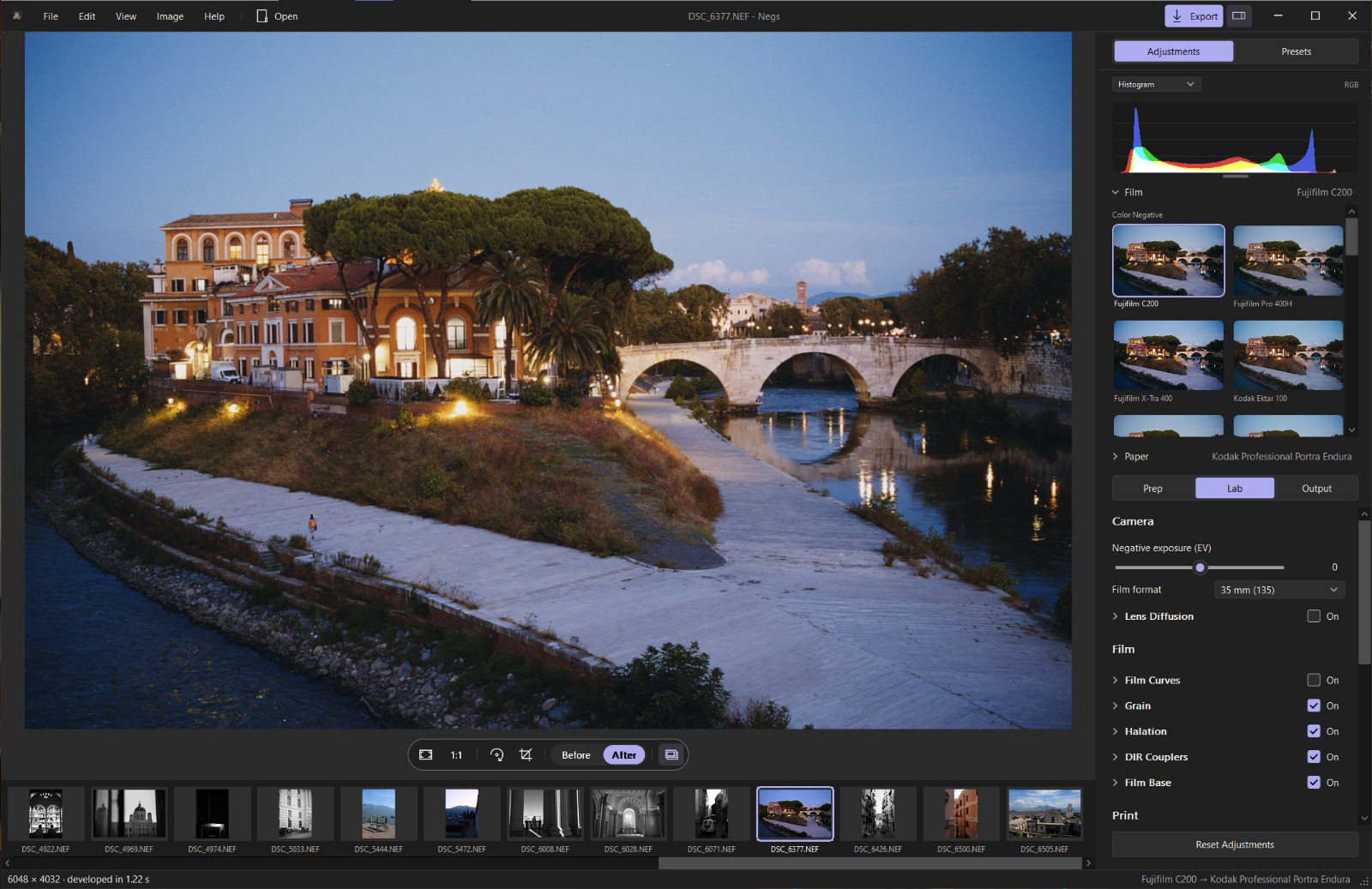

 I’ll fix it soon. Linux received the least polish, but I want to completely rework the UI and polish it more soon. Eventually I want to abandon macOS…