If I select Original in the History stack will that give me a Neutral raw file?
Does darktable carry out any adjustments unseen when a raw file is imported? Is a neutral clean raw file worth worrying about?
You can’t view a ‘neutral raw file’. You can turn off any curves (including filmic, sigmoid, agx). That’s probably as close to ‘neutral’ as you can get. Won’t be pretty.
1 Like
If you click on step 2 of the history stack which I think is often the raw white and black point and compress the stack you will see about 5 or 6 modules…these are the core and essential ones to view an image. You can still turn a couple of those off like wb and HLR but your image will likely become absolute garbage and look greenish…
If you now click on original and the top of the 6 or so module stack that I mention above you will see the image is the same so you can assume for the most part that clicking on original is about the most minimally processed version that you will see in DT and reflects those core necessary modules, again with the exception of further removing every thing that DT does allow you to turn off…but that generally never makes too much sense…
Depending on your workflow settings (except for none) by default DT will add exposure at 0.7 EV, color calibration, and a tonemapper.
2 Likes
Darktable only does what it shows you. Read the manual for the default modules to understand what they do.
No, but it is effectively what you get with darktable anyway.
Not entirely true, but it’s definitely not pretty.
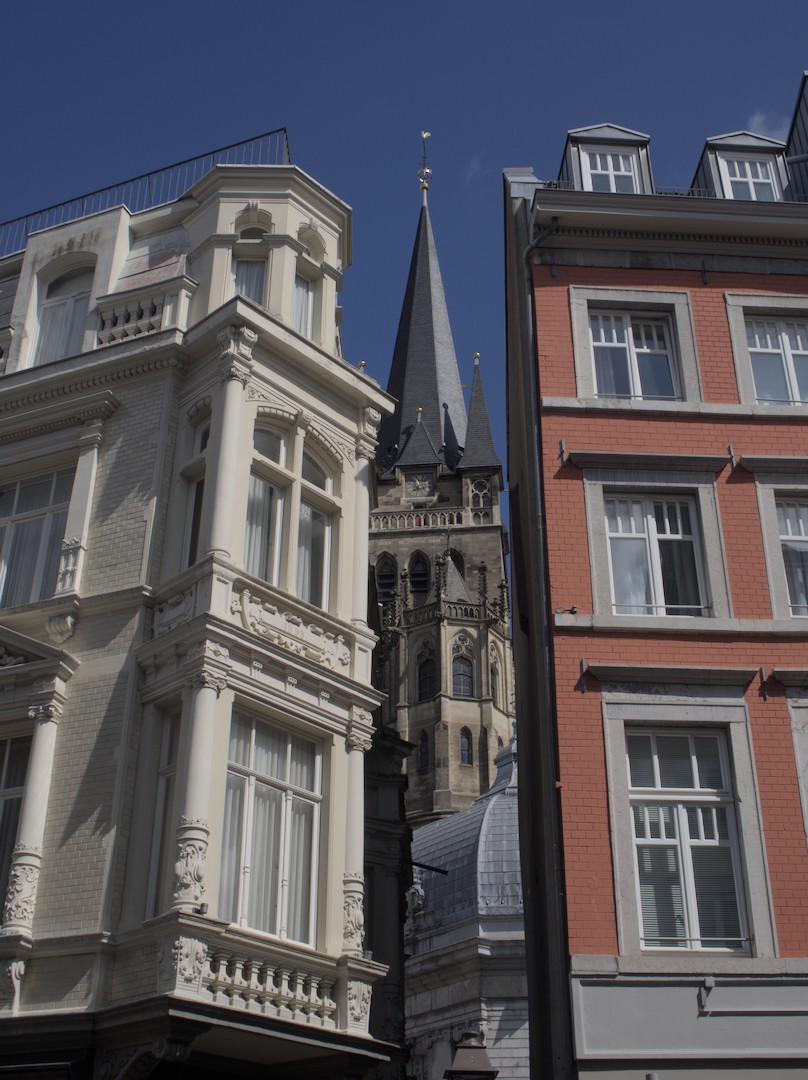
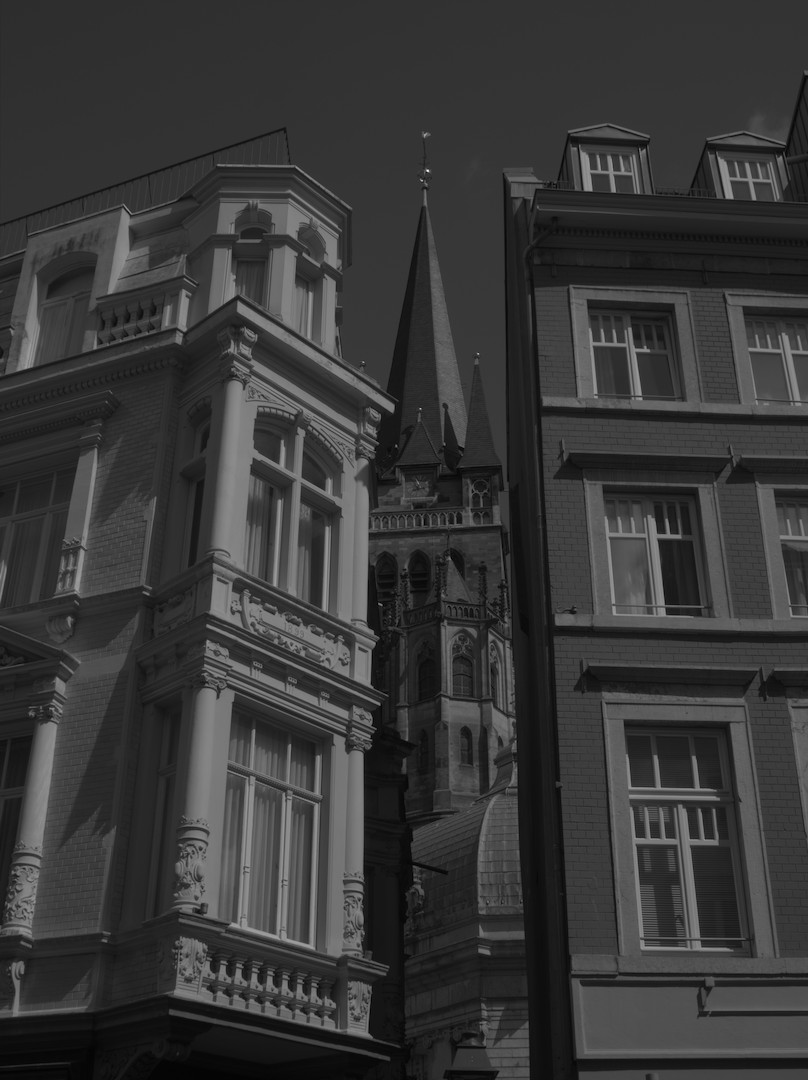
Default processing:
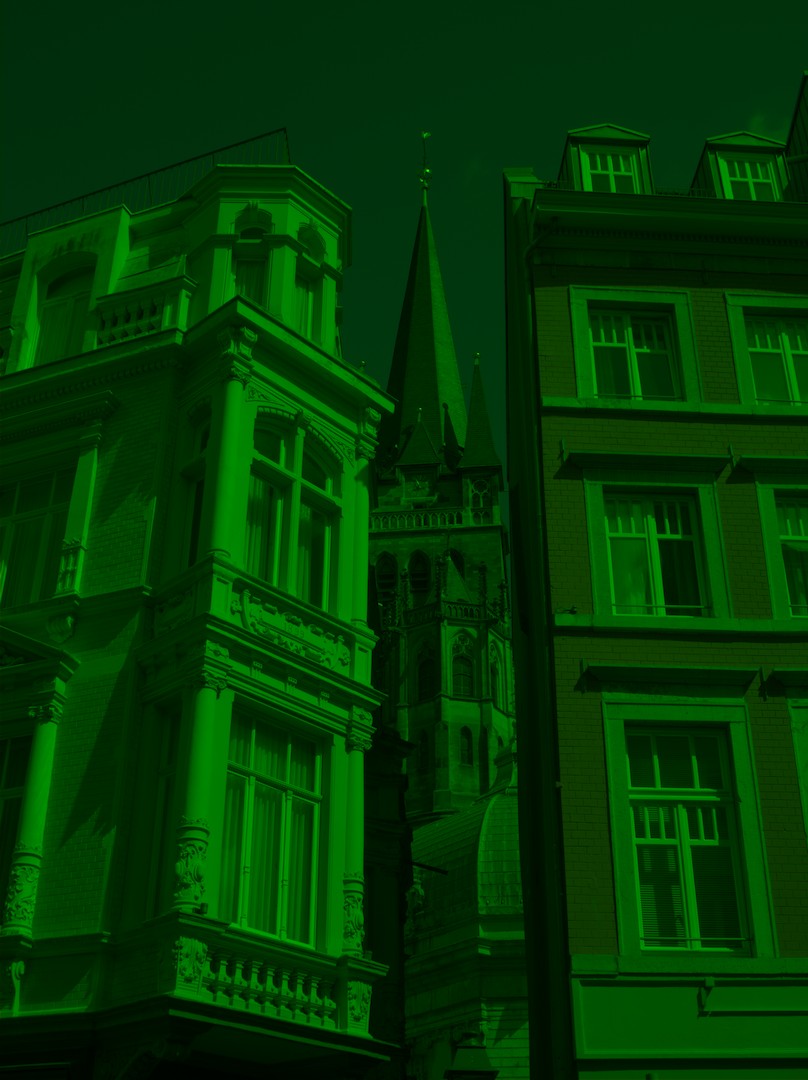
Photosite color only:
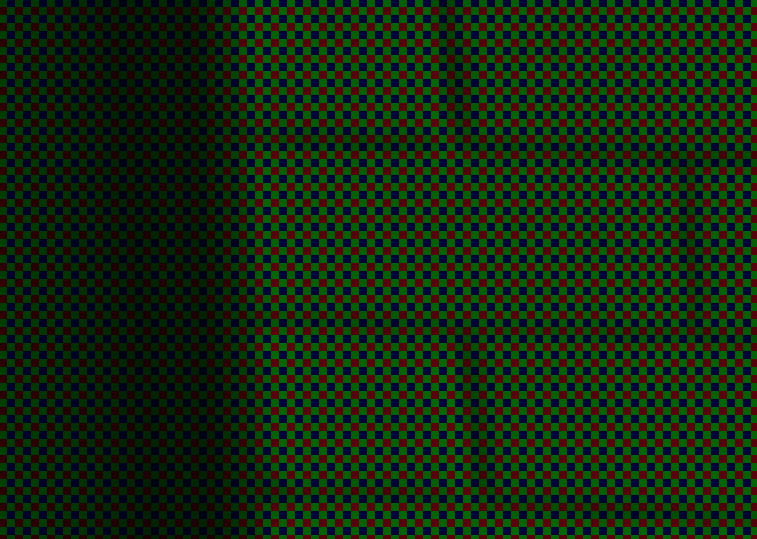
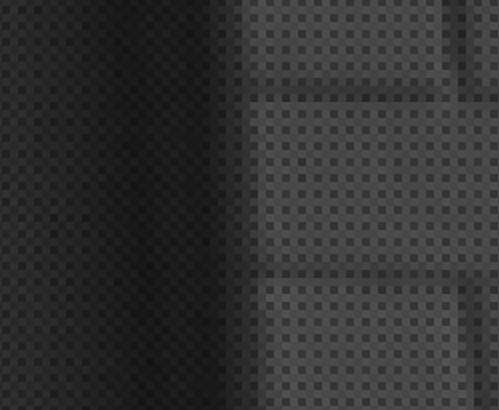
Photosite luminance (truly “raw”):
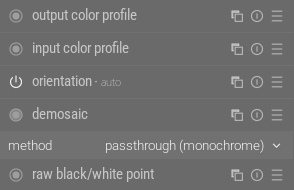
Don’t use it for black and white conversion:
4 Likes
No editing software is going to show you a true neutral raw. A raw file is unprocessed data and needs to be processed to some degree to present you with an image. Each program has its own starting point. Some programs hide what processing steps have been done to reach this point of viewing the image while DT reveals those steps.
Be careful not to confuse a neutral profile from the camera as a neutral raw file. It is not. It is still processed but with what the manufacturer has decided to call neutral.
I own a Canon R7. I have created a style that makes the image look like the out of camera JPG. I use this style as my starting point and it has sped up my editing process. This style is matching the cameras standard profile. I could make styles to match closely to other profiles available in the camera such as landscape, portrait or neutral. It is just a starting point for my edits, not the final look I am seeking.
2 Likes
Yes, I know it’s possible to go closer to the raw state, but I don’t think that’s what the OP meant.
You should trust the developers to give you a reasonable starting point. Other (commercial) raw developers usually do even more, just don’t show the steps to you.
What the initial steps do (though I only used white balance (WB) for this basic intro, and did not involve color calibration - the latter provides better results, complementing WB by taking the properties of human vision into account, which that module doesn’t do):
3 Likes