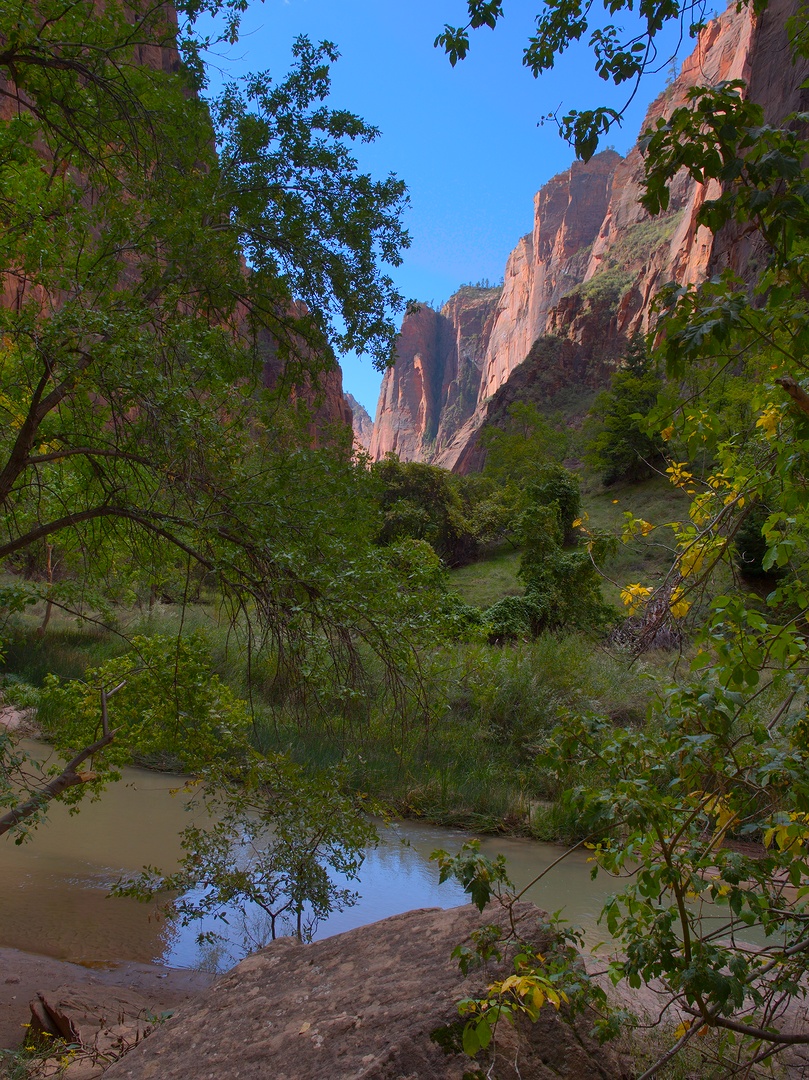
Some initial enhancements via RapidRaw and then more than too many G’MIC presets (softening/sharpening, color enhancement, etc.) and creative processing in the GIMP (i.e., secret sauce stuff (i.e, too lazy to outline). Of course my tastes aren’t necessary going to be pleasing to others. 
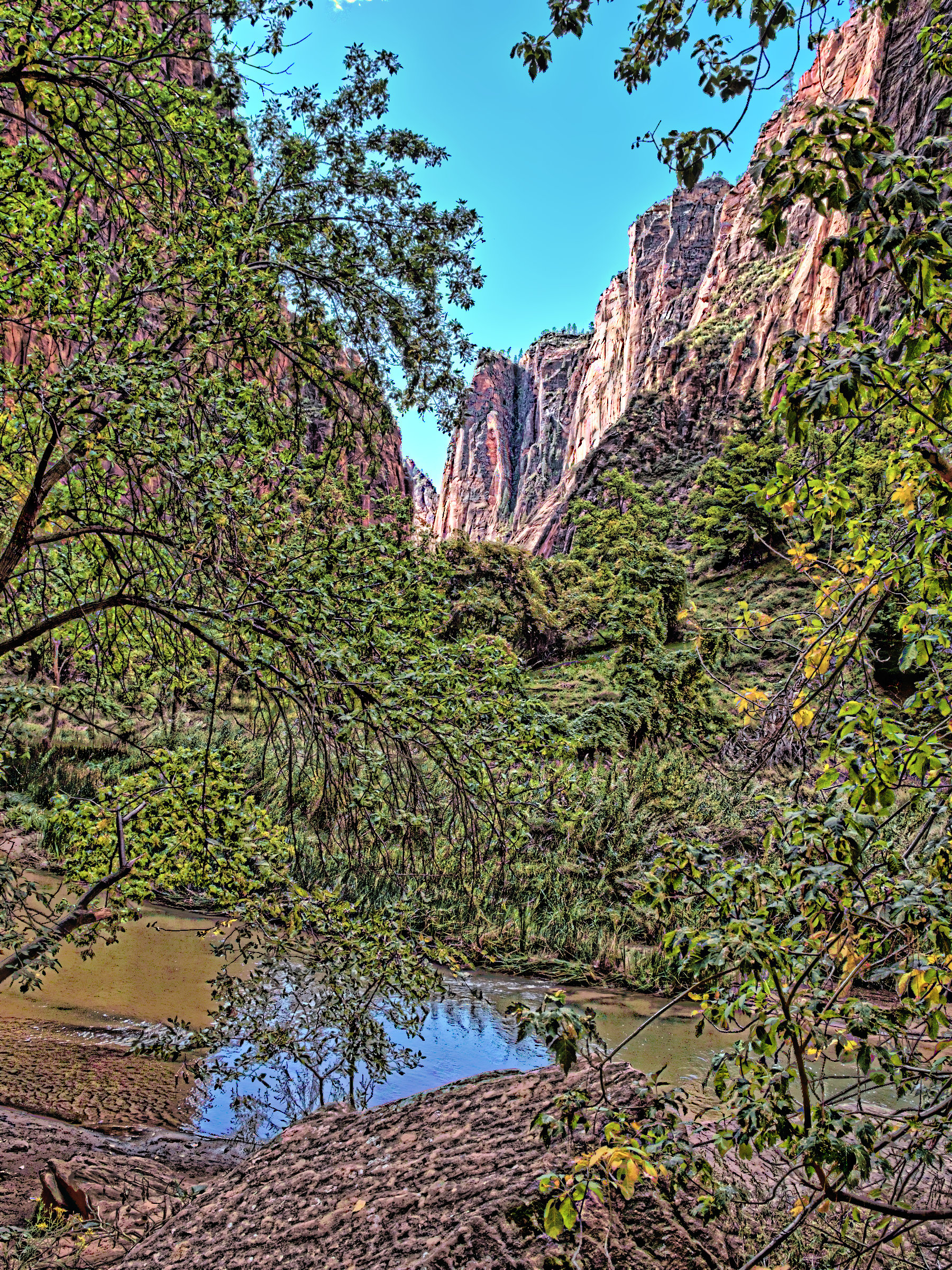
2 Likes
_1060066.RW2.xmp (16.2 KB)
2 Likes
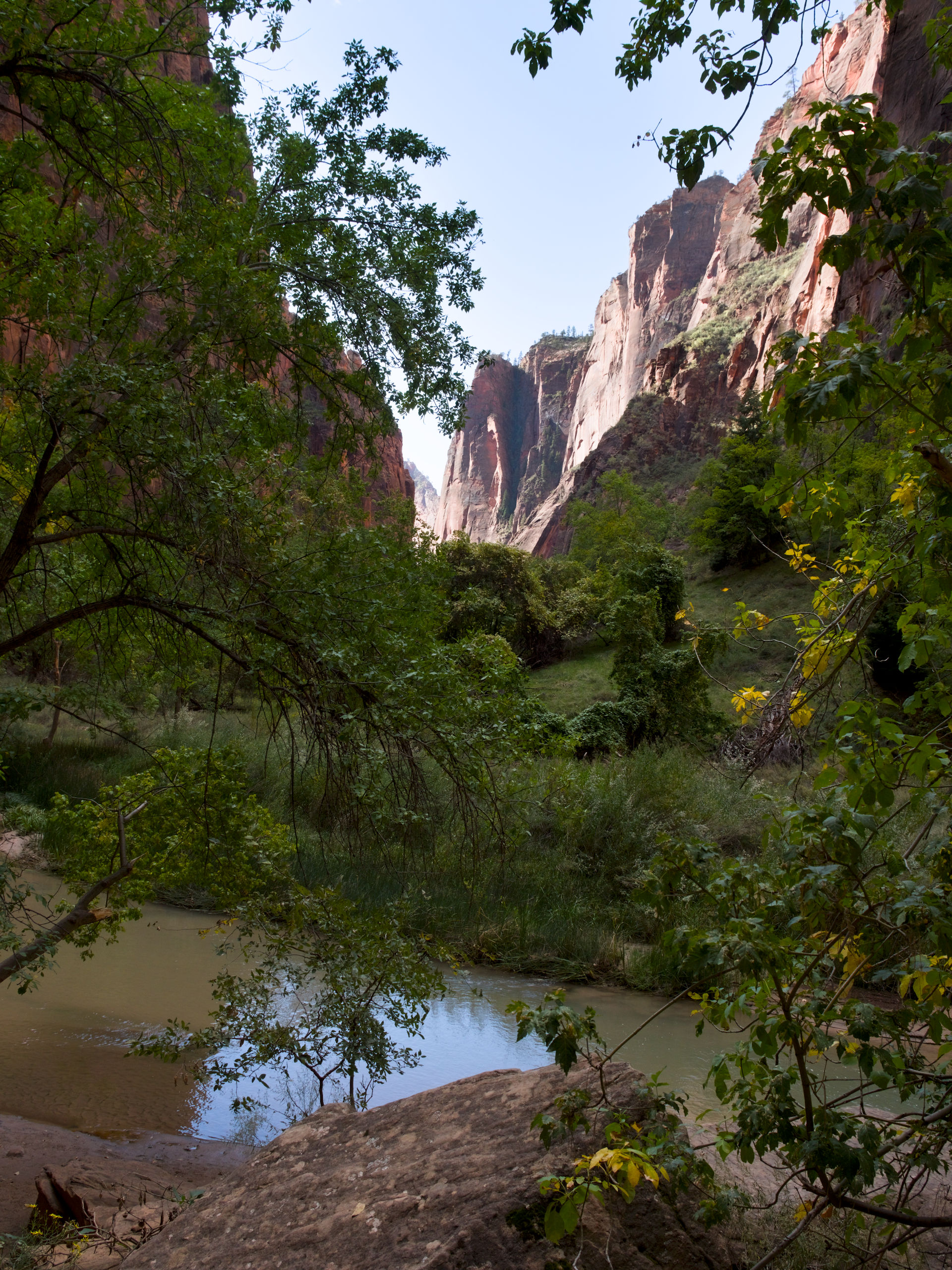
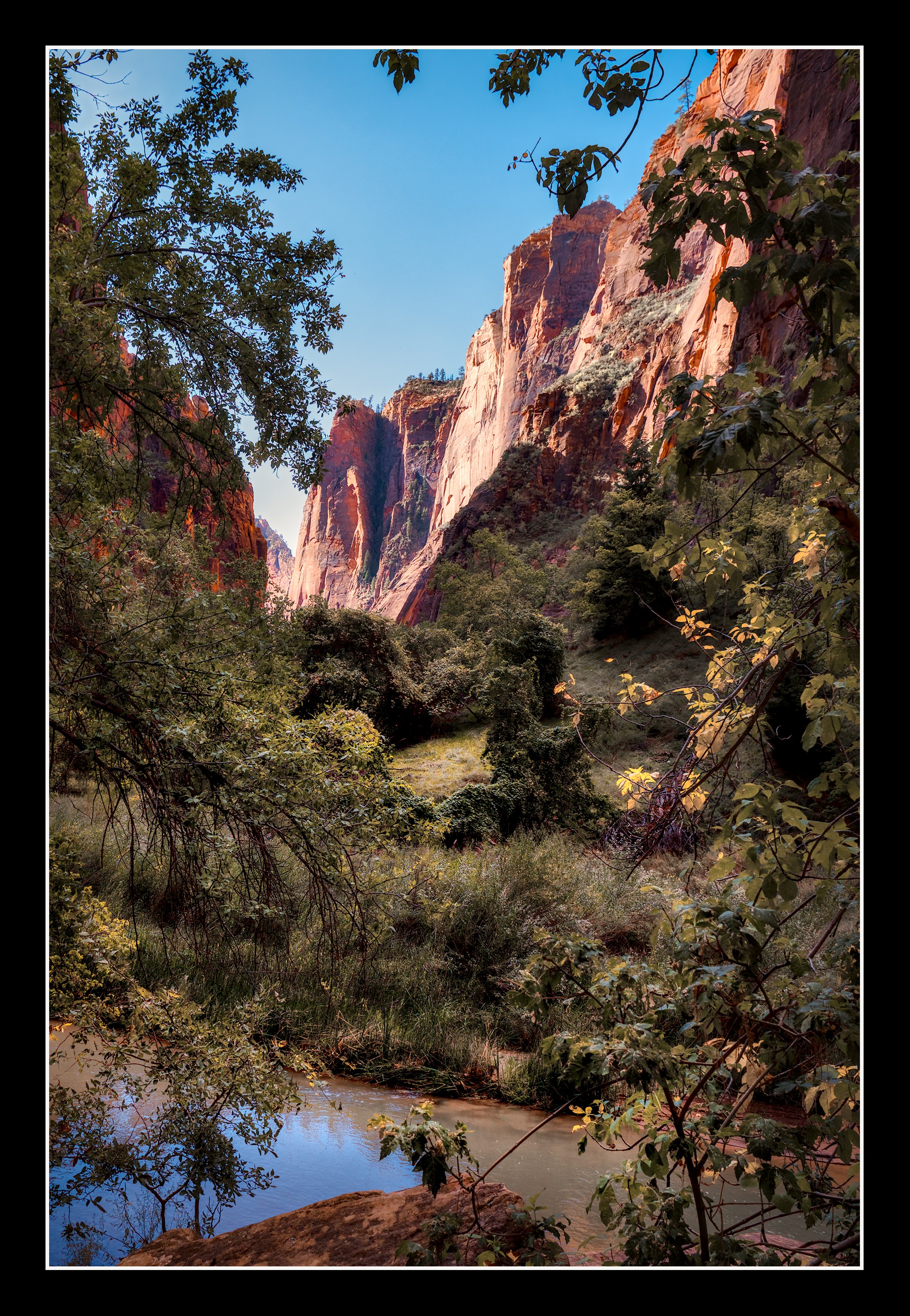
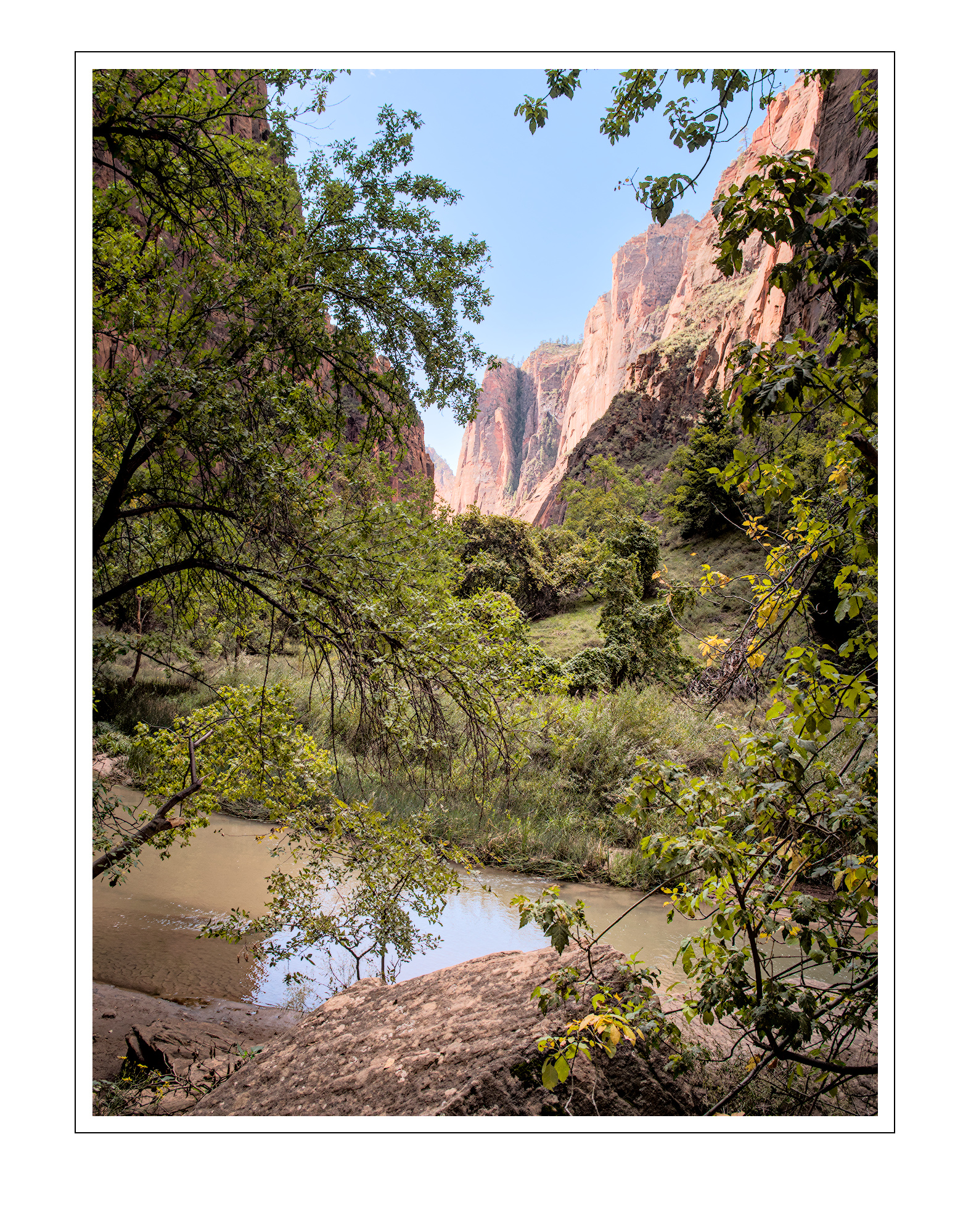
Didn’t do much for protecting the highlights here, the dynamic range wasn’t that big for my rendition with a slightly underexposed foreground.
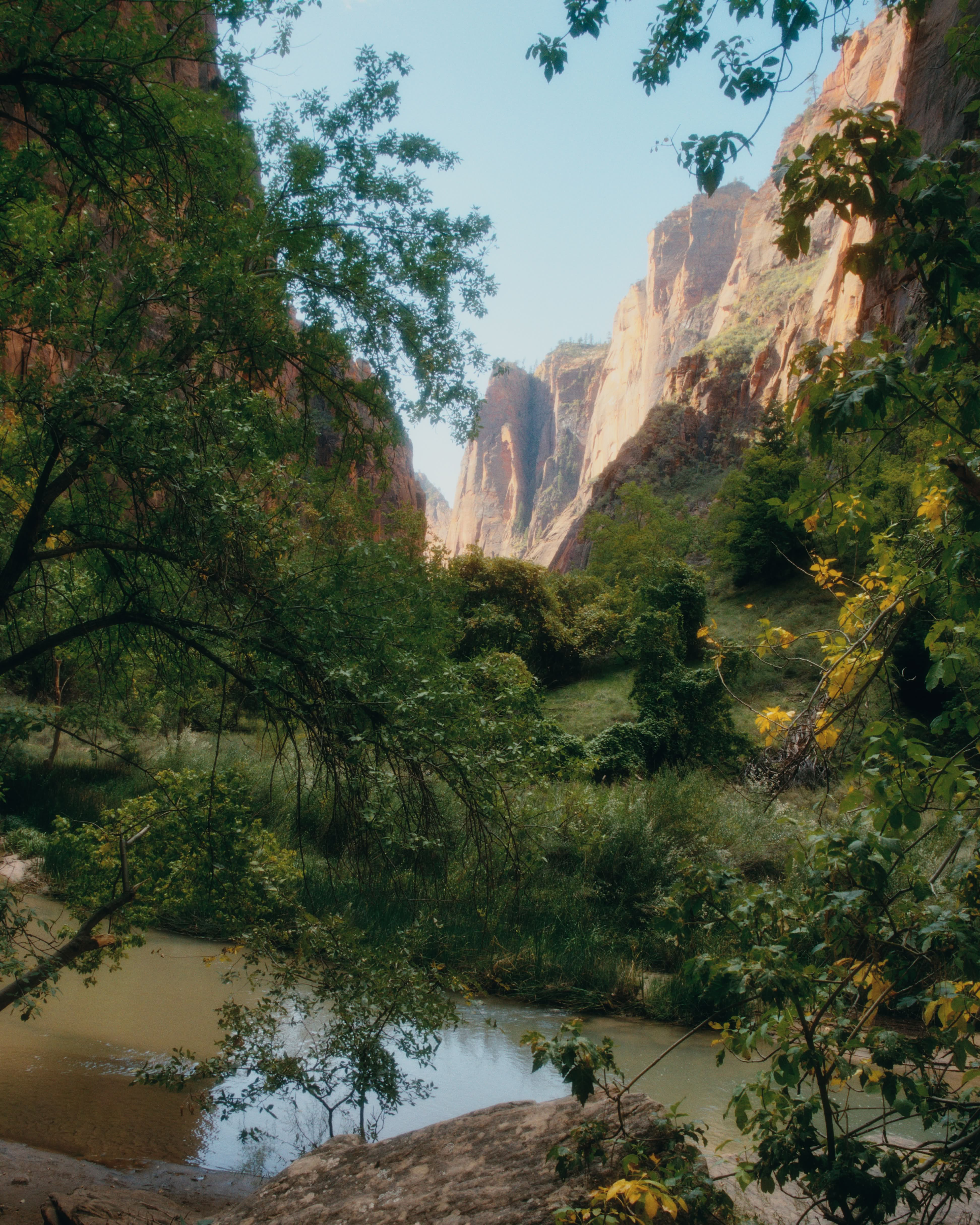
Edit: downsizing really takes a toll on the perceived quality of my edit, the blooming starts to look out of control - jpegli to the rescue
Not going to post the xmp because I don’t even know what version I’m on right now, but here’s the module I’ve used for lowering the dynamic range:
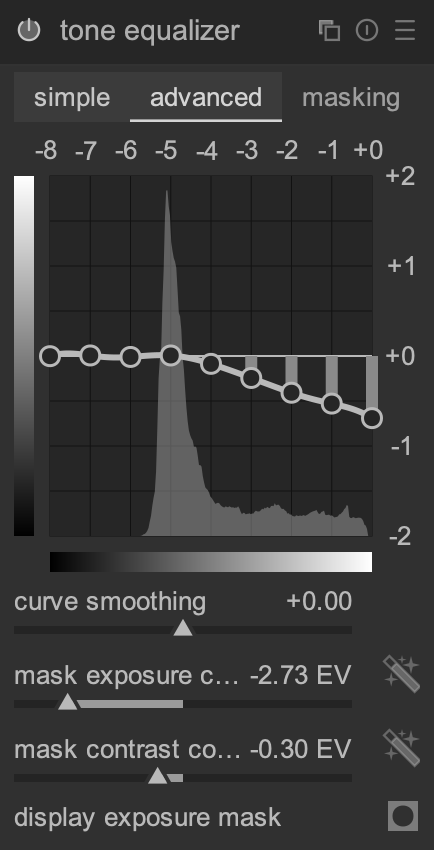
EIGF, though I usually use GF for this task. I chose EIGF because with GF the transition from the shaded area into the mountains becomes too harsh. If your intention is a medium-high exposure of the foreground, lowering the nodes down to -1.5 or so should suffice
4 Likes

5 Likes
2 Likes
3 Likes
Very nice shot and view!
Since you asked for darktable-interpretation, i am sorry, my version comes with RT 5.13dev
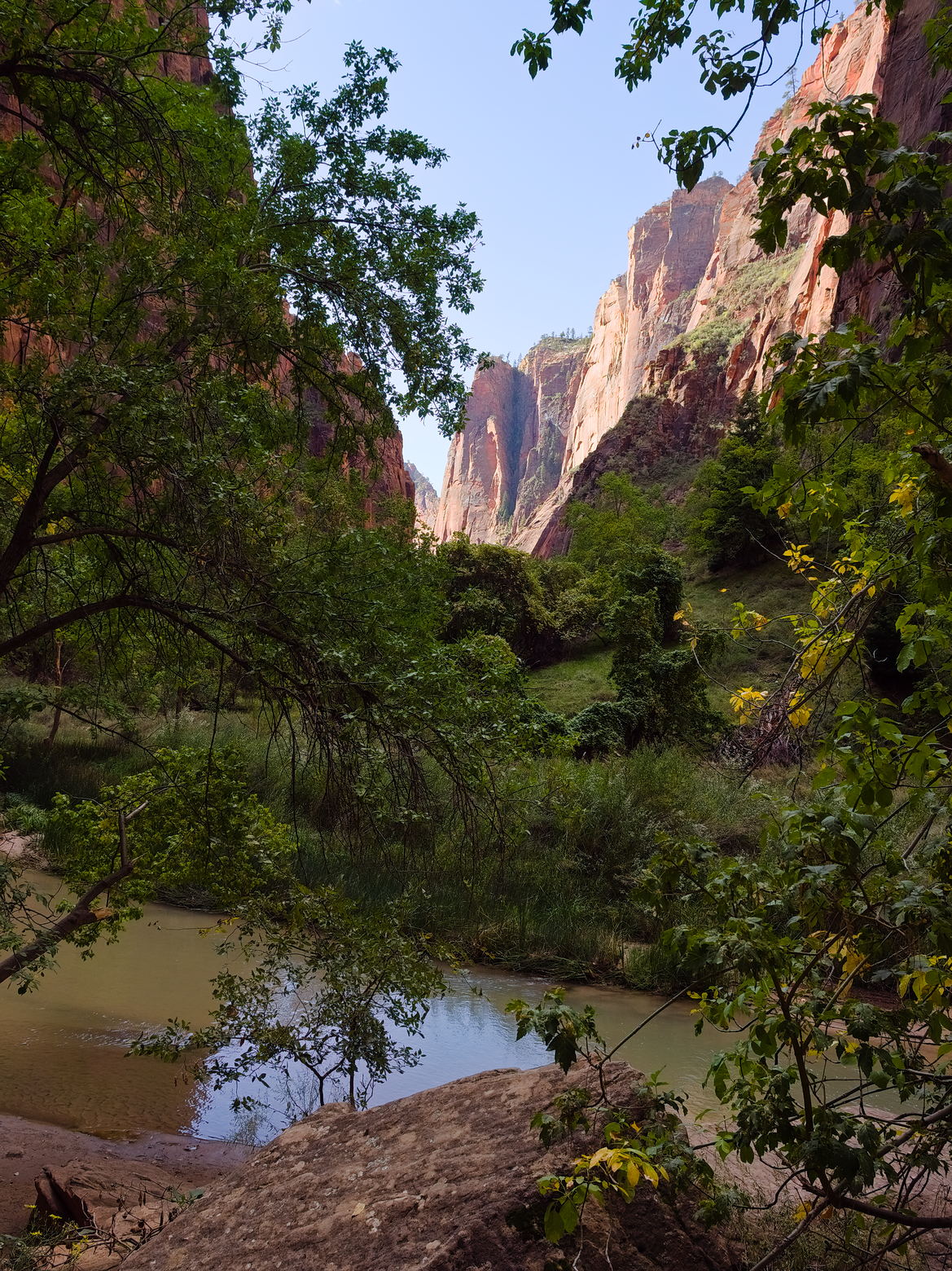
_1060066.RW2.jpg.out.pp3 (18,8 KB)
7 Likes
The Narrows: Blog (not mine) and plenty of photos.
I only did the very first 200 meters, I had to give up, too much water and no equipment.
1 Like
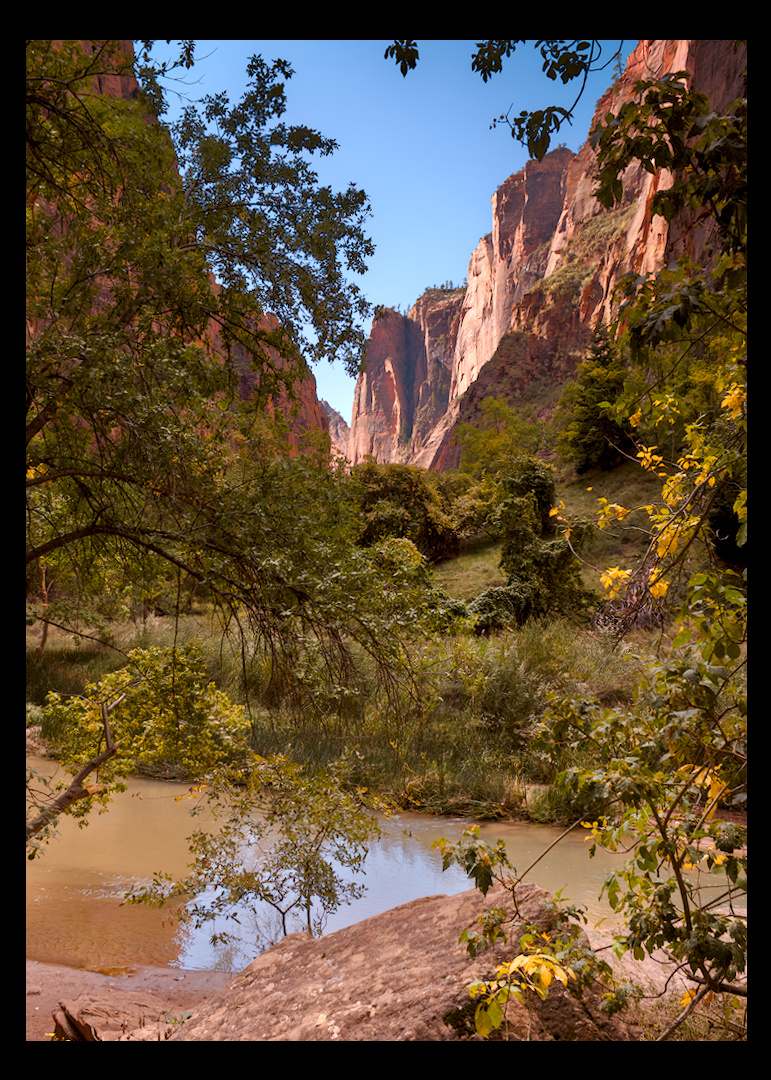
_1060066.RW2.xmp (33,9 KB)
5 Likes
Interesting… tried a few things, but settled, using RT 5.13, for Generalised Hyperbolic stretch to pre-tone map, then an Excluding spot for the sky… then some Colour & Light adjustments for the rocks. No Highlights were blown in this process (well not many anyway). Would have tried GIMP but my skills for this are still below par and it would have taken three hours 
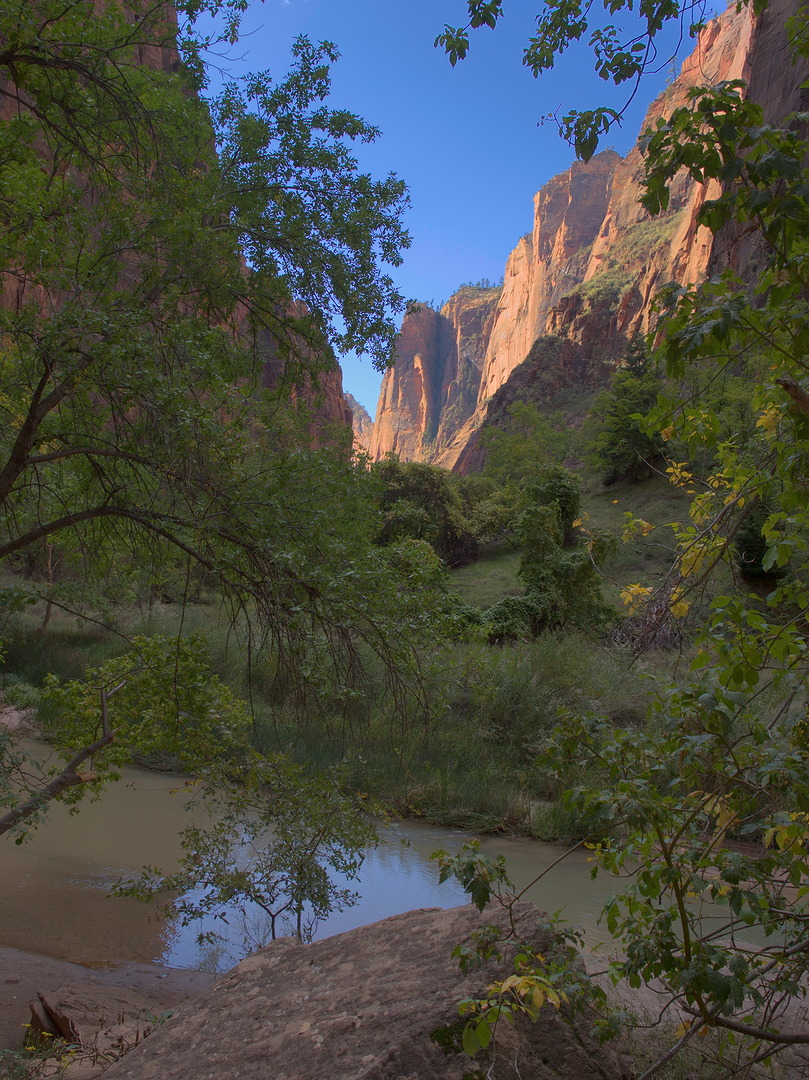
_1060066-1.jpg.out.pp3 (28.4 KB)
2 Likes
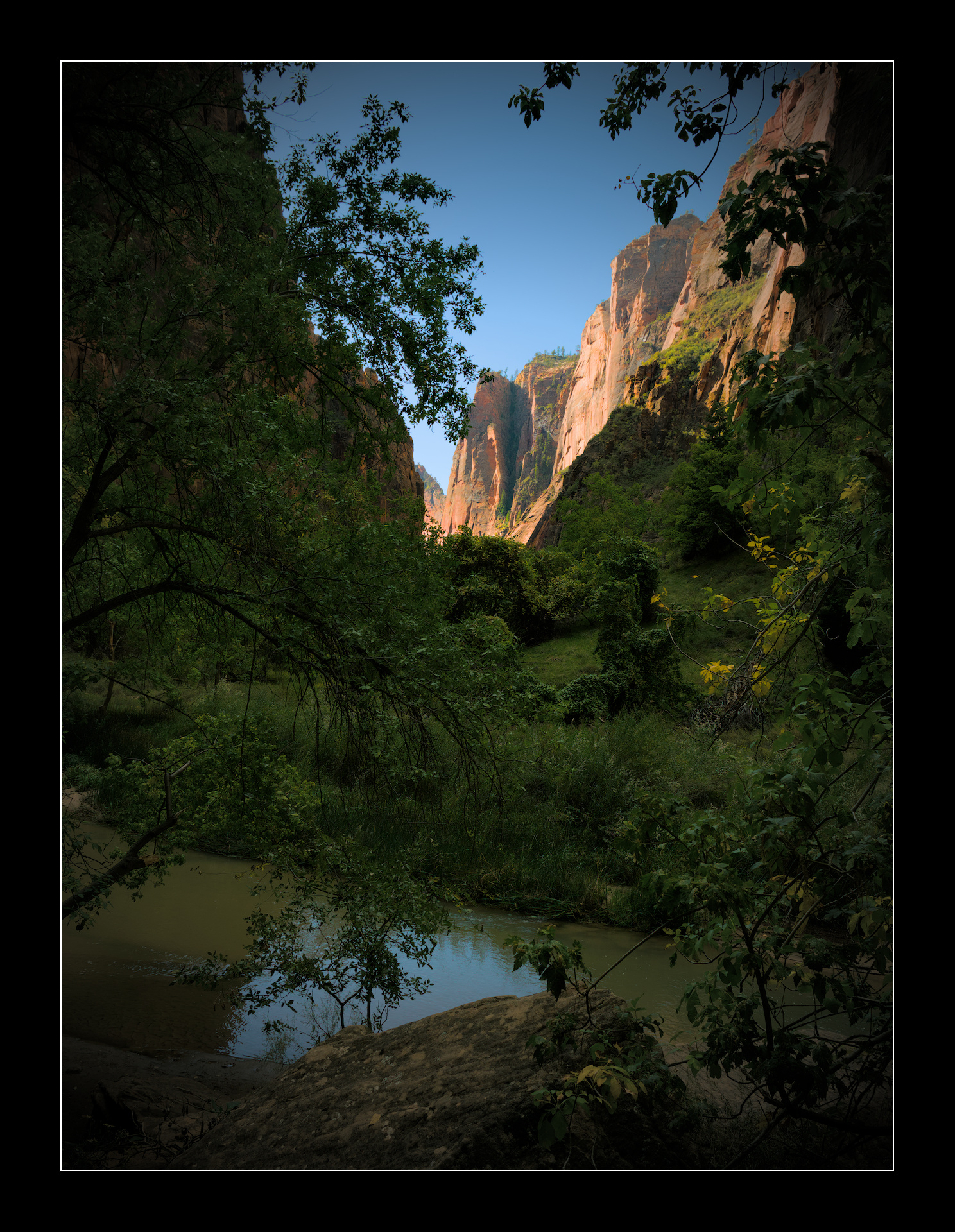
_1060066.RW2.xmp (16.2 KB)
6 Likes
A quick note before I leave on yet another trip -
Thanks to everyone for contributing! I am learning so much from your edits. A special thanks to @Popanz (Uli) for four edits! You are the contrast master, and your use of a few display-referred modules are a revelation.
There are several other edits that I need to study - some great stuff here, but I will be away for another two weeks. I will review these (and upcoming edits) when I get back.
Thanks all! 
2 Likes
Many edits from me means usually, that I struggle to find to a version, that I’m happy with. So I fear, there isn’t much to say thank you for. 
I was not specifically happy with some things in my last version. So decided to go a different route. I am happier with the WB and foreground value and color contrasts. But I have stopped up blacks and the foreground seems too bright and does not draw your eye back into the frame (cliffs). It could do with some very localized dodging/burning, but that is better left to other tools (imo).
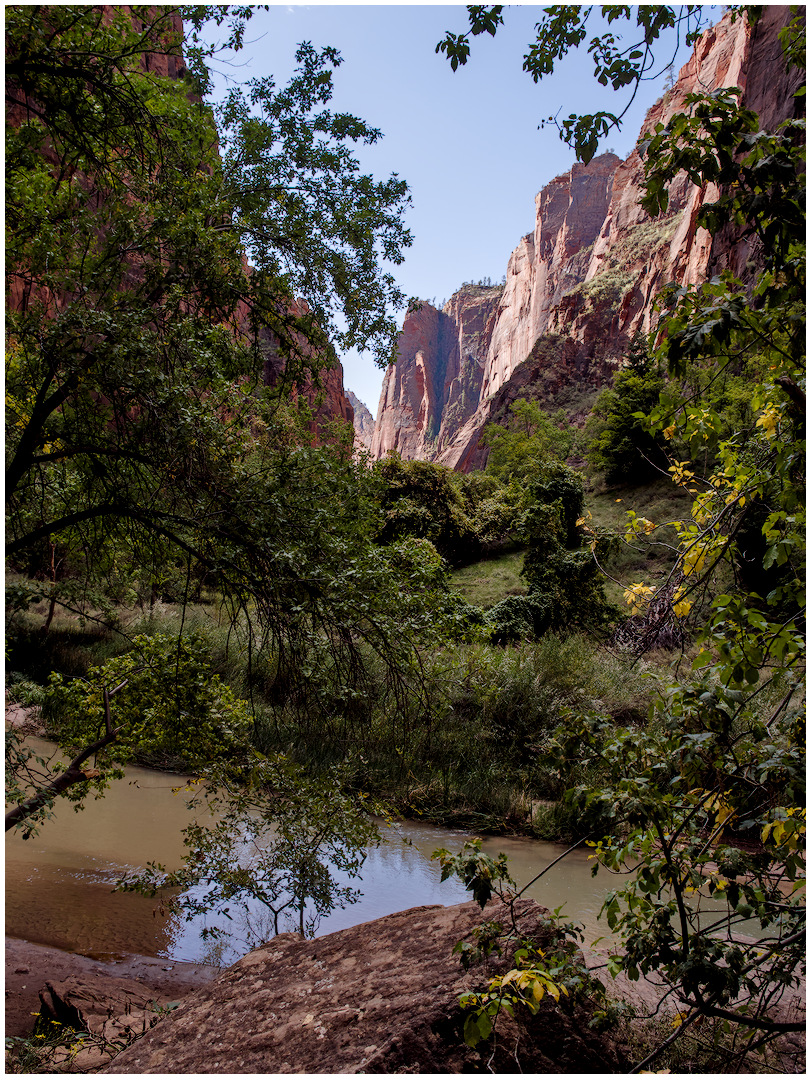
_1060066_01.RW2.xmp (16.8 KB)
2 Likes
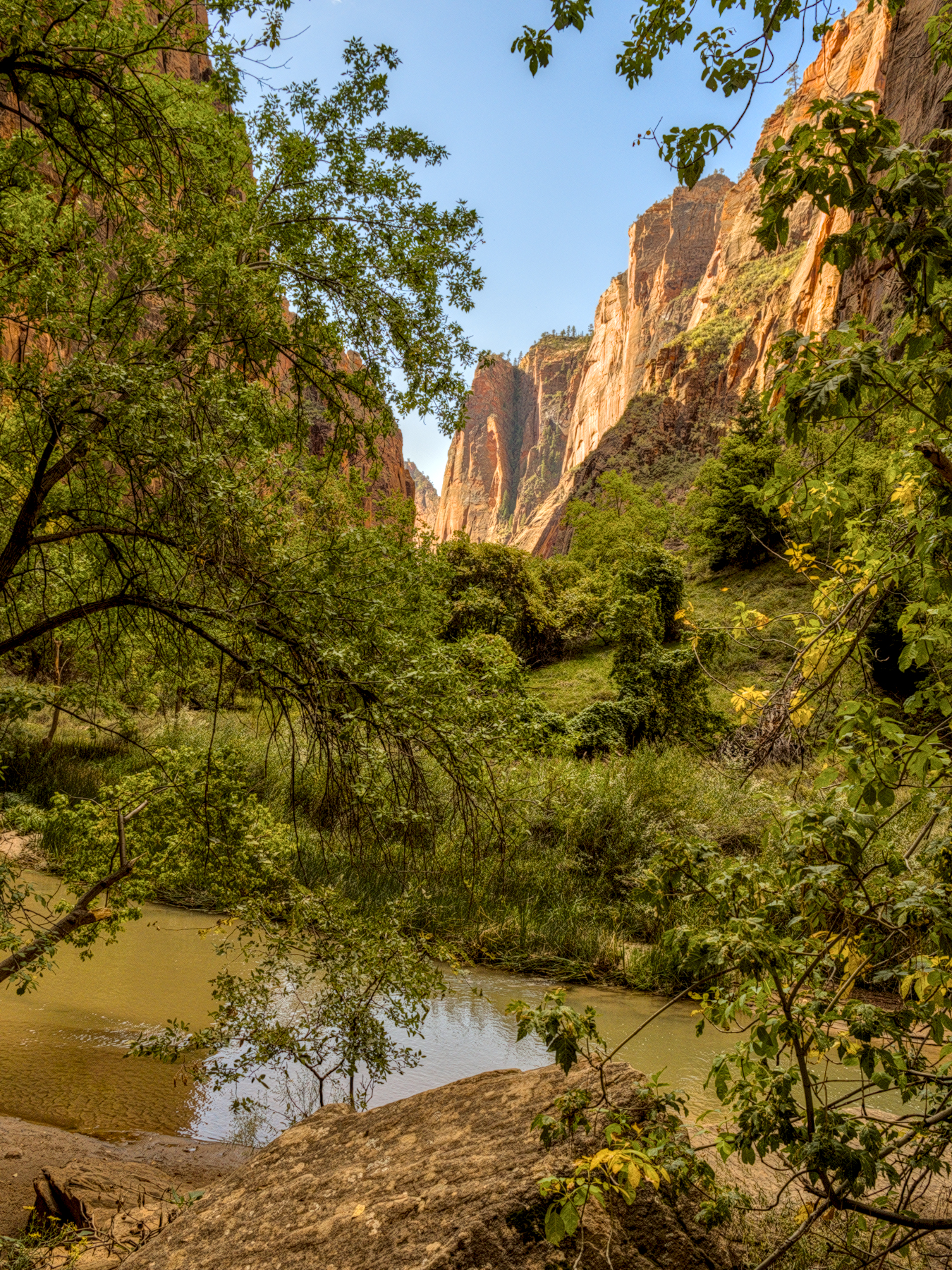
Well, I have studied all of the dt edits above. Some nice work!
I notices a few times that display-referred modules are still in common use. There is shadows & highlights, tone curve, local contrast, color correction, color zones, rgb levels*, rgb curve*, and maybe a few others I have forgotten.
*These come before the tone mapper so may be properly scene referred.
I’ve been using local contrast for a while now. For the others I’ve tried to stick to the scene-referred alternatives, but I’ve learned a few things here.
I’m surprised how easy it is to use shadows & highlights. But here I’ve tried to wrestle tone equalizer to meet my goals.
I have to try RT one of these days.
Thanks everyone for the great edits!
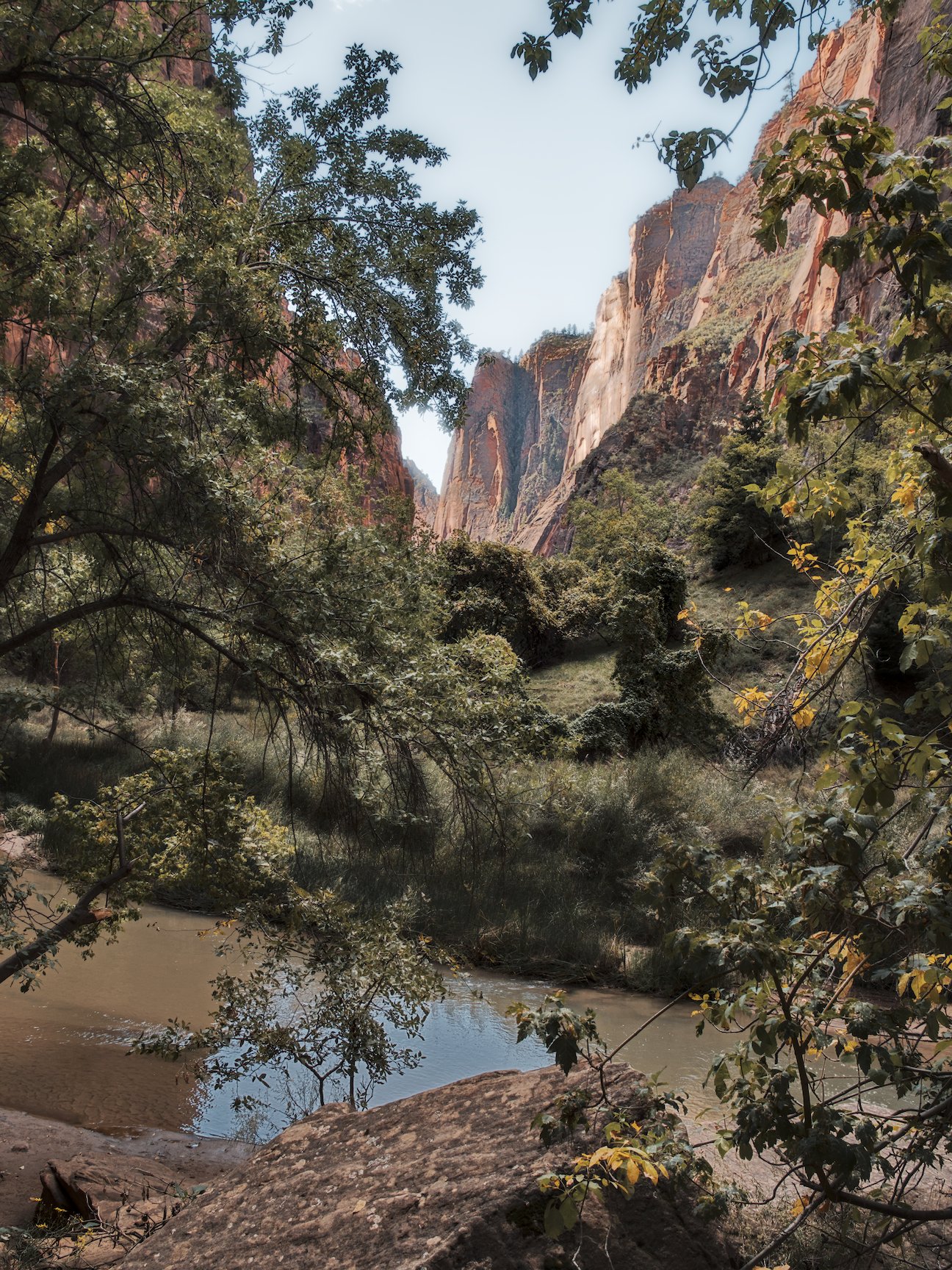
_1060066_08.RW2.xmp (49.0 KB)
I think it’s an improvement over my original edit.
3 Likes
You may be interested in knowing that darktable v. 5.8, which according to the plan will be released 21. December, will include a new Contrast & Texture module. This module will include scene-referred alternatives to the function of Highlights & Sahadows, as well as to Local contrast. Those who has tested this new module, seem to be really satisfied with how it works. (See [Merged] New module Contrast and Texture for more info.)
1 Like
Yes, thank you. I have been following developments, and even testing with nightlies, but I need more study to become proficient. I think the new contrast &texture will become a regular module for me.