My " No preset" preset. Setting WB ( Daylight/Shadow ) and Spektrafilm.
Inspired by the idea of using the vignette tool to add a filmic frame that @Billal posted about in the spektrafilm-darktable thread, I got around and “filmified” some of the darktable styles I was playing with lately. The frame consists of an almost square vignette, and the lens correction tool scale - so theres almost no pixels lost - except the ones that get crushed by the grain+blur coming from spektrafilm 
Requirements: DT5.7.0+, spektrafilm beta 0.3.4 datapack (Spektrafilm "presets" share thread (+darktable styles) - #29 by bazdesh), default AgX scene-referred workflow - as usual with my darktable styles.
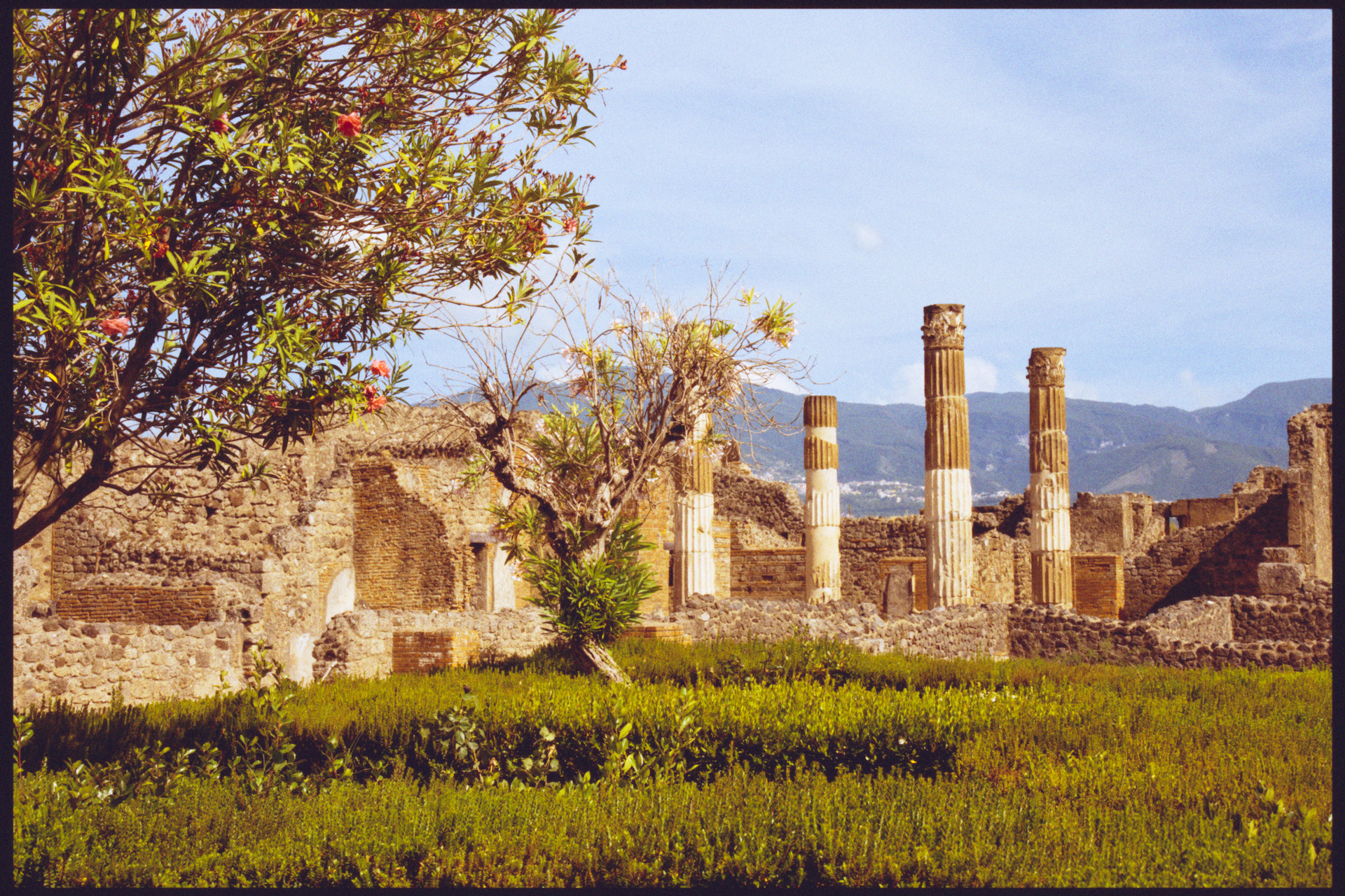
A C200 vignette.dtstyle (7.7 KB)
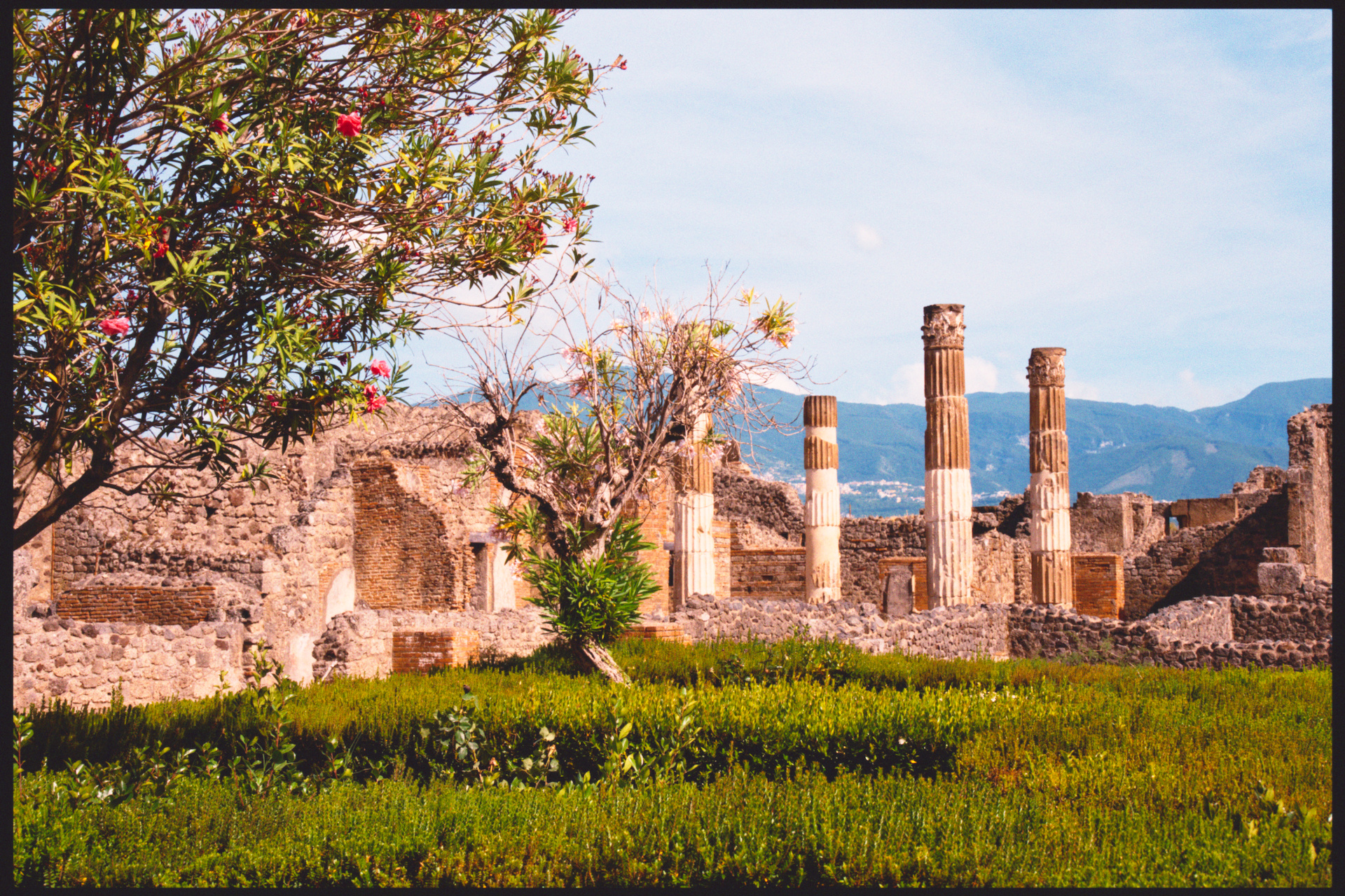
A Ektar vignette.dtstyle (7.7 KB)
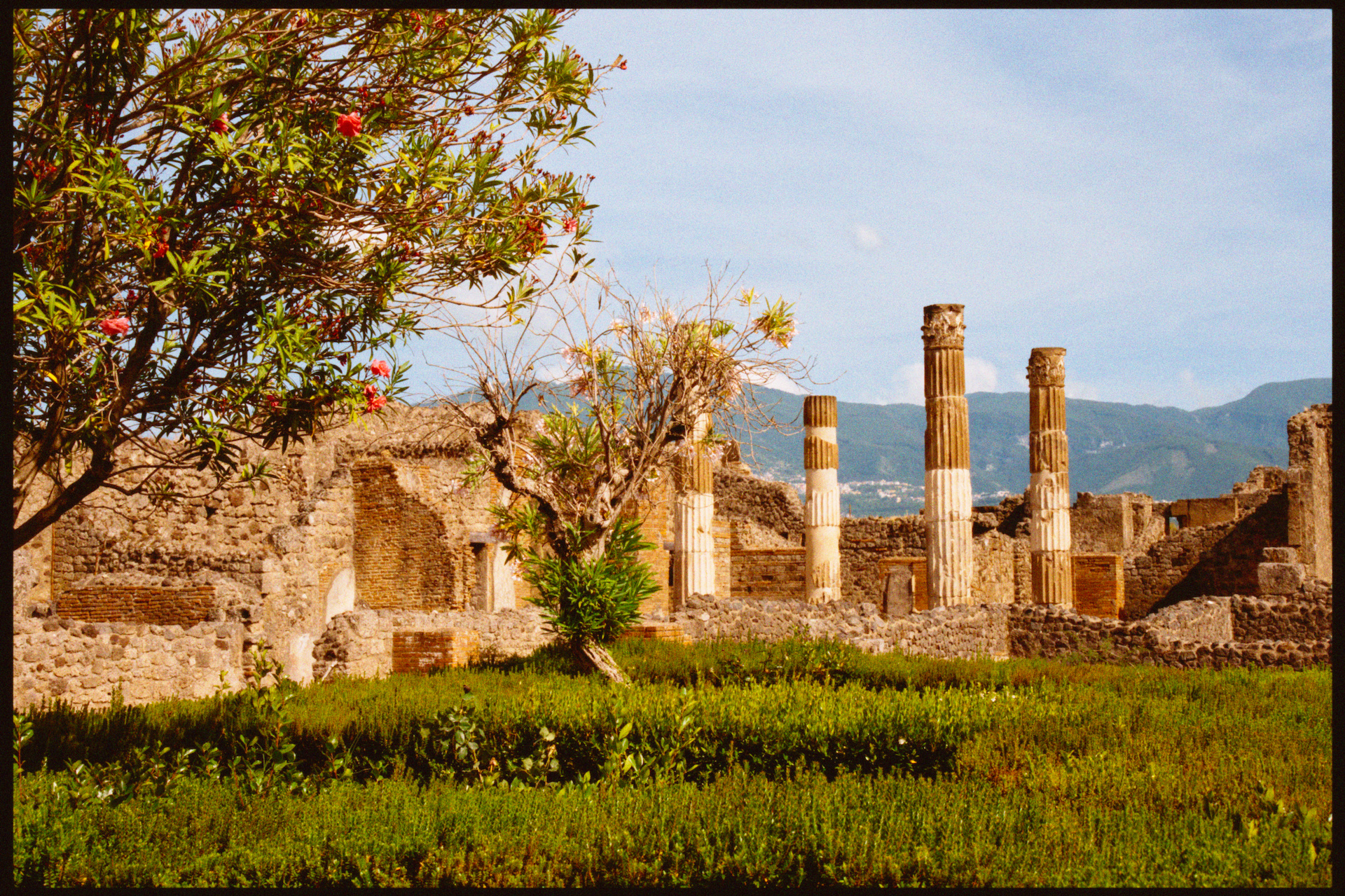
A Gold vignette.dtstyle (7.7 KB)
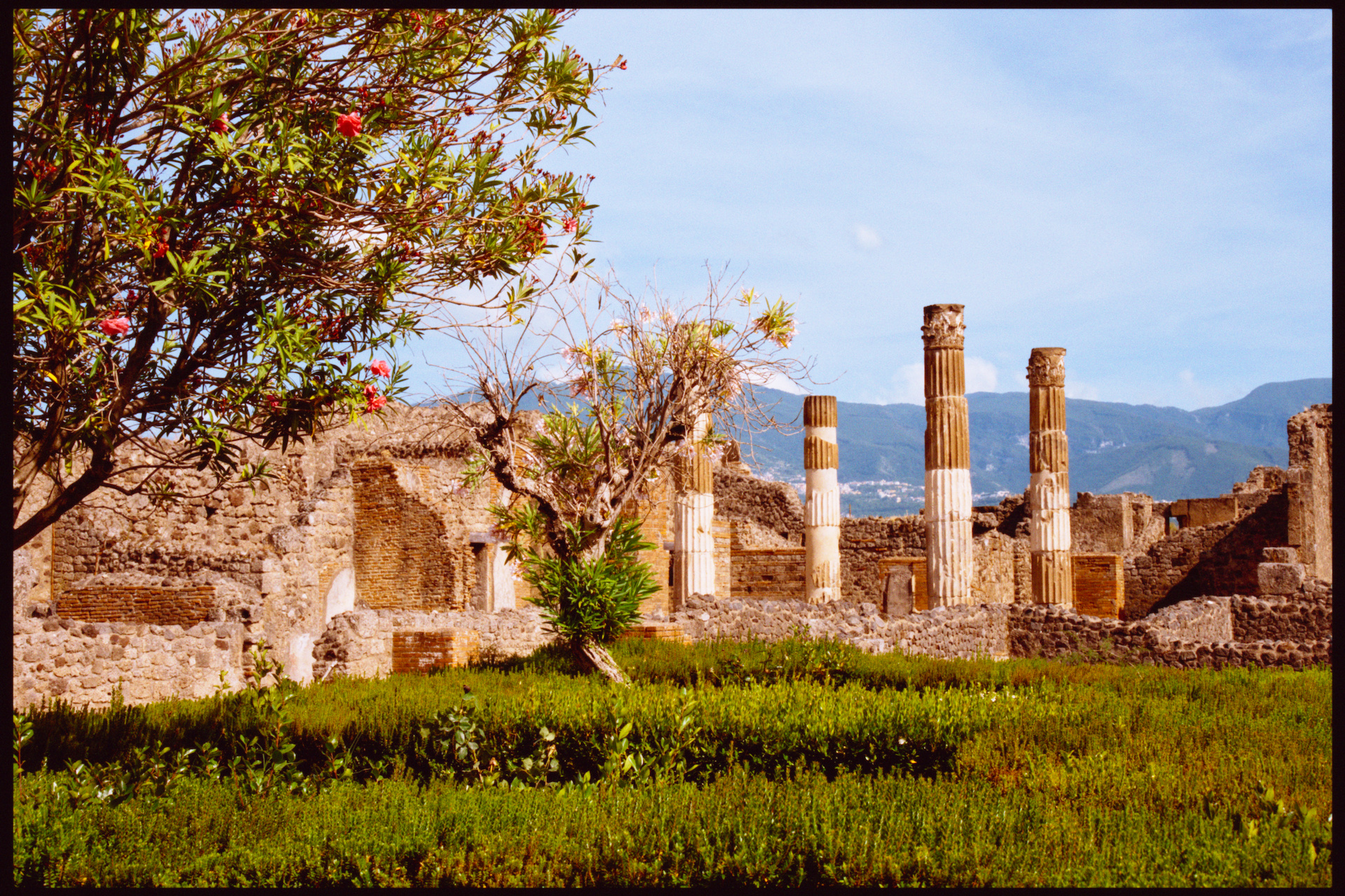
A Gold vignette v2.dtstyle (7.7 KB)
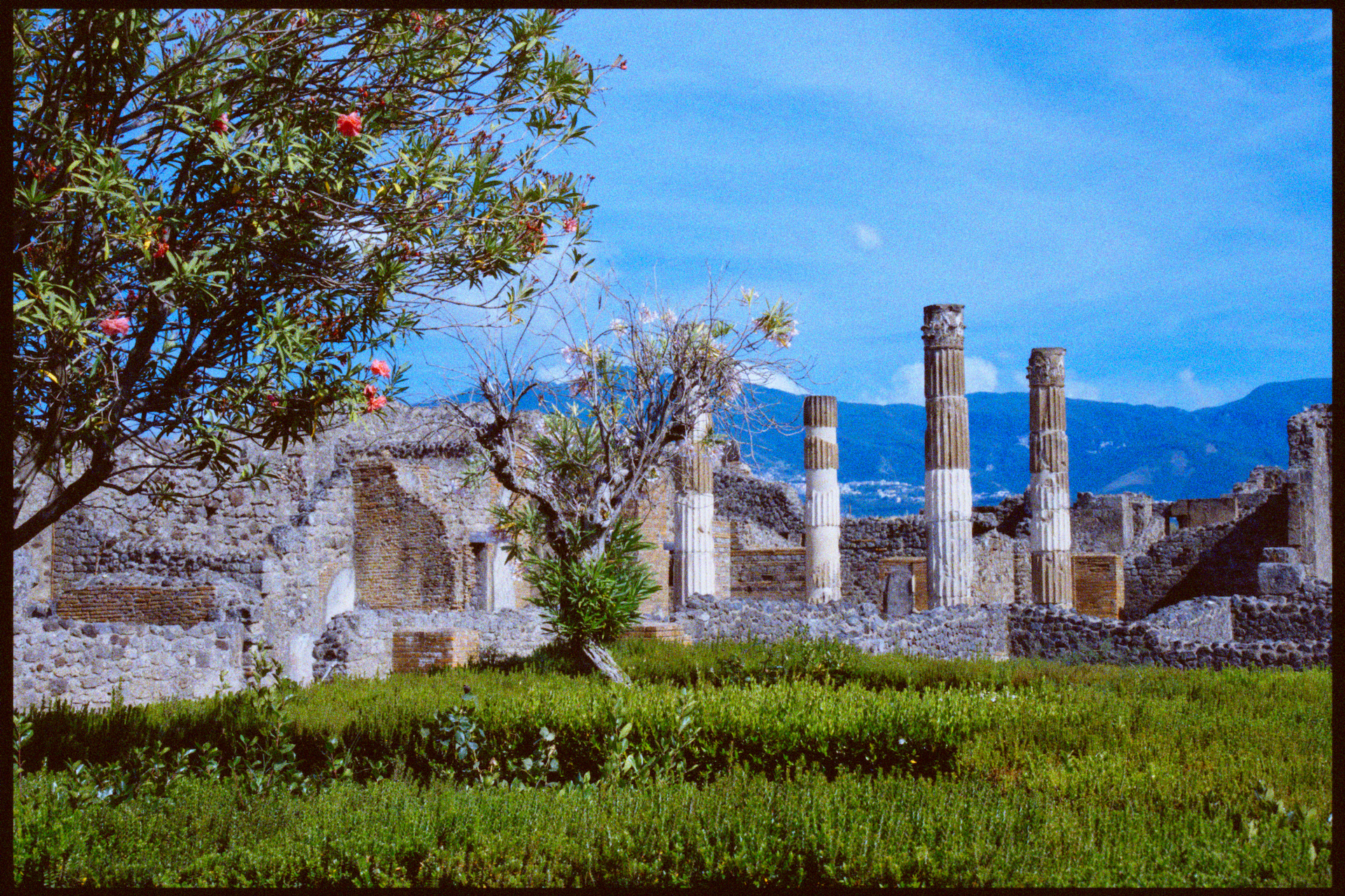
A Tungsten 500T vignette .dtstyle (7.7 KB)
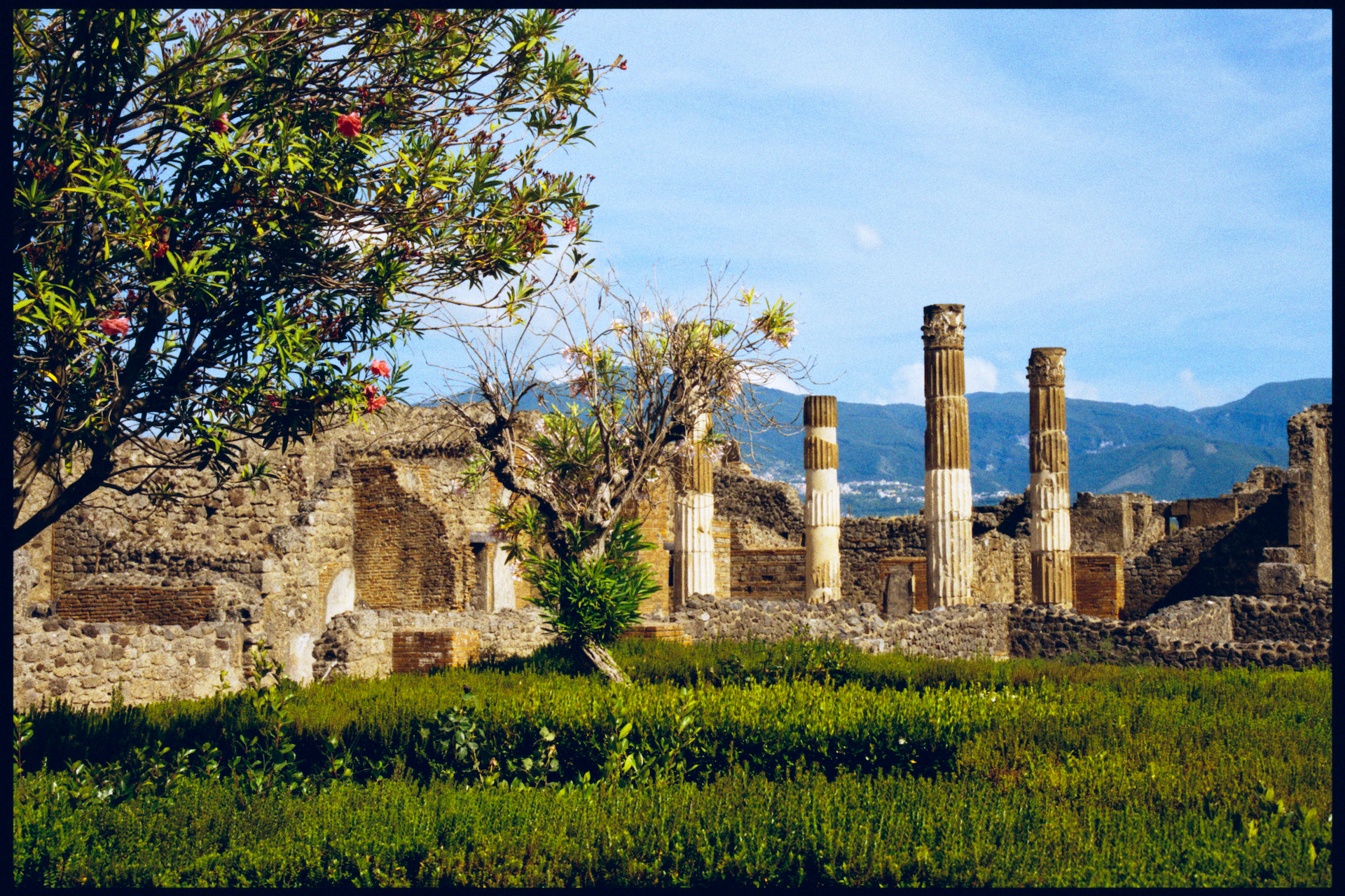
A XTRA400 vignette.dtstyle (7.7 KB)
/totally forgot I also have a BnW one - play around with the color balance rgb module hue shift, you can emulate filtered looks/
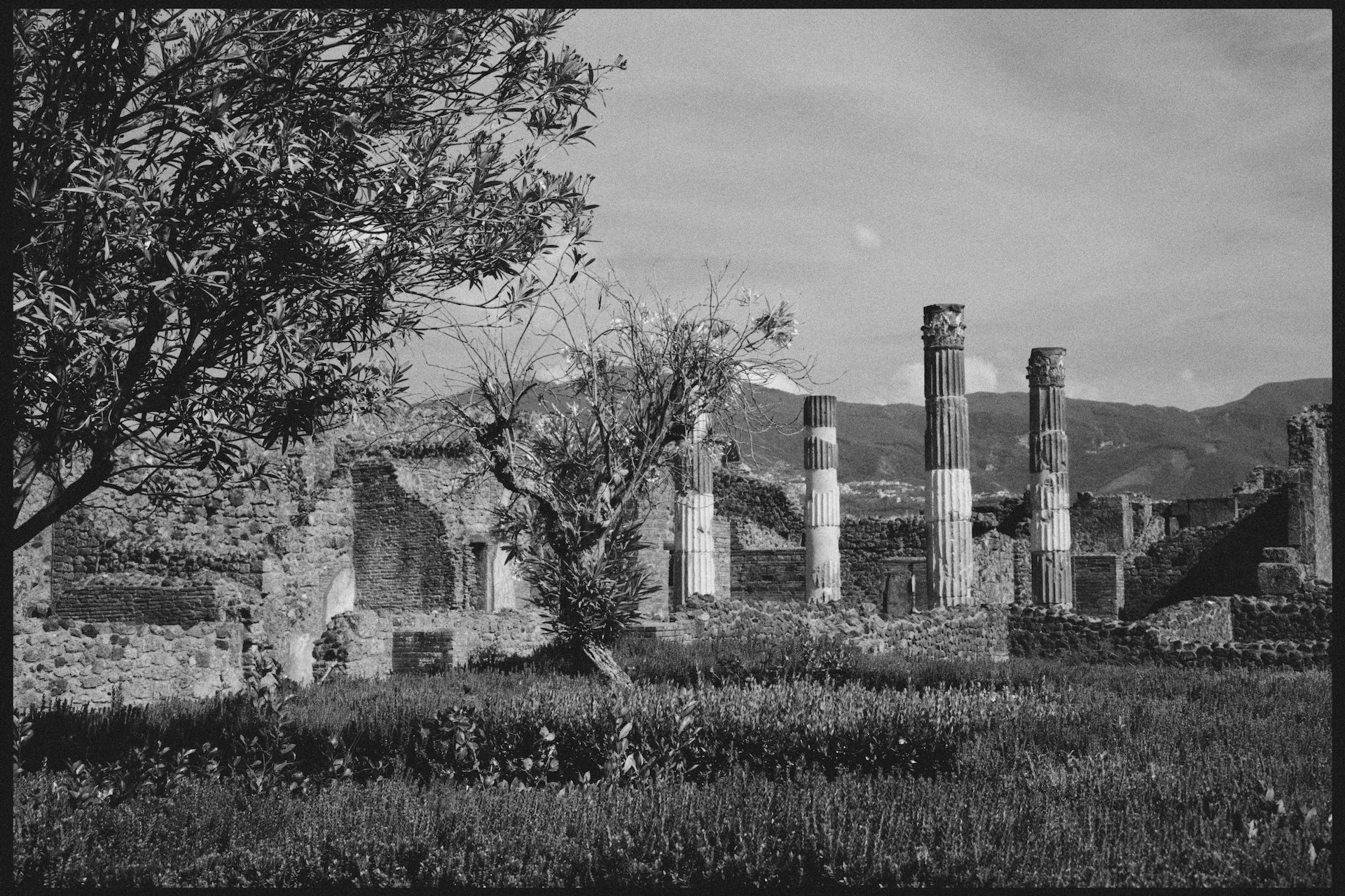
A Tri-X vignette.dtstyle (8.0 KB)
Original image by @stefans73 - Pompeii RAW with high dynamic range – looking for ideas on balancing sky and foreground
(sanity check, after applying the style, this is the module order you should see)
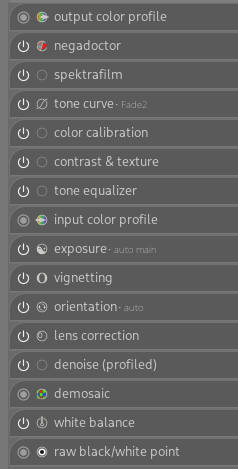
4 Likes
bazdesh how are you getting the color of the film base into negadoctor? I’m trying to do a similar to workflow as you, but negadoctor can’t correctly get the color of the film base.
1 Like
The film base is the transparent stuff, so the deepest shadows/unexposed parts - to be “correct” you could set the exposure module before spektrafilm to like -8ev, so the whole image is black, then you would get only the base color.
But I usually just click the darkest part of the image and play around until it looks good. I often have a snapshot with spektrafilm+negadoctor disabled, so I know where to aim for the “neutral” tones.
One note - after applying spektrafilm and before enabling negadoctor - use the scanner/post-compression scale to maximize the dynamic range before going into negadoctor, I usually end up with values around 2-2.5, this can then be used to control the final dynamic range, in conjuncture with negadoctor.
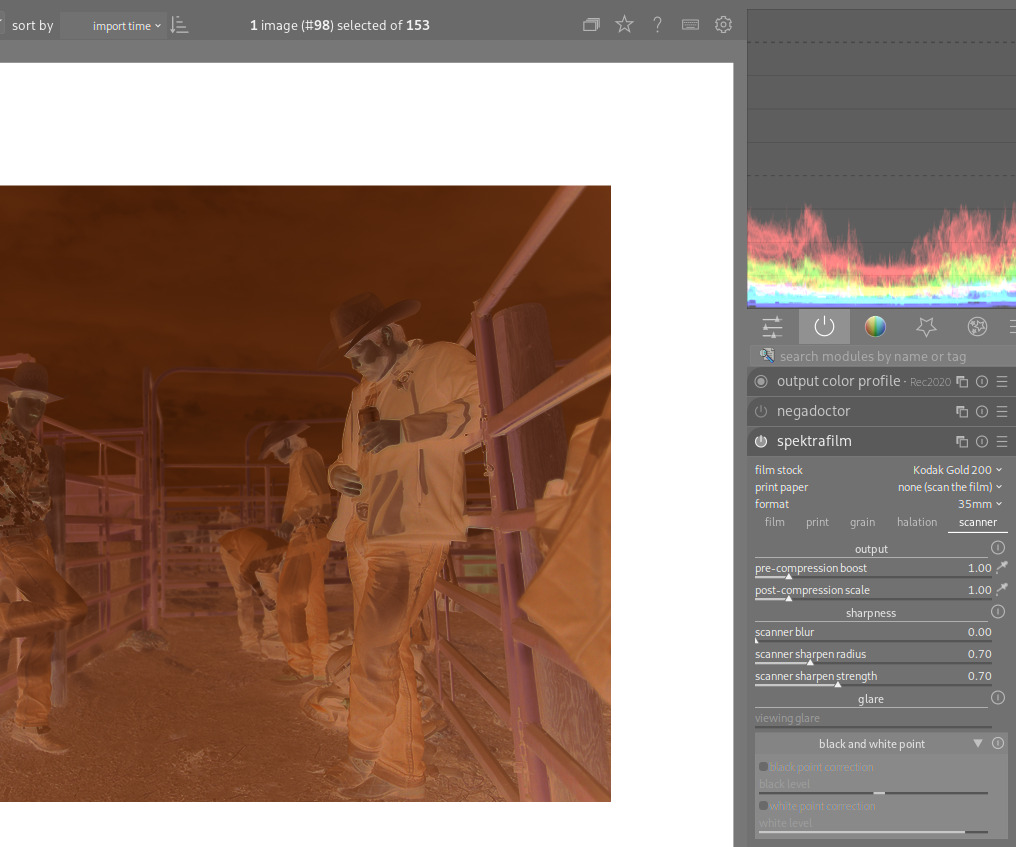
vs
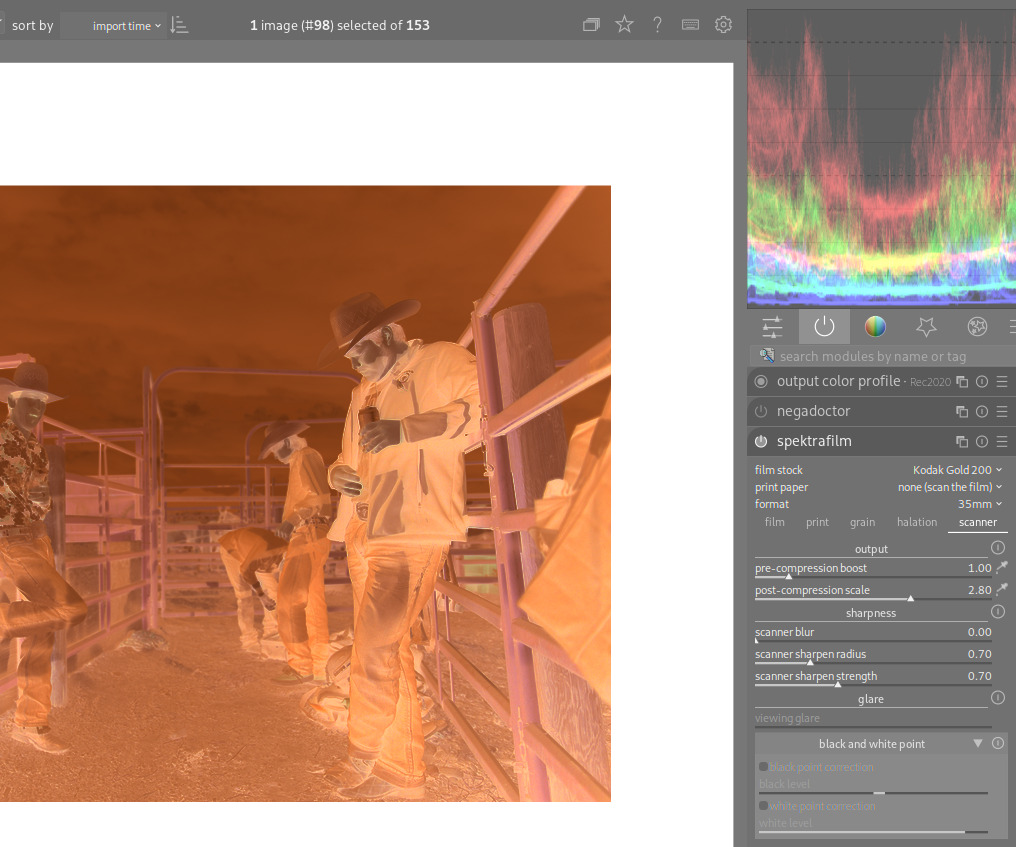
(check the histogram/waveform)
Manage some interesting results thanks for the tips bazdesh. One extra thing that I had to do was correct some annoying color cast in negadoctor that I don’t know how to eliminate or if it is party of the process.
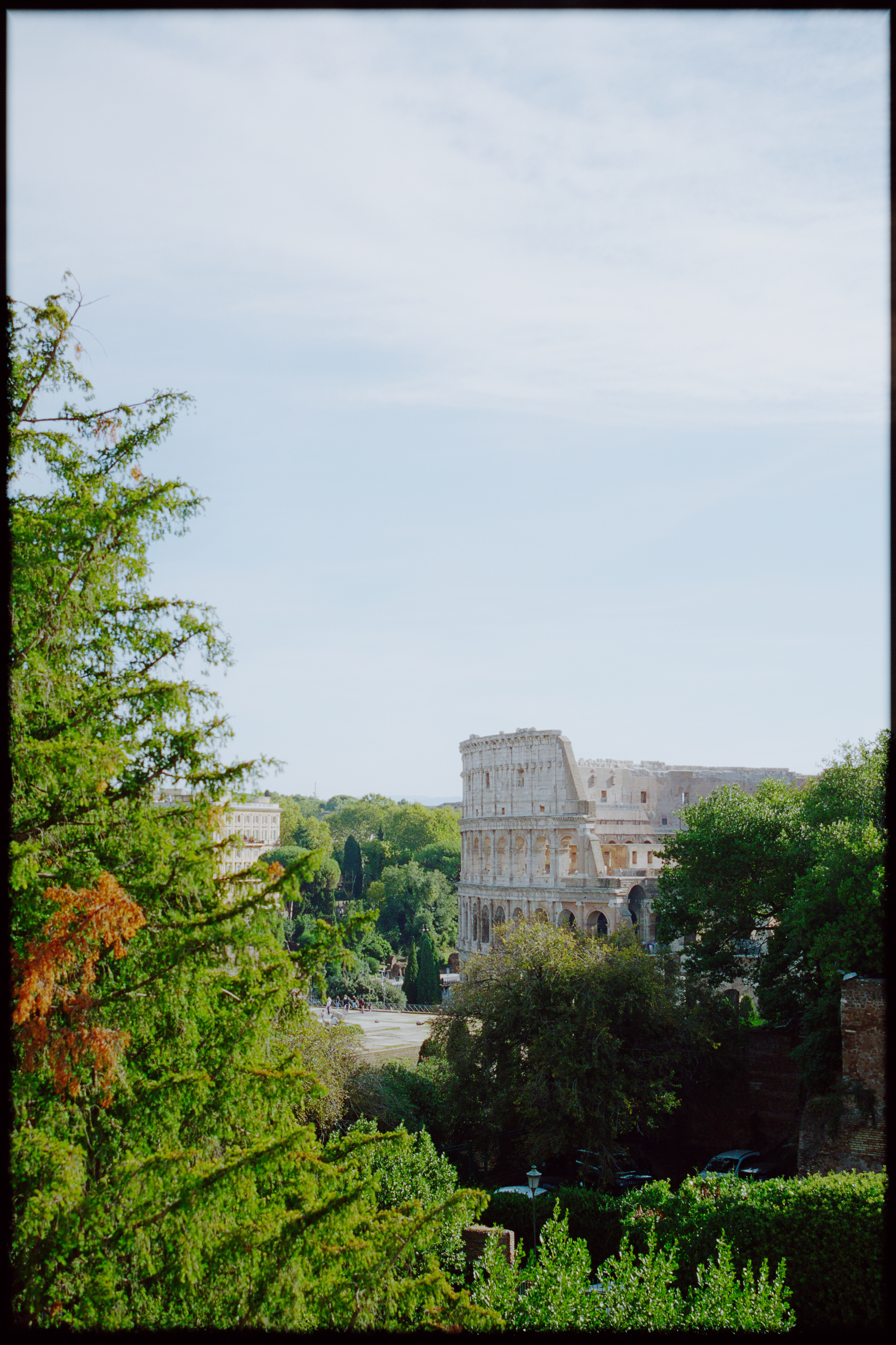
2 Likes
Yeah, color casts can, and often will, happen, I try to make the presets/styles work for most images but you never know… Anyway, negadoctor is incredibly versatile, removing casts is easy in my opinion, just dont be afraid to play with the base color/shadows color cast/highlight white balance sliders; also, nothing stops you from just putting a color calibration/color balance rgb module on top of it, or just adjusting the color calibration in the existing module (before the image even gets into the spektrafilm module) - the beauty of Darktables modular workflow.
1 Like