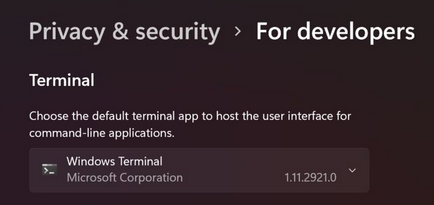
Hi, can someone tell me why Darktable is starting a Windows Terminal screen when it starts? and the terminal windows does not close until Darktable is closed.
Is there way to disable that from happening? I am using Windows 11 and Darktable v3.8.1.
how did you install it…it does that if you run in in WSL…I have not seen that running the Win version . Linux apps install in the start menu and run seamlessly…any chance this is what you are doing??
Must be…I am on the latest Win11 Pro and I don’t see this with my build’s… I have debloated Win11 but not really had time to change much else… I think Terminal is supposed to be the “unified” command line experience going forward but it was not set up as the default on my system…