RawTherapee and GIMP
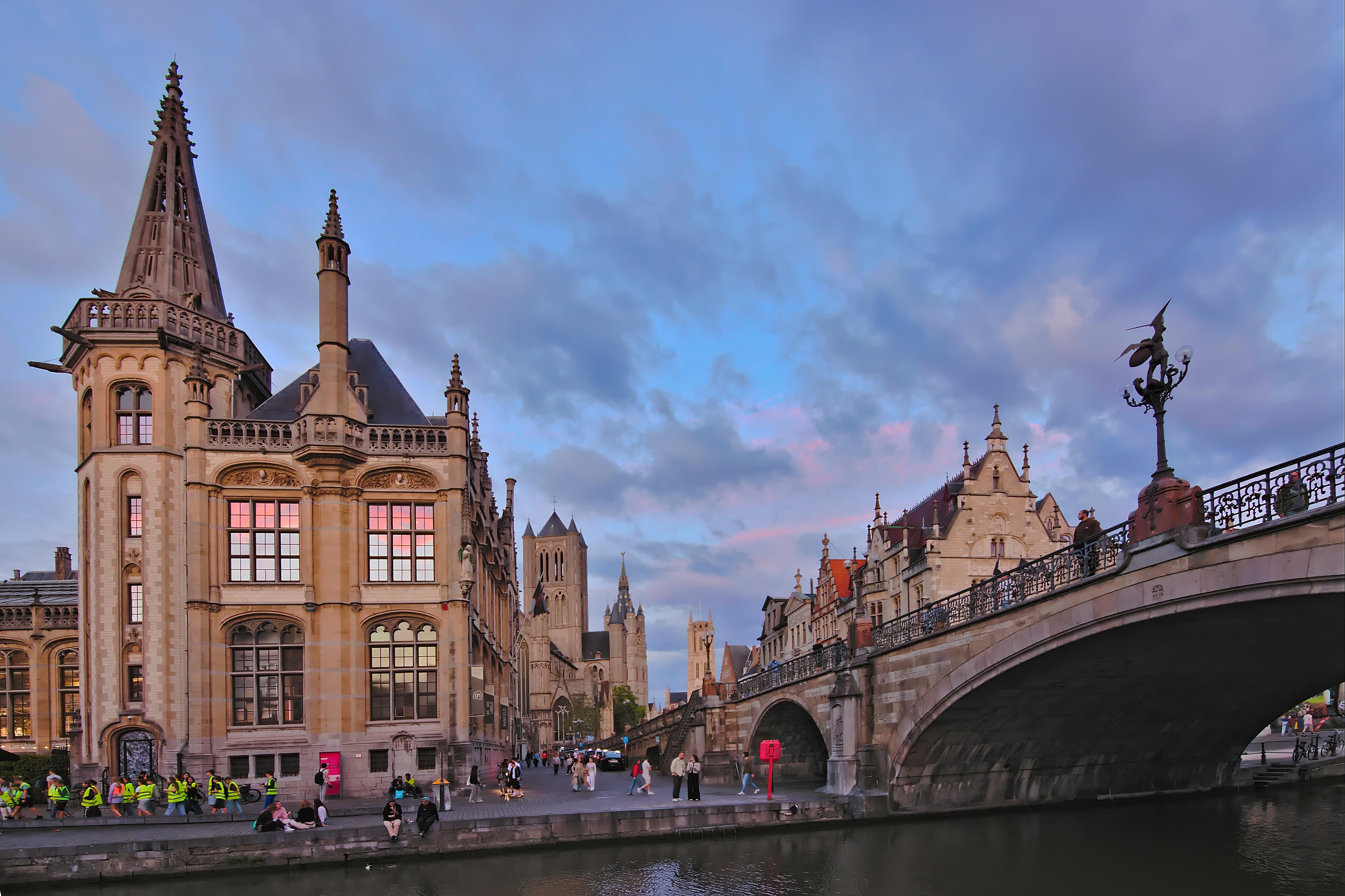
3 Likes
I’m a little late on this one, but it was interesting to play with.
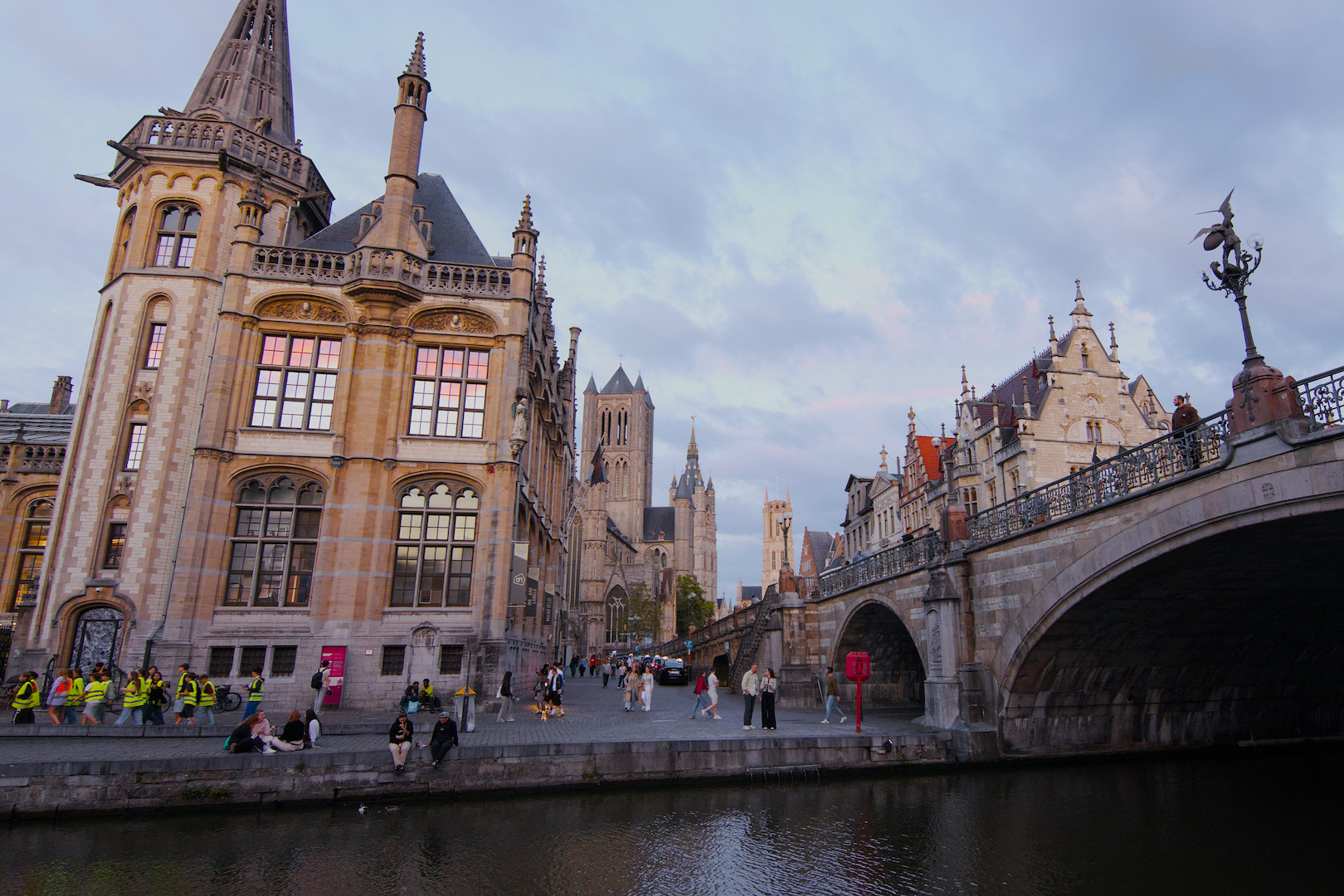
IMG_1907.CR3.xmp (13.9 KB)
My usual trick for rotation is just to keep drawing freehand horizontal lines until I land on something that looks natural. It didn’t work at all for this one, but a vertical line up through one of the standing people seemed to nail it and I added a small vertical axis perspective change to balance the bridge and the building on the left. The tower ended up clipped as a result, which wasn’t desirable.
3 Likes
I chose not to completely fix the perspective, because they simply don’t look natural. Instead I manually did some perspective correction and rotation then retouched out the building to the side.
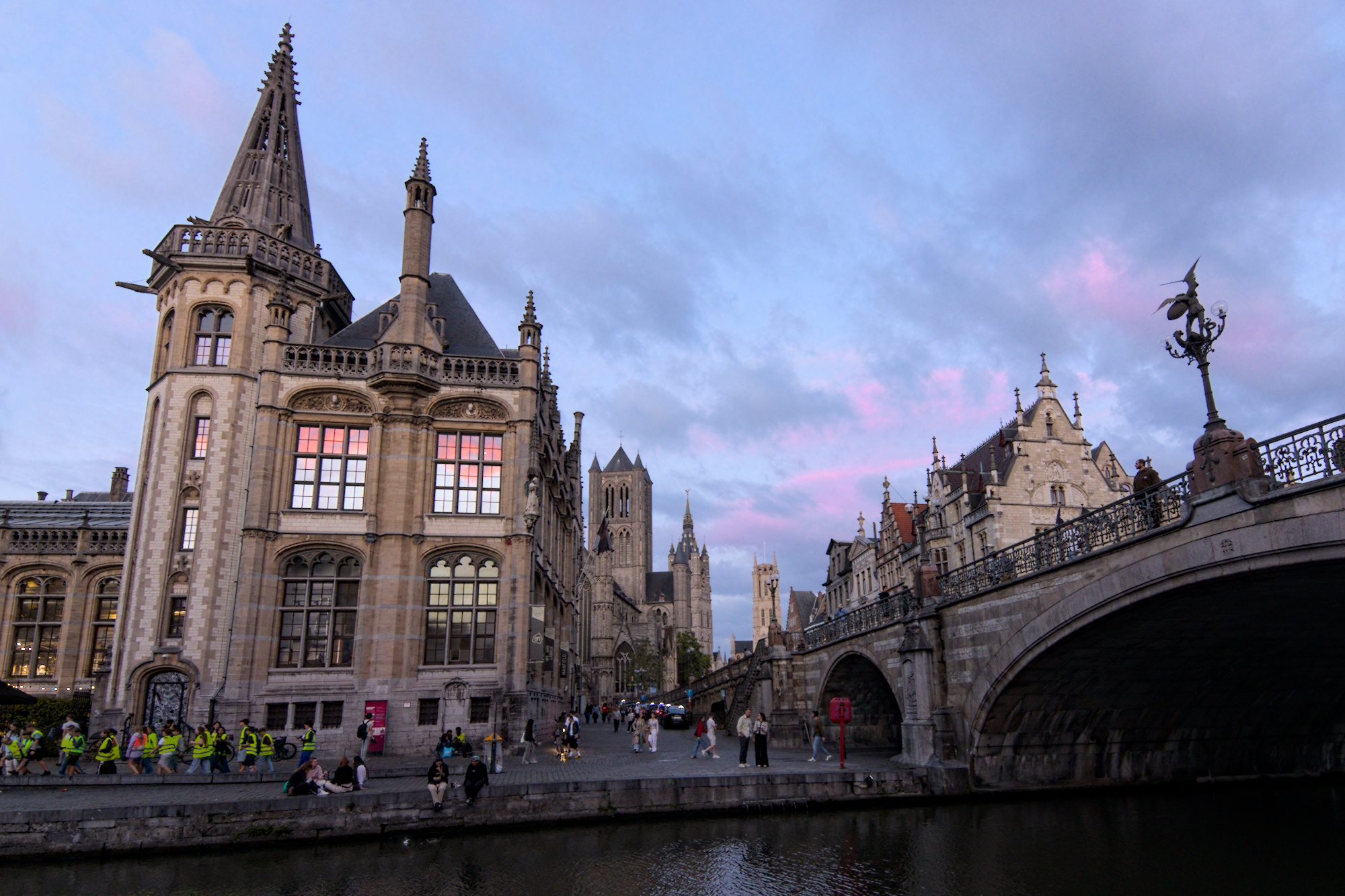
IMG_1907.CR3.xmp (16.3 KB)
4 Likes