This sounds a positive step forward with Filmic.
2 Likes
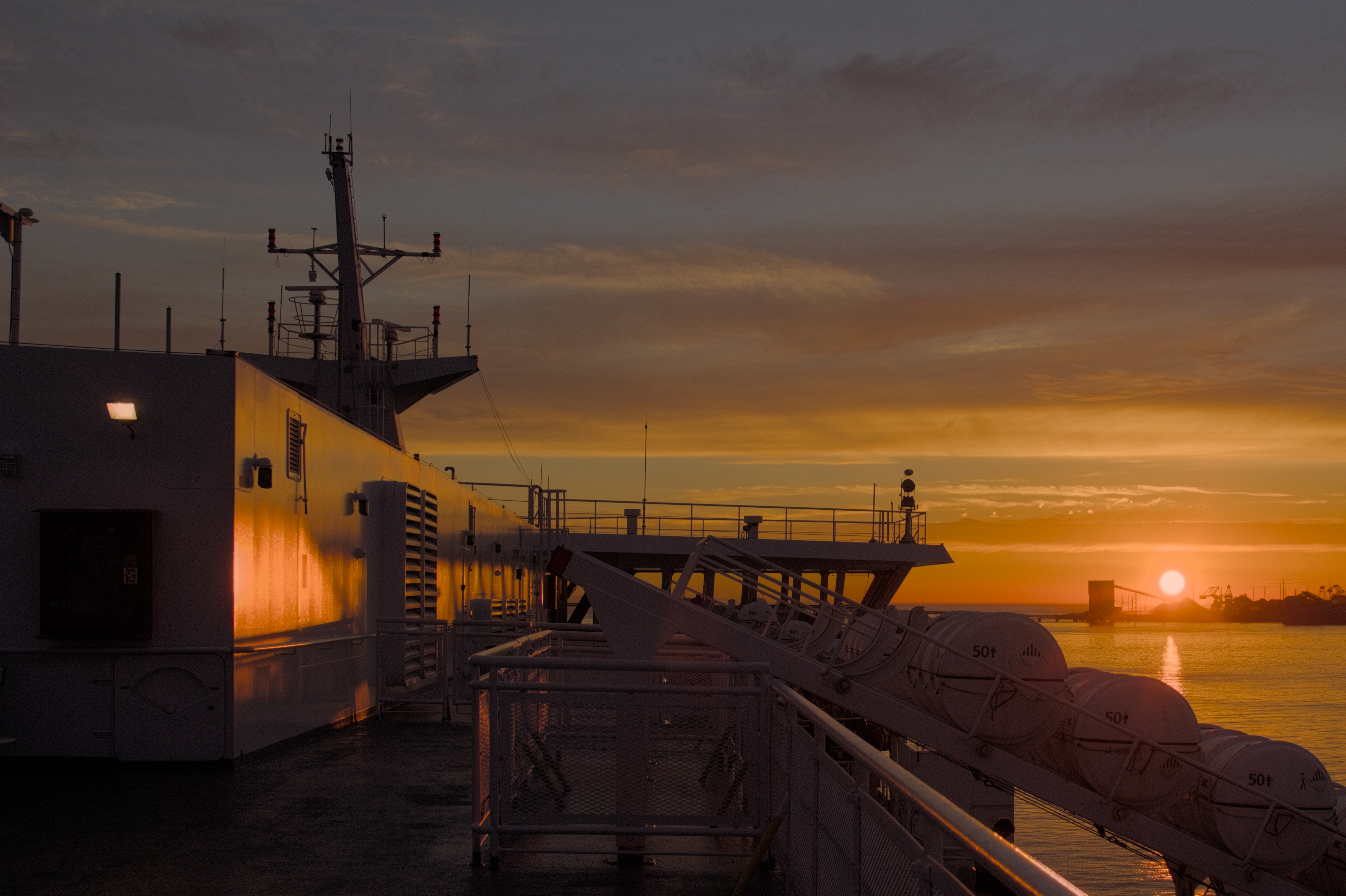
Even with all the work nudging filmic there is still the famous rat piss yellow and salmon near the sun, looks pretty bad compared to AgX
4 Likes
But you can install Ansel and try it first to see if it better. Why should someone go thru the trouble of moving the code to dt for something you claim to barely use (filmic)?
1 Like
That may be true, but it begs the question of what artifacts are introduced by the module and how much additional effort is required solely to correct them. I’d add that this is the very problem that the scene-referred workflow was trying to avoid.
It does have this aspect so you can shape and tune the shoulder and toe, and it has a few new AGX color science options…I downloaded it just to look at it …I tried all the agx modes and they made the sky around the sun pretty bad… going to the old v5 color science and using no color preservation I could tweak it to get a much better looking sky to my eye…perhaps in other less drastic photos the new AGX cs in Ansel’s filmic will work better…
Look here:
I just wanted to show that it is possible to get a pleasing result with Ansel.
But I am darktable user for a reason. Or better to say for many reasons.
WIth darktable I am able to get exactly the edit I have in mind. With Ansel I already struggled to do a basic edit on this admittedly not that trivial picture.
This is for sure partly because I know dt very well, and I haven’t really used Ansel before. But I think that Ansel is simply missing things which makes it possible to get an edit like this - which cost me less than 3 Minutes in dt:
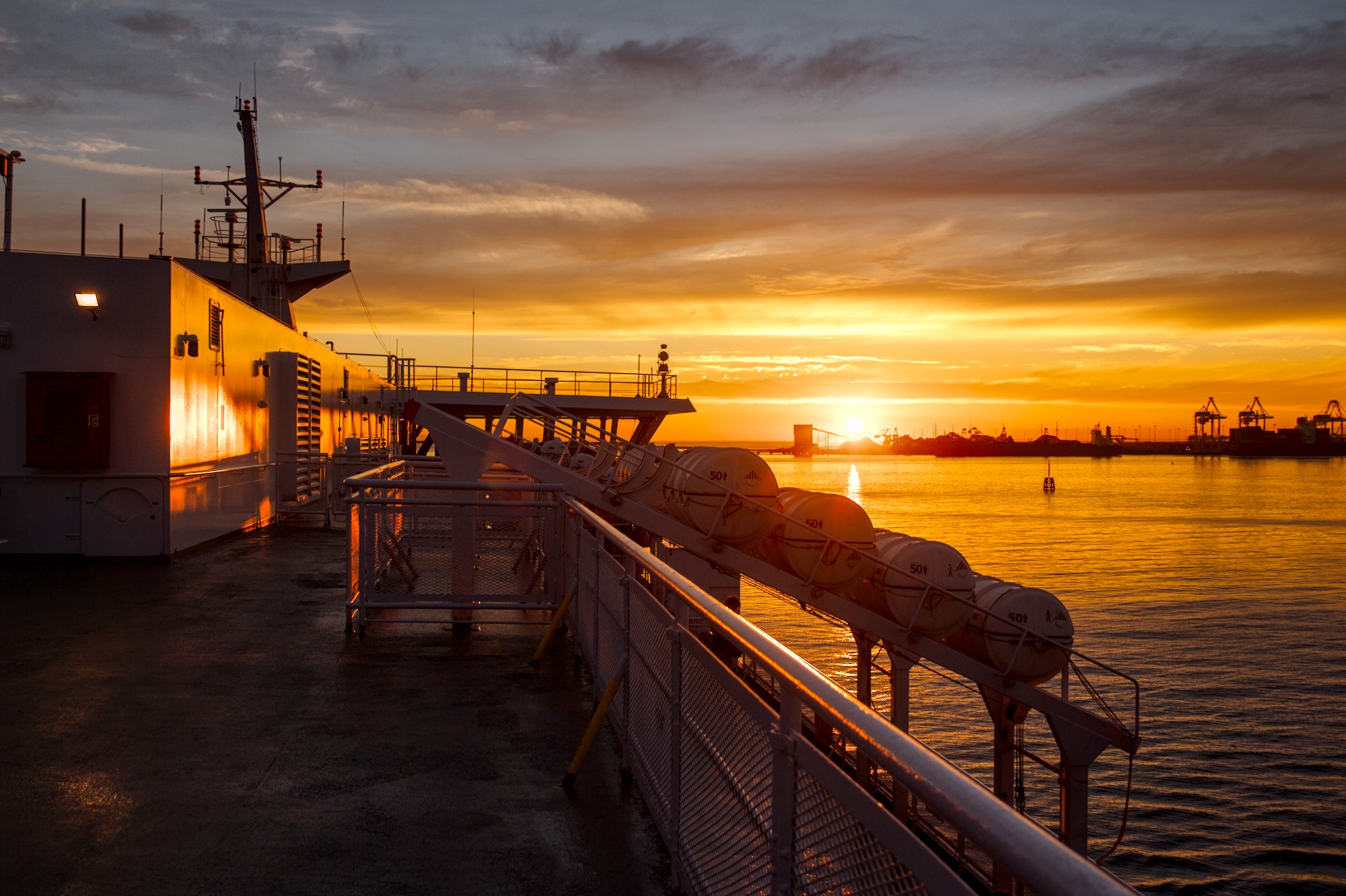
I don’t understand why Ansel’s highlight reconstruction has just the crippled possibilities which I already pointed out here. When RT had a far better highlight treatment than dt. I think Aurlien was still on board at this time.
7 Likes
That’s nice
2 Likes
I have been playing in Ansel since the release of “the video”. Filmic v8 is quite nice.
First, the additional curve controls in AgX are the only thing I find interesting and useful, so getting some of that back into filmic is very welcome.
Second, I think there is a change in the curve/roll-off with default latitude (relative to v7), but that is not based on a thorough testing with ramps…so it very well might be imagination or things happening before tone mapping.
1 Like
I have never really enjoyed using Filmic, and I’m more than happy with AgX, but I find it very hard to believe that this is anywhere near the best you could achieve with Filmic V8:
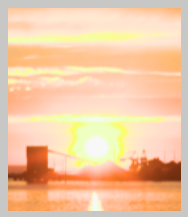
I’m sure all the tone mappers can produce very similar results. What matters is how easy it is to achieve what you want and how much you enjoy using them.
I was talking less about the color cast and more about the highlight rolloff, which is much more difficult to control with filmic.
1 Like
Yes, this was not a criticism of your edit  Nobody’s to blame for the salmon and rat piss yellow that comes out of filmic
1 Like
As written, it is very difficult to get a nice render with Ansel on this photo. But the main problem in this case is the highlight reconstruction options, not the tone mapper, even though in my eyes AgX and as well sigmoid is way better than filmic.
1 Like
Note the perceived speed gain largely depends on the used hardware configuration. Using an old Skylake laptop the difference is pretty notable.
First of all, Ansel got many GUI actions triggering a full pipeline flush identified (and completely rewritten?).
For example, things like toggling raw overexposure or clipping indicator feels like instant using Ansel, compared to a nearly 1sec lag using DT.
In the darkroom mode, switching to a next picture looks like triggering two sequential loads in DT - the main viewport followed by both secondaries (overview and histogram). In Ansel all viewports load faster and at once.
Perceived responsiveness of the main Ansel’s pipeline is improved by the progress bar which renders the progress. This is way more responsive than Darktable’s working... label.
Several months ago I made Claude run a comparison analysis of both DT 5.4 vs Ansel aimed at performance improvements. I don’t have the results anymore, but it can be repeated vs current state.
3 Likes
It doesn’t come out of filmic. The issue is way earlier in the pipe. Ansel needs to implement better handling of highlight reconstruction. Hanno already posted about this.
4 Likes
I don’t think rat piss yellow is a filmic issue since AP hated that too (and coined the phrase?). That’s more a highlight reconstruction issue, where dt has better options.
Salmon skies are a result of filmics strict hue preservation, which doesn’t account for perceptive hue twists. Not so good for orange sunsets, as highlighted by this image, but can be good in other scenes.
Hmm many things to say here:
-
First of all, thanks to users who tested Filmic AgX, ans Ansel globally.
-
The OP’s comparison is completely unfair. What does such things want to prove? Activating a module doesn’t make an image. You have to do a minimum of edit in both programs.
-
About Ansel V.S. darktable’s speed:
The speed statistics are visible in the README.md.
Despite all the optimizations made in darktable, Ansel is faster and more responsive than darktable. Darktable computes some stuff faster, but Ansel computes less. The main difference is that Ansel’s optimizations are structural and follow the architectural simplification, whereas darktable makes more unit-level optimizations on small isolated parts. -
The “feeling” of speed isn’t a benchmark… Simply use concrete measurements with
-d perfand look at the overall time. Comparing module by module isn’t relevant, because the memory and cache management strategies are no longer the same in the two programs. You also have to take into account that panels and toolbars have been removed, which means images in Ansel are displayed larger, and that darktable’s lighttable is only manageable because the UI is cluttered with modules - in the end there are far fewer pixels to draw. And the preview pipe computes a half-downscaled image bellow a certain scale. -
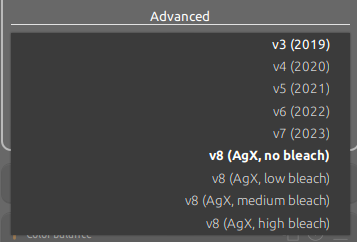
Filmic V8 is the addition of AgX. There are 4 profiles available for AgX in Filmic:
-
To those who say that Filmic doesn’t work or “I decided Filmic was crap, so now I’m just finding it hard to use for no reason” (I see you), 3 basic steps to use Filmic:
- “Auto tune level” picker and adjust the black and white point if necessary;
- in the “Look” tab, adjust contrast;
- same tab, adjust highlight and shadow falloff and the type of curve.
Despite their different approaches, both tools have their strengths. The best way forward is to explore, learn, and share constructive feedback to help them improve.
Cheers!
IMG_3129_02.CR2.xmp (81.4 KB)
16 Likes
An over reaction to a polite comment from me that I would like to see updates from AP included in DT since he created filmic. If my comment annoys you then please just ignore rather than feeling the need to attack me. This forum is becoming too unfriendly.
This must be a new addition. I didn’t see it in nightly version downloaded a couple of weeks ago.
To offer some constructive feedback, to me, it would be better design to have only one ‘v8’ option in colour science (not four), with a separate drop down (or even just a single slider) for bleach.
darktable users will no doubt miss the ‘primaries’ tab, otherwise, it is a nice neat implementation of agx into the filmic gui.
1 Like
Thanks for your comment.
Yes AgX has been added 6 days ago.
You are right that it needs a dedicated combobox but for the moment we try to create the less new module parameters possible to not break edits and database, especially in case of changing our mind. We try to keep that for round version (v1.0).
To those who wants the primary tab, there is still the Color primaries module. See Emulating darktable AgX in Ansel on the Ansel doc.
Felt quite a bit more sluggish to me on the same computer.