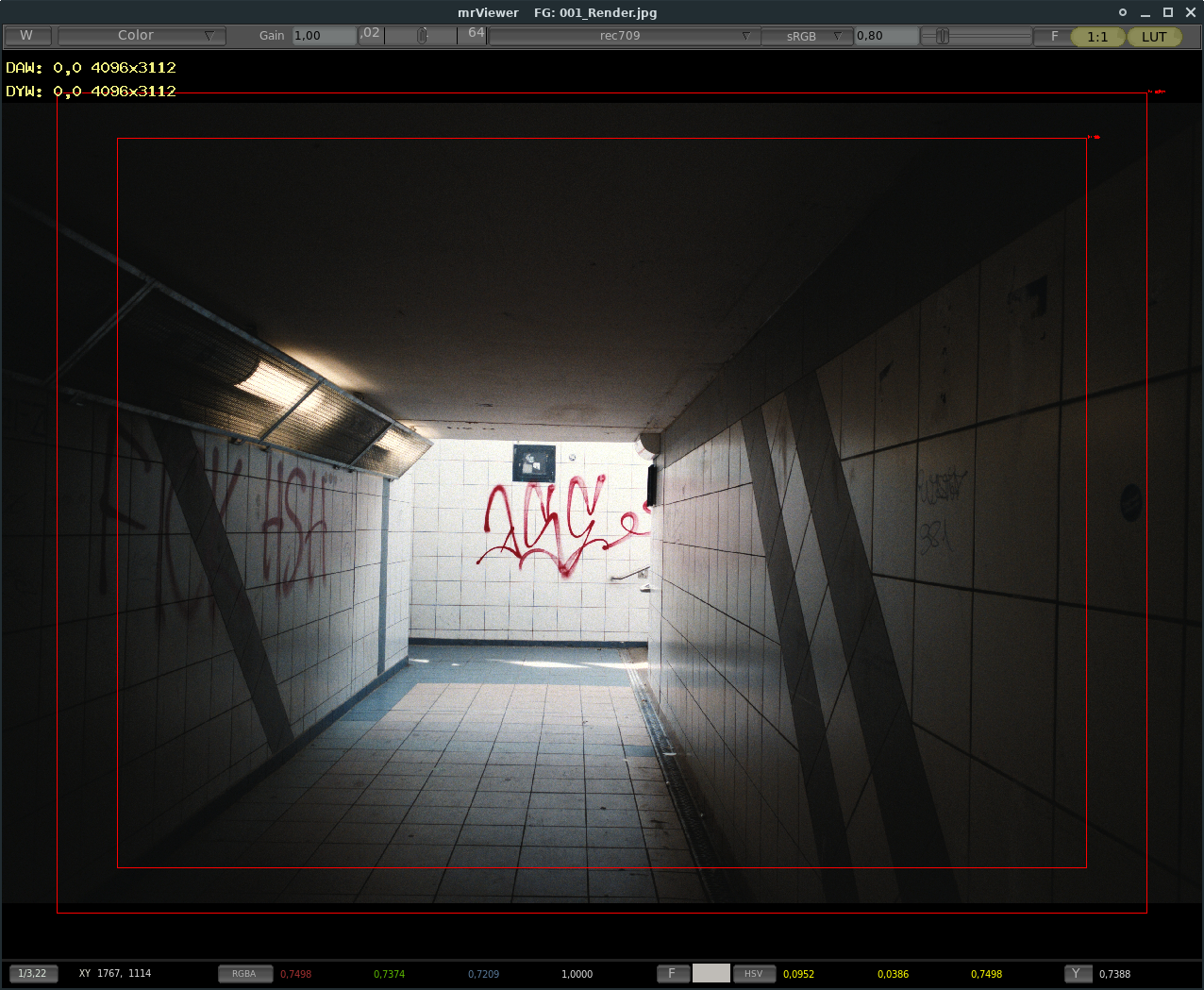
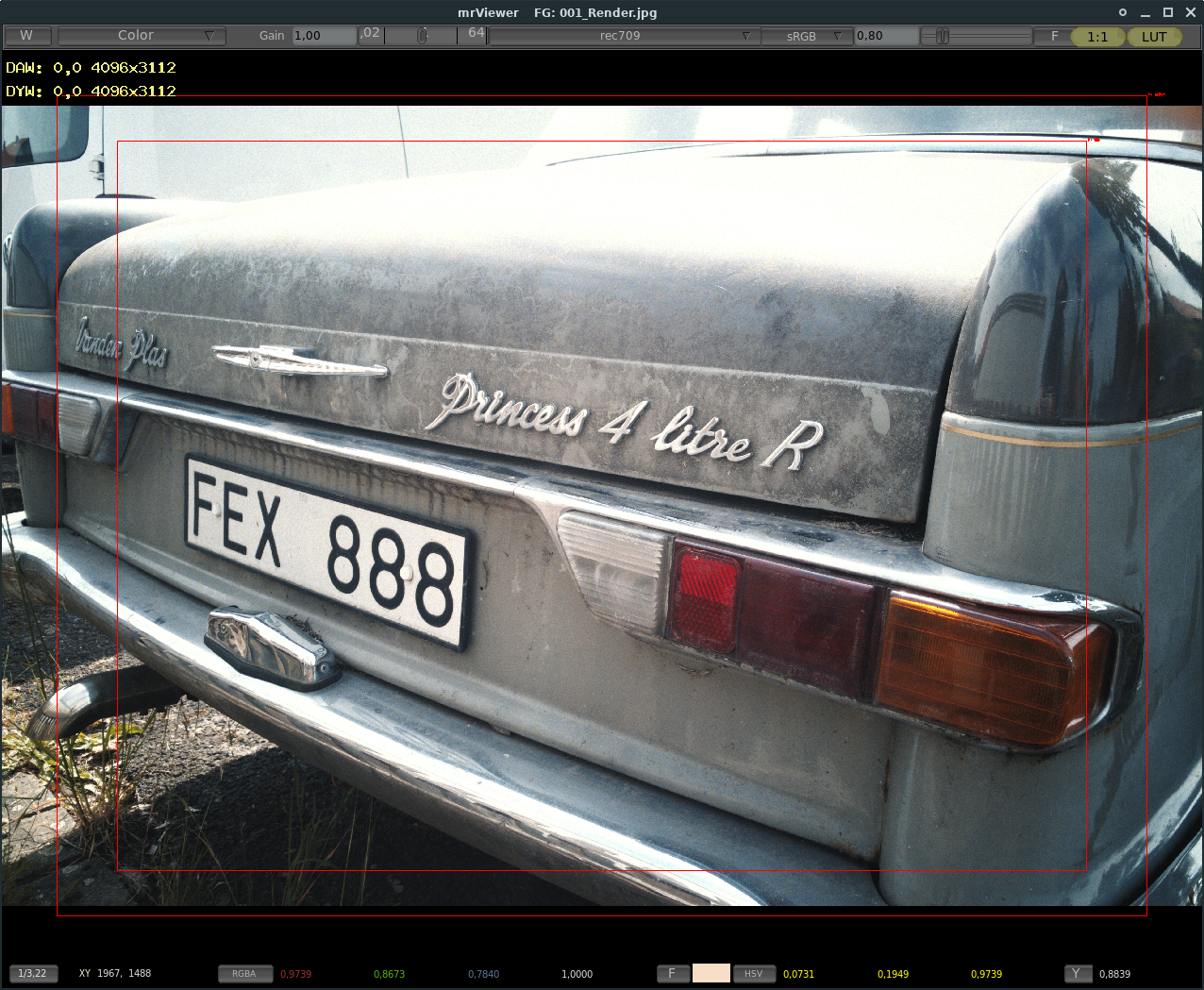
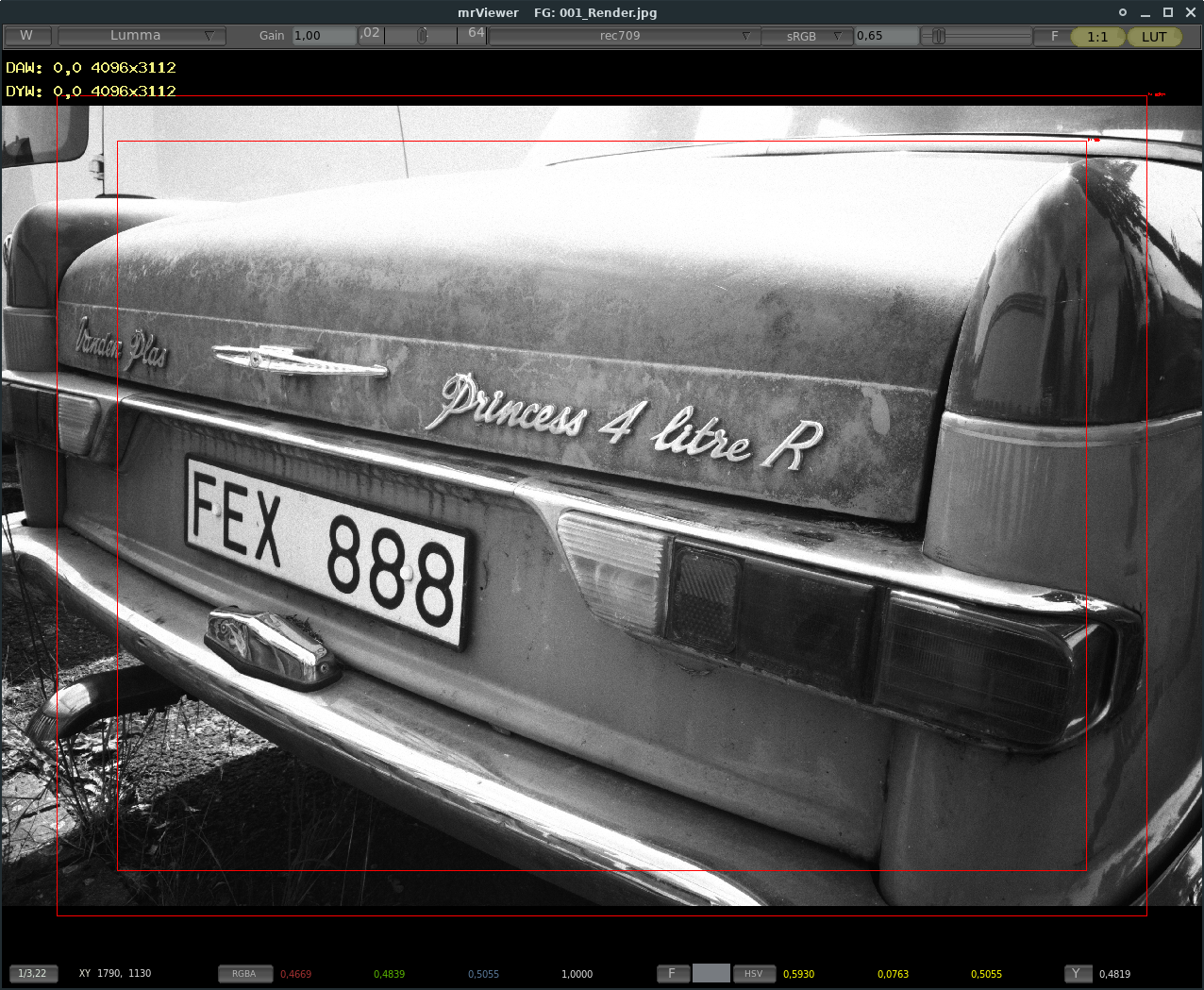
What you see is a completely “batch-processed” file … well … that would be easy. Isn’t.
It’s a great example what I use Natron for:
Combine only the color data of a DNG and a JPG file from my smartphone - the DNG the pure color sensor data, the JPG is the same shot but combined color sensordata with BnW 20MP Sensordata (Leica Lens/Huwaei Phone).
Then apply two LUT-files (Cineon Negative + Kodak Printfilm) on the combined colordata from DNG and JPG.
Then merge mathematically the colors of the un-lutted with the lutted data and apply decent grain with different strenghts in shadows/midtones/highlights (and different color-weights).
Then render in a 4K full frame.
So it’s just color-correction. not any retouching. No sharpness no nothing, pure color contrast.
If you’d ever tried to process a Huawei/Leica-DNG, you’d know why this is glorious as a “one klick render” from which further grading/processing now can be started.
To do that I’d render a DPX to edit - and archive it as Cineon File for comparison.
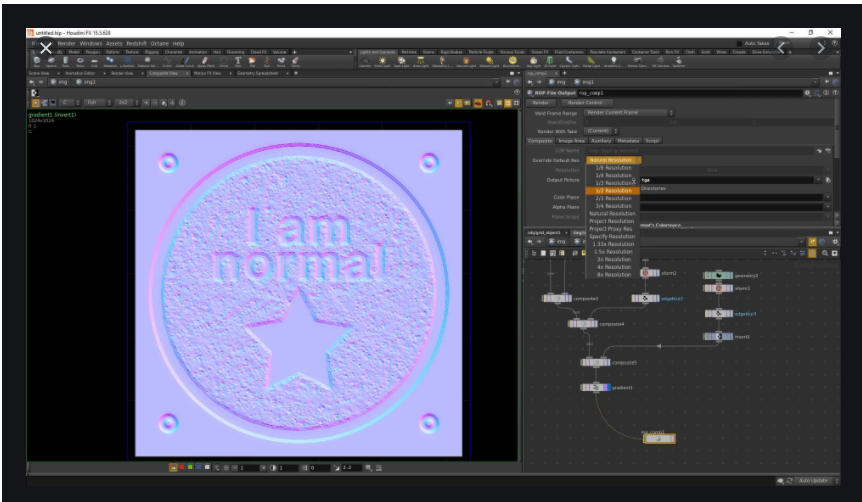
So, the combination of all of those is why they would use Natron as a editor regardless of whether alternatives have most of the features including OCIO.
It not open source but it is free …PictureWindowPro 8…a constantly evolving project from Jonathan Sacs of Lotus 1-2-3 software has a tree like approach with branches, splits and bypass which can be cloned and automated to create some extreme flexibility for the application of filters or adjustments so its nodal or node like…only runs on windows currently …https://www.dl-c.com/Documents/Picture%20Window%208%20Tutorial.pdf
Gimel Studio is a free & open source, node based image editor which you may be interested in. It is currently still in beta stage (but quite functional) and feedback is always welcome.
and yes, of course Natron, but its more than just image editing.
I am currently trying to build Cascade on Linux with the devs help… we are getting there…