I can’t seem to set up the connection between RT and GIMP properly in the settings of RT.
The path to GIMP is Macintosh HD – Programme (or should it be ‘Applications’?) – GIMP, but that doesn’t seem to be correct.
Once I’ve entered it, it disappears again.
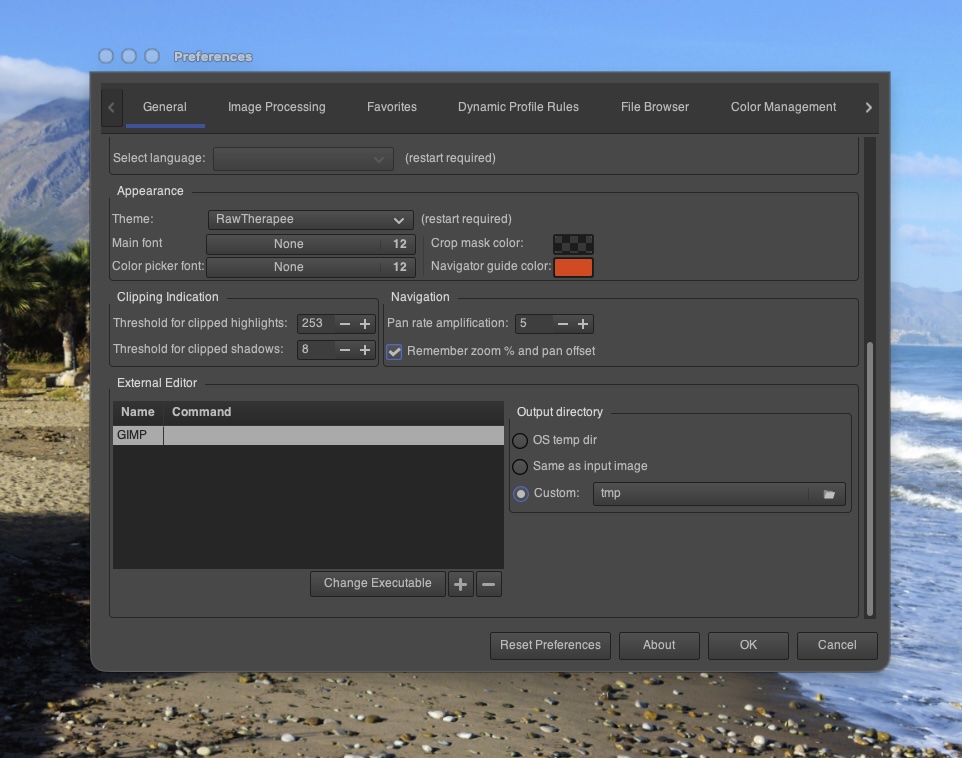
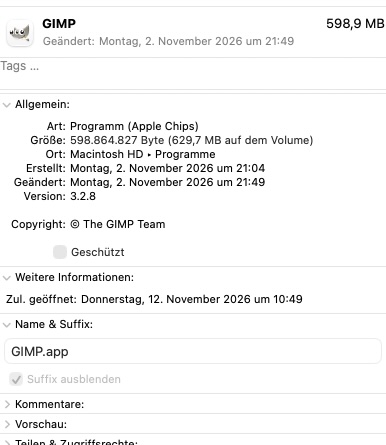
The path as I entered it: “Macintosh HD/Programme/GIMP”.
I also tried “Macintosh HD/Applications/GIMP”
The message I get in RT when I try to export to GIMP
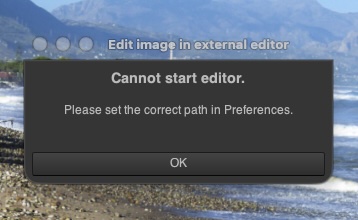
See here:
@yasuo solution works for me on my iMac.
So the path is:
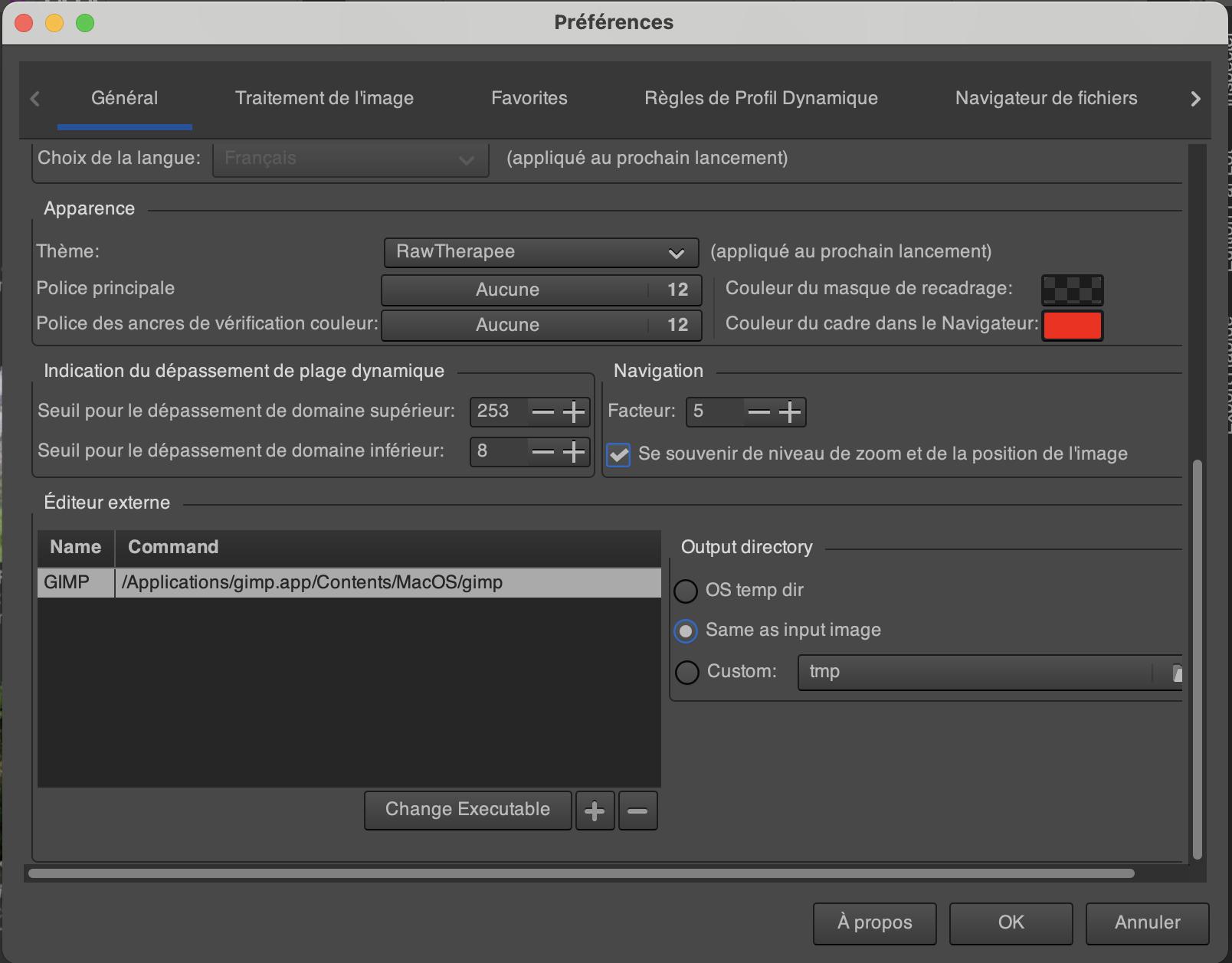
/Applications/gimp.app/Contents/MacOS/gimp
I suppose you have to enter the path under ‘Command’ – although this term is a bit misleading, as a ‘command’ isn’t actually a path, but there’s no other way.
When I enter ‘/Applications/gimp.app/Contents/MacOS/gimp’ and click OK, it’s gone again the next time I open the settings.
And the error message still appears.
With the first path I entered, when I clicked ‘Export to GIMP’, a bar appeared at the bottom saying ‘…Highlights…’. After a while, it disappeared and was replaced by ‘Ready’, then the error message appeared.
With the new path, the message appears straight away.
Hello, the command is gimp and the path says where it can be found.
Here’s a screenshot from my Mac, sending a photo from RawTherapee to Gimp using the appropriate icon left under, works.
FWIW… although I am not using a mac, as far as I know you do not need to configure anything in RT, but in GIMP you can set preferences (Edit> Preferences>Image Import & export>Raw image Importer>OK) to open RAW files up in GIMP. Then… In gimp select File>open and then select a RAW file and it’ll open up (in my case) RT… Make some/any/none adjustments in the RT window… close RT, and then the image will be opened in GIMP; once you’ve edited it, (not only can you choose to save the GIMP file) then you can export it… depending on your export settings/choices, as a jpg or other… for example.
@Aloha I hope that’s helpful and does not cross over too much else. 
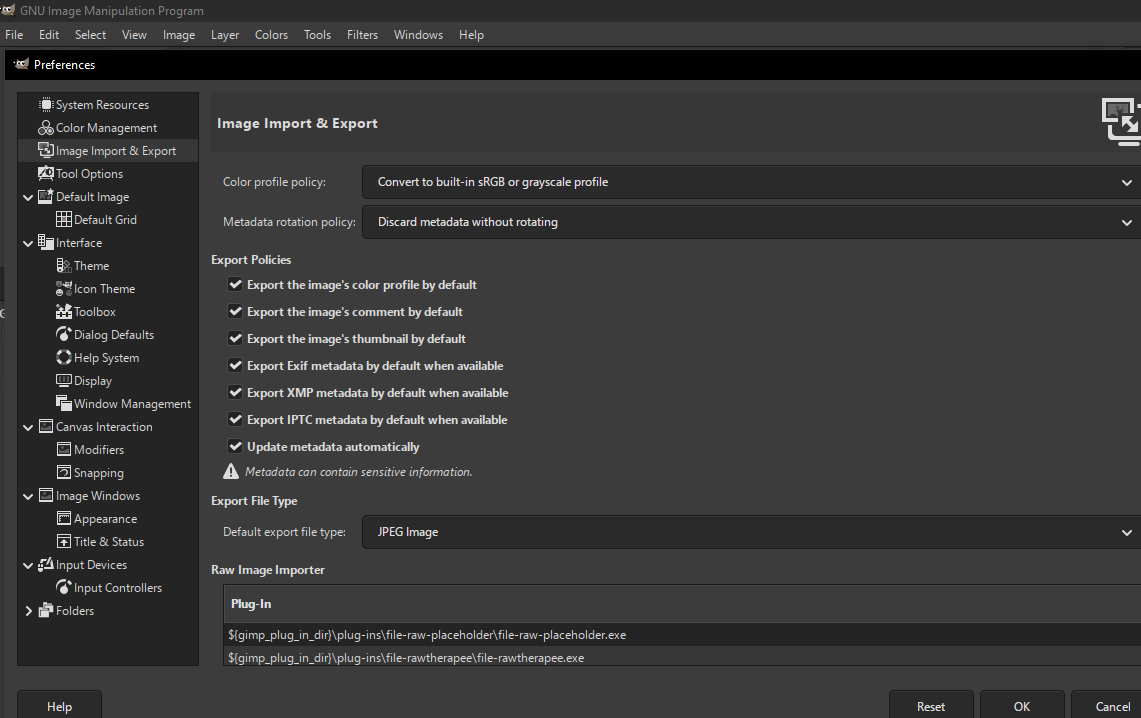
The name is GIMP and ‘Command’ must be the path, but it doesn’t stay there; I enter it, click OK, open it again and it’s gone.
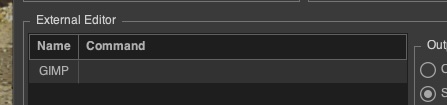
In GIMP, the settings shown below are already there, without me doing anything.
How does GIMP know about RT?
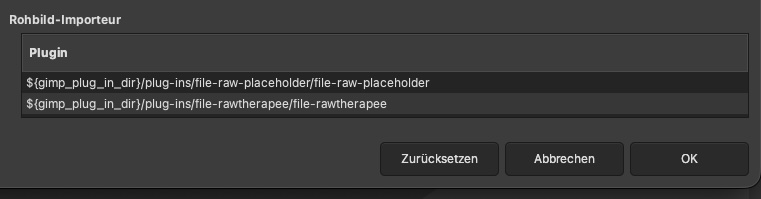
I may not select a RAW file in GIMP.
So, it still doesn’t work,
press enter before clicking “ok”
OK, I could have worked that out for myself 
Shame on me!
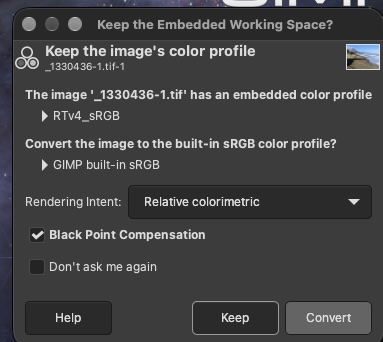
When I now export an image from RT, GIMP opens (even though it was already open) and a window pops up asking about the colour profile.
Which one is better?
P.S.: it seems to me that one cannot edit a message that was just posted to add or correct something?
If one could edit I would have added the camera with which the picture was taken: Panasonic DMC-FZ1000.
I may now export to Gimp, but for every picture a new Gimp session is started and a very big (5 times the size of the RAW file) tif file is saved.
GIMP does that; someone with more knowledge than me will be able to explain why. But then in GIMP you just need to export as .jpg or what ever you choose and you can (in some formats) adjust quality and size of the exported file. In GIMP you can also adjust the size of the canvas or image to suit your needs, many of which you can make suitable for larger or small formats.
A RAW file usually has a bit depth of 12 or 14 bits. So RawTherapee sends a 16-bit TIF to GIMP, in order not to loose any photo information. That’s why the TIFF is about 5 times the size of the RAW.
1 Like