Dear all,
today I have been “dissecting” a bit the filmic code in DT, to better understand how it works, and I might have spotted a “conceptual” bug in the case when the “preserve chrominance” option is activated.
As far as I have seen, this option usually produces images with higher saturation. Such saturation is however strongly dependent on the “target gamma” of the display device. Below is one example of what I am talking about:
“preserve chrominance” activated, target gamma = 2.2:

“preserve chrominance” activated, target gamma = 1.5:
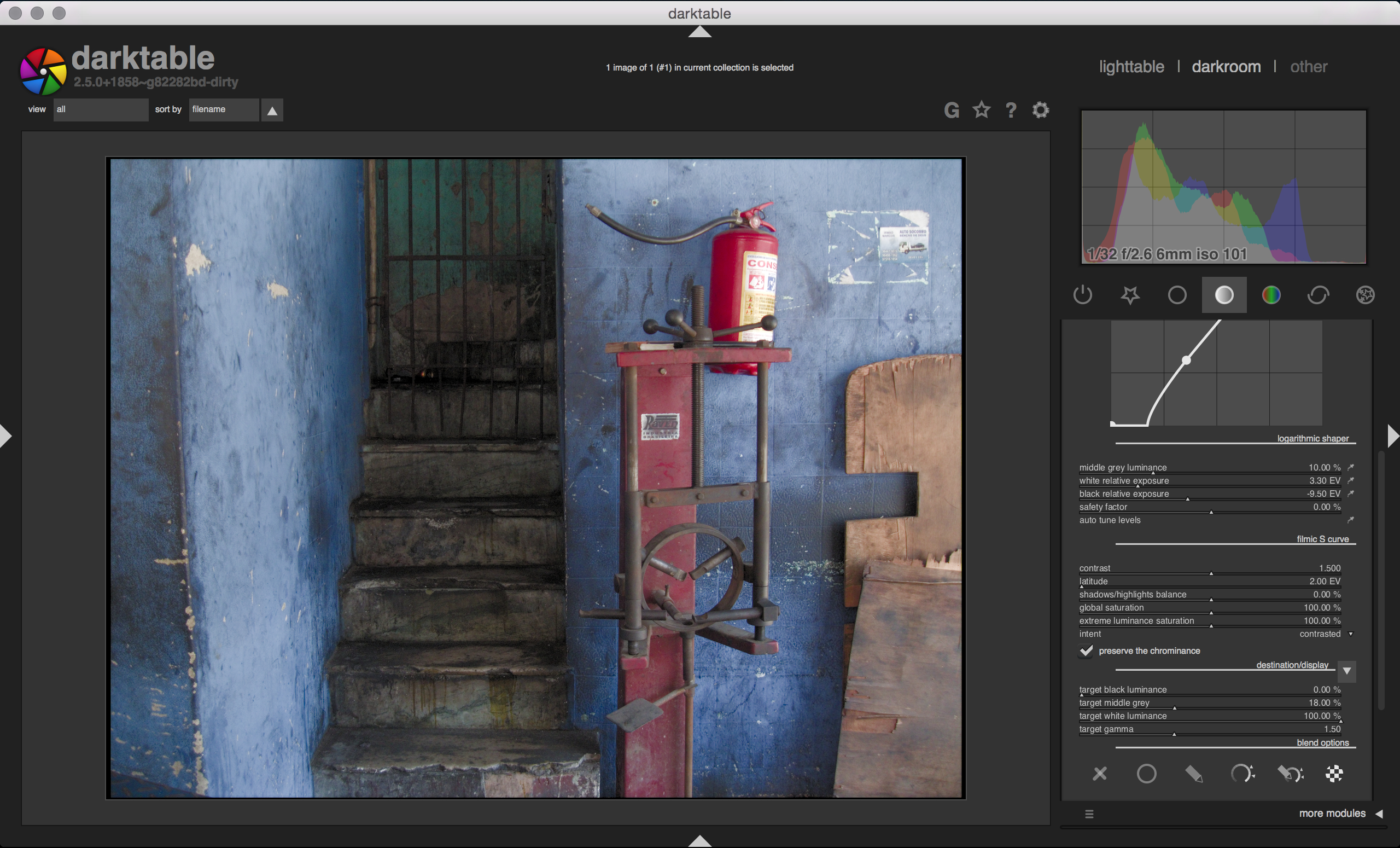
“preserve chrominance” de-activated:

The problem I found lies in the sequence of operations that are applied when chrominance preservation is activated. Shortly speaking, the code follows those steps:
- computes the maximum of the RGB channels (
max=MAX(RGB)) - computes the ratio between
maxand the RGB channels:
ratios[c] = RGB[c] / max - applies the filmic tone mapping to
max:
max' = TM(max) - computes the new RGB channel values as
RGB'[c] = ratios[c] * max' - applies the inverse of the display power function, to get back to linear RGB:
RGB''[c] = powf(RGB'[c], power)
In other words, the “luminance blend” at step 4 is applied using a max' value that is non-linearly encoded, and the individual RGB values are linearised afterwards. This means that the code applies a non-linear power transform to the RGB values, which in turn boosts the saturation but also introduces hue shifts due to its non-linear nature.
In my opinion, the correct way to proceed would be the following:
- computes the maximum of the RGB channels (
max=MAX(RGB)) - computes the ratio between
maxand the RGB channels:
ratios[c] = RGB[c] / max - applies the filmic tone mapping to
max:
max' = TM(max) - applies the inverse of the display power function to
max':
max'' = powf(max', power) - computes the new RGB channel values as
RGB'[c] = ratios[c] * max''
This way, the “luminance blend” at step 5 gets computed using linear quantities, as it should. This results in an output that has a saturation much closer to the case where “preserve chrominance” is de-activated, and also which is totally insensitive
to the “target gamma” setting.
“preserve chrominance” activated, target gamma = 2.2, proposed method:

@anon41087856 what do you think?