Update
Alright, I have been doing a lot of thinking, reading, etc.
AP was kind enough to comment on my PR and share a link to his documentation for the math to DorS, and I went over it quite a bit.
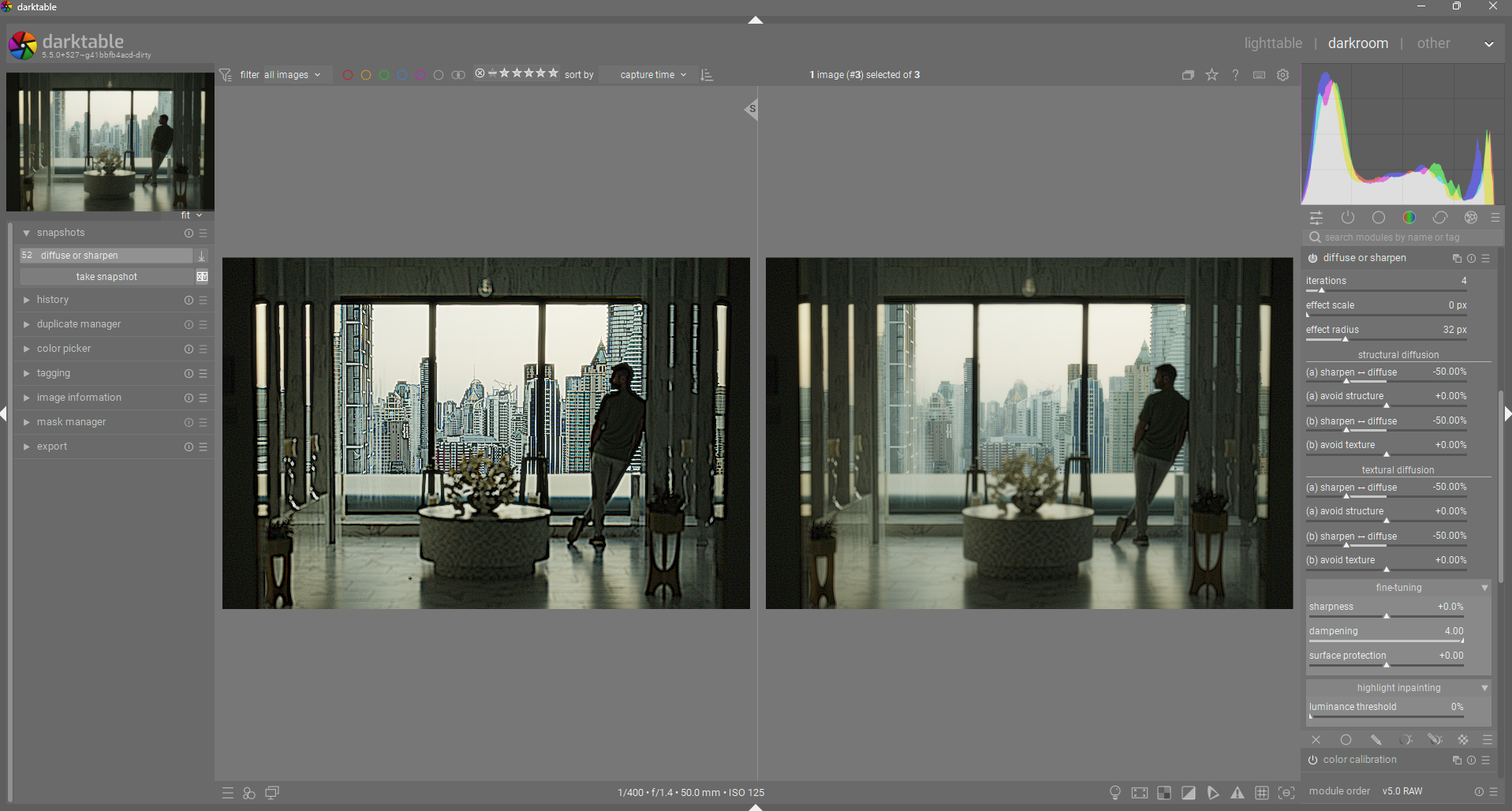
I am attempting to adhere much more closely with his documentation. Here is a screenshot of the current iteration. These terms are much more technically accurate while still trying to convey their meaning in “laymen” terms.
The new terms for the speed and direction controls are derived directly from AP’s documentation on those controls: Ansel | The mathematics of diffuse or sharpen
The meaning of all that can be translated in layman’s term like so :
- we diffuse structure in the direction of structure (, first order),
- we diffuse structure in the direction of texture (, second order),
- we diffuse texture in the direction of structure (, third order),
- we diffuse texture in the direction of texture (, fourth order).
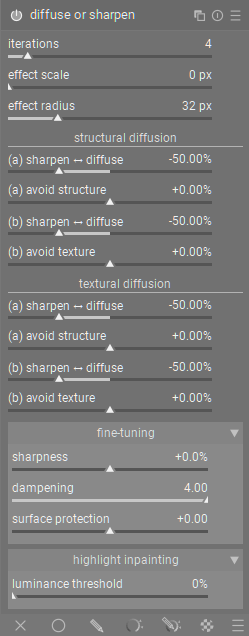
Based on the above descriptions. I have split the speed/direction controls into two sections, structural and textural diffusion. The structure section is where low-frequency sharpening/diffusion is done. The texture section is where high-frequency sharpening/diffusion is done. In each section, there are two pairs of speed & direction sliders (‘a’ and ‘b’). “a” diffusion uses structure as it’s guide (only visible with non-zero anisotropy). ‘b’ diffusion uses texture as it’s guide (again, only visible with non-zero anisotropy).
Here is what the module now looks like:
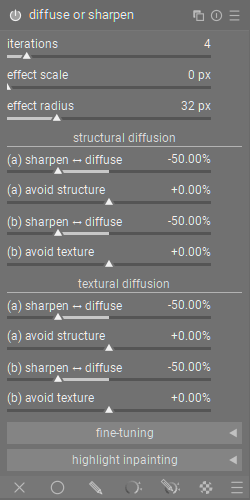
And here it is collapsed:
How did I decide the names for the direction sliders?
AP says that the direction parameters control how the diffusion aligns with the structure/texture of the image, which effectively means that positive anisotropy values leads to diffusion that flows perpendicular to the gradient, therefore not affecting edges (structure/texture). This has lead me to adopt the term “avoid structure/texture” for anisotropy controls, since positive values avoid affecting edges, and negative values focus/target edges. For example:
-
diffusion + positive anisotropy = diffusion that avoids disturbing structure/texture. “avoid structure/texture” properly indicates that diffusion will avoid these features.
-
diffusion + negative anisotropy = diffusion that primarily moves across edges, leading to messy/diffuse edges. A negative “avoid structure/texture” value makes it clear that the diffusion is now focusing on structure/texture, instead of avoiding it.
-
sharpening + positive anisotropy = sharpening that avoid sharpening the well defined structure/texture, leading to a relative loss in large detail. “avoid structure/texture” is less intuitive here, but once you understand that the selected effect is avoiding structure/texture, it then makes sense that edges of structure/texture is no longer really visible, since it is not being sharpened along with everything else.
-
sharpening + negative anisotropy = sharpening that focuses more on sharpening structure/texture, preserving those primary shape/detail shapes. Negative “avoid structure/texture” is easy to understand here, since it can be interpreted as “target structure/texture”.
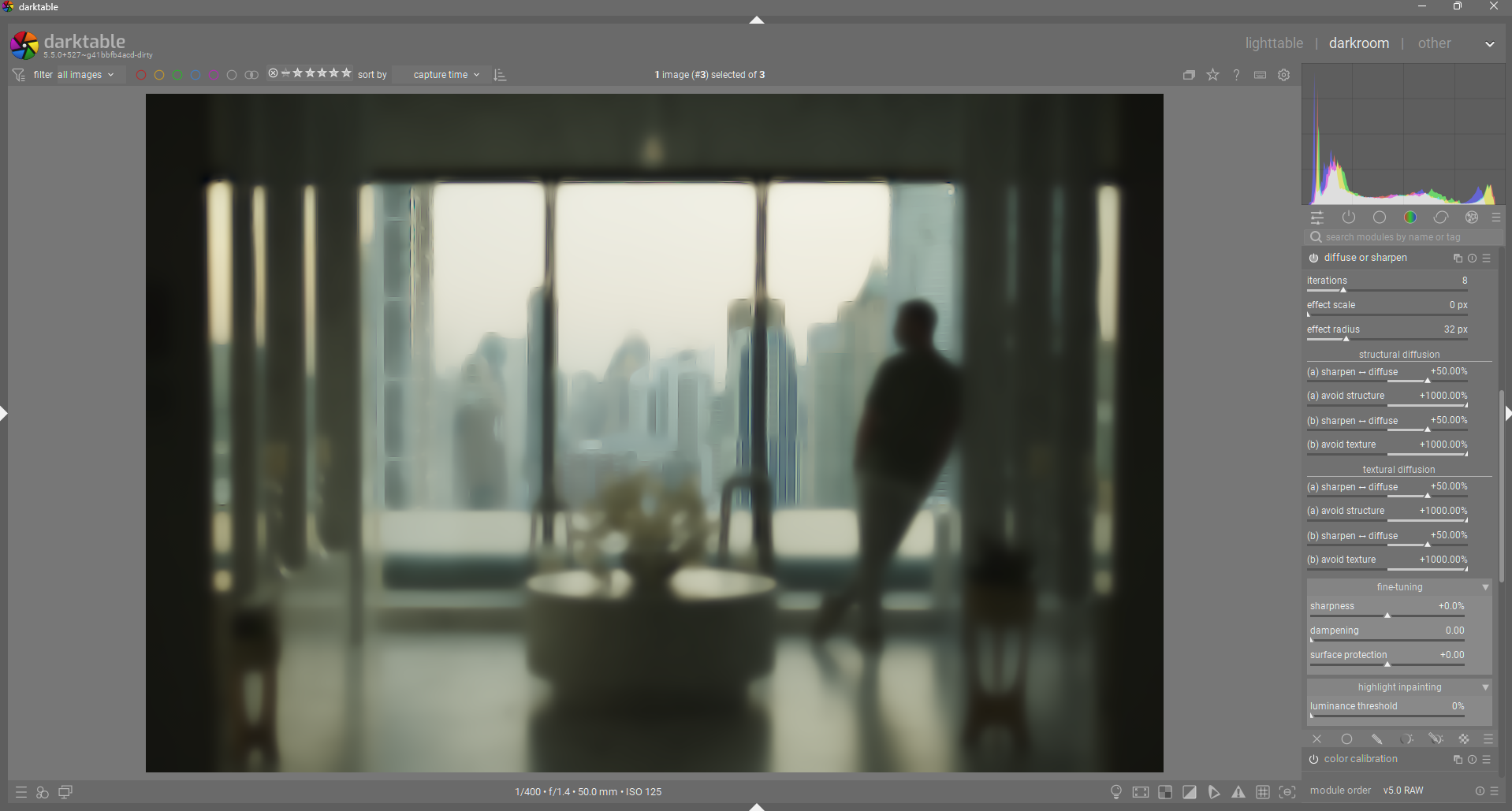
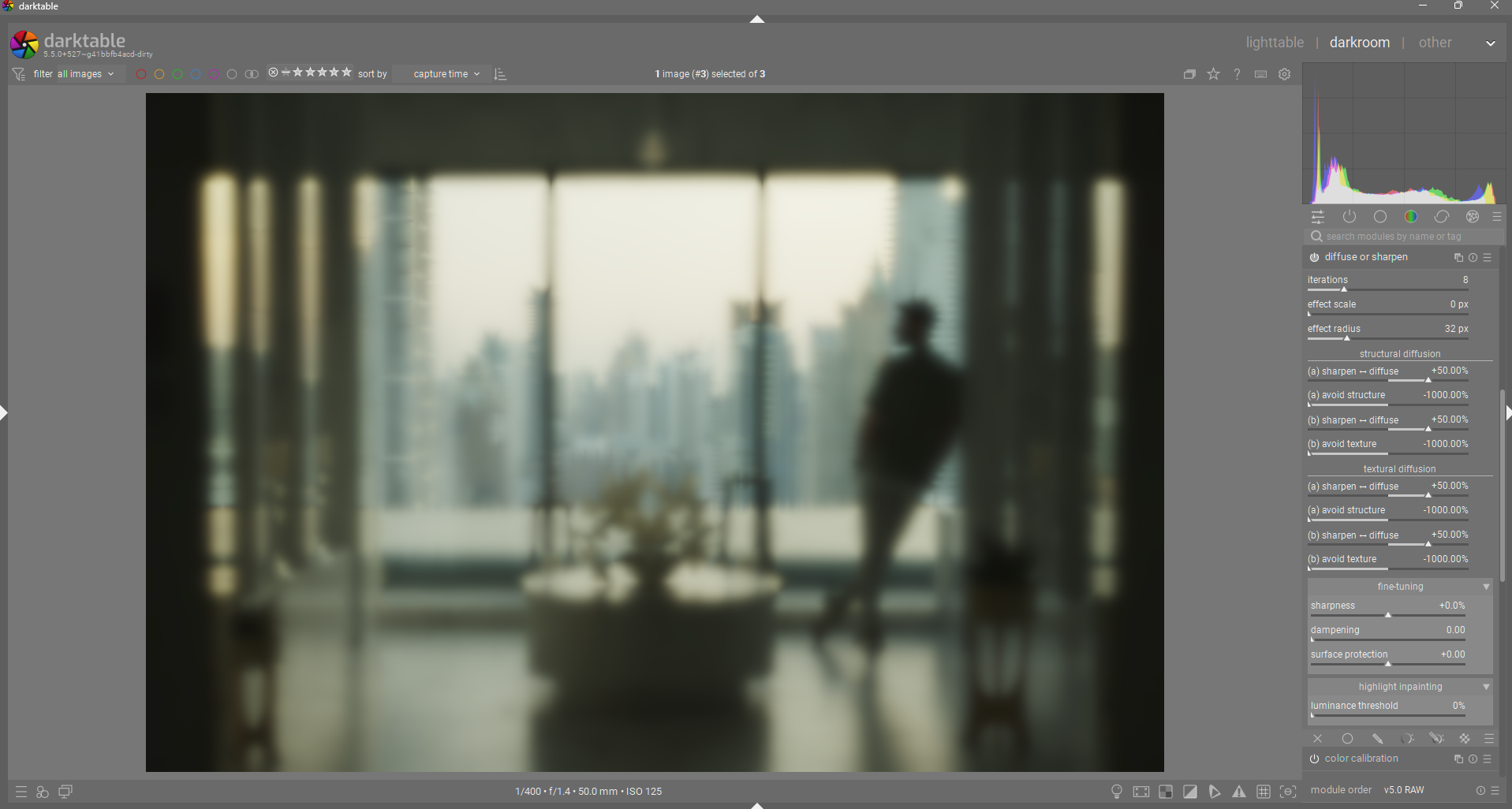
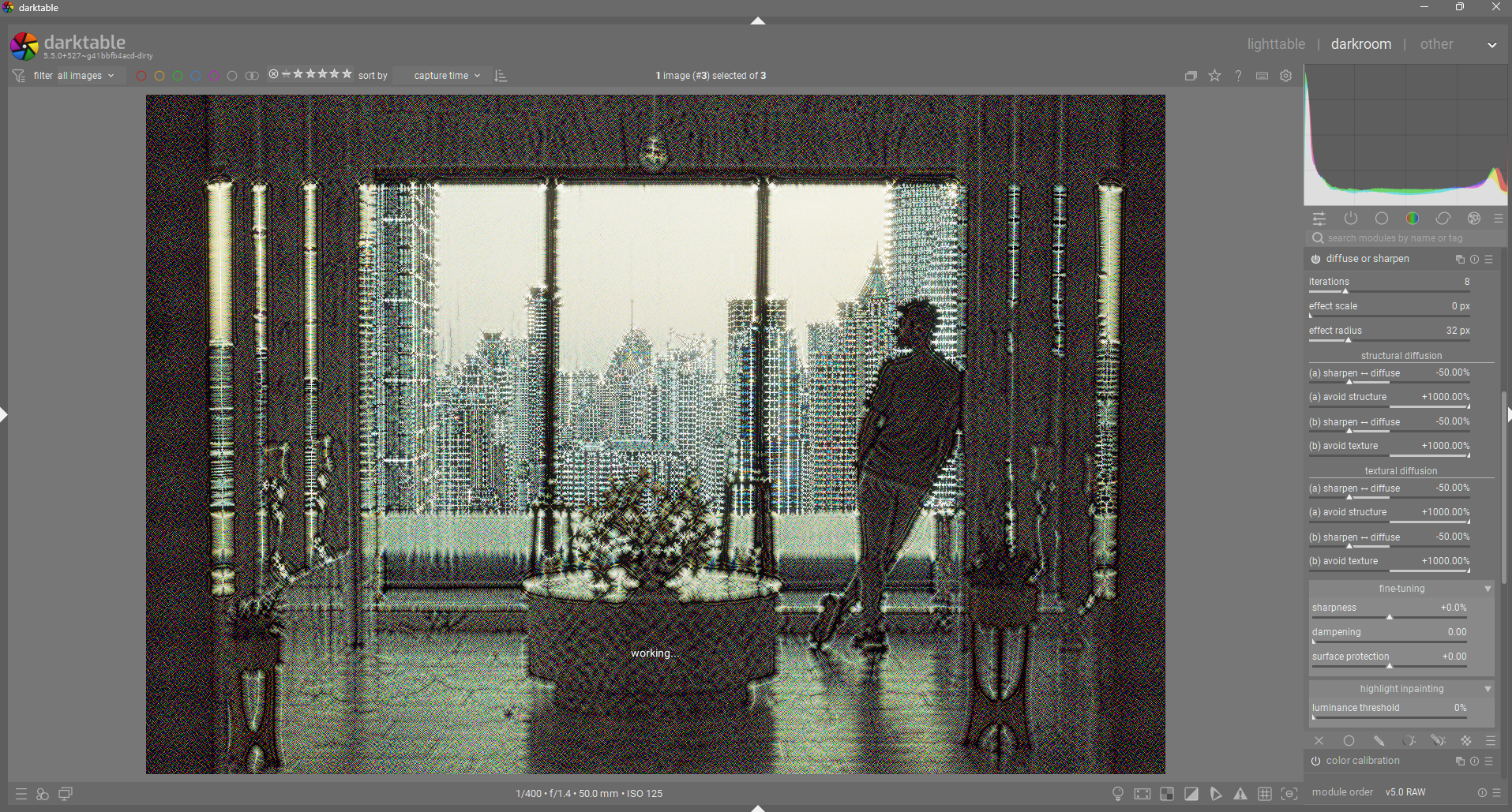
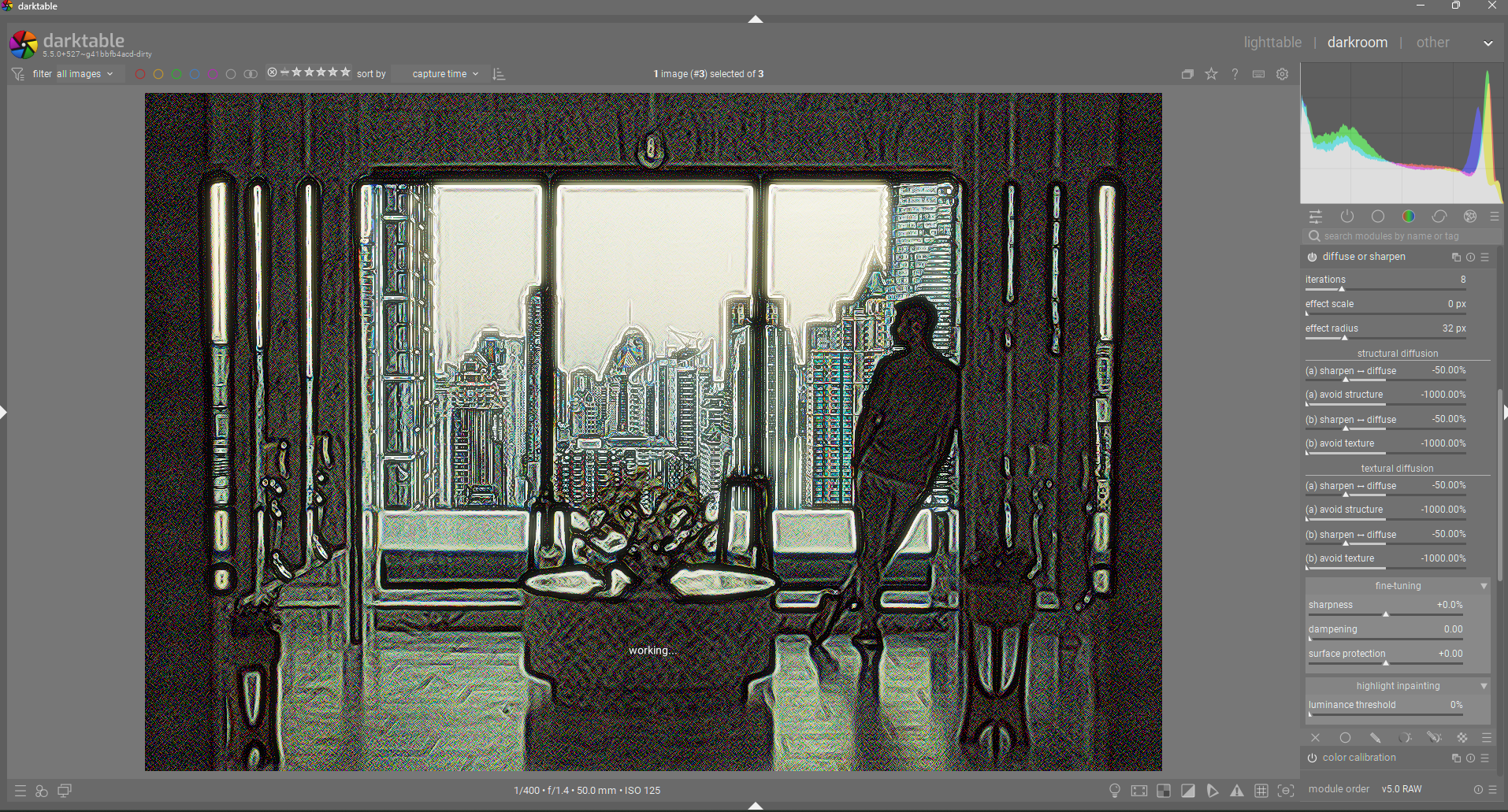
So I have chosen “avoid structure/texture” as a way to accurately describe the function and effect in as many cases as possible.
I have also renamed the edge protection control to “dampening”, since I think it more accurately describes what it does. It is the regularization/variance threshold internally. My understanding is that this control effectively dampens the variance of the input data to the diffusion process, effectively reducing the overall diffusion/sharpening in a pleasing way. This can be used to reduce halos or to pull back diffusion to preserve some edges in a very smooth way.
Here is an example of zero dampening vs max dampening used with sharpening: