[feedback needed] integrating nind-denoise with darktable

Thank you for your hard work. First of all, a small typo in “Install requirements” section. There is the double quotes in wrong position. It should be

```
uv add -r requirements.in --index "https://download.pytorch.org/whl/xpu**"** --upgrade
```

Unfortunately nothing changed for me. If I follow the readme step by step and launch denoise.py I still get the “XPU device count is zero” error:

~/Apps/nind-denoise/.venv/lib/python3.13/site-packages/torch/xpu/__init__.py:60: UserWarning: XPU device count is zero! (Triggered internally at /pytorch/c10/xpu/XPUFunctions.cpp:115.)
  return torch._C._xpu_getDeviceCount()
cs and/or ucs not set, using defaults ...
cs=504, ucs=480
warning: PyTorch does not have access to an accelerator (means no gpu found probably). Defaulting to CPU.
Traceback (most recent call last):
  File "~/Apps/nind-denoise/src/nind_denoise/denoise_image.py", line 226, in <module>
    model = nn_common.Model.instantiate_model(network=args.g_network, model_path=args.model_path,
                                    strparameters=args.model_parameters, keyword='generator',
                                    device=device, models_dpath=args.models_dpath)
  File "~/Apps/nind-denoise/src/nind_denoise/nn_common.py", line 132, in instantiate_model
    model.load_state_dict(torch.load(path, map_location=device))
                          ~~~~~~~~~~^^^^^^^^^^^^^^^^^^^^^^^^^^^
  File "~/Apps/nind-denoise/.venv/lib/python3.13/site-packages/torch/serialization.py", line 1521, in load
    return _load(
        opened_zipfile,
    ...<3 lines>...
        **pickle_load_args,
    )
  File "~/Apps/nind-denoise/.venv/lib/python3.13/site-packages/torch/serialization.py", line 2119, in _load
    result = unpickler.load()
  File "~/Apps/nind-denoise/.venv/lib/python3.13/site-packages/torch/_weights_only_unpickler.py", line 532, in load
    self.append(self.persistent_load(pid))
                ~~~~~~~~~~~~~~~~~~~~^^^^^
  File "~/Apps/nind-denoise/.venv/lib/python3.13/site-packages/torch/serialization.py", line 2083, in persistent_load
    typed_storage = load_tensor(
        dtype, nbytes, key, _maybe_decode_ascii(location)
    )
  File "~/Apps/nind-denoise/.venv/lib/python3.13/site-packages/torch/serialization.py", line 2049, in load_tensor
    wrap_storage = restore_location(storage, location)
  File "~/Apps/nind-denoise/.venv/lib/python3.13/site-packages/torch/serialization.py", line 1864, in restore_location
    return default_restore_location(storage, str(map_location))
  File "~/Apps/nind-denoise/.venv/lib/python3.13/site-packages/torch/serialization.py", line 698, in default_restore_location
    result = fn(storage, location)
  File "~/Apps/nind-denoise/.venv/lib/python3.13/site-packages/torch/serialization.py", line 636, in _deserialize
    device = _validate_device(location, backend_name)
  File "~/Apps/nind-denoise/.venv/lib/python3.13/site-packages/torch/serialization.py", line 605, in _validate_device
    raise RuntimeError(
    ...<5 lines>...
    )
RuntimeError: Attempting to deserialize object on a XPU device but torch.xpu.is_available() is False. If you are running on a CPU-only machine, please use torch.load with map_location=torch.device('cpu') to map your storages to the CPU.
Error: denoised image not found:  ~/Immagini/Foto/2025/08/creta/20250810_0005_s1_denoised.tiff
Traceback (most recent call last):
  File "~/Apps/nind-denoise/src/denoise.py", line 217, in <module>
    raise Exception
Exception

If I source “/opt/intel/oneapi/setvars.sh” before running script I get this:

:: initializing oneAPI environment ...
   bash: BASH_VERSION = 5.2.21(1)-release
   args: Using "$@" for setvars.sh arguments: 
:: advisor -- latest
:: ccl -- latest
:: compiler -- latest
:: dal -- latest
:: debugger -- latest
:: dev-utilities -- latest
:: dnnl -- latest
:: dpcpp-ct -- latest
:: dpl -- latest
:: ipp -- latest
:: ippcp -- latest
:: mkl -- latest
:: mpi -- latest
:: pti -- latest
:: tbb -- latest
:: umf -- latest
:: vtune -- latest
:: oneAPI environment initialized ::

python3 ~/Apps/nind-denoise/src/denoise.py  -q 99  ~/Immagini/Foto/2025/08/creta/20250810_0005.NEF
Traceback (most recent call last):
  File "~/Apps/nind-denoise/src/denoise.py", line 34, in <module>
    import torch.hub
  File "~/Apps/nind-denoise/.venv/lib/python3.13/site-packages/torch/__init__.py", line 416, in <module>
    from torch._C import *  # noqa: F403
    ^^^^^^^^^^^^^^^^^^^^^^
ImportError: /opt/intel/oneapi/compiler/2025.2/lib/libur_loader.so.0: version `LIBUR_LOADER_0.11' not found (required by ~/Apps/nind-denoise/.venv/lib/python3.13/site-packages/torch/lib/../../../../libsycl.so.8)

This is my versions:

(nind-denoise) alessandro@arrakeen:~/Apps/nind-denoise$ python3 --version
Python 3.13.7
(nind-denoise) alessandro@arrakeen:~/Apps/nind-denoise$ uv pip list
Package                 Version
----------------------- ----------
asttokens               3.0.0
beautifulsoup4          4.13.4
bs4                     0.0.2
configargparse          1.7.1
decorator               5.2.1
docopt                  0.6.2
dpcpp-cpp-rt            2025.1.1
executing               2.2.0
exiv2                   0.17.3
filelock                3.13.1
fsspec                  2024.6.1
imageio                 2.37.0
impi-rt                 2021.15.0
intel-cmplr-lib-rt      2025.1.1
intel-cmplr-lib-ur      2025.1.1
intel-cmplr-lic-rt      2025.1.1
intel-opencl-rt         2025.1.1
intel-openmp            2025.1.1
intel-pti               0.12.3
intel-sycl-rt           2025.1.1
ipython                 9.4.0
ipython-pygments-lexers 1.1.1
jedi                    0.19.2
jinja2                  3.1.4
lxml                    6.0.0
markupsafe              2.1.5
matplotlib-inline       0.1.7
mkl                     2025.1.0
mpmath                  1.3.0
networkx                3.3
numpy                   2.1.2
oneccl                  2021.15.2
oneccl-devel            2021.15.2
onemkl-sycl-blas        2025.1.0
onemkl-sycl-dft         2025.1.0
onemkl-sycl-lapack      2025.1.0
onemkl-sycl-rng         2025.1.0
onemkl-sycl-sparse      2025.1.0
opencv-contrib-python   4.12.0.88
opencv-python           4.12.0.88
ostools                 1.1.8
parso                   0.8.4
path                    17.1.0
pexpect                 4.9.0
pillow                  11.0.0
pip                     25.2
piqa                    1.3.2
prompt-toolkit          3.0.51
ptyprocess              0.7.0
pure-eval               0.2.3
pygments                2.19.2
pytorch-triton-xpu      3.4.0
pyyaml                  6.0.2
setuptools              70.2.0
soupsieve               2.7
stack-data              0.6.3
sympy                   1.13.3
tbb                     2022.1.0
tcmlib                  1.3.0
tifffile                2025.6.11
torch                   2.8.0+xpu
torchaudio              2.8.0+xpu
torchvision             0.23.0+xpu
traitlets               5.14.3
typing-extensions       4.12.2
umf                     0.10.0
wcwidth                 0.2.13
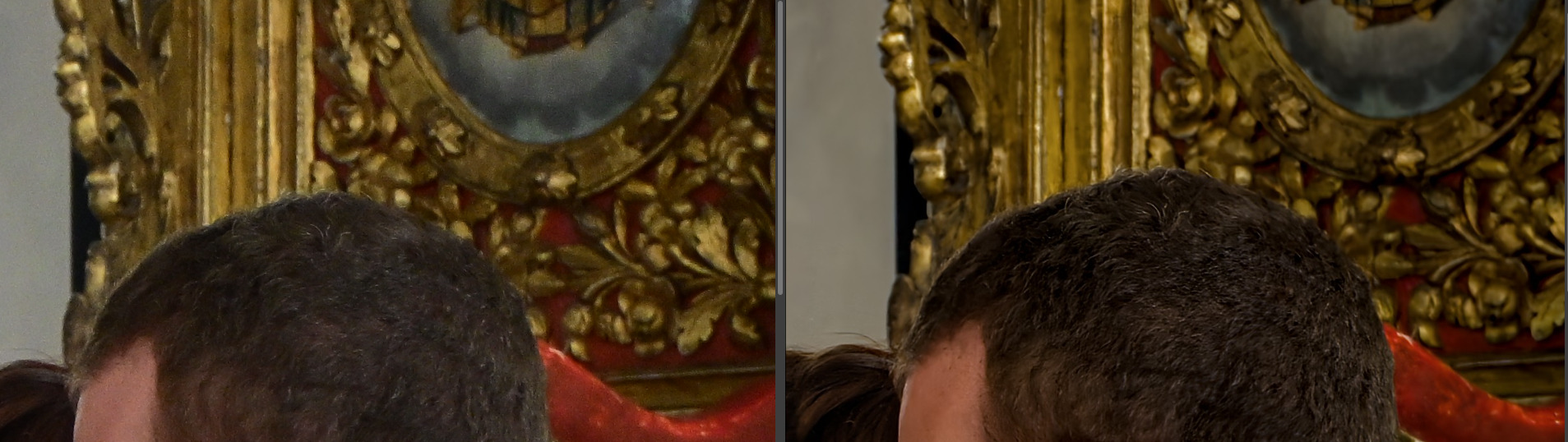
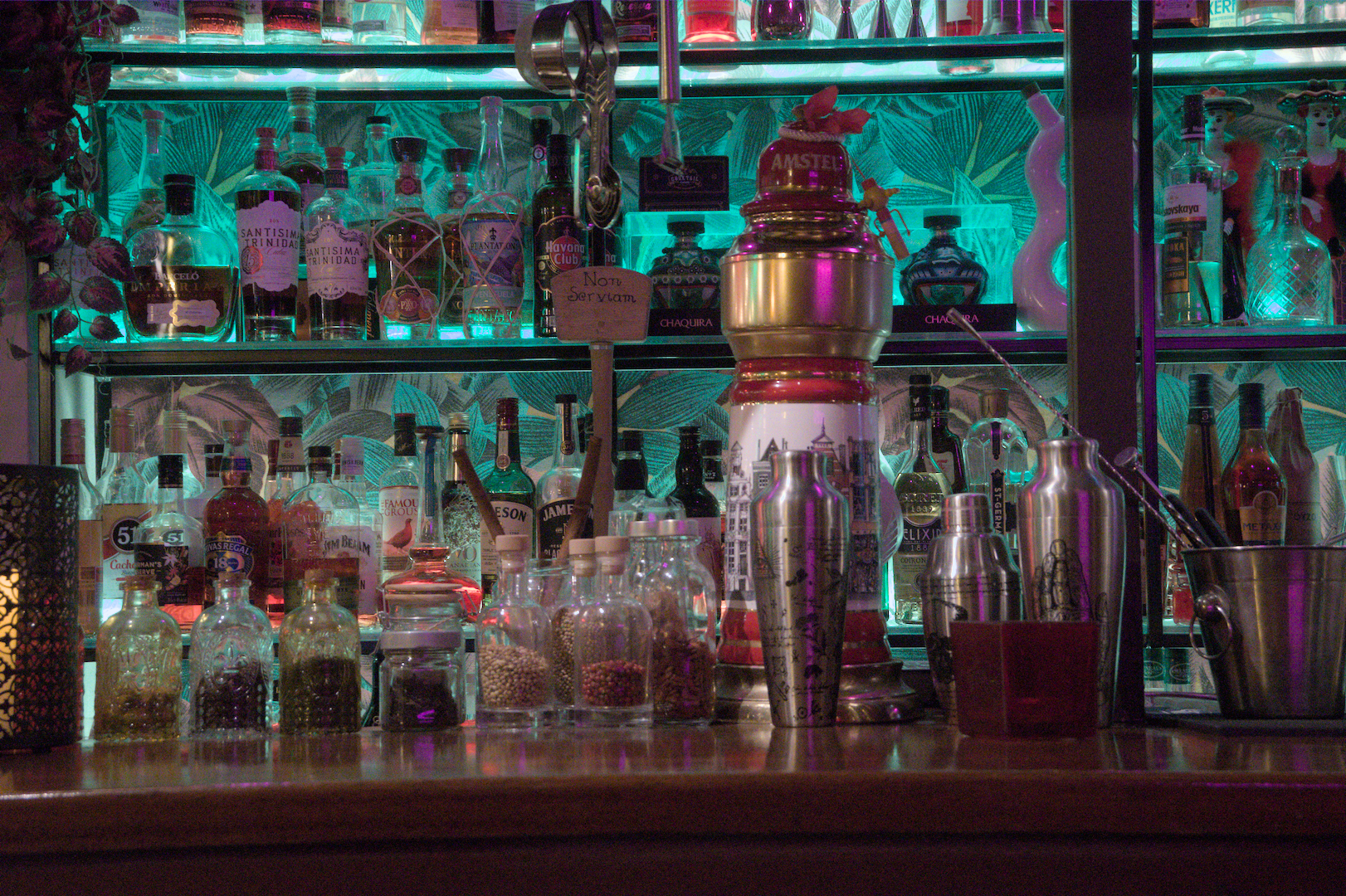
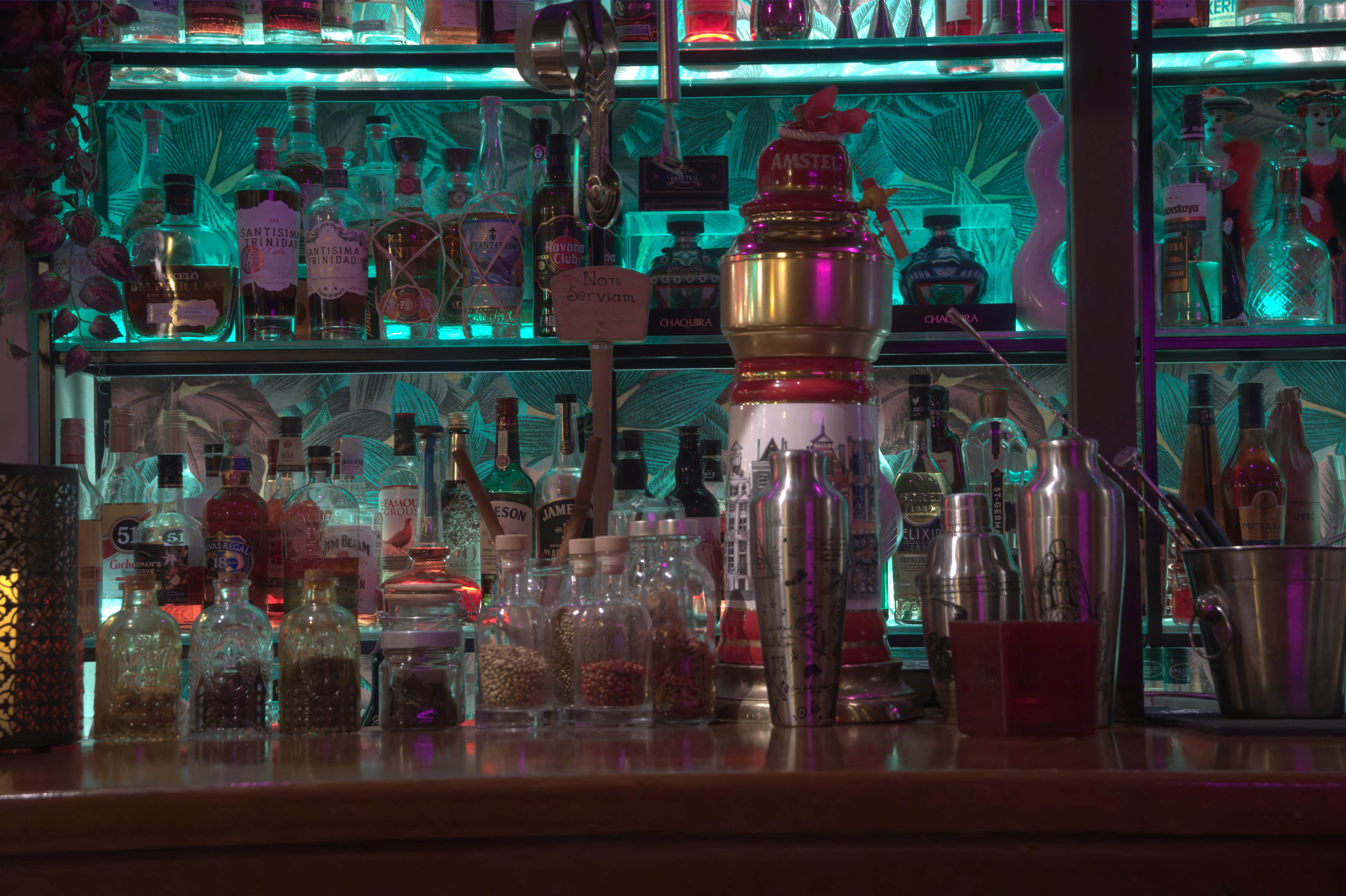
I have also a strange behaviour with pictures shooted ad 12800 ISO. Running nind_denoise with “-d” option, I have the first stage TIF correctly denoised, then the second stage gives me pictures like this:

Before denoising, I’ve cleared all the modules, so this pictures is generated with the default workflow (including Filmic RGB) and nothing else.

That could be a mismatch between system and venv libraries. You don’t need (and shouldn’t have) anything from Intel compute other than the driver installed at the system level - let pip/uv pull that in. Look here

Thanks for testing this. This will probably prompt another readme update as I think right now it gives bad advice for system packages

Following up on this - I installed a fresh copy of Linux Mint 22.1 on my Intel Xe MAX machine.

  1. Software update (reboot)
  2. Installed 6.14 kernel (reboot)
  3. Add PPA and followed steps from this, making sure not to overlook this bit " However, if you plan to use PyTorch, install libze-dev and intel-ocloc "
  1. Installed darktable, opened it, waited for it to finish compiling openCL stuff, selected apply camera presets, imported a random raw image, close darktable
  2. Proceeded with the git cloning & nind-denoising of that random raw image as detailed in the readme.

That worked for me ^^

1 Like

I will try right now. I’m using the 6.8 kernel, maybe with 6.14 I will have more luck! Thank you so much!

It worked! I believe it depends by the fact that I was using oneApi intel drivers.

Now a denoising take 57seconds, before 188. Great results!

The results are really impressive!

Unfortunately it still not working to 12400+ ISO images :frowning:

Hey that’s great! I shall add our findings to the readme this evening. Exciting stuff.

As to your other issue - do you have an high ISO RAW+xmp that fails and are willing to share? I can try and run down that bug later as well. Seeing if I can replicate it would be a nice place to start

Sure,
this is a good example. Note that all the images that have an ISO >= 12400 have this problem.

20250816_0288.NEF (28.9 MB)

20250816_0288.NEF.xmp (6.8 KB)

This file is licensed Creative Commons, By-Attribution, Share-Alike.

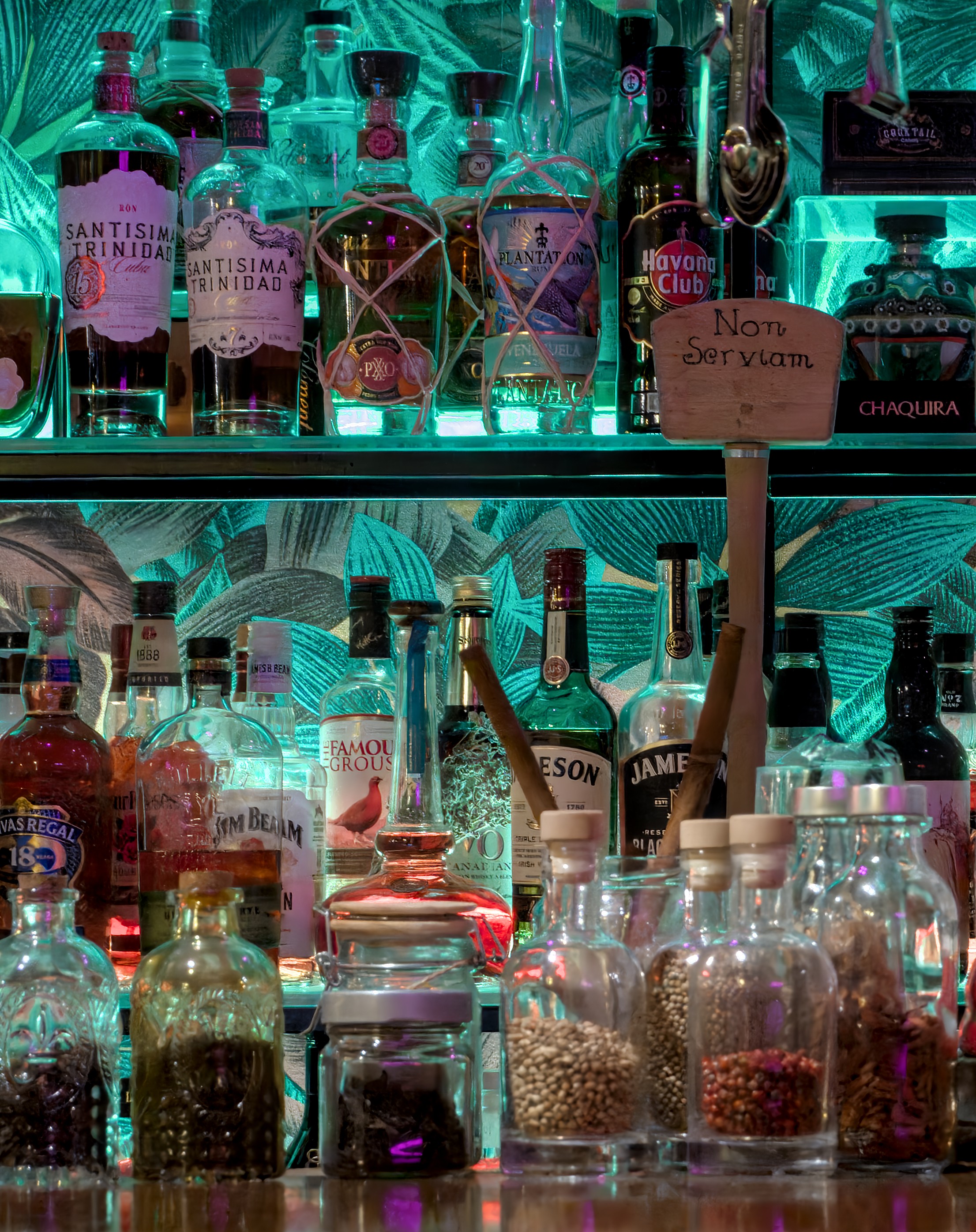
Note that the stage 1 goes fine, here is a JPEG conversion of the denoised tiff:

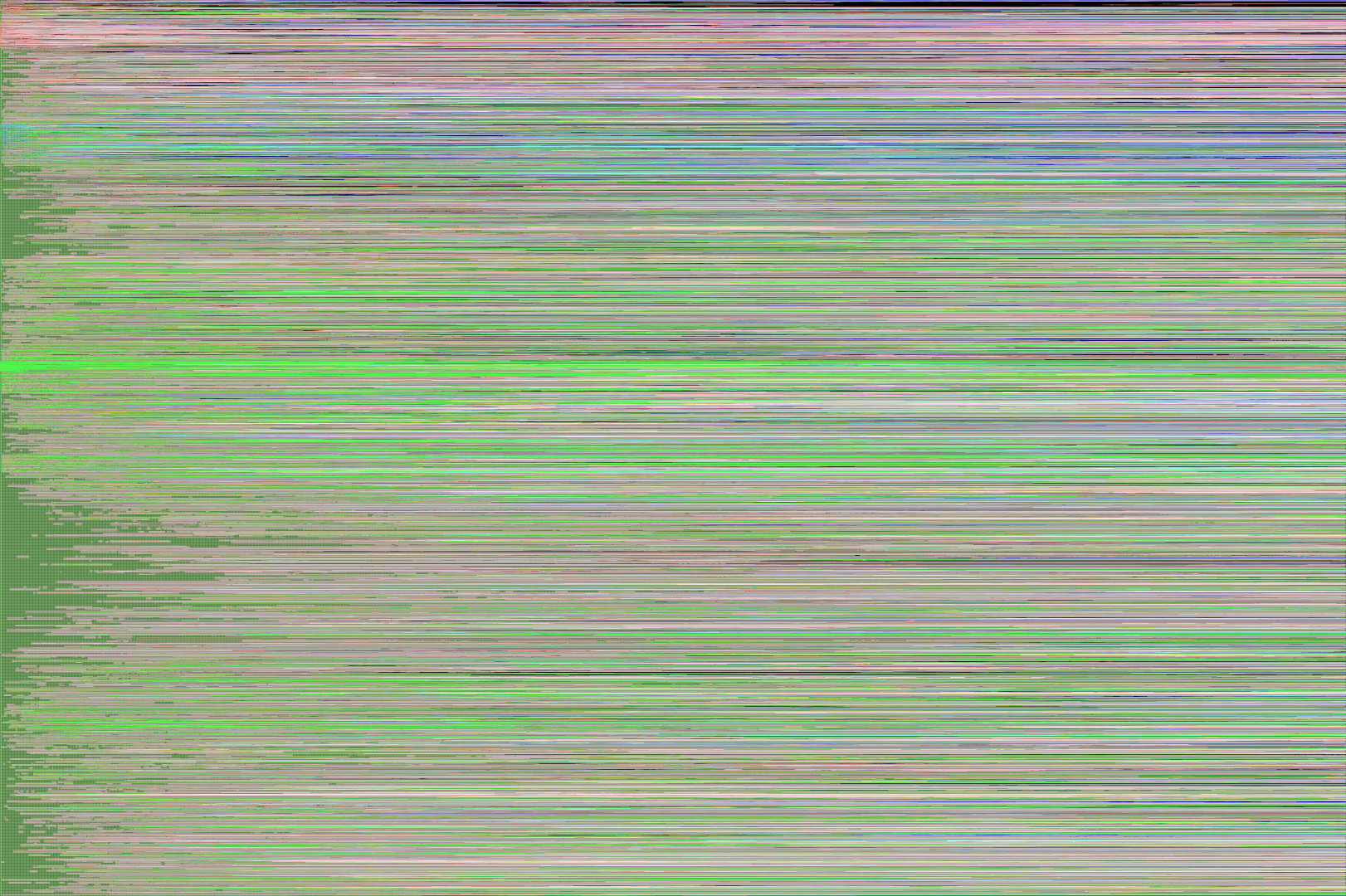
The problem appears with the stage2, when darktable-cli applies the XMP to the denoised tiff. Even withoujt the desharp, the resulting image is something like this:

Note that the --no_deblur and --debug parameter doesn’t work for me with your fork (sorry for all these reports)

This should be fixed & the readme is updated.

Well, all I managed to do tonight was replicate this. Seems to happen both on xpu and on my cuda desktop. I’ll keep tinkering.

which version of darktable are you using? if you pull from git master branch, you are likely hit by this bug (see the attached screenshot in the bug report that looks like yours):

While waiting for a decision from dt devs on resolving the bug, I’m currently on commit b67d715c74 (right before the bug was introduced)

My DT (checked out commit b67d715c74) has no problem processing your NEF with nind_denoise.

Thank you, it seems that is exactly the problem! Let’s wait for the devs decision so.

I just have one question: should we move the deblurring step to stage 1, before denoising? The rldeblur process introduces noise as a side effect, which would subsequently be removed by nind_denoise. In the current order, rldeblur is applied after nind_denoise, which might re-introduce noise into the processed output.

Do you see any issues with making this change?

That sounds like an experiment! No, I don’t see any issues with experimenting; in fact, thats exactly the kind of creative tinkering I was hoping to help facilitate.

Just remember that the real value comes from reporting your findings, and also that knowing something doesn’t work is still useful knowledge.

I can look at adding some toggles in the code for you to play with. That should be pretty straightforward, and I’ve been meaning to compartmentalize the g’mic stuff for organizational purposes anyway.

Taking a step back from the weeds for a minute -

It looks like Benoit released the code to his follow-up paper, both of which I somehow completely missed finding.

I spent some time last night reading through it and poking through the new codebase. Its very promising, to say the least - his work includes joint denoising and demosaicing models designed to be run on raw files ahead of importing into darktable (or whatever software you choose), meaning it spits out a dng and you can do whatever you want with it. The accuracy metrics he reports are phenomenal, as is the model’s generalization. I’m excited to give this a try!

3 Likes

I currently use RL-deblur at the end, mostly thanks to noise-free image after nind-denoise. RL-deblur tends to accentuate noise, but if only there’s noise. While nind-denoise might not correctly transform noise into details, it does transform them regardless, thus, no noise left for Rl-deblur.

Do you have an example where noise are still present after nind-denoise for RL-deblur to amplify?

I haven’t tested if RL-deblur can handle 16/32-bit data correctly, as we need them for other modules in stage 2 (highlight reconstruction, …) Also, deblurred image might interfere with other modules’ operation (haze removal, …) making them output differently from what was intended in the darkroom.

I’ve created a pull request to fix the argument handling, now they sould works:

Thanks! That works on Linux but it broke on windows. Ive got an (almost ready) PR which should harmonize things and generally further improve support. As a side effect I took a closer look at G’MIC’s windows CLI and I expect that part to work in windows too.

Once I finish ironing that out I’m probably going to take a pause and go look at RawNIND, and maybe try to run some samples. If they’re good (and I expect they will be, even better then OG nind), then I may shift focus to tooling that workflow and leave this one as a (working) prototype.

2 Likes

PR merged. New release published.

fix’d the call to rl_deblur so it now works on windows.

Don’t use that release. I don’t think deblur works at all in that one. Use this one

1 Like

I gather this may not work on macos. Right?

I don’t have a Mac to test it on, so any Mac specific quirks still need to be discovered and fixed.

Won’t know until some one tries it, though - in theory it should work fine, GPU acceleration and all. I think. Probably.

I was able to run the script on my mac (M1 pro). Installation was simple to follow as that of Linux.
Very impressed with the output. Though I wish the run time was faster. May be the Apple OpenCL libs are not being used??

Some changes I had to make to get it to work
The diff file

diff --git src/denoise.py src/denoise.py
index e010274..6137b7e 100644
--- src/denoise.py
+++ src/denoise.py
@@ -40,6 +40,8 @@ import copy
 import exiv2
 import yaml
 import io
+import ssl
+import urllib.request

 def clone_exif(src_file: str, dst_file: str) -> None:
     """  Convenience function to clone the exif metadata from one image file to another
@@ -212,6 +214,15 @@ if __name__ == '__main__':
         # TODO: pytorch.hub is probably the easy-mode path to a simpler inference codebase, w/o moving away from pytorch
         if not os.path.exists(model_path):
             from torch import hub
+            # Create SSL context that doesn't verify certificates to avoid SSL errors
+            ssl_context = ssl.create_default_context()
+            ssl_context.check_hostname = False
+            ssl_context.verify_mode = ssl.CERT_NONE
+
+            # Set the SSL context for urllib
+            opener = urllib.request.build_opener(urllib.request.HTTPSHandler(context=ssl_context))
+            urllib.request.install_opener(opener)
+
             hub.download_url_to_file(
                 "https://f005.backblazeb2.com/file/modelzoo/nind/generator_650.pt", model_path
             )

I was able to denoise successfully the following Raw files
Canon 7dii - 70s
Panasonic G9 - 71s
Pentax K3 (DNG format) - 58s
However, my main cameras, Sony A7iv & A6700 raw files failed with the following error

SonyA7m4_s1_denoised.tiff
Wrote denoised image to /Users/Shared/Code42-Excluded/Pictures Shared/Import/SonyA7m4_s1_denoised.tiff
Elapsed time: 19.29396891593933 seconds
     2.3539 [rawspeed] (SonyA7m4_s1_denoised.tiff) rawspeed::TiffEntry::TiffEntry(TiffIFD *, ByteStream &), line 62: Error reading TIFF structure. Unknown Type 0x3e29 encountered.
     5.2578 [export_job] exported to `../Import/SonyA7m4.jpg'

The Sony jpg files were empty or white completely.
Let me know if there are any thing I am missing.
The command I am using is

venv/bin/python src/denoise.py --dt=/Applications/darktable.app/Contents/MacOS/darktable-cli --gmic=/opt/homebrew/bin/gmic  ../Import/Canon7dii.CR

I did try with --no_deblur. I am getting the same TIFF error though.