Oh poor you, the advice is simple - migrate… 
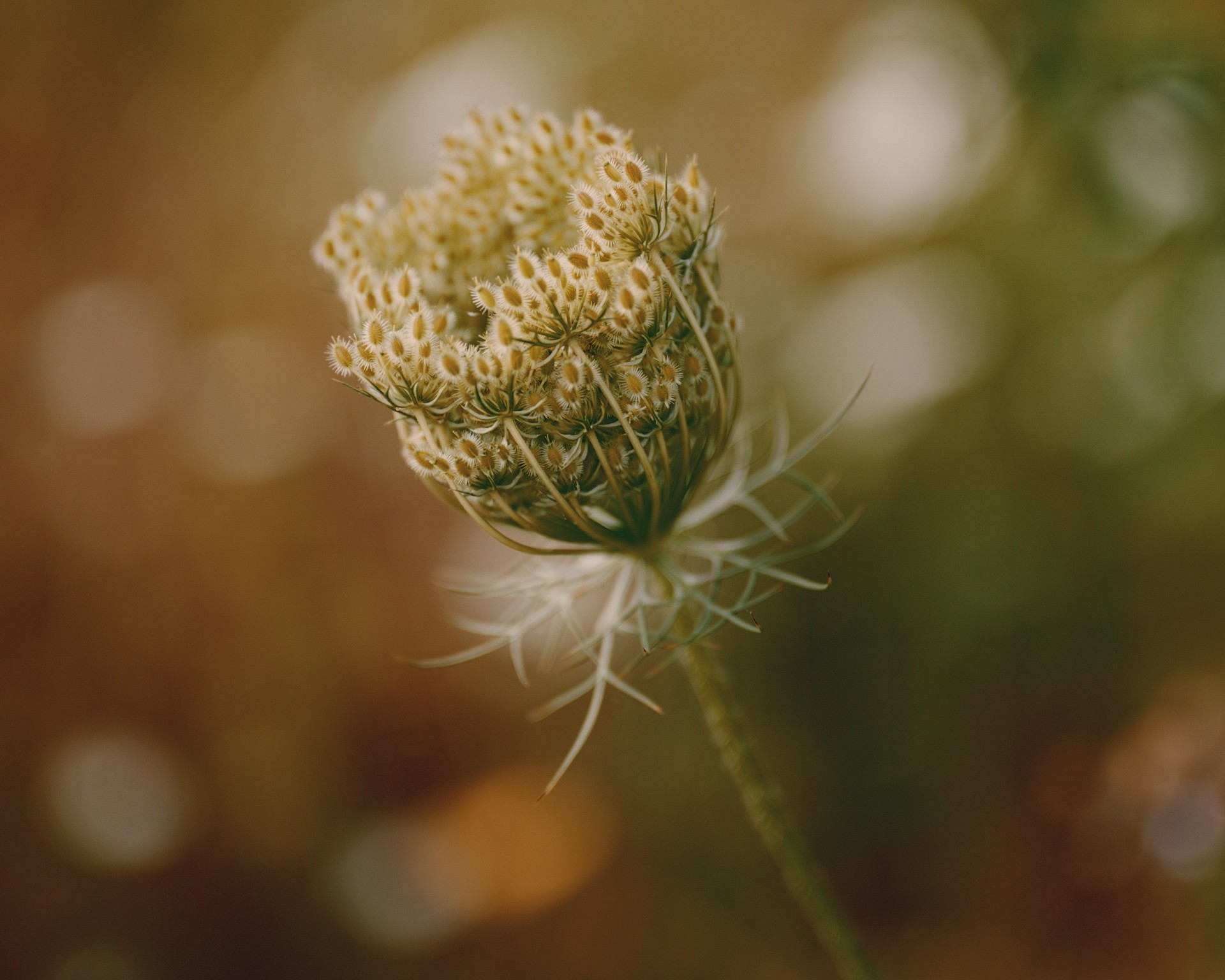
2608_Seeumrundung_036.NEF.xmp (9.2 KB)
darktable with spektrafilm, Kodak Ektar 100, Kodak Supra Endura paper.
4 Likes
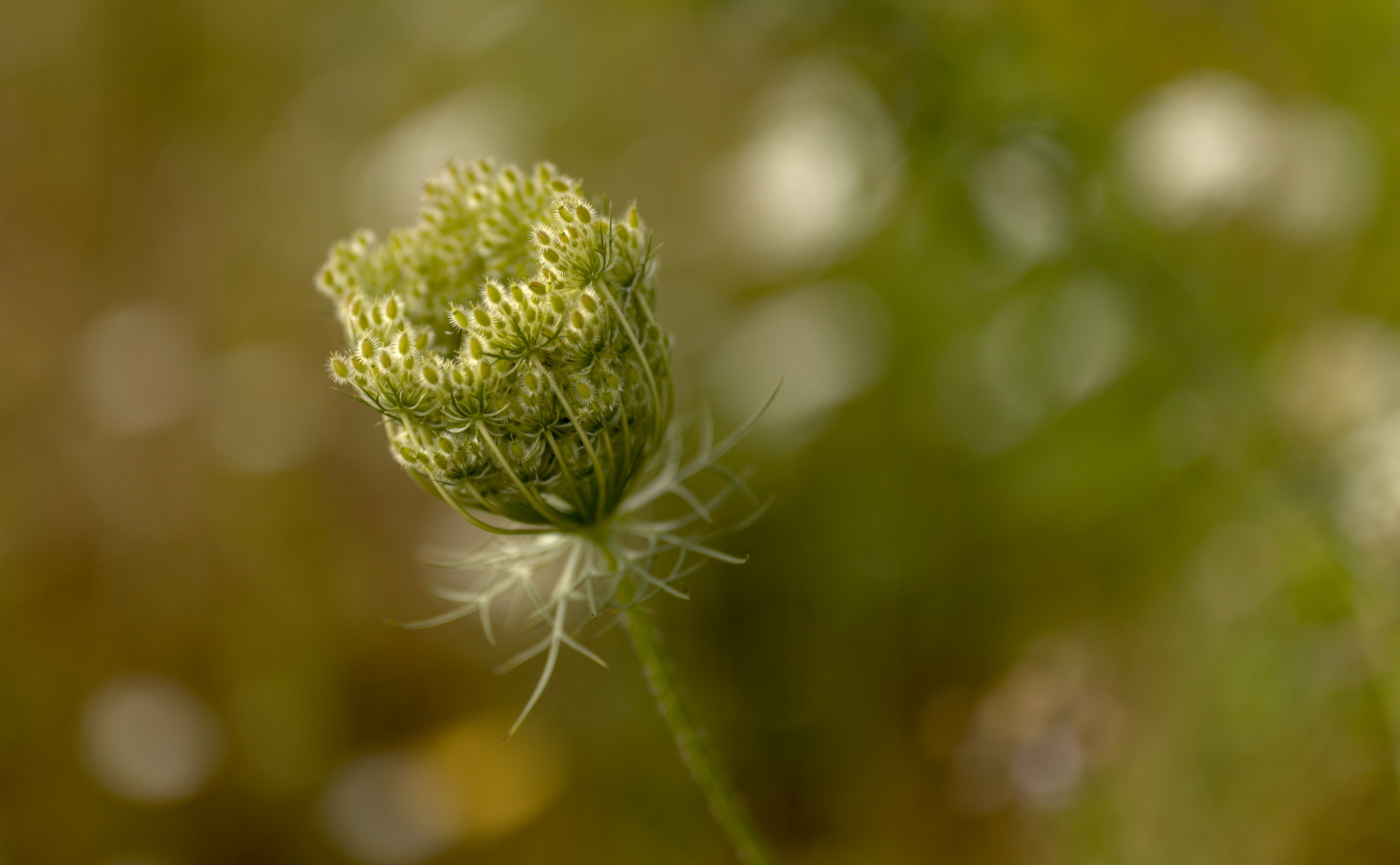
Hello. Here is my attempt

I set myself two objectives:
- preserve the warm tone of the image, but balance it out with some cool shadow tones to avoid the appearance of having an overall colour cast. In other words, make the image warm, but make it neutral? I don’t know how exactly to describe what I was after, but if it makes sense to anyone - please share your thoughts. I would be keen to discuss more the idea of what makes colours in an image look balanced, without a specific cast, but still overall warm.
- try out the new flexi masking panel as per this thread. The
20260813_0001.NEF.xmp (180.9 KB) was generated from the flexi panel development version of darktable, not sure if it will work with any other.
6 Likes
It won’t 
I am curious, and I cannot run darktable atm. Which features of Flexi did you use that are not available in the classic mask panel?
EDIT: Ah, ok, I see that you answered extensively in the other thread, thanks a lot!
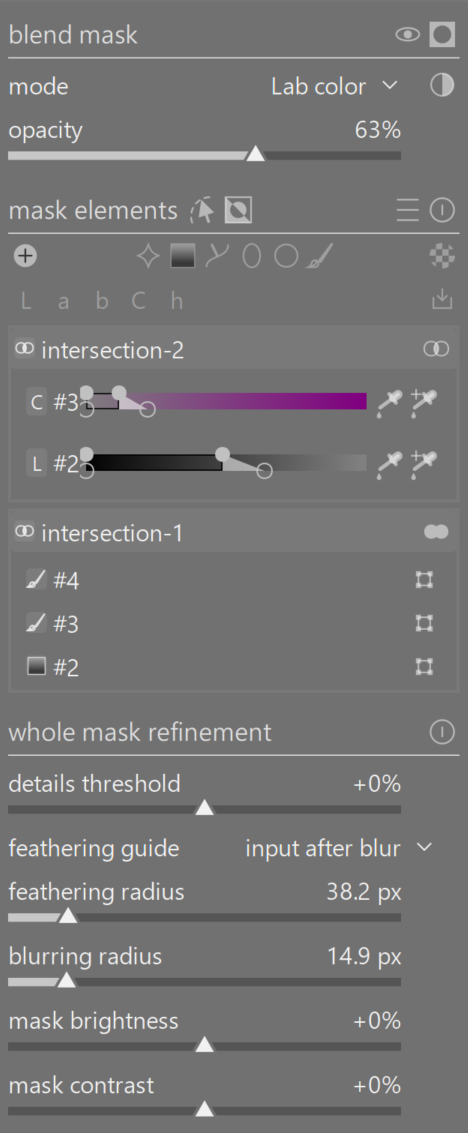
I just posted a more detailed notes about the (overall wonderful ) flexi panel in the panel’s thread. I haven’t tried anything super difficult, but the most complex mask looks like this
2 Likes
3 Likes