Getting the most out of noisy images

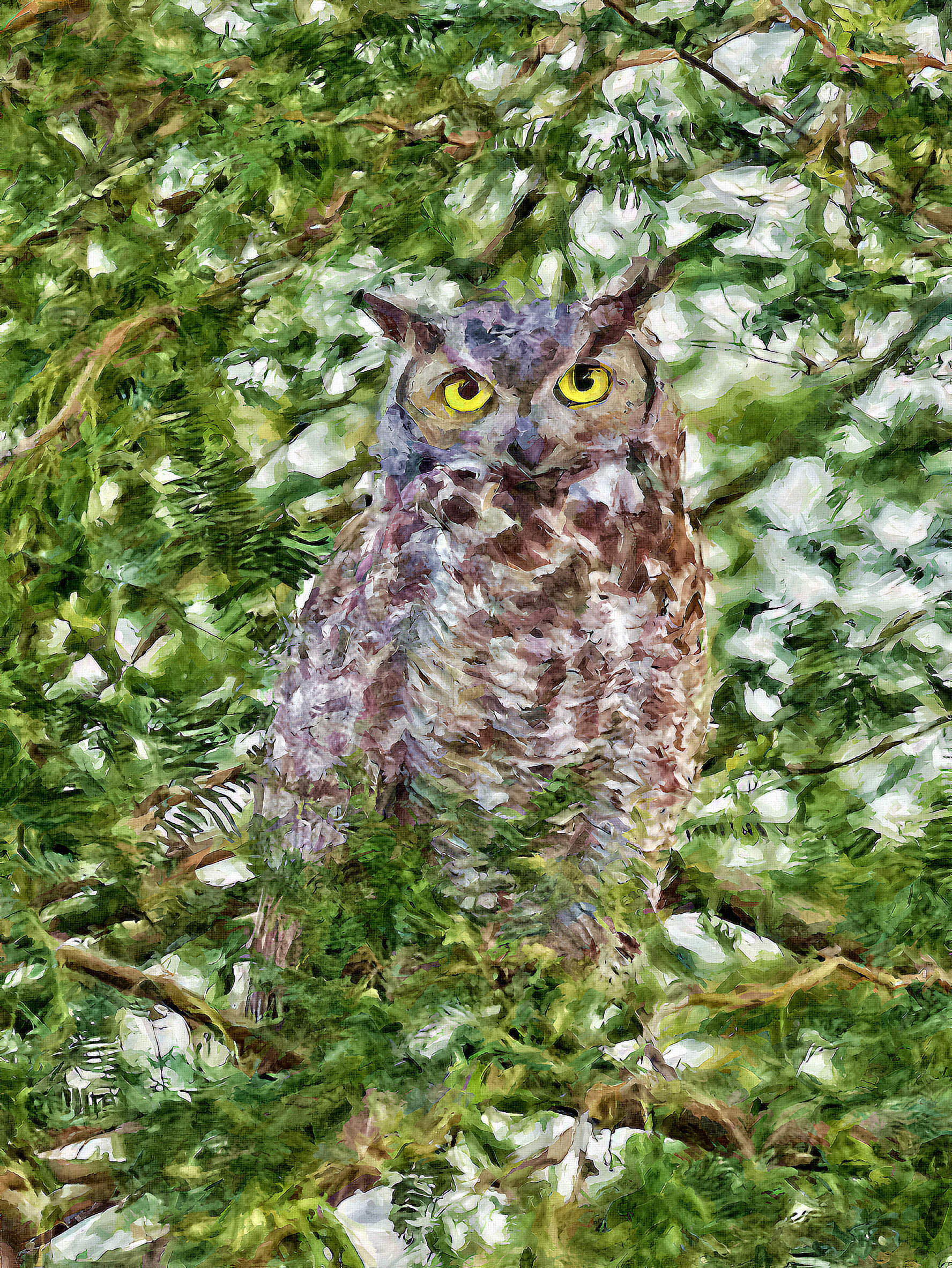
Used a decroma script-fu to remove the color artifacting and it did a great job with that, but the grain was killer. Used G’MIC’s anisotrophic smoothing to clean up the background noise and then did way too many things to enhance the hoot and finally said to myself, I had to stop somewhere. lol

:slight_smile:

3 Likes

Thought I would do a simplication (i.e, painting) as well using my last effort as the target. :slight_smile:

Hi,

I’ve struggled with that (low light colors) in the past as well … and still am.
However I found a way for most of my darker pictures to shine.

Here is what I try to do:

  1. embrace the darkness and contrast
    → we want to keep the mood of the image … i do not want (and can’t) have daytime colors in a night time / dark image
  2. don’t add local contrast or sharpness to dark/not relevant parts of the image
  3. try to, at all costs, reduce/dim distracting/stray highlights
  4. equalize the fore and background brightness → that makes is more easy for your subject to ‘pop’
  5. apply a heavy vignette to fade the corners to black / darkness

… and just accept that, like in the golden film days, your usable resolution decreases with high sensitivity ;).

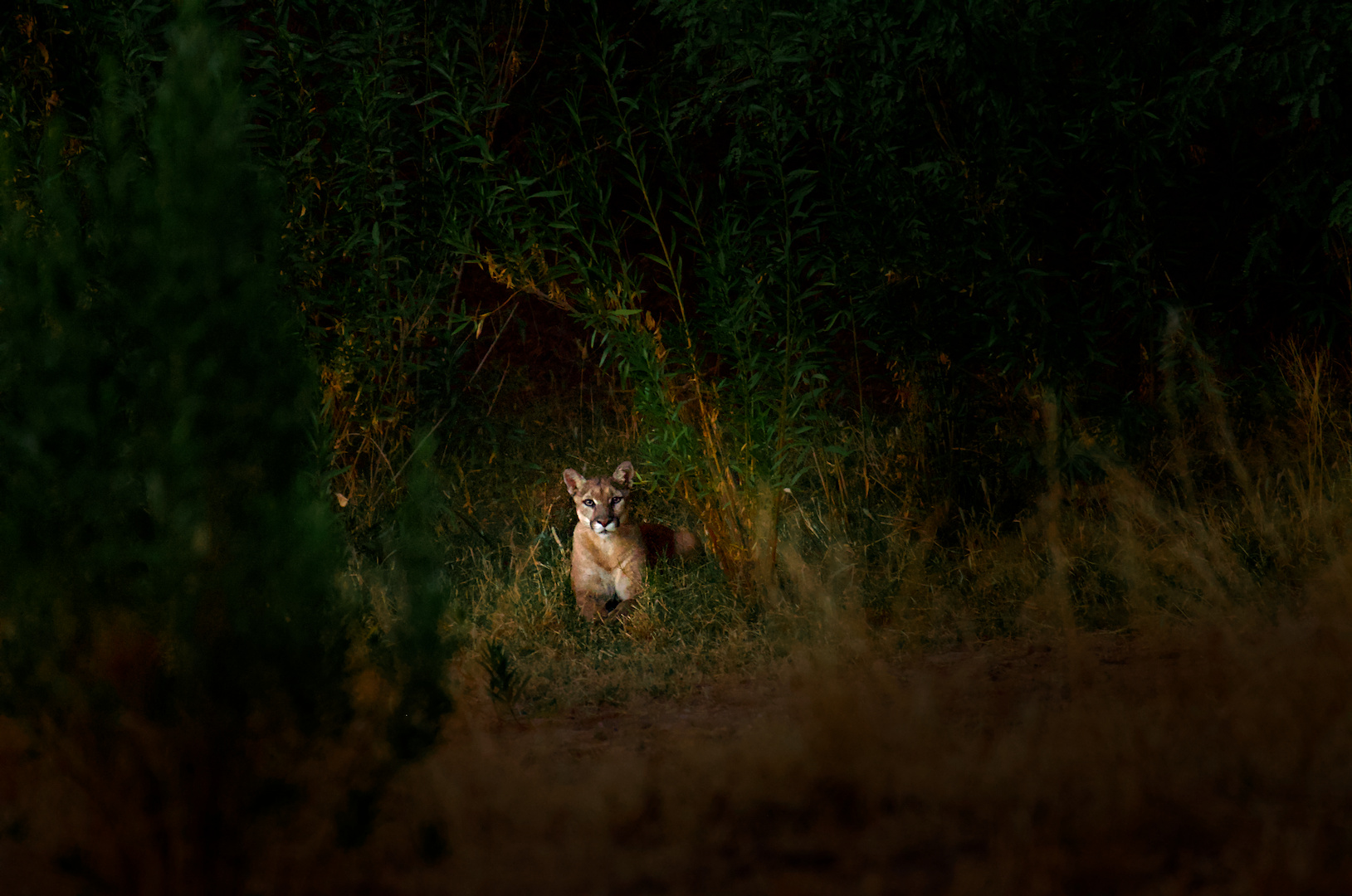
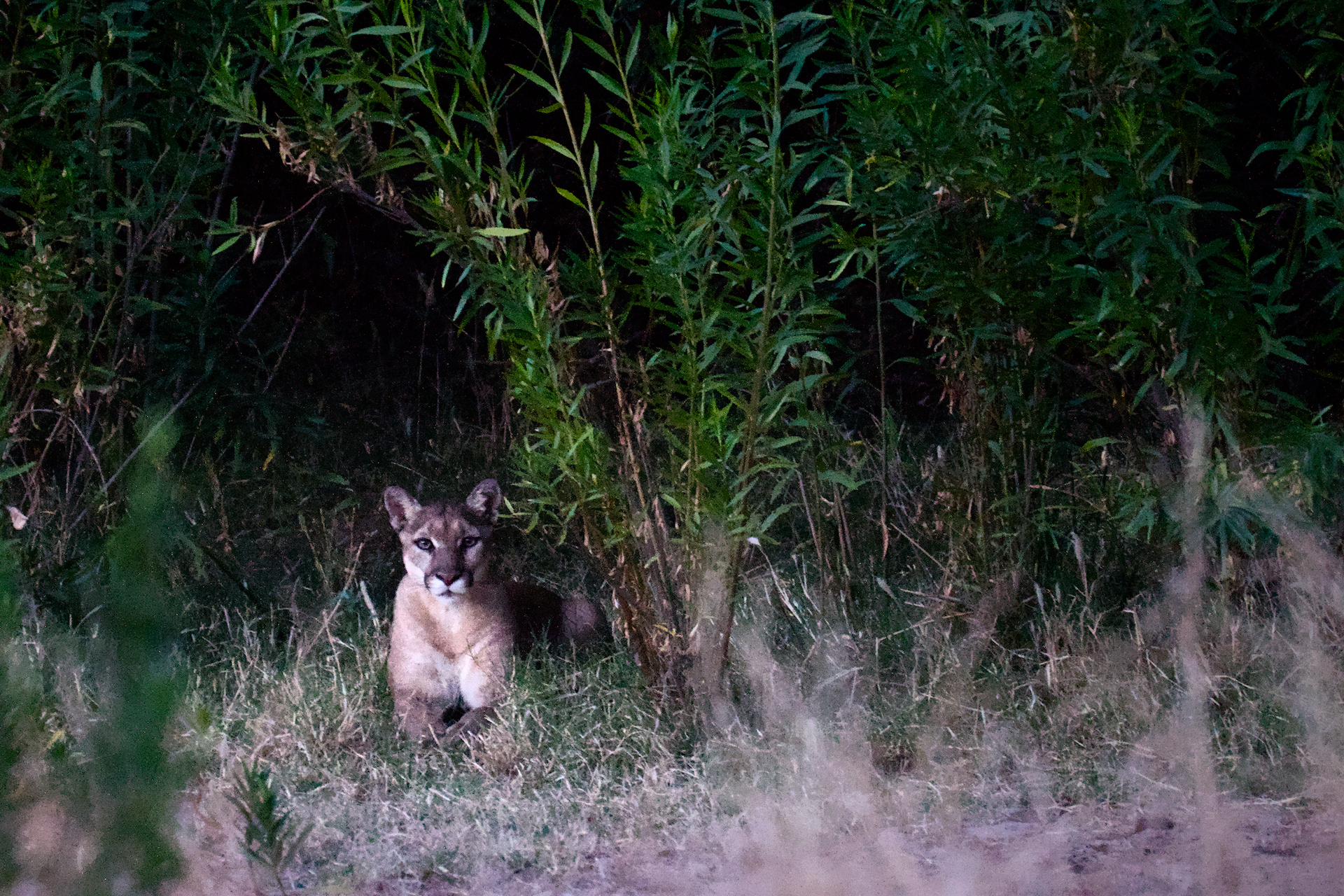
Here is my play after some fiddling around:
_DSC2546.NEF.xmp (19.4 KB)

14 Likes

Great edit!

1 Like

Welcome to the forum @Phly and an excellent edit.

1 Like

Hi all …
interesting to follow the thread and various trials and suggestions how to edit this file .
I personally would not prefer any of the edits or suggestions how to deal with a file like the two posted by the author .
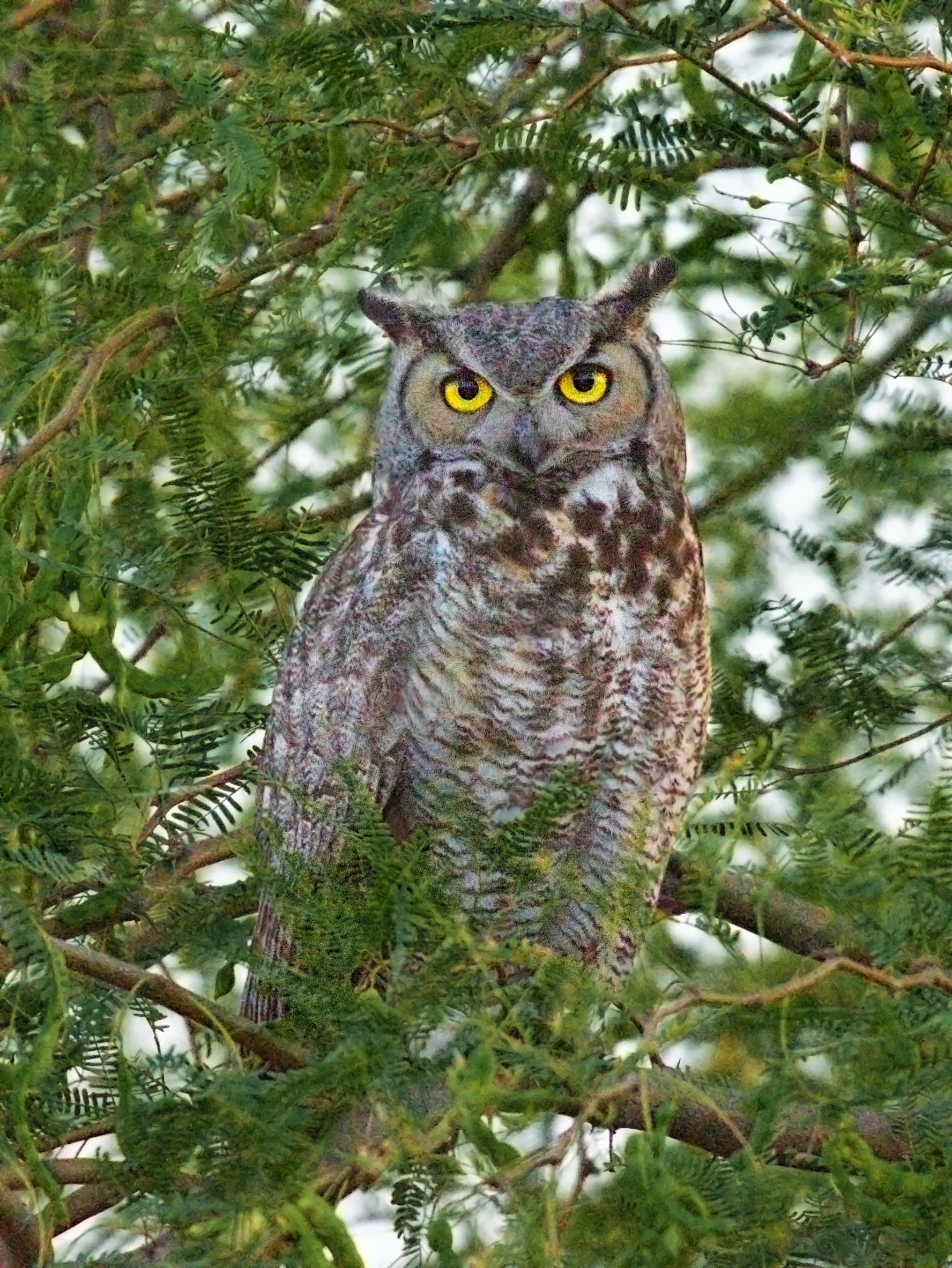
I do have simple reason for my thoughts … both images are not sharp , whereas the owl image is not as bad as the puma .
No piece of software will save the file , nor will one create a decent IQ … at least from my POV.

I hope you all can stand my thoughts !!!

I would keep them as memory shots …

Regards Andreas

1 Like

_DSC2546.NEF.xmp (15.8 KB)