I think you are a model user for AI, seeing its limitations and its possibilities.

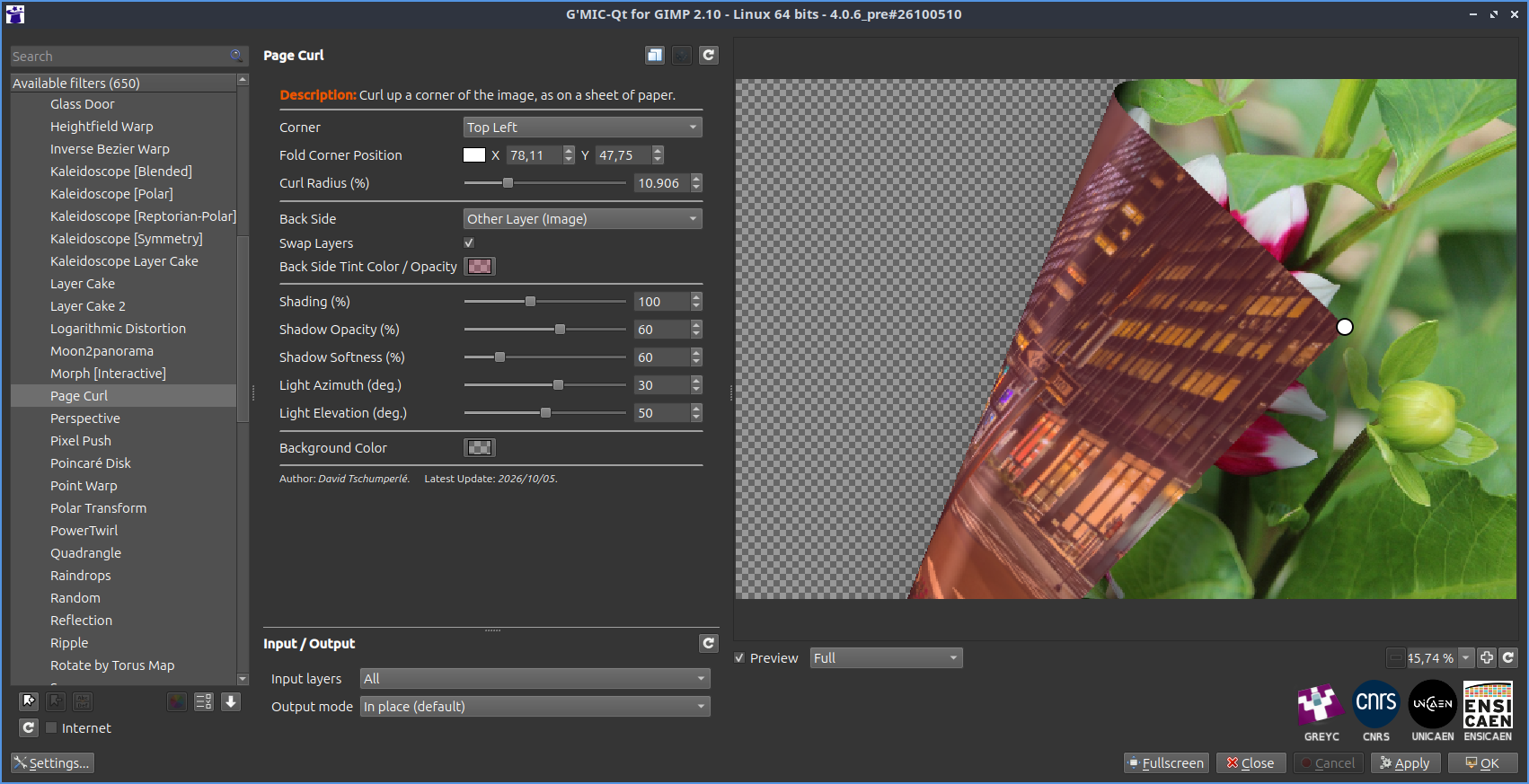
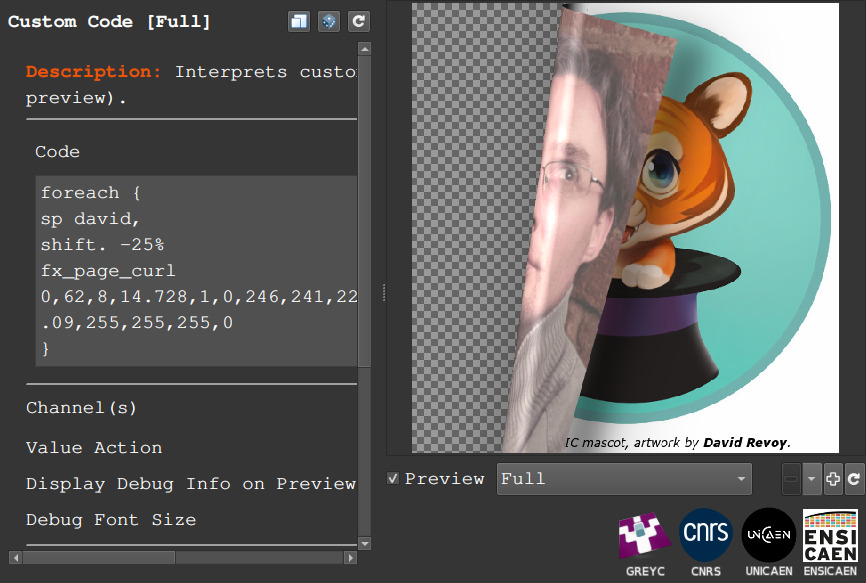
Fun stuff!
Now i have to figure out how to use it multiple times for the other corners ( it outputs some black background the second time), but i’m using it without gimp, so maybe it’s different there (for some reason my script didn’t build the gimp version of the plugin so it’s stuck with version 3.7 or so).
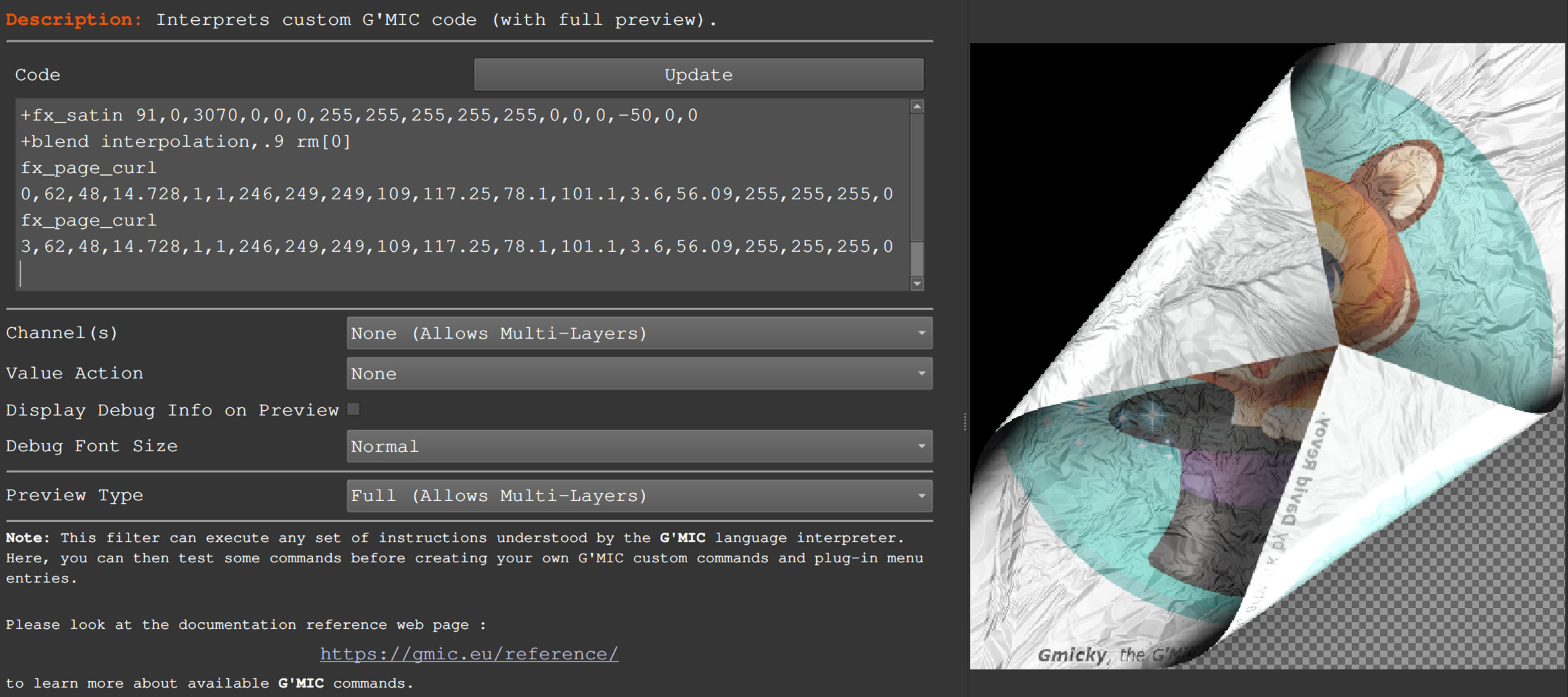
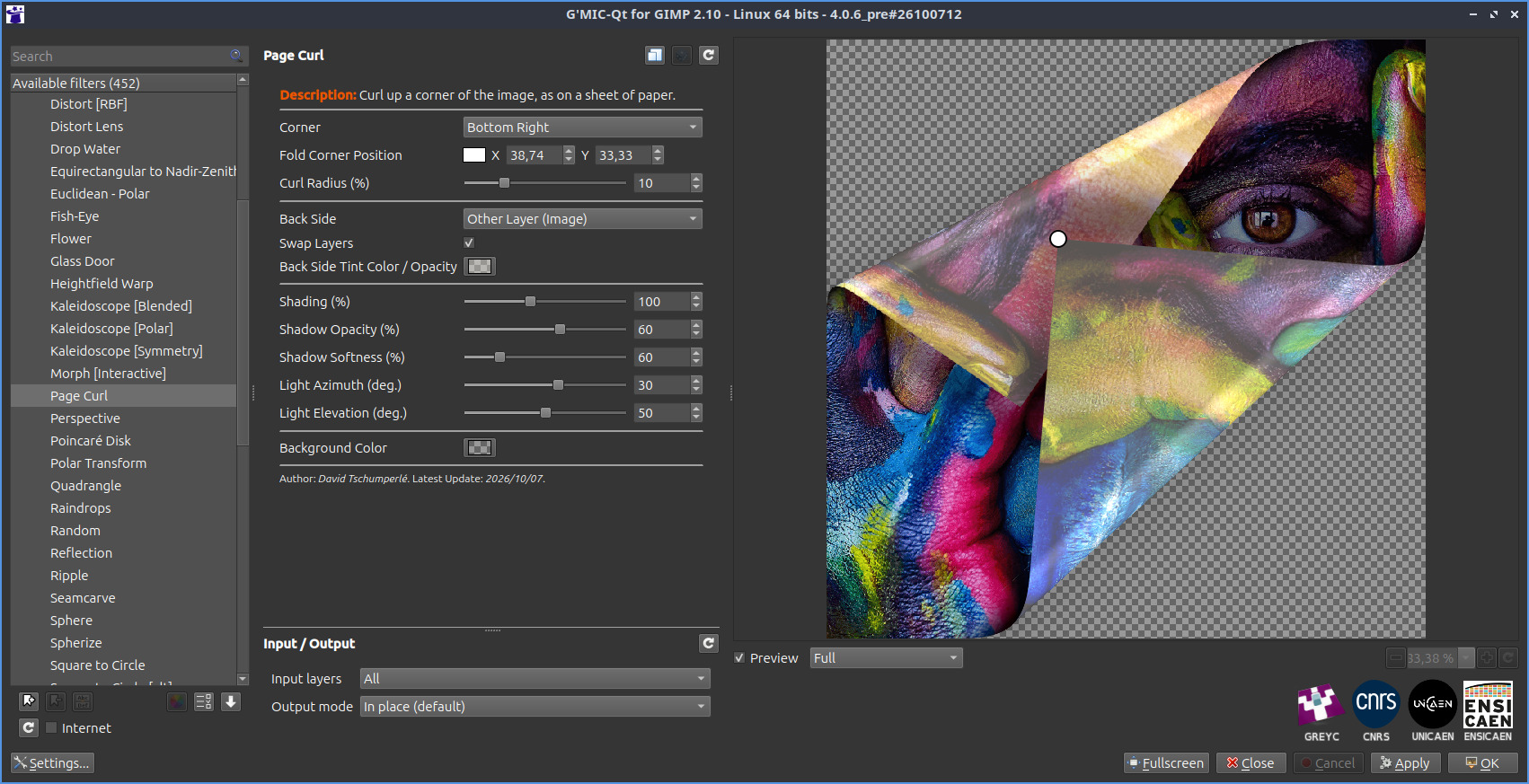

After several weeks of testing and experimentation, I’m now starting to gain quite a bit of experience programming G’MIC-Qt filters, with Claude’s help (Claude in particular, since it’s currently the best LLM for programming in the G’MIC language; the free versions of the other “major” LLMs are practically unusable for this task).
The work isn’t straightforward, however, and it takes quite a bit of back-and-forth and code corrections to end up with functional, well-designed filters. In practice, it always takes at least an hour of work from scratch for each filter (which is why I always consider it legitimate to credit myself as the filter’s author). But Claude is a tool that definitely helps me go faster, that’s for sure!
I’ve noticed that when writing prototypes for G’MIC functions, Claude tends to make the same mistakes over and over again, so I decided to write a document titled A Reminder of Best Practices for Coding G’MIC Filters to help Claude avoid making those basic mistakes.
This is specifically target for writing G’MIC-Qt filters (not G’MIC stdlib commands).
This document has grown over time, and I’m seeing the positive effects of giving it as a context to Claude whenever I try to get him to implement new effects. The time spent making corrections is clearly decreasing.
Since I know that some of you also enjoy experimenting with Claude to create custom G’MIC-Qt filters, I thought it would be interesting to share this with you, as it can help you generate cleaner, higher-quality code:
I’ve been working a lot on the G’MIC code recently (the interpreter and new filters), and I think I’ll be able to release version 4.0.8 by next Thursday!
You need to find a model maker who will use your document in training. That way, the model comes pre-trained to do things G’MIC-correct, rather than repeatedly pumping context to it for every interaction.
That’s the fundamental problem with current LLM AI, it doesn’t really ‘learn’ in real-time. But, that might be the really scary achievement…
I kind of agree with you on LLM usage for this task to a extent. I just use it when I get so tired of working on a code for months, and take a break and decide to let Claude do some work and I test it, and a lot of time, it does succeed. But, it also helps on the rare cases when my working memory is just not enough (only one case: rep_str2bin_struct) 1800+ lines of code, so many stacks, so many loop paths, etc, I just can’t do it by myself. But, on the rest, I implement things by myself. rep_str2bin_struct as it is now just wouldn’t be possible without Claude or me having bigger working memory.
Also, I hate to ignite the space/tab debate, but this depends on the programmer itself. There’s a reason why I switch my code to entirely rely on tab except for few cases. And KDE Kate offers dynamic tab size, which I find amazing for G’MIC coding.
Note that the instructions I’ve written in this file are not intended to other programmers, but only to Claude, when I use it for my “personal” usage (helping me implementing new G’MIC filters). So I’ve tried to put my own style preference in them.
Otherwise, as a matter of principle, I am absolutely against imposing a programming style on anyone!