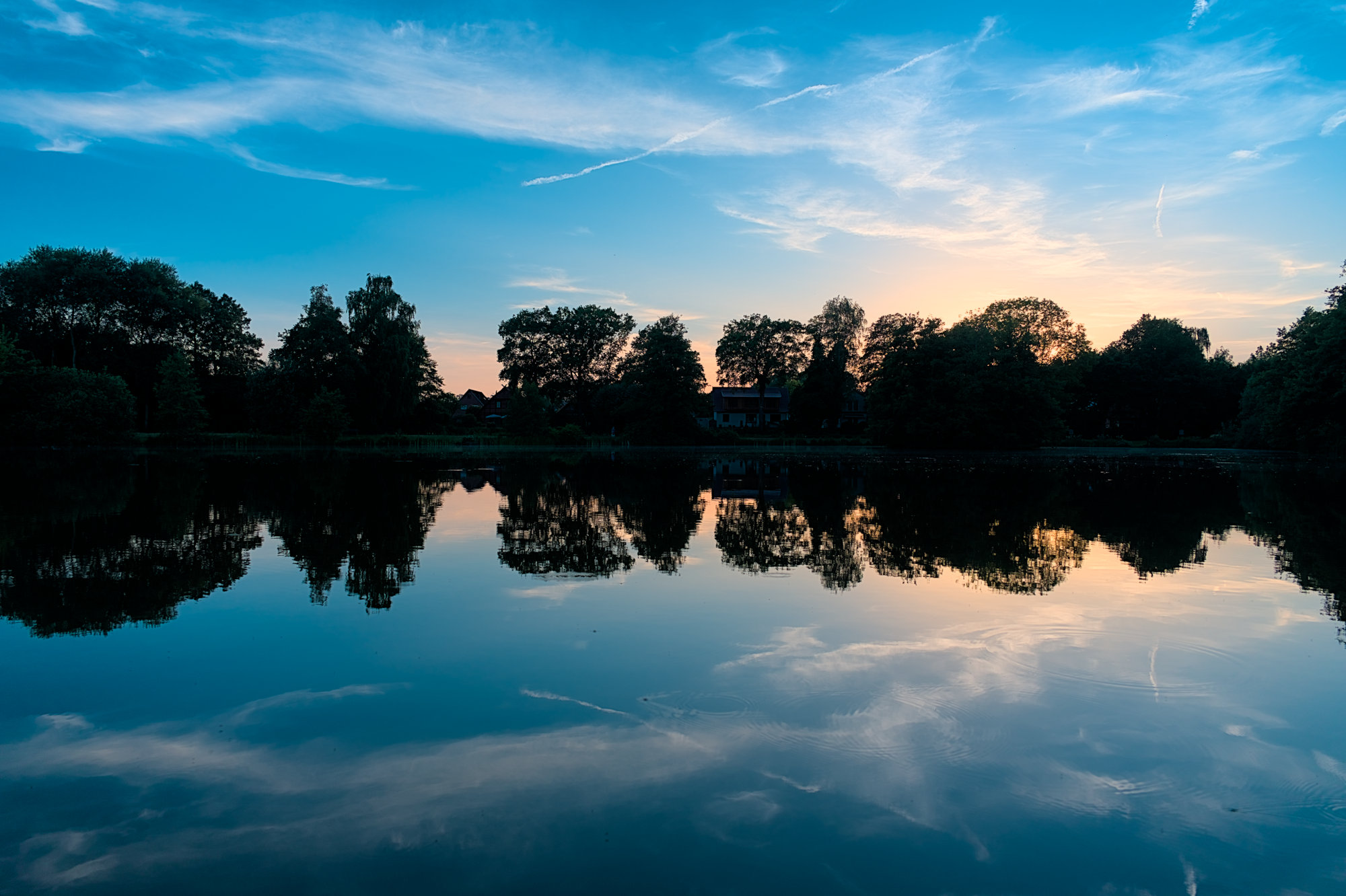
3 Likes
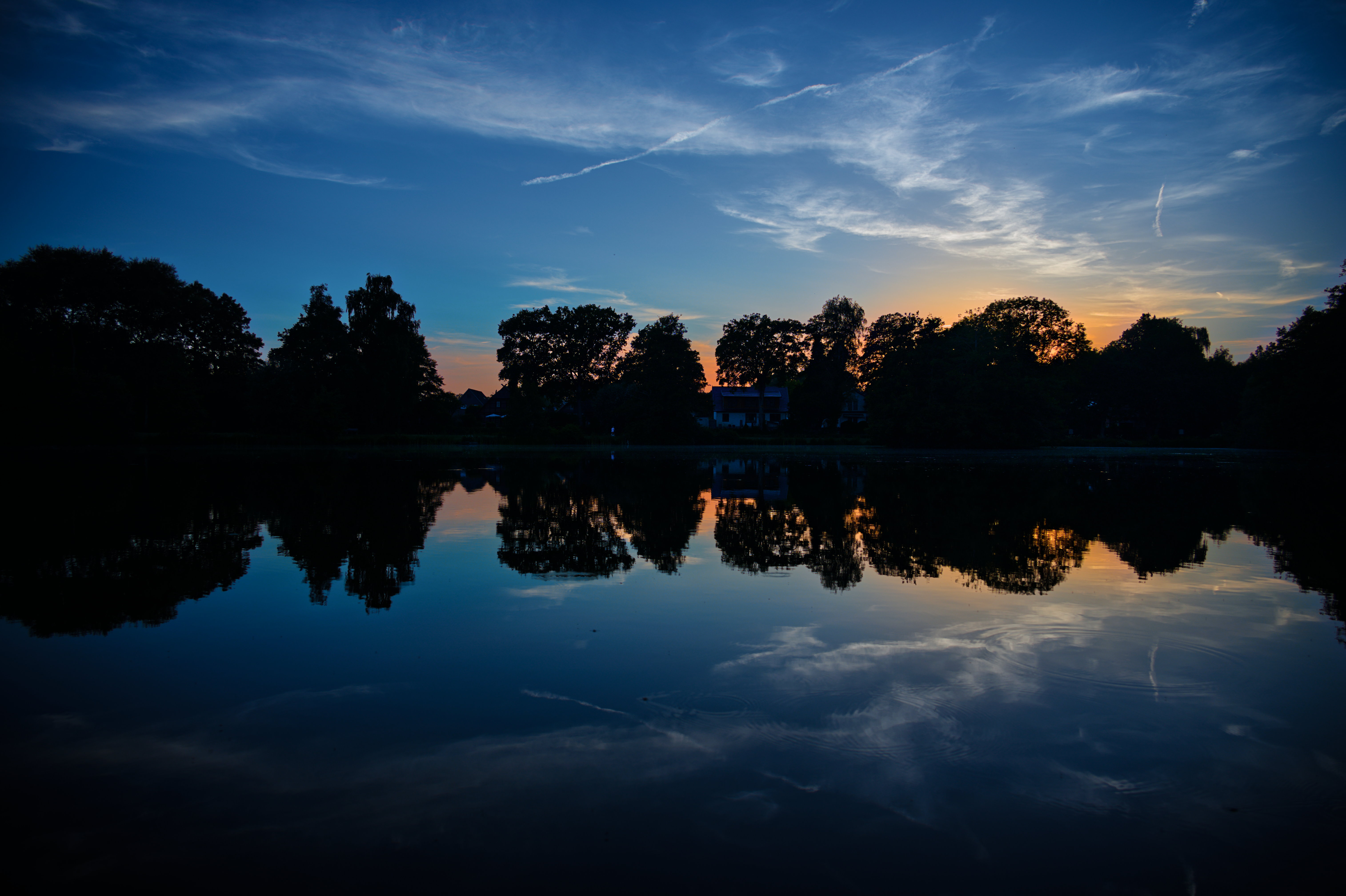
4 Likes
… and at very last, my very final edit 
Sorry too many possibilities on this photo.
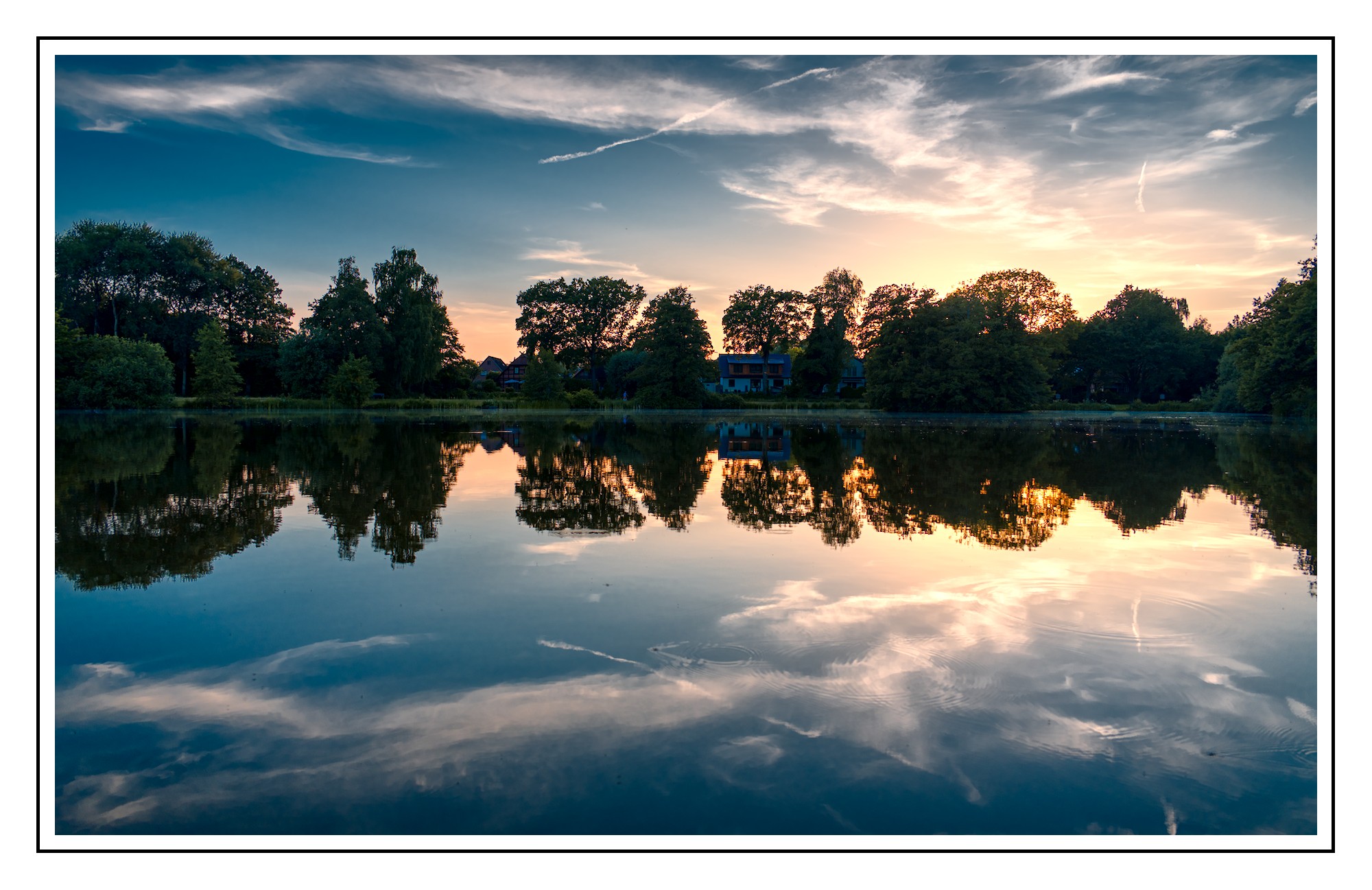
DSC_1804 (1).NEF.xmp (17,1 KB)
5 Likes
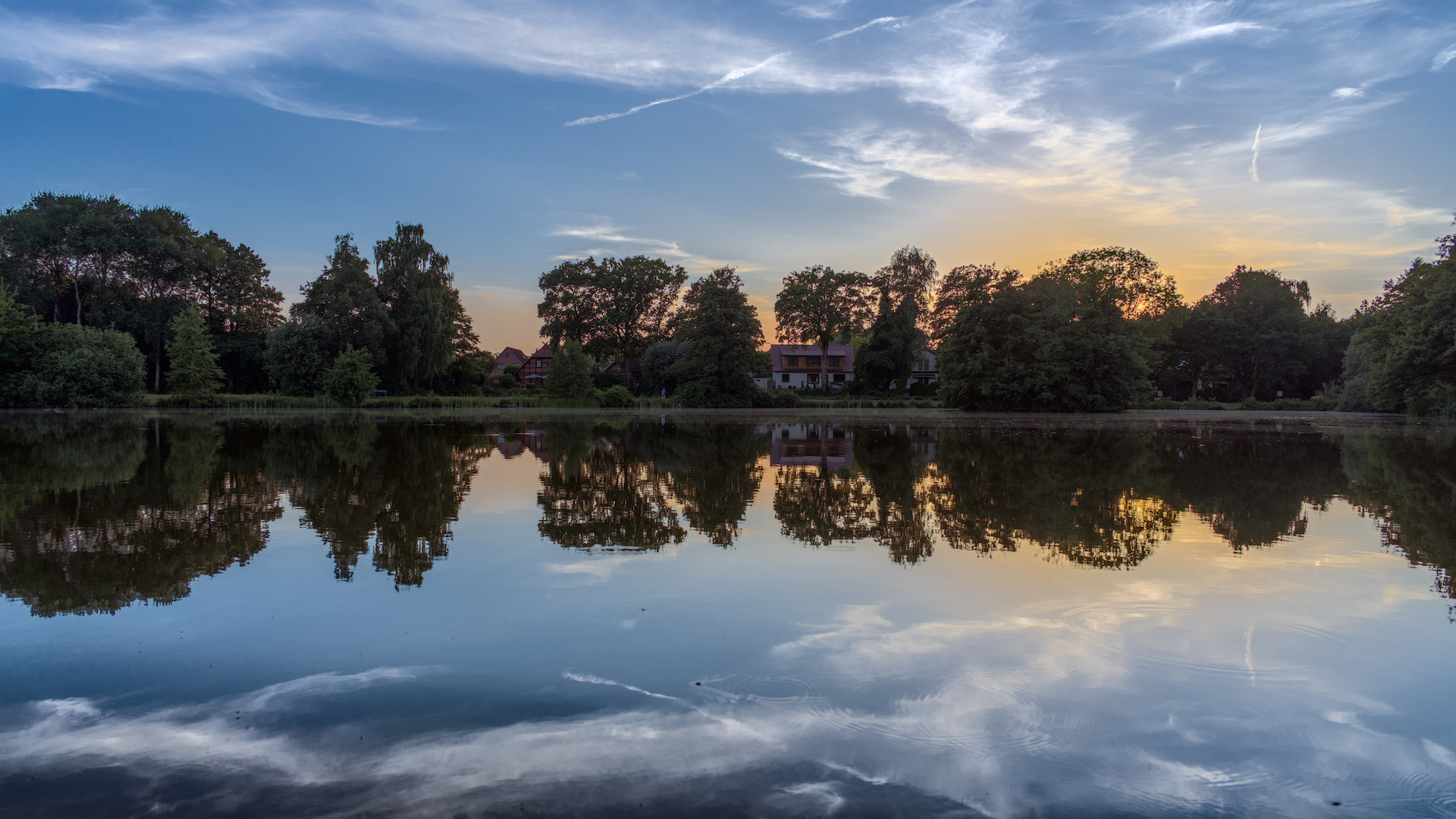
DSC_1804.NEF.xmp (12.2 KB)
1 Like
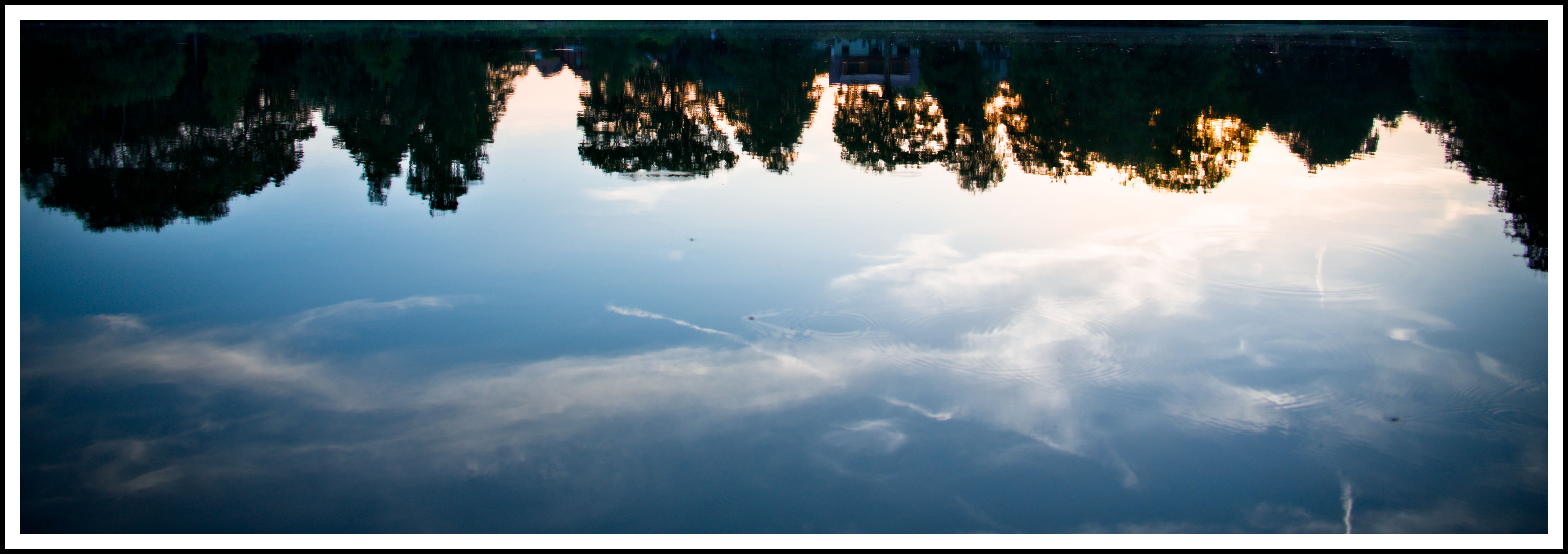
DSC_1804.NEF.xmp (8.9 KB)
Felt like I needed something different to stand out in this crowd, heh.
Zapped a whole bunch of bugs off the water that were too indistinct not to look like sensor dust, left a few bigger ones.
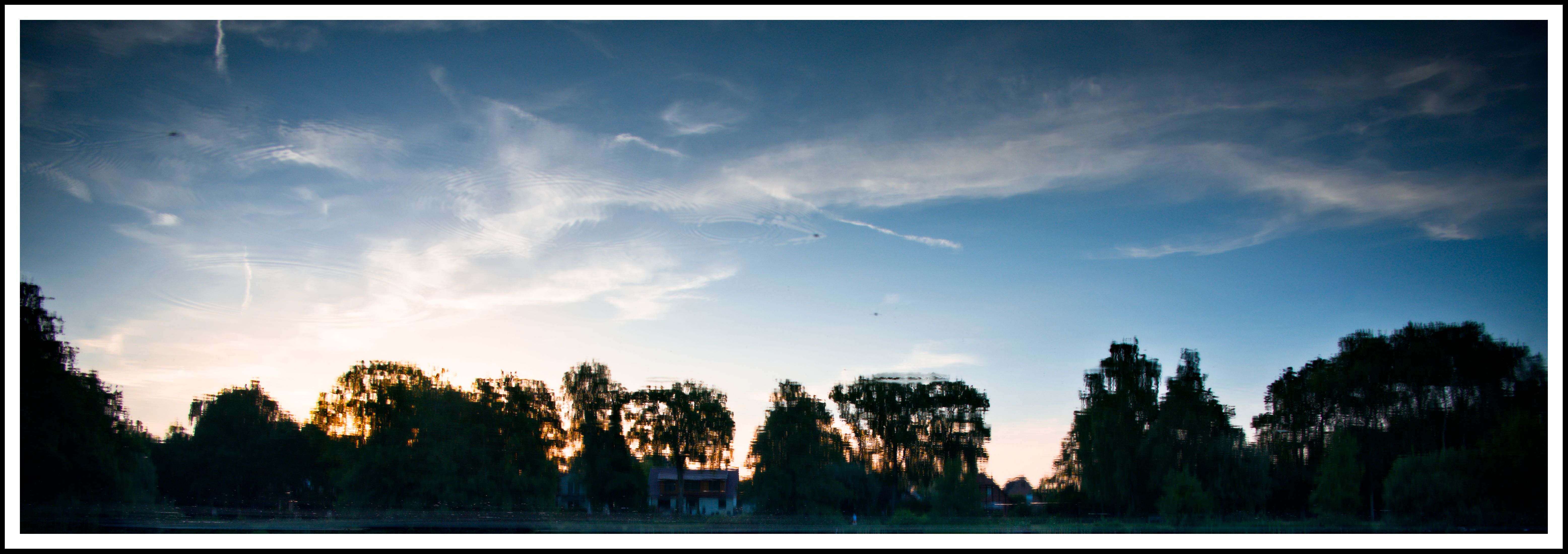
Edit: file this under “Why not?” You know you all wanted to, anyway:
3 Likes
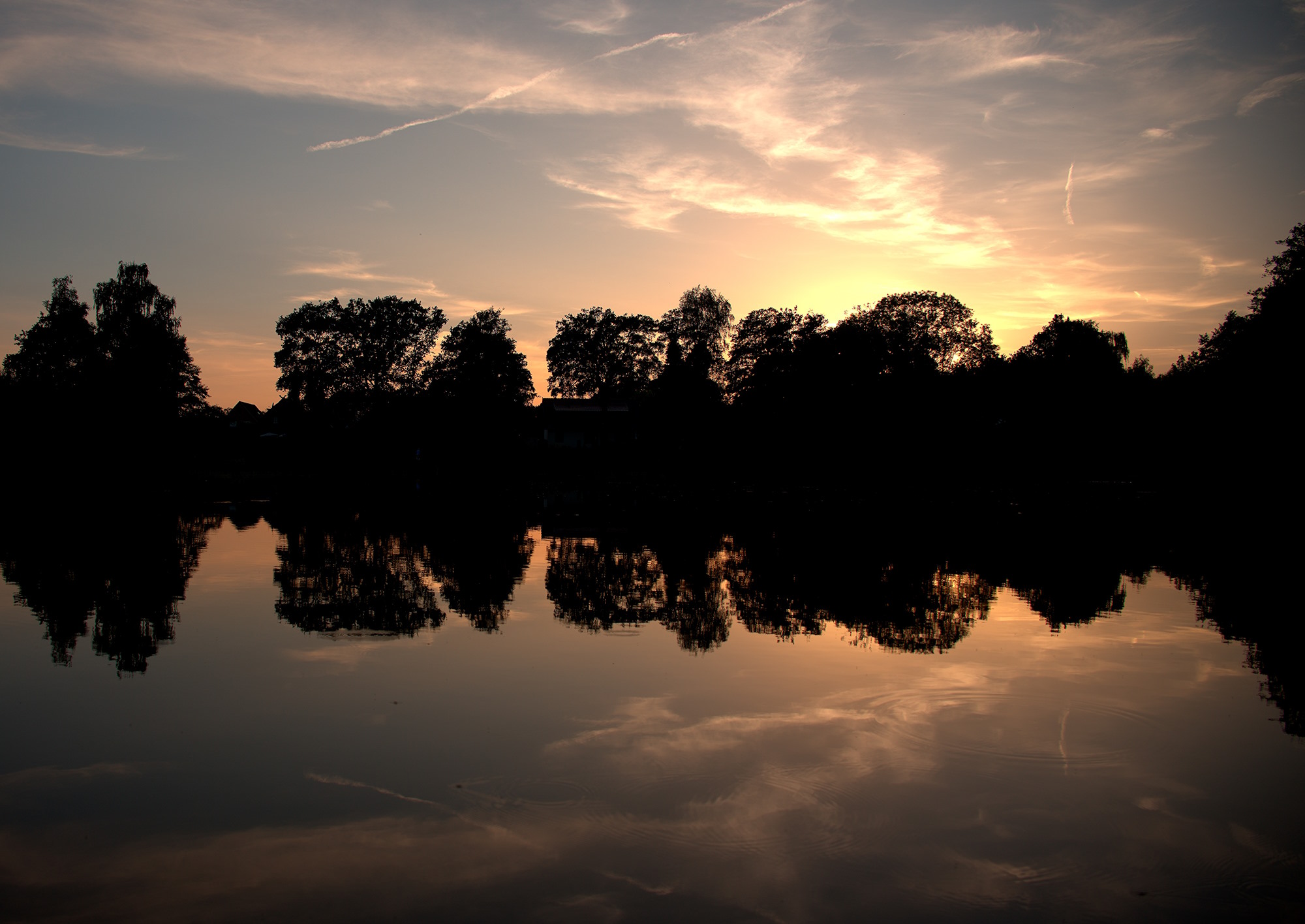
I did not try to reveal the shoreline, I increased contrast instead and cropped for a “classic” Rule of Thirds composition. Pushed the red tones a bit, and sharpened to highlight the bright “holes” in the foilage.
Now, looks like a sound wave of Electro Dance Music… 
7 Likes
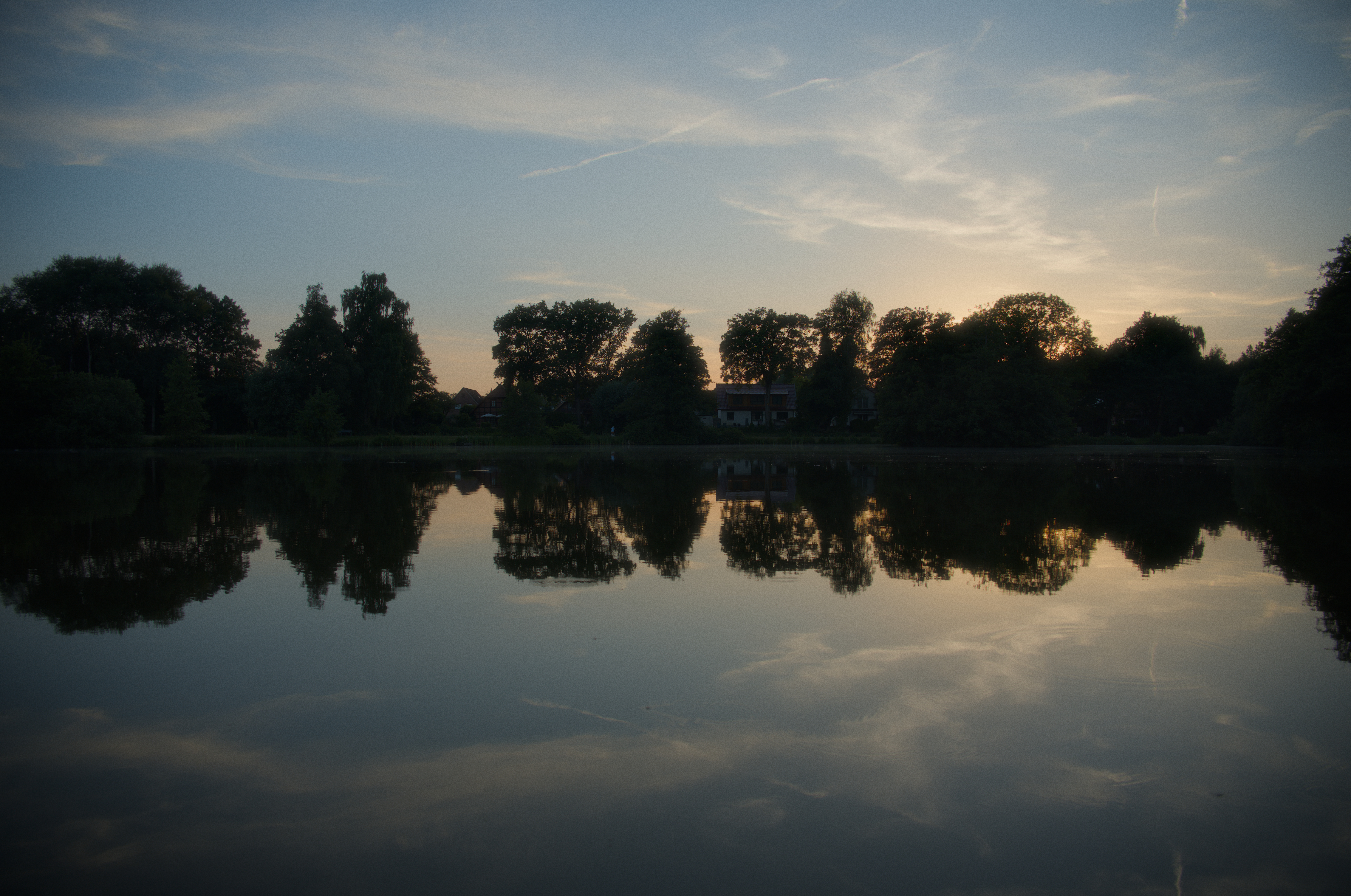
DSC_1804.NEF.xmp (34.1 KB)
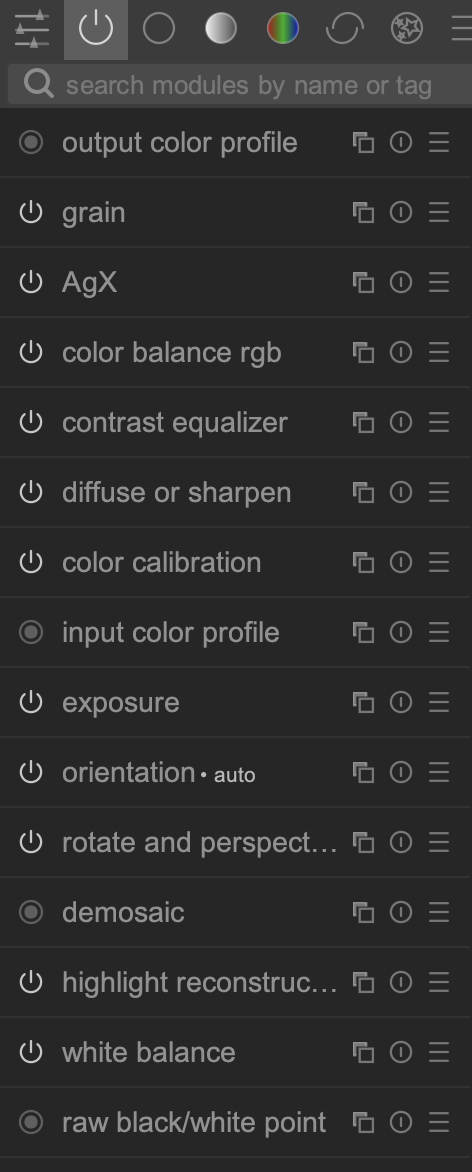
Another 5 ish modules edit. Also this is the second time I try to edit .NEF files from here and they all behave inadequately when responding to the color calibration module’s white balance - what’s up with that? On my Ricoh (.DNG) and Sony (.ARW) I’m pretty sure the white balance would’ve been in the ballpark of 5400K ~ 5800K (daylight) here, but with this file moving it just above 4400K (daylight) gives this strange red~magenta cast. Very strange
1 Like
I’ve loaded your xmp and only touched the CC module temp slider. Moving it all the way to 6500 didn’t seem to give me a red/magenta cast at all.
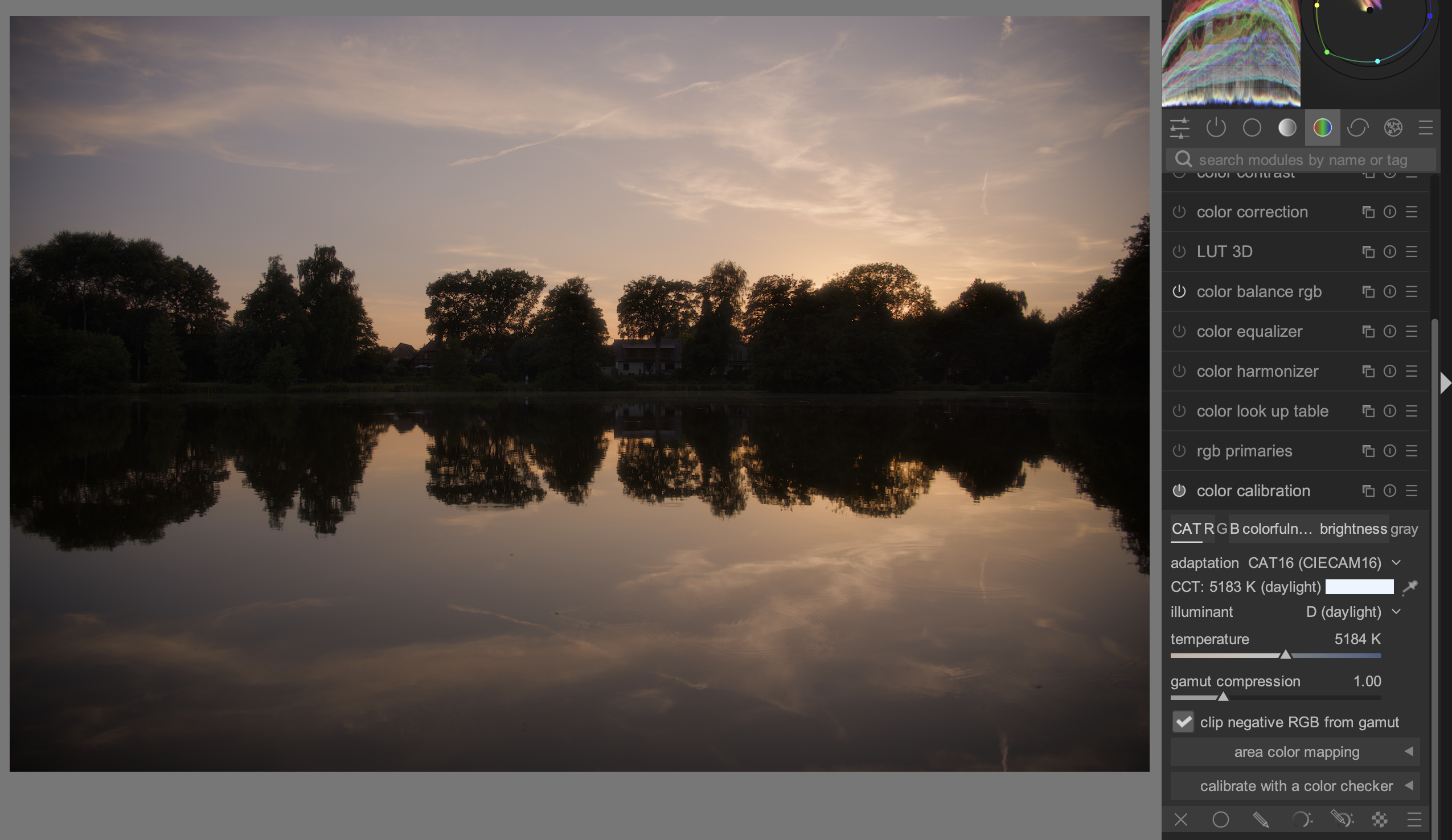
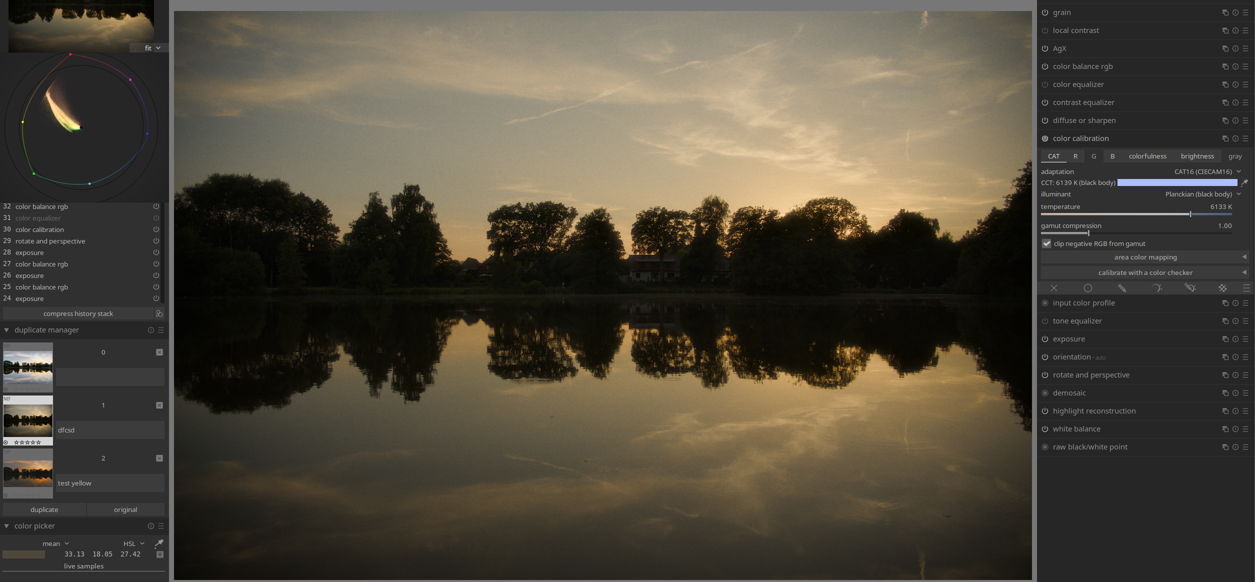
Checking the metadata first …DT matches it… Raw b and w points and WB coefficients…
turning off CC…note the waveform…
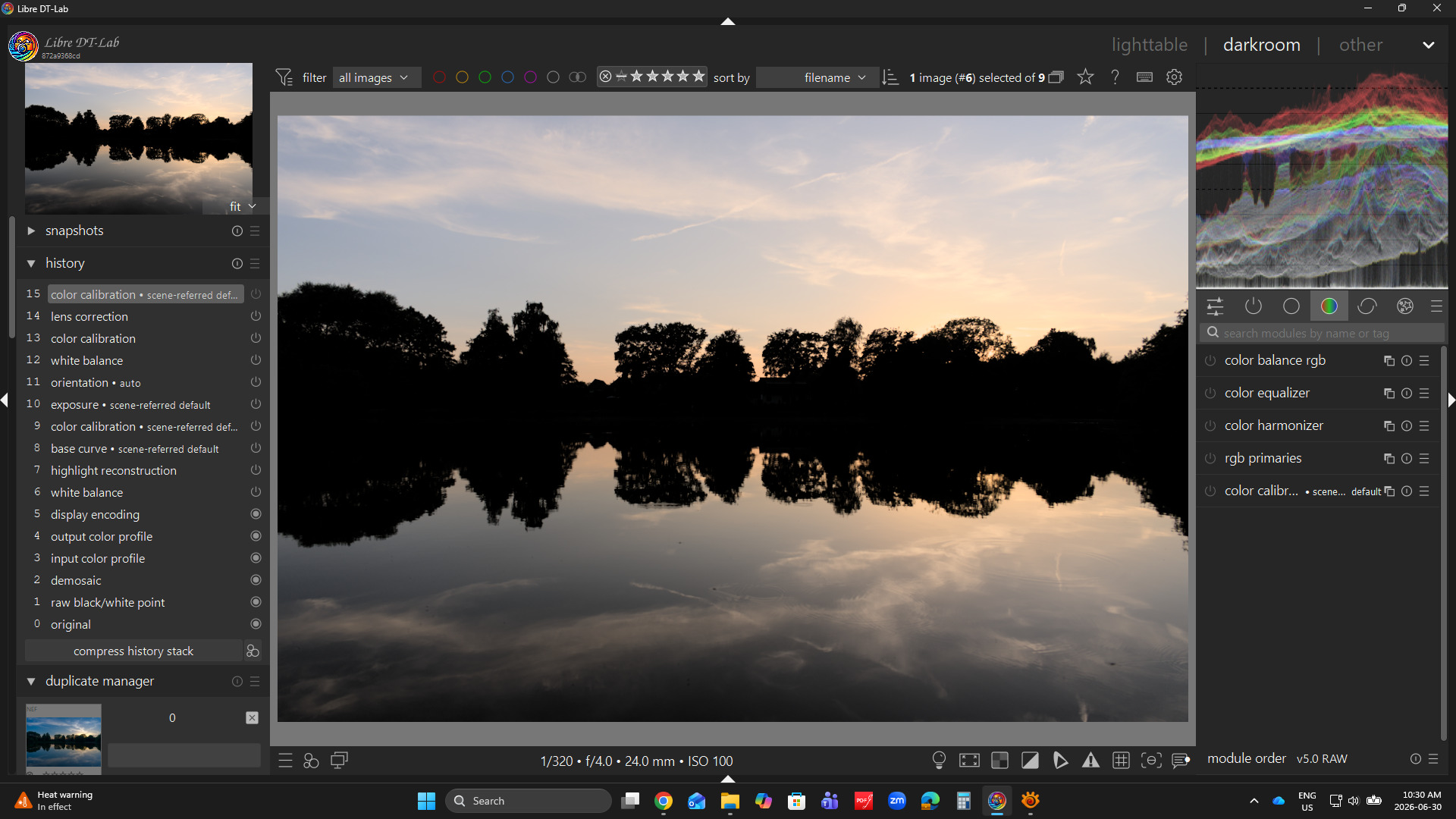
Dominant red…
Turning on CC
Illuminant is chosen that matches that lighting/color cast and it gets balance red down and blue up…
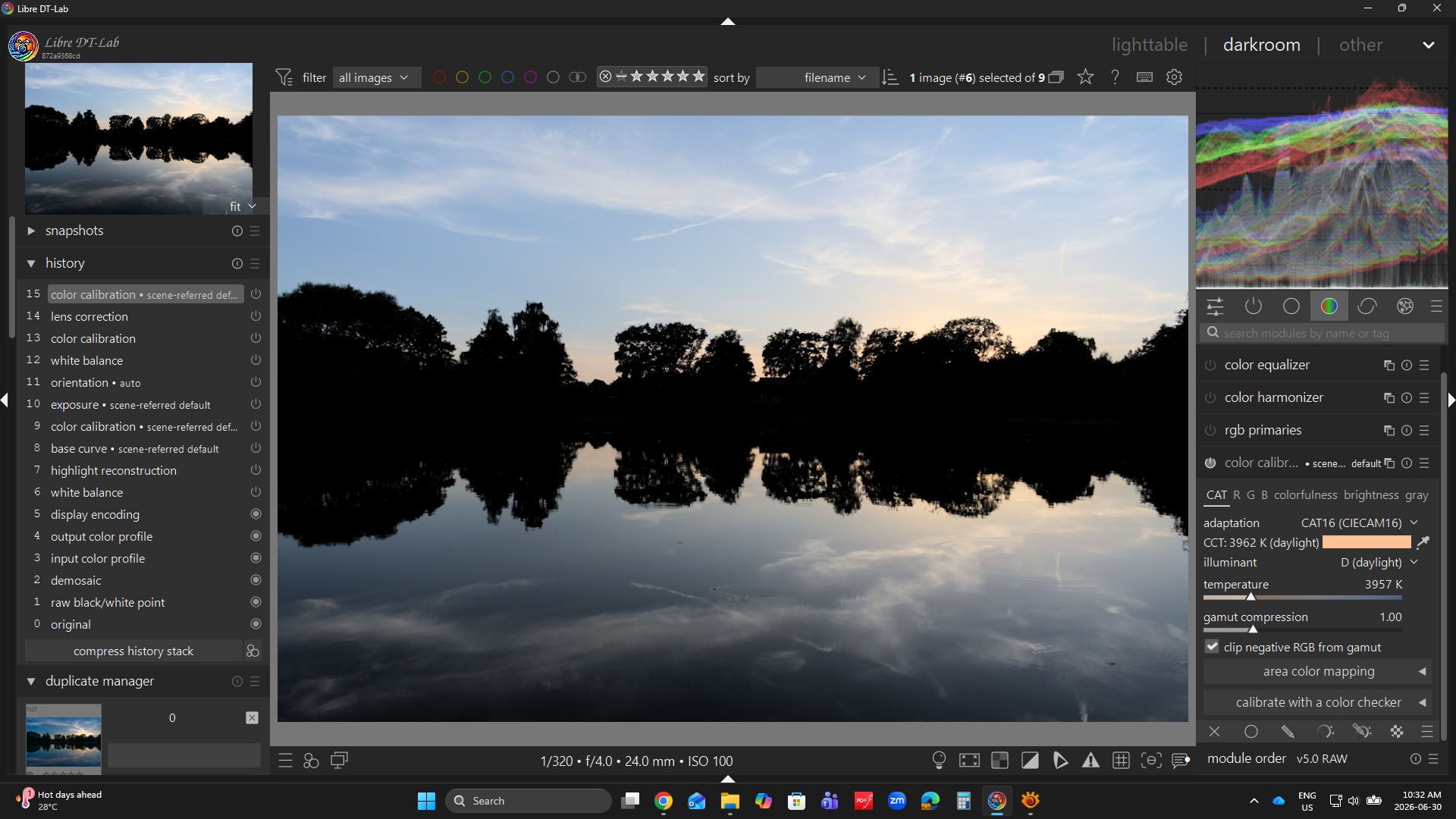
Auto picking on the image… slightly different…
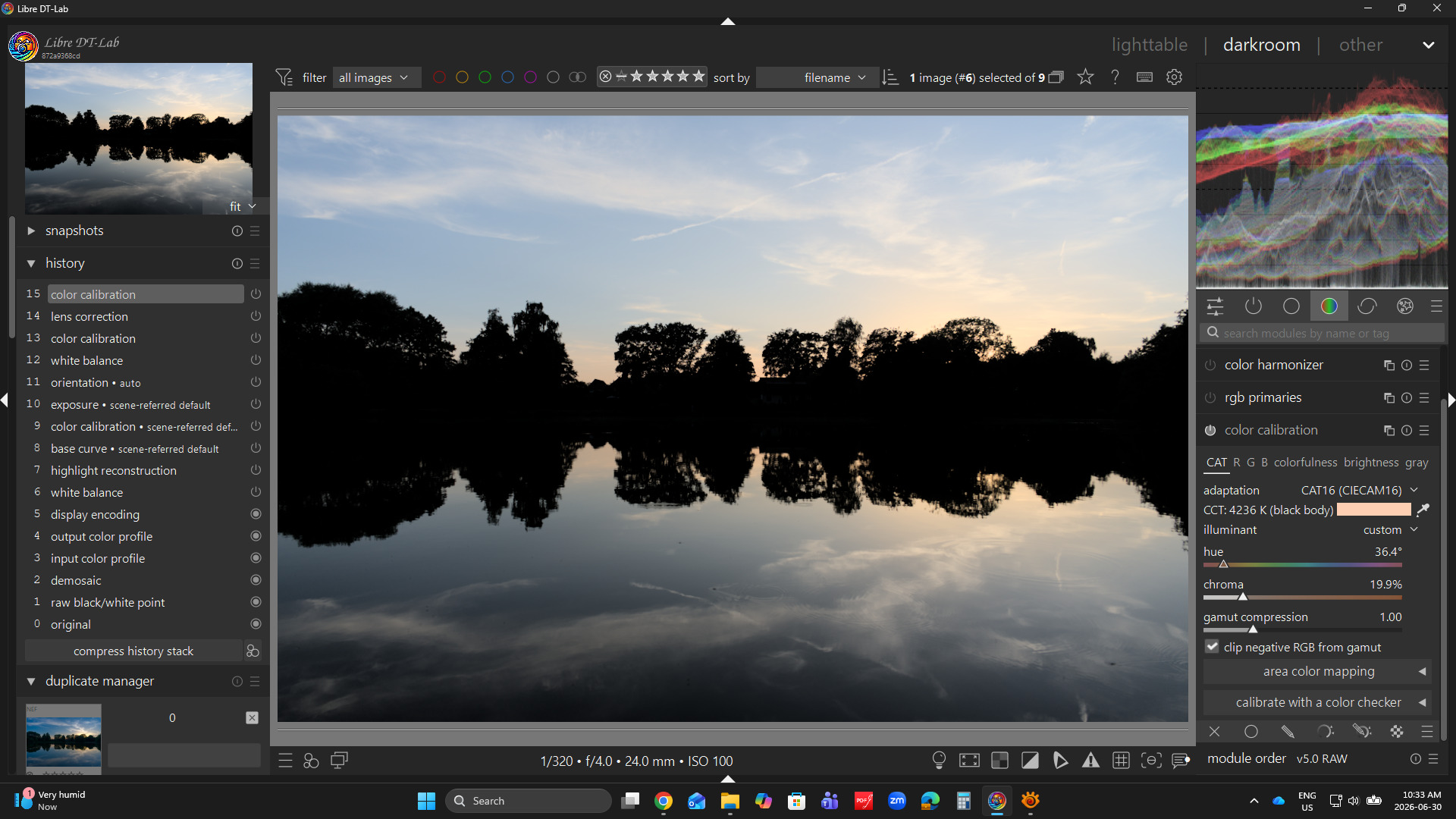
I wasn’t sure if you were talking about the K temp values in WB or CC, if CC the author of the module has often said to basically ignore them and use the illuminant patch color as your reference… if the illuminant for the photo falls on the daylight or planckian axis you do get a temp slider to adjust, otherwise values are presented as illuminant hue and chroma components and shown as CCT values…
Several values can represent the same CCT value (see the reference below for a diagram)… and those outside the DUV threshold set in the CC module are marked as invalid as the calculation is not valid beyond a certain point though the illuminant color is still used and is the correct illuminant for that photo…
Much of the nunance of how the module does the CAT to correct for lighting of the scene is here… and in the manual…
1 Like

2 Likes
There’s definitely some colour in the house and trees…
RT 5.13 rc1 GHS pre tone mapping, and a log encoding spot to bring out the colour in the shadows
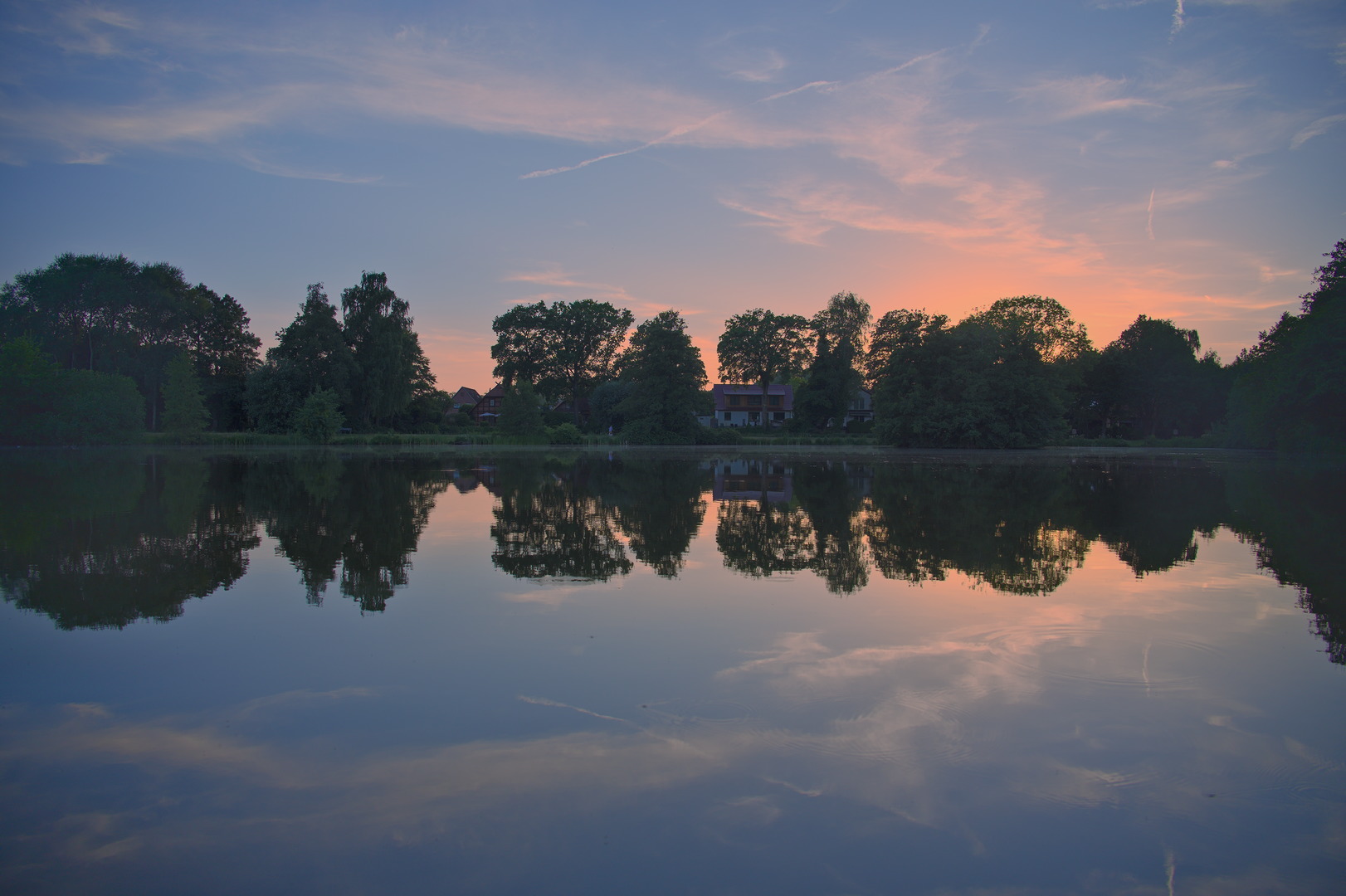
DSC_1804.jpg.out.pp3 (31.1 KB)
Thanks for sharing 
3 Likes
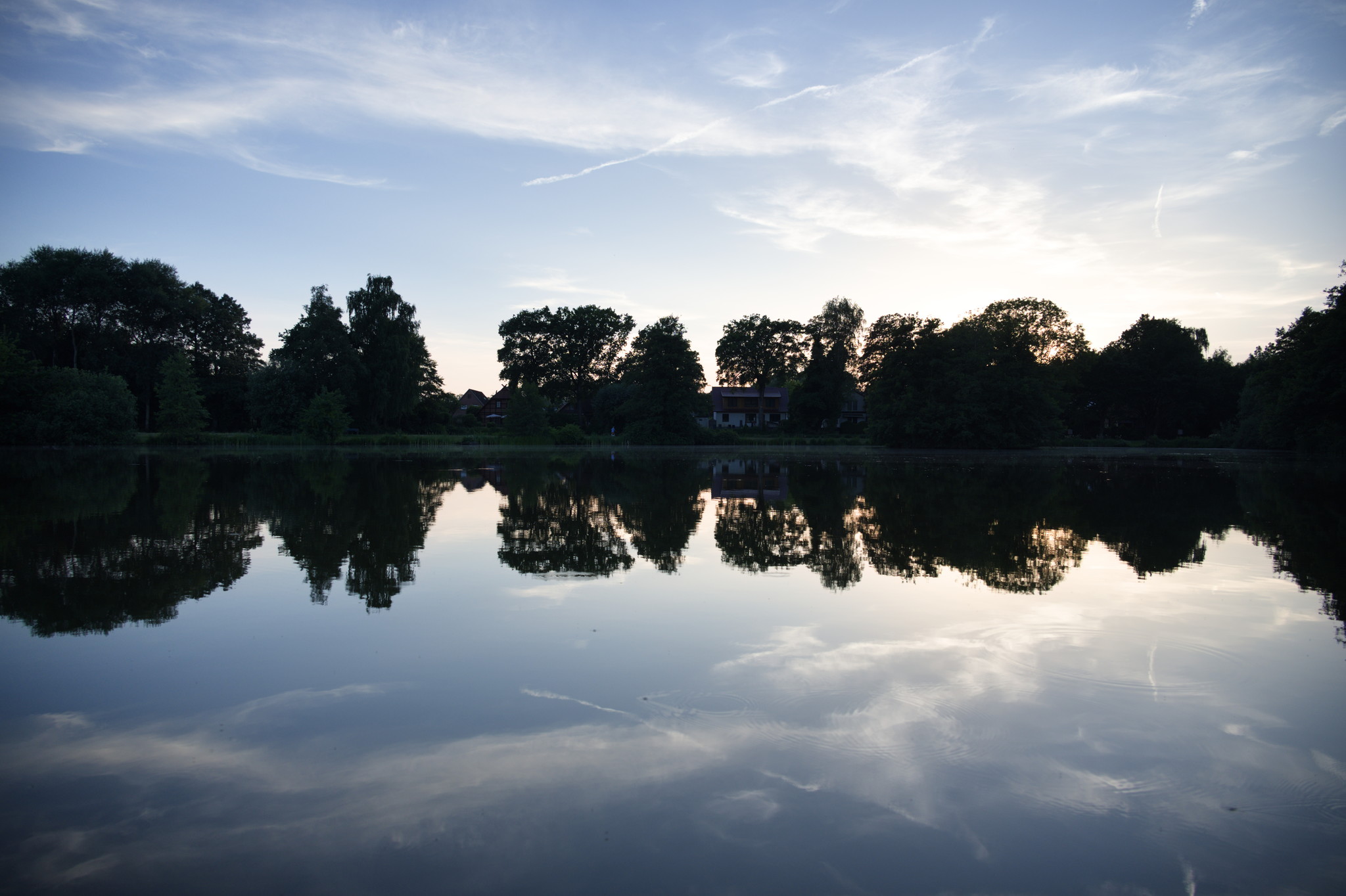
With Filmulator:
- Auto CA Correction 1
- Highlight Recovery 2
- Exposure Comp -1/3 to make use of the highlight recovery
- Profiled Distortion correction on
- Highlight Crosstalk .359 to prevent any ugly colors from highlight recovery
- Film Area 42.4 to control halo and effect radius
- Drama 100 to boost local contrast while taming global contrast
- White Clipping Point 0.488 to brighten up the image from the darkening of Drama
- Shadow Brightness 397
- Highlight Brightness 1000
1 Like
ART 1.2.6
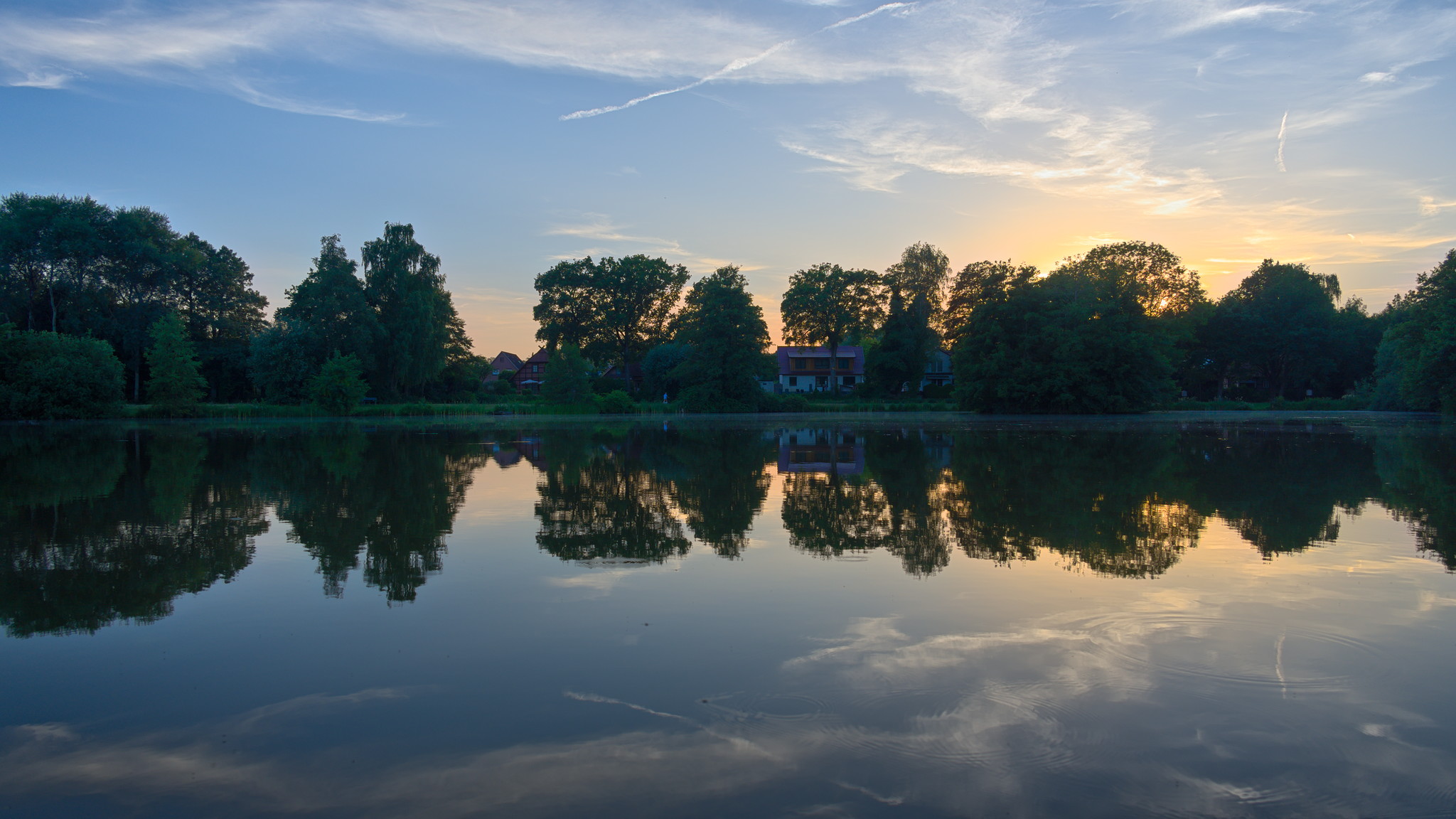
DSC_1804.NEF.arp (24.0 KB)
- Crop
- Lens correction
- Highlight reconstruction (blend)
- Tone Equalizer – shadows / mids up, highs down
- Capture sharpening
- L*a*b* chroma bumped a tiny bit
- Sky mids / shadow down
- Shore mids up
- Sun yellows up / saturation bump a tad
- Vignette – shadows only
- Local contrast in sky and water with upper / lower gradients to avoid halos around trees
2 Likes
I had another go at this… tried to make it look more natural; certainly to colour of the sunset seems better to me. Log encoding to bring out the shadows, and then saturate the colour (perhaps too much green now) and bring in some contrast. Less ‘false’ colour in this second (third) attempt.
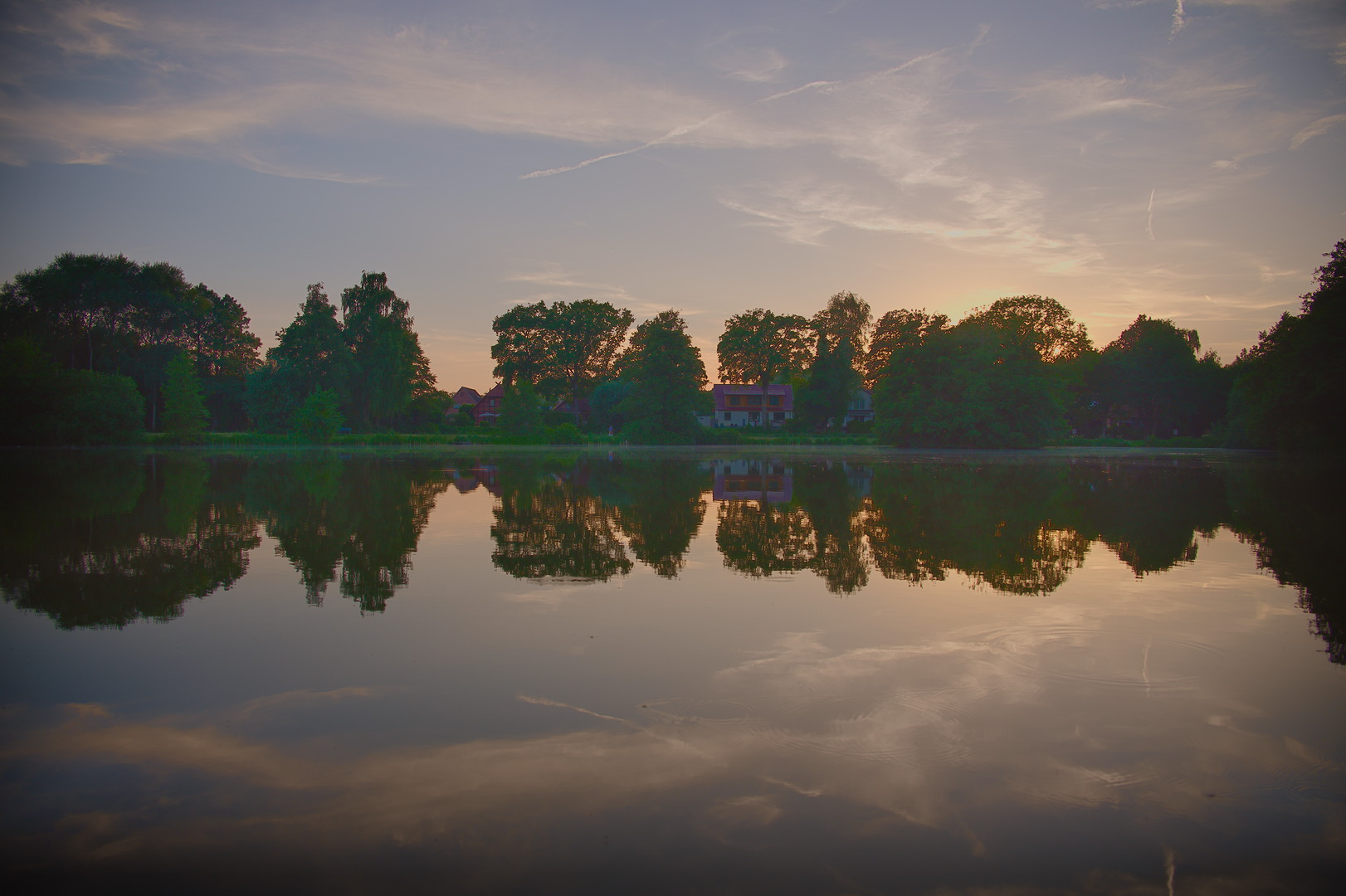
DSC_1804-3.jpg.out.pp3 (22.5 KB)
1 Like