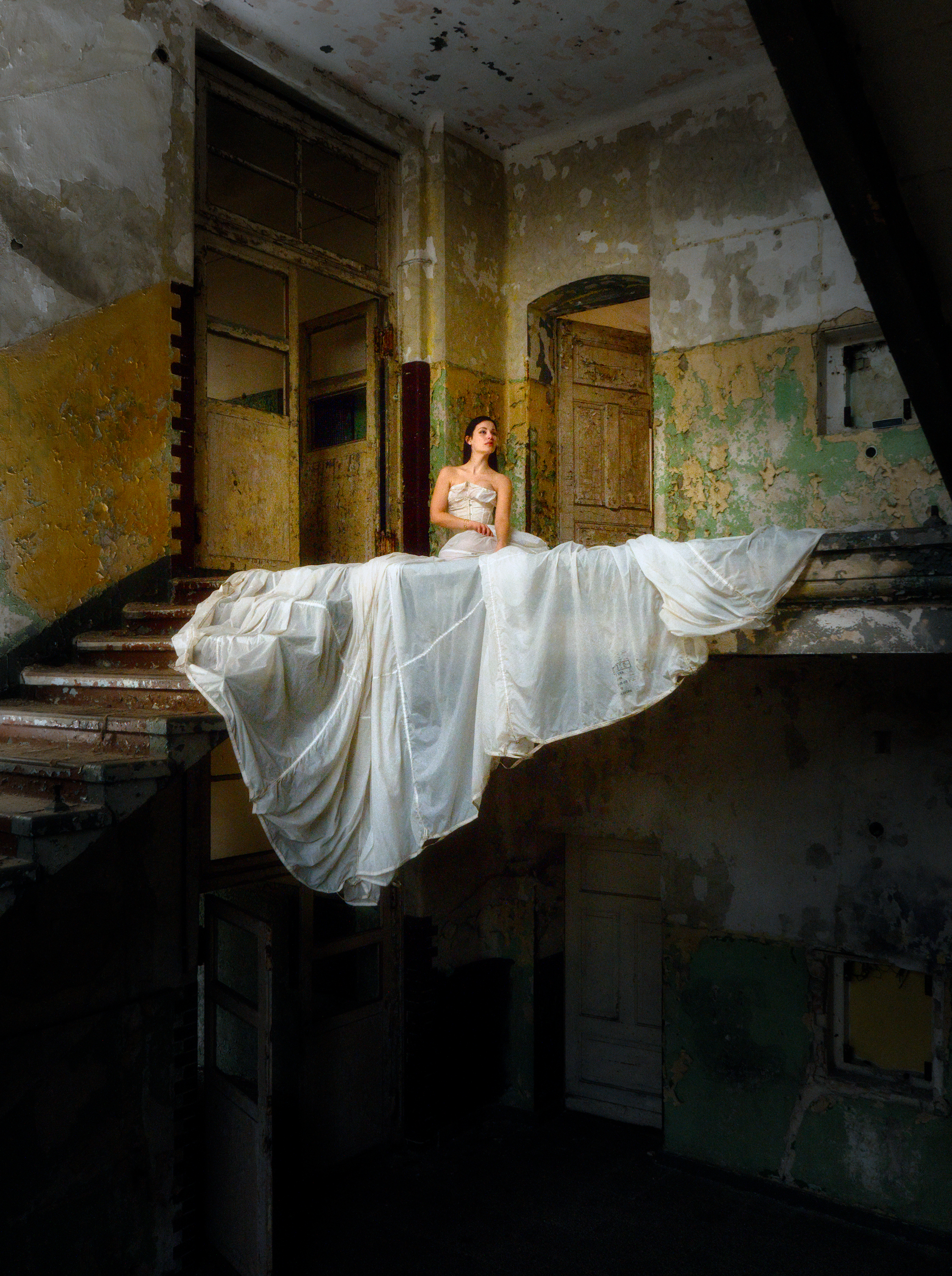
4 Likes
Awesome. Very beautiful. I wonder where you get the inspiration for such edits.
Thank you.
I enjoy all visual arts—photography, painting, cinematography. You can learn a lot from them and find inspiration.
This also helps to see photography not so much as a reproduction of reality, but rather as a form of expression, which encourages experimentation and playing with different moods.
3 Likes
I also like this edit a lot. It draws the attention nicely to the subject without stressing it too much. Thanks.
1 Like
My take with DT 5.2.1.
I think it’s good to create texture contrast between the rough wall and the girl, and should work well in BW.
Didn’t like the center composition, so cut off much of the bottom part and let the girl take bottom 1/3.
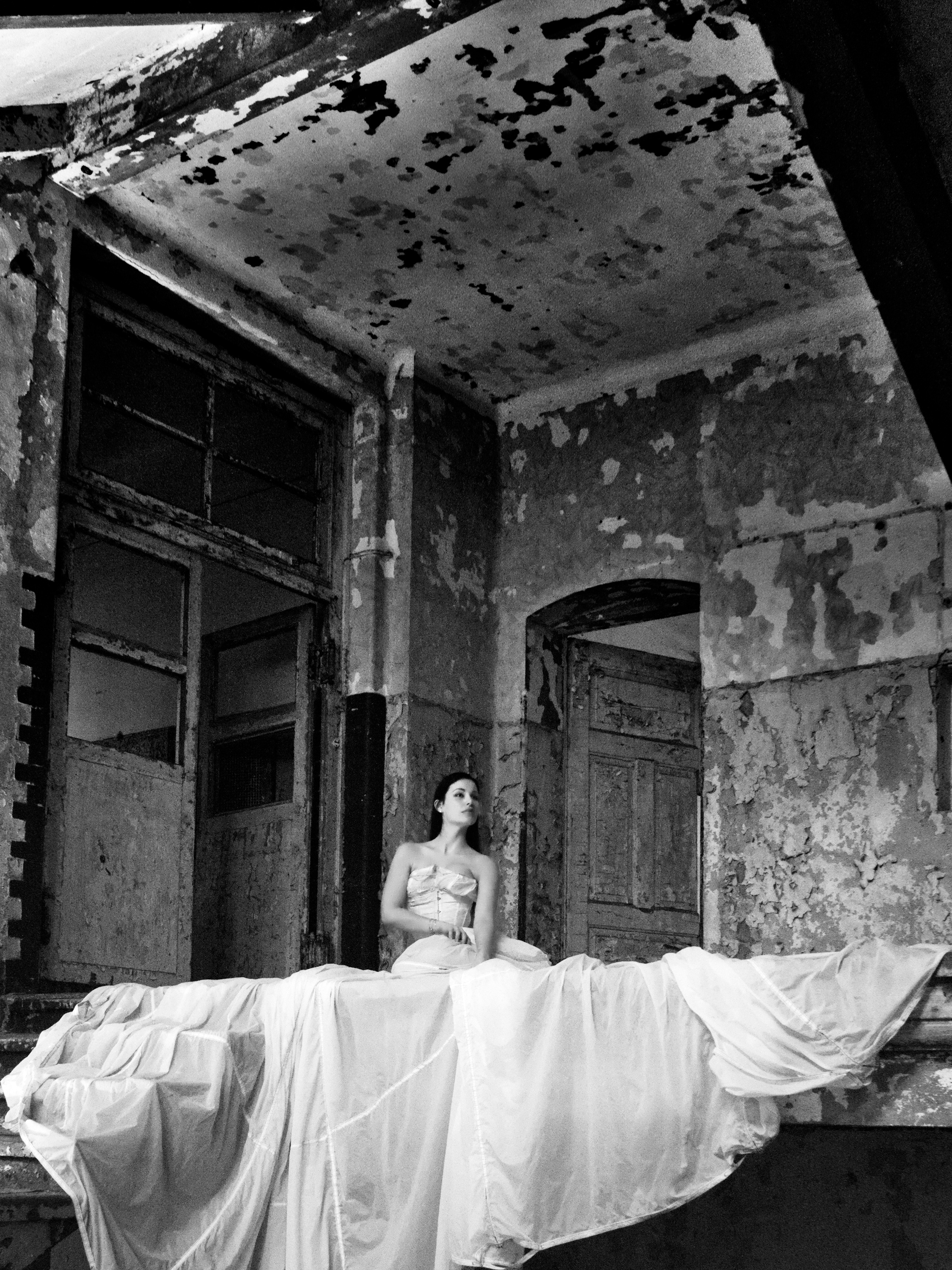
2411_ZecheZollverein_0039.ORF.xmp (27.4 KB)
2 Likes
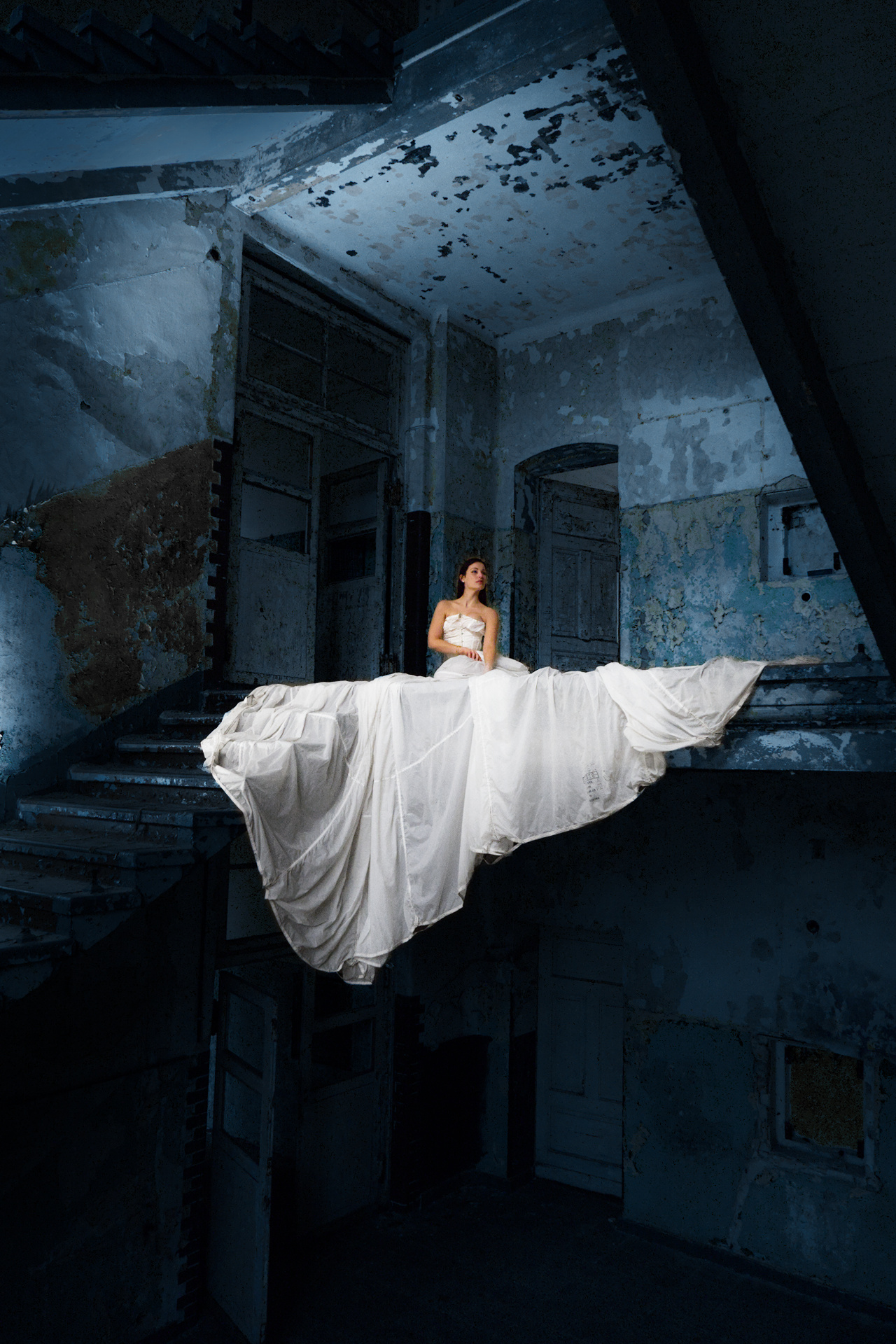
6 Likes
Very nice!
1 Like
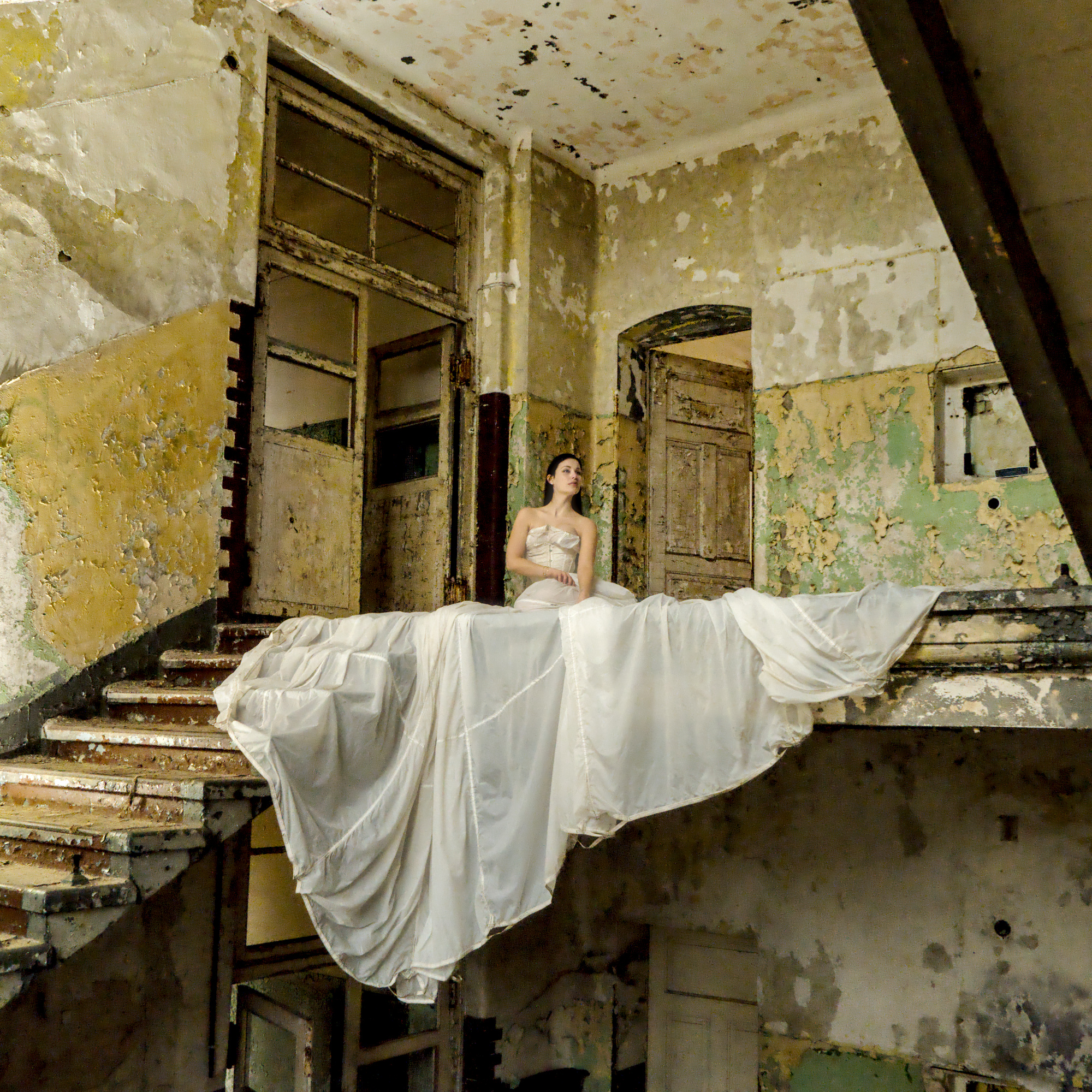
DSCF7180.raf.xmp (21,1 KB)
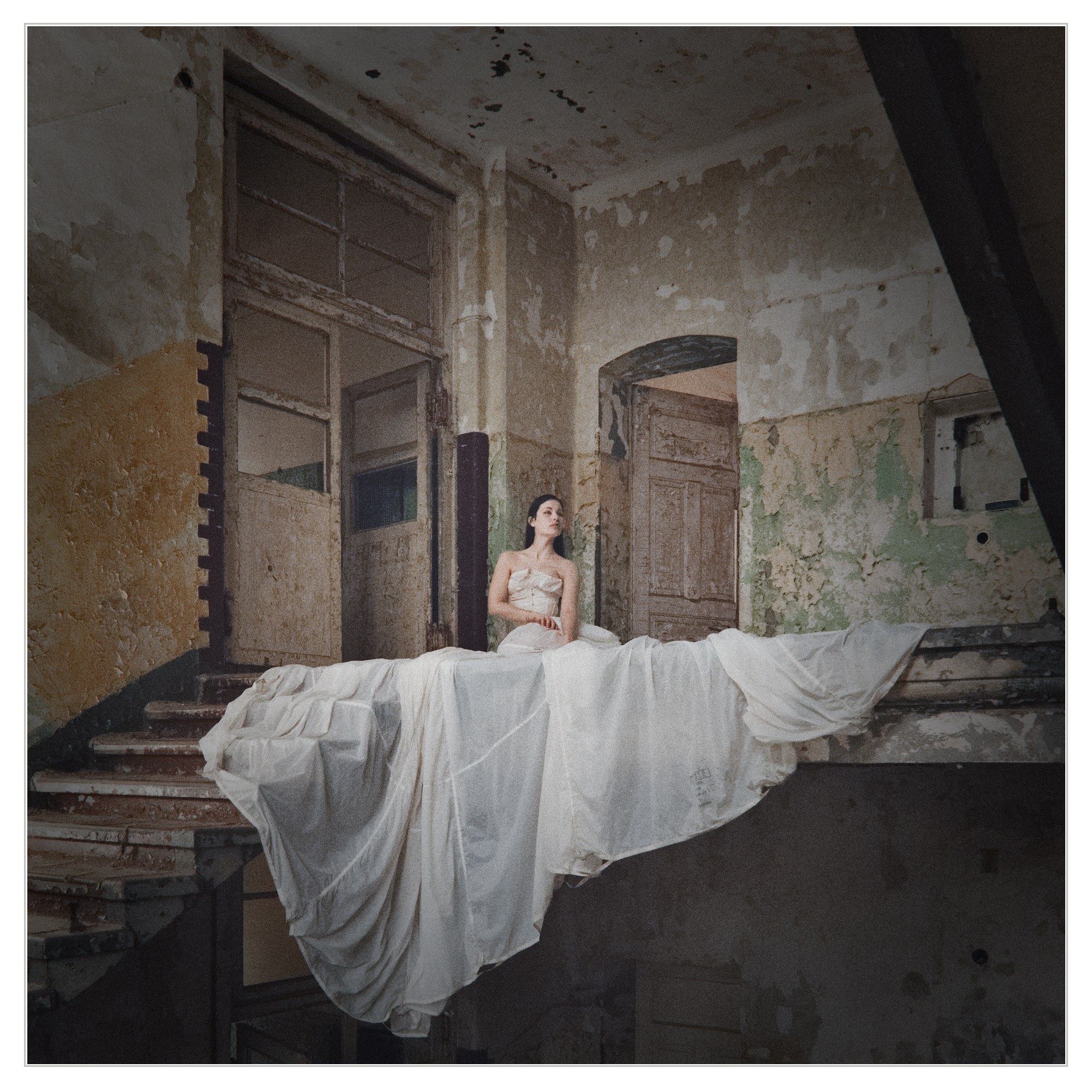
This is my version. It has a lot of work trying to remove the noise. I also cropped it because the top and bottom do not have much interest for me in the image.
Also decreased the saturation of the left wall because it is distracting. Another thing I did was remove the text from the dress using dartktable’s 5.4 Retouch module.
Greetings!
2 Likes
2 Likes
This was a really cool one that I could go on making different versions of. I almost settled on several different looks, but in the end I landed here:
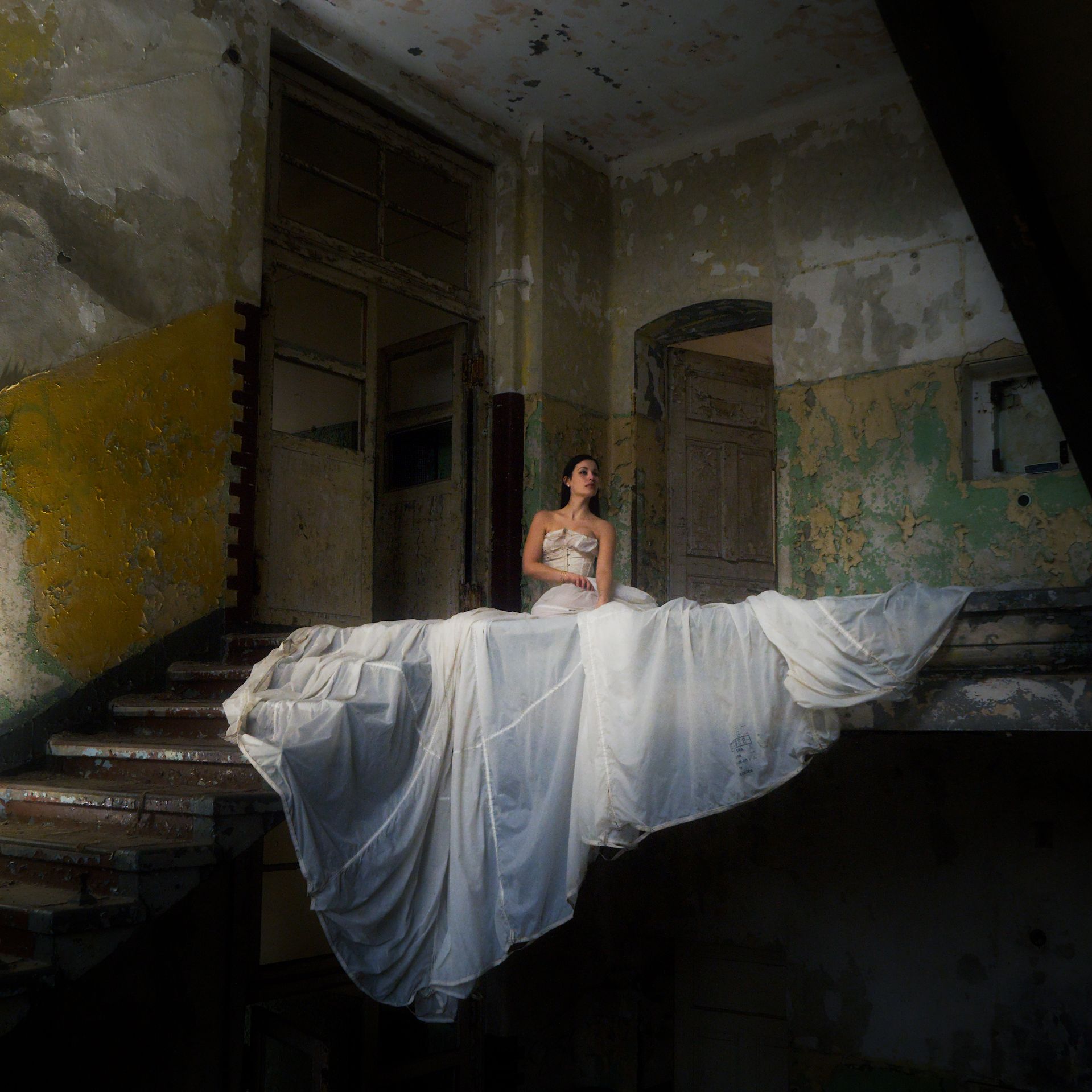
DSCF7180.raf.xmp (14.7 KB)
3 Likes
Nice old photo that deserves a nice old border. 
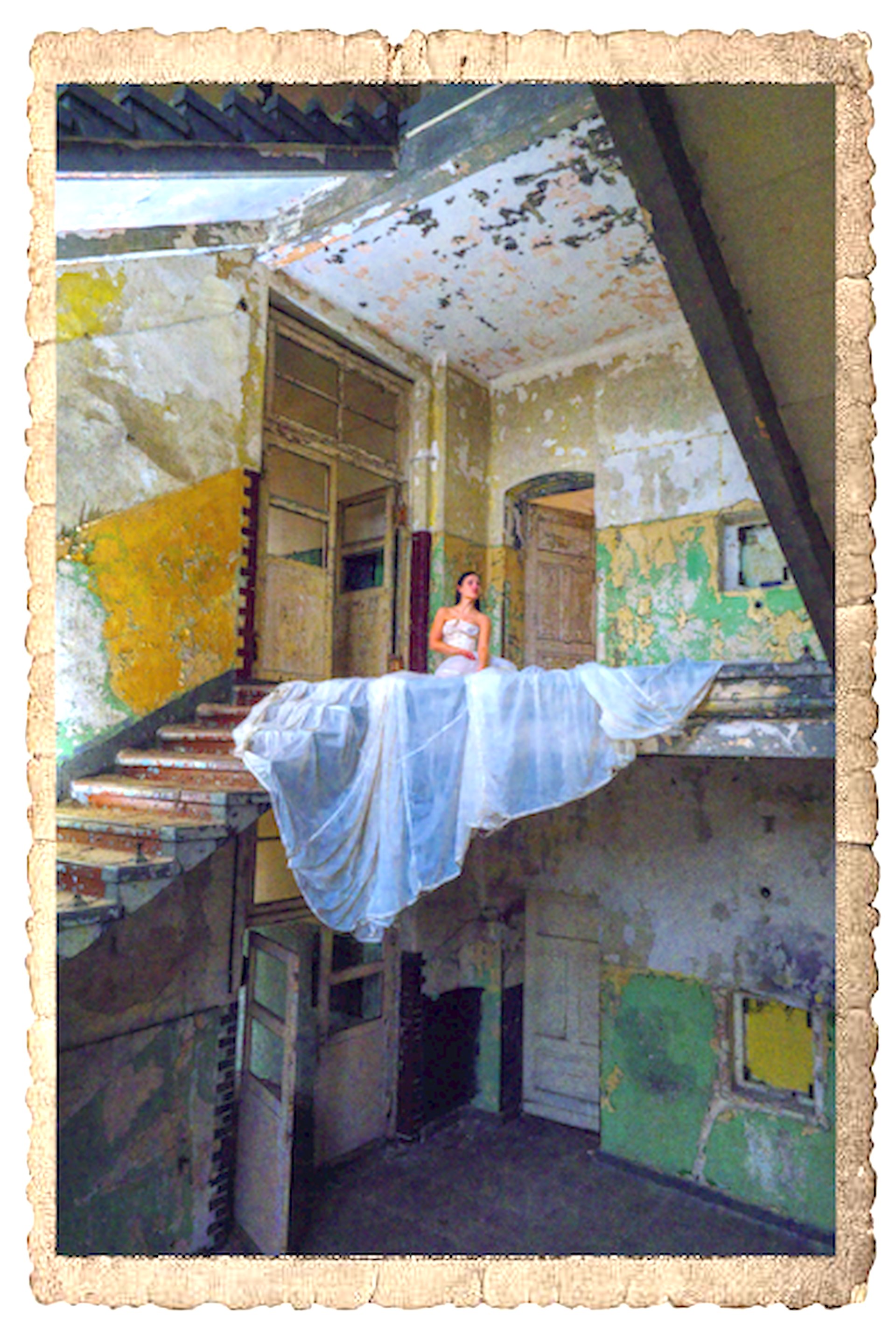
DT 5.4: 20251211_DSCF7180.raf.xmp (13,8 KB)
Note: You will need an image of an old photo border to use with the composite module.
Greetings!
2 Likes
Great pic. For me it didn’t need that much context so I cropped in. De-emphasised the background (darken, desaturate, decrease contrast, choose color tint to lower color contrast) and boosted the subject (diffuse and sharpen fine local contrast, an exposure module, some saturation.)
Might feel like a bit timid edit, but I quite like it this way. It’s the bride’s time to show off, not the colorist’s whose only task is to make it happen 
Anyway, on your pic my PC decided to slow down 50 fold idk why, so I ran out of patience too 
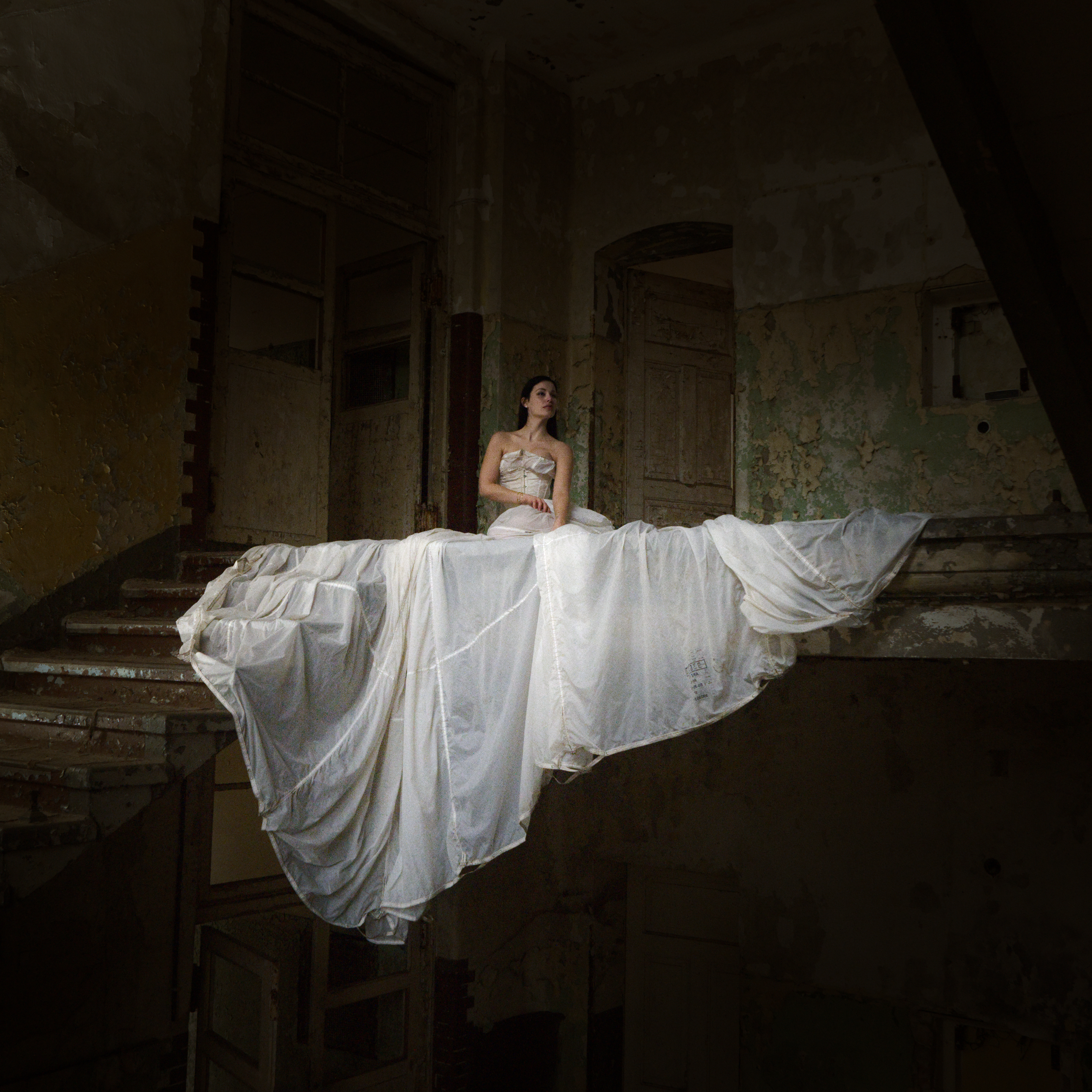
DSCF7180.raf.xmp (34.5 KB)
4 Likes
Do I understand correctly that you are using the Fuji DR settings? I assume that’s why darktable wants to add 2 stops of exposure before it even begins consider proper lighting.
If I’m correct and you deal with RAWs, switch it off. Only thing it does is underexposes your images which then fall apart much sooner because of the massive exposure fix. That thing is only good for SOOC jpegs.
Stunning shot! Really like the framing, and the contrast between the dress and the shadows is great.
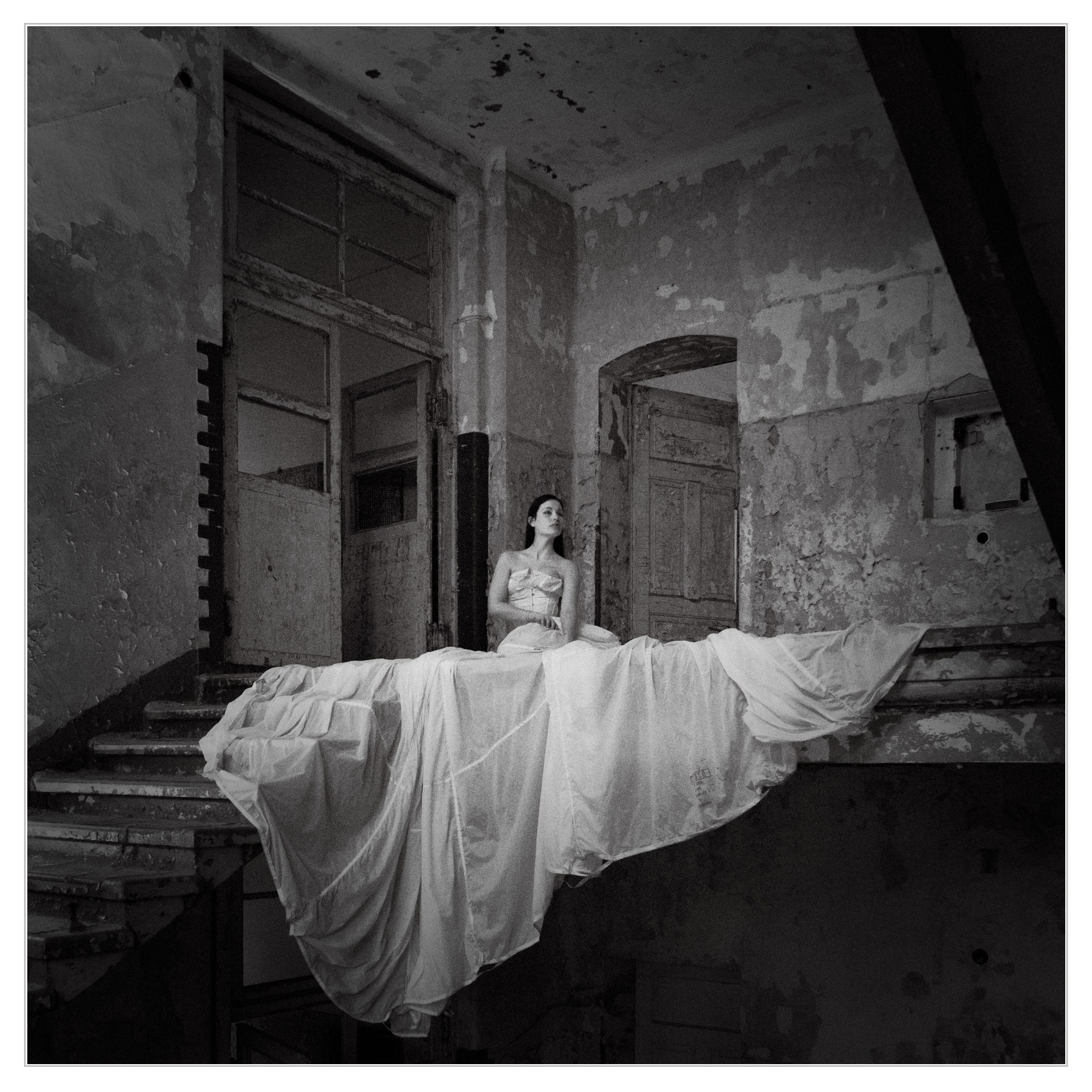
Two takes, one in colour and another one in B&W, using dt 5.4:
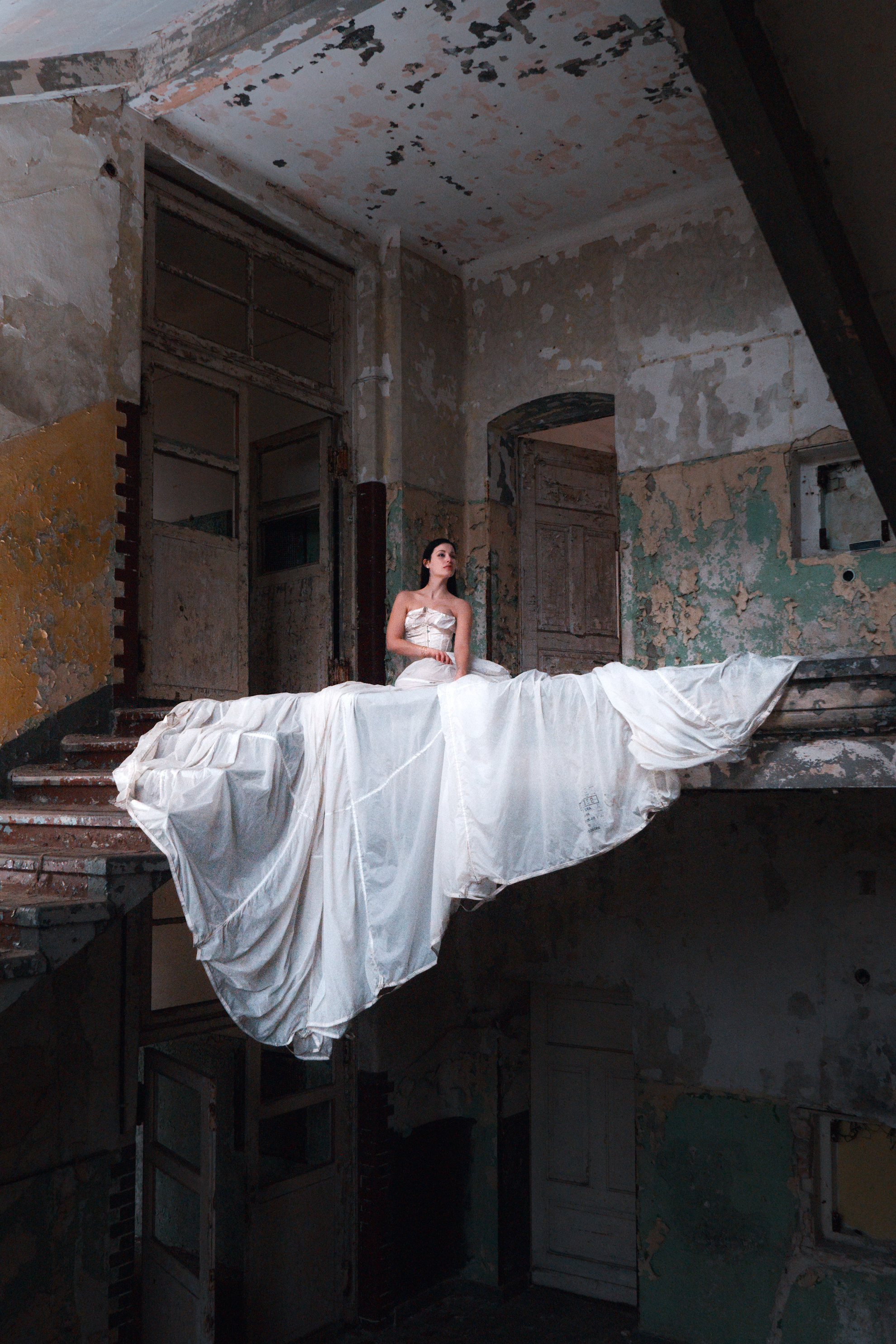
DSCF7180.raf.xmp (34.4 KB)
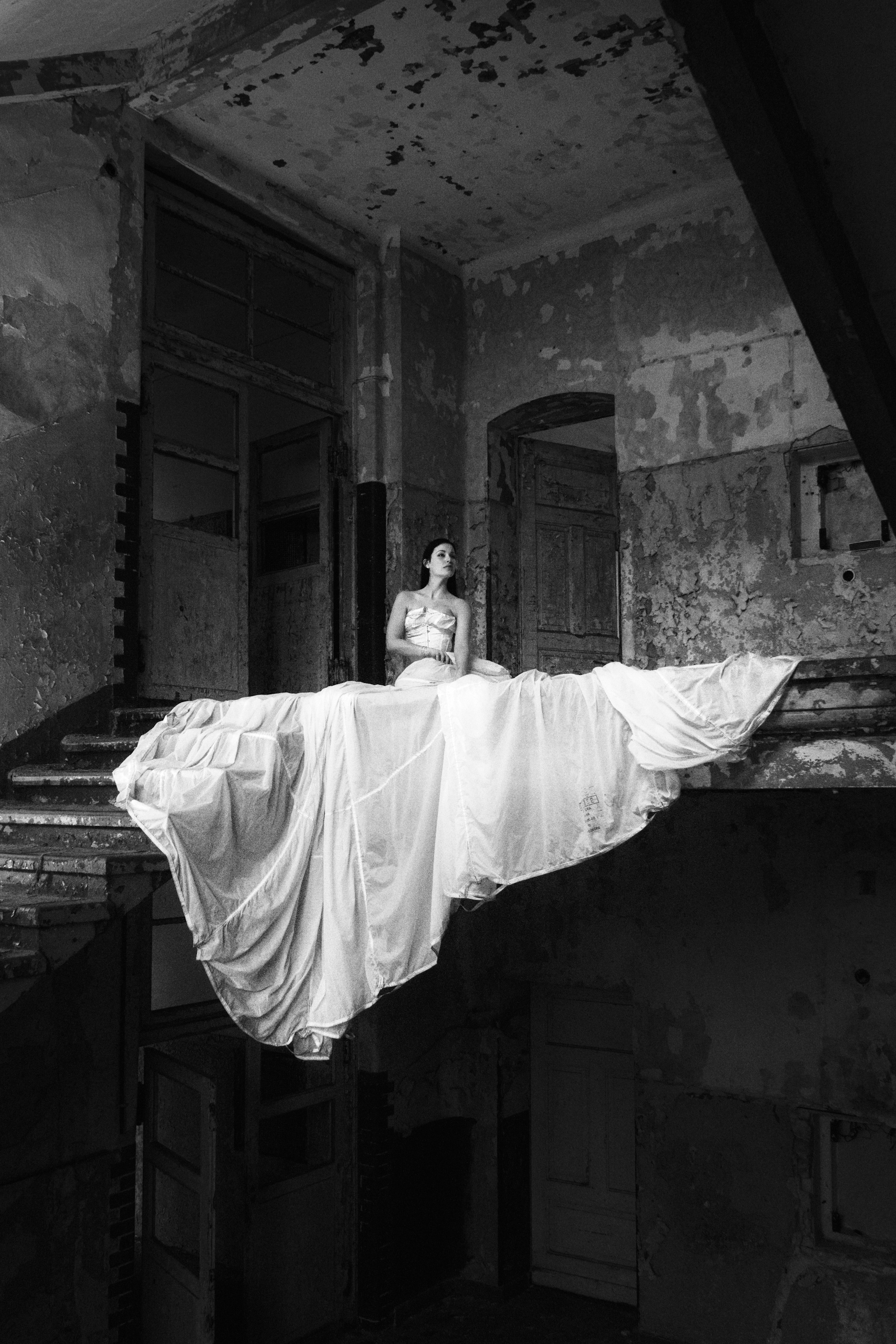
DSCF7180_01.raf.xmp (54.3 KB)
3 Likes
My try. A wonderful composition of contrasts. Have tried to keep it that way
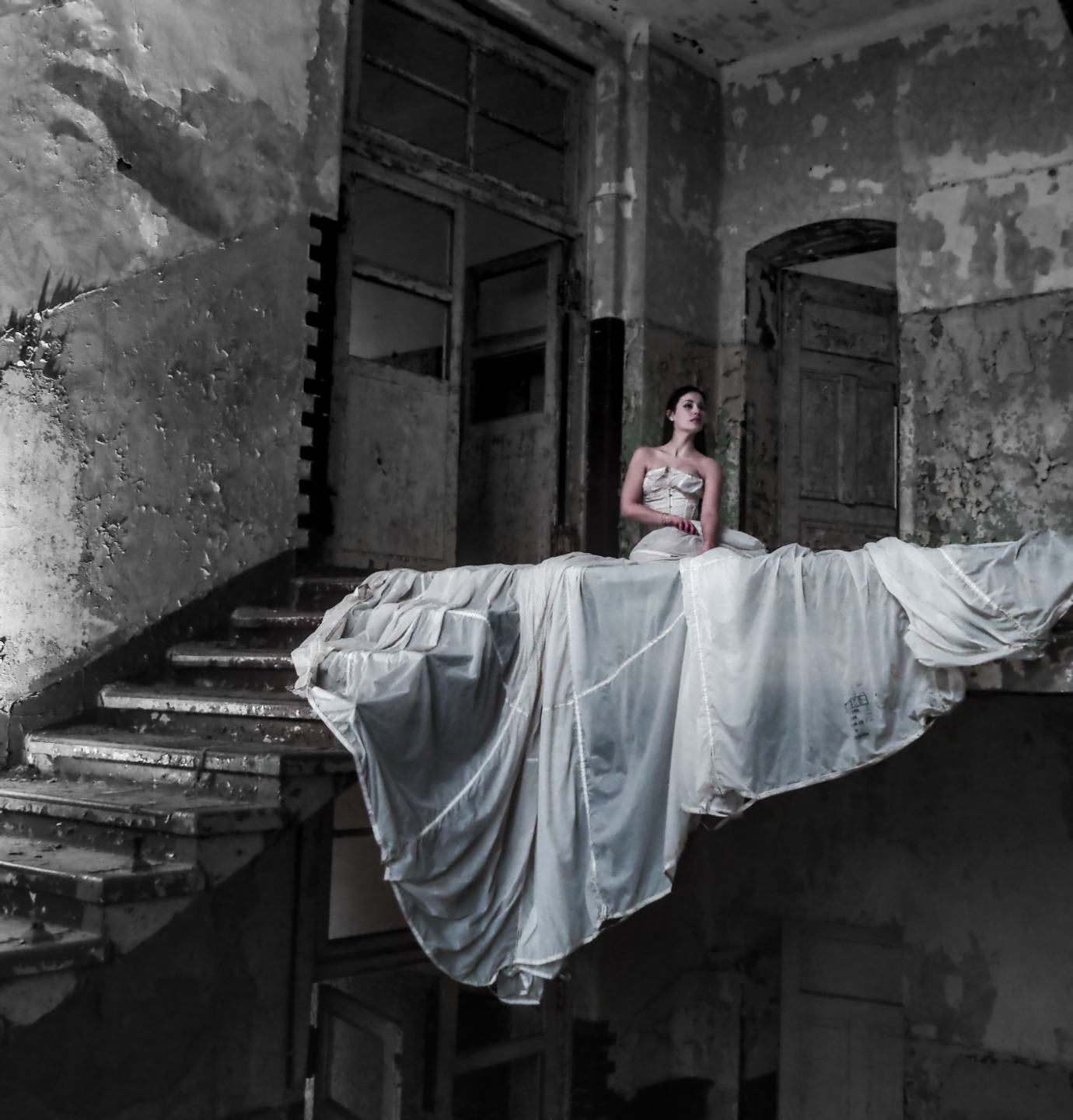
Wedding Dress - DSCF7180.raf.xmp (21.8 KB)
3 Likes
I’m glad this thread resurfaced, I missed it at the time. Wonderful shot and a really interesting one to play with. I used a similar crops and tried to stick to the ethereal nature of the composition by (hopefully subtly) lifting the subject from the background with some masked brightness and saturation tweaks.
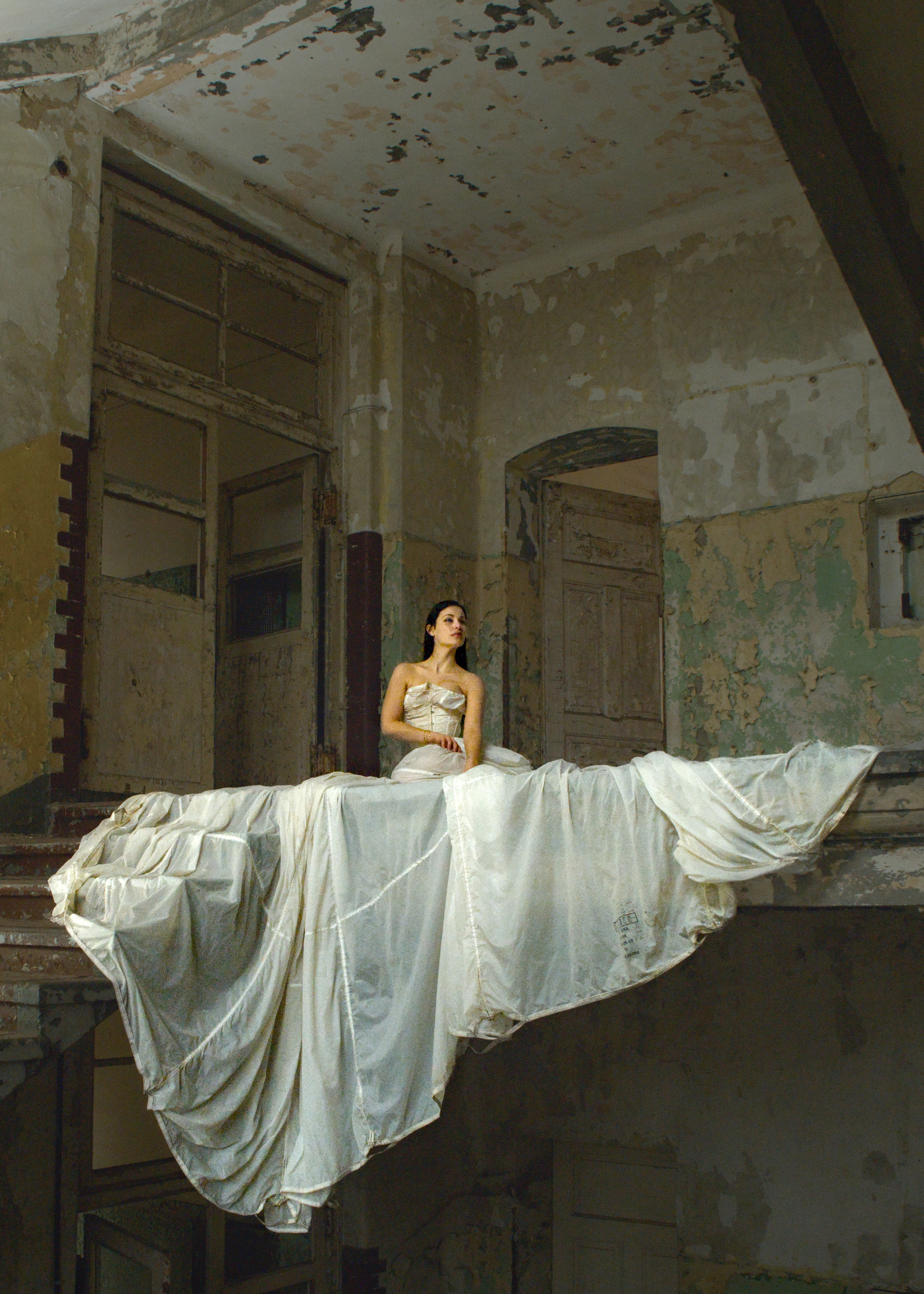
DSCF7180.raf.xmp (23.7 KB)
I tried some rule-of-thirds crops, but they ended up looking unbalanced or lopping off important parts of the setting or dress. One of those occasions where keeping the subject’s head dead centre is the right way to go
(Lovely edit again @Popanz - I’ll be studying it to see how you brought up the skin tones)
2 Likes

3 Likes