Its just 4 screws and a few cables, it’s easier than almost any other task you’ll do in your day to day life, don’t sorry about it
2 Likes
As @hatsnp described, it is not hard! Just keep you eye out for the cables that connect to your power button and reset button, they are not also the easiest to get right, because it is a bit fiddly.
Replacing you PSU is must simpler then CPU and thermal paste and that kind of stuff…
2 Likes
The reset and power buttons are connected from the case to the motherboard so it won’t be an issue  They stay put while changing PSU
1 Like
You are right! I it is too long ago I build a PC!
2 Likes
Well I just got the psu. Its pretty heavy…. I think I will need someone who holds it while I screw. Probably the old one is also heavy.
The sprays and the gpu are coming on wednesday. I also need to clean the inside of the pc and of course backup.
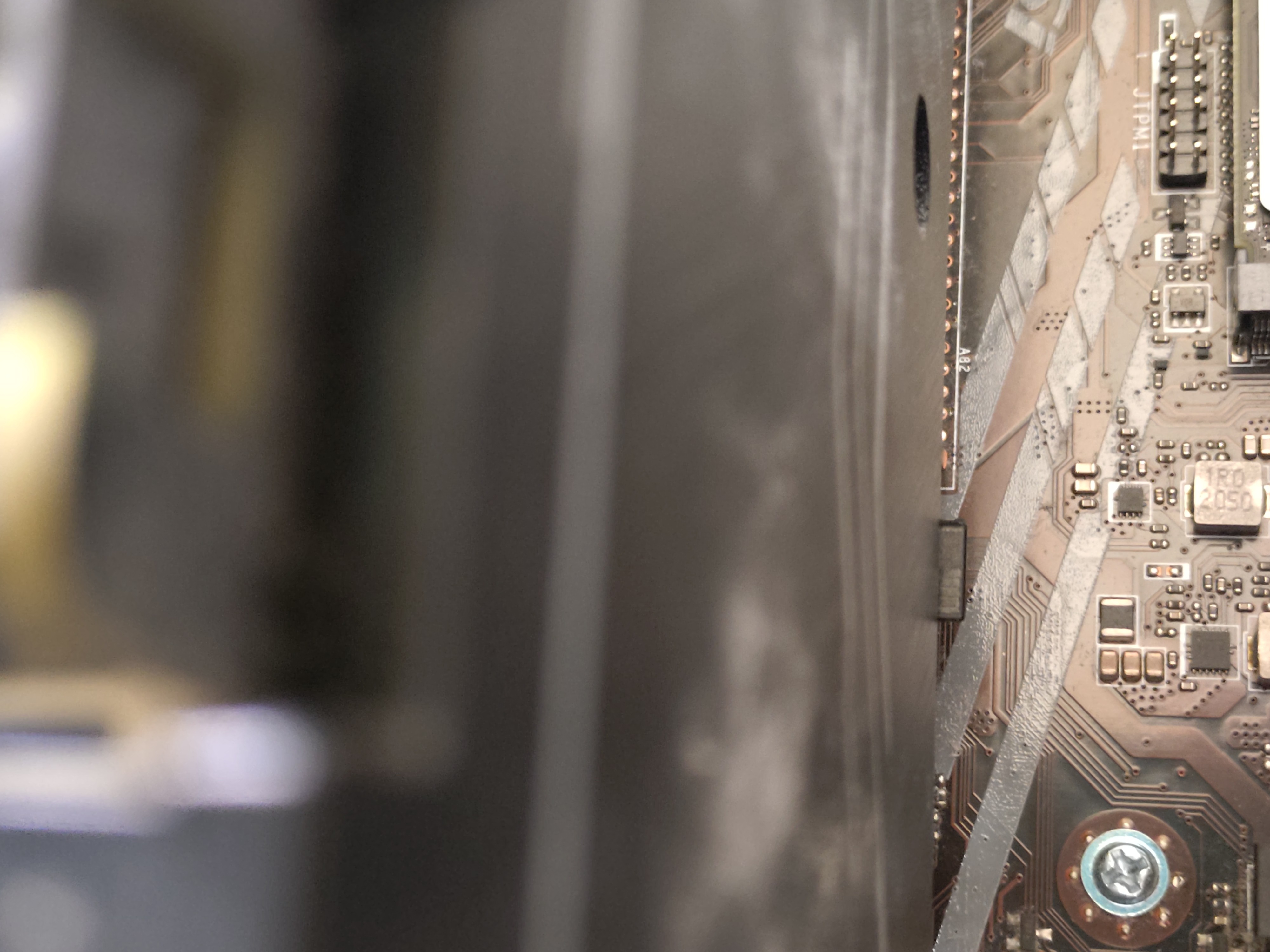
Into which direction am i supposed to push or pull this thing in order to be able to pull out the video card?
Push forward in the direction of the motherboard. A screwdriver or something with a flat head may help as those clips are pretty strong sometimes, you have to be “rough” with it.
1 Like
Thanks, I got it. Did it with the end of a big thick brush.
1 Like
However, if this works i will be very lucky since this card barely fits on my mainboard. Very very thight… and only one pcie slot.
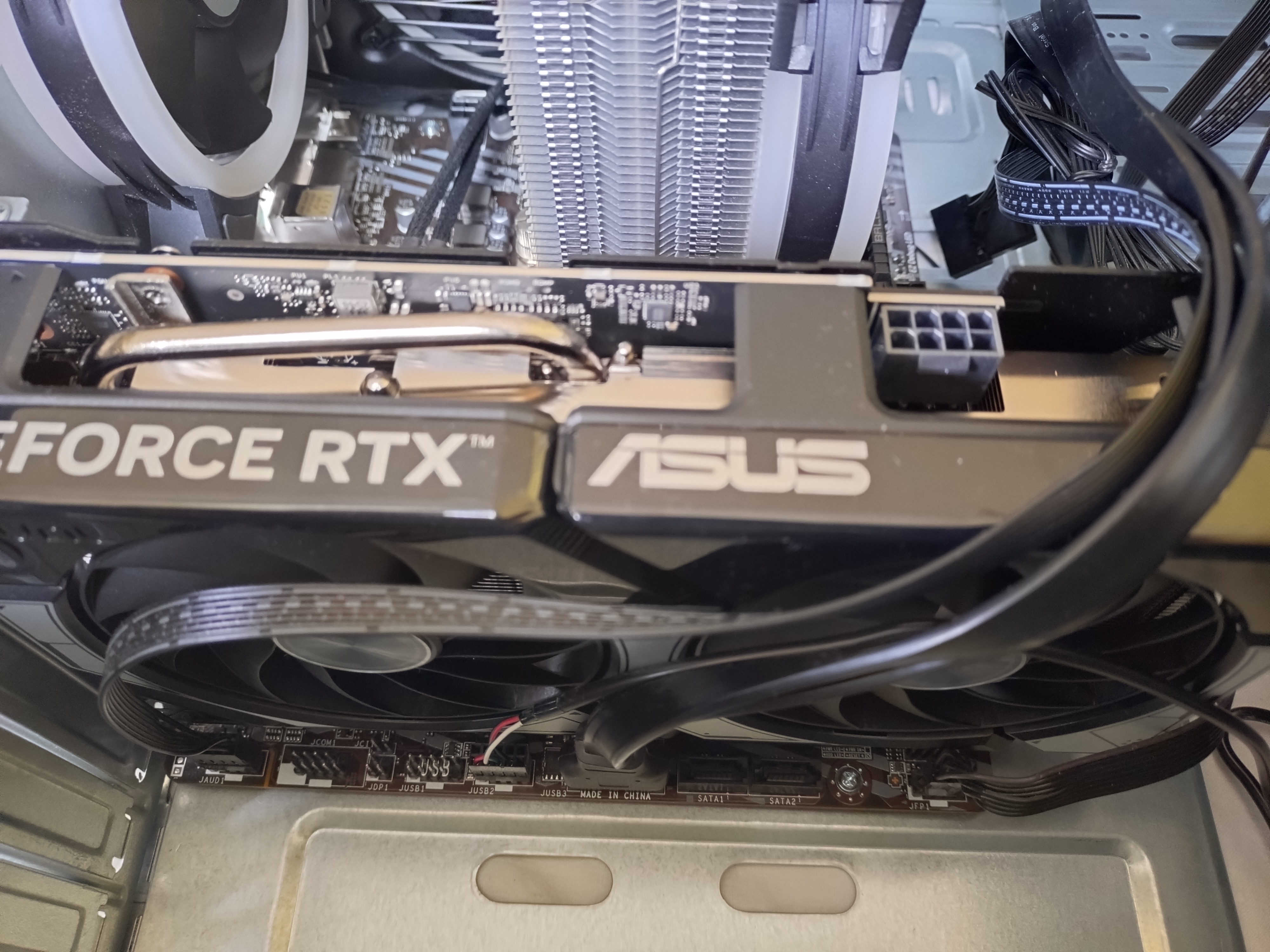
Any suggestions how i should lead/put the cables?
Well I see a picture on my monitor, but I have no sound.
Display resolution is ok on Windows, strange (lowres) on Ubuntu 26.04 with installed nvidia driver, and not sound as well.
I guess I need to install the newest driver, at least on Winwdows.
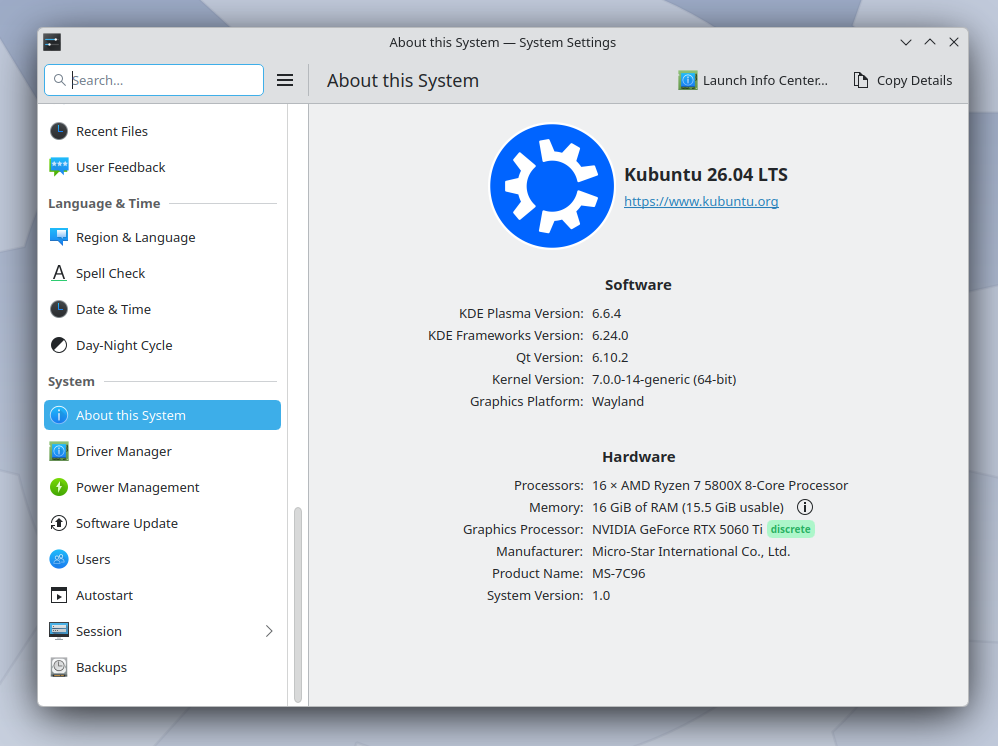
this is from Kubuntu 26.04 live
This happens with a Ubuntu 26.04 system that I installed earlier without the Nvidia driver:
anna@anna-MS-7C96:~$ RUSTICL_ENABLE=zink
anna@anna-MS-7C96:~$ darktable-cltest
darktable 5.4.1
Copyright (C) 2012-2026 Johannes Hanika and other contributors.

Compile options:
  Bit depth              -> 64 bit
  Exiv2                  -> 0.28.7
  Lensfun                -> 0.3.4
  Debug                  -> DISABLED
  SSE2 optimizations     -> ENABLED
  OpenMP                 -> ENABLED
  OpenCL                 -> ENABLED
  Lua                    -> ENABLED  - API version 9.6.0
  Colord                 -> ENABLED
  gPhoto2                -> ENABLED
  OSMGpsMap              -> ENABLED  - map view is available
  GMIC                   -> ENABLED  - Compressed LUTs are supported
  GraphicsMagick         -> ENABLED
  ImageMagick            -> DISABLED
  libavif                -> ENABLED
  libheif                -> ENABLED
  libjxl                 -> ENABLED
  LibRaw                 -> ENABLED  - Version 0.21.4-Release
  OpenJPEG               -> ENABLED
  OpenEXR                -> ENABLED
  WebP                   -> ENABLED

See https://www.darktable.org/resources/ for detailed documentation.
See https://github.com/darktable-org/darktable/issues/new/choose to report bugs.

     0.3835 [opencl_init] opencl disabled via darktable preferences
     0.3836 [dt_dlopencl_init] could not find default opencl runtime library 'libOpenCL'
     0.3837 [dt_dlopencl_init] could not find default opencl runtime library 'libOpenCL.so'
     0.3838 [opencl_init] opencl library 'libOpenCL.so.1' found on your system and loaded, preference 'default path'
     0.4426 [opencl_init] found 1 platform
     0.4426 [opencl_init] no devices found for Mesa/X.org (vendor) - rusticl (name)
[opencl_init] found 0 device
     0.4426 [opencl_init] FINALLY: opencl PREFERENCE=OFF is NOT AVAILABLE and NOT ENABLED.
As long as they don’t touch the fans they are fine where they are
2 Likes
Well, I guess: mission accomplished. Krita AI diffusion inpainting is significantly faster, though not lightning fast (never expected the latter)
It was really not difficult and the machine was not very dirty inside either.
3 Likes
thank you to everybody who to contributed to this thread and helped, especially @hatsnp
2 Likes
I think there were actually 4 cables that I had to disconnect in order to be able to remove the old psu and the graphics card. one was cpu, one mainboard, one gpu, but I really wonder what the 4th was – it went to some small device that looked like an usb hub with at least 4 usb connections, but from the other end of the device the cabe continued to go I dont know where… luckily I found a cable among the new psu’s cables that fitted to that connection. But seriously, no idea what that is.
Just by this description alone it sounded like a front IO panel, but idk to be honest
1 Like
I would day fan hub but since it has USB connections then likely not. Maybe your case has a powered USB hub feature or something of the sort, what is the model?
1 Like