I ran into NaN value. That’s something you need to mind of when making G’MIC code:
Fixed version:
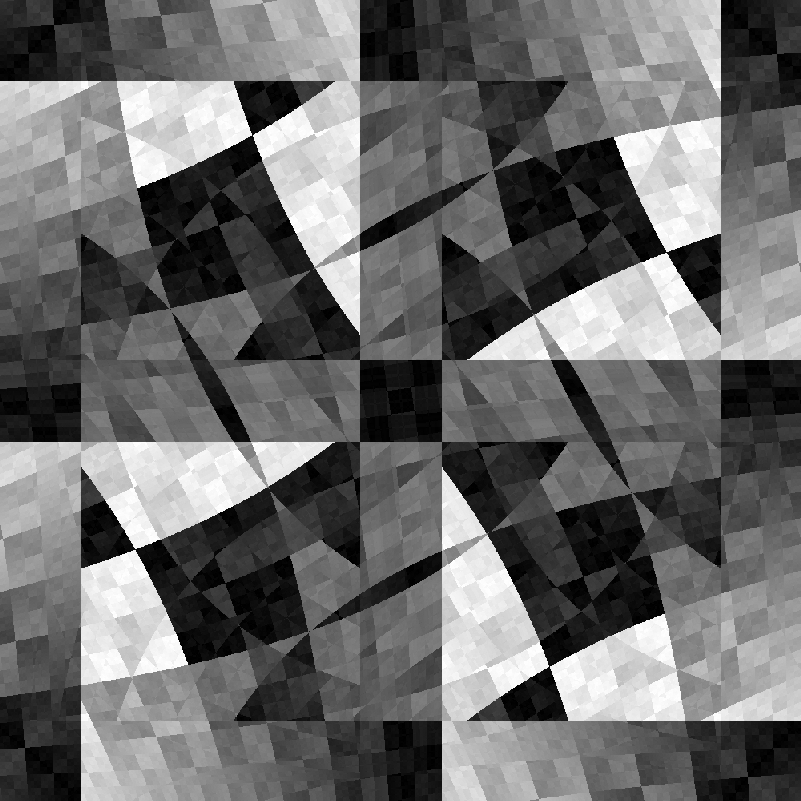
$ 1000,1000,1,2,if(c==0,x/2,y/20) compose_channels % +rotate 180 +rotate 90 replace_nan 0 blend xor n 0,25
I ran into NaN value. That’s something you need to mind of when making G’MIC code:
Fixed version:
$ 1000,1000,1,2,if(c==0,x/2,y/20) compose_channels % +rotate 180 +rotate 90 replace_nan 0 blend xor n 0,25
Ah, never got this on my side though.
Thanks for the tip!
That’s probably because of the use of the modulo % with value 0:
$ gmic e {3%0}
[gmic]./ Start G'MIC interpreter (v.3.5.4).
nan
[gmic]./ End G'MIC interpreter.
Possibly maybe. You know i don’t think about maths at all 
Thanks for sharing your latest creations @prawnsushi. You seem to have a good handle of the math, just not what it means for the interpreter.
Oh well, thank you (Thank @grosgood for me, for his examples). Let’s just say i’m a visual interpreter. If the maths is (are?) wrong but the results look good (or at least something appears on screen), that’s ok for me! But a lot of times it does nothing too.
gmic run '1000,1000,1,2,"if(c==0,x*2,y%450)" -compose_channels * +rotate 180 +rotate 90 replace_nan 0 blend xor n 0,255'
The most useless animation ever!
gmic -v 0 run ' repeat 250 500,500,1,2,"if(c==0,x%25,y%50)" l. -compose_channels % +rotate 90,0,0,$<%,$<% +rotate 90,0,0,$>%,$>% replace_nan 0 blend xor n 0,255 done w. done -o video.mp4'
:
And it’s sister:
gmic run ' repeat 250 500,500,1,2,"if(c==0,x*25,y^25)" l. -compose_channels % +rotate 90,0,0,$<%,$<% +rotate 90,0,0,$>%,$>% replace_nan 0 blend xor pr_deform {$</2},100,10,0,3,3 n 0,255 done w. done -o video.mp4,24,h264
:
test.mkv (10.8 MB)
Question: how can i upgrade the video quality? It’s quite blocky by default.
This may help: pan-normalize the entire animation sequence as one G’MIC (multiple-slice) image, so that minimum and maximum luminance of the entire animation sequence informs normalization and the latitude range of all frames are taken into account in one, coordinated range adjustment.
Normalizing frames in isolation to one another (frame by frame normalization) can cause flutter, as it is generally unlikely that frame-to-frame highlights and lowlights are equal, so normalization stretches frame-to-frame ranges by different factors when pegging the brightest pixels to 255 and the darkest pixels to 0. Pixels which once had the same luminance from one frame to the next are now pegged at different luminance levels.
That’s why your animation seems to become darker as the animation latitude range changes. The sparkling bits introduce more luminant highlights and the mid-level pixels scale to darker grays.
To minimize this bounce, do something like this:
   -local[frame]        # All animation frames were -name'ed into the 'frame' collection
      -append z         # Append all frames into one, multi-slice image.
      -normalize 0,255  # Normalize the entire collection as one image.
      -split z          # split back into individual images
   -done
Think this might help. Have fun.
Not at all what i want to do, but hey! :
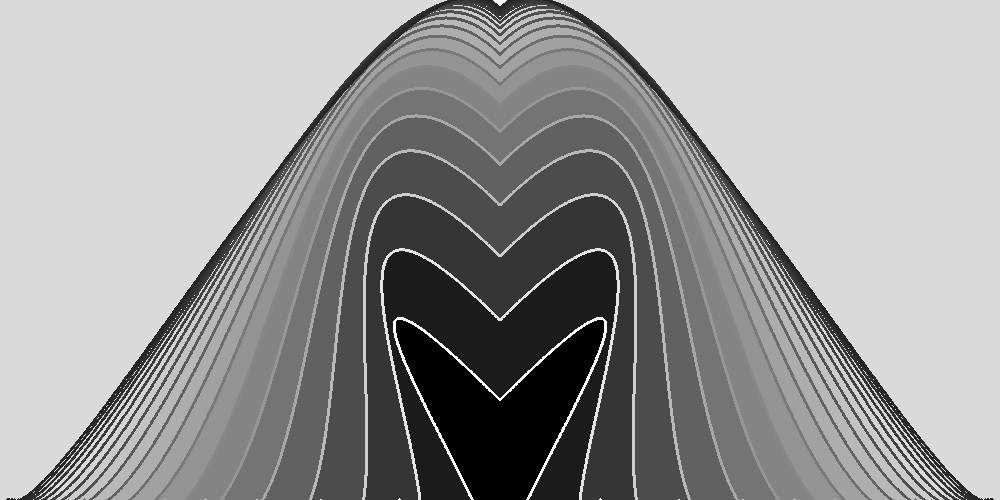
gmic run '500,500,1,1 N=20 XA,XB,YA,YB=100 CA,CB=-200 col=255 repeat $N { thickspline $XA%,$YA%,$CA%,$CA%,$XB%,$YB%,$CB%,$CB%,2,1,{255-$col} flood {$XA+1},100%,0,0,0,1,$col XA,CA,CB,YB,col*=.8,.94,.9,.8,.9 } +mirror y a y rotate 90 negate n 0,255 '
I wonder how this could be drawn using polygon instead of spline + flood?
Looks at math book
Yeah, math is helpful in G’MIC coding.
Well, i don’t understand maths , even with a book 
I’ll probqbly stop playing with gmic after a while i guess, once i really get stuck.
That’s probably possible, but I don’t see any interest of trying this.
Your solution is much more elegant.
All kinds of things can be drawn with polygons:
gmic run '400,400,1,2 mat:=[w/2,0,w/2,0,-w/2,w/2,0,0,1] noise. 0.01,2 bandpass. 0.0005,0.001 n. -1,1 f. ([$mat]*[I(x,y),1])[0,2] s. y foreach { {w},{w},1,3 permute.. cyzx polygon. ..,0.4,0,200,245 polygon. ..,1,0xffffffff,245,120,0 rm.. } do foreach { w. wait 30 } while {*}'
Unrolled into a custom for readability:
swirlydoo:
   400,400,1,2
   mat:=[w/2,0,w/2,0,-w/2,w/2,0,0,1]
   noise. 0.01,2
   bandpass. 0.0005,0.001
   n. -1,1
   f. ([$mat]*[I(x,y),1])[0,2]
   s. y
   foreach {
     {w},{w},1,3
     permute.. cyzx
     polygon. ..,0.4,0,200,245
     polygon. ..,1,0xffffffff,245,120,0
     rm..
   }
   do
      foreach { w. wait 30 }
   while {*}
   o swirlydoo.mp4,30,h264
Have fun!
I love your use of the bandpass filter to create smooth animations.
It’s not the first time I see it, and it’s very elegant 
Joseph Fourier ought to be considered for being the patron saint of tileable texture artists everywhere…
Hi,
yes i am aware of that. But i don’t know how to draw precise objects with many many many points.
As @grosgood did, you can use an image to store the coordinates of the polygon vertices.
A minimal example:
foo :
  1400,1400
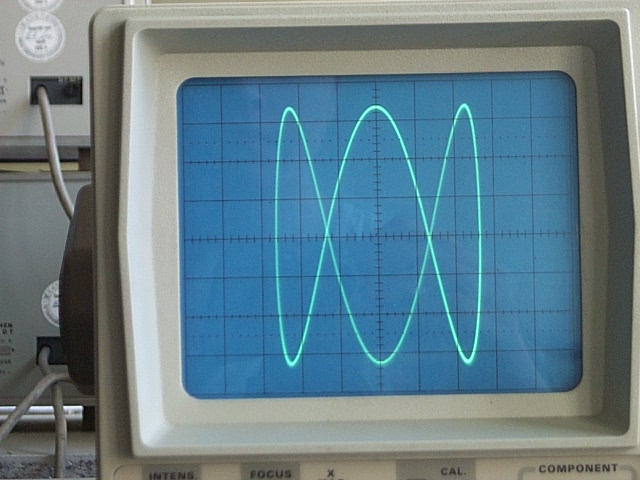
  360,1,1,2,"ang = x/w*360°; 700 + 650*[cos(5*ang),sin(4*ang)]" permute. cxyz
  polygon.. .,1,255 rm. rs 50%
I love G’MIC so much
foo :
  l[] { shape_cupid 512 edgels , k[2] channels 0,1 }
  repeat 90 {
    +f[0] "P = I - 256; ang = atan2(P[1],P[0]); off = (4*$>)°; 256 + P + 10*[cos(10*ang + off),sin(10*ang + off)]" permute. cyzx
    512,512 polygon. ..,1,255 rm.. rs. 50%
  }
  rm[0]

There’s two parts to the answer: the image container (the easy part) and what the container contains (the hard part).
swirlydoo: Two lines for plotting (the easy part). Three lines of do…while to manage the animation part. The remaining lines are all wrapped up in data generation using periodic Fourier noise.polygon, methinks, is one of the harder G’MIC commands; it expects that you know how to fill the image container through some curve generation scheme. When you write: “precise objects,” I take that to mean some “curve generation scheme,” based on applied math, that you would like to know about — but don’t. So how interested are you in illuminating That Very Dark Place? I think it is just fine if you write “Not Very!” because the work you are doing here is very interesting, fully illuminating in its own right, and if you are having fun doing it, then who am I to interrupt?
Have fun!
Yes, i can only do the easy parts. In no way i can imagine myself coding like you guys do. Still, using basic stuff can be fun and rewarding.
When i said “precise objects” i meant stuff like an arches, pots, leaves, whatever… Still, i could do that with rectangles and lines and curves, but polygon has the advantage of being filled (or not). Using flood can be tricky. I guess some objects could even be drawn with just horizontal lines (printer style). Gotta try that some day.
Here’s some lunchtime experiment… no archways but something else:
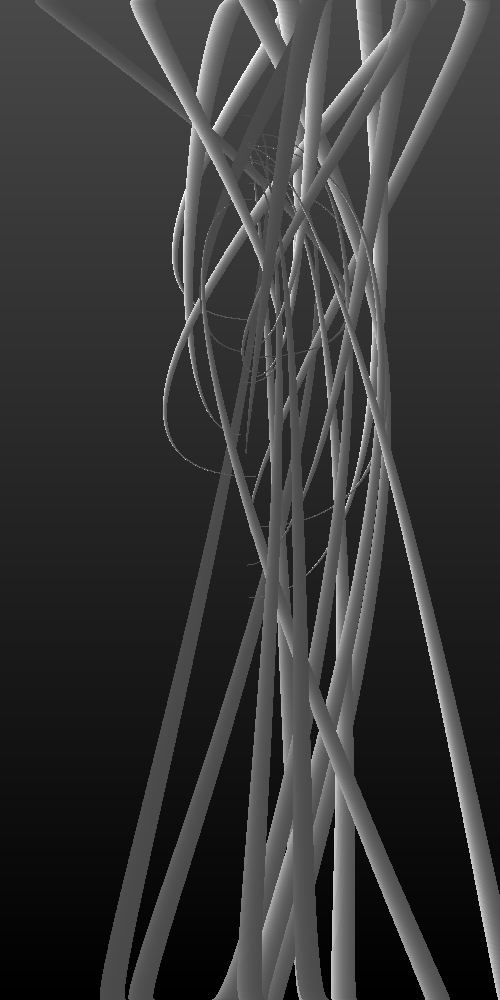
gmic run '500,1000,1,1,-y/10 repeat 25 stx:=u(w) en:=u(w) eny:=u(10,20) var:=u(-20,20) var2:=u(-200,200) col:=u(255) if v==1 eny+=$eny*2 sty=0 else sty=100 fi repeat 25 spline {$stx+$>},$sty%,$var%,0,{(w/2)+$var/2},$eny%,$var2%,0,1,$col col*=.9 done done n 0,255 d -o test.png
I hate using vars in one line in the shell, though. I often forget unused ones. The display call is only there to skip saving unwanted results (ctrl+c).