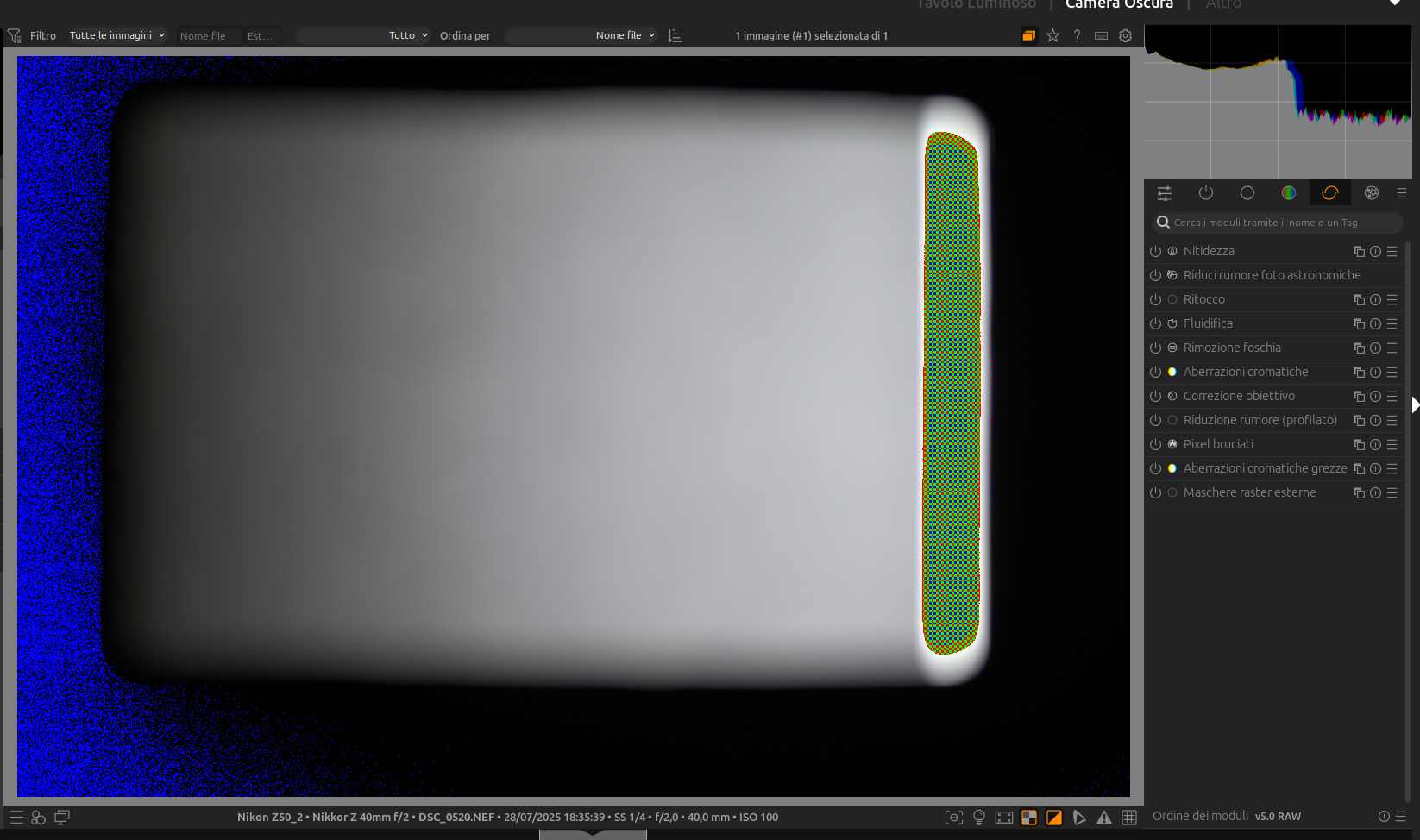
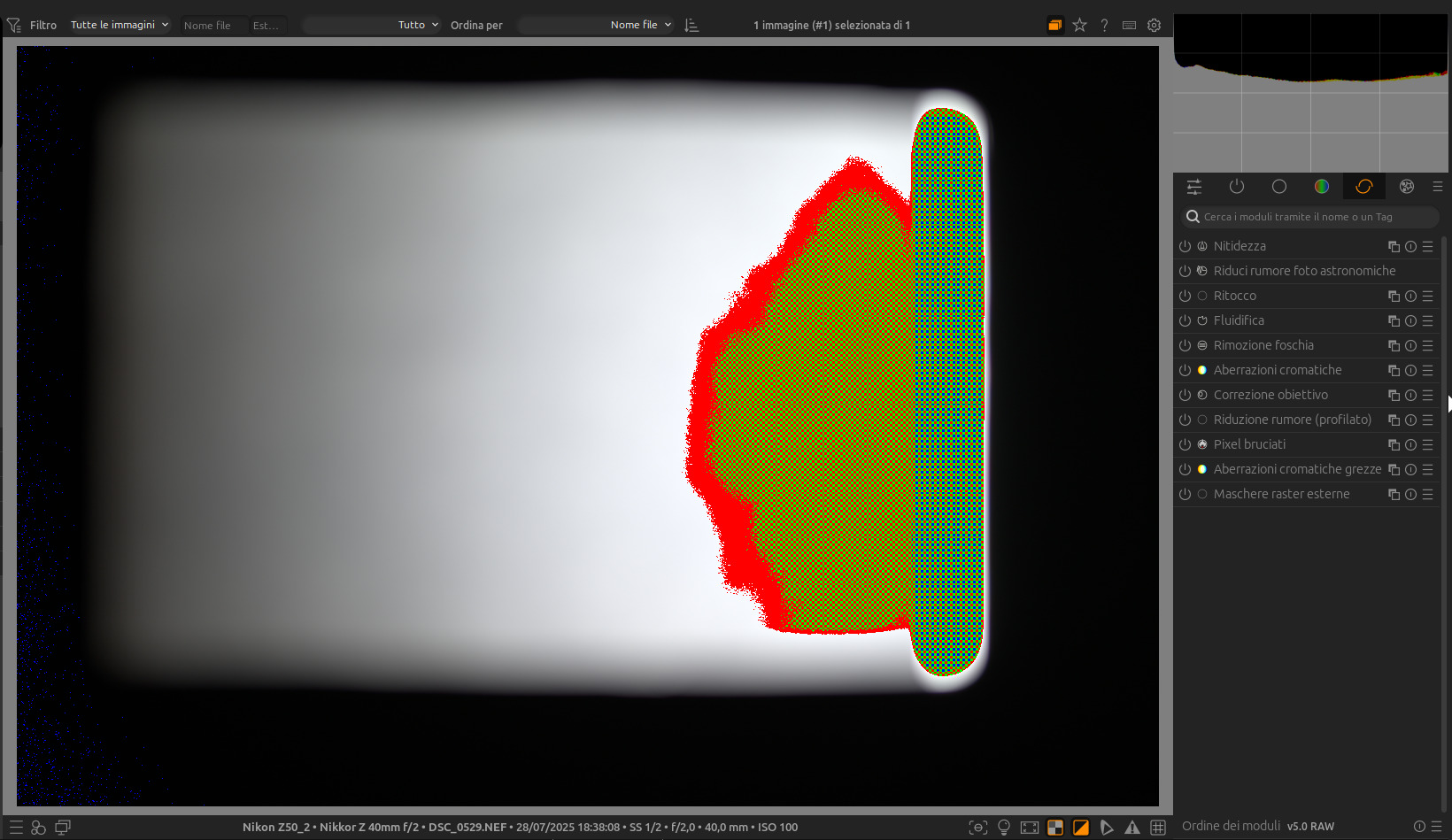
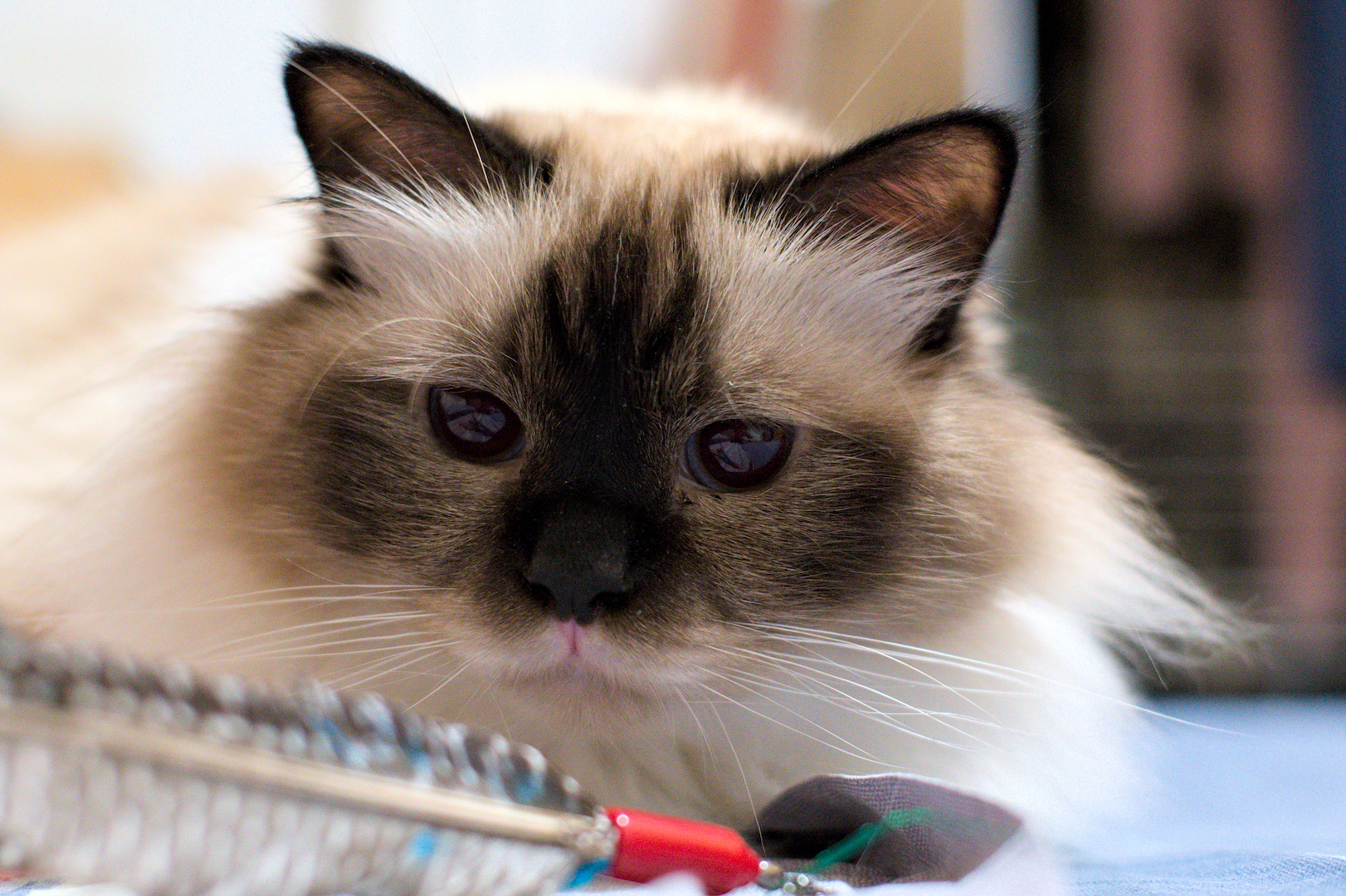
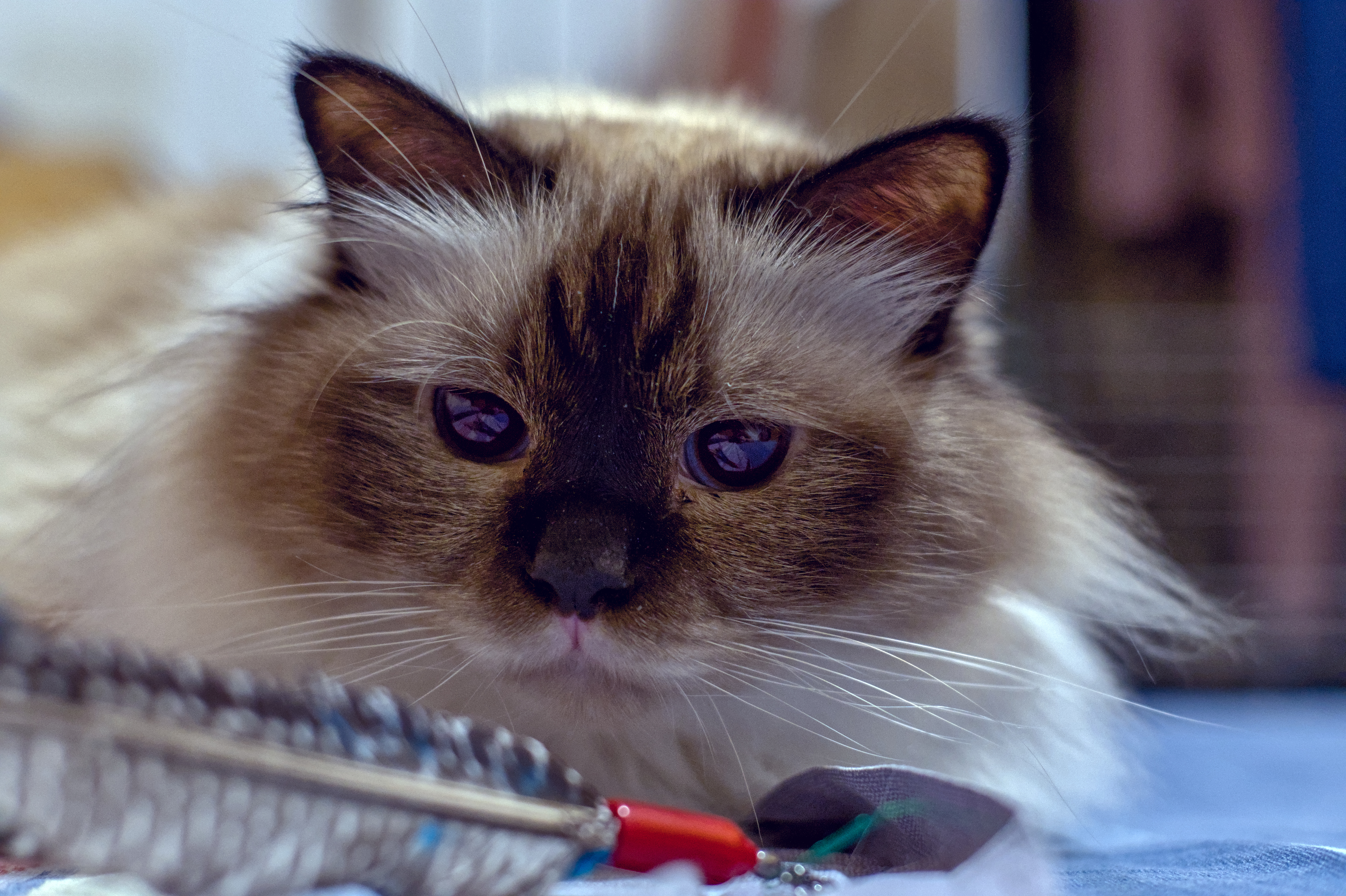
I’ve taken the photos and I’m going to launch the tool, but I think the shots aren’t good enough:
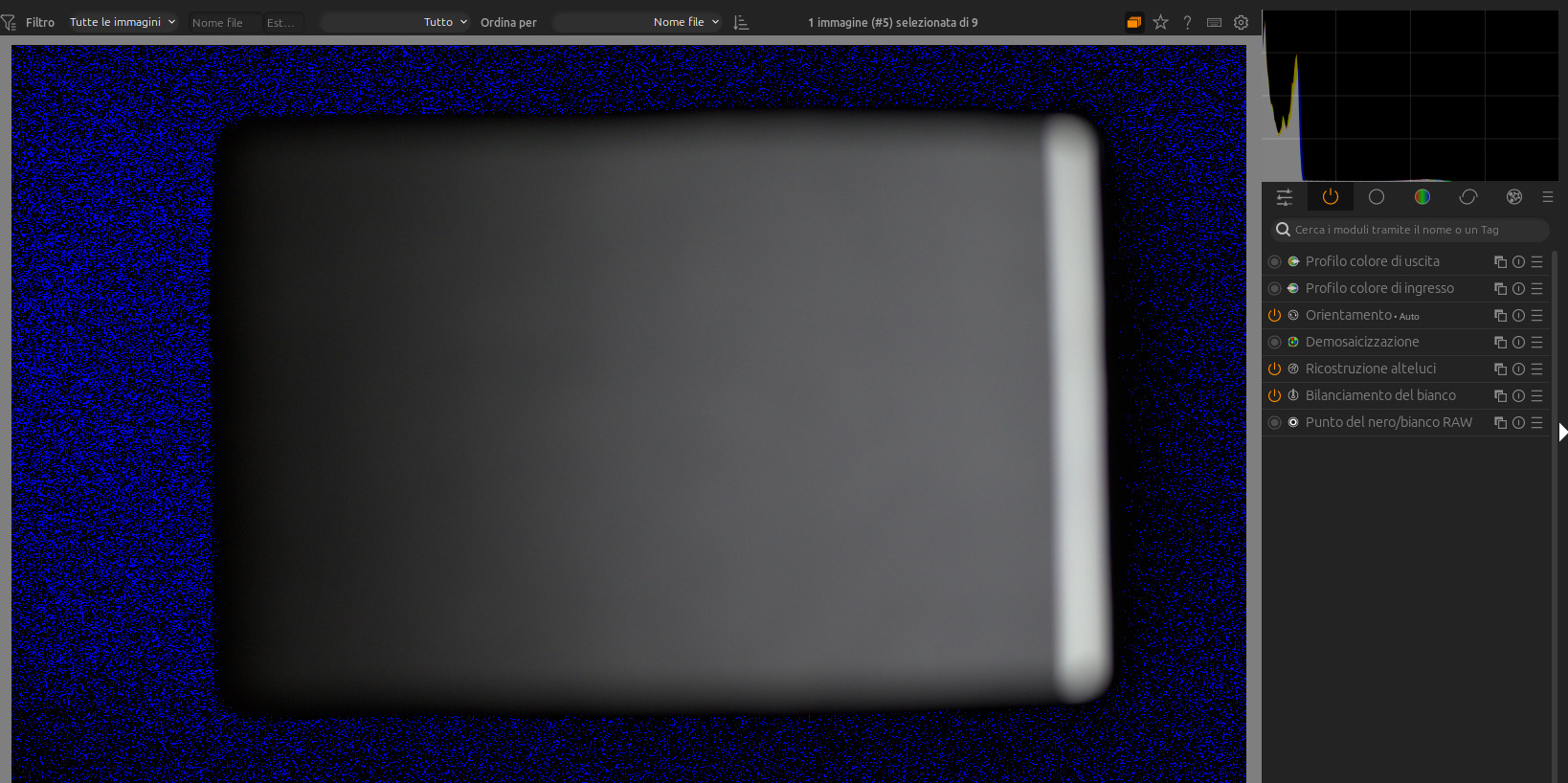
The histogram is way different from the one shown in the article:
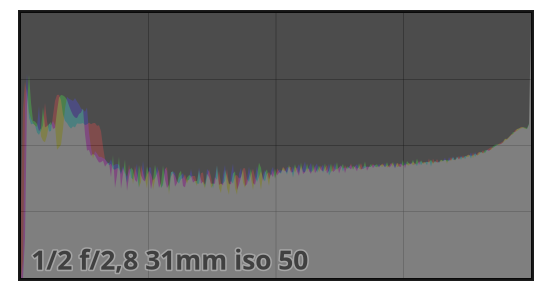
Do you guys think the samples are good enough or I need to do another take?
I’ve taken the photos and I’m going to launch the tool, but I think the shots aren’t good enough:
The histogram is way different from the one shown in the article:
Do you guys think the samples are good enough or I need to do another take?
I think you should retake them. What is your aperture? Maybe I’d open it up a bit and I’d overall boost the exposure in camera by +1 to +1.3EV. Based on the example histogram, you should have the white parts slightly overexposed
Ok, I will retry. Ive used an aperture of 2.0 and a SS of 1/15 for ISO 100. Then 1/30 for ISO200, and so on. I’m using a Nikkor 40mm F2.
I’ve done two new set of shots, and I’ve generated 2 differente profiles:
Test1
z50_noise_profile_1.tar.gz (1.0 MB)
Test2
z50_2_noise_profile_2.tar.gz (1.1 MB)
Test2 have a shutter speed step +1, so is more overexposed.
Hmm, the second test seems to be a bit too bright, but the histogram matches the example… Hopefully someone with more experience could give us some insights… I’d need that too 
I’ve created an issue with the WB Profiles for Nikon Z50 II
Adobe bundles colour profiles with their free DNG Converter program. I use these to get profiles that match the Standard Nikon profile I use on my Z50, which means my editing starts very close to what I see in camera. This is with RawTherapee program, perhaps a similar option is available in DarkTable?
RawTherapee documentation for getting the profiles is here: How to get LCP and DCP profiles - RawPedia
dt doesn’t support DCP profiles. Lately users have been contributing pre-made styles trying to match OOC rendering, and looks like there is one for Z50 II.
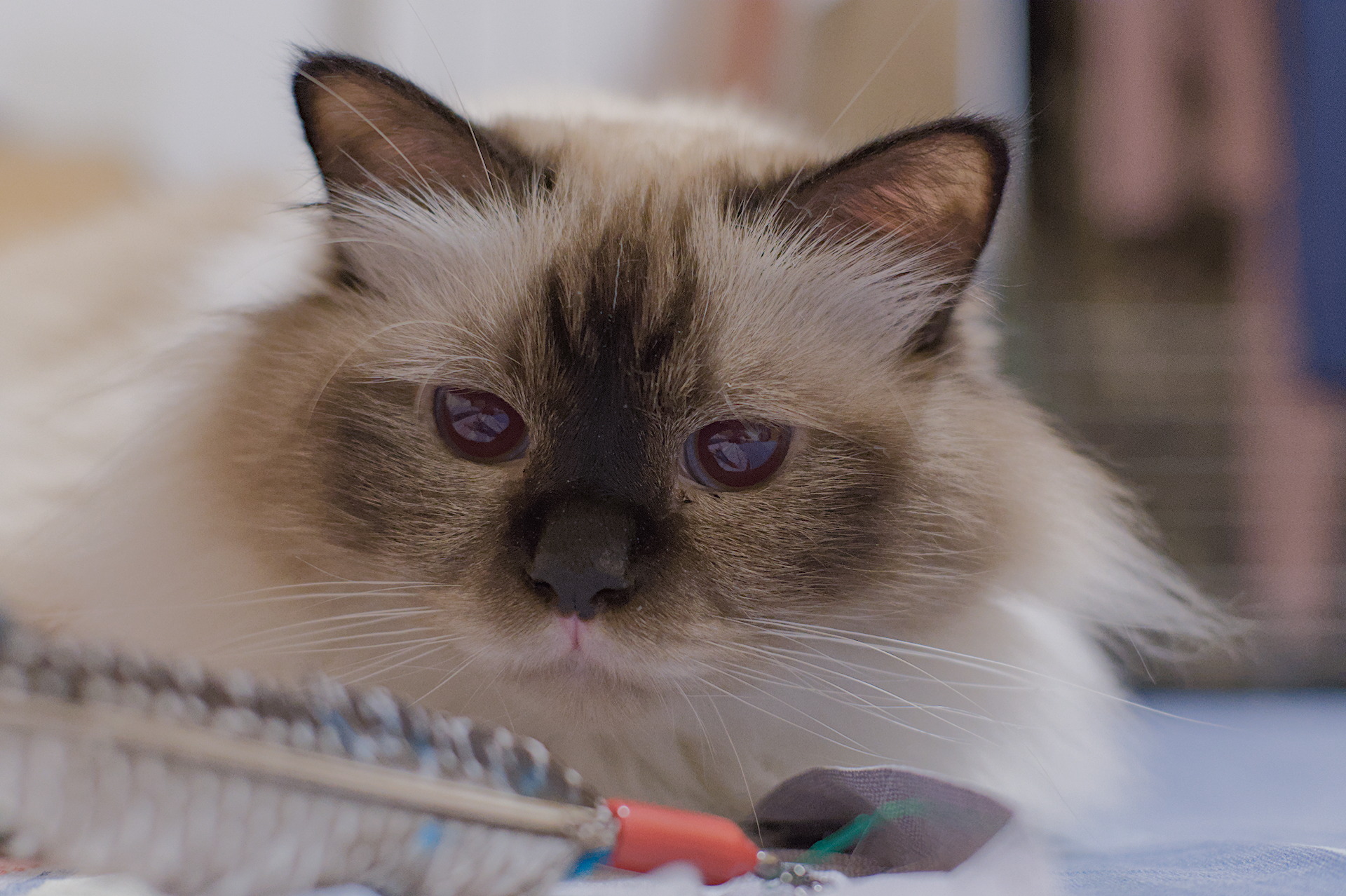
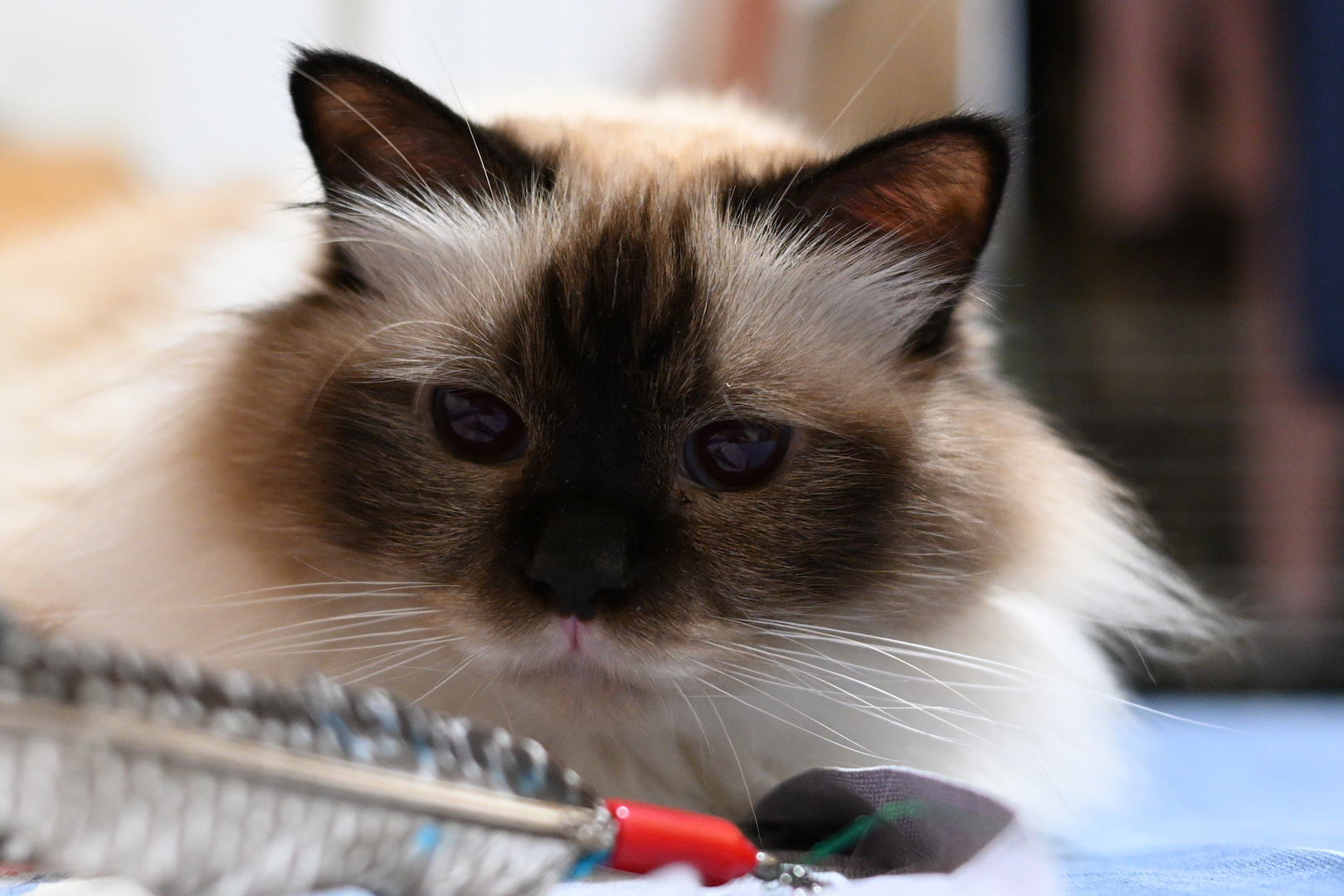
I’ve updated my Nikon Z50 II style and it seems to give good results with any kind of shots.
Nikon_Z50_II-_Preset.dtstyle (5.6 KB)
Reference JPG
With Nikon Z50 II Style