Reptorian G'MIC Filters

Yes, slower without any doubt.
But G’MIC is not really intended to be the fastest possible image processing tool.
On the contrary, it’s probably one of the most flexible, because if you have a specific need, like in your case, you’ll be almost always able to write a G’MIC-based script that is re-usable and that does what you need.

The ideas is definitely not to add zillions of new options to native commands, that would be too much specific. I rather give preference to write very specialized custom commands.

I have been realizing that slowly. Hacking for speed makes the code harder to read and makes me forget what the filter was supposed to do in the first place. Writing for efficiency slows down the dev process; I waste so much time doing non-creative/innovative things.

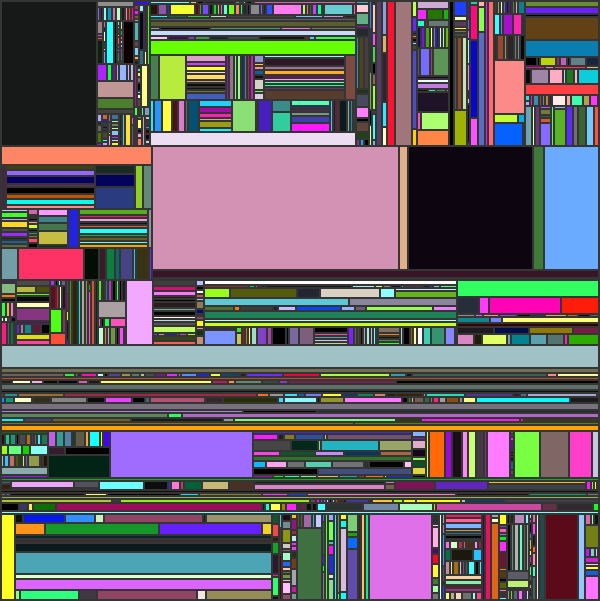
New Filter! - Random Rectangle Division

image

2 Likes

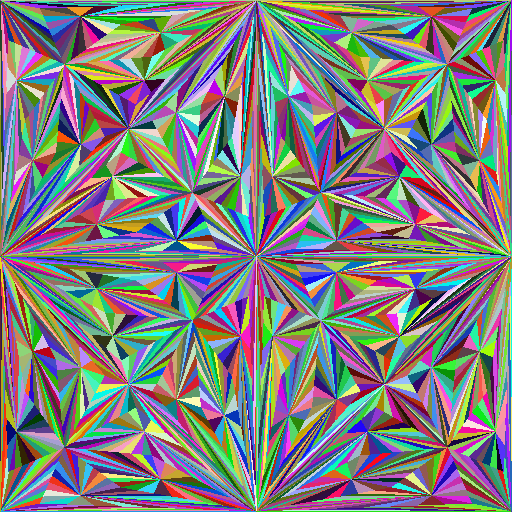
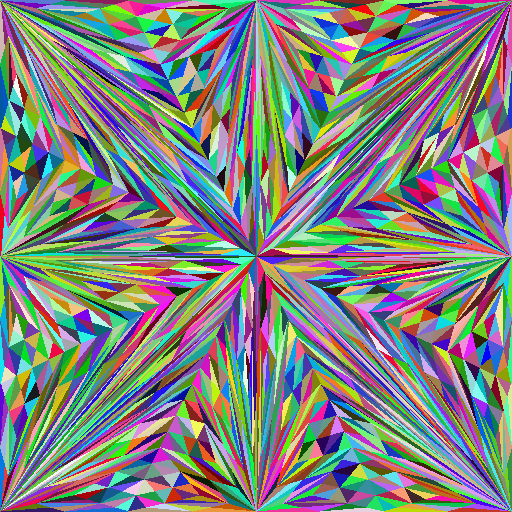
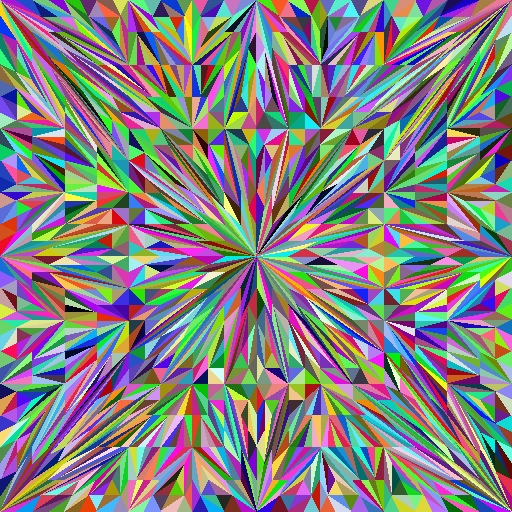
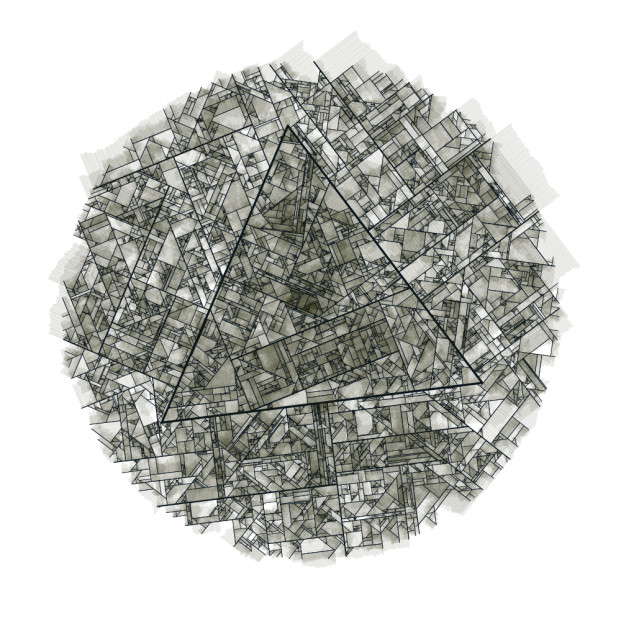
Leaving this here - https://www.josvromans.com/blog/2021/1/triangle-subdivisions/

The technique used in the latest filter can also be used here. Unlike the latest filter, I won’t factor into discrete space.

1 Like

Looks good, challenge accepted :slight_smile:

1 Like

Sweet !

test_tri :
  512,512,1,3
  1,1,1,6
  eval ${-math_lib}"
    # Create subdivision in triangles.
    C = [ w#0,h#0 ]/2;
    dar_insert(#-1,[ C,0,h#0-1,0,0 ]);
    dar_insert(#-1,[ C,w#0-1,0,0,0 ]);
    dar_insert(#-1,[ C,w#0-1,0,w#0-1,h#0-1 ]);
    dar_insert(#-1,[ C,0,h#0-1,w#0-1,h#0-1 ]);
    repeat(9,
      n = int(u(3))%3;
      repeat(dar_size(#-1),k,
        F = I[k]; P0 = F[0,2]; P1 = F[2,2]; P2 = F[4,2];
        n==0?(P = lerp(P1,P2,0.5); dar_insert(#-1,[ P0,P,P1 ]); I[k] = [ P0,P,P2 ]):
        n==1?(P = lerp(P0,P2,0.5); dar_insert(#-1,[ P1,P,P0 ]); I[k] = [ P1,P,P2 ]):
        (P = lerp(P0,P1,0.5); dar_insert(#-1,[ P2,P,P0 ]); I[k] = [ P2,P,P1 ]);
      );
    );

    # Draw triangles.
    repeat(dar_size(#-1),k,
      F = I[k]; P0 = F[0,2]; P1 = F[2,2]; P2 = F[4,2];
      col = u([255,255,255]);
      polygon(#0,3,P0,P1,P2,1,col);
    )"

gmic_000002

gmic_000001

gmic_000000

2 Likes

Currently implementing a new filter for G’MIC-Qt, from this.

New filter available!

4 Likes

With outline rendering only:

2 Likes

When combined with G’MIC morph command:

5 Likes

What syntax highlighting rule is on the zerobin url to source code?

I don’t know, it has been done automatically without asking me which language I’d like to use.

Ah well, I thought it’d be possible to implement on here and PDN forum.

@David_Tschumperle It may be the encoding: the video is static/random on my old machine. It looks okay on my work one.

I found out that fx_rep_rrd command is pretty slow. Theoretically, there can be a much faster way of doing so. But, I have no idea where to start from there.

I believe the slow down comes from the dilate found within +rep_create_border_for_rrd.

Any idea on how I can create the border without relying on dilate?

In the C# version I posted at paint.net forum, this is the following method of creating a border through dimension observation.

        int new_min_x;
        int new_max_x;
        int new_min_y;
        int new_max_y;
        int nv=0;

        int ex,ey,bx,by;

        int bex=src.Width-1-border;
        int bey=src.Height-1-border;

        if (Modifiable_Rect.Count>0)
        {
            for (int i = 0 ; i < Modifiable_Rect.Count ; i++){
                new_min_x=Modifiable_Rect[i].Item1;
                new_max_x=Modifiable_Rect[i].Item2;
                new_min_y=Modifiable_Rect[i].Item3;
                new_max_y=Modifiable_Rect[i].Item4;
                ex = new_max_x+1;
                ey = new_max_y+1;
                bx = new_min_x + border;
                by = new_min_y + border;
                for (int x = new_min_x ; x<ex ; x++)
                {
                    for (int y = new_min_y ; y<ey ; y++)
                    {
                        if (x < bx || y < by || x > bex || y > bey)
                        {
                            Rectangles_Surface[x,y]=-1;
                        }
                        else
                        {
                            Rectangles_Surface[x,y]=nv;
                        }
                        
                    }
                }
                nv++;
            }
        }


        if (Unmodifiable_Rect.Count>0)
        {
            for (int j = 0 ; j < Unmodifiable_Rect.Count ; j++)
            {
                new_min_x=Unmodifiable_Rect[j].Item1;
                new_max_x=Unmodifiable_Rect[j].Item2;
                new_min_y=Unmodifiable_Rect[j].Item3;
                new_max_y=Unmodifiable_Rect[j].Item4;
                ex=new_max_x+1;
                ey=new_max_y+1;
                bx = new_min_x + border;
                by = new_min_y + border;
                for (int x = new_min_x ; x<ex ; x++)
                {
                    for (int y = new_min_y ; y<ey ; y++)
                    {
                        if (x < bx || y < by || x > bex || y > bey)
                        {
                            Rectangles_Surface[x,y]=-1;
                        }
                        else
                        {
                            Rectangles_Surface[x,y]=nv;
                        }
                        
                    }
                }
                nv++;
            }
        }

What creates the border is:

if (x < bx || y < by || x > bex || y > bey){}

EDIT: Upon more work on thinking of a solution, I may have to rely on stacked polygon(). That will give me border without relying on dilate. I think I know how to create a fast map with border separation though and still get under .15 ms on my machine.

EDIT: The idea worked. :smiley: Now it’s going to be optimized.

I successfully optimized Random Rectangle Division! Now generation of 8192x8192 image is fast. My only issue is on relying on resizing palette because of the limitation with map.

Right now, I haven’t made any new filters, I decided to try to improve G’MIC coding workflow via python and small scripts:

# Source of base code: https://www.techiedelight.com/find-permutations-string-cpp-java-iterative/
rep_find_permutation:

check "$1>1&&isint($1)"

$1,1,1,1,x

outstring="\n"

eval "
s=crop(#-1);
iter=1;
revert(q)=(
 a=s;
 n=$1-1;
 for(p=q,p<$1,p++,
  a[p]=s[n];
  n--;
 );
 a;
);
m=0;
while(1,
 run('outstring.=',vtos(s),'\\n');
 i=$1-1;
 while(s[i-1]>=s[i],
  i--;
  if(!i,m=1;break(););
 );
 m?break();
 j=$1-1;
 while(j>i && s[j] <= s[i-1],
  j--;
 );
 swap(s[i-1],s[j]);
 s=revert(i);
 iter++;
);
run('iter=',iter);"

echo $outstring-$iter

rm.

The code above generates all permutations up to a number. I find it pretty useful for my needs.

Still needs more work, but it’ll be there.

The base is now proper. It now looks like this:

C:\Windows\System32>gmic rep_find_permutation 4
[gmic]-0./ Start G'MIC interpreter.
[gmic]-1./rep_find_permutation/
0,1,2,3
0,1,3,2
0,2,1,3
0,2,3,1
0,3,1,2
0,3,2,1
1,0,2,3
1,0,3,2
1,2,0,3
1,2,3,0
1,3,0,2
1,3,2,0
2,0,1,3
2,0,3,1
2,1,0,3
2,1,3,0
2,3,0,1
2,3,1,0
3,0,1,2
3,0,2,1
3,1,0,2
3,1,2,0
3,2,0,1
3,2,1,0
-24
Turns out a bit difficult for me to do the Python thing. I resumed filters:

image

image

This is coming as a CLI/GUI filter.

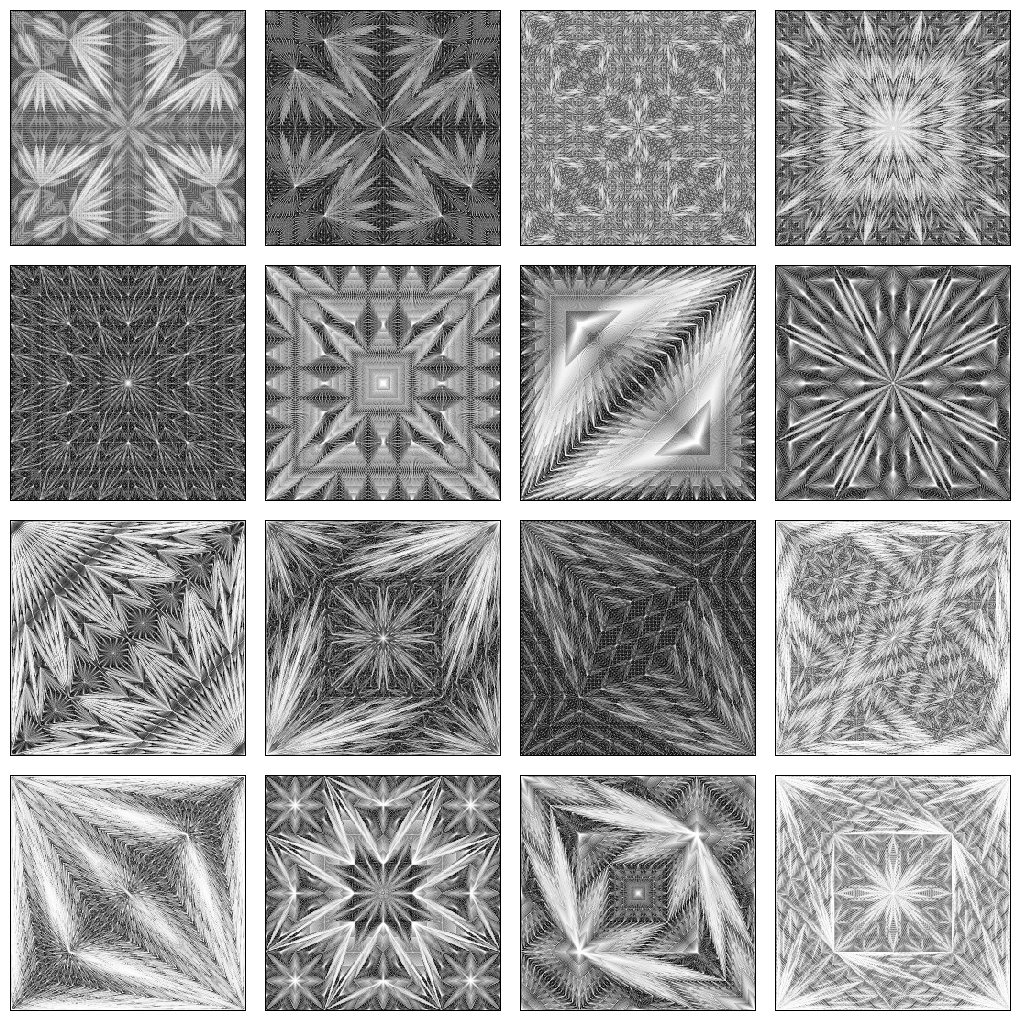
New Filter! - Three-Coupled Oscillator

3 Likes

There’s a new cli filter I have made. It’s called ‘rep_cubic_map’. I also used it into the gui version of rep_tco in light of that.

You make a palette to use and assign it to the non-palette image with the said arguments provided. This is better than the approach of using I(#…) because it is specialized for that, and avoids issues with that.

I might fork my own rep_find_permutation and make it as a cli permutation filter because a user in r/gimp wanted to create combinations of image, and this will do the job. Though, I question that because 8! and preexisting array is so much faster anyway.

Also, SebBissay at r/generative did this:

image

I feel inspired to do something like that. It also brings up a new feature wishlist for g’mic, boolean operation for eclipse and polygon.

2 Likes

City map of the future?