On my M1 MacBook Pro I get 60fps realtime playback of 1080p video at default settings and about 30fps with DIR couplers and Halation, half that if you add grain on top. 4K playback is still a work in progress, it currently sits at around 18fps with plugin defaults.
Aside from porting the existing architecture from Andrea, I also wanted some features other competitor film emulation plugins have. spektrafilm OFX adds push/pull modes at negative and input/output color management for a variety of popular colorspaces. HDR is also supported, though this should be seen as experimental. On top of that I have implemented a completely new print system using simulated printer lights instead of CMY filtering. As some data used for this is licensed by the SMPTE foundation, I sadly cannot ship builds yet that include the mode. The code is on my GitHub, people who have access to SMPTE’s ST 2065-2 can add the CSV files and build the full feature set. I am in contact with the foundation and am trying to acquire the rights to publish built binaries with the printer light mode.
The plugin is mostly resolution independent, meaning it relies on a selected film format instead of the input resolution. Almost all sliders use um or nn as units instead of pixels, allowing for consistent looks across deliverables. For dailies or live camera work, the plugin can export created looks as LUT files as well.
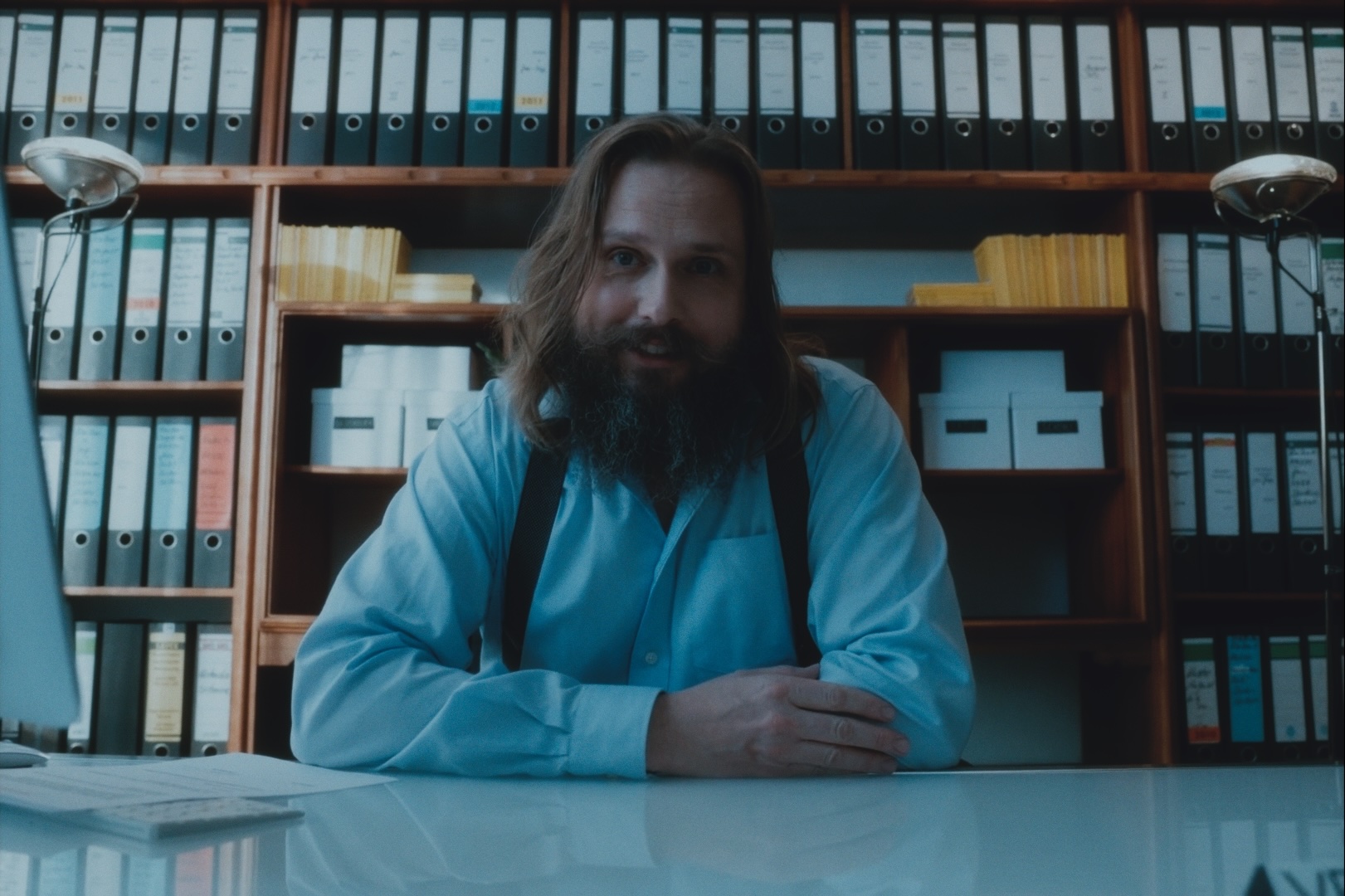
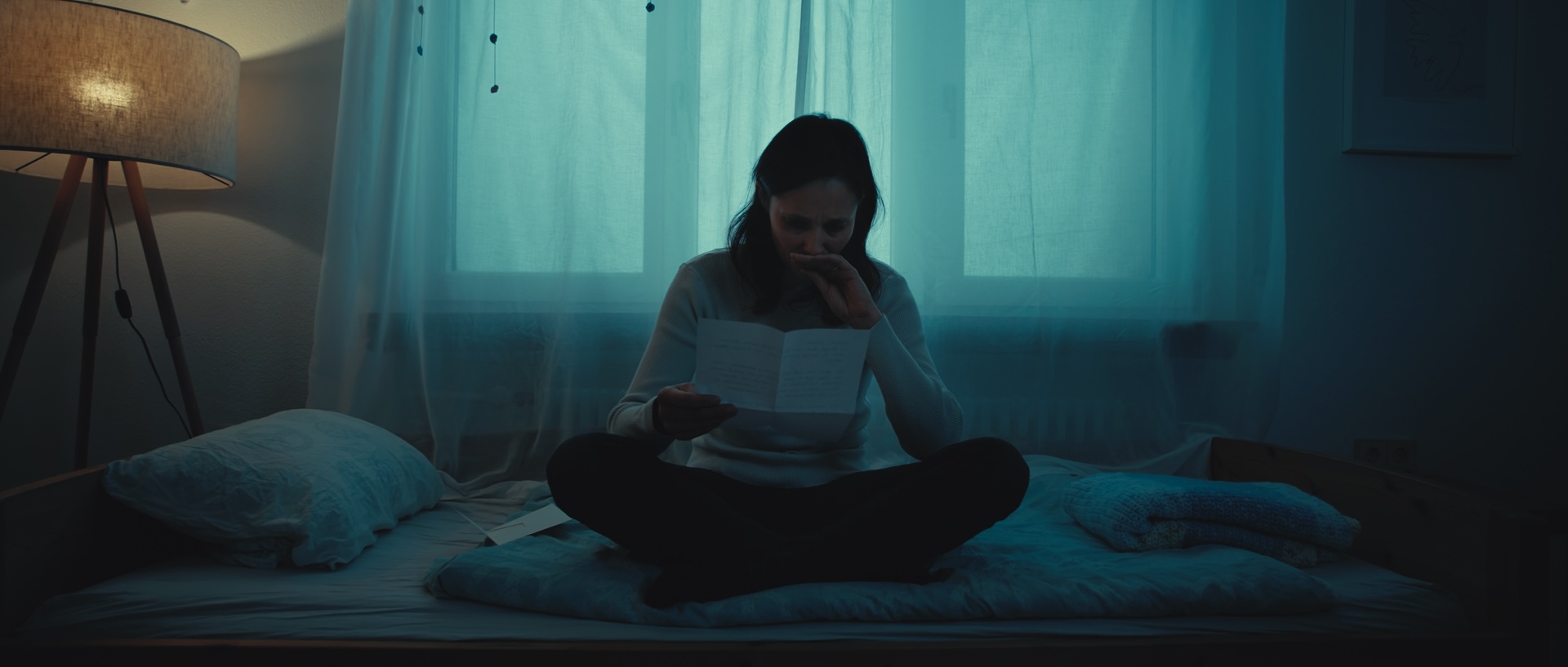
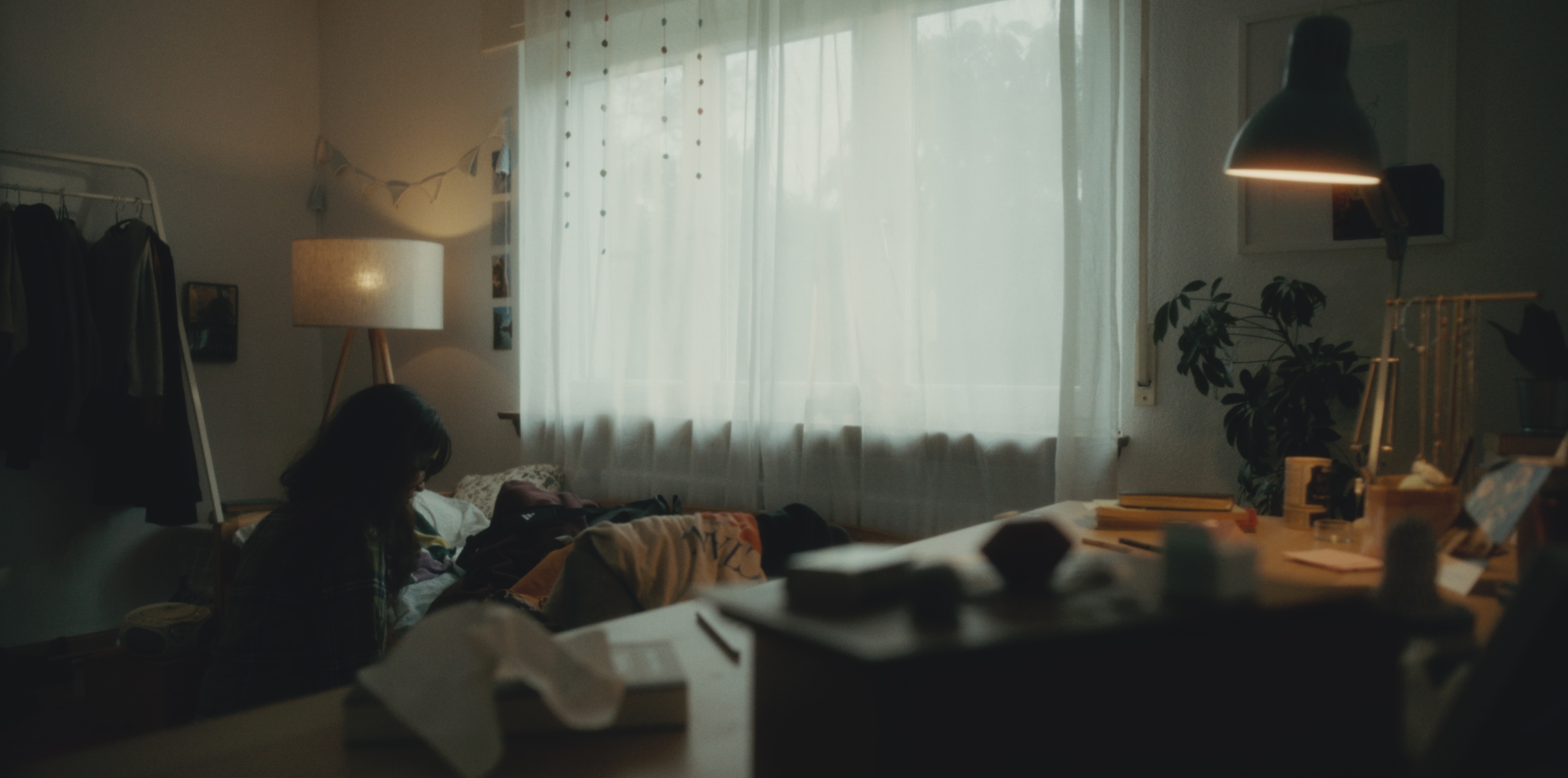
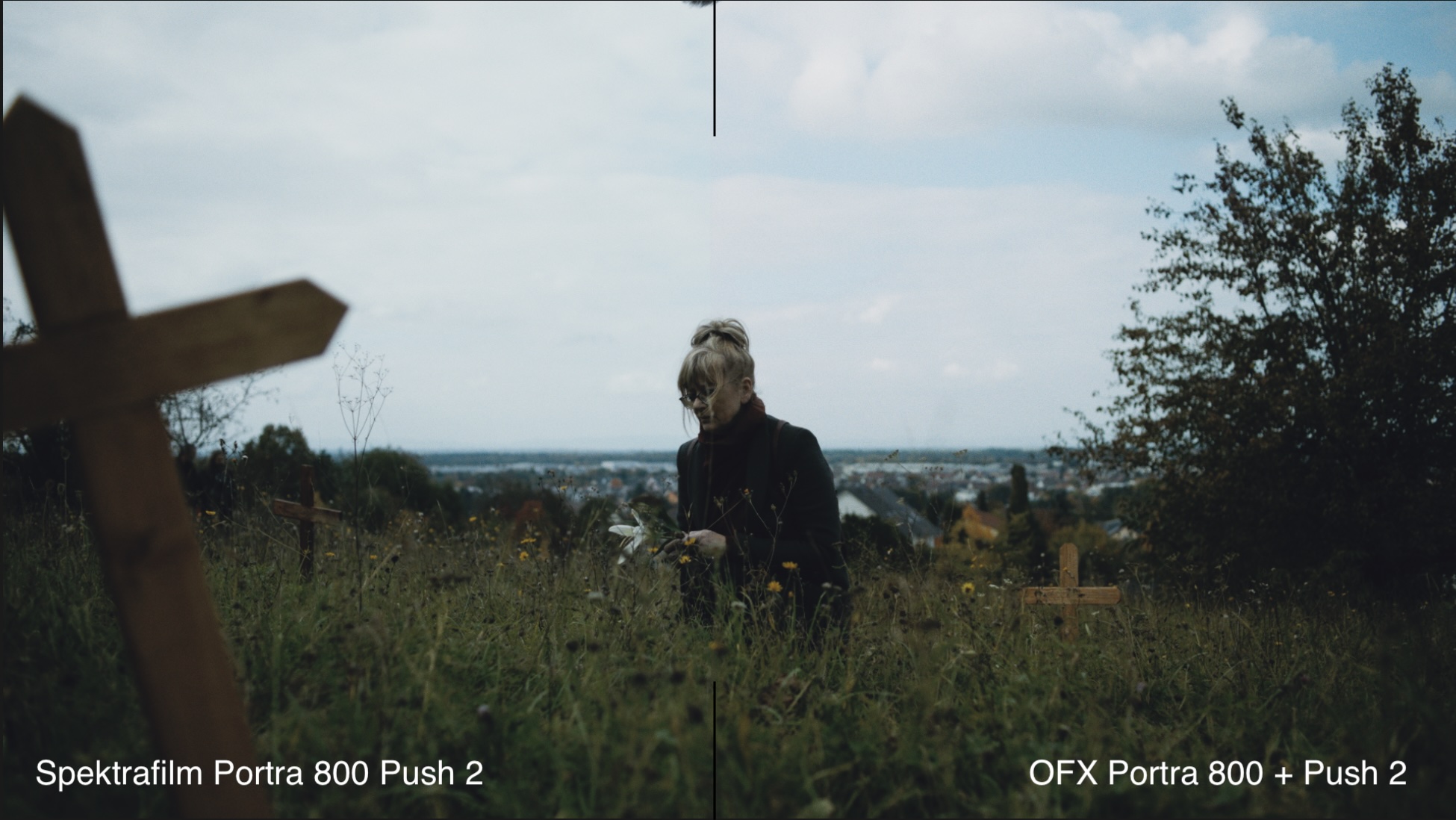
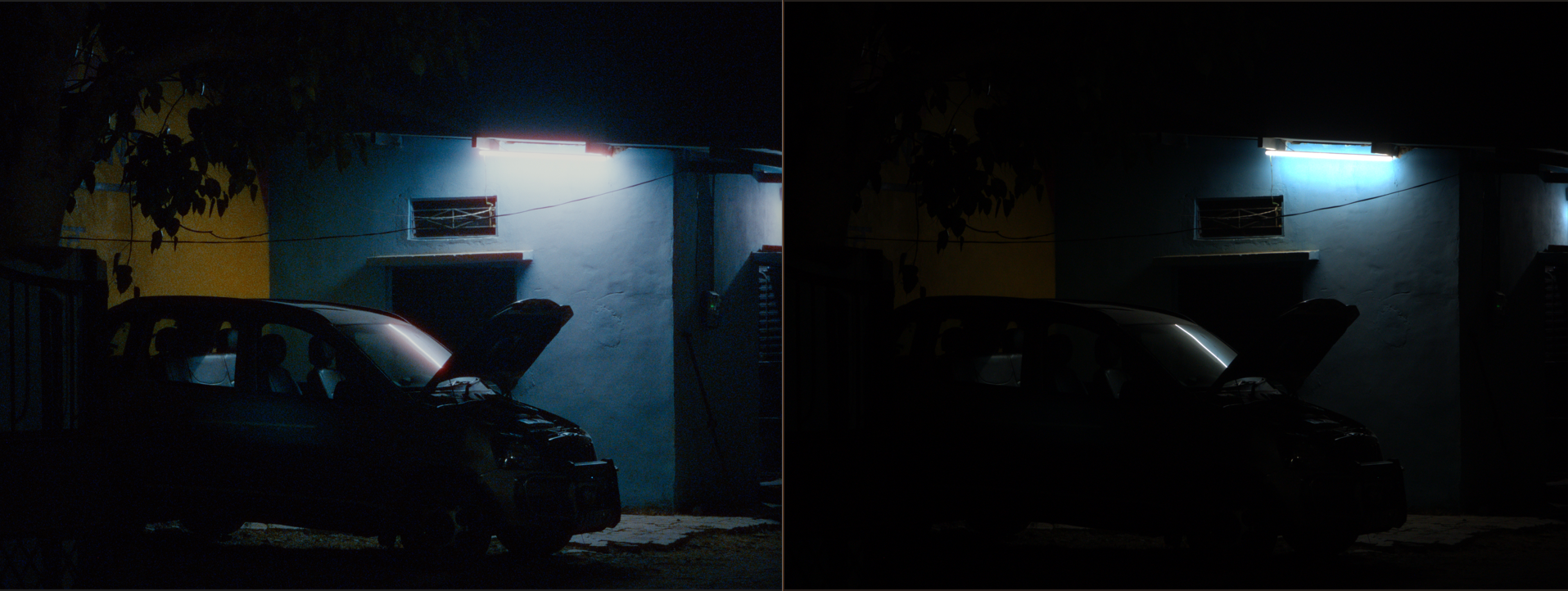
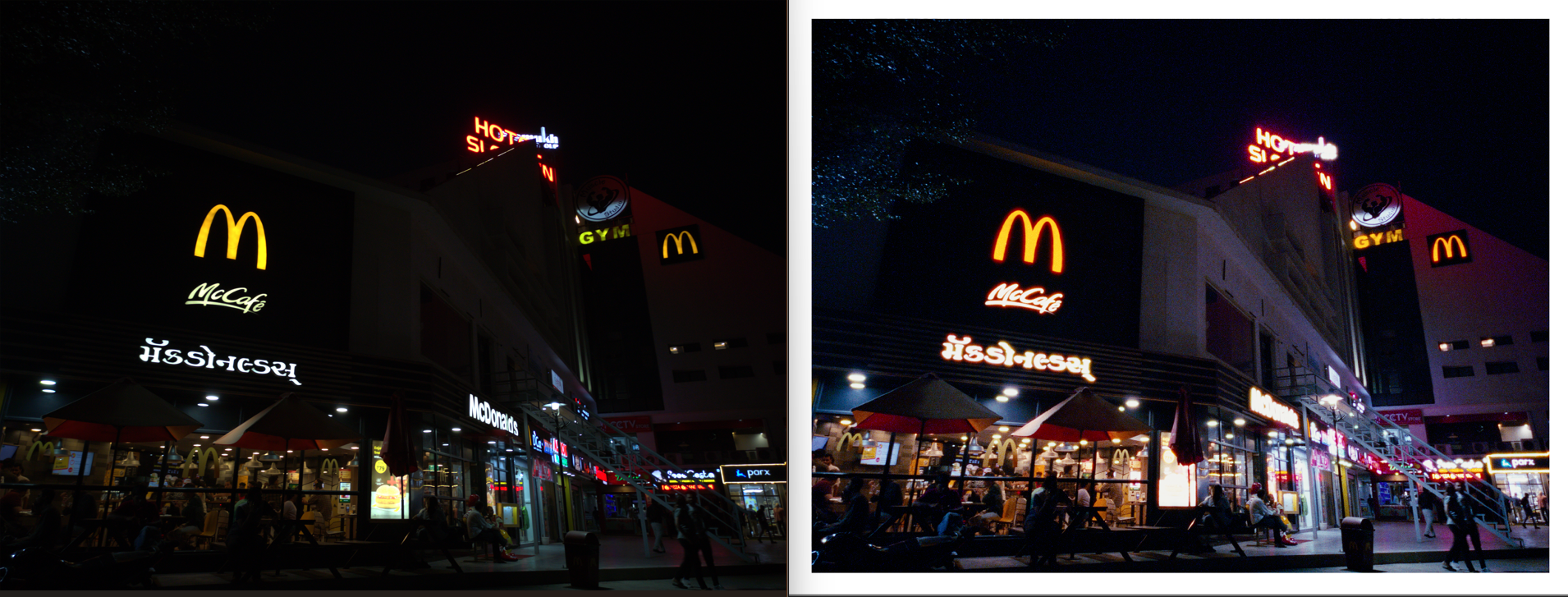
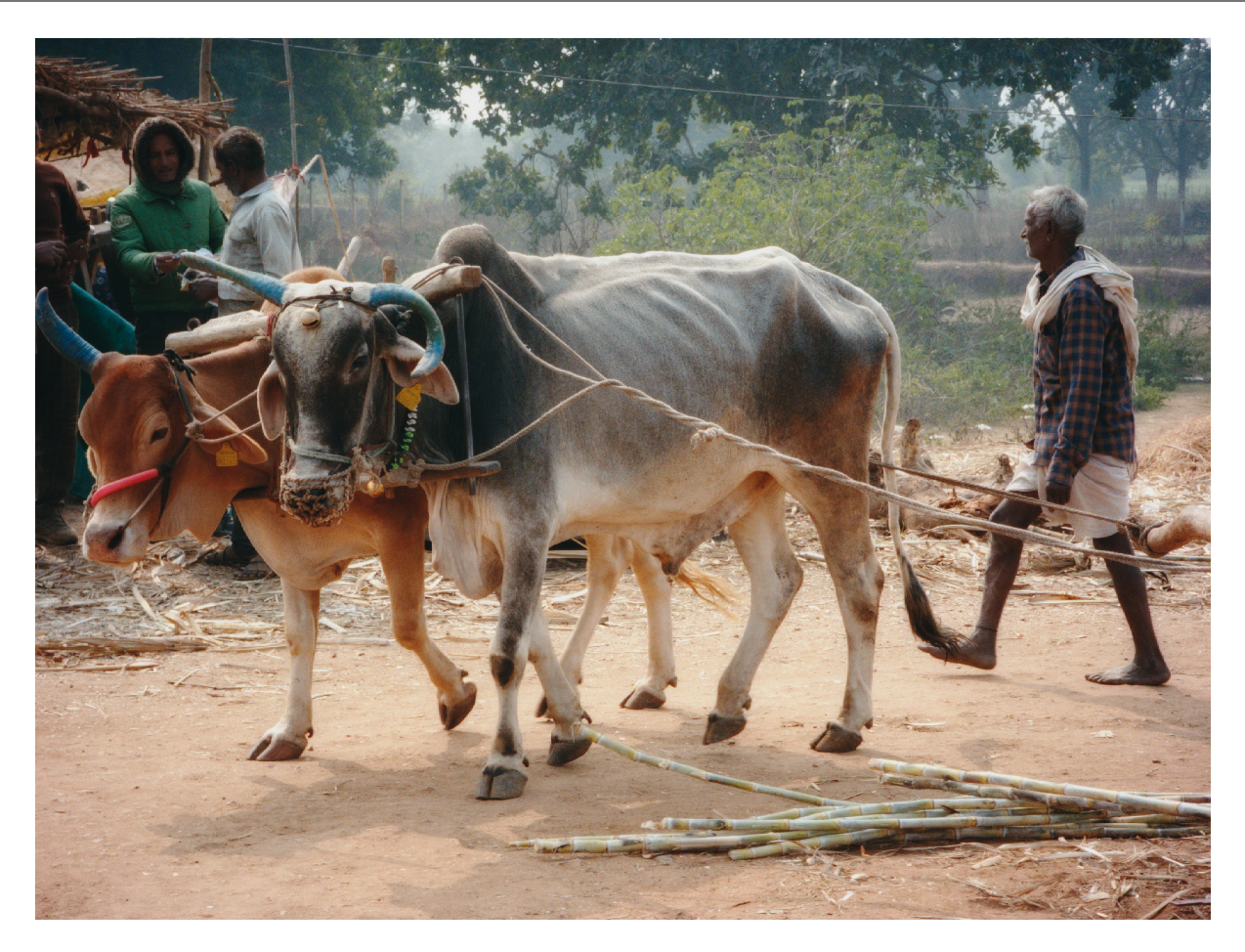
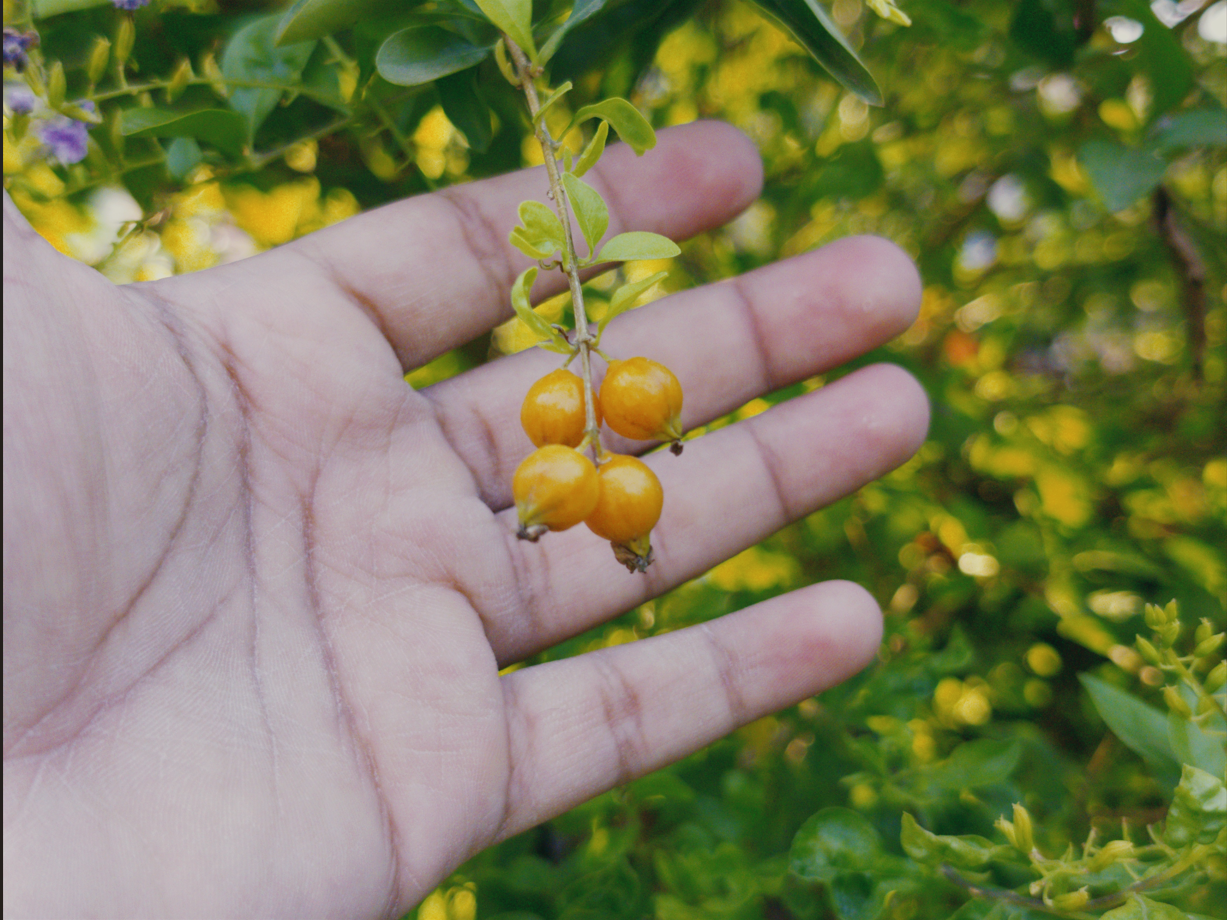
Here are a few impressions straight out of DaVinci. spektrafilm is the only applied node:
hej Aedan, congratulation for the impressive work!
the results look absolutely fantastic, and the website is amazing.
can’t wait to see what people will do with it!
maybe we should have a spektrafilm showcase thread
Wow this is awesome! Will try this out today. Epic job
Edit: unfortunately I am getting: “spektrafilm_flow.ofx.bundle” is damaged and can’t be opened. “spektrafilm.ofx.bundle” is damaged and can’t be opened.
I think that would be awesome! Also might help the existing threads be a bit easier to follow moving forward
Thank you both very much for pointing this out, Apple is a darn stickler about their security, it’s an honest pain for developers…but there is a new file on the website now, it should work. So sorry for the inconvenience
vkdt should be able to automatically apply the GainMap embedded in the phone’s dng file to correct the vignetting. The gainmap setting in the denoise module should be set to ‘apply if present’.
It’s already WIP. Gimme like another week, hopefully it will be stable enough soon. I’m not super knowledgeable about Vulkan tho, so it’s still bumpy xD
@chaert-s I just tried your spektrafilm_flow plugin in Resolve. My goal was to try emulating the Fujifilm recipee I’ve used for my last travel to Japan. I loaded the raw files (Fujifilm X100VI) in the latest beta 3 version of Resolve (which added a new Photo page) and I’ve got great results! I’m just trying to match by eyeballing the out-of-camera JPEG and the raw in Resolve side by side. I don’t need a 1:1 match, but something similar.
Besides the spektrafilm_flow plugin, I use another node just before to fine tune the look.
For the input color space, I’ve set it to DaVinci wide gamut, although I’m not it really is what Resolves Camera Raw (using Raw Default in Decoding Settings) spits out into the timeline, but it seems to behave nicer than other combinations I’ve tried.
So, congrats and many thanks to everyone involved in spektrafilm, both for the original and the efforts to implement plug it into other programs.
I haven’t used DR in a while…I think it has a color match feature…how does that work grabbing it from the jpg and applying it to the raw file?? Maybe it makes a mess and eyeballing is better???
I am sorry guys if I shouldn’t upload png but these were screenshots so I thought would be fine… (let me know and I will find a better way if png is not good)
Some more stock (not stock camera but stock matrices) vs spektrafilm
I don’t know of any FOSS apps sadly (I wish someone just built one around Spektrafilm for SOOC) but there’s Grain Camera app which is a bit newer but the philosophy of the app matches . I requested support for DNG output as well along with more input options for luts and the dev agreed to the luts part so it should soon have more than rec709 as an input. It is free but not FOSS.
I use motioncam and it is also free for photos and you can do everything related to video with a 5s cap . By far the most advanced and finished app.
All the color spaces and transfer functions you would need and more controls to tweak your SOOC output . More should come and will be free so that’s my recommendation as you can shoot both Photos and videos with same luts same look same flexibility of RAW.
Gcam forks (some) also support it but again it is very tedious to find a good mod and then set it all up so above two seem the most straight forward.
Smartphones are already very powerful and they can handle it for photo so there’s hope for someone picking up the source and building an android app around it with all the goodies. It will break NoFusion and whatever other paid alternatives are there on the iOS side.
i would also die for a minimal and polished FOSS app for android that could apply the LUTs to the RAW (maybe also with simplified grain and halation with the multi-LUT topology export script that i will release soon, testing here if you are interested: multitopology LUT system)
thank you Paolo! that is amazing actually, i didn’t know there could be a gain map baked inside