I’m playing right now with the latest version of the module. This module is getting better and better, I love the latest additions and the possibility to reset only one section to see the effect and leave the rest untouched. Great job @piratenpanda! Thanks!
5 Likes
Nice @Cristian ! @codyblue awesome pictures, thank you for sharing! I find it joyful to go back to older pics of mine and give them a new life by re-editing them with this module. It’s like, opening a mystery box, because sometimes it would change the whole look-and-feel. Not really about the technical details, but the vibes of it. It has this organic, natural thing, you all know.
As a trick which I’ve learned in my years learning cinema color grading, which I think they have much better technical and artistic resources to tune an image to achieve a certain feel, try changing the color temperature in a huge way. Intentionally drifting out of a proper white balance. In darktable, I prefer doing this with the color calibration module (be sure to enable AND reset to default the white balance module because both conflict). It can be with the iluminant dropdown set to something where you get the temperature slider to show up, or to custom to have the ultimate control over temperature and tint. Sometimes it’s fun to have images to look like greenish Matrix movies, or a cold afternoon with blueish color temperature and lower exposure in the image, or a warmy day pushing the color temperature to a yellow/orange tint. Of course, with a RAW image, it will drift the tones in a natural way which makes editing the image and achieving interesting colors much easier. Mixing this with push/pull in spektrafilm, different stocks, etc, you can evoke so many different emotions out of a single image.
6 Likes
For future reference for the docs, this post by Andrea has some impressive write-up which can become handy to incorporate there
2 Likes
Thats great to hear. Did you find areas that needed improvement? I think @piratenpanda already did a great job but the users perspective is sometimes different :-).
Also: awesome shots :-)!
1 Like
@Arecsu so you learned cinema color grading, nice, you already have a trained eye for film look.
Speaking of cinema look I really like how this edit turn out, it looks like a shot from a 70’ movie 
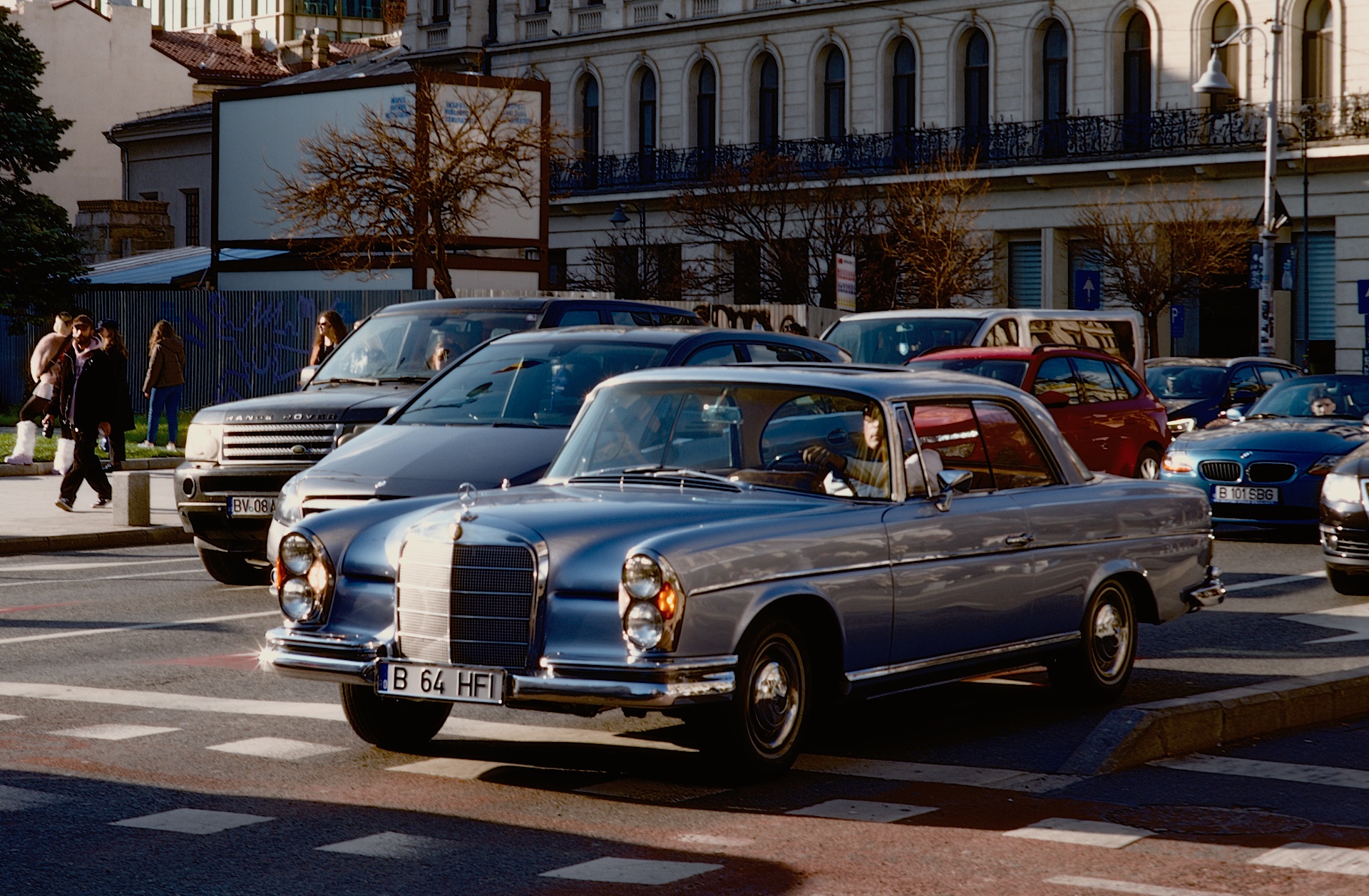
I used Kodak Kodachrome 64 film stock.
9 Likes
All these images look great. Yum
2 Likes
Looks like a still from a Giallo flick. The brown leather gloves gripping the steering wheel and the Coppola looking guy walking by in the background.
1 Like
It definitely looks like a shot from a Martin Scorsese movie, for sure!
Funny thing, I tried to upload a “webp” image and the forum denied it, showing a list of available extensions. One of them was “wepb”  we need to inform the developer of this forum, that typo is a crime against my preferred format!
@mino found myself playing with your photo
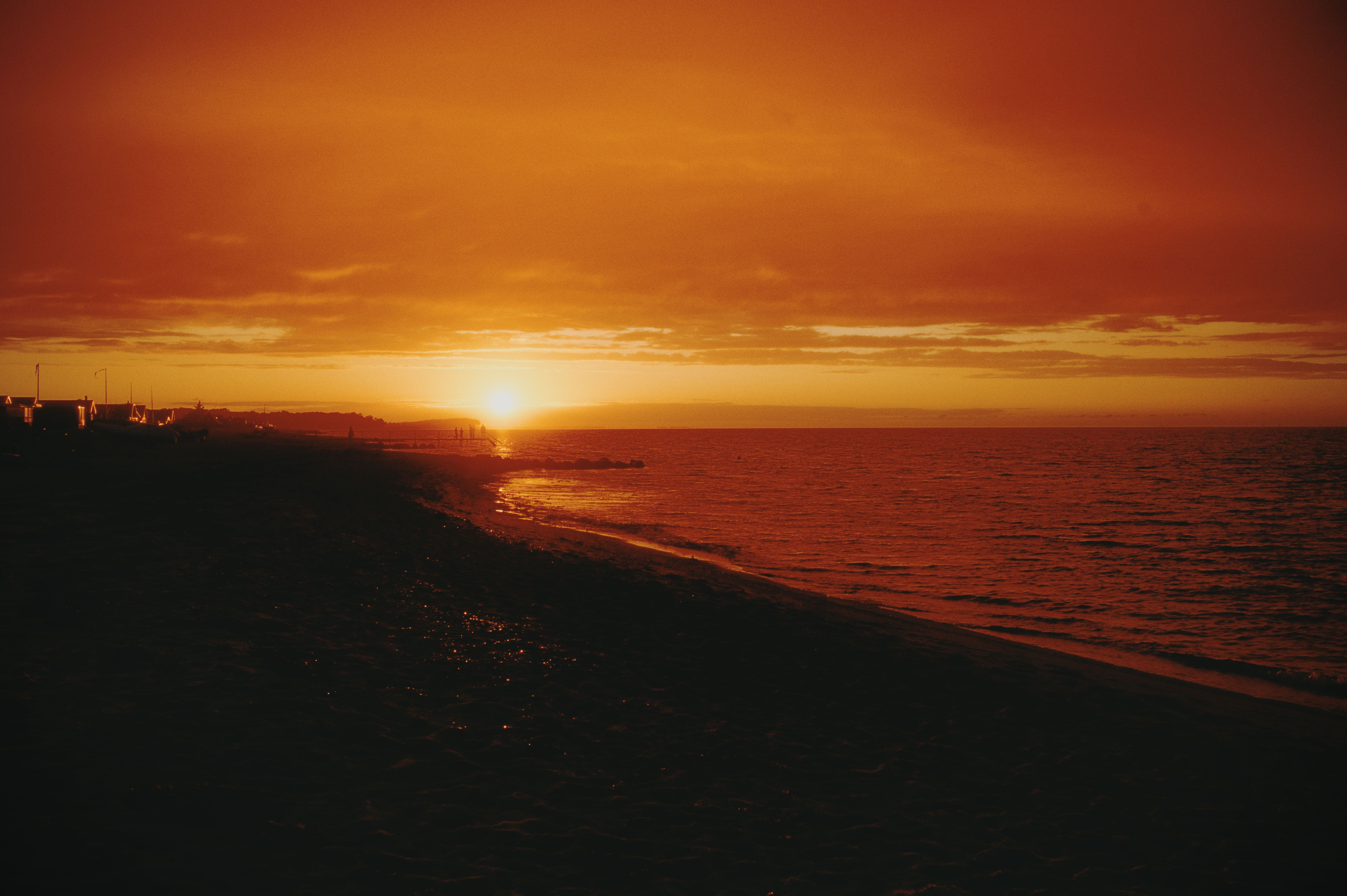
260731_211354_DSC06909.ARW.xmp (20.2 KB)
2 Likes
I’ve updated from 69a1eb6 to 27b5243 and now for some reason the spektrafilm module has no effect on my image. Seems to be the case in f58985b and 0dad59a too. OpenCL is enabled. Just opening a new image, disabling agx, searching for spektrafilm and toggling it on. No controls have effect, even changing film and paper. What might be the issue?
Did you updated the data-pack, with the zip file from the releases page? That must be it
That fixed it yeah, cheers
1 Like
Currently working on the download pack functionality. What is already working:
If there is no pack data in the config folder, show a download button instead of the module, offering the download (currently downloads from my git repo, should later move to some repo like the Ai models have), download the data to the config folder, invalidate pipe (as there is currently no spektrafilm module applied), render image now with either the previous edit or just the default module settings.
What’s missing:
When darktable ships with newer data it should show a mismatch warning and offer to download the old pack. Currently I’m working on this.
As soon as this is implemented I’ll update my branch.
4 Likes
With the AI module we already have a place to download “assets” in the preferences. Do you think it might make sense to hook spektrafilms download in there as well? That surely would require quite a refactor of that preferences page but from a users perspective would IMHO make sense.
I don’t know actually. I don’t think having this complexity is necessary. From my point of view it should happen as automatically as possible. For users who still want to tinker there’s always the pack creator script and the config folder.
Also this would need to be visible then even when built without ai. For now I prefer to leave this functionality in the module itself.
I’ve seen the asset discussion. If darktable one day moves towards this I guess this module should hook into it.
I my imagination this would replace the presets category with an assets one, move presets to a subcategory, also styles, ai models, spektrafilm packs and all other data other modules would use.
2 Likes
The documentation is quite elaborate already. If I were to suggest an improvement it would be explaining (likely in “usage”) how film is developed and printed, even if briefly, because the terminology like push/pull, development, enlarger, and so on, will inevitably lead everyone into a google rabbit hole.
I think the in-app tooltips could be improved in the following ways:
- Add a brief description of each tab (film/print/grain/…), maybe a short version of the respective description from the docs
- Normalize descriptions so that they read like descriptions to a control
For example the push/pull description starts with “shoot at an effective ISO different from box speed, then over/under develop”, and it’s unclear how it’s relevant to this control and what I should expect when I alter this control. I think it would be much clearer if the description started with the act (increase/decrease/add/remove/etc) and the object that it acts on (size/quantity/exposure/time/etc).
Additionally I think it’s also useful to interlink the description with other existing controls that it is possibly affecting or is influenced by.
For the push/pull control would look something like this:
push (positive): increases film exposure and development time
pull (negative): decreases film exposure and development time
the adjustments are non-linear and are unique to the currently selected film stock
Another example for the “format” control:
sets the film/sensor gate size used for calculating grain, scatter and halation
And another one for the “slow layer gamma”:
adjusts the contrast of the slow emulsion sub-layers
If there was a way to influence these I could do it on github. However I don’t have enough knowledge yet to claim that I know what I’m talking about, so I would be mostly rewriting the existing descriptions to fit the more readable template, so to speak
1 Like
Latest commit adds missing pack data download functionality. This needs some more lines added to the darktablerc file:
Change to TRUE:
plugins/darkroom/spektrafilm/allow_download=TRUE
Add:
plugins/darkroom/spektrafilm/ref=main
plugins/darkroom/spektrafilm/repository=piratenpanda/darktable-spektrafilm
This will pull data from:
To test. Delete your spektrafilm folder in the config folder. The module will look like this:
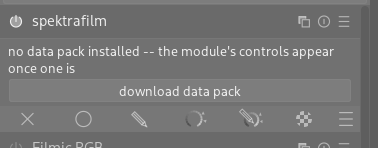
After downloading it should enable the module and update the image if it already had a spektrafilm edit.
2 Likes
If you have a github account, you could just edit in place (be sure to be in my branch), save and submit a PR that way. I already updated some.
mind sharing the settngs? these look really good
I think this has it’s worth as well! I read from your post that you are comfortable with github/PR workflow; if you have any issues DM me !
2 Likes
After official release of this into darktable, what happens if the original spektrafilm project updates the data (not adding new, but overwriting old)? Can the spektrafilm module in darktable be versioned, so as to retain old edits?