Spektrafilm darktable module implementation discussion

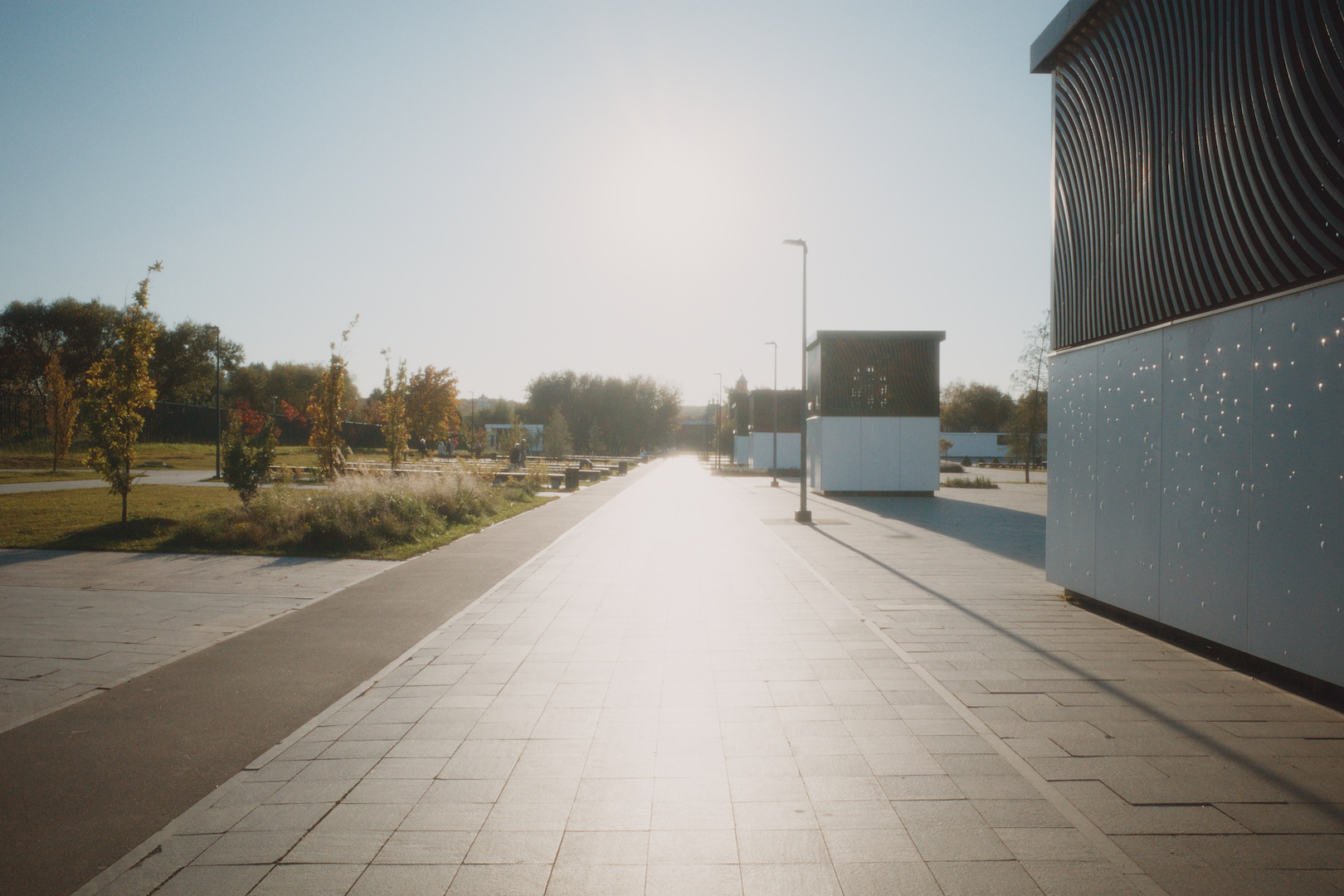
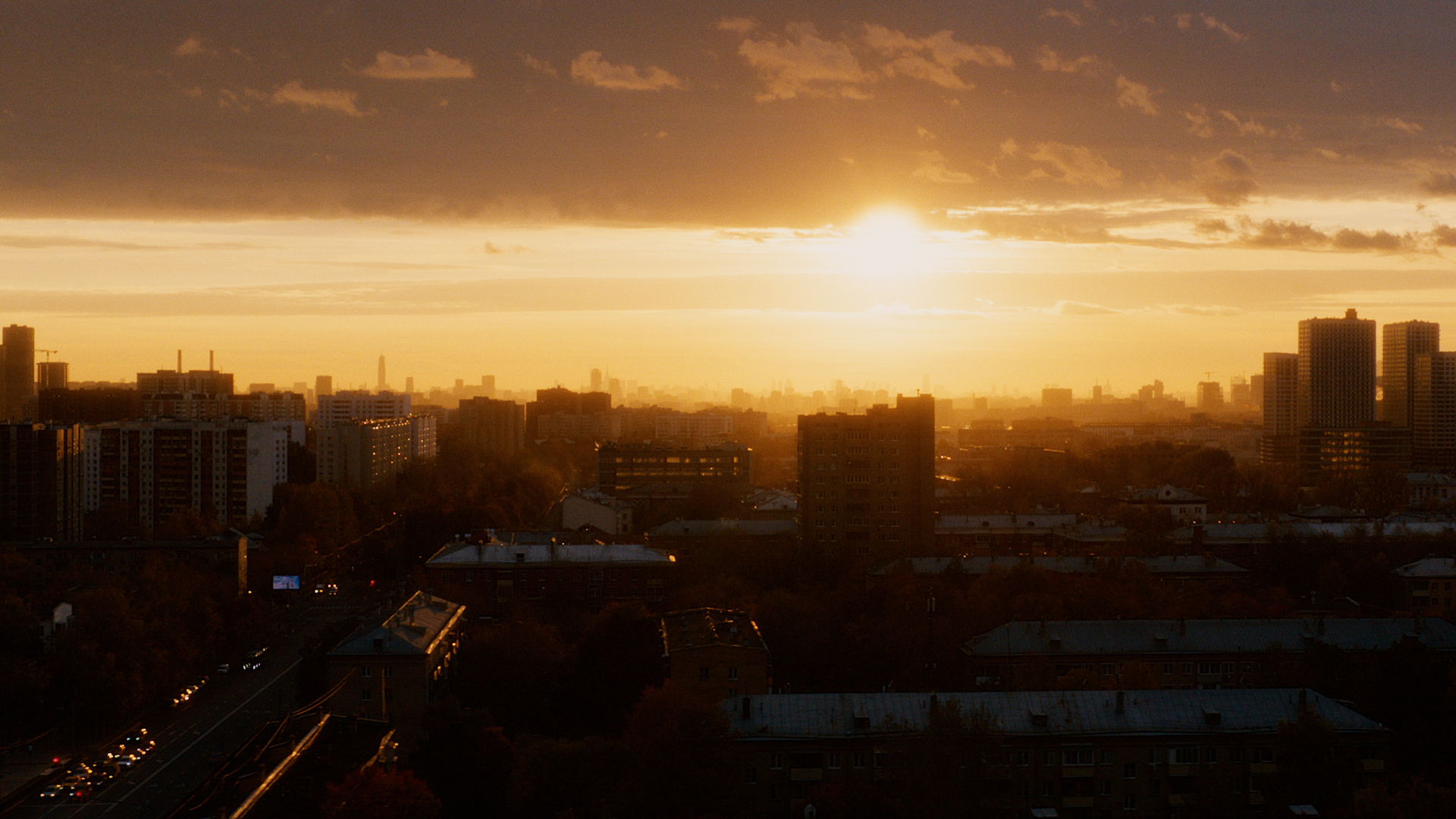
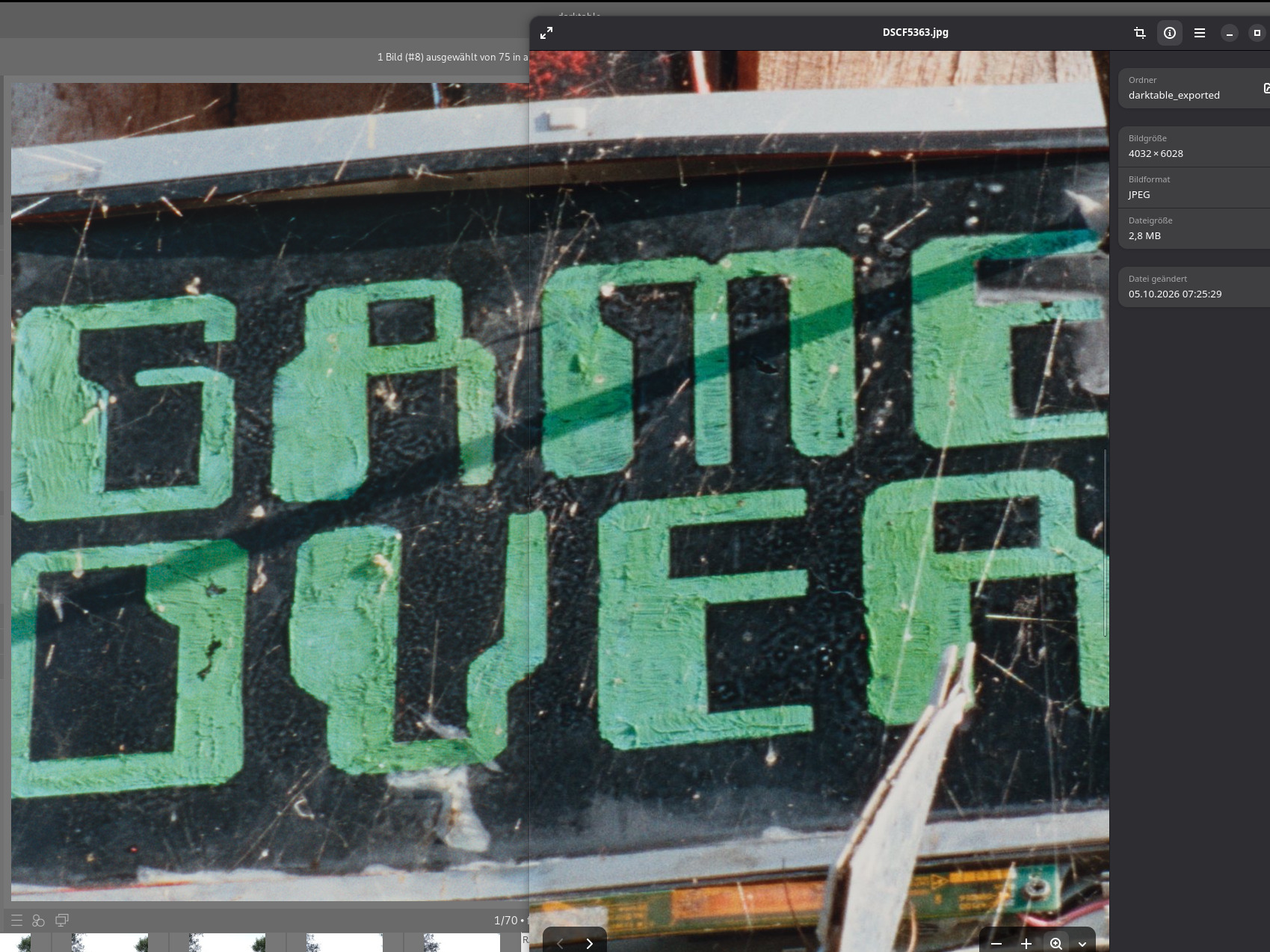
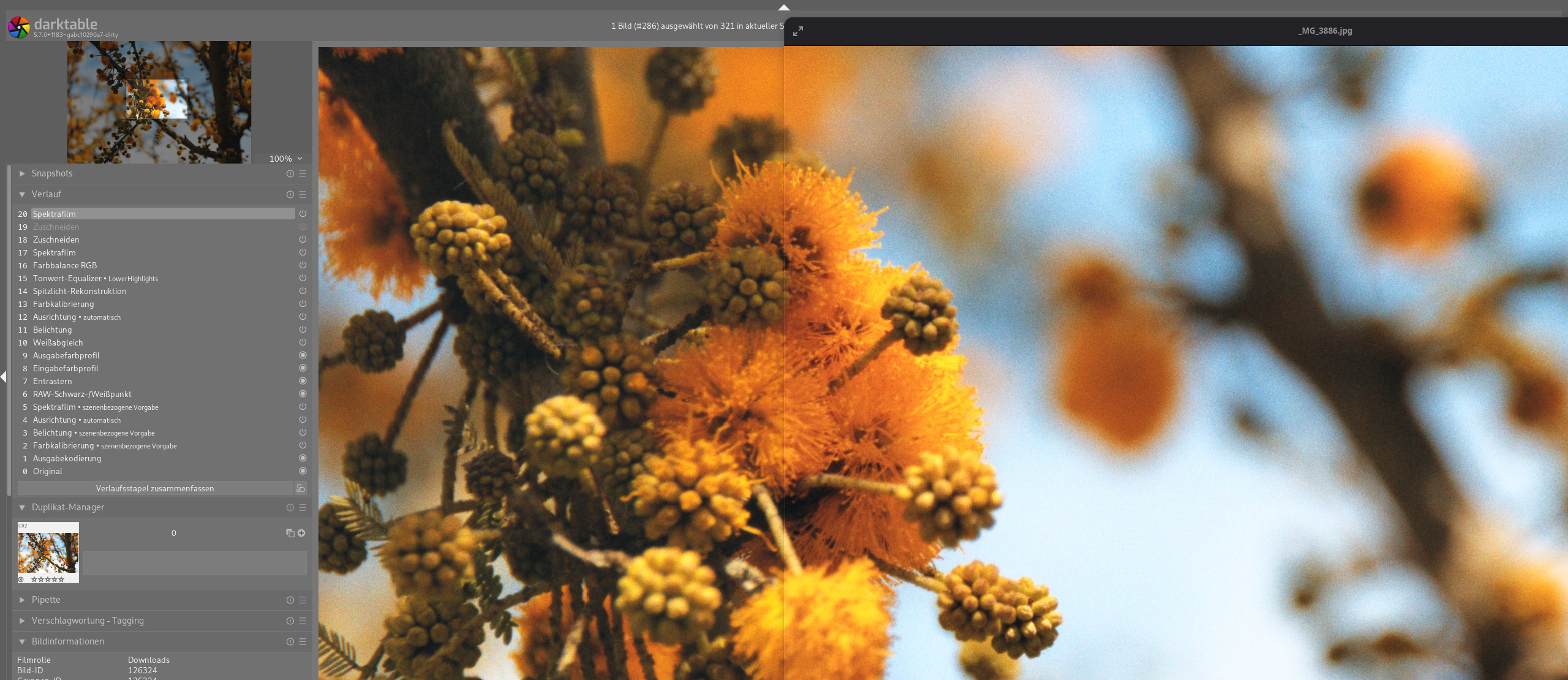
I gave this a go late yesterday - my first time running a nightly. Exports here.

I must say, the module design and layout is excellent! Over the past few months I’ve been experimenting with other spektrafilm modules (vkdt, spektrafilm OFX, and the original/experimental versions of the original). That exposure was helpful. I also have several presets from @bazdesh for the experimental branch, and I have been learning from those.

I am very impressed with this module. Thank you!

4 Likes

Now with the black level correction as well as the pre&post compression boosts this module really feels like a complete package. Especially the way the preflash interacts with the boosts to create these soft transitions into the source of light, very nice. I seldom use any other modules for most of my edits now, and if I do, it’s mostly for white balance reasons or selective colour adjustments.

Thank you for the work on this implementation. I think the overall experience using it turned out quite nice

13 Likes

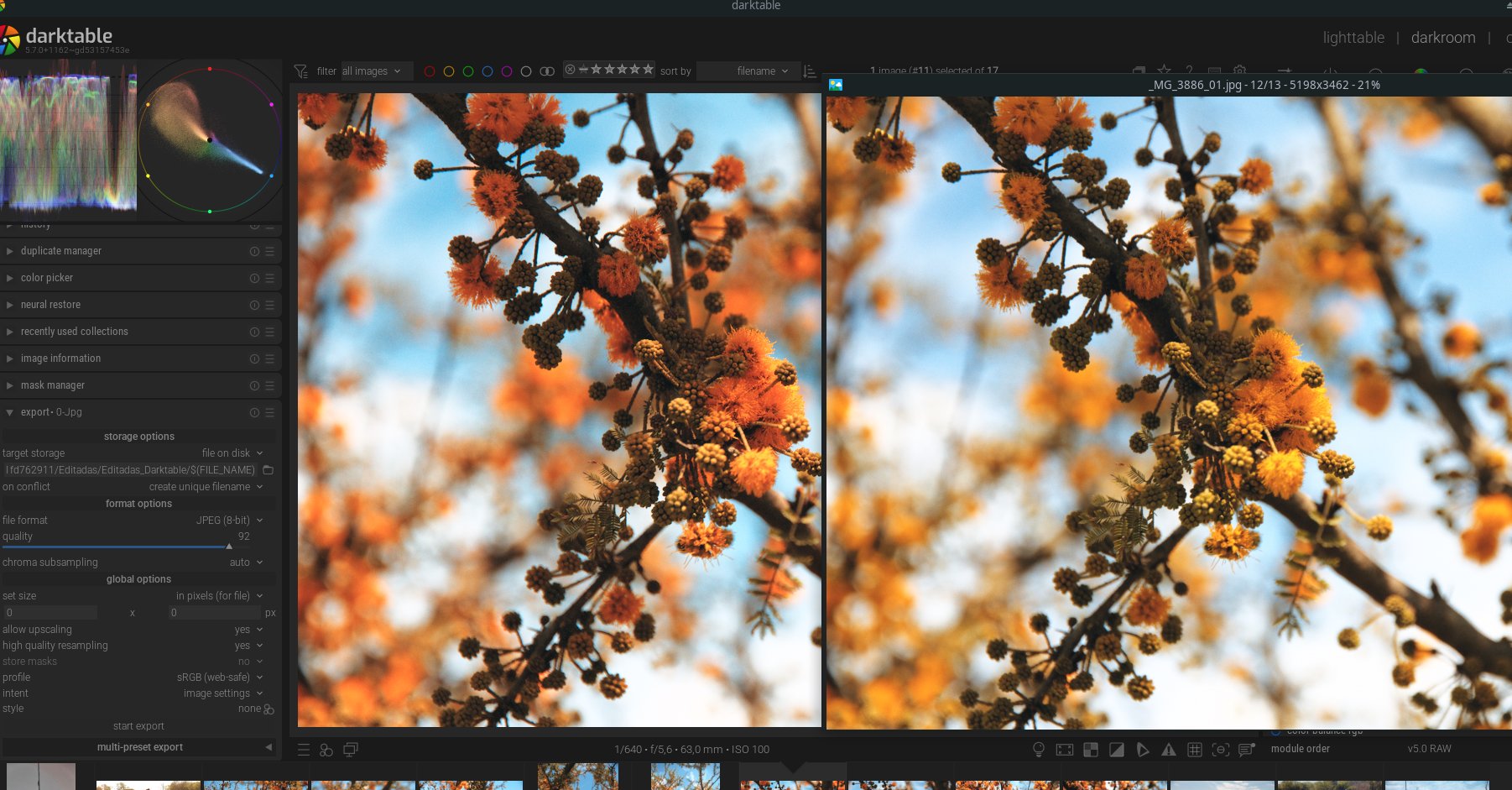
For some reason, the colors are not the same when exported. I’m using 5.7.0+1162~gd53157453e

is it spektrafilm specific or a general darktable issue? Could be related to Color Calibration broken on master · Issue #22496 · darktable-org/darktable · GitHub

Is you image viewer color managed? and is darktable as well? So many possibilities

Can’t reproduce

Couldn’t say… if I use Agx the colors are ok, and the same with Sigmoid. I’m on Manjaro linux, and I use gwenview and Viewnior. Neither of them are configured to manage colors (well… not sure about Viewnior but I think is not). May be it’s related to that Color Calibration issue… first time I noticed was last night

Could you upload RAW+xmp so others can try to reproduce?

1 Like

Not quite sure why but seems rather odd:

  • set post-compression scale to 0.90
  • use autopicker on pre-compression boost
  • it sets the value to max (4.00)

Yet:

  • set post-compression scale to 0.95
  • use autopicker on pre-compression boost
  • it sets the value normally (1.45 in my case)

Maybe intended behaviour? Idk about the math side of this

Will take a look. I have a round of Bugfixes waiting anyway :slight_smile:

2 Likes

Could this be on darktable? The autopickers in negadoctor sometimes do absolutely crazy stuff and come up with totally random values.

I found something. Maybe it fixes this problem in spektrafilm. Will submit a PR with bugfixes tomorrow hopefully.

1 Like

Sure!
_MG_3886.cr2 (21.1 MB)
_MG_3886.cr2.xmp (10.9 KB)

works fine for me

2 Likes

Hmmm… so there must be something wrong with my dt or my OS or something else… I’ll investigate. Thanks a lot!

1 Like

or the test is not valid, maybe I’m missing something. I’m on wayland, might make a difference

Well… I’m on X11 with xfce… but I think there must be something else…

1 Like

a fix should be in Spektrafilm bugfixes by piratenpanda · Pull Request #22524 · darktable-org/darktable · GitHub

1 Like

Another bug:

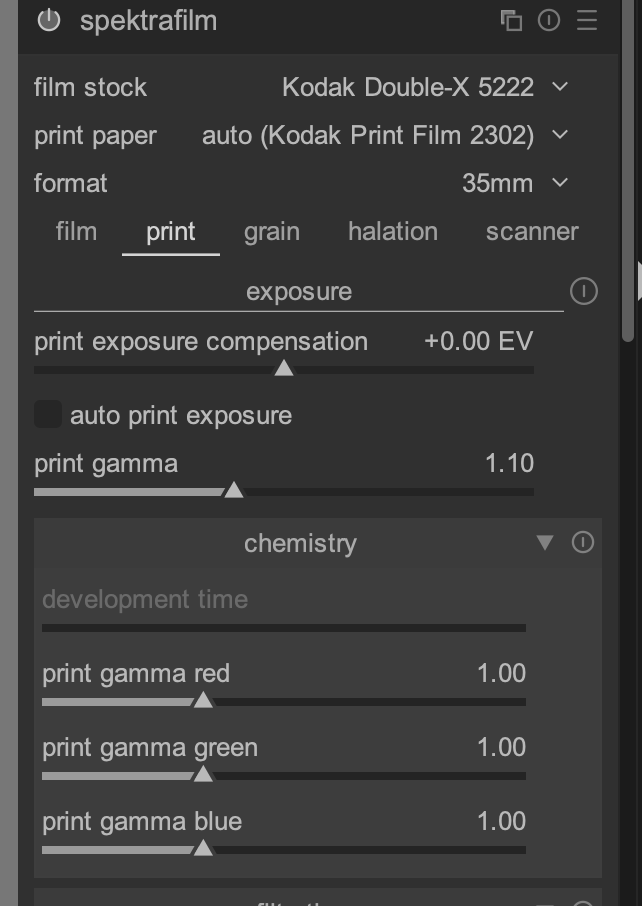
  1. Enable spektrafilm or reset the module to its default state
  2. Change film stock to Tri-X
  3. Change film stock to Double-X
  4. In the “print” tab, the “development time” slider is not available

Are you running the 0.3.4 pack by chance? Or is this master without changes?

should be fixed with Spektrafilm bugfixes by piratenpanda · Pull Request #22524 · darktable-org/darktable · GitHub

1 Like

I am not 100% sure if this is a bug but - the threshold section in halation is active even when the halation is disabled. Also, the halation strenght and halation size basically do nothing when the threshold is pushing the image hard - it sort of feels like they are in the wrong order in the pipeline, that its halation → whatever goes on in threshold instead of the threshold boosting → halation?


Forgot to add, I am on todays nightly and the 0.3.4 data pack.