That is interesting. I also recall you observing that the FZ80 is known to “oversharpen” it’s own jpegs. Good to see what DxO did, that’s for sure.
1 Like
The D&S module is the weakest tool in DT
Complicated and unintuitive.
I’ve been trying to use the various presets for a long time and have not been able to get as good sharpening results as in Rawtherapee or Lr.
In RT and Lr, all I have to do is turn on the tool with the default settings and the sharpness of the photo is better than in several instances of the D&S module
DorS in one option for sharpening, with a different principle than the sharpen module and the contrast equaliser. It tends to be subtler than others, which may not fit your images.
That’s one reason why the other tools are still available; if DorS was the one tool to rule them all, the others could have been deprecated. (I don’t see that happen anytime soon though)
Just use what suits your style and taste (in modules and programs).
1 Like
I find the presets in diffuse or sharpen to be perfectly fine. Most of the time I just use the lens deblur medium preset. Sometimes I’ll add a second instance with one of the sharpen demosaicing presets. I also find that using contrast equalizer with the clarity preset at +0.20 mix produces a nice improvement without taking things too far.
Admittedly though, I don’t really know what “correct” sharpening looks like, but I think I have a good sense of what oversharpened looks like.
2 Likes
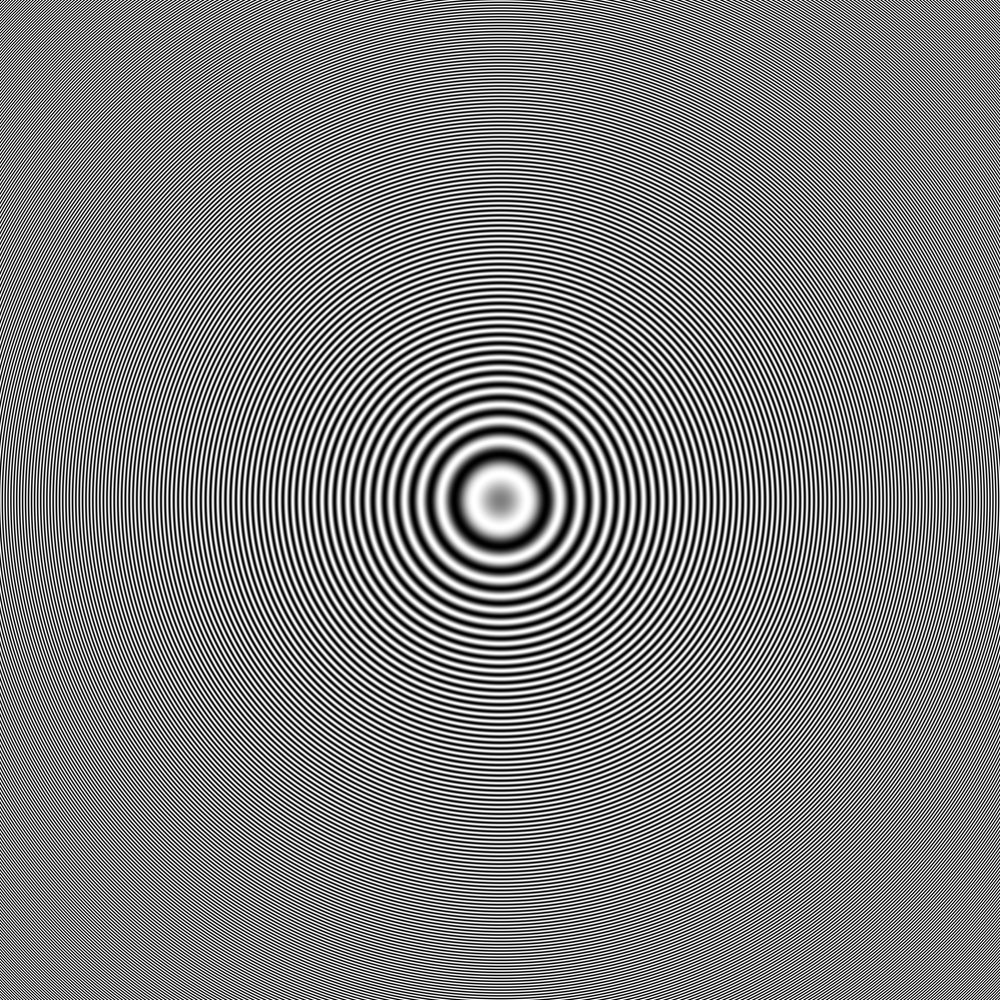
Not necessarily “improved” … down-sampling can cause aliasing, according to Bart van der Wolf:
http://kronometric.org/phot/processing/Down%20sampling%20methods.htm
On most continuous-tone images with irregular detail the artifacts may be hard to detect, but the above examples show that they are present for all features smaller than 1 pixel in the end result, and as such in any down-sampled image.
Here is one to play with if anyone cares to:
For what it’s worth, I use three presets at once.
In order:
lens deblur medium
sharpen de-mosaic no AA (Fuji)
local contrast

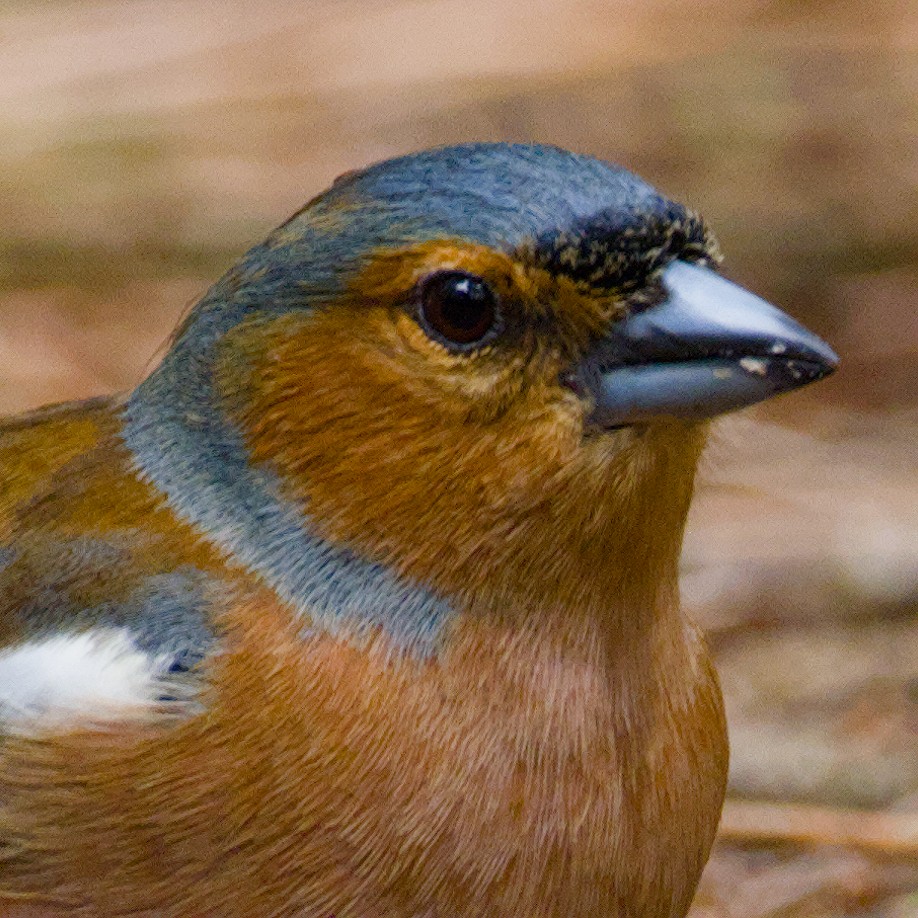
As you can see, acuity is increased and it still doesn’t have artifacts, this allows me then to use Richardson-Lucy or octave sharpening in GIMP when I need to print or do any special presentation. Also gives you a lot of latitude to sharpen after down scaling, avoiding common issues as well.
2 Likes
Is there a particular reason why you put local contrast last? I have been doing things by the book (manual), which states you should put local contrast adjustments before debluring and demosiac sharpening. I rarely shoot things with very fine textures (like bird feathers), so I have never found much difference in D&S order except in the amount of “noise”.
1 Like
Sorry for the confusion. I put it first, I just listed them in the pipeline order, top is output and bottom is input 
1 Like
The D&S module has several default sharpening settings. Among them are fast focus, sharpen, lens blur, AA filter or demosaicing.
Which setting to use and in what cases?
2 Likes