The Big Bad G'MIC Thread of Silly Questions

Ah, {u(255,255)} is completely unnecesary here. I did so to block the random color mode (or rather, random grey).

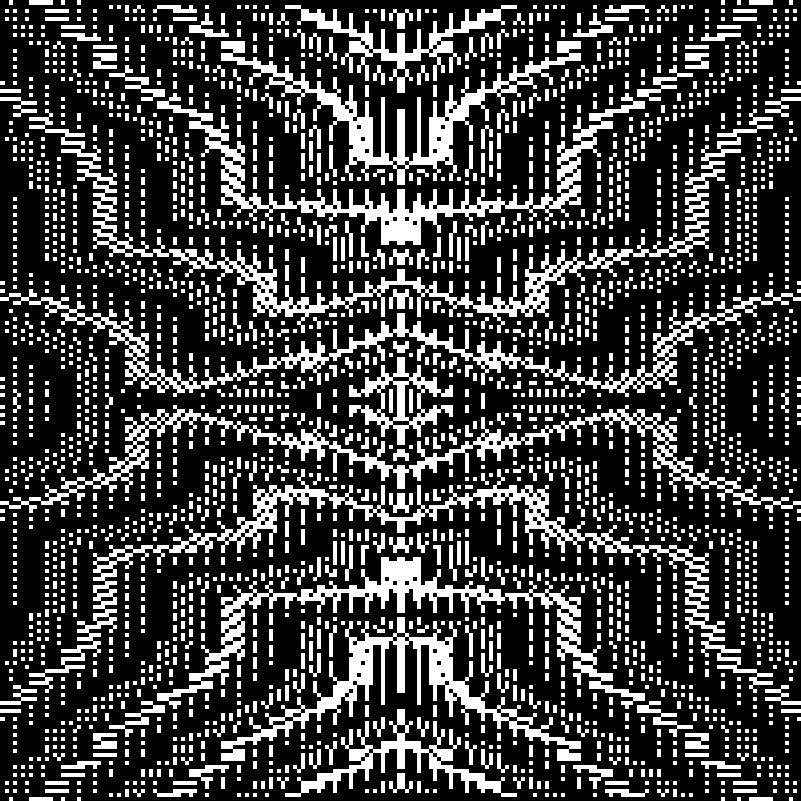
Here it is, with circles:

tire designer?

Way way more simple though! I don’t even know why i’m doing this anyway. I guess to learn some stuff, and see what happens.

2 Likes

Adding a bit of mirroring can give some fun results without much effort:

3 Likes

This use rep_symmetrize_2d or just resize? Great work.

None of the above. Just lines At different angles, with pr_rndpat and pr_offpat from previous post, and +mirror x a x +mirror y a y .
What does rep_symmetrize_2d do? (Or is it rep_symmetrize_xy?)
And thanks :slight_smile:

Yeah, it’s that. It does mirror and append alongside x and y axis. 4 different ways. The main difference is that it allows for 1 border symmetry instead of two though border size is adjustable, and that parameter is only used for image with clear border on the original one. First one is the only one you’ll use in general case, not the border size.

See here:

Hello,

here i am again struggling with a simple status update command.
I wrote this simple tool to help me draw splines.
I’m trying to have the textboxes show the selected values here, so i can just copy and paste in another command.
I took a look at reptorian’s filters (because i know he did such things too :slight_smile: ) but in my case it doesn’t work and i don’t know what i’m doing wrong…

#@gui Spline Tool : sptool, sptool(0)*
#@gui : Spline sXY = ~point(20,40,1,0,255,0,0,255,6)
#@gui : Spline cXY = ~point(70,40,1,0,155,0,0,255,6)
#@gui : Spline eXY = ~point(80,40,1,0,255,0,0,255,6)
#@gui : Spline cXY = ~point(35,40,1,0,155,0,0,255,6)
#@gui : thickness = int(2,1,100)
#@gui : Opacity = float(1,0,1)
#@gui : color = ~color(255,0,0)
#@gui : Command 1 = text("Command")
#@gui : Spline sXY = ~point(20,50,1,0,0,255,0,255,6)
#@gui : Spline cXY = ~point(70,50,1,0,0,155,0,255,6)
#@gui : Spline eXY = ~point(80,50,1,0,0,255,0,255,6)
#@gui : Spline cXY = ~point(35,50,1,0,0,155,0,255,6)
#@gui : thickness = int(2,1,100)
#@gui : Opacity = float(1,0,1)
#@gui : color = ~color(0,255,0)
#@gui : Command 2 = text("Command")

sptool:
cmd1=$1%,$2%,$3%,$4%,$5%,$6%,$7%,$8%,$9,$10,$11,$12,$13
cmd2=$15%,$16%,$17%,$18%,$19%,$20%,$21%,$22%,$23,$24,$25,$26,$27
thickspline $cmd1
thickspline $cmd2
u "{$1}""{$2}""{$3}""{$4}""{$5}""{$6}""{$7}""{$8}""{$9}""{$10}""{$11}""{$12}""{$13}""{"$cmd1"}"\
"{$15}""{$16}""{$17}""{$18}""{$19}""{$20}""{$21}""{$22}""{$23}""{$24}""{$25}""{$26}""{$27}""{"$cmd2"}"

A very classical error I’d say :slight_smile:
Here is the solution :

u "{$1,$2}{$3,$4}{$5,$6}{$7,$8}{$9}{$10}{$11,$12,$13}{"$cmd1"}"\
  "{$15,$16}{$17,$18}{$19,$20}{$21,$22}{$23}{$24}{$25,$26,$27}{"$cmd2"}"

In a status that is intended to modify the filter GUI, you must have one {...} per widget,
which is not one per parameter.
In particular, for filter parameters that are point or color, you must have two, three of four values inside the corresponding {}.

I’ve been fooled so many times myself :slight_smile:

1 Like

Oh god.
I remember now that i had this problem last time with the color widget.
I don’t what i should do to remember this…
Thanks.
til next time xD

I made a Python code to do this automatically.

Here:

Problem: I do not think it accounts for ‘~’.

What do you mean?
I just want to find the values so i can copy them in another gmic file, in Geany.
How can i do this automagically? Since i use splines, i don’t want to save every “move”, since it’s still quite hard to have the precise values i want…

Hi ,
started playing with G’mic again, looking for the usual weird stuff.

If anyone has some tips for using subcommands with parallel, or ap, i’m all ears :slight_smile: I suppose i still have to use $_var1,$_var2 or $1,$2,...

Basically i did something like this:

foo : 
  #do sutff
  split_colors 8,64,8
  ap "__foo_dw $1,$2..."
  #do something else

__foo_dw : 
   .
   fx_drop_water $1,$2...

drop water (quite old that one), needs 2 images for this scenario, hence the duplication . . This little operation can eat 12G of ram though, on a 2K image.
I wanted to use illuminate 2d shapes (faster) but for some reason it stopped working after a while (either getting no change, or black image, but probably my fault for getting lost among the params) .

1 Like

You could probably try with $__var instead. This is global, but allows different values per threads.

Do you mean that it is possible to change the value of $__var from within the subcommand? But isn’t it better to use $_var instead if i want different values per thread?
Because :

bla:
  _test=15
  sp colorful
  to_rgb
  apc "__bla_sub"

__bla_sub:
  _test:=u($_test)
  echo $_test

gives me this expected result :

[gmic]./ Start G'MIC interpreter (v.3.6.5).
[gmic]./ Input custom command file './foo.gmic' (9 new, total: 4754).
6.9935388902652864
11.188910851764705
0.11130393136090225
[gmic]./ Display image [0] = 'colorful'.

but this :

bla:
  __test=15
  sp colorful
  to_rgb
  apc "__bla_sub"

__bla_sub:
  __test:=u($__test)
  echo $__test

“often” gives me some twins or triplets:

[gmic]./ Start G'MIC interpreter (v.3.6.5).
[gmic]./ Input custom command file './foo.gmic' (9 new, total: 4754).
3.2059656812823296
13.418189459112051   # <<<
13.418189459112051   # <<<
[gmic]./ Display image [0] = 'colorful'.

Is this because in the 1st case, $_test is local to each thread, and in the 2nd, $__test is completely global for all threads, so the last thread to modify the var before echoing (or something of the sort), “wins”?
Unless i’m doing it wrong , of course. Which is more than often the case. :stuck_out_tongue:

Missed this, but you got it!

2 Likes

That’s exactly the logic yes, a variable whose name starts with an underscore is shared among all commands in a single thread. A variable whose name starts with two underscores is shared among all threads (and commands as well).

1 Like

I think if you want different _var per threads, you don’t use __var as it affects all threads variable. I did had to use this once as a test for trying to get around mutex removal, but I didn’t need it anyway. If you can pass variable, then you should do that. I do wonder though, on how to set up different _var on each threads though.

I have no clue what this is… hehe. Not sure i want to DuckDuck it… for now :p.

Well i guess i have a sort of special case here because i have a __subcommand that can use the main command’s vars, but since i call it with apc or ap then i still have to use _vars. Hehe.
But i think it’s still cleaner that wat than squeeze a whole bunch of commands like this : apc "command1 params command2 params... ", even though i can probably escape new lines to make a block.

If you’re talking about having a different _var before starting the threads, then i wonder too. I suppose you have to modify the _var once the thread is started and that’s it?
I don’t really know how you set up threads in the math parser either. I should use it more anyway. Gotta set my mind to it, and write some ridiculously useless script just to learn. Breaking stuff is fun :slight_smile:

Stupid question : Can the shell see or use global __vars, or are they internal to G’MIC ? Haven’t tested but I often wondered about this.

EDIT:

loop variable $% available from the math expression evaluator.

This sounds pretty useful! was it always available (from outside the math evaluator? i don’t remember seeing it. This could save me some brainstorming, like multiplying a fixed var by $% in a loop…
Does it have any other specific uses?

That’s why you should always test things out. To know about how G’MIC work and see a solution. I also use pen and paper to do my thing.

Been playing with eval.
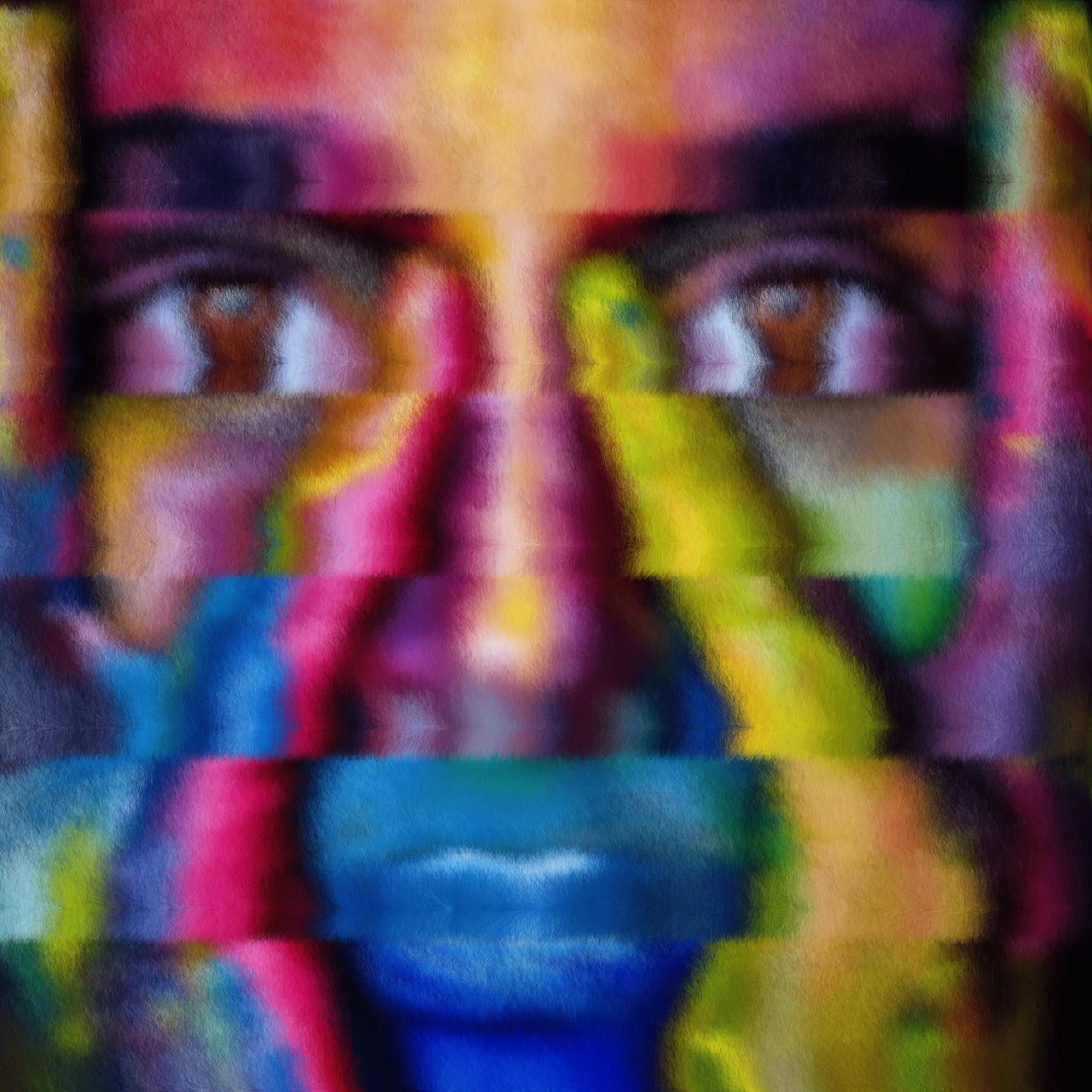
Is there any way to get better “seams” with multithreading ?

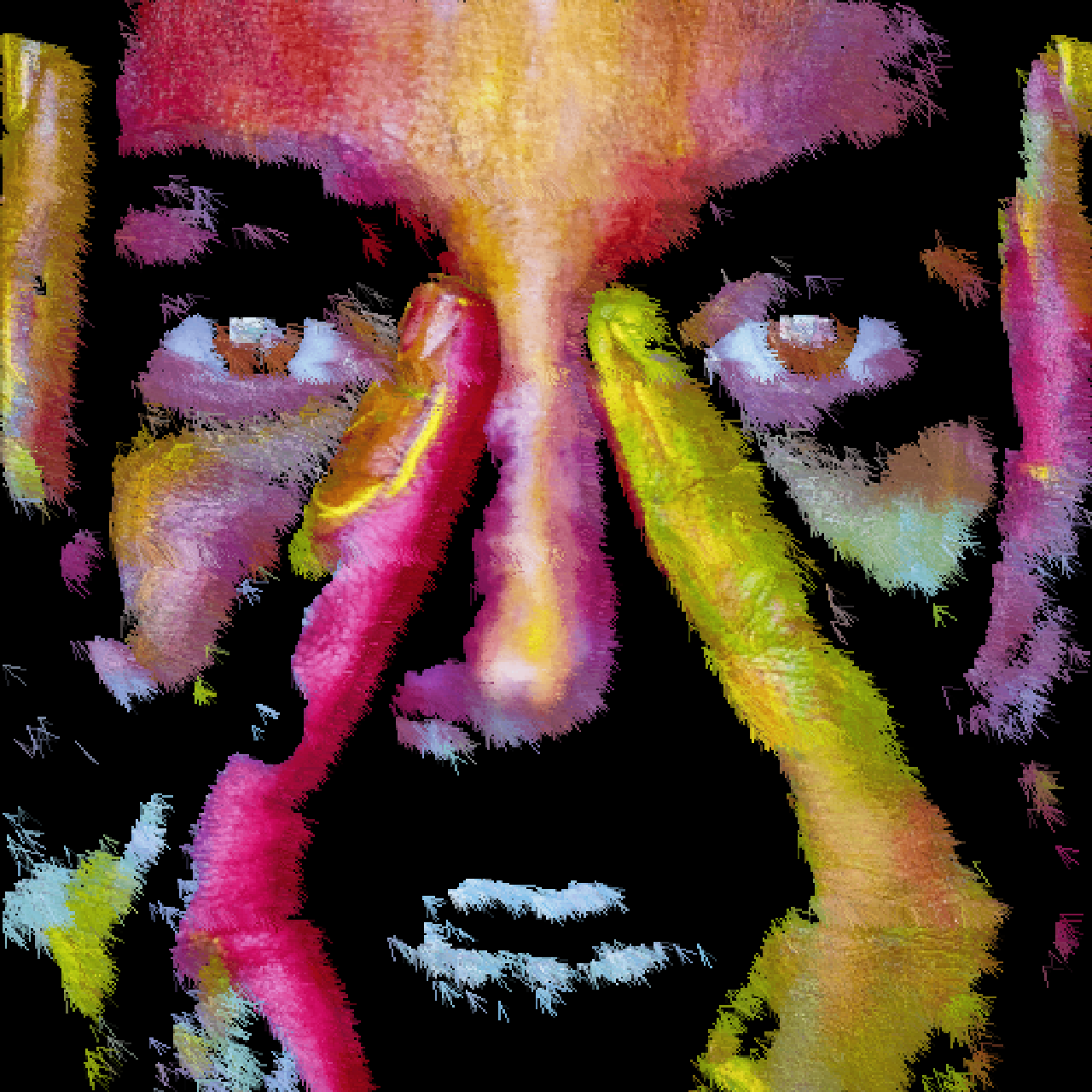
It’s a bit less noticeable with different effects though:

And obviously not noticeable it the effect is horizontal:

The question is : why do you get these seams ? Do you use the same parameter for each different thread?