The Big Bad G'MIC Thread of Silly Questions

Quick Explanation :

A dynamic array is a structure that is intended to possibly encounter a lot of element insertion/push requests.
For this kind of structures, it’s is algorithmically more efficient to manage a buffer whoe size is actually larger than the size of the dynamic array, because doing so, you won’t need to re-allocate/duplicate the whole array in a new buffer each time you insert/push a new element.

When you insert a new element that requires a reallocation, the dynamic array actually allocates a bit more slots than necessary, so that further insertions/pushes do not cost much (by avoiding a complete buffer re-allocation each time). Inserting a new element at the end of the dynamic array becomes almost free (just write a value into an available memory slot and increment the dynamic array size counter).

And the more elements you have in your dynamic array, the more extra memory will be allocated when a re-allocation occurs (because if there are already as many elements in you da, G’MIC expect you potentially push as many more :wink: ).
In G’MIC, if you have a buffer size of N and you try to push M new elements at position N (so requiring a buffer reallocation), the new buffer size will be 2N + M.

So, to sum up, the dynamic array size and the buffer size are two different things:

  • The dynamic array size is given by da_size(#ind).
  • The buffer size is given by h(#ind).
  • da_size(#ind)<h(#ind), always!
  • da_size(#ind) is atually the same as i[#ind,h(#ind) - 1].

Pro Tip: You should never use h(#ind) in your code if [ind] is a dynamic array, because it’s actually not an information you have to care about. It’s the role of the da_*() functions to deal with it, but definitely not yours.

1 Like

Also this makes me realize I forgot to talk about da_freeze():

  • da_freeze(#ind) converts a dynamic array [ind] into a “frozen” array (thus, that is not “dynamic” anymore).
  • After using da_freeze(#ind), the height of [ind] is indeed the size of your dynamic array (value that was returned by da_size(#ind) before the call to da_freeze(#ind)).
  • It’s really common to encounter a da_freeze() at the end of an expression used by eval or fill, if the structure of dynamic array is actually required only by the evaluated expression.

A little extra info: school vacations have started, so I have a little more time to answer questions on the forums. So if you need information or help with certain G’MIC concepts, now is the time :slight_smile:

1 Like

Also, some codes use resize() and copy() to mimic dynamic array. It’s a little harder to code this way, but sometimes necessary though in my case, I’m hoping I don’t need to do that soon.

Yes, you are right. When there were no functions to deal with dynamic arrays, you could still simulate them by yourself with the existing functions of the math evaluator, like resize() and copy(). This was a pain compared to what we can write now (because we had to manage the re-allocation by ourselves), but, as we say : “If the code works, don’t touch the code!” :wink:

In 3.7.0, I’ve also added new functions da_push_n() and da_insert_n() to insert n copies of a list of elements. Before that, I had to deal with resize() and copy() as well to insert a lot of new elements in an optimized way (without doing repeat (N, da_push(0)) for instance).

What’s cool with a dynamic array anyway is that it is still possible to do very low-level tricks with it. Once you know where the dynamic array size is stored, and that the height of the buffer is the height of the corresponding image, you can use complex tricks to do fast operations.

For instance, the middle line in this code reverts the sequence of numbers pushed in a dynamic array:

foo :
  0 eval "repeat(10,k,da_push(k))"
  sh. 0,{da_size()-1},0,0 mirror. y rm. # Revert sequence without destroying dynamic array property
  eval "repeat(10,k,da_push(k))" # Push new elements

Thanks for the help. Hellidays have started here too (at least for the kids, not yet for me).

I think it’s actually working, i probably wasn’t thinking in the right direction. Now i don’t have to repeat the starting points for each line.

$ gmic foo.gmic 1000,1000 fooline 100,100,100,900,900,900,900,100,100,100,900,900,500,100,100,900,900,100,500,900,100,100

Still a truckload of params for this one though

Still have to add offset, opacity and color as params. Not sure about pattern…
Since it’s made of 2 points polygons (well, lines) connected to each other i suppose this could have a different color for each line/side. (I wonder if polygon could have this too?)

fooline :

l[] {
  1,$# => points 
  eval "da_insert(#1,0,${1--1});"
  }
 repeat $#/2 {
	  x0,y0={i[0]},{i[1]}
	  x1,y1={i[2]},{i[3]}
	  eval "
		const dx = abs($x1 - $x0);
		const dy = abs($y1 - $y0);
		const dmax = max(dx,dy);
		const angle = atan2(dy,dx);

		repeat (dmax + 1,l,
		  Xa = round(lerp($x0,$x1,l/dmax));
		  Ya = round(lerp($y0,$y1,l/dmax));
		  Xb = v(Xa-15,Xa+15);
		  Yb = v(Ya-15,Ya+15);
		  polygon(#0,2,Xa,Ya,Xb,Yb,1,v([255,255,255]));
		);da_remove(0,1);
		"
}
rm.


Xb and Yb offsets to 50

But something in my head is telling me i’ll run into a wall somewhere…
Do you see something that i don’t?
I know that if i add params other than coordinates i’ll have to change this repeat $#/2 , probably to something like repeat narg(${1--5})/2 (and da_repeat too).

Oh btw, can one of you try to “plot” a more rounder shape with it? I don’t know how to do that. I still have difficulties drawing objects arranged in a circular shape, etc., or using a lot of coordinates.

1 Like

You can do some math-based iteration to generate coordinates to place those things. That way, you can do round stuff.

Of course, but i suck at doing that. Maths, i mean. :sweat_smile:

Modified it so you can pick opacity,offset and color. Probably should swap opacity and offset now that i think about it. (Done)
Now, patterns? i suppose i need to add a special condition for that.

fuzzygon :
l[] {
  1,1
  eval "da_insert(0,${1--6});"
  }
 repeat narg(${1--6})/2 {
  x0,y0={i[0]},{i[1]}
  x1,y1={i[2]},{i[3]}

  eval "
    const dx = abs($x1 - $x0);
    const dy = abs($y1 - $y0);
    const dmax = max(dx,dy);
    const angle = atan2(dy,dx);

    repeat (dmax + 1,l,
      Xa = round(lerp($x0,$x1,l/dmax));
      Ya = round(lerp($y0,$y1,l/dmax));
      X = v(Xa-$-5,Xa+$-5);
      Y = v(Ya-$-5,Ya+$-5);
      polygon(#0,2,Xa,Ya,X,Y,$-4,v([$-3,$-2,$-1]));
    );da_remove(0,1);
    "
}
rm.
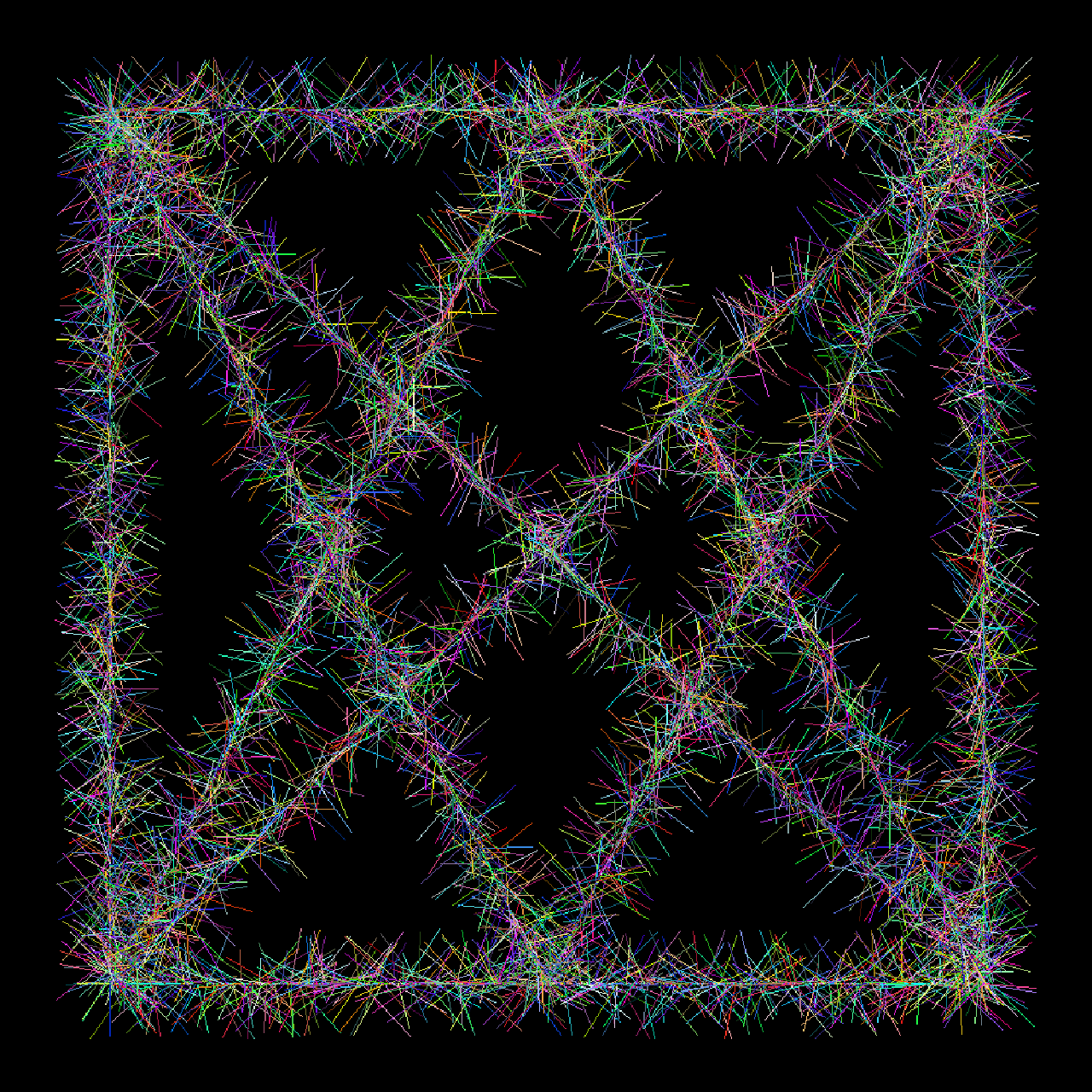
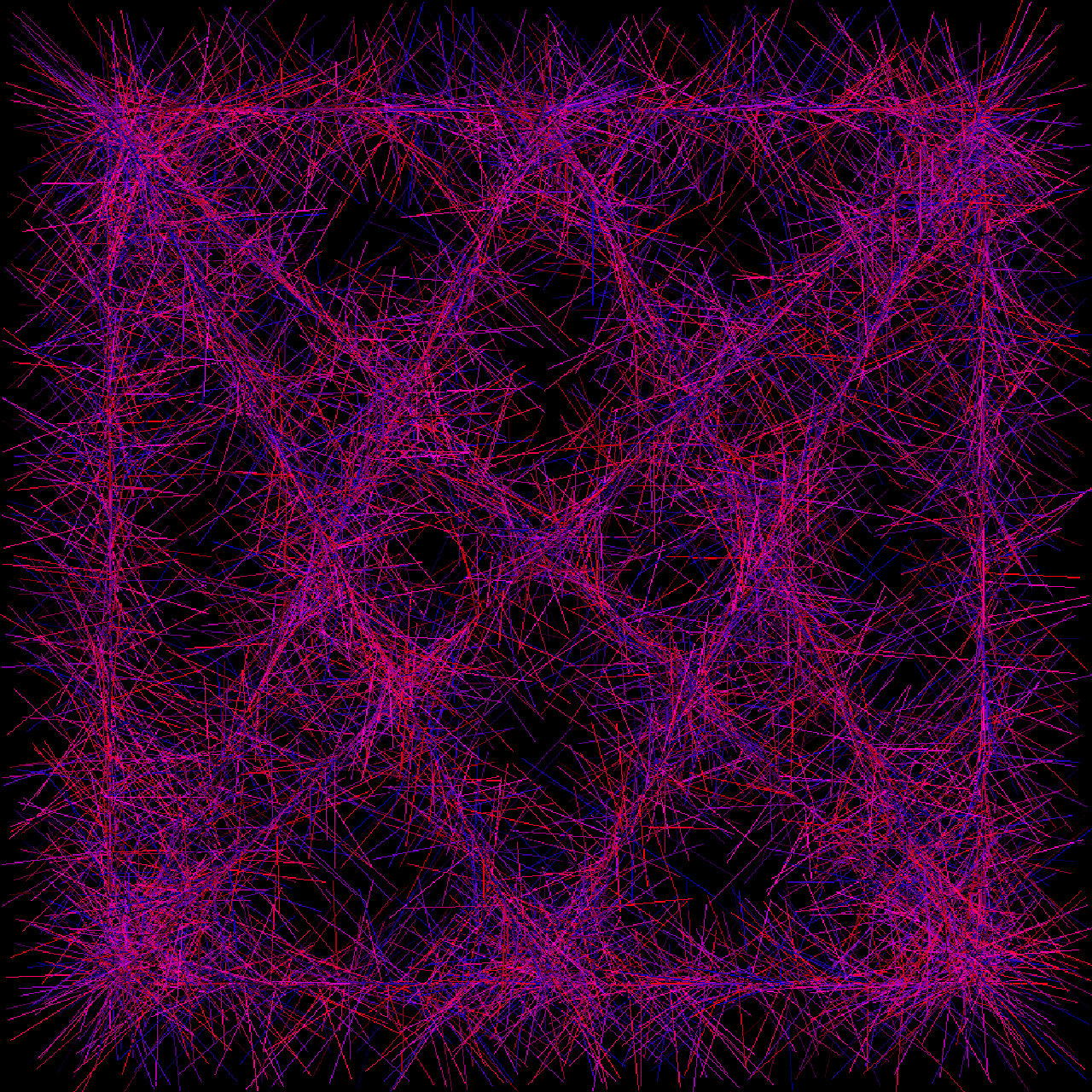
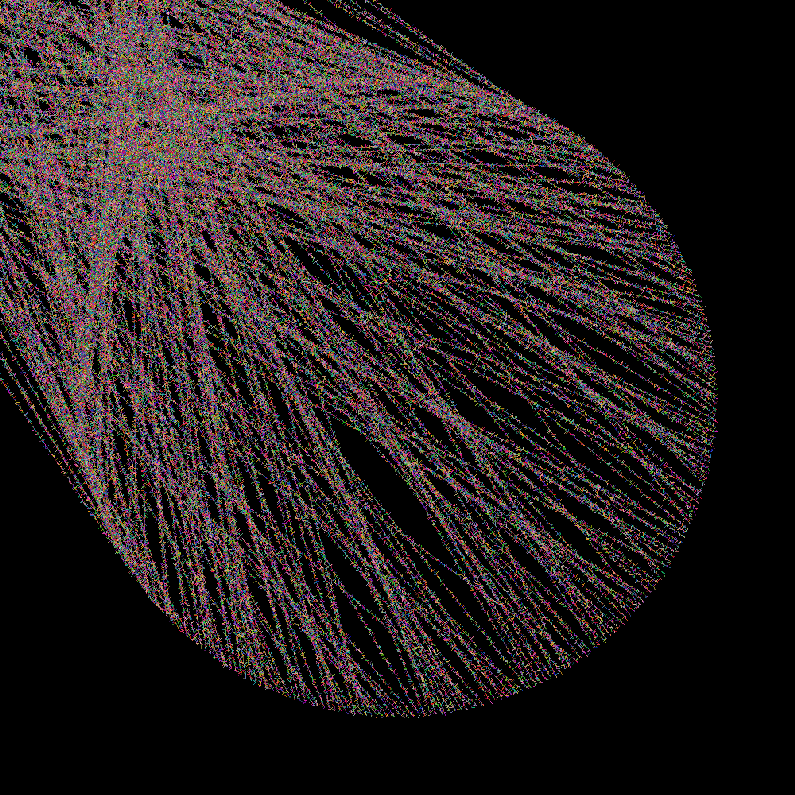
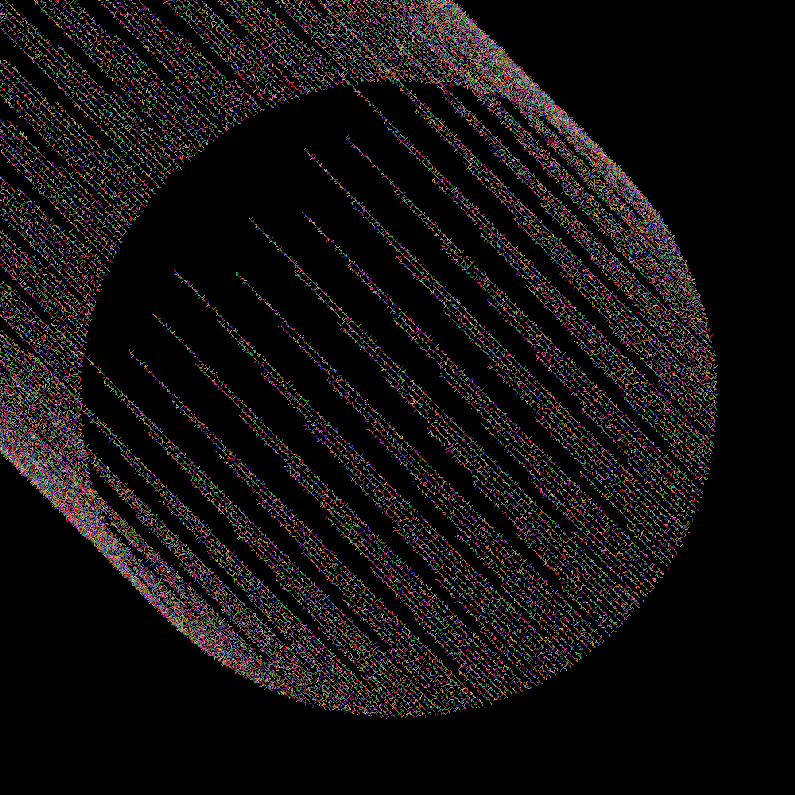
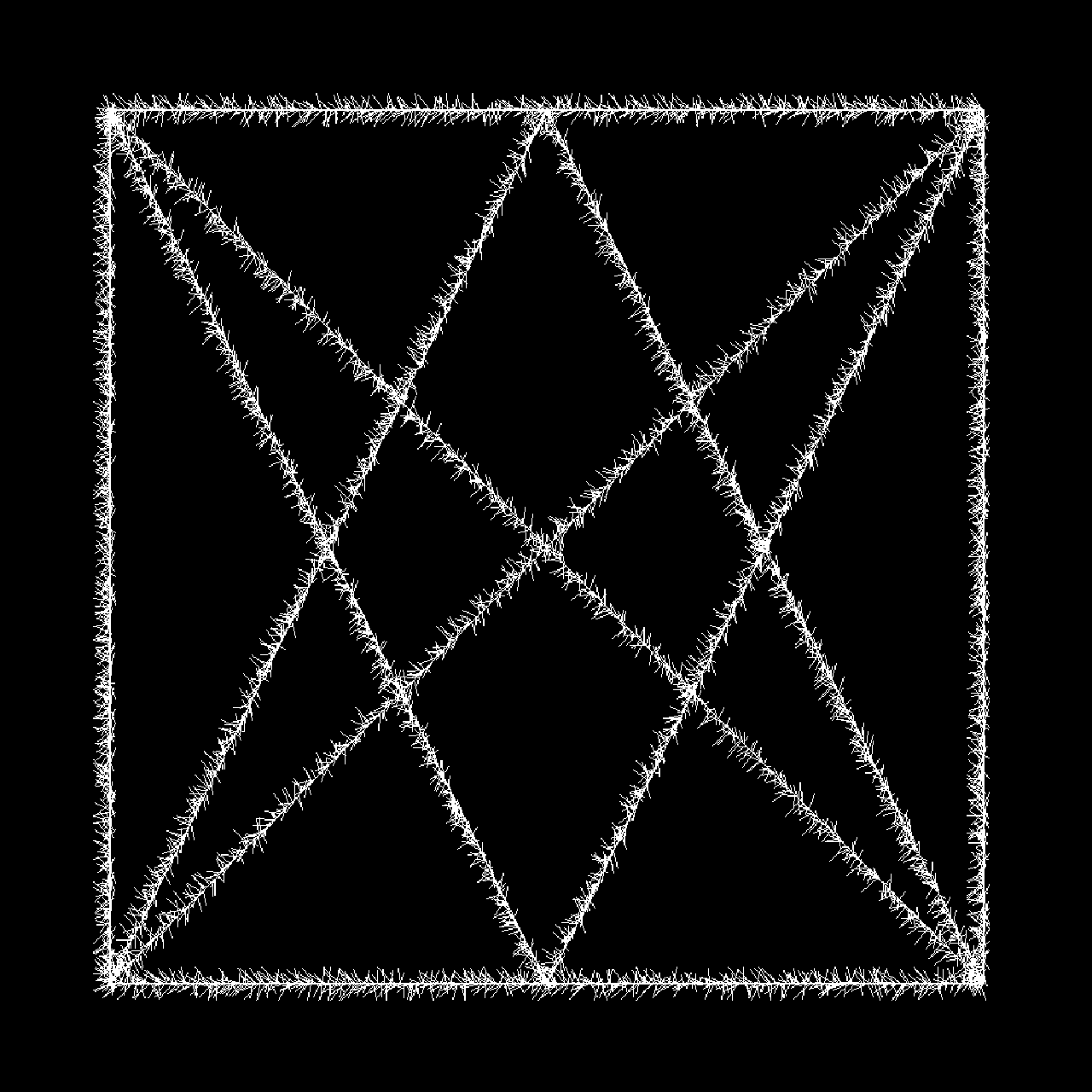
gmic foo.gmic 1000,1000,1,3 fuzzygon 100,100,100,900,900,900,900,100,100,100,900,900,500,100,100,900,900,100,500,900,100,100,100,1,250,0,200

2 Likes

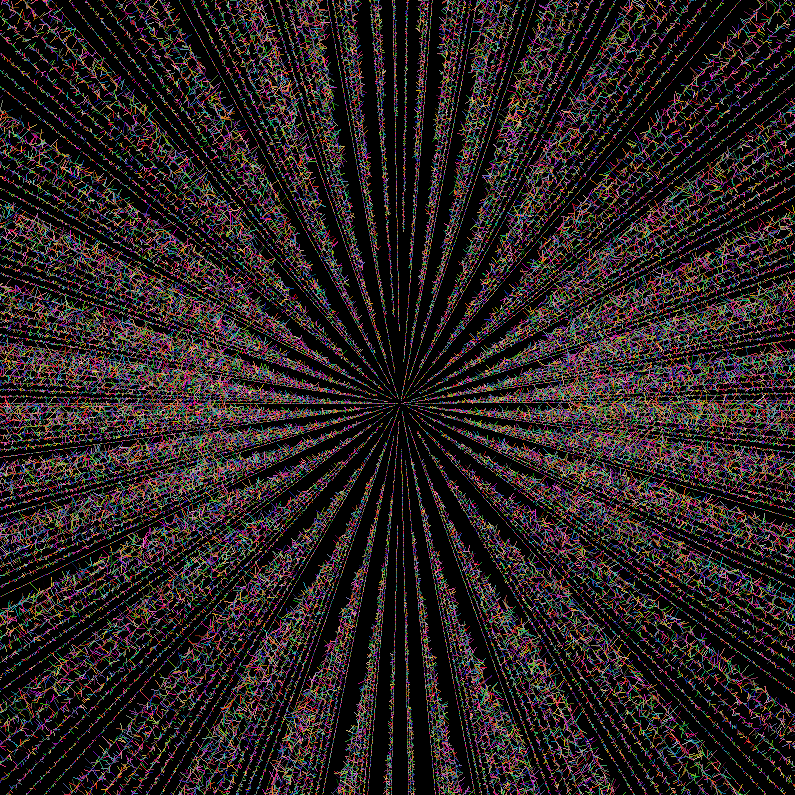
Told you i was bad xD

oh boy

1 Like

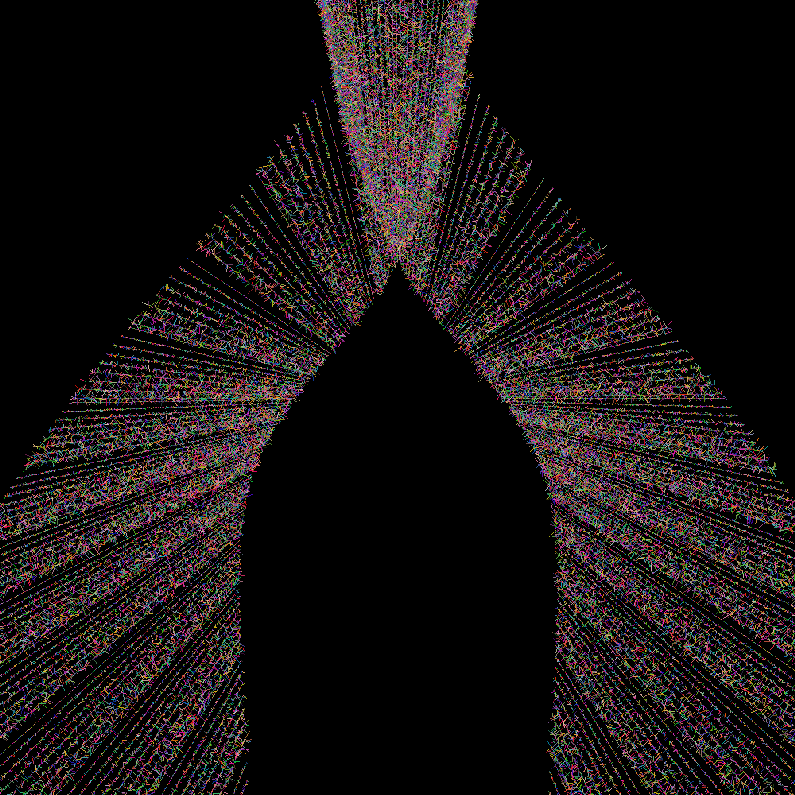
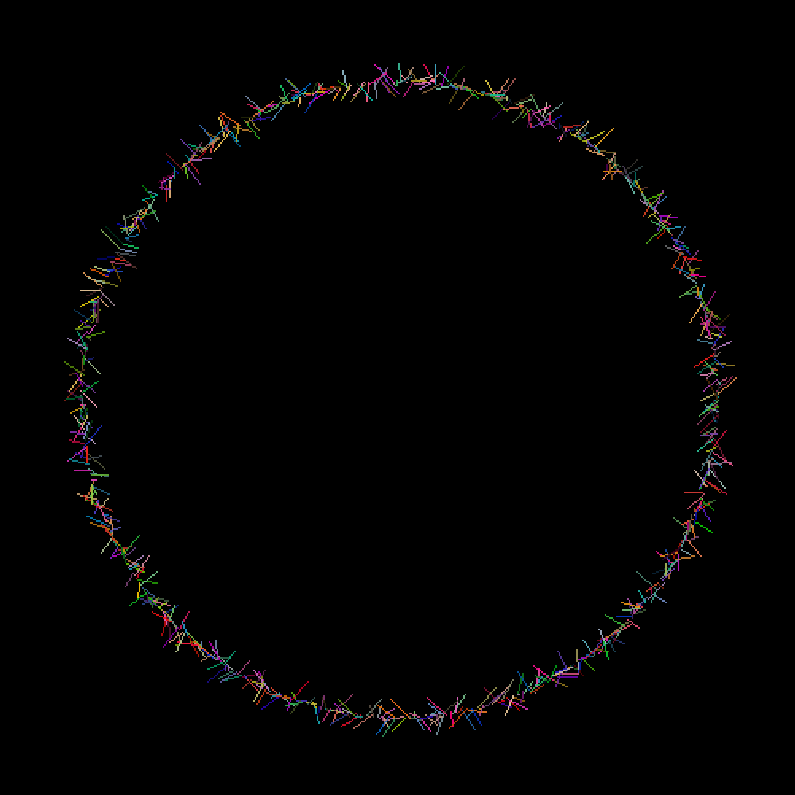
ahhh finally, a circle lol.

2 Likes

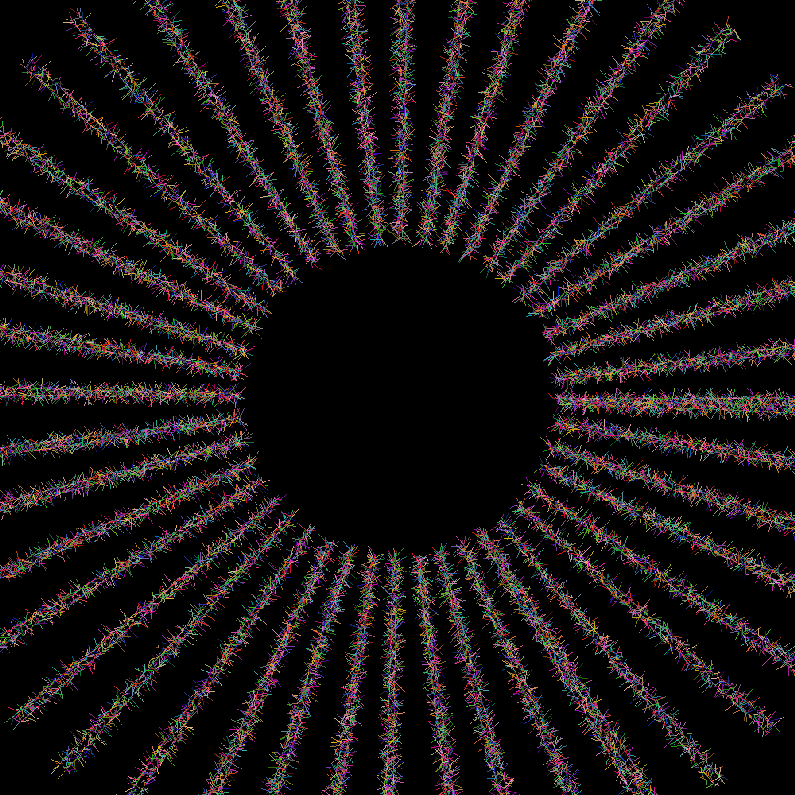
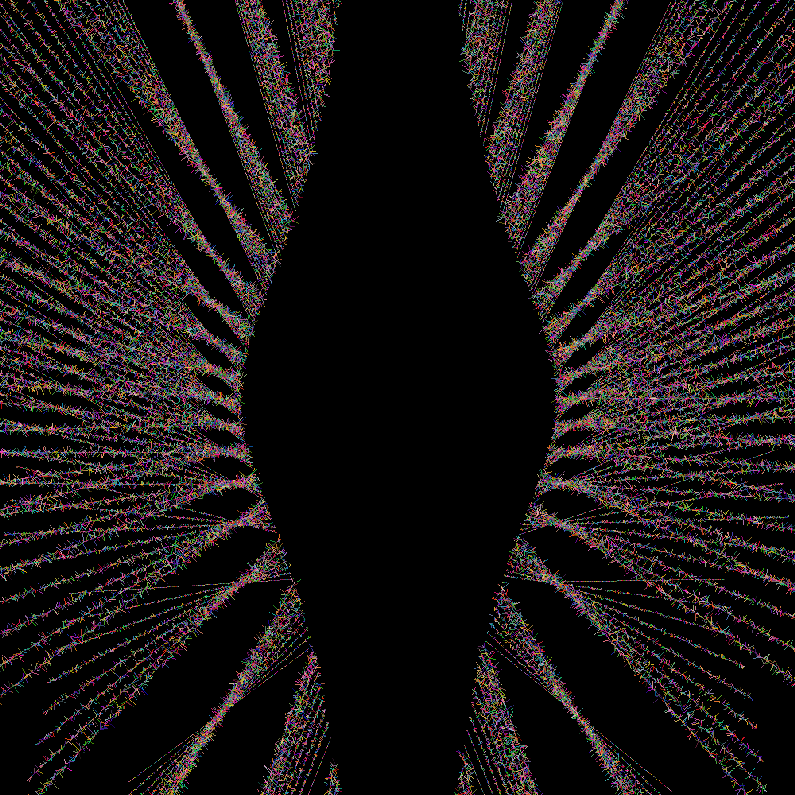
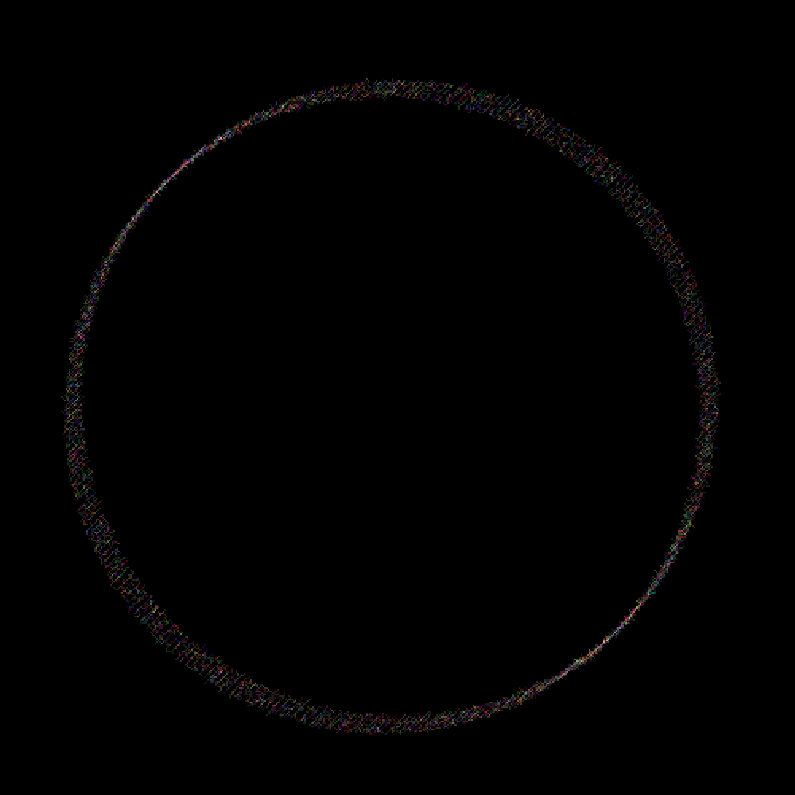
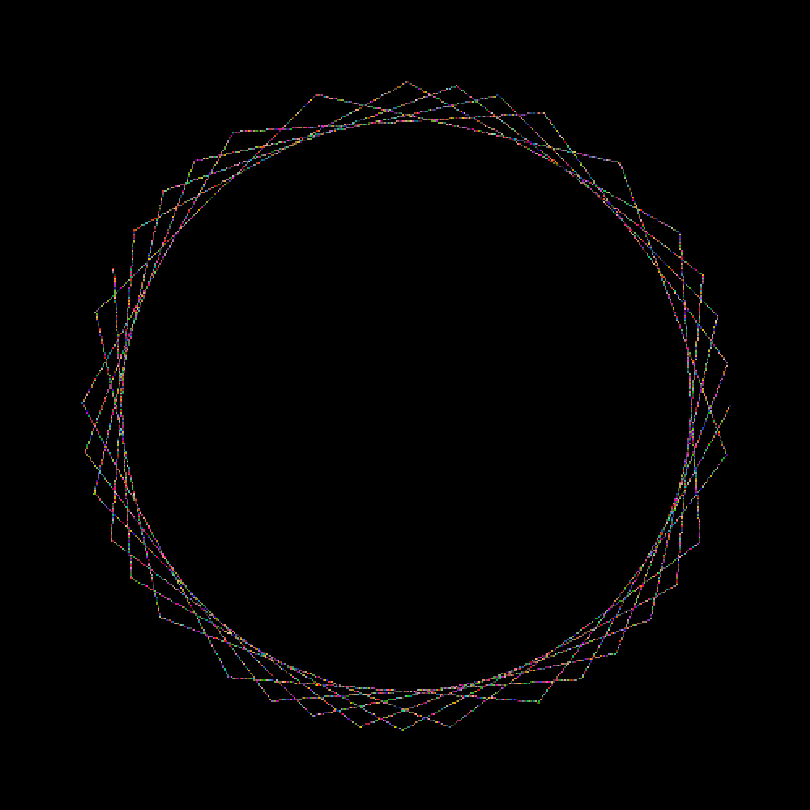
Okay, so after making another little script to store coords in an array, it’s not behaving like i thought it would, but that’s a start (?):

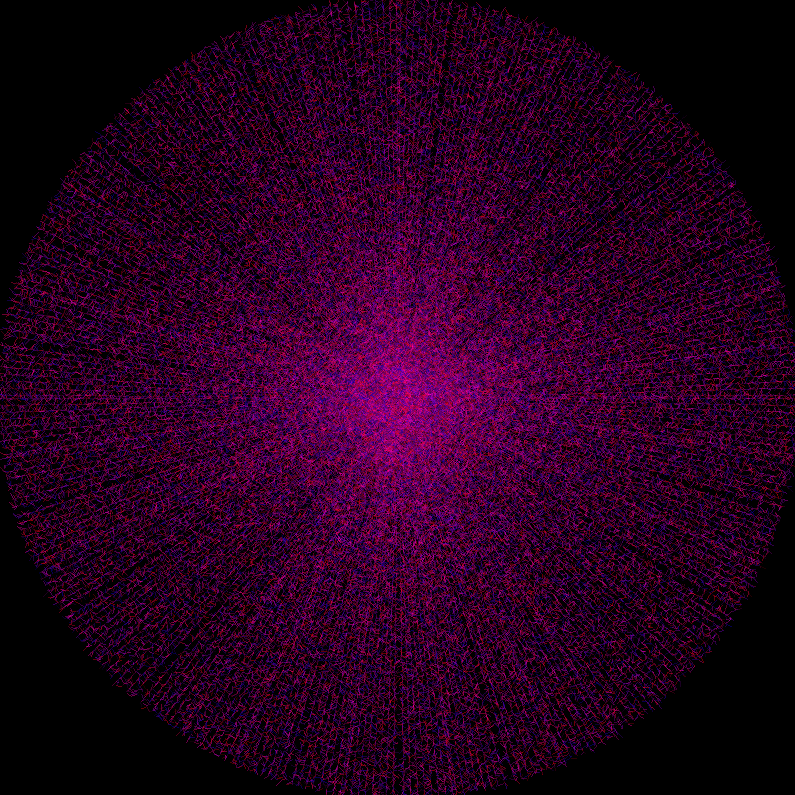
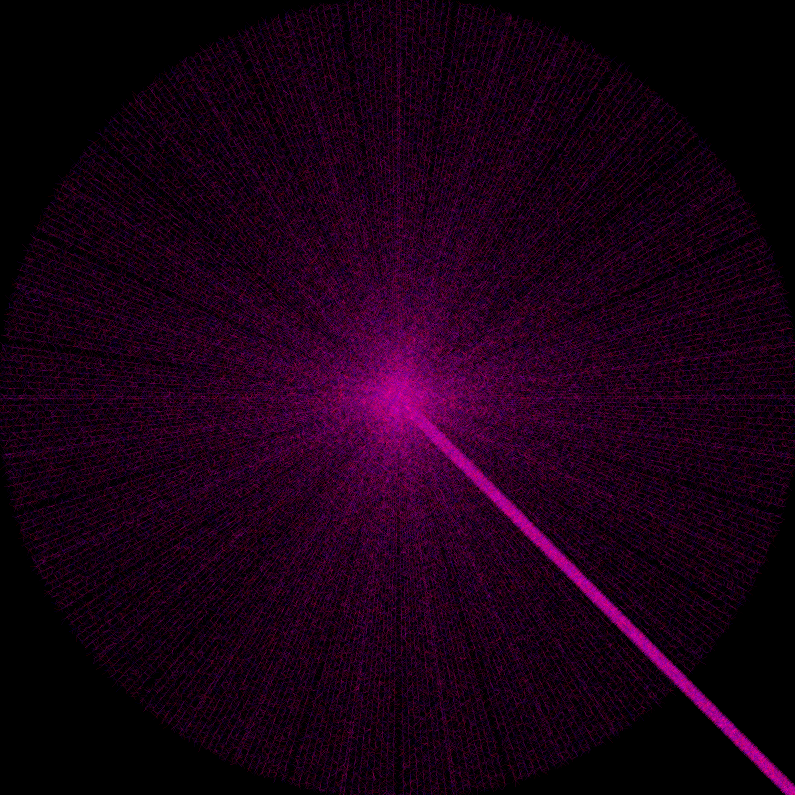
dammit, not really a circle :frowning:

fuzzycle:
1,1
eval " 
  repeat( 36,k,px=250+200*cos(k);py=250+200*sin(k);da_push(px,py););
  end(da_freeze(#-1));
  "
   fuzzygon[0] {-1,^},0,1,250,200,200
 rm.

Didn’t know how to pass all the values from the array to the command, so i used {-1,^}.

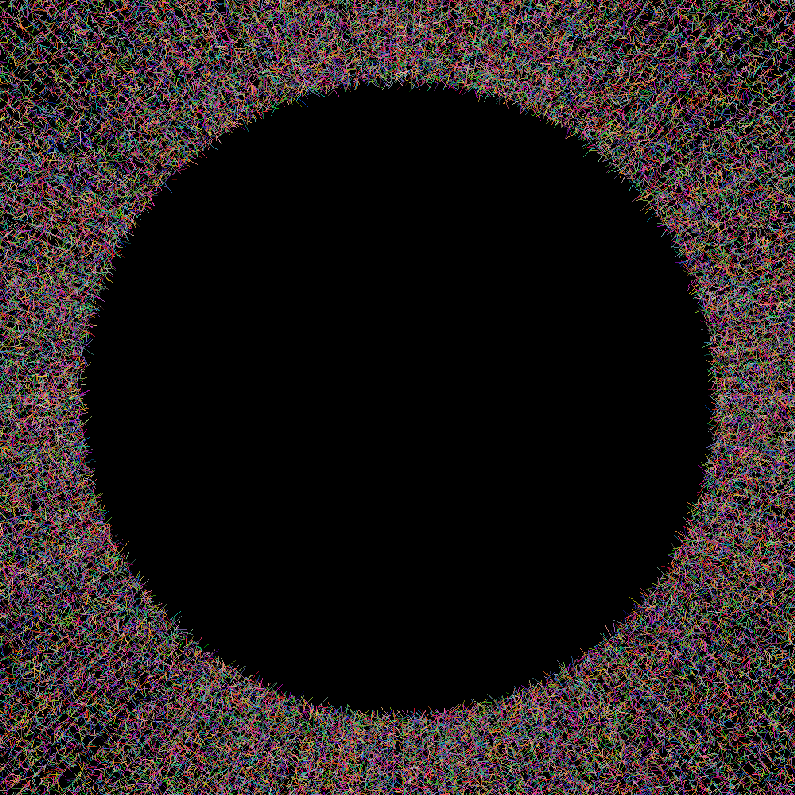
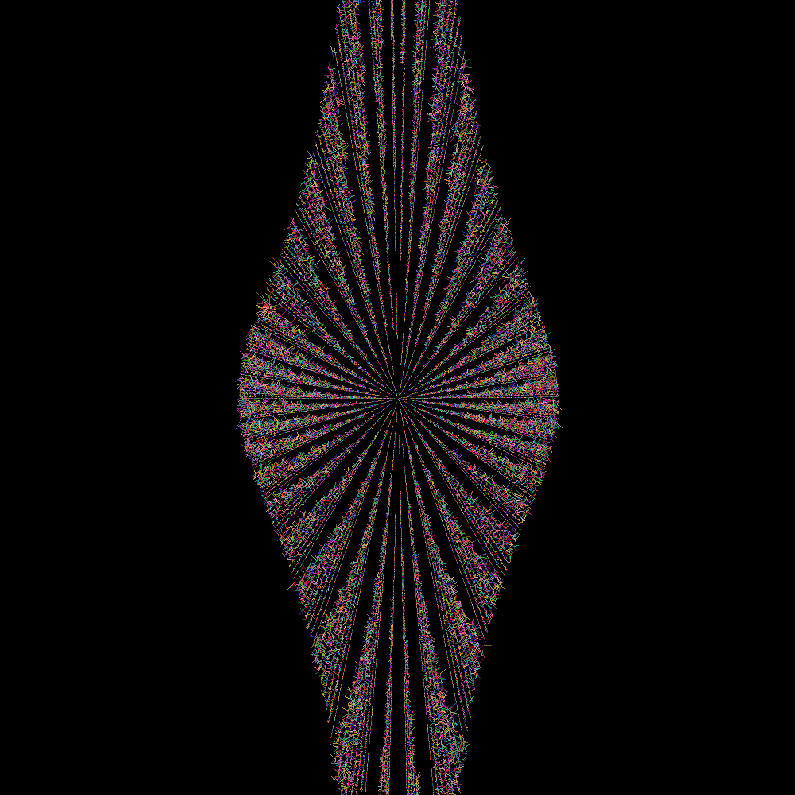
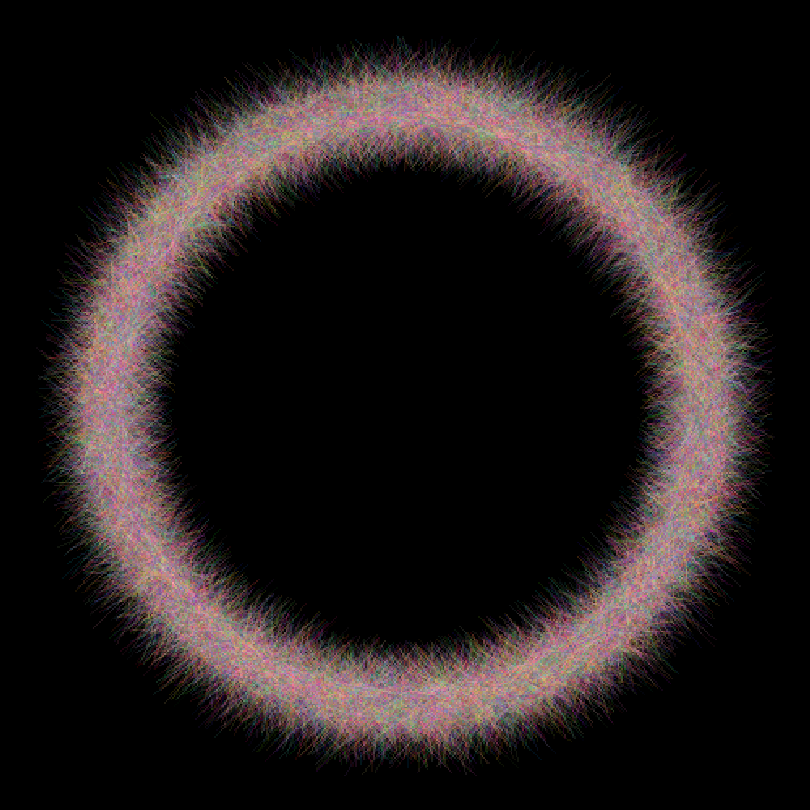
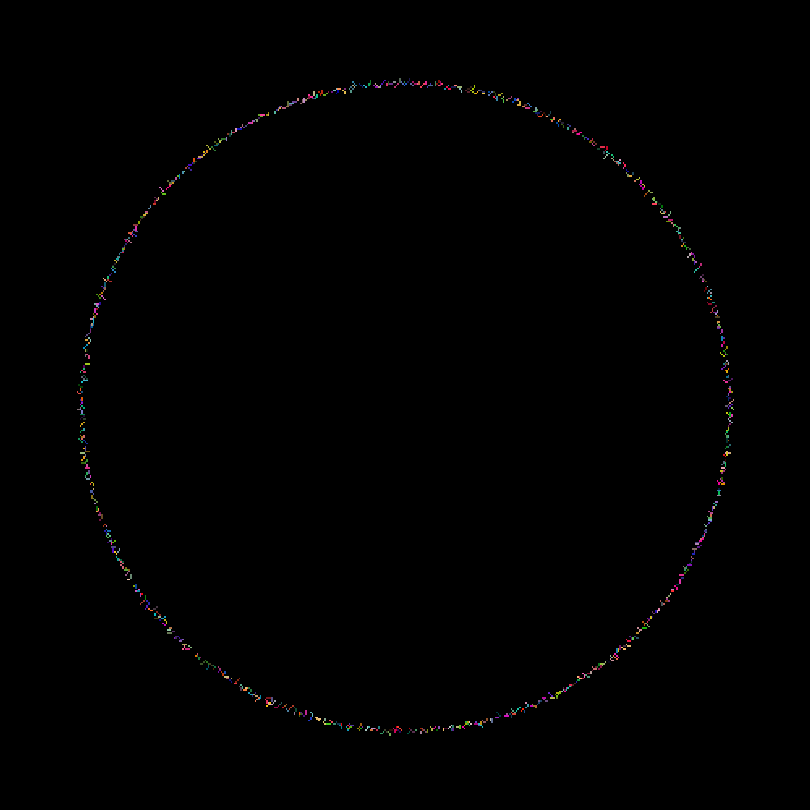
So i want it to be like this, a slightly roughed circle :

that i got using this one liner calling fuzzygon 360 times (ouch) :

# gmic foo.gmic 500,500,1,3 run 'repeat 360 px=250+200*cos($<) py=250+200*sin($<) fuzzygon $px,$py,{$px-1},{$py+1},2,1,250,200,200 done'

Not sure where i messed up, or which one is more messed up actually hehe.

1 Like

This is like reading me in the past. Reading how I thought of arrays, and other things. Great work, keep going.

Hint: crop()

You are computing cos(k) and sin(k) where k goes from 1 to 35. That is not correct.
Fix:

    repeat( 36,k,ang=k*10°;px=250+200*cos(ang);py=250+200*sin(ang);da_push(px,py););

Also, your fuzzygon command does not close the polygon (last segment, from last vertex to first one should be drawn for this). Not sure if this is intended or not :wink:

Simplification of command fuzzygon (does not require dynamic arrays) :

fuzzygon :
  (${1--6}) => coords
  repeat 1+($#-6)/2 {
    x0,y0,x1,y1:=crop(#$coords,2*$>,4,2)
    eval "
      const dx = abs($x1 - $x0);
      const dy = abs($y1 - $y0);
      const dmax = max(dx,dy);
      repeat (dmax + 1,l,
        Xa = round(lerp($x0,$x1,l/dmax));
        Ya = round(lerp($y0,$y1,l/dmax));
        X = v(Xa-$-5,Xa+$-5);
        Y = v(Ya-$-5,Ya+$-5);
        polygon(#0,2,Xa,Ya,X,Y,$-4,v([$-3,$-2,$-1]));
      )"
  }
  rm[coords]

EDIT: Also draw the last segment to close the polygon.

:fried_shrimp: :sushi: *Grabs a coffee*

TBH, the command fuzzygon has quite a lot of issues in its current form.
Solving them is not the most exciting part of coding, but these limitations may cause bugs that are difficult to find if you want to develop commands using fuzzygon later on. Among these problems, I have noted:

  • The command cannot be called without default values for some of the arguments: The fact that you deduce the number of specified vertices from the number of command arguments, and that you use $-5, …, $-1 to access the last arguments is not a good practice.
  • In particular, this command will not work correctly for images with more than 3 channels (e.g. RGBA images), as you cannot specify an alpha for your drawing color.
  • That’s why command polygon requires the first argument to be the number of vertices of your polygon.
  • Also, the drawing is always done in image [0]
  • The vertex coordinates cannot be specified with a % suffix.
  • As I said, modifying fuzzygon to “fix” these issues is not that easy and a bit annoying from a developper perspective, but that makes this command a bit “uncomfortable” to use (It’s 100% OK if you just use it for prototyping and experimentation though).

One possible “safer” version of command fuzzygon would be then:

#@cli fuzzygon : N>=1,x1[%],y1[%],...,xN[%],yN[%],_fuzzyness,_opacity,_color1,...
#@cli : Draw a fuzzy polygon on selected images.
fuzzygon : check "isint($1,1)"
  $=arg N=$1

  # Parse arguments specified after vertex coordinates.
  p=2
  repeat $N { x$>,y$>=${arg$p},${arg{$p+1}} p+=2 }
  if narg(${arg$p}) fuzzyness=${arg$p} else fuzzyness=10 fi p+=1
  if narg(${arg$p}) opacity=${arg$p} else opacity=1 fi p+=1
  color,c=
  repeat 1+$#-$p { color.=$c${arg$p} c=, p+=1 }
  if !narg($color) color=0 fi

  # Draw polygon.
  foreach {
    repeat $N {
      val=${x$>} xs:=ispercentage($val)?(w-1)*$val:$val
      val=${y$>} ys:=ispercentage($val)?(h-1)*$val:$val
      k:=($>+1)%$N
      val=${x$k} xe:=ispercentage($val)?(w-1)*$val:$val
      val=${y$k} ye:=ispercentage($val)?(h-1)*$val:$val
      eval "
        const fuzzyness = $fuzzyness;
        const xs = round($xs); const ys = round($ys);
        const xe = round($xe); const ye = round($ye);
        const dx = abs(xe - xs);
        const dy = abs(ye - ys);
        const dmax = max(dx,dy);
        repeat (dmax + 1,l,
          Xa = round(lerp(xs,xe,l/dmax));
          Ya = round(lerp(ys,ye,l/dmax));
          X = v(Xa - fuzzyness,Xa + fuzzyness);
          Y = v(Ya - fuzzyness,Ya + fuzzyness);
          polygon(#0,2,Xa,Ya,X,Y,"$opacity,$color");
        )"
    }
  }

I think this one fixes all issues I’ve listed above.
As you see, argument parsing is almost as long as actually drawing the polygon! :slight_smile:

Oh boy i’m depressed now :frowning:
I was trying to learn something.
Thanks for the hints and clues and corrections.
It’s not even finished actually.
Here is it’s last form (on my side) :

fuzzygon :
l[] {
echo $1
  off,opac,R,G,B=${-5--1}
  1,1
  eval "da_insert(0,${1--6});"
  }
 repeat narg(${1--6})/2 {
  x0,y0={i[0]},{i[1]}
  x1,y1={i[2]},{i[3]}

  eval "
    const dx = abs($x1 - $x0);
    const dy = abs($y1 - $y0);
    const dmax = max(dx,dy);
    const angle = atan2(dy,dx);

    repeat (dmax + 1,l,
      Xa = round(lerp($x0,$x1,l/dmax));
      Ya = round(lerp($y0,$y1,l/dmax));
      Xb = v(Xa-$off,Xa+$off);
      Yb = v(Ya-$off,Ya+$off);
      polygon(#0,2,Xa,Ya,Xb,Yb,$opac,v([$R,$G,$B]));
    );da_remove(0,1);
    "
}
rm.

I wanted to use da_* commands so that’s why you see it here. Thought it would work…
I used repeat 36 here to show how the lines are drawn, usually i used 360, so k would go to 0 to 359 i suppose?
Since you reply i modified fuzzycle (hope it is correct, but it’s not even supposed to exist) :

fuzzycle:

1,1
segs:=360/$1
eval " 
  repeat( $1,k,ang=k*$segs°;px=250+200*cos(ang);py=250+200*sin(ang);da_push(px,py););
  end(da_freeze(#-1););
  "
fuzzygon[0] {-1,^},2,1,250,200,200
rm.

I am aware it doesn’t close the last segment, it was on todo list ,maybe as extra parameter. polygon has such an option if i remember. I suppose i could insert the 1st 2 coords at the end of the array for this. Or use (${1--6,$1,$2}) => coords in your version?

  • Yes, i haven’t put default values yet, i only do that towards the end otherwise i just waste time changing them every 5mins… I named the variables so i don’t use $-1... etc anymore, is that better? I always do this anyway, except when i start, like here.
  • Well, i can always add a 4th channel option later, right?
  • OK, i think i can add the param for number of vertices that so it behaves more like polygon. I thought it could be omitted for fuzzygon. I mean, if i write a CLI description, i suppose anyone (will there be anyone though?) using the command will maybe follow the instructions and won’t use it blindly? Maybe? Maybe not.
  • What’s wrong with drawing on image [0] ? Where should i draw then? Is it wrong because i didn’t use foreach? I don’t get it.
  • No %. Yes, i know, wanted to add this later. I even tried it yesterday.

Well anyway, i guess i got another F for Fail. I think i’ll leave the G’mic world for a while now and go read Mickey Mag or something… I don’t even know why i’m doing all this stuff anyway since it just eats a lot of my time. Maybe just to have a place to hang out? :frowning:
Maybe i should just go back to using pencils? It would be the same thing anyway, a waste of time.

I’m sorry to read this, that was definitely not my intention. I just wanted to show you a few additional tricks to make sure you wouldn’t have any problems later on if you relied on your fuzzygon command.

A command that can be considered “clean” in the G’MIC sense is one that can handle a selection (potentially operating on multiple images) and is as generic as possible.

I actually wanted to illustrate that this is not always easy to do (since it depressed you, I think I succeeded in my illustration :slight_smile: ). To tell you the truth, it took me a good twenty minutes++ to write something that takes these constraints into account.

But my experience tells me that fine-tuning a function’s code to the maximum so that it works “à la G’MIC,” even if it can be tedious, is worth it because it prevents you from ending up with behaviors that are difficult to trace later on, when functions are chained together.

Maybe because it’s fun ?
I hope so, at least :slight_smile:

The very fact that you’re trying to play with this weird language already deserves admiration!