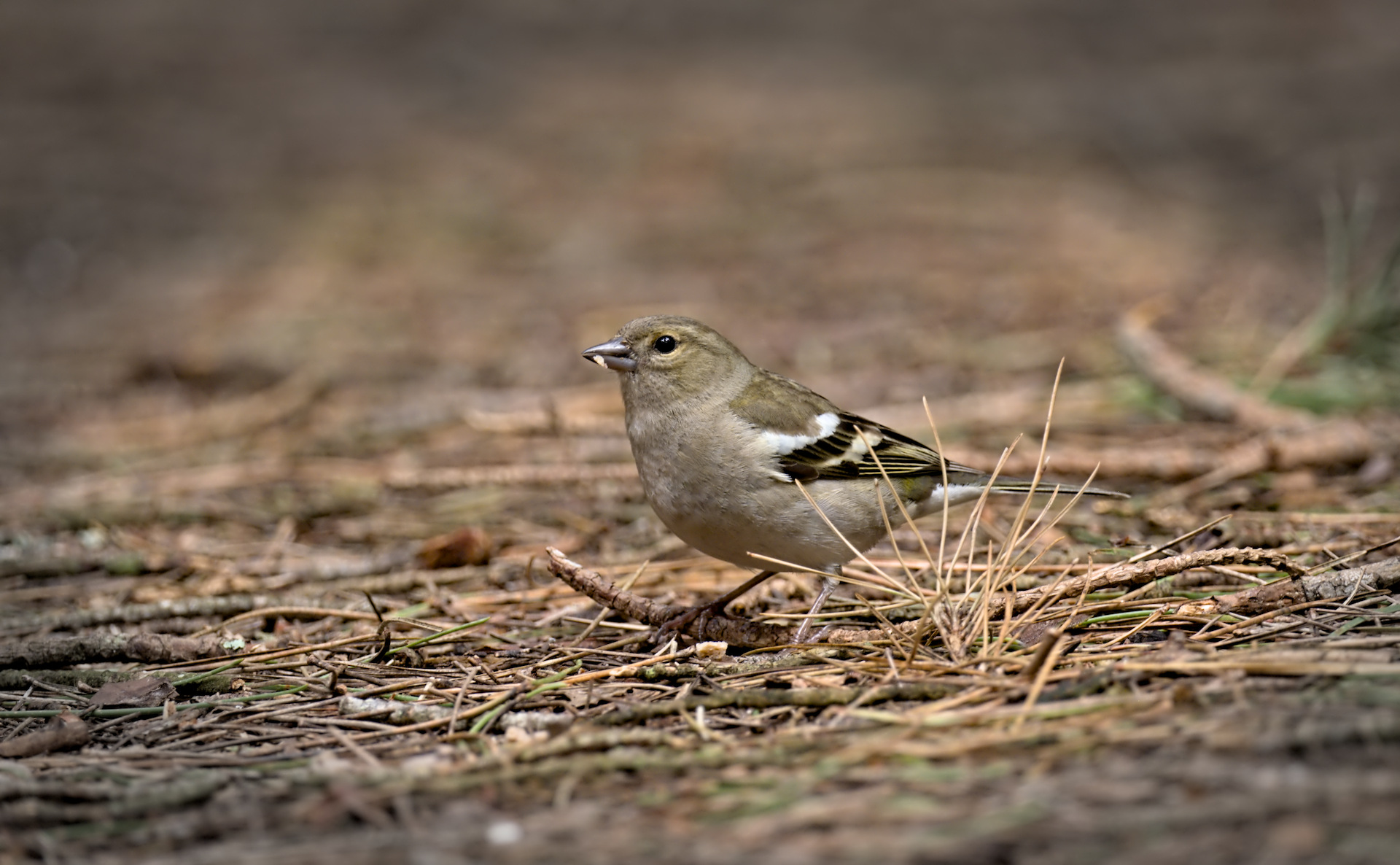
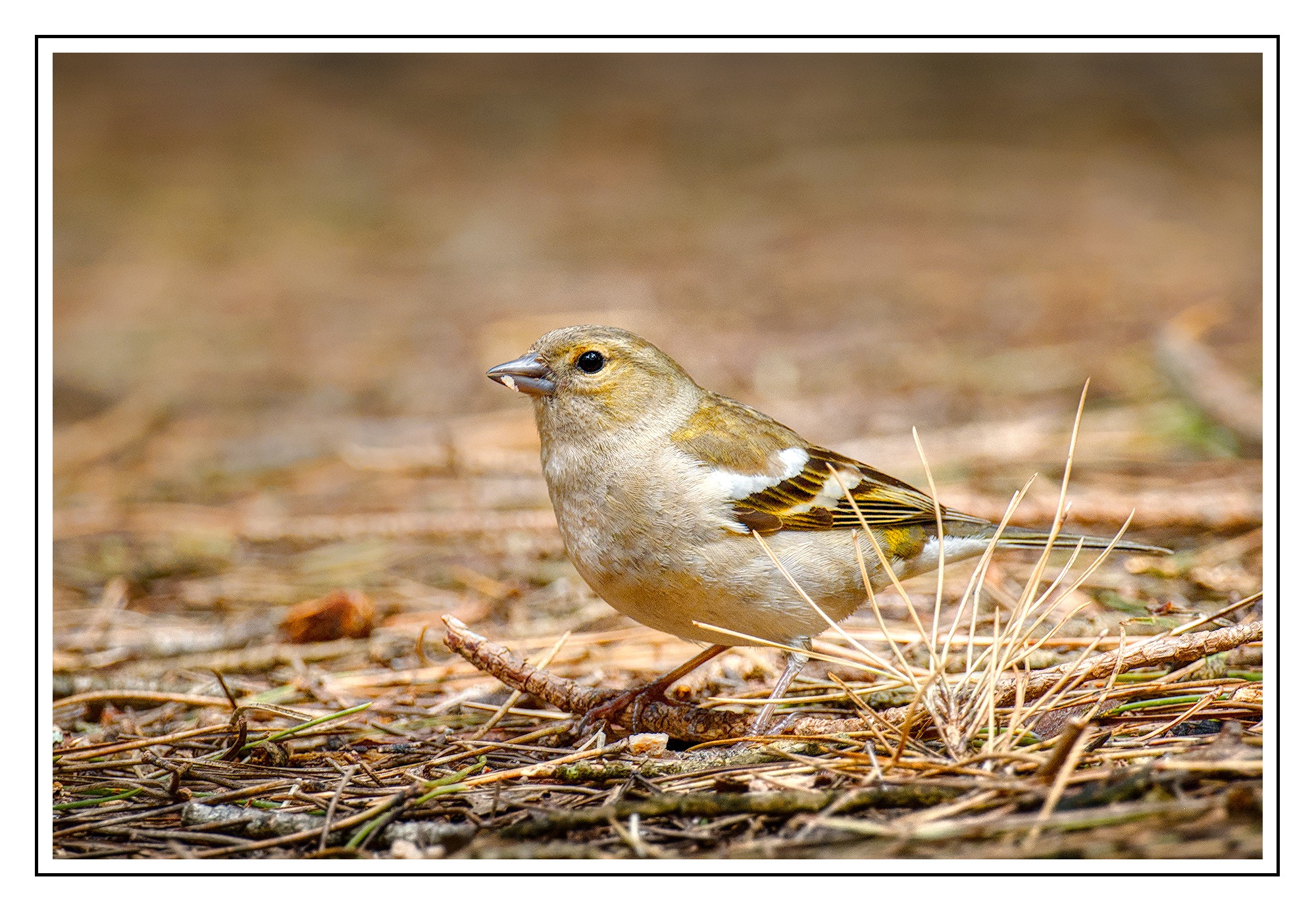
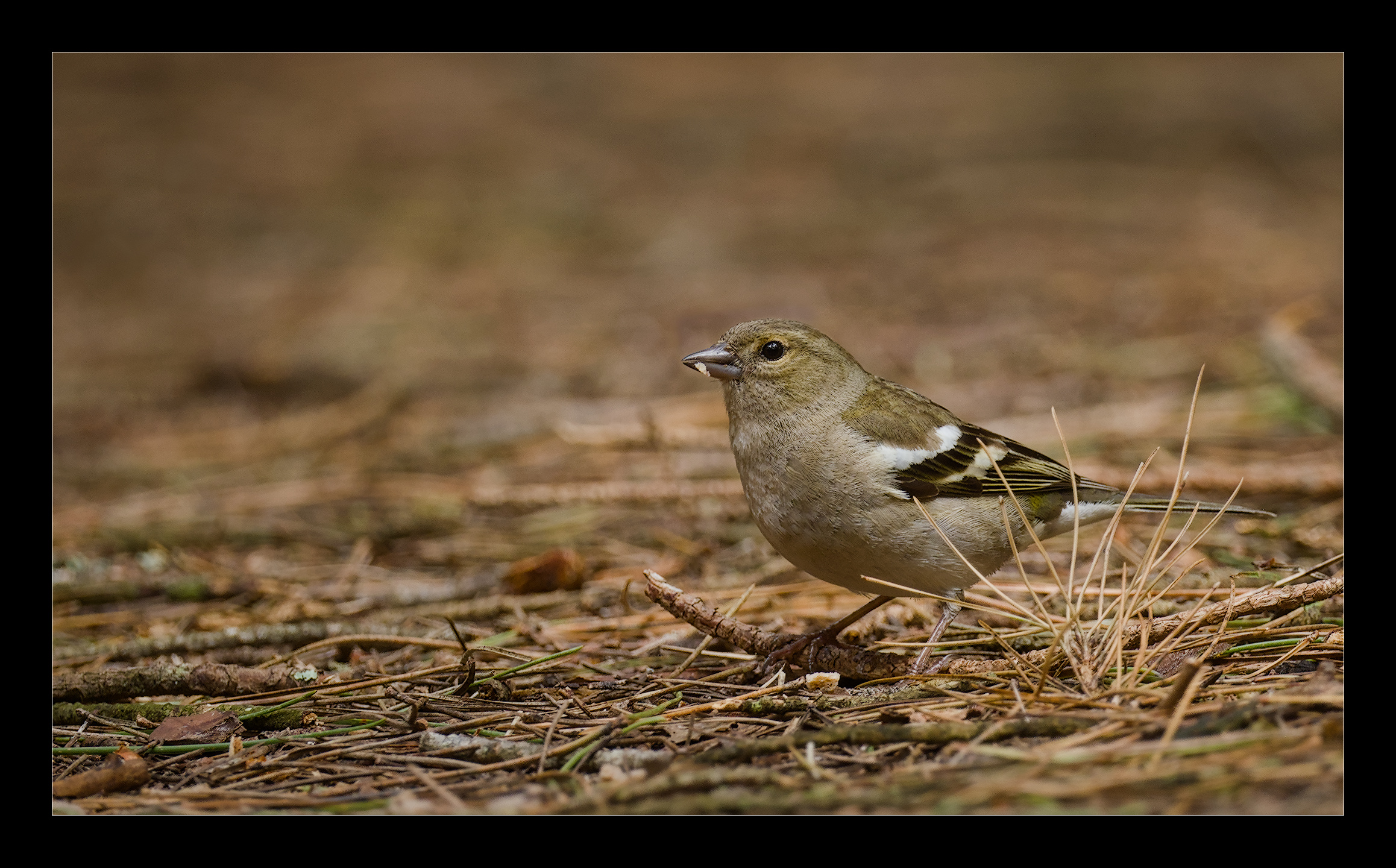
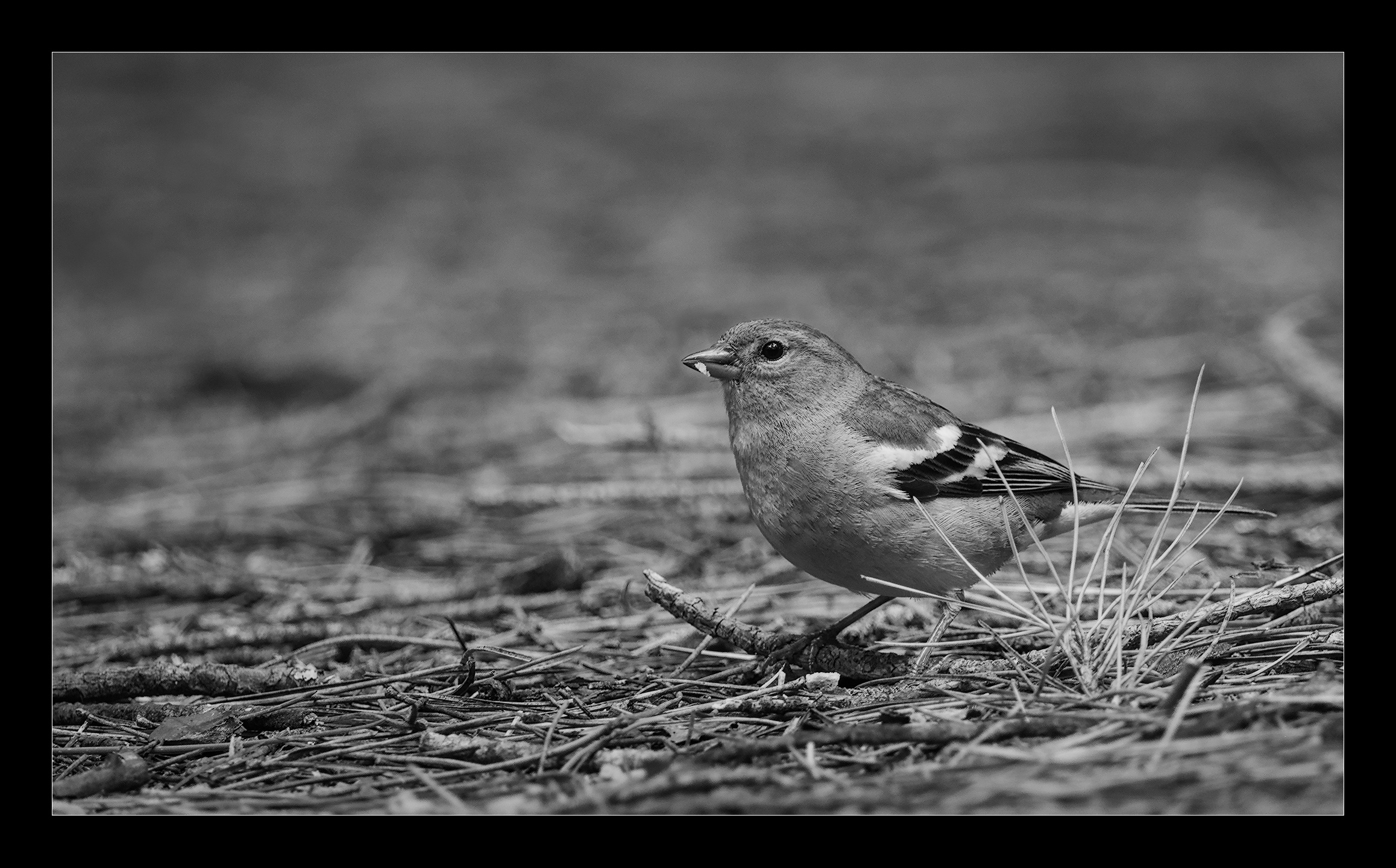
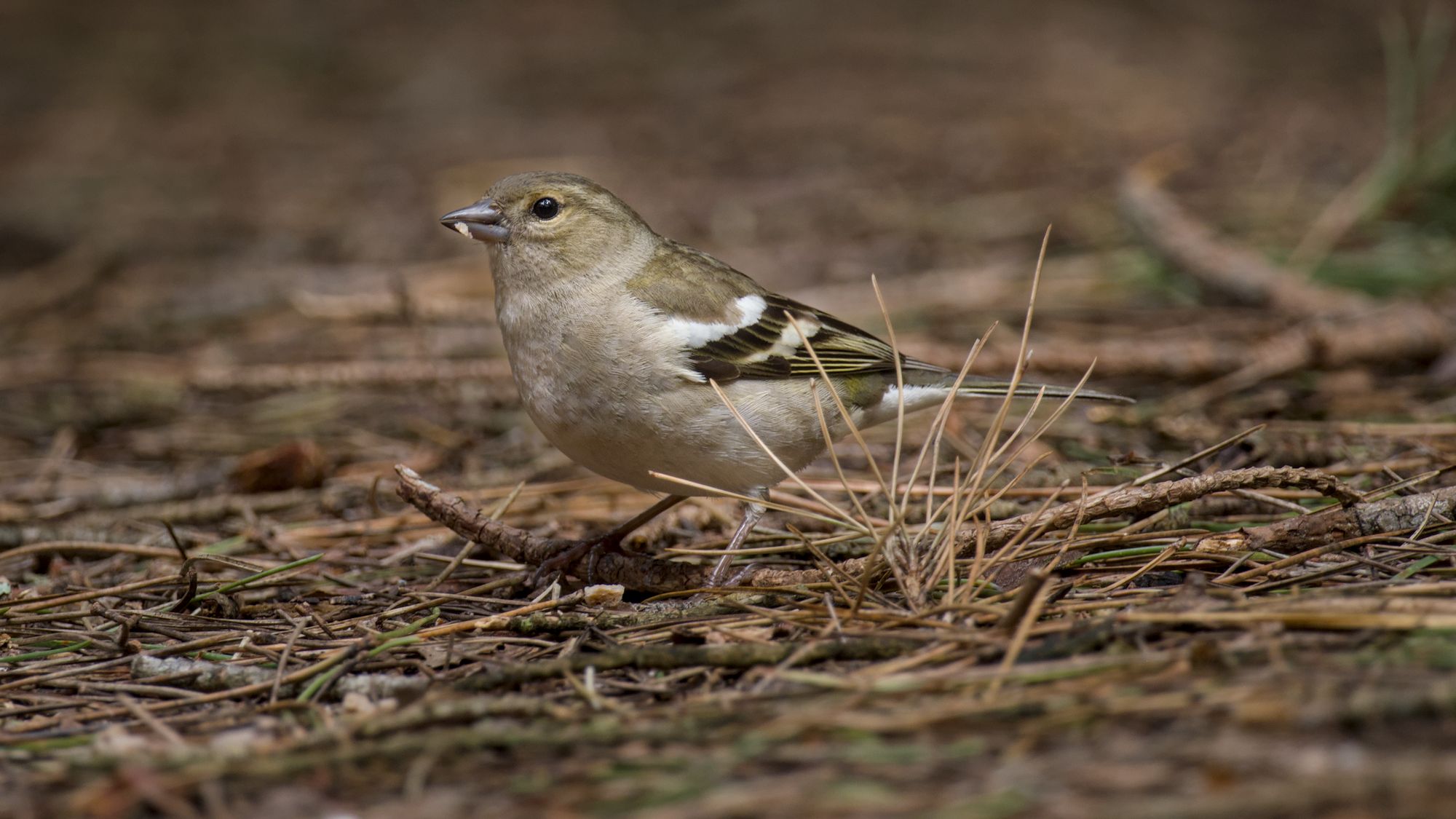
I use vignetting on pretty much every image that I process - I just like the look. My current preferred method is to use an instance of the exposure module and draw a mask with ellipse/path/gradient then invert the mask and decrease exposure as required.
It really seems strange that we spend lots of money on lenses that minimize vignetting then lens correction to eliminate any vignetting only to add vignetting during the final stages of processing.
I think this vignette looks fine. I do a simple test where I sit back a few feet and if the shape is noticeable then I know I’ve pushed it too hard.
Lately I’ve been using drawn masks with CB RGB, and I’ll darken only the shadow areas. That seems to do an effective job of framing the subject while adding some interesting contrast.
Yeah, when setting up some tools like these, I generally zoom out so that the preview does not use up all the available space on screen, and is, like, 10–20 cm wide. Once I think I got the settings possibly right I spam on-off-on-off to see if I gradually went too far or whatever, then adjust, rinse and repeat.
Thanks @hatsnp and all participants for this nice picture and for me very useful discussion, learned a couple of things!
Had to try all sorts of things and did so. Dt -actually my pc - found it difficult to follow - OpenCl is not working…
Used of course a vignette, added two grad filters from top and bottom - icw desaturation in color balance rgb. I found two area’s in the photo a bit distracting so removed them partly. Bit of blur on the background. Surely cropping is your friend here - but very sensitive to taste and the moment. Sharpening, used a DoS preset from @Soupy - really thanks for that one! - and tried some masking there too not to emphasize the noise structure.
Hope you like it and as a bonus made a b&w version which I do like as well.
I recently had to add a new dependency module for my OpenCL to work. Apparently, it did not get added automatically by updating my system. Let me check what it was…
The new module was opencl-mesa (on Arch Linux - it might have a different name on your system).
The vignetting we add to images does not have to be centred around the physical midpoint of the original frame, and the characteristics (strength, falloff) don’t depend on the lens. I think the situation is similar to colour grading, where we first create a technically correct white balance, and then add whatever ‘creative’ modification we want, or how we correct lens distortion and perspective, and then use filters like liquify.
I grew up dodging and burning in the darkroom and often add vignetting to the image. However in this image I selectively dodged the bird with a drawn mask and burned some of the foreground and background with gradient masks instead of an oval vignette. _DSF8859_01.RAF.xmp (23.6 KB)