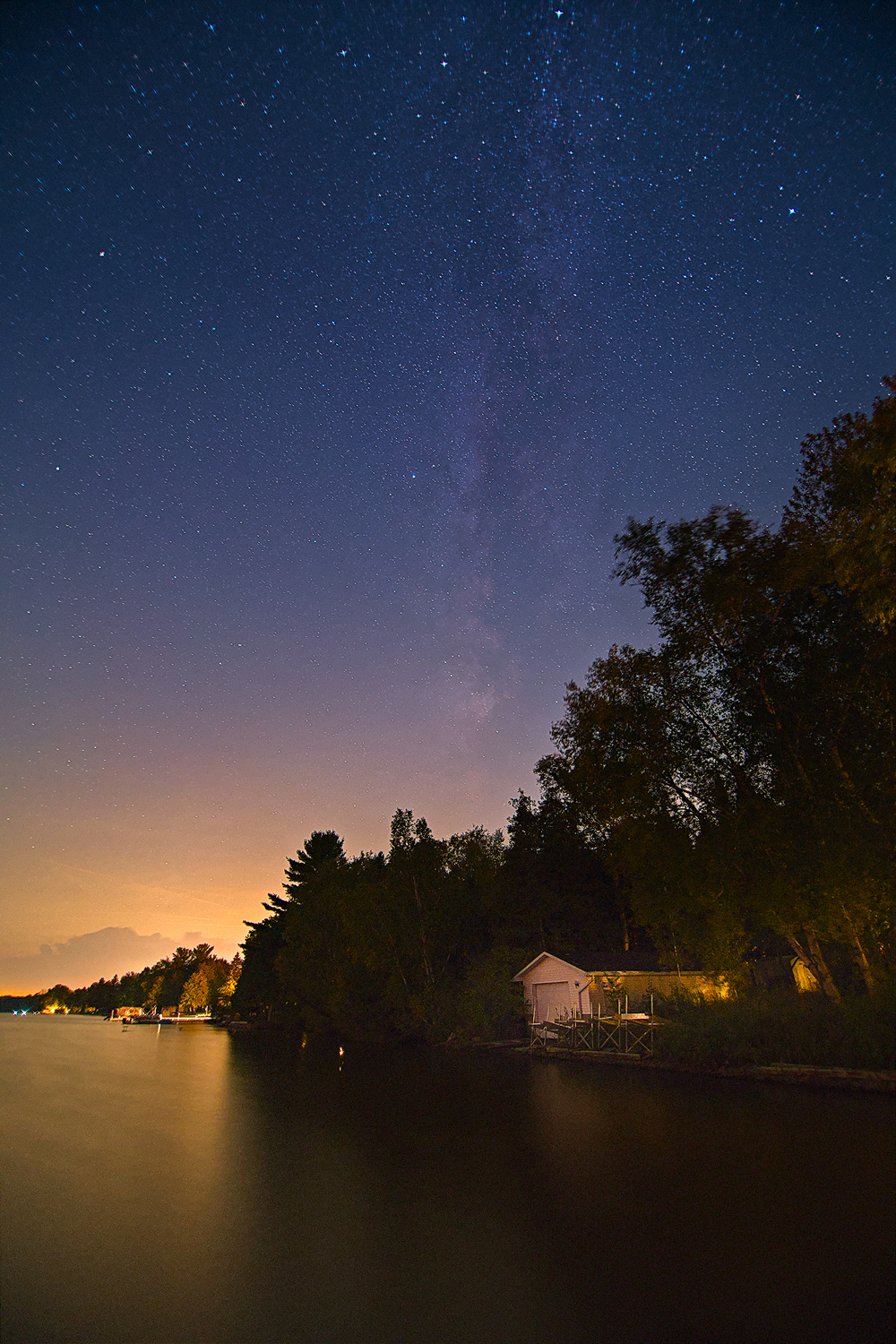
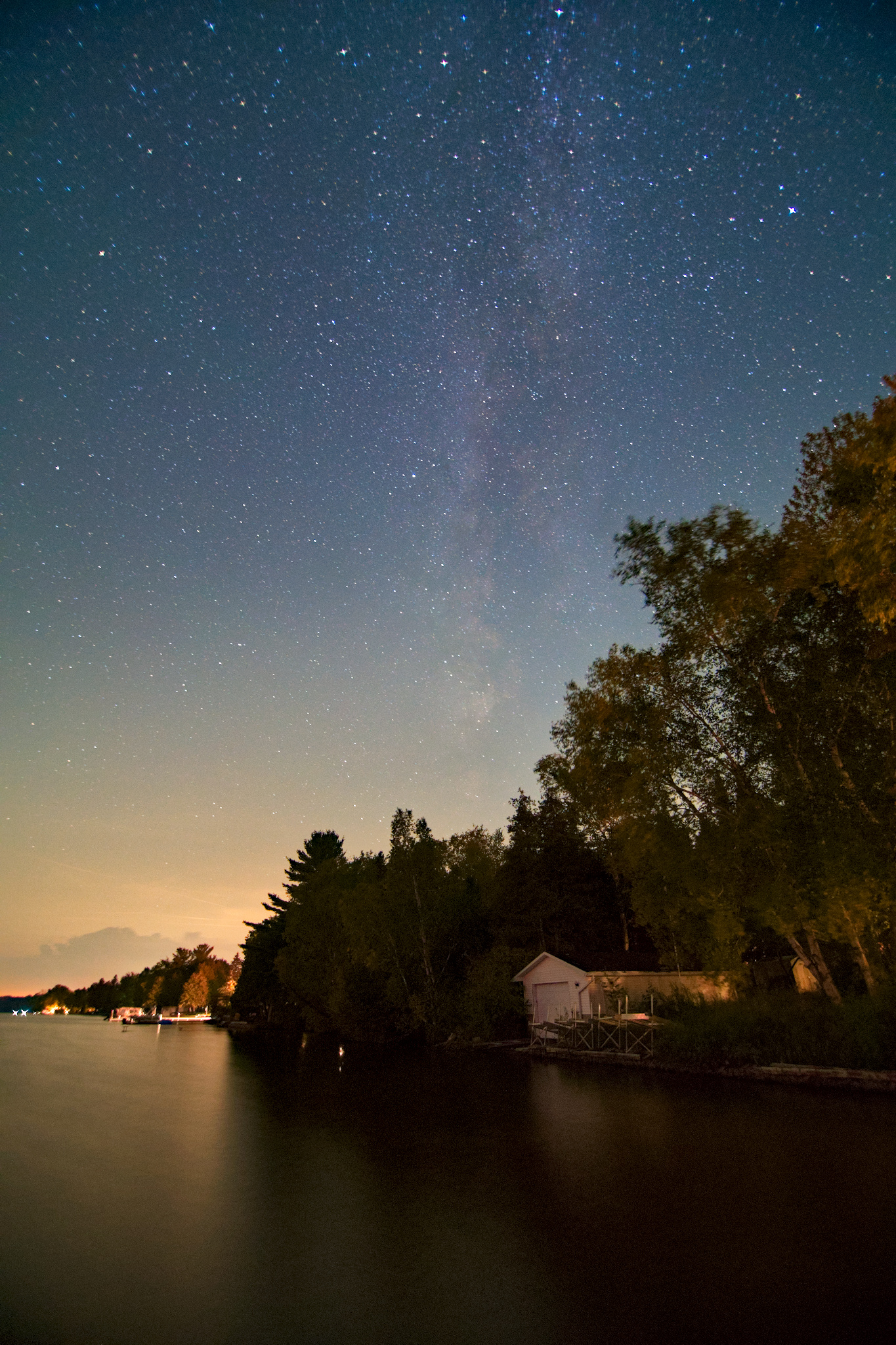
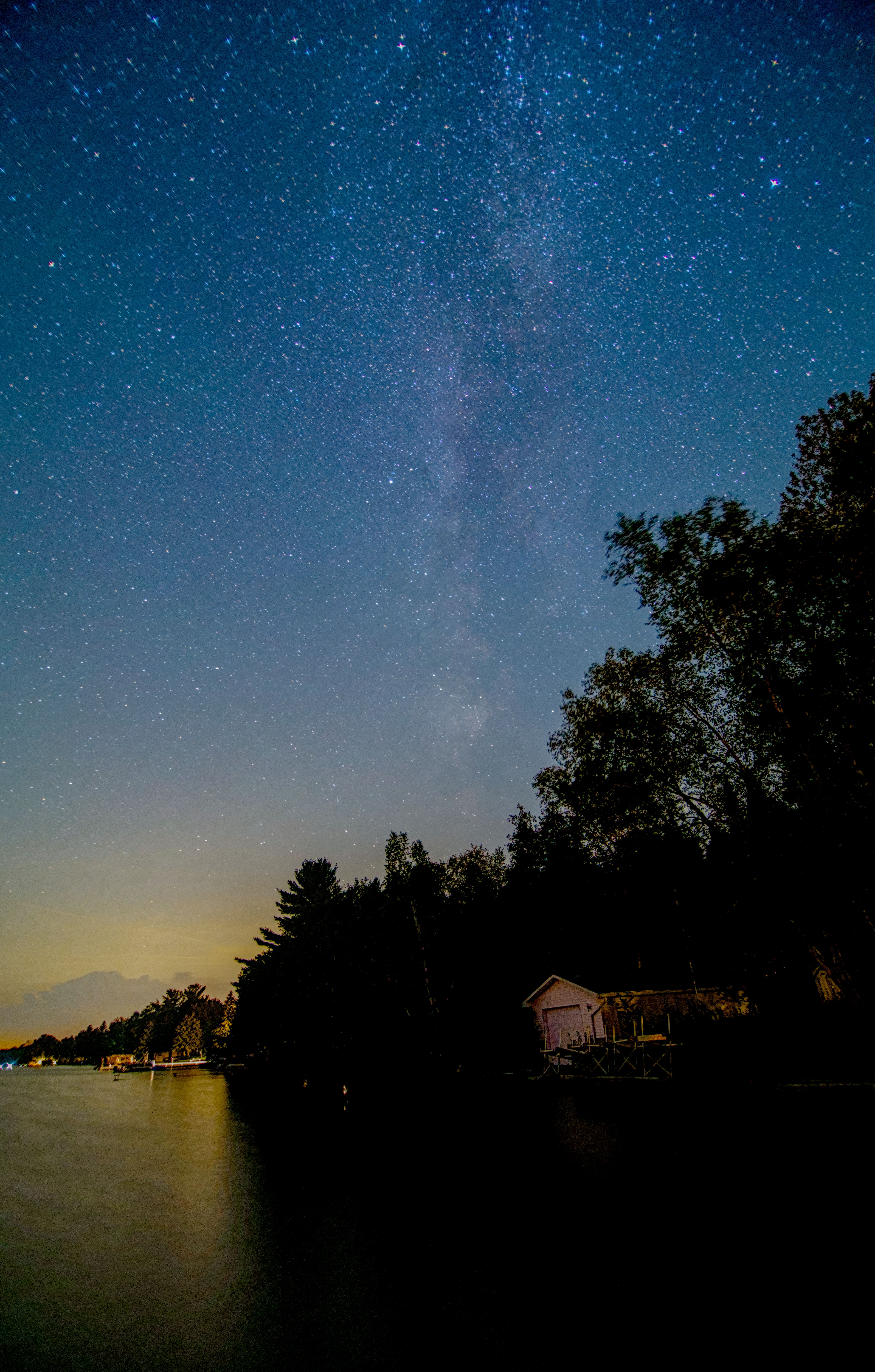
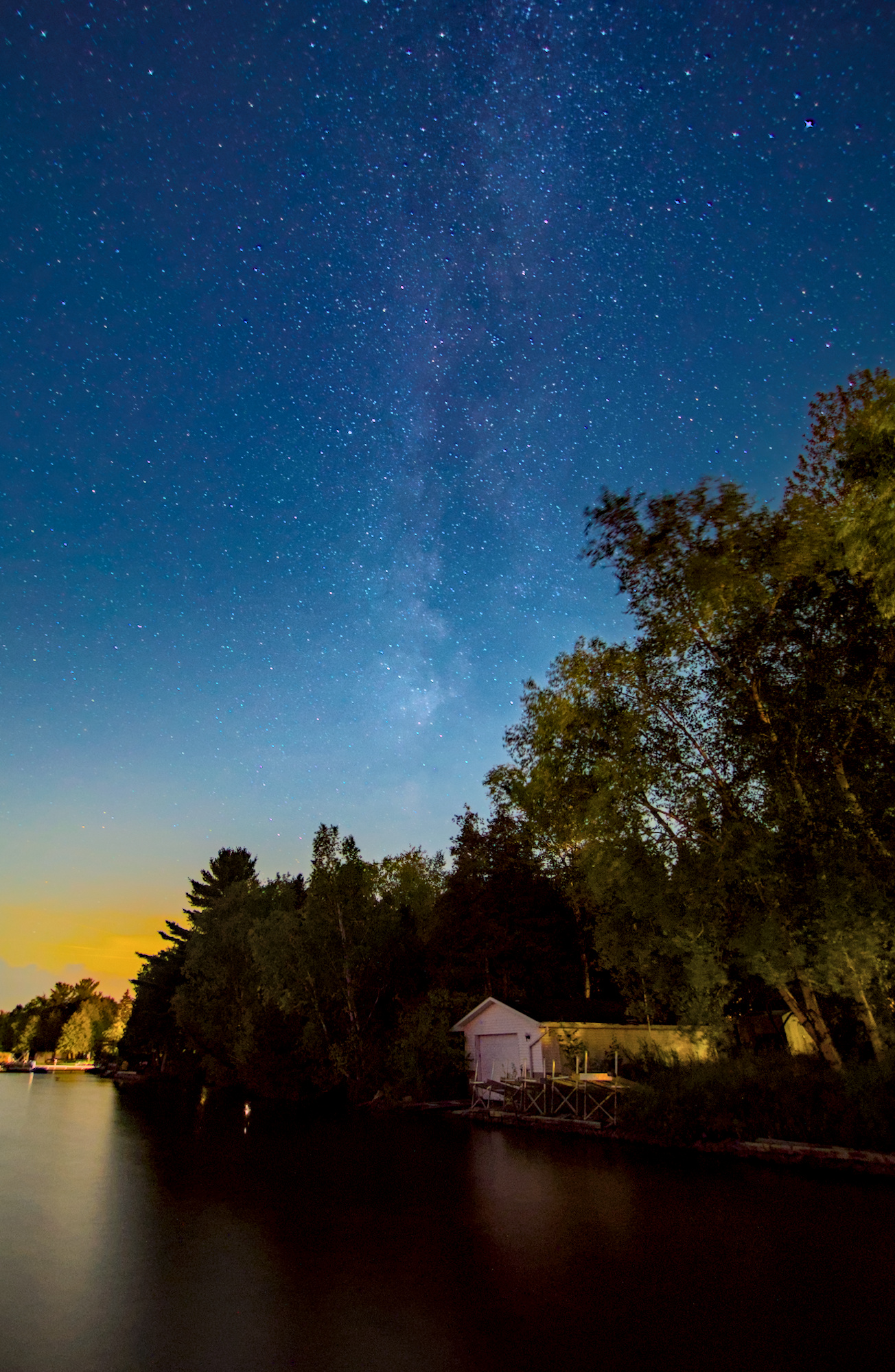
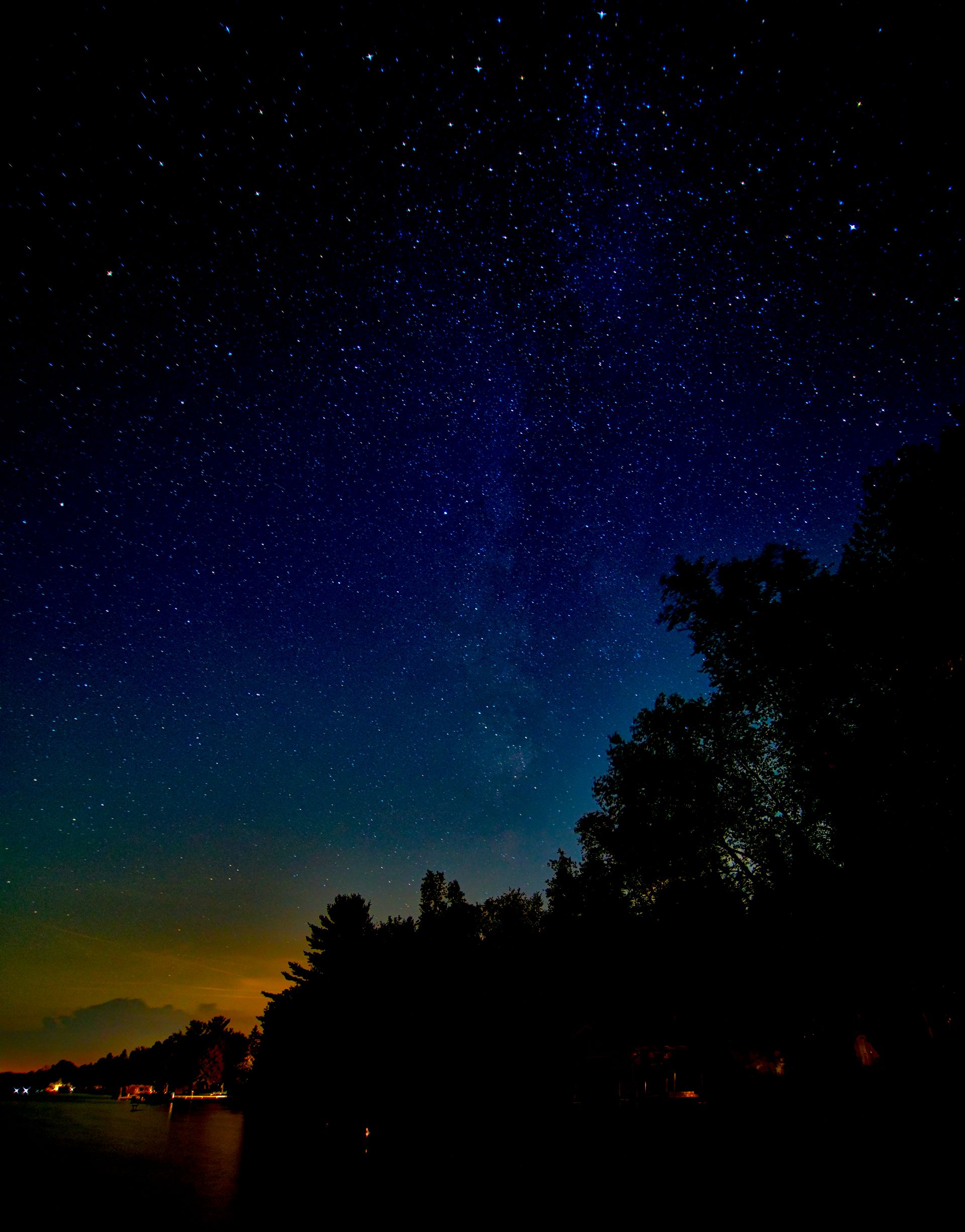
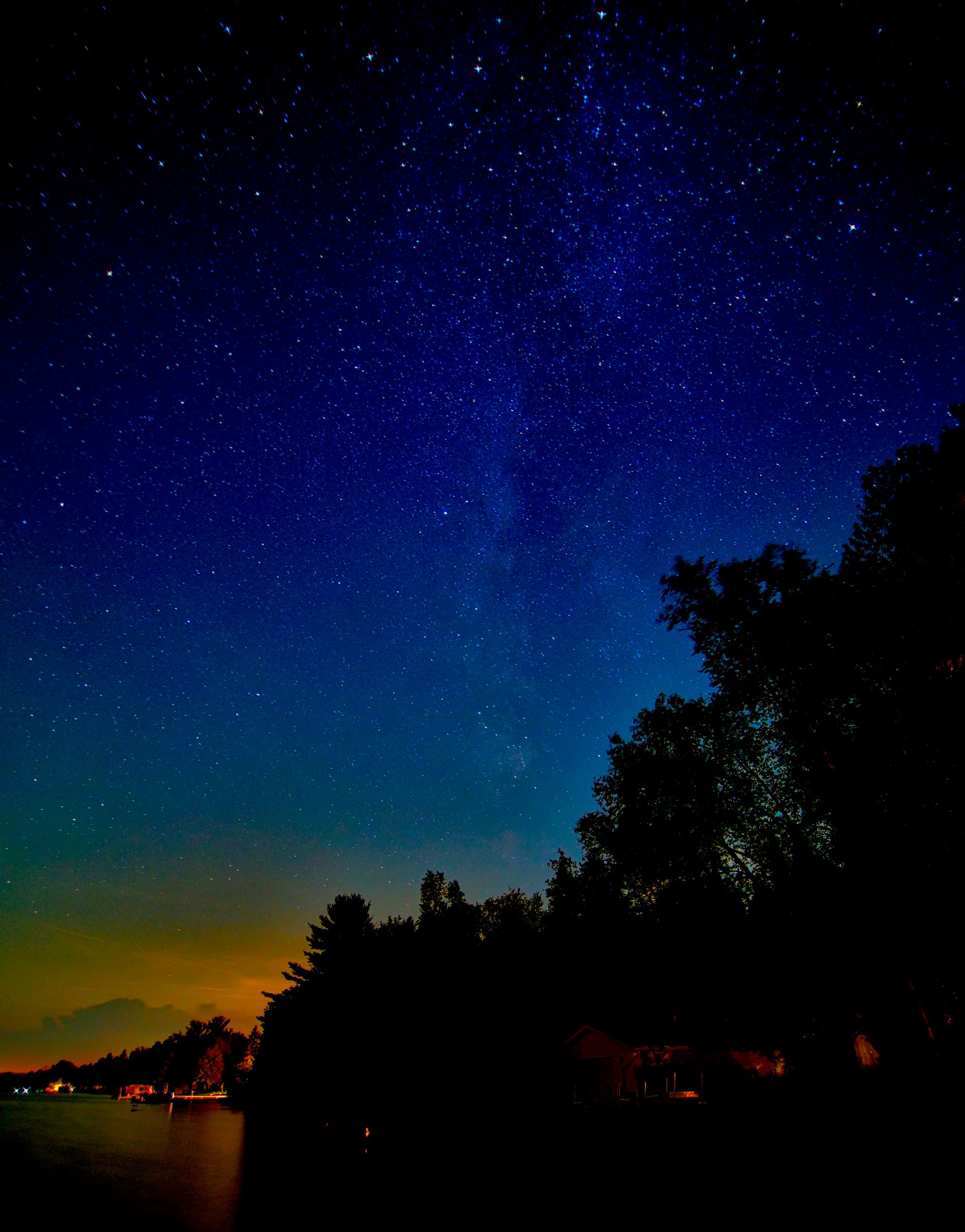
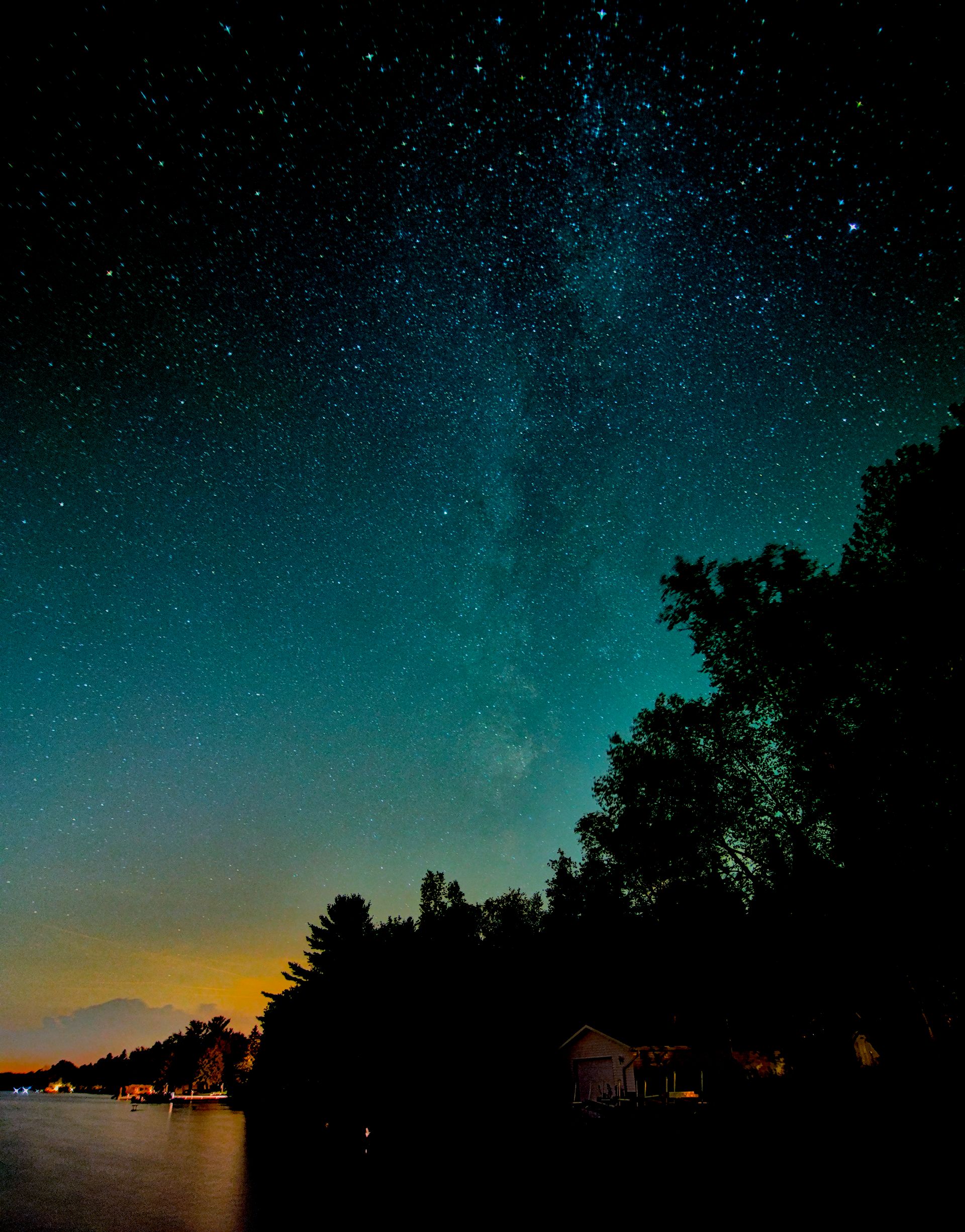
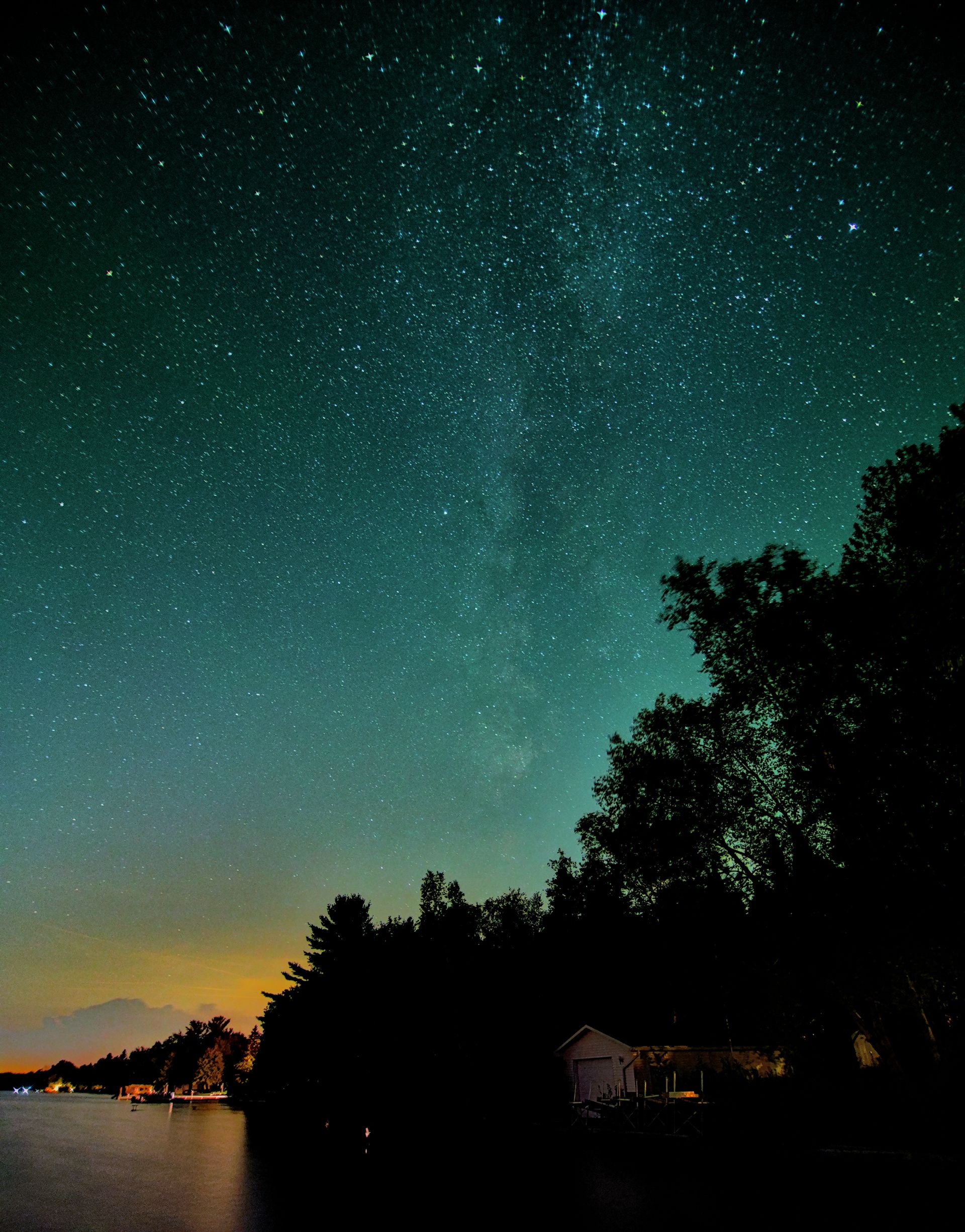
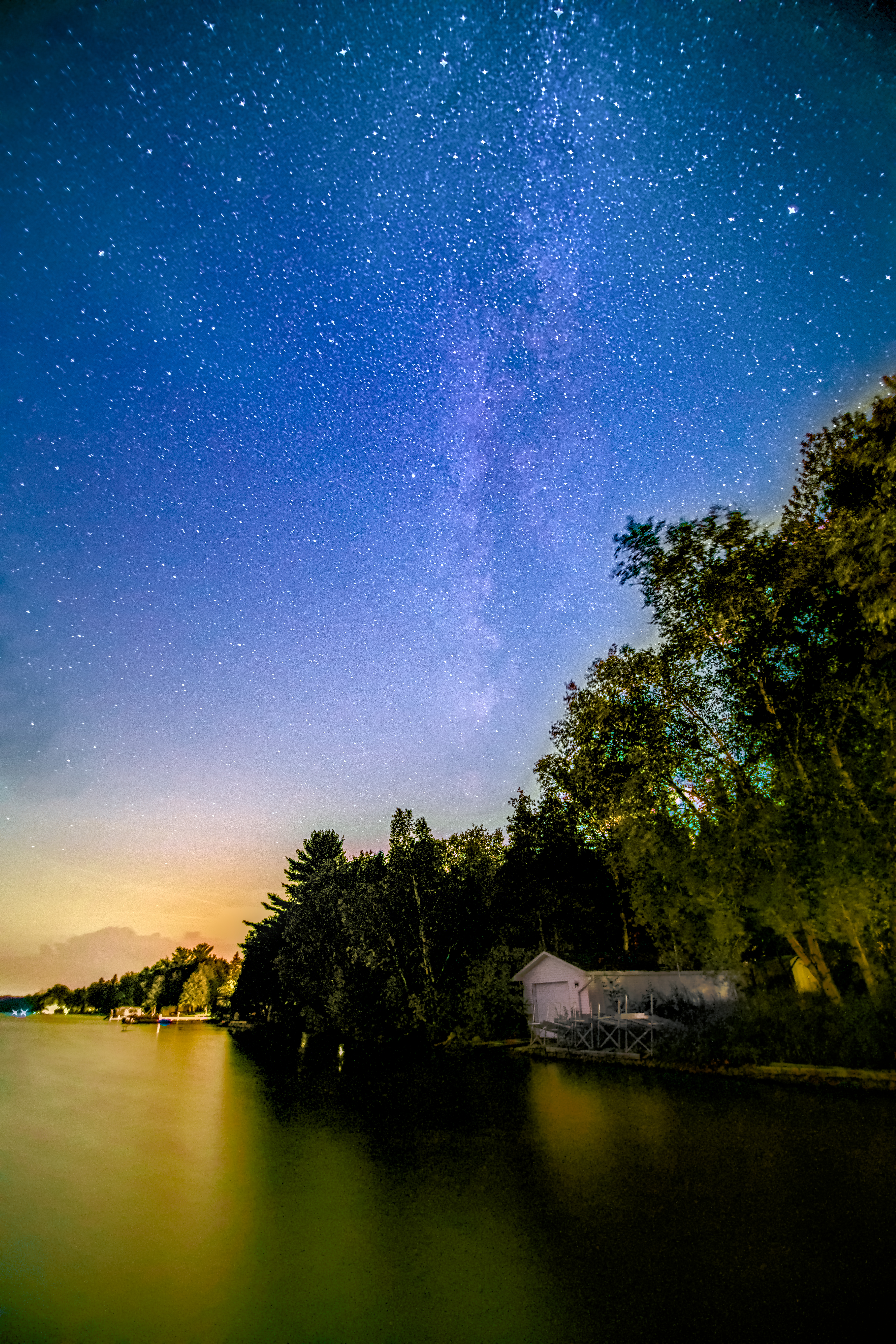
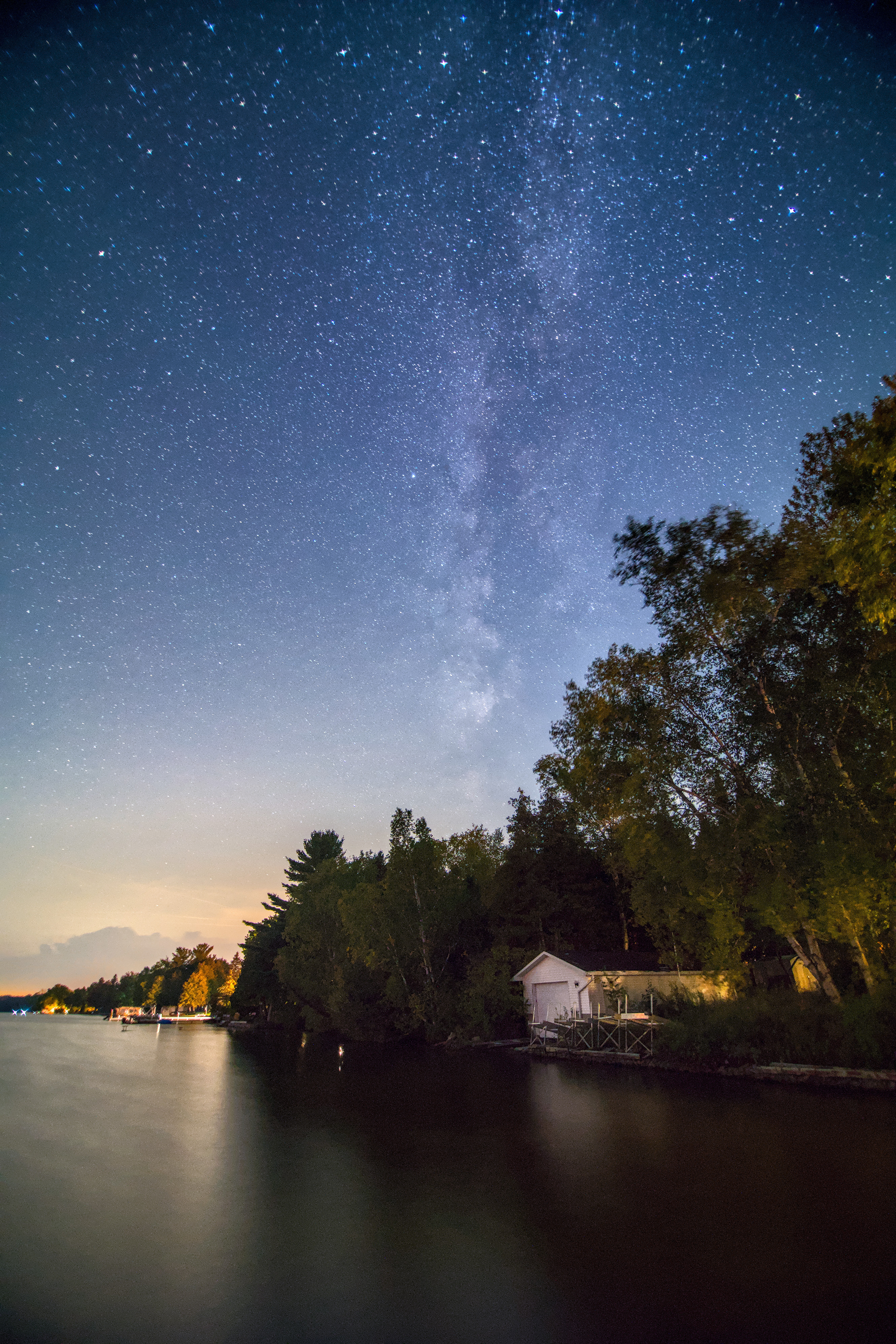
Ooops… I think it comes down to careful tone equalizer adjustments to get the shadows up (I used 2 instances for more control), lots of sigmoid contrast, and hardest to explain but maybe most important, a lot of adjustments in the color calibration channel mixer, including the relative colorfullness and brightness tabs.
I did notice that my version pushed some stars out of gamut (or something) and there’s a few sharp blue bits when you zoom in. Not quite sure how to deal with that.
Many thanks to everyone for spending your time editing and sharing your edits. I am pretty sure I picked up a few things here and there
I easily got confused with so many modules and many of the “legacy” ways of doing things, such as where to apply white balance and mix colors.
Did another edit with some arbitrary guidelines in mind:
Trying stick with more “modern” modules
Try to do things in “modern” ways. I did use low pass module which is not recommended by the manual.
Try to minimize use of masks. After all I used zero mask in Luminar.
Try not to use GPU intense modules, such as diffuse or sharpen, as I only have a laptop with 8th gen i7 with integrated graphics. Not terribly slow but not a fan for waiting for too long.
Try to preserve lighting in trees as I don’t like them to be a black blob.
Still took way longer than Luminar but I suppose it’s the price to pay for driving a manual car.
Here’s what I came up with, hopefully made some progress, still long way to go I suppose.
You can certainly take this one in a few directions… and personal preference will influence it… for example I often like the silhouette look when featuring a sky. Then you have no distractions in the composition… Personally I would just love to be in a boat looking up at that sky and doing some night fishing …
 I think it comes down to careful tone equalizer adjustments to get the shadows up (I used 2 instances for more control), lots of sigmoid contrast, and hardest to explain but maybe most important, a lot of adjustments in the color calibration channel mixer, including the relative colorfullness and brightness tabs.