Good morning! I have installed g’mic from the development branch and played a bit with the fonts. The functionality implemented by @David_Tschumperle is great, so thank you.
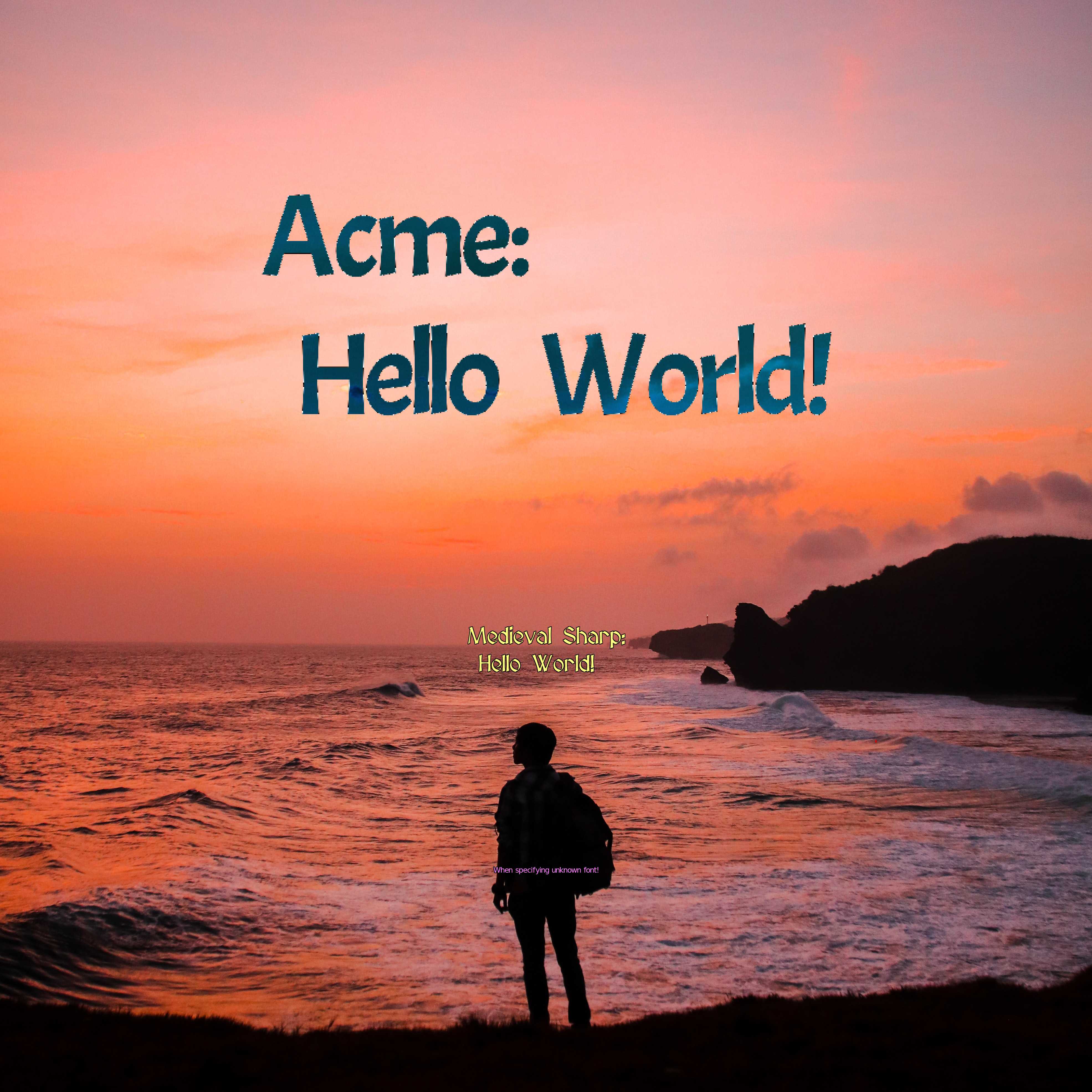
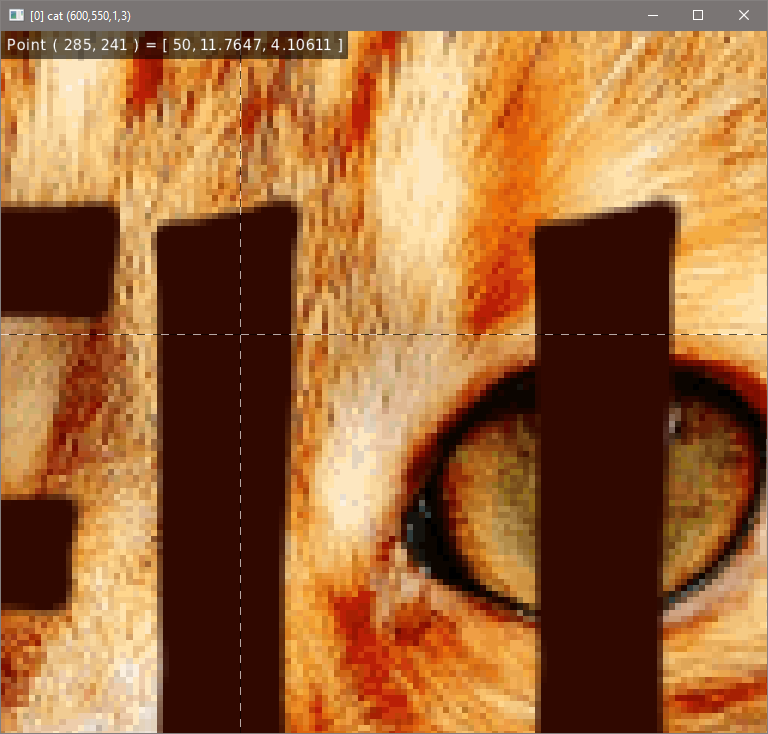
As I want to use this for generating a book cover, I have tried it on a larger image and what you see is quite some pixelation (text "Acme:\n Hello World!",0.5~,0.2~,${"font Acme,500"},2,1,64,128,255).
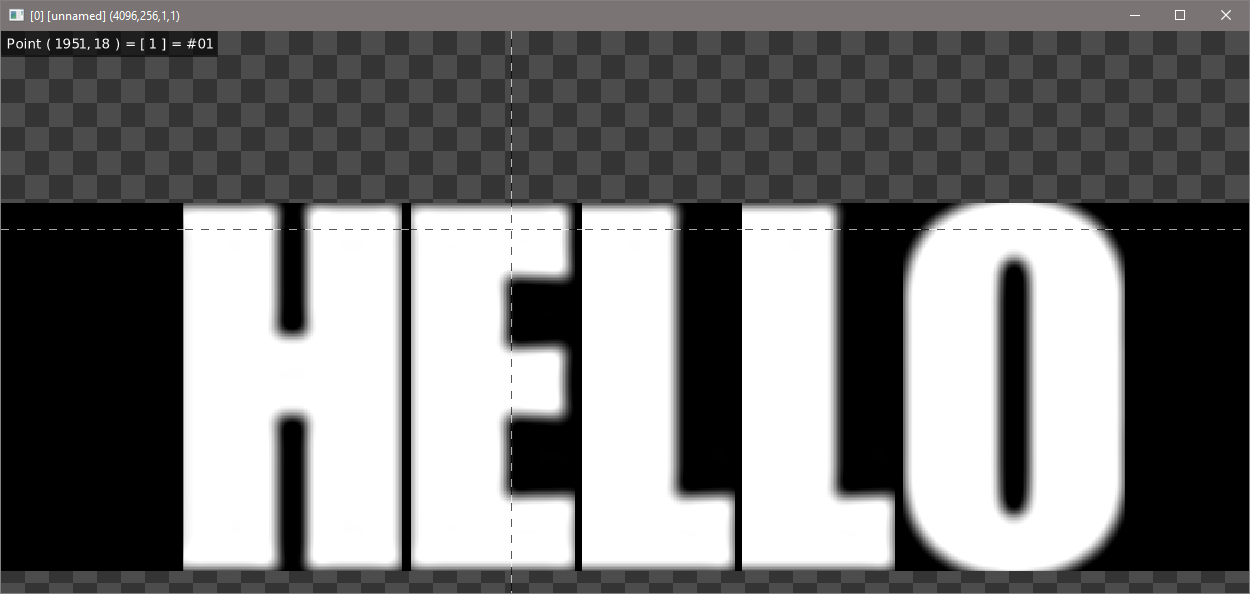
If I understand @David_Tschumperle, the font is generated by grabbing the pixels from the screen and turning them into individual images. Can you share some more insights how the .gmz for a font must look like, so perhaps I can also spend some time trying to find another - non-screen-grab - way of generating them.
No surprise for me.
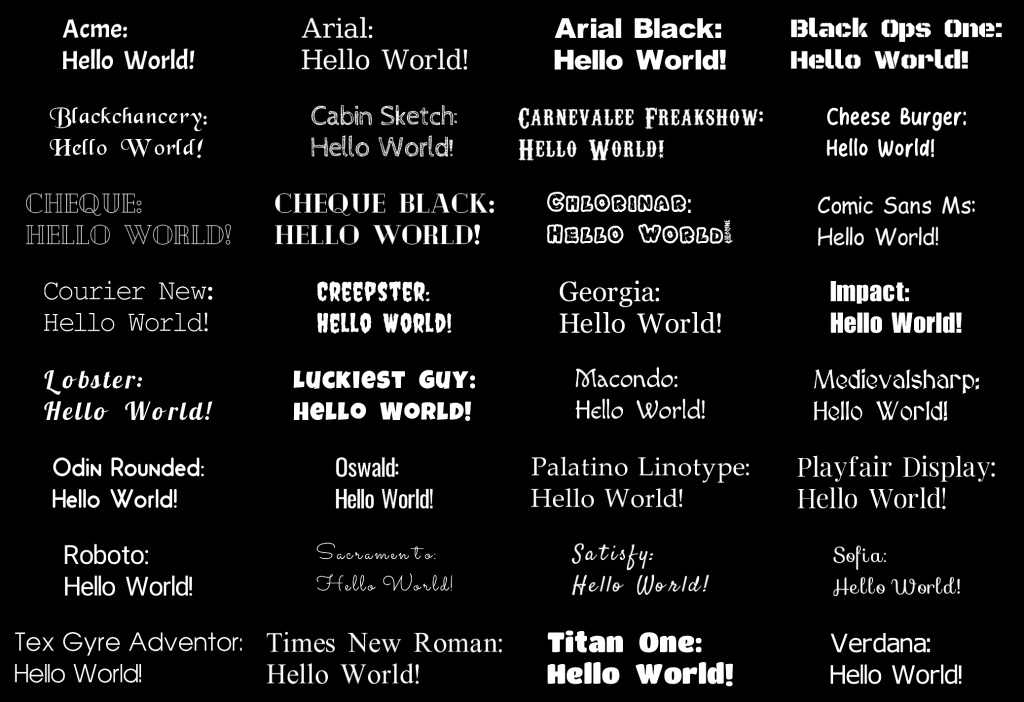
The default fonts in G’MIC are rendered with heights 24,32,64 and 128.
If you specify a font height larger than 128, then the font is interpolated and interpolation artefacts appear.
Two solutions that can be imagined at this point:
1 - Rip your own font with font2gmz , and specify a large height (500 in your case).
2 - Or, hope that someone smart enough in this forum designs a pretty cool font upscaling algorithm that could be integrated in command font (that could be an interesting challenge BTW).
@David_Tschumperle can you share how the font file for the individual characters has to look like, please. Something like https://github.com/sl2/TTF-to-PNG might be a good starting point to create the font images directly. I probably have some time to give it a try.
Or, when looking at the Python script above, perhaps even simpler… convert -font Caprasimo-Regular.ttf -pointsize 500 -background "rgba(0,0,0,0)" "label:A" A.png as ImageMagick is probably available on many operating systems
I’ve tried something simple for doing this, but this seems to work reasonnably well.
Maybe you can try to update your stdlib ($ gmic update) and see if that works for you.
OK, so the bug has been introduced in G’MIC 3.3.1_pre.
It does not happen on current stable version 3.3.0.
The height does correspond to the maximal height of a font character. It is not the height of each character independently (of course, you don’t want a , to have the same height as a A).
I’ve tried to make this a bit cleaner in the font command. But, as I said before, the defauilt fonts in G’MIC are currently stored with a max height of 128px, which means asking for something bigger will create interpolation artefacts, no matter what I do in the font command.
To be more clear: Do not expect something clean unless you convert your own (large) font with command font2gmz.
The font rendering method in G’MIC is quite basic. It’s already quite a miracle I’ve been able to add the possibility to use custom fonts for having a bit of diversity.
For large fonts:
$ gmic font2gmz my_font.ttf,500 o font500.gmz
and then
foo :
  0 t. "Hello World!",0,0,${"font font500.gmz,500"},1,255
CutyCapt really needs an X server to work if I interpret the manual correctly. Is there any other way of doing it, e.g., with a more off the shelf tool, which is available on more platforms? I am more than happy to look at it if anyone shows me how the the font500.gmz resulting from a TTF looks like.
Ok, I installed cutycapt on Windows, and installed VcXsrv Server which is supposedly a X-Server on Windows. I set cutycapt into path, launched VcXsrv, and used font2gmz command, it does not work.
I can only advocate one more time that I believe we should use common available software to convert the font files, such as TTF, to gmz and not rely on software to do screen scaping. One example being Imagemagick. I am happy to help but need to understand how the gmz file must look like.