So, uh, how do I start hacking on the pipeline framework you set up? Is that main.c? main.comp?
I think this software can analyze people
haha, i bet it does.
uh, sorry… i did not give a lot of explanation, did i. let me try:
because it involves a few kernels to be run one after the other, this module is actually one of the more complex ones. this means, we’ll need CPU code to setup the part of the node graph that represents our processing here. this code is in main.c, in particular in create_nodes(). you’ll find some structs to represent the nodes and some api calls to connect them. you shouldn’t need to touch this in case i got all the data dependencies and iterations correct.
the CPU code then instantiates a number of nodes with kernels init, main and final. each of the three has a corresponding compute shader named init.comp etc. these files you will want to edit.
the init kernel reads the rgb image and outputs a 4-channel per pixel auxiliary buffer of same size. it is run once at the beginning of the node graph created by this module.
the main kernel is iterated 12 times, interleaved by some generic blur module that will blur all four channels of the auxiliary buffer this operates on. let me know if you only want to blur one channel, i’ll introduce a mask, or connect the original buffer for selection. oh, also i need to make this blur faster, i have an idea what to try.
the final kernel is run last, once. input is the aux buffer, output shall be another colour image.
let me know if your kernels need any more input (like the original rgb image in addition to the aux buffer). this would require changes to main.c, specifically i’d need to put more read type connectors to the corresponding node and wire the other buffer.
other than that, you’d just put a few lines like here:
initialising the aux buffer from the rgb image. and here:
to do whatever you have to do on the aux buffer before blurring it. finally, you’ll insert here:
how to compute the final rgb image from the aux buffers.
these compute shaders are in glsl, but apart from some swizzling and builtin functions it behaves very much like c, so i don’t think you’ll have problems.
to test the module, open any raw file in vkdt, maybe like ./vkdt path/to/file.raw. there’s now a feature in the ‘pipeline config’ tab that lets you add a module. you can add filmsim with instance name 01 or whatever. (sorry it’s not called filmulator, i limited module name identifiers to 8 chars for more efficient comparisons, gui display will need an extra string at some point). you can then insert it into the pipeline wherever you want, maybe before the filmcurv module near the end. vkdt will then write a sidecar .cfg file next to the raw file so you’ll only have to do that once. i can also prepare an example file that already contains these steps if that helps.
slight outlook wrt performance: on my 2080Ti the pipeline would take just above 20ms for the filmulator module + 8ms extra CPU overhead because many nodes + stuff between the cracks which would sum up to around 38ms/full pipeline run. i’d really like to make this faster. i think the blur has a lot of potential, also maybe we can interleave the blur iterations and the filmulation iterations more tightly, we’ll figure it out 
hope that helps, let me know how it goes.
1 Like
I am interested in contributing to the capture sharpening part. The current implementation in RT is really simple and it should fit to GPU processing as well. It has some iterations (which will play nicely with GPU processing)
Let me know, if you’re interested.
2 Likes
oh, nice! that would be great! would be curious to see this too. especially compared to your crazy optimised cpu version. let me know if i can assist… not sure you managed to build/run this yet at all, the whole thing isn’t very polished or anything.
pushed an update to this branch, down to 20ms, out of which 5ms blurs.
Newbie question here: was trying to run the make command but get the error message
qvk/qvk_util.h:22:10: fatal error: ‘vulkan/vulkan.h’ file not found
#include <vulkan/vulkan.h>
^~~~~~~~~~~~~~~~~
even though vulkan seems to be installed (to the best of my knowledge).
Thanks and have a nice weekend,
Oskar
hm, which system is that? does it have a separation into library and the dev package as most do? here it’s called libvulkan1 and libvulkan-dev, also i usually install vulkan-validationlayers-dev. do you have vulkan.h? for me it is /usr/include/vulkan/vulkan.h.
as a starter, i implemented a very stupid deconvolution module (not interesting for its results but for the structure of the code). maybe we can look at it together and you can tell me what’ll be required to match your implementation. it doesn’t do any clever shared memory tricks to keep iteration local without global memory accesses, so for larger number of iterations i’m expecting this approach to be slow (was fast to code up though).
Shall we open an issue for that on github/hanatos/vkdt for further discussion?
okay after talking to ingo a bit here are some more initial numbers.
sigma = 0.67, 20 iterations, full image 48ms (!!!). this makes it the slowest module i’ve ever written for vkdt, including the filmulator test framework  (as a point of reference, demosaicing this one takes 2.8ms).
there is a thing or two in the way i pass the sigma as push constant that could be improved, but the main issue is that the stupid way of handling iterations here will not scale. i didn’t know the radii are so small usually, so a tiled/shared memory approach would in fact not be much work/overhead at all. will definitely be needed to make this practical.
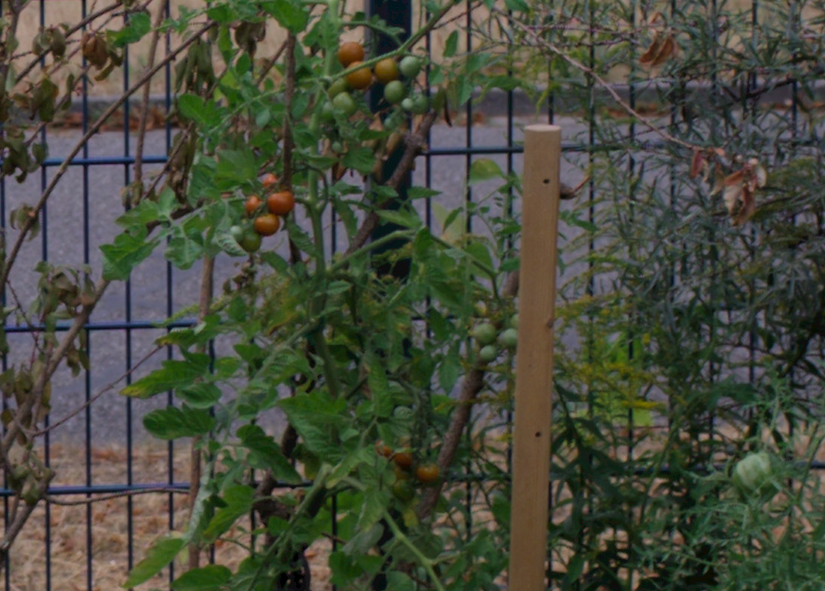
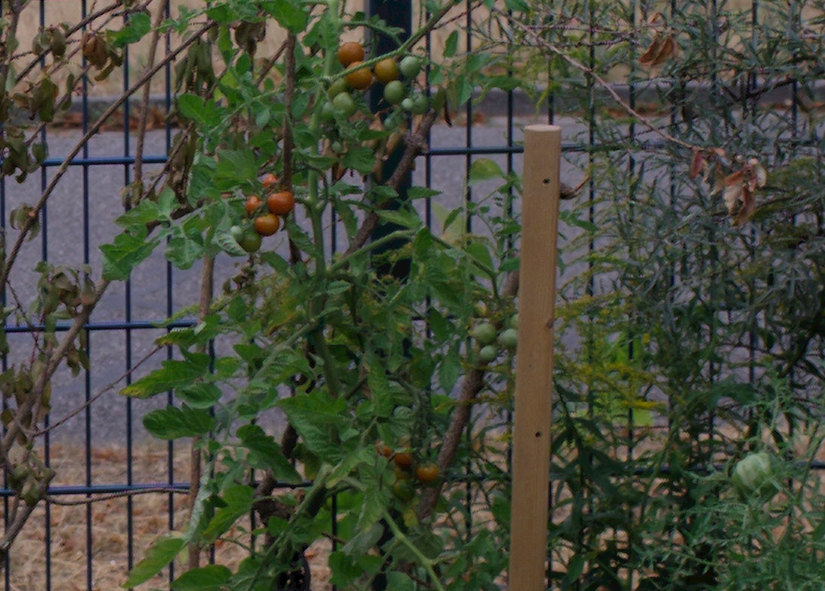
some images. top: no deconvolution. bottom: settings as mentioned above. (these are crops)
1 Like
They are. But please do not make the same fault for UI as RT did. Please name it correctly in UI. In RT UI we named the sigma radius, which is clearly wrong. Another possibility would be to name it radius in UI, but show the sigma value multiplied by 3. This may be more intuitive for users.
right, thanks for the suggestion, fixed now:
https://github.com/hanatos/vkdt/commit/20e3fe02ba8f929cbb478c61d754d69c63511418
1 Like
I guess that was on a full 24 MP file.
For reference, on my 7 years old 8-core AMD FX8350 this step takes ~10 times more: 440 ms
Not so bad for this old CPU, though…
okay i implemented the tiled version in shared memory. this is an initial “yay it compiles let’s ship it!” kinda implementation, so i’m really hoping it can be improved. i think at sigma=0.6 for my image above i get good results for 10 iterations and diminishing returns above that. so for this setting it’s now at:
[perf] deconv_deconv: 9.317 ms
which is closer. i was hoping more for something in the range of 2ms, will have to profile this and see what can be done (and yes, always full res, i forget how many megapixels that was, may be less than 24).
One thing just came into my mind (while testing ART): isn’t the point of “suckless” or minimalistic software that it (apart from having as few lines of code as possible) also uses as little hardware resources as possible? So wouldn’t a photo editor that needs a fast and power hungry GPU be something like the opposite of suckless/minimalistic software?
heh, interesting question. for me not at all, because i’m impatient and i don’t care if the computer hardware suffers (i just don’t want to wait because of features i don’t care for). also i’m not at all sure a gpu would use more power to solve the same task as a cpu would. much of the implementation work here is to put the algorithms upside down so they can make use of the massive SIMD units (these typically use less die size and power than analogous single lane versions), and use less cache size (needs power too).
i see it more as a side effect that now of course i’ll fill up the “workflow window” of the runtime with more powerful features: inpainted highlight reconstruction, deconvolution for sharpening, image alignment, local laplacian pyramids, always compute full resolution, …
(and apropos minimal vs. bloat: i hate how this markdown thing translates my .. to ..., how wasteful)
I’m with @hanatos on this; I’d rather put all this stuff I’ve assembled into a computer to Work…
With respect to rawproc, each tool added to the chain has a copy of the image, processed up to and including that tool. This eats up large amounts of memory, but I can click on a tool and have its image rendered for display speedy-quick, well, 'cept for the display color transform, but I’m working on that. With 8GB of memory, today I had four copies of rawproc open; didn’t start eating into the swap space until the last tool added of the fourth image…
hmm, of course wasting cycles / power is a bad thing in many ways. and we don’t do that. to the contrary: if you “waste” resources with all these intermediate buffers then only because you save on compute, so you burn less power for your result.
of course using an iterative algorithm for sharpening (as heckflosse’s capture sharpen, see above) is more costly than simple USM in terms of watts/rendered image. and since with faster hardware i can stay below the pain threshold and still facilitate interactive workflow, of course i’ll use the better algorithm. this is capitalistic value added and in that sense a waste of natural resource/electricity.
i’m going to claim for myself that the 0.5 people who are using vkdt on average per day are not going to harm the planet for now, and also that optimising code for speed is actually saving resources.
geeking out on a tangent: i’m using a memory allocation pass that runs on the pipeline configuration. it determines the offsets and sizes of the scratch memory where nodes read their inputs and write their outputs. since the configuration stays static for multiple runs after this, allocation only runs once and this still allows me to reuse some memory on the way. to cache buffers (for multi-frame rendering or to speed up interaction that only involves half of the graph) the allocator can assign extra reference counts to buffers so they won’t be overwritten. i have to say though i’ve been lazy to wire this for interacting with sliders, i currently only do it to avoid upload of raw buffers.
another quick round of updates:
- implemented capture sharpening with help from heckflosse (~10ms)
- implemented a testbed for filmulator-style film simulation (~20ms), read some literature about reaction/diffusion equations, got confused and distracted and did not finish the module
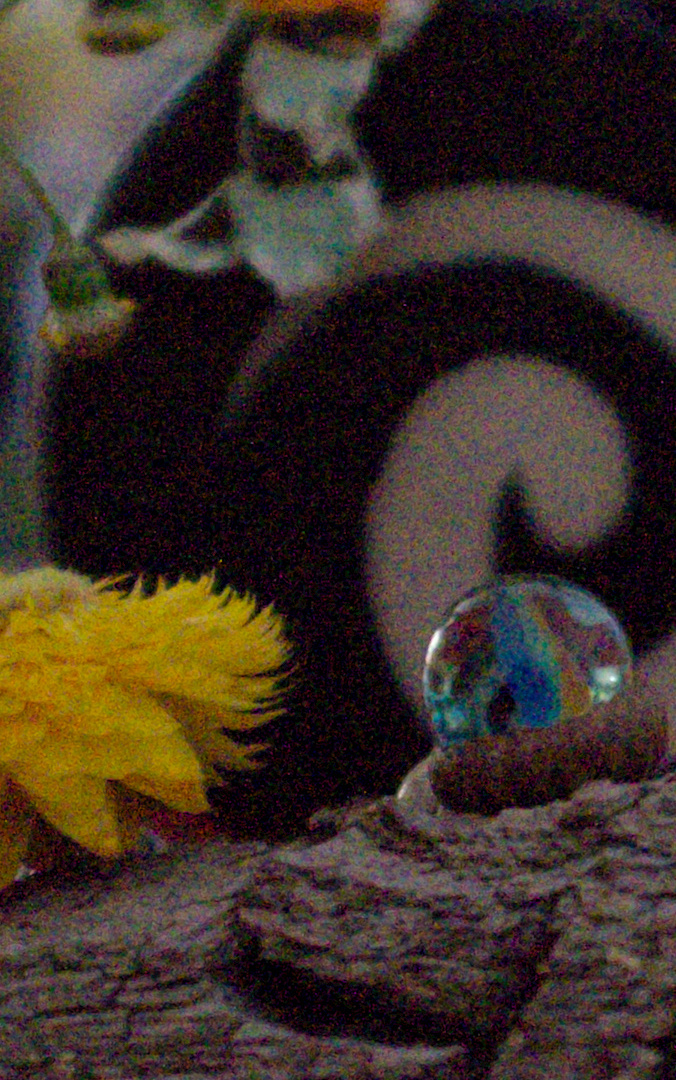
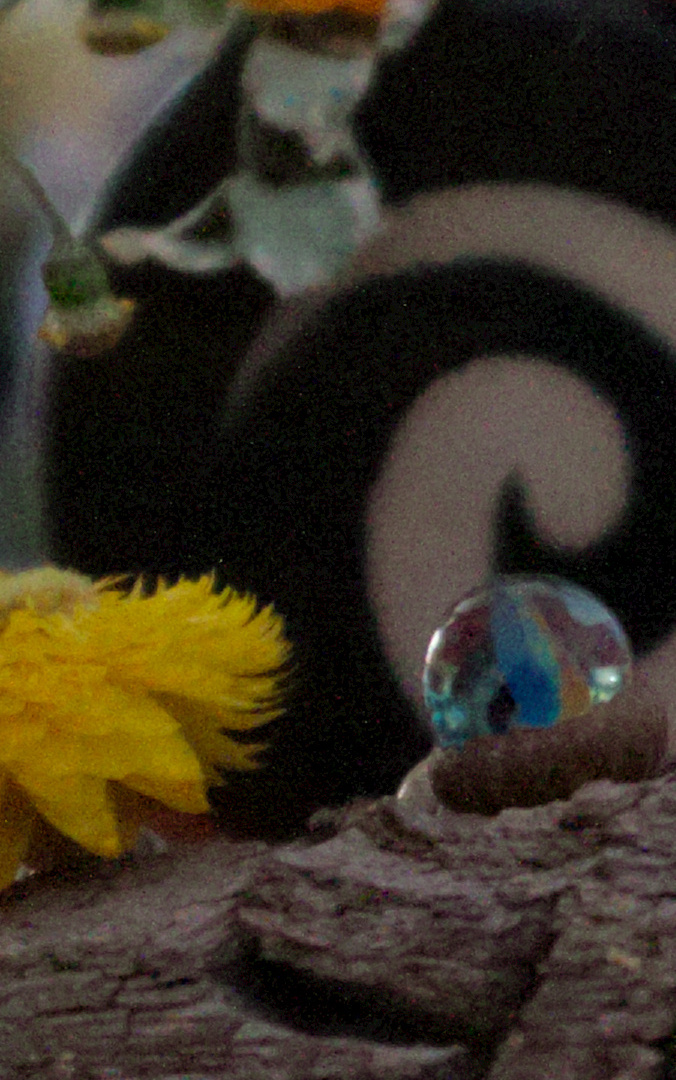
- implemented denoising using edge aware wavelets similar to dt’s profiled denoise in wavelet mode:
dt interactive: 36ms full + 25ms preview pipeline on a 1440p display
vkdt interactive: ~1ms for the whole 16MP image. export timings are hard to compare because the GPU doesn’t bother to spin up for just a single pass. without caching the file, also the i/o is a significant portion of the time here. if i let the GPU spin up, it’s like ~35ms total export time vkdt, ~300ms dt (i think now i ran it so often that the file must be in disk caches).
quick look: input, vkdt, dt (all with current wavelet defaults, dt is a bit sharper but that’s a matter of defaults and probably also the demosaicing etc)

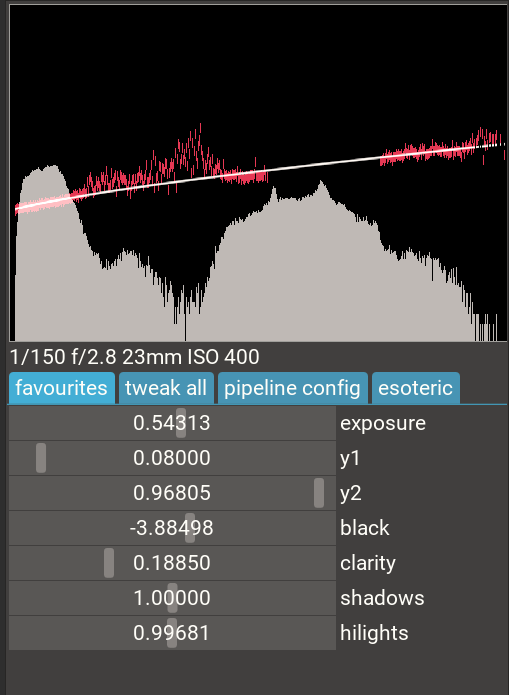
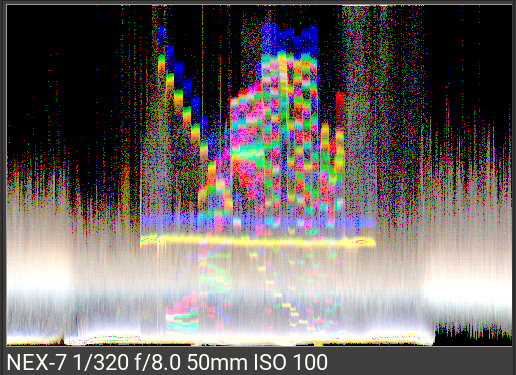
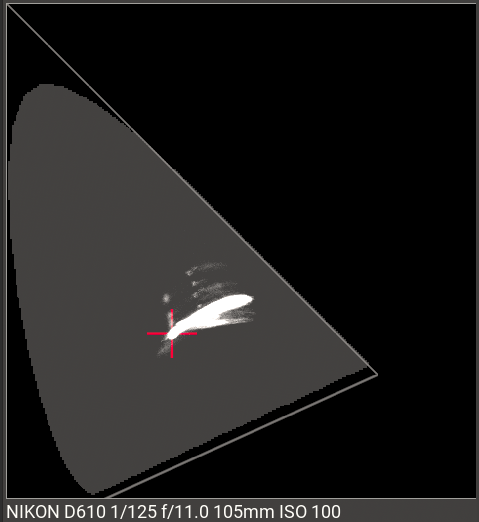
- extended data visualisation: raw histogram, waveform, vectorscope (cie diagram):
- sort and filter images in collection (filename, colour labels, star ratings)
- delete images from tagged collection or from disk
- re-creation of thumbnails in background threads
- simplified/more robust single-image noise profiling (see image of raw histogram above with noise indicators per brightness level in red, as well as the analytic fit
10 Likes