Offtopic:
Does this support multi-device?
Offtopic:
Does this support multi-device?
I currently use a Keychron M1, which is some sort of Multi-Device: you can use either Bluetooth or a separate donge, so I have the Dongle on my PC and use Bluetooth on my laptop…
I had a Logitech MX Vertical before, which had three devices available via bluetooth. The switching worked great and I also used it for darktable.
The switch between devices on the M1 is not as easy as with the MX but it is okay…
darktable only offers horizontal and vertical mapping instead of left, right, up, down.
You can separately map left (horizontal-down) and right (hor-up). Same with vert-up/down and even diagonally.
If you map to a slider (or other value) it will automatically map both up and down.
Yay, I learned something new today  I’m probably going to have the build a cheat sheet lua script so I can keep all my shortcuts straight.
Off topic. There’s been discussions on here about using the Behringer X-Touch Mini as a relatively cheap additional controller:
https://discuss.pixls.us/search?q=x-touch%20mini%20order%3Alatest
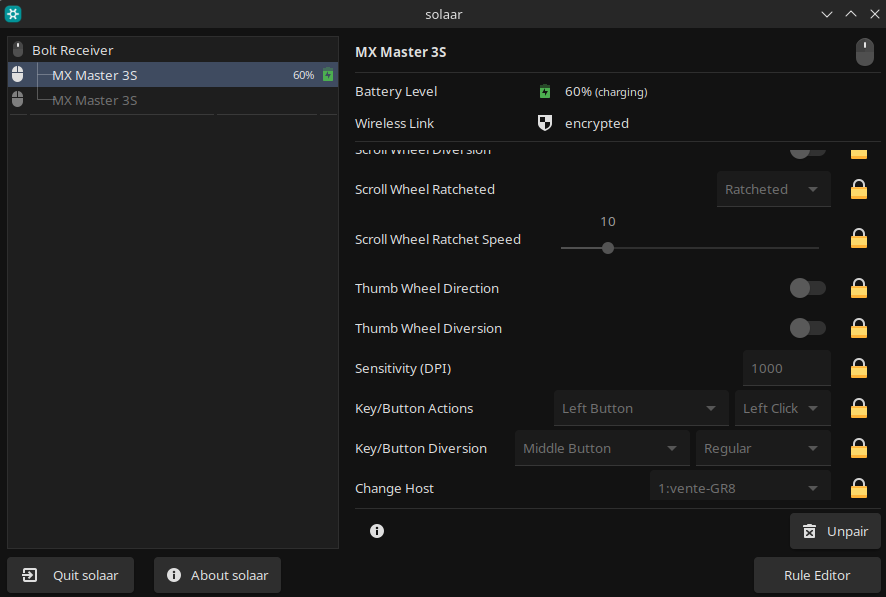
Okay, so I tested the MX Master 3s on Linux… On my Ubuntu Studio 24.04 desktop, Solaar didn’t recognize the mouse over USB transmitter and the machine doesn’t have Bluetooth. My Mint laptop has Bluetooth, but it doesn’t work for some reason.
Since Cinnamon doesn’t seem to support “secondary monitor only” mode, I tested the 4K TV with the desktop, which could run it only at 30hz  Well, anyways, the mouse at 1000dpi and max pointer speed (set in KDE) was… usable I guess.
Feedback only: I use a Dell MS 900 now, it has the switch for the devices on top, most have it on bottom.