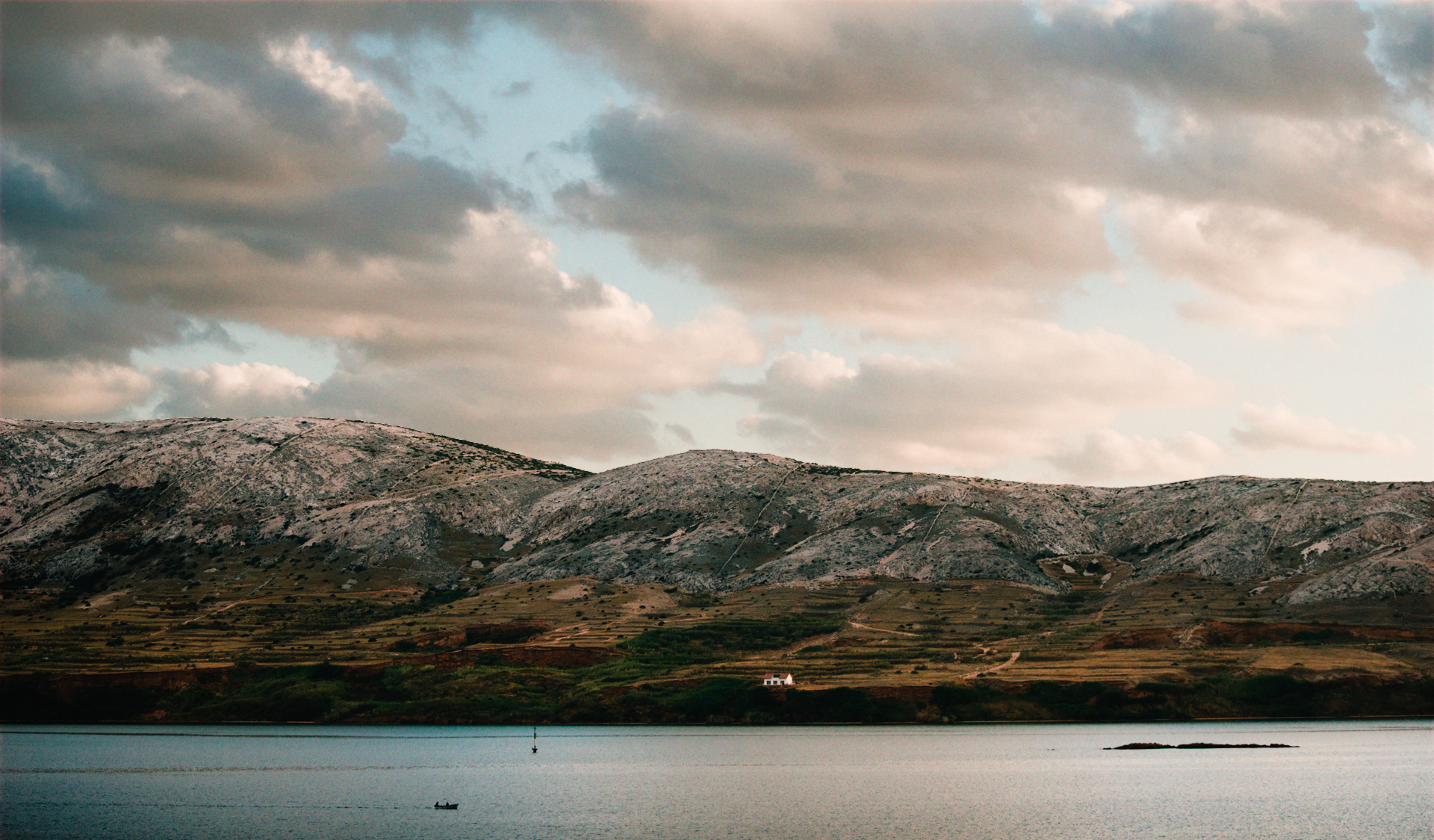
8 Likes
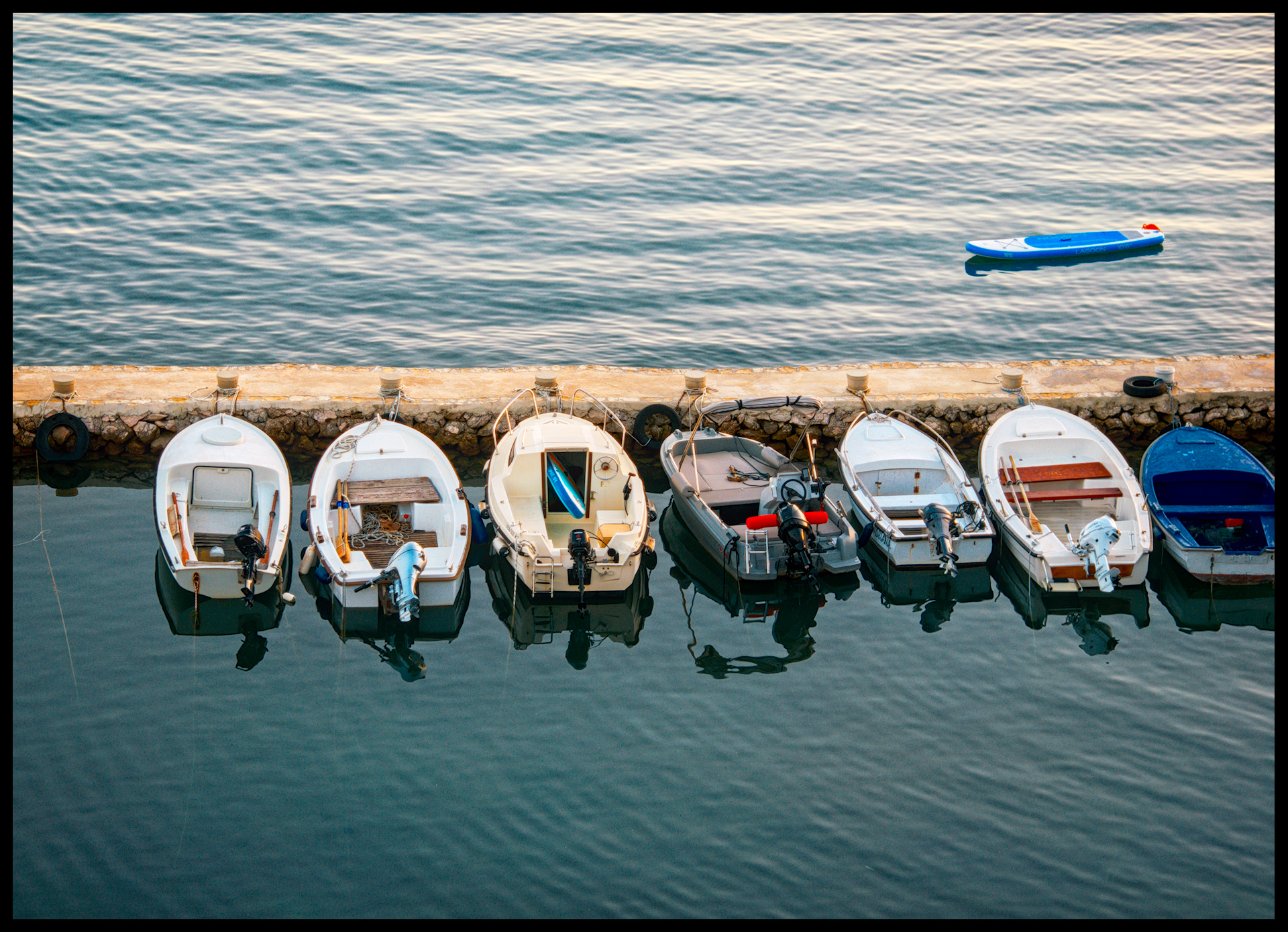
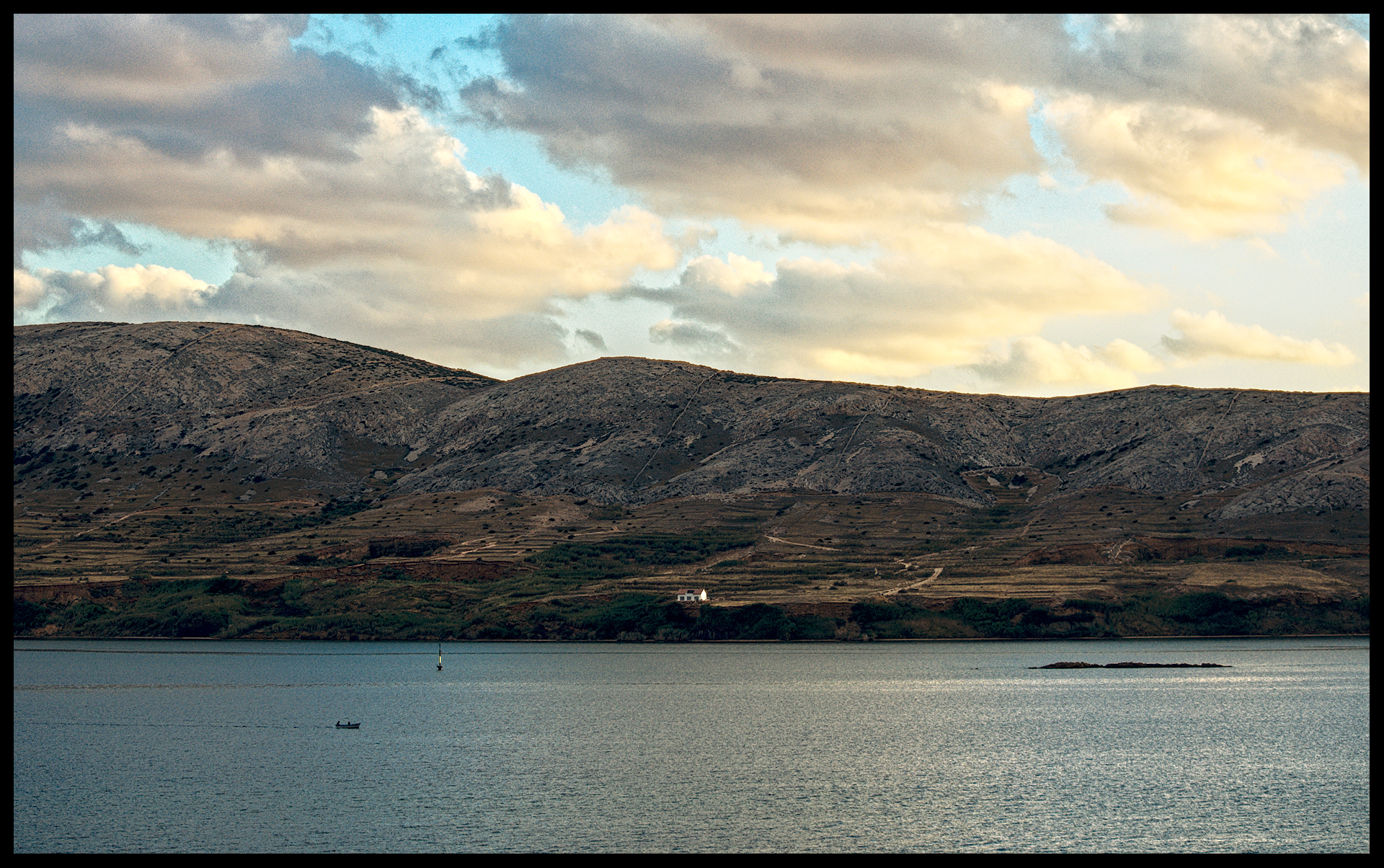

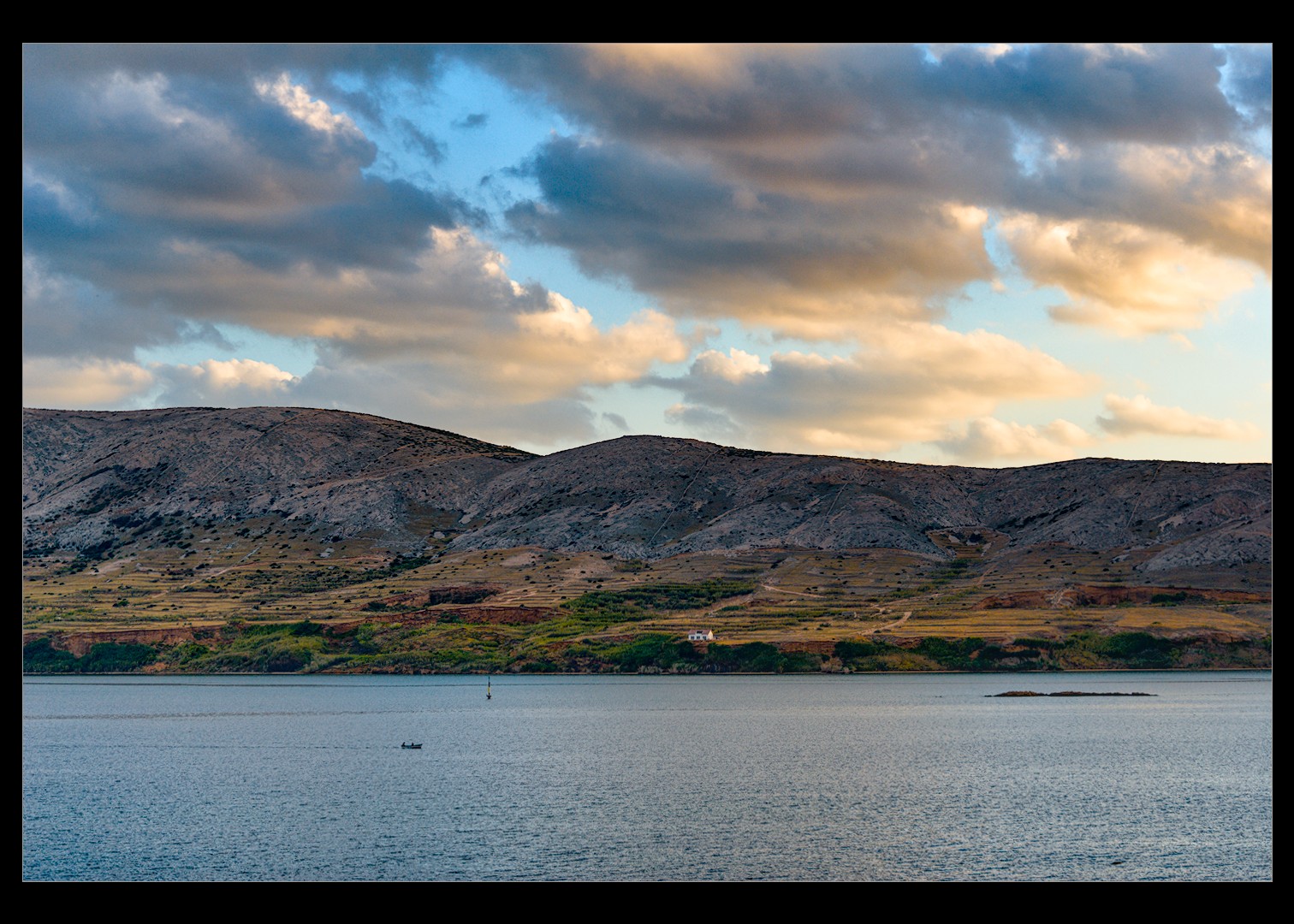
_DSC0062.NEF.xmp (22,8 KB)
6 Likes
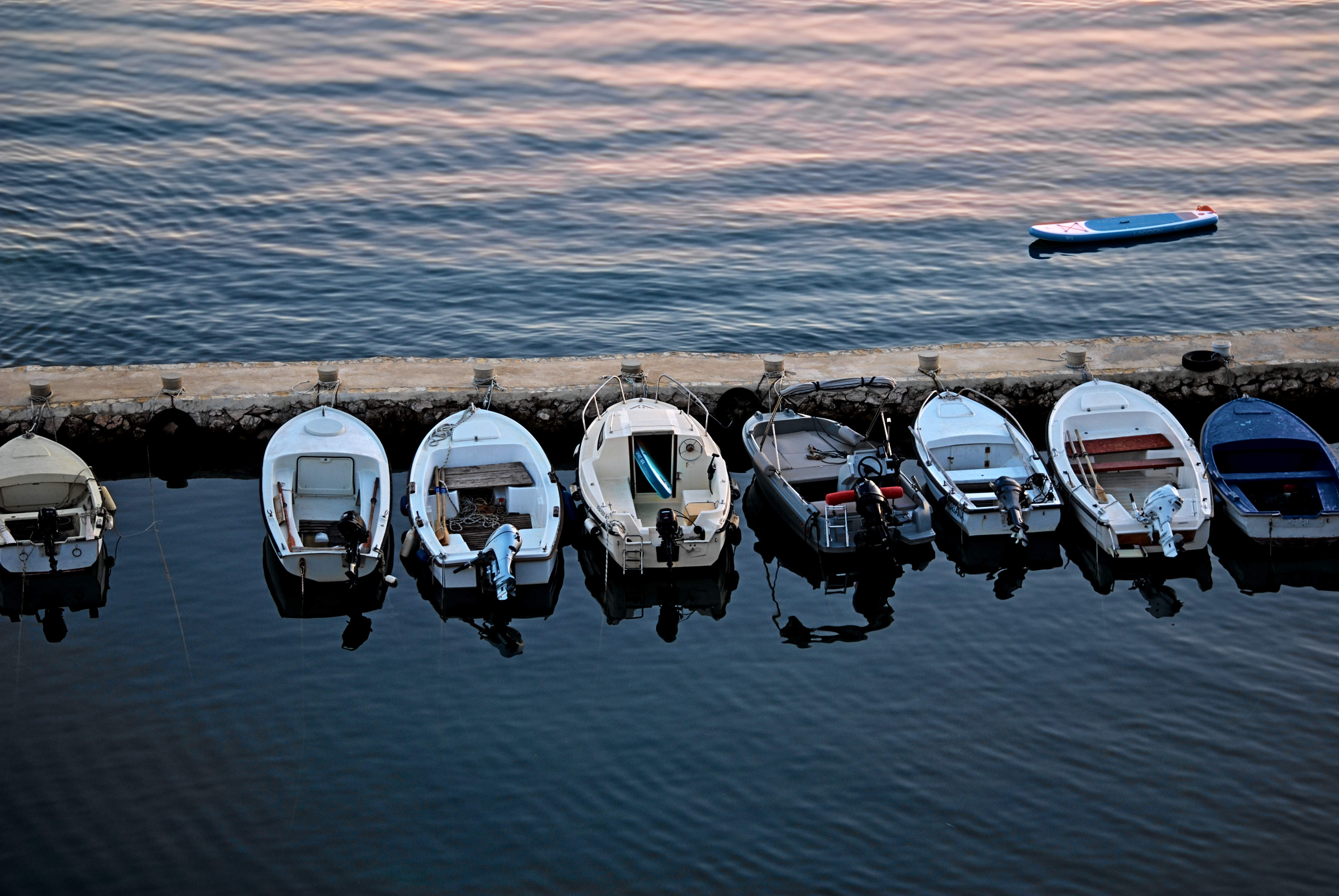
I’ve noticed the same thing. The Contrast slider in AgX boosts saturation, whereas the Contrast slider in Color Balance RGB leaves saturation relatively unmodified. (At least, that is how it seems to me.)
That is actually how it is. I sort of feel the AgX slider may be better named something like contrast/saturation as it is not purely contrast and I would never use it for that personally.
I find moving the pivot relative exposure slider to a negative value and then adjusting the pivot target output to fix the brightness a nice way to add contrast with the AgX module.
1 Like
2 Likes
3 Likes
2 Likes
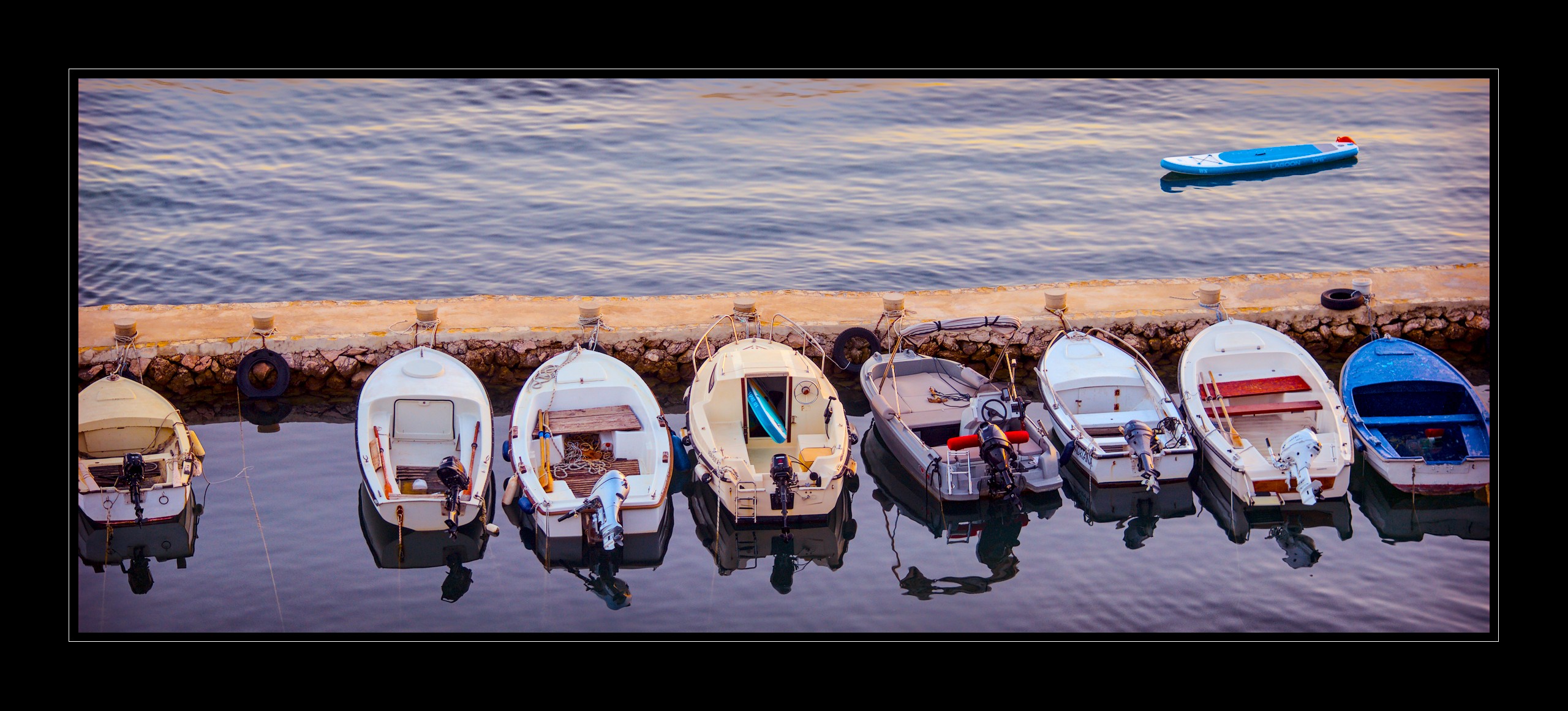
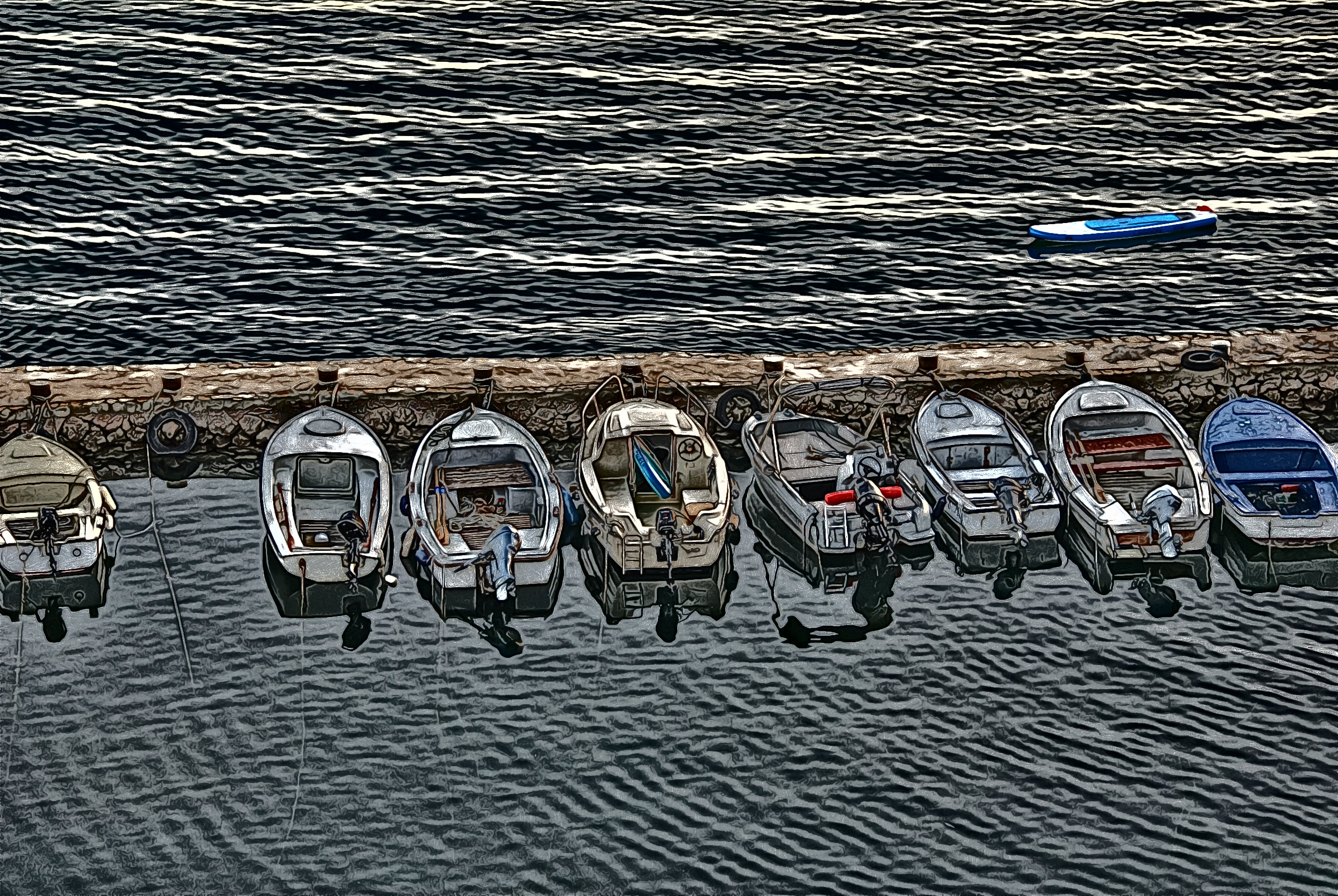
Didn’t want to go crazy (as you folk know I tend to do) and couldn’t come up with a photo result distingushable from what other’s have already done great, so decided to try an illustration.
In G’MIC, used a blend of BW Emboss and BW Engrave and added color back via a convolution method (dup, top layer to b/w set that layer to grain extract and merge down to create the convolution layer and set that layer property to grain merge and duplicate to taste (well, only 2 layers and reduce the opacity of the second one to 50%; inside sausage building but believe I should do so from time to time). 
3 Likes

4 Likes
4 Likes