Hi,
I’ve noticed a couple of things in darktable 4.1 that I am a little surprised that nobody else have mentioned.
In the module search field it is not enough to click to activate. I have to drag a little bit. It’s quite annoying, and I don’t see a reason to change this behavior on purpose.
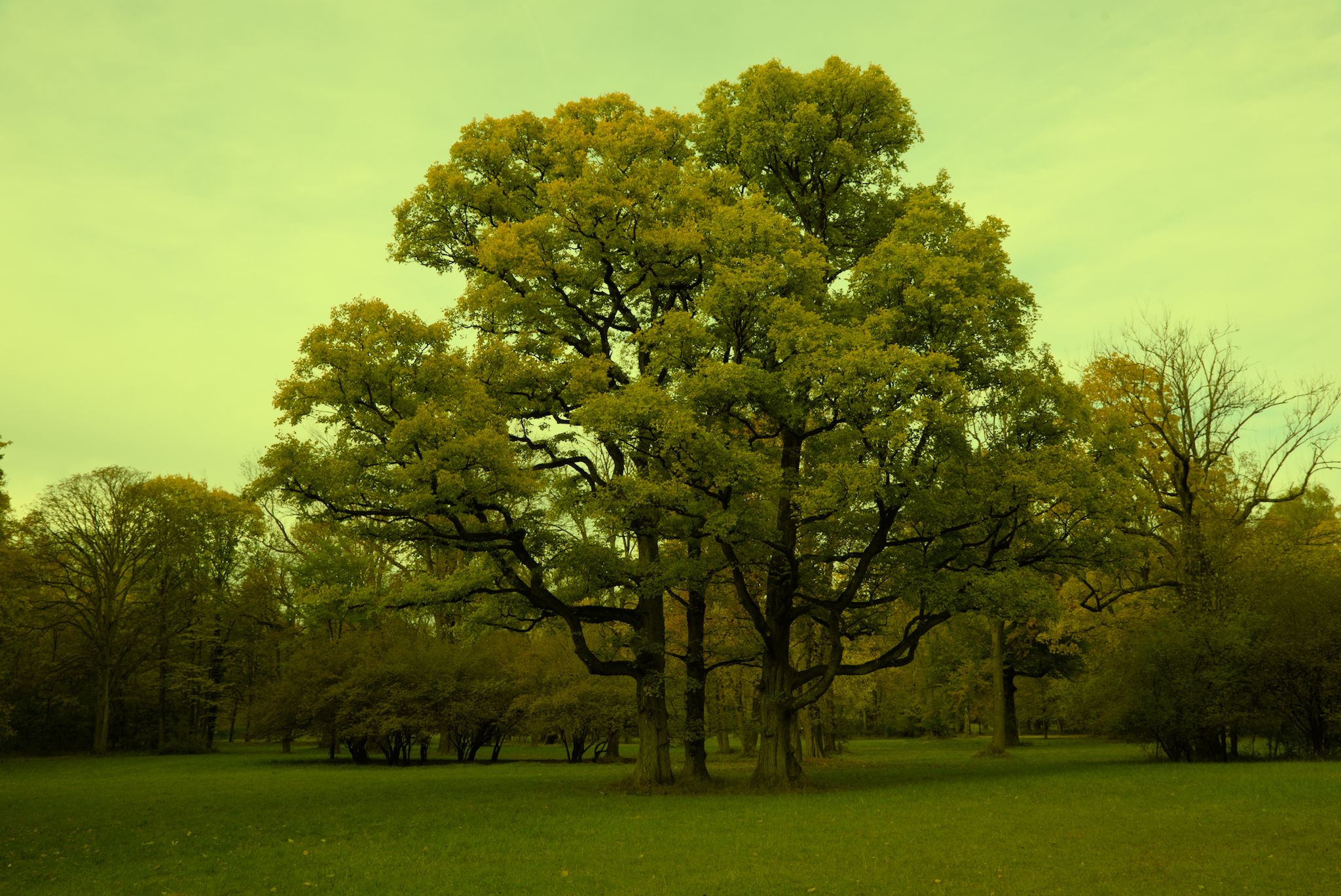
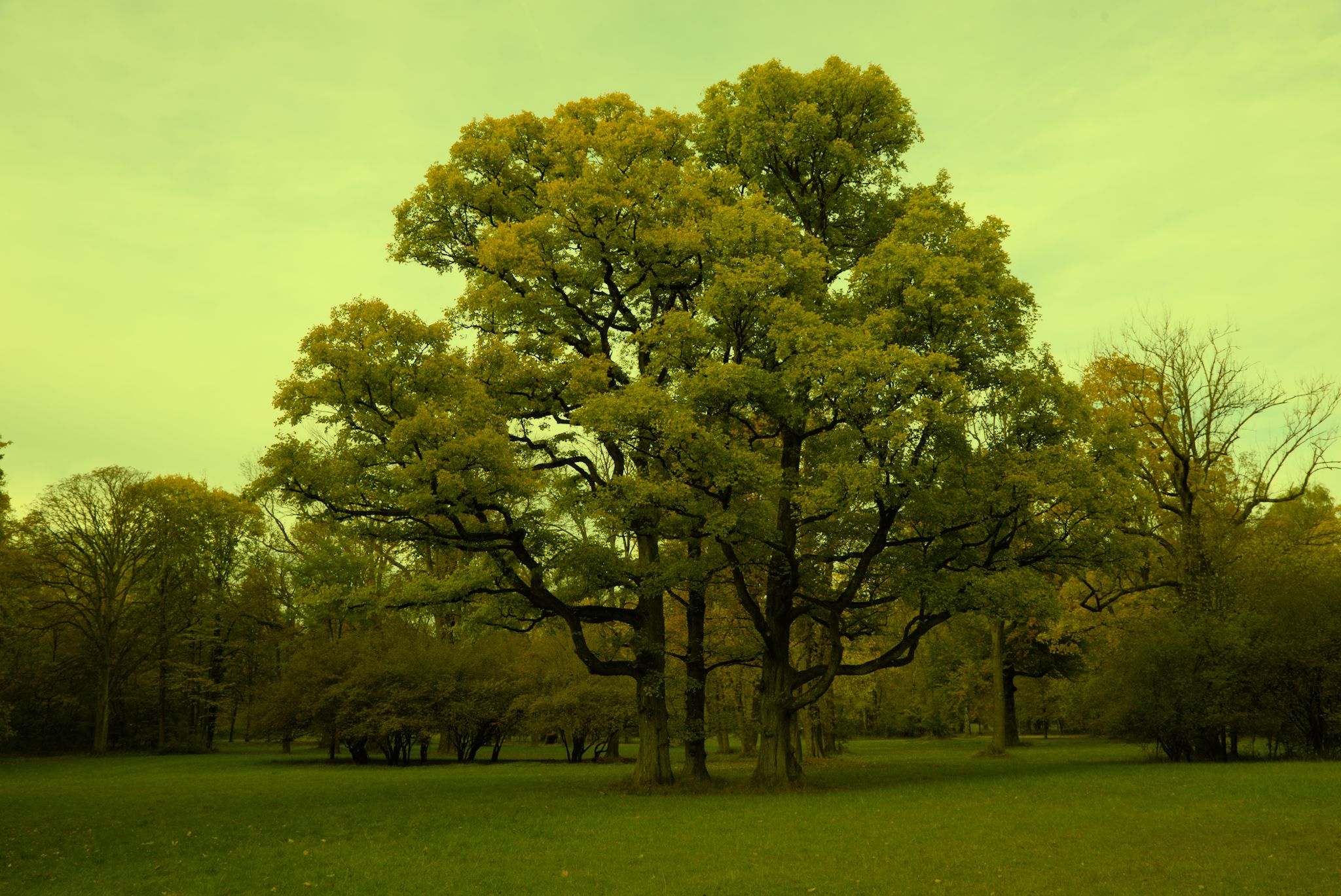
In Color Calibration module, using the color picker gives the image a yellow-green cast. Selecting a small neutral area does not help.
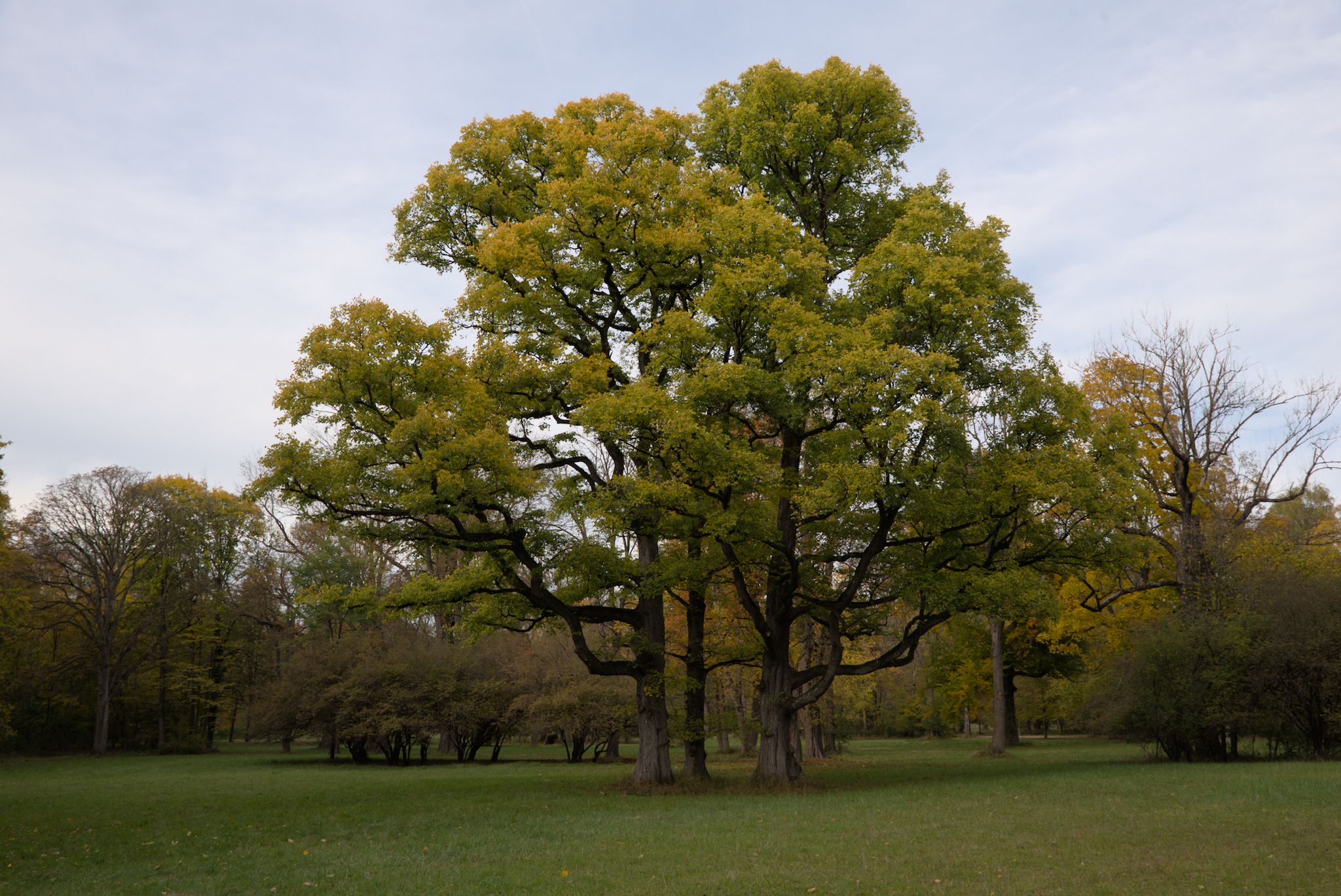
Here is an example with an old PlayRaw image. The first one is only with exposure boosted, since the original is quite dark. All is well here, the white balance is perfectly reasonable.
This is with scene referred workflow and “auto-apply chromatic adaptation defaults” modern. I have also tried other combinations of these, they are all the same. And with OpenCL on and off.
OS is Linux Mint, darktable version is currently 4.1.0-git427 from OBS, but it has been this way since the beginning of 4.1.
For reference, I also have 4.0.0 on Mac, none of these issues happen there.
I saw this in a playraw I just did. It was a Canon image. I will check what my current build is but this was on Windows. I just noticed it yesterday and I thought it was particular to the image…I wonder if it is part of the fix for the AI modes that causes it. I will see if it affects all images and I can also report or add to the observation
EDIT my issue was with the sticky color mapping settings that I had not noticed… so no issue for me…
I have tried on several images from different cameras. Sony, Olympus, Nikon and Canon at least. In addition to my own Canon .CR2’s. Also since you mention the AI modes, they seem to be fine.
I found the issue for me. It a real catcher in DT… I had been doing some color matching and the hue and chroma are sticky settings that don’t reset with a module reset… and the picker will use them…check and make sure your spot settings are 50% and 0 and 0… might be the issue??
Yes you are right! My goodness, that’s a dangerous one. I thought I had never tried it, but I must have done so once. Resetting those did the trick. Thanks a lot
It’s a weird choice. I know it’s meant to be sticky to apply to a series of images but I think if you actually reset the module it should reset everything… It was even collapsed initially. I lobbied AP to have it expanded to reveal when it was edited but even I got tricked the other day even with that…
@priort thanks for pointing out this behaviour and the need to reset the values to 50, 0, 0. I wish AP would give us the ability to save favorite target values. This would make a great tool even better. In the meantime I will just have to make a list of values to put in for colors I wish to match.
I tried creating presets for colors but it doesn’t seem to work in my hands. It still seems to remember the last target values I had set. So I guess i would like to be able to make presets for certain target colors.
Thanks for this tip. Finally logical on what does mapping but need to (think to) take care of that. Finally is all about mapping enabled or not (check or uncheck box just above sliders should also do the trick).
Do you think this should be changed? There for each module there is a function that’s responsible for carrying out the reset parameters. Presumably the original developer had a workflow where it would have been disruptive to reset these sliders on module reset.