well some features you could add are SHAPES plz add shapes every basic photo editor has it even photopea has and i still cant believe gimp dont have shapes yet so PLZ ADD IT
Would you like to flesh out your request a bit? What shapes would you want? What capabilities would you like those shapes to have? Have you done any research to make sure that shapes actually don’t exist? This may sound confrontational, but it’s really not. It’s the information someone would need to have in order to develop something that matches your wishes.
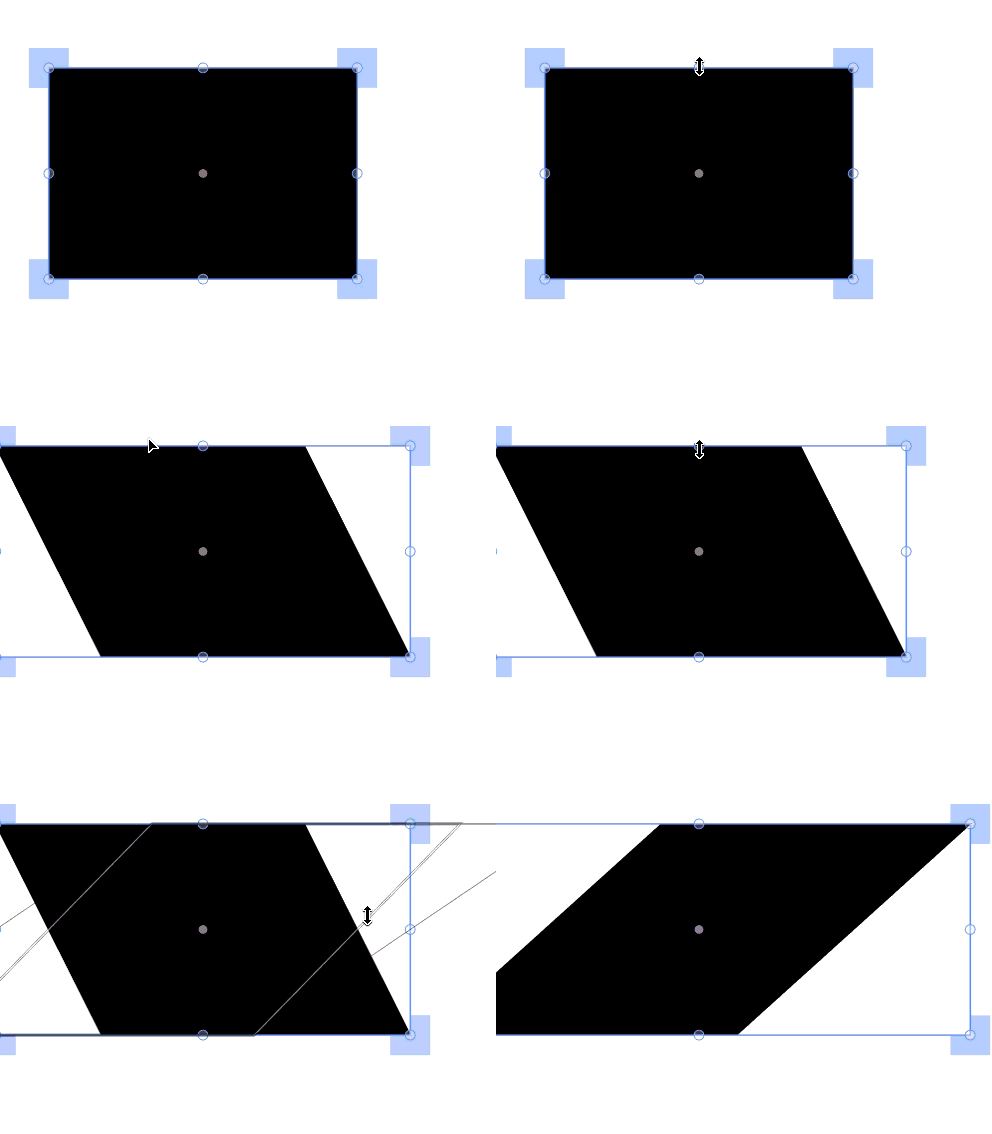
well i want at least rectanges and circles and skewing and basic transforming as seen in the gif
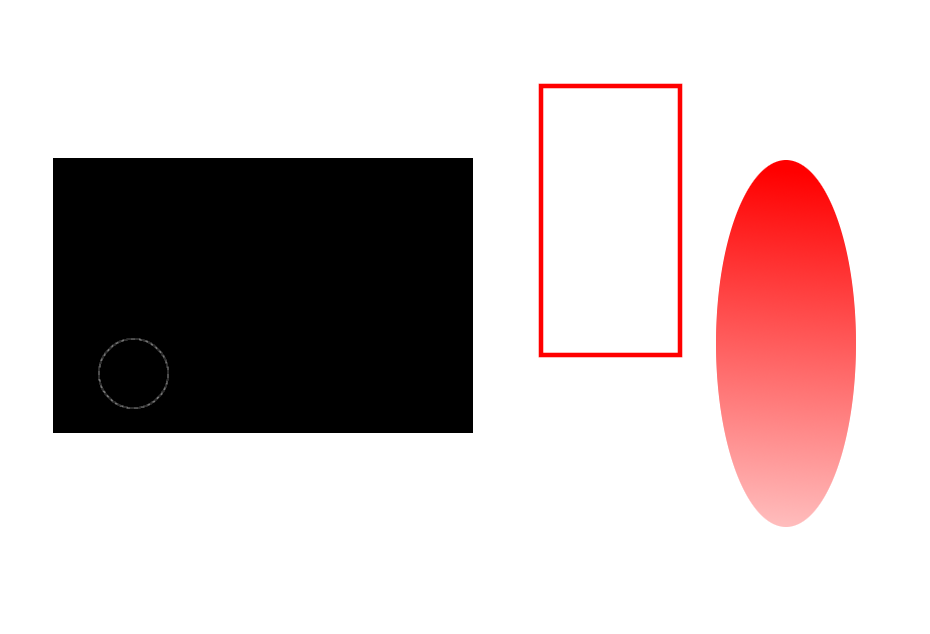
I have been able to do this in GIMP since I first started using it 20 years ago. Here I have made a black rectangle by using the rectangle selection and filling it with black. I have made a rectangle by using the selection and stroking the selection to give it a line of defined thickness and color. I have also done a circular selection and filled it with a gradient of red. Triangles get a little more challenging to do but they can be created.
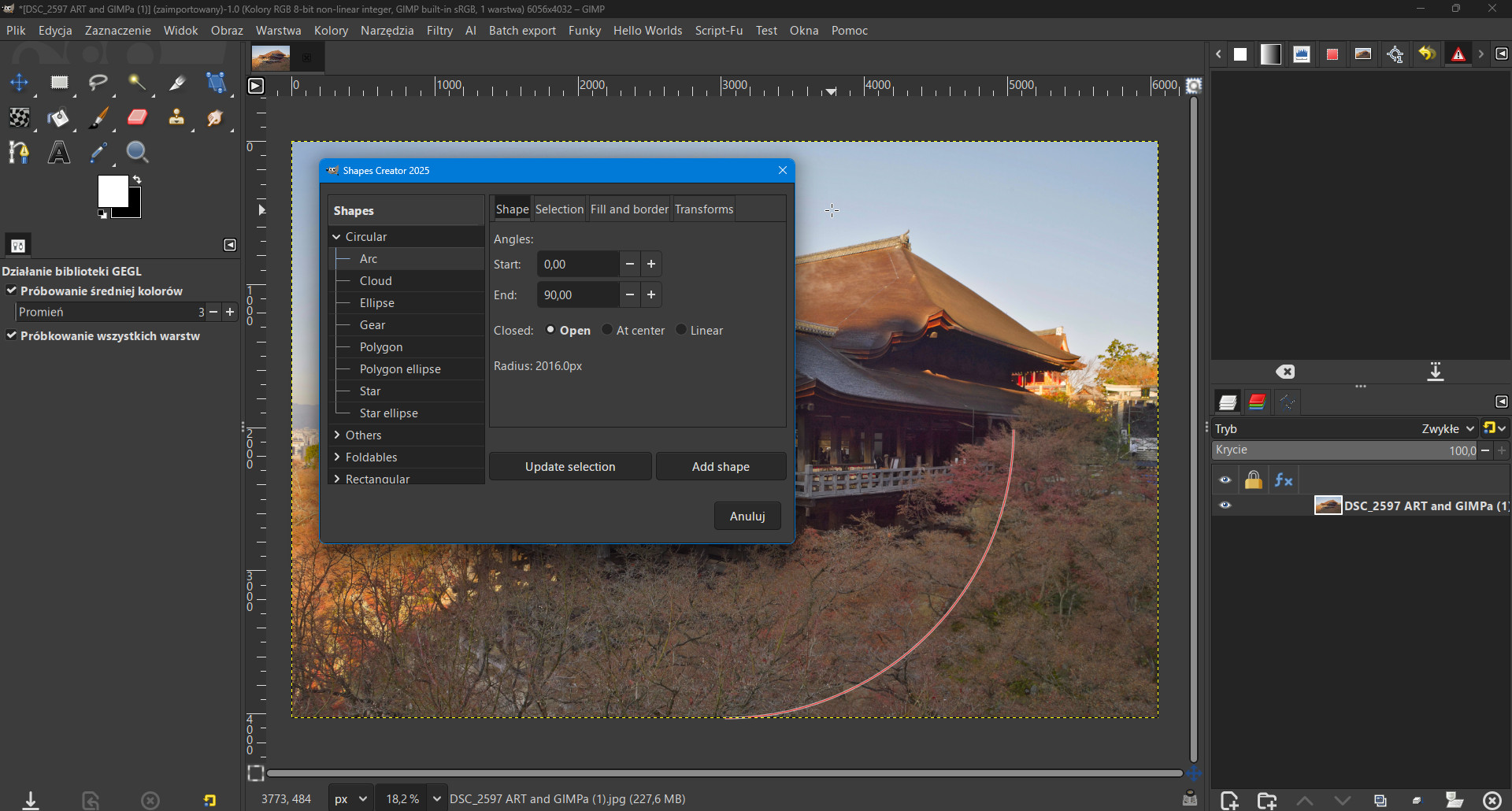
“That’s a beautifully developed plugins, with full live preview, tabs, scrolling options on the side, and so.
It also means that’s possible to do a nice user friendly plugin without letting the user guessing what the setting will do before clicking “OK”, truly a well made user friendly plugin”
And
Filter => Render => Gfig
3 Likes
In the upcoming GIMP 3.2, we’ll have vector layers which will be the basis of a real shape tool: GIMP 3.1.4: Second Development Release towards GIMP 3.2 - GIMP
Once it’s out and we’ve received more testing from regular users (though if you’d like to try out our current release candidate, we’d appreciate the feedback!), we’ll likely start designing such a tool. It may be standalone, or it may be added as a feature in the path tool.
1 Like
For me, the best solution would be if someone could migrate the excellent arakne-path-shape-creator8.py plugin from Gimp 2.10 to Gimp 3.
For the time being (because it can’t be made a permanent Gegl filter - why???), the filtr Gegl by LinuxBeaver Shape Marker (fx) fills the large gap in this regard in Gimp 3.
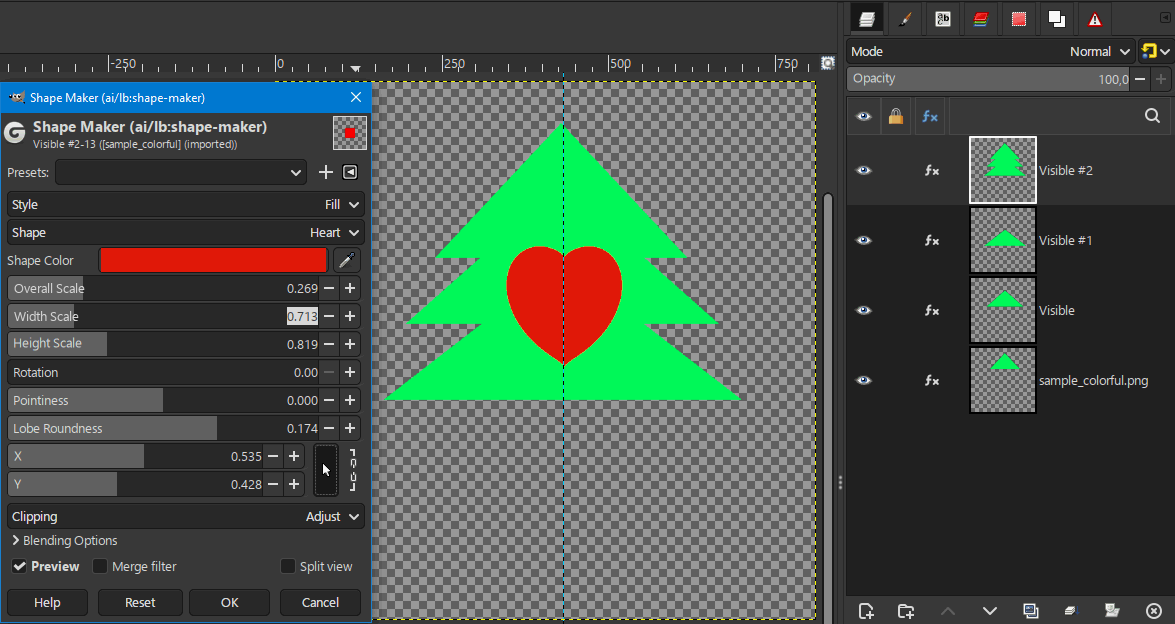
“For me, the best solution would be if someone could migrate the excellent arakne-path-shape-creator8.py plugin from Gimp 2.10 to Gimp 3.”
Above was a screenshot from GIMP 3.0.8
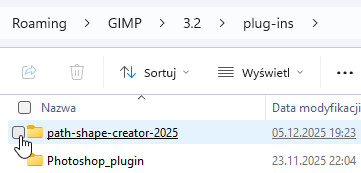
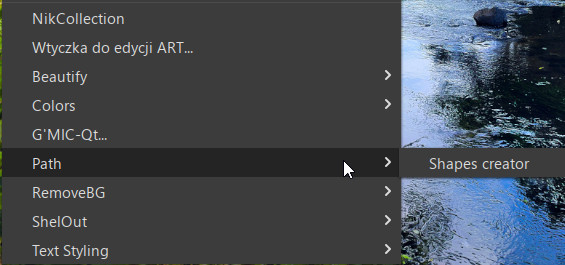
Hi Zbyma72age
Thank you so much for correcting my ignorance.
This is very good information.
Nice to see that update. For linux remember to make the plugin executable. Tried in kubuntu 24.04 both Gimp 3.0.8 and 3.2 RC2
My only comment is for Gimp 3.2 the stroke and fill options are a bit redundant since you can now convert the path to a vector layer.