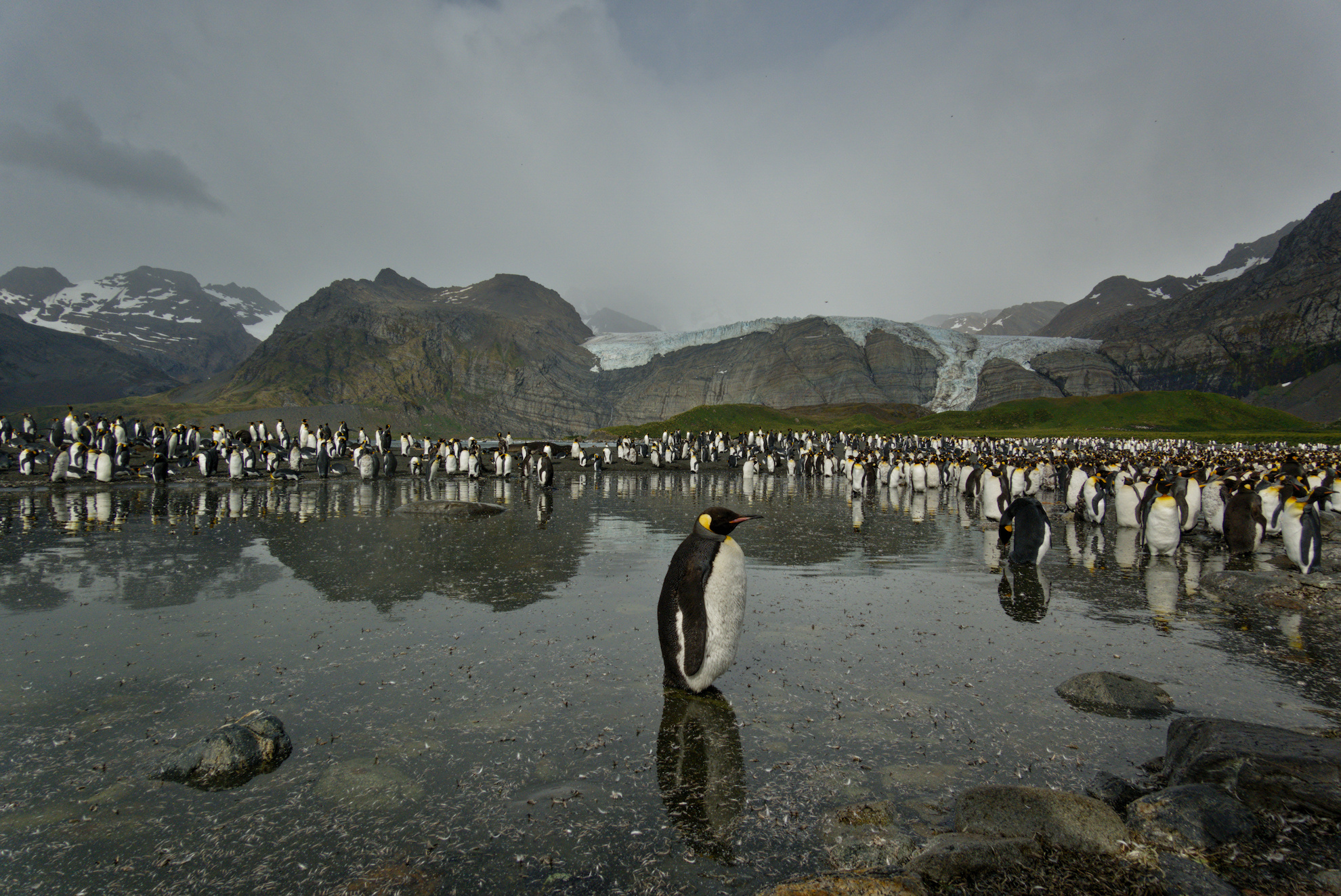
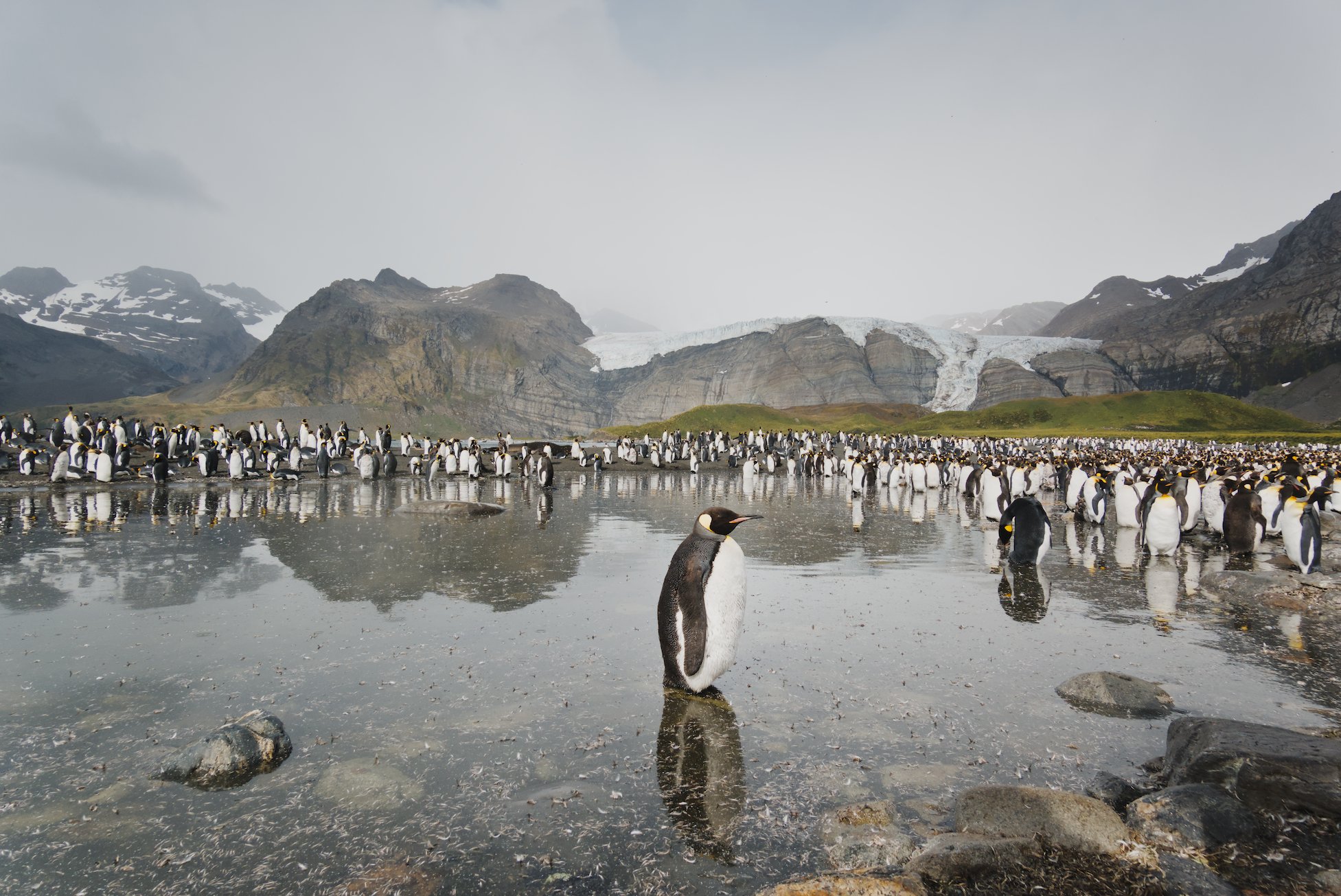
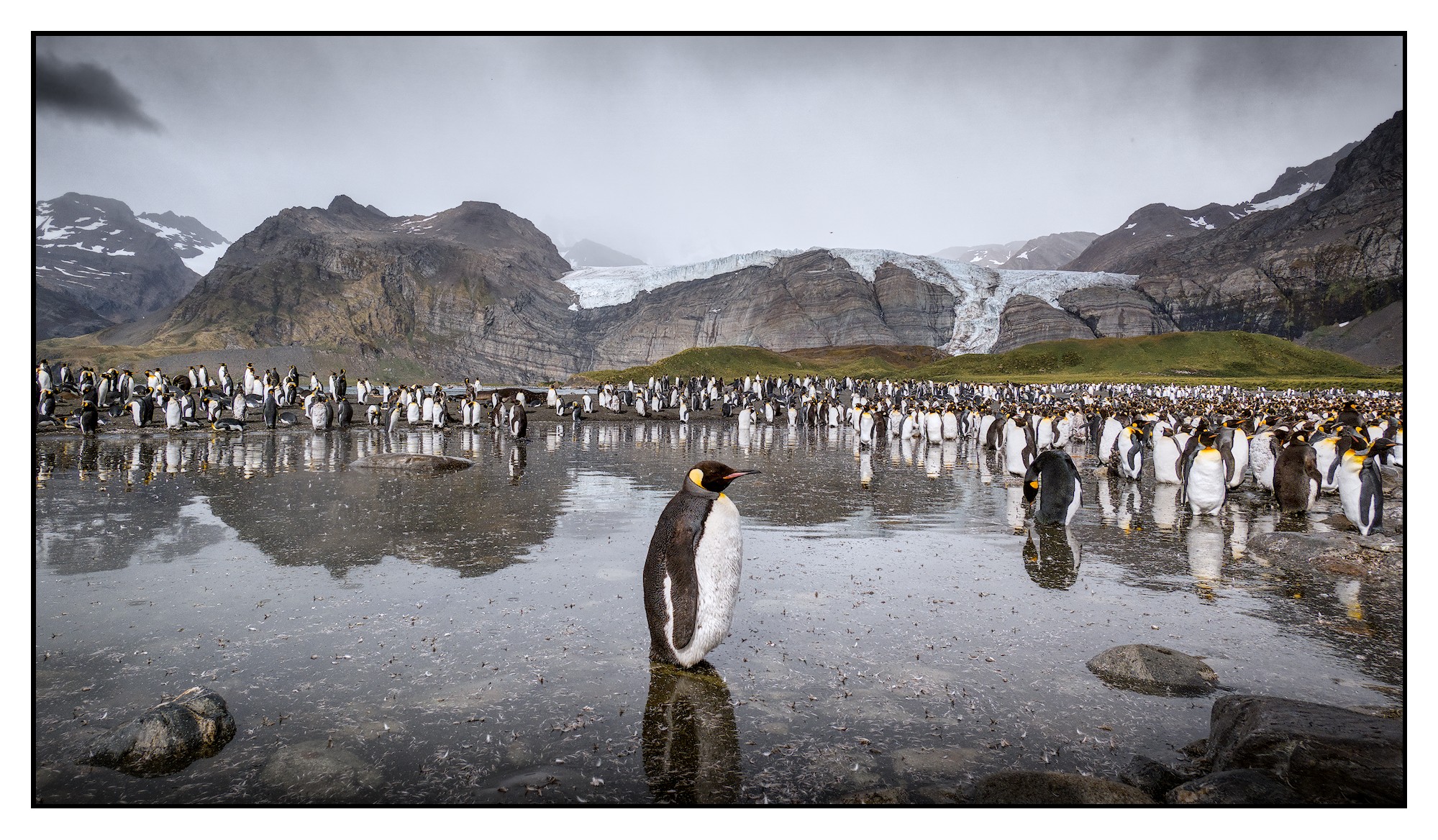
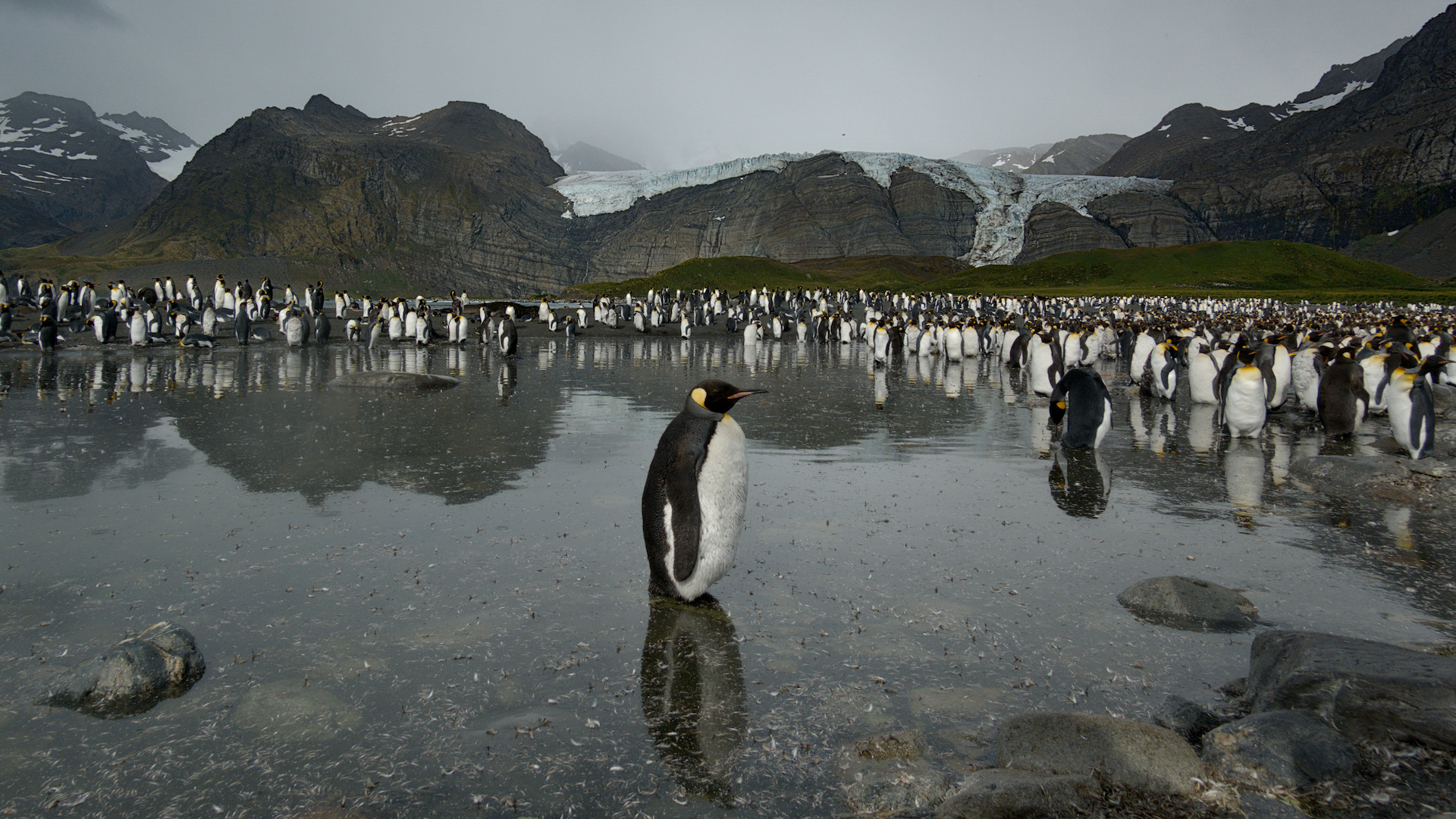
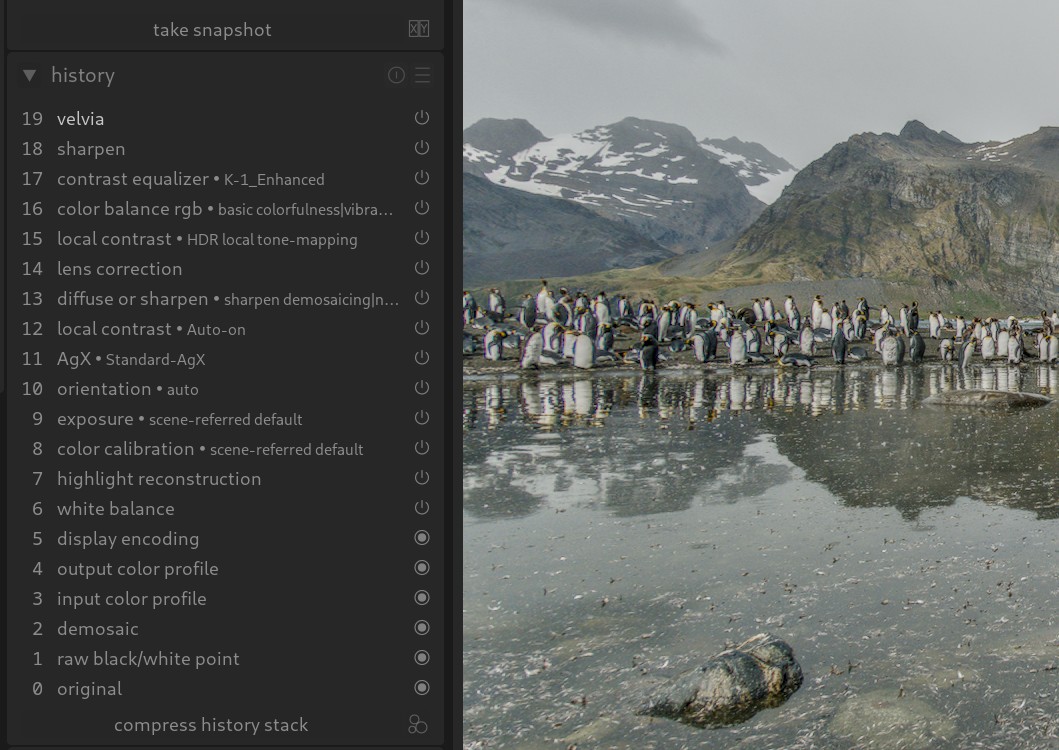
A neutral edit from me. Brought the sky brightness down with tone equaliser (so it doesn’t overpower the penguins’ brightness), then pushed global brightness back up. AgX pivot is set high, to try to get contrast on the white parts of the penguins.
Two instances of chromatic aberrations because they gradually become extreme at the edges. Contrast Equaliser masked to higher brightness to add more contrast in highlights.
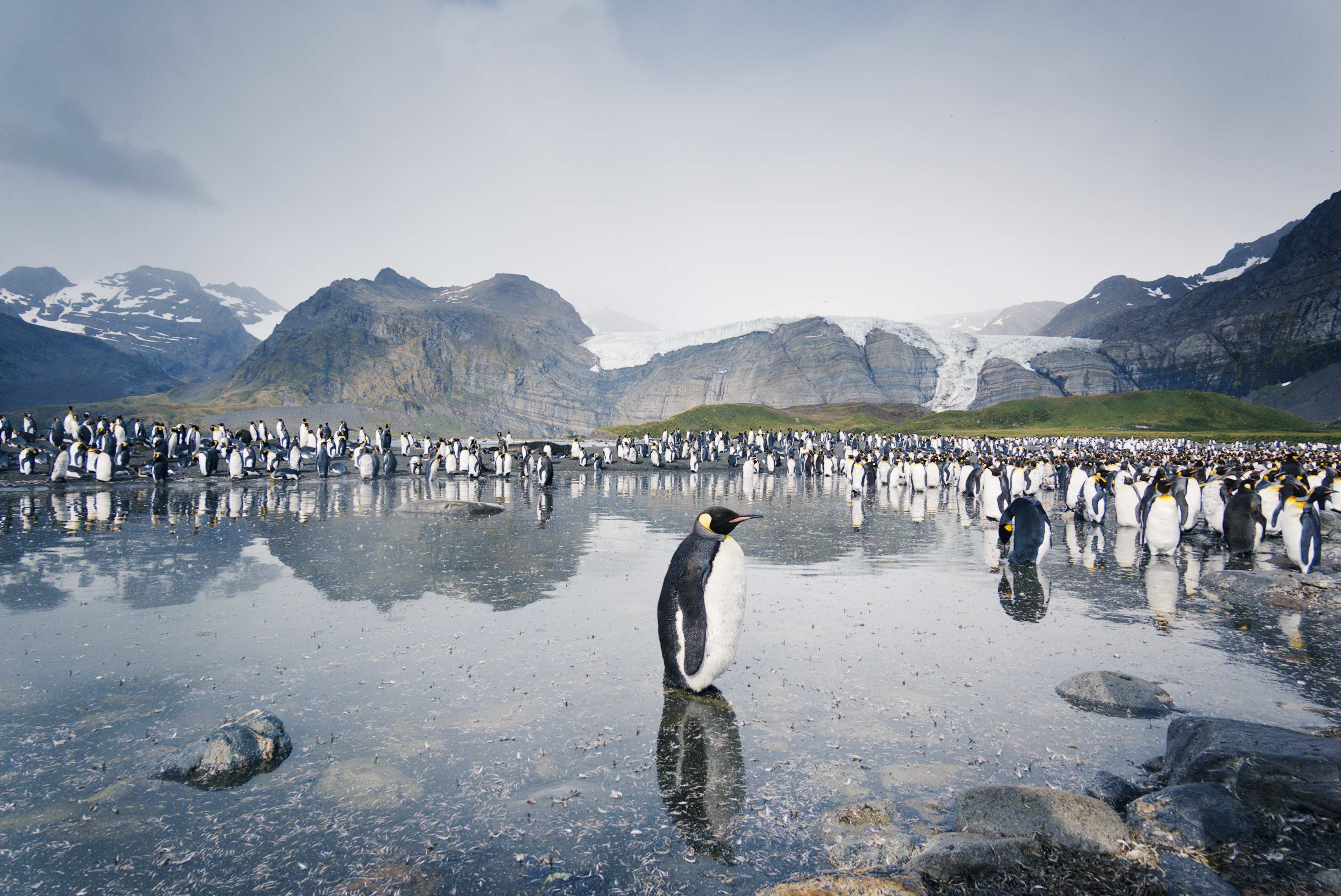
Besides lens correction I worked on the balance of light. The light parts of the penguins are easily blown out.
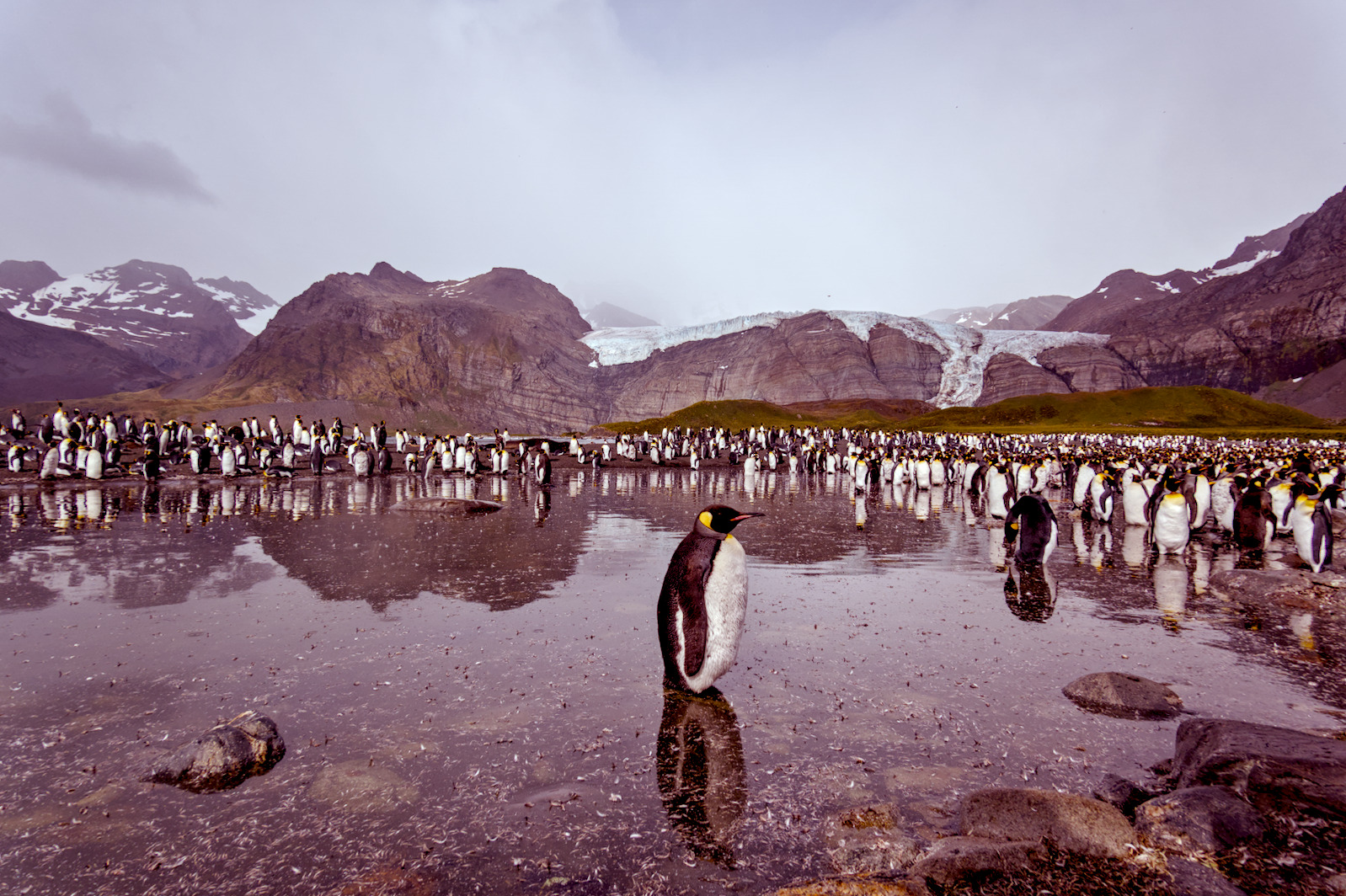
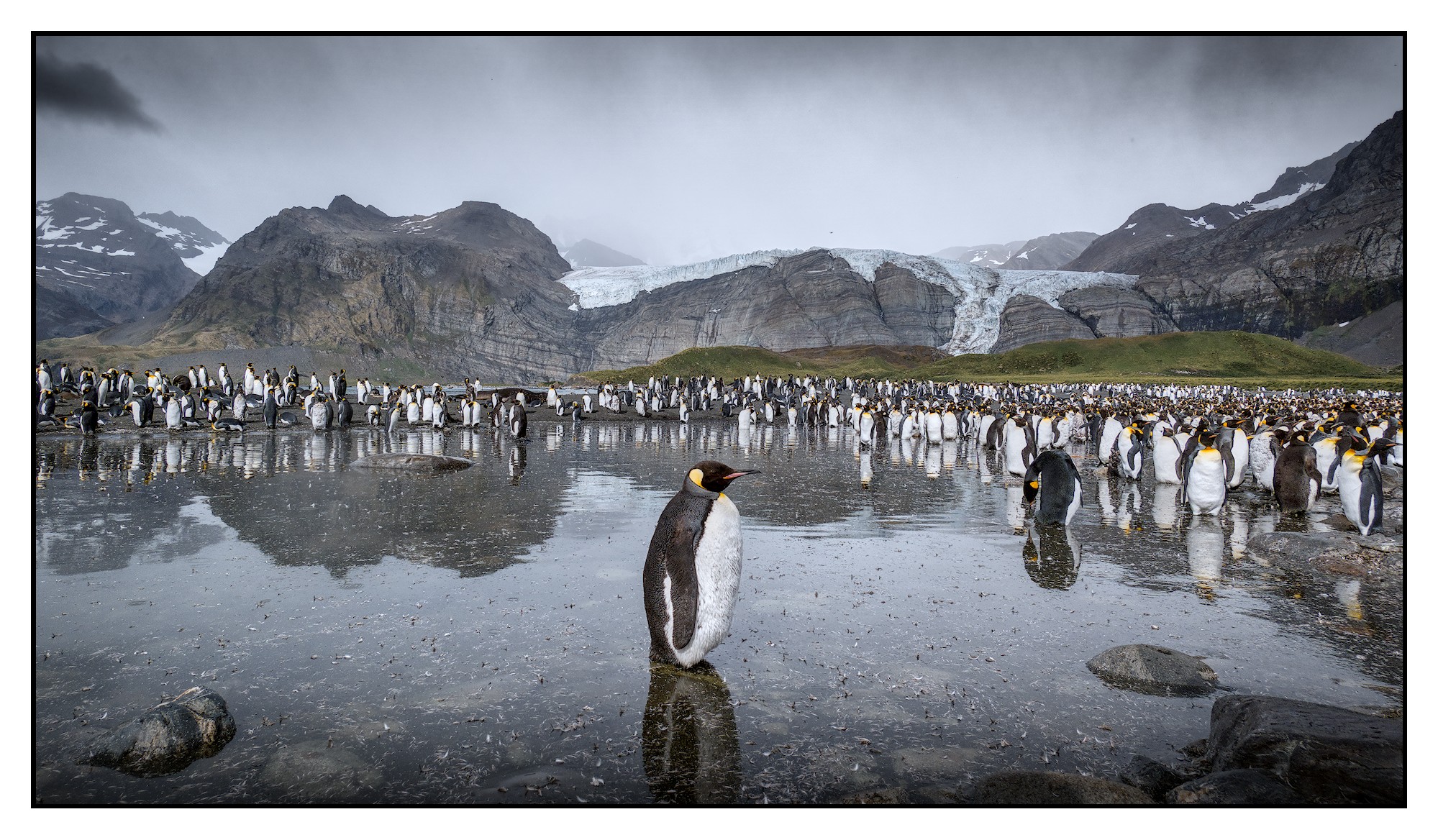
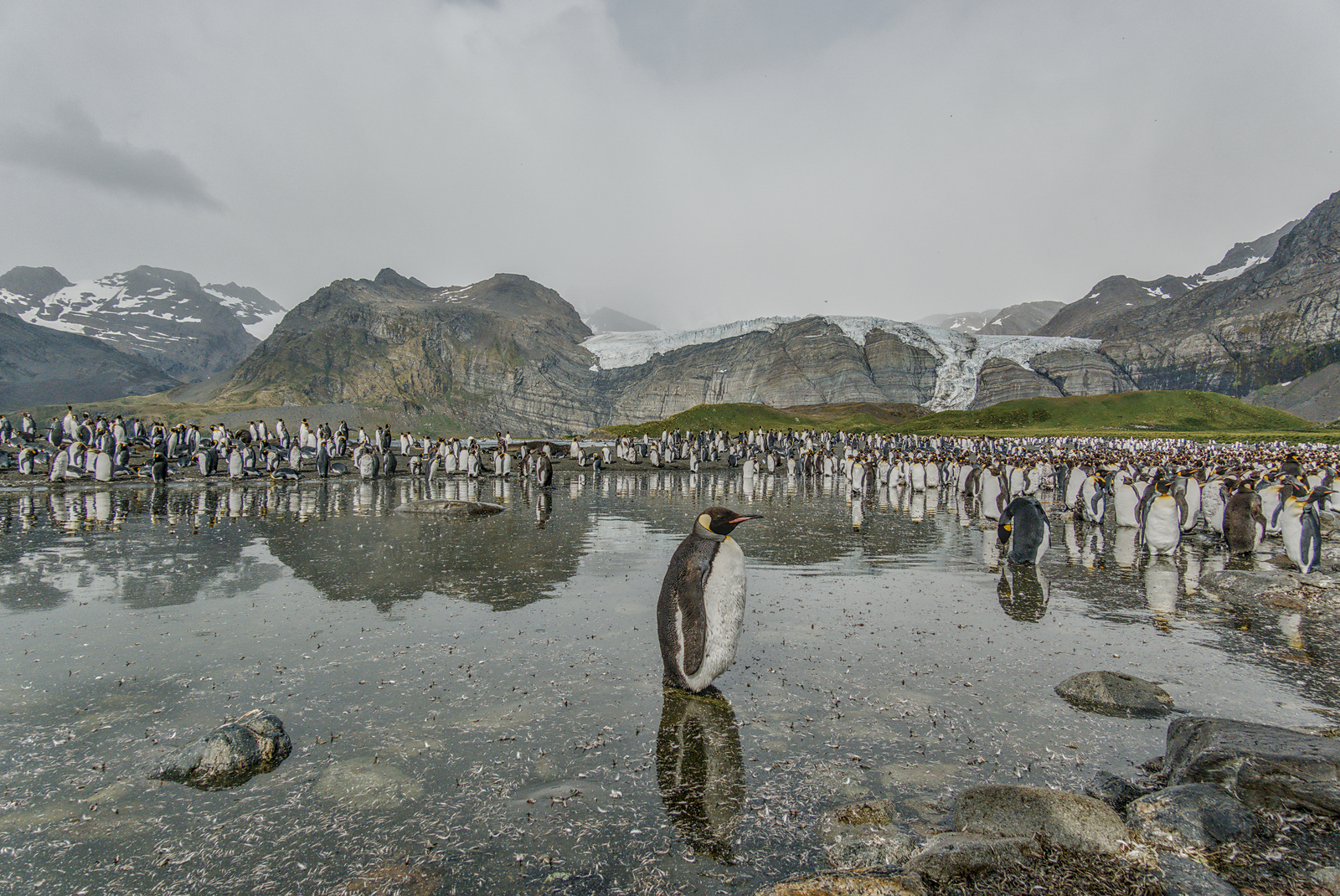
Further blued the background a bit and warmed the foreground.
Bit extra emphasis on the front one penguin and the group to the right.
Tried to enhance sky contrast a bit keeping the overall brightness a bit lower not to draw too much attention there.
Tried to warm the browns and greens in the mountains and add a bit of contrast there.
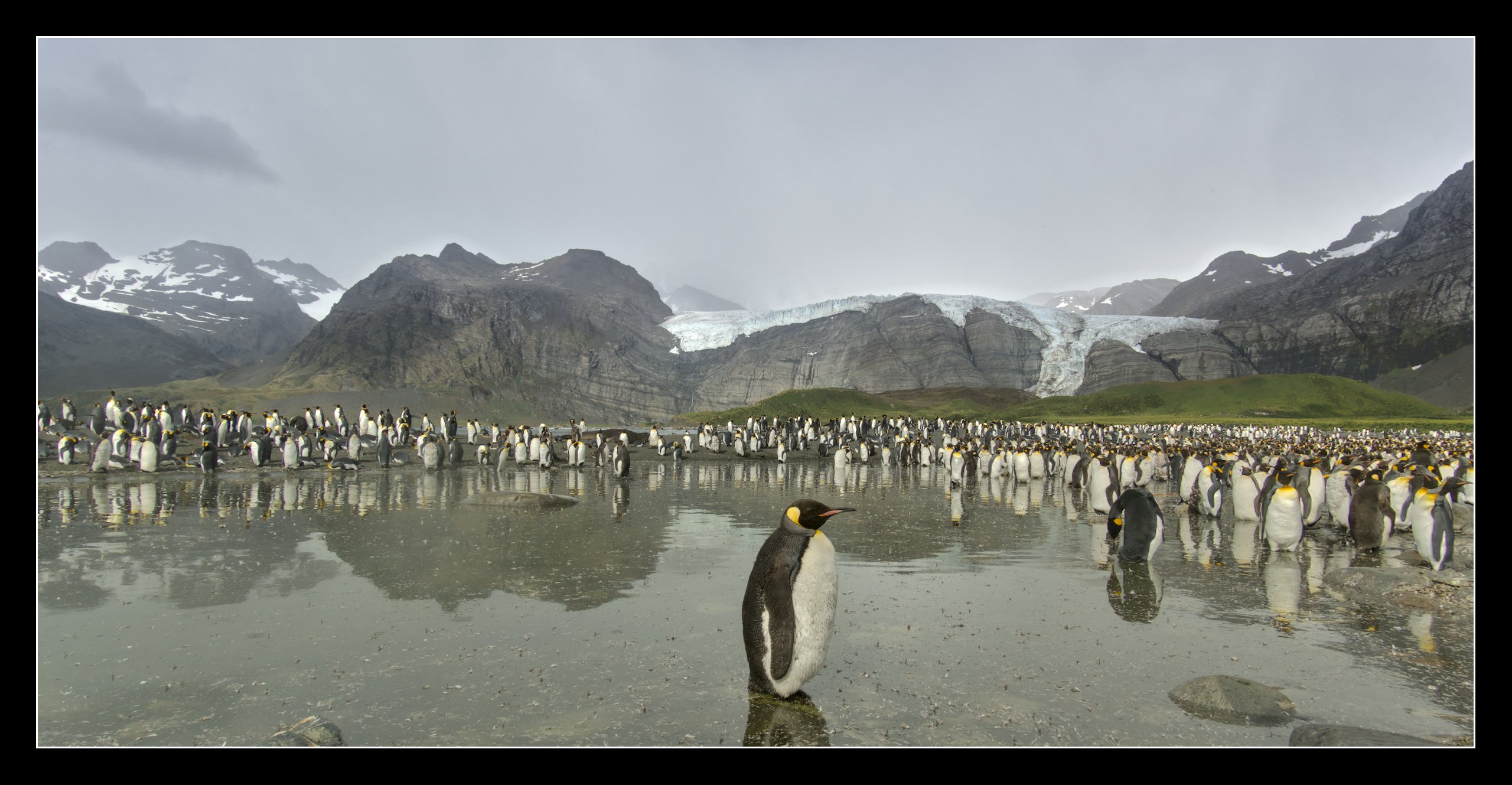
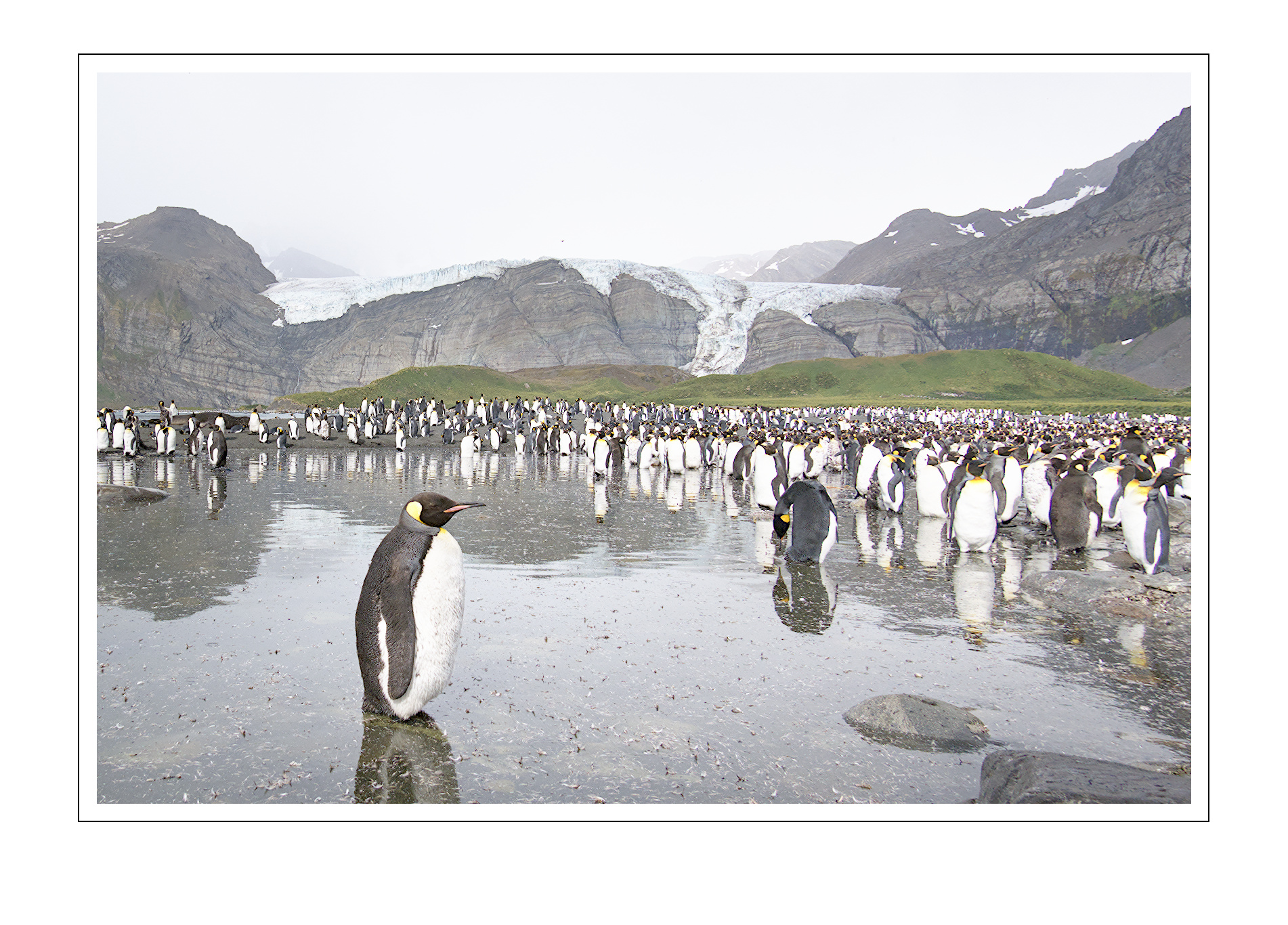
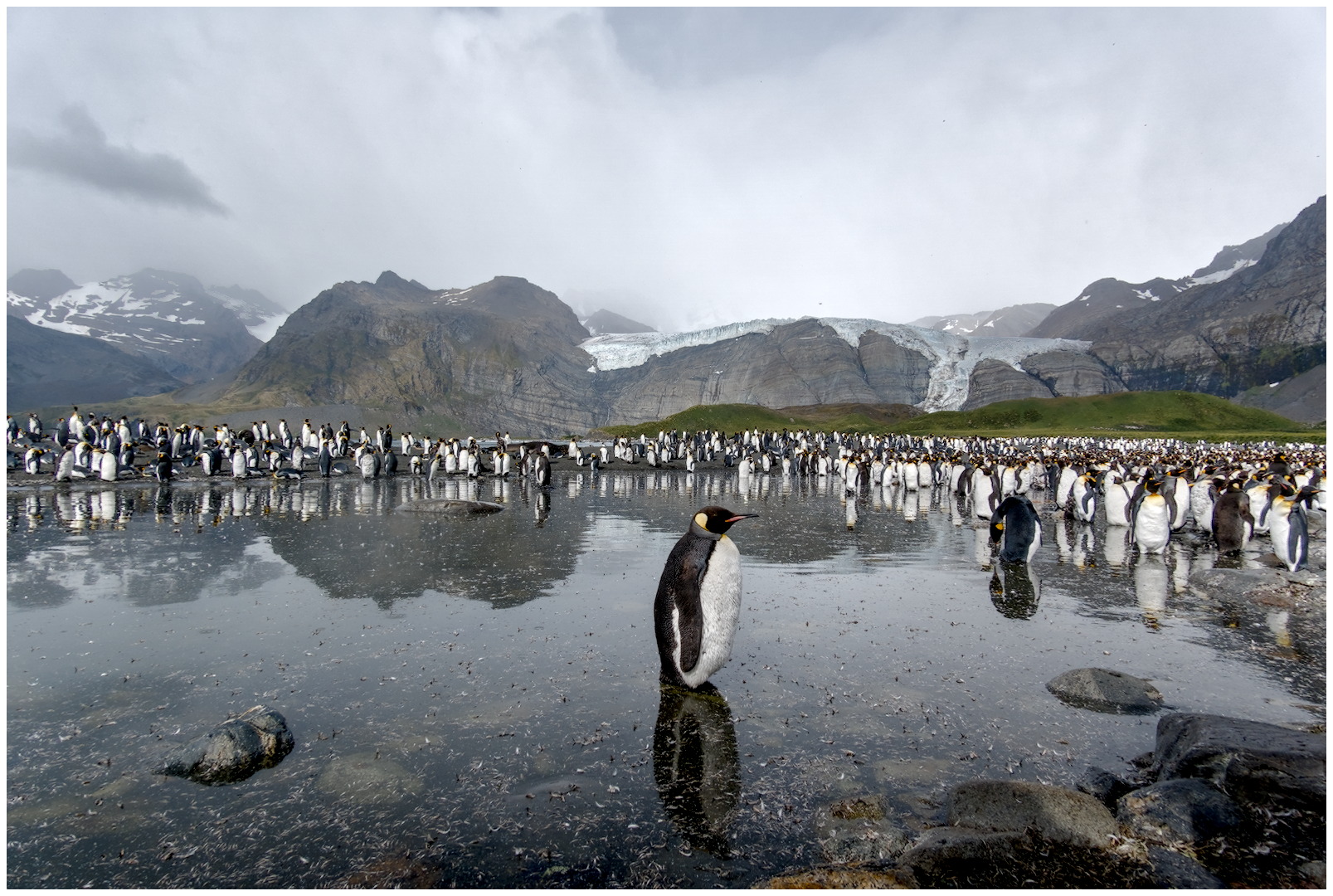
Frame added.
Thanks to everyone (so far) some nice interpretations. @Thomas_Do (I hope tagging someone is ok on this forum) a nice crop too.
Plenty here for me to look at.
In the meantime here is what I have come up with.
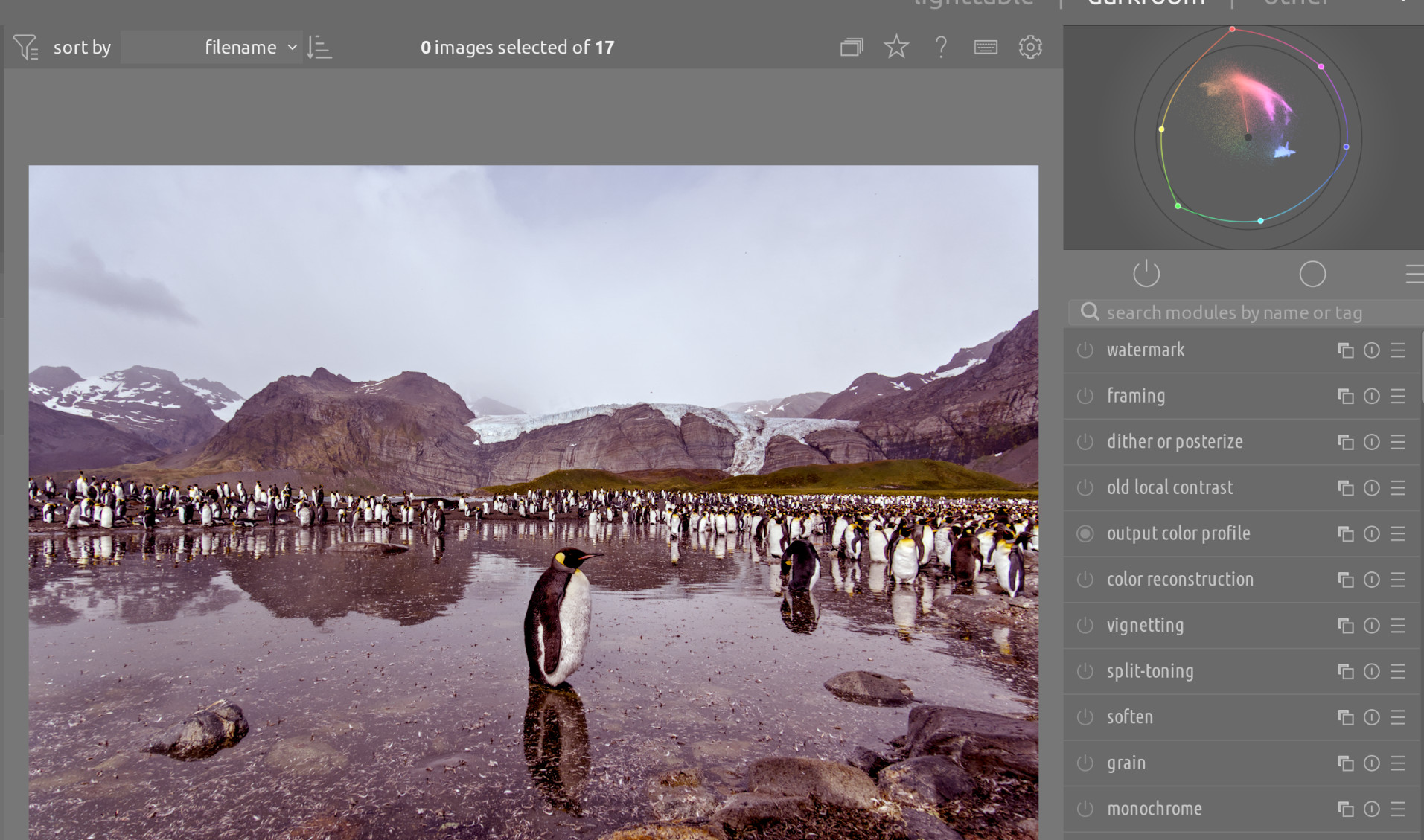
I don’t for a minute think I have been in the least bit systematic in my choice of modules, I’ve just been playing around to see what happens.
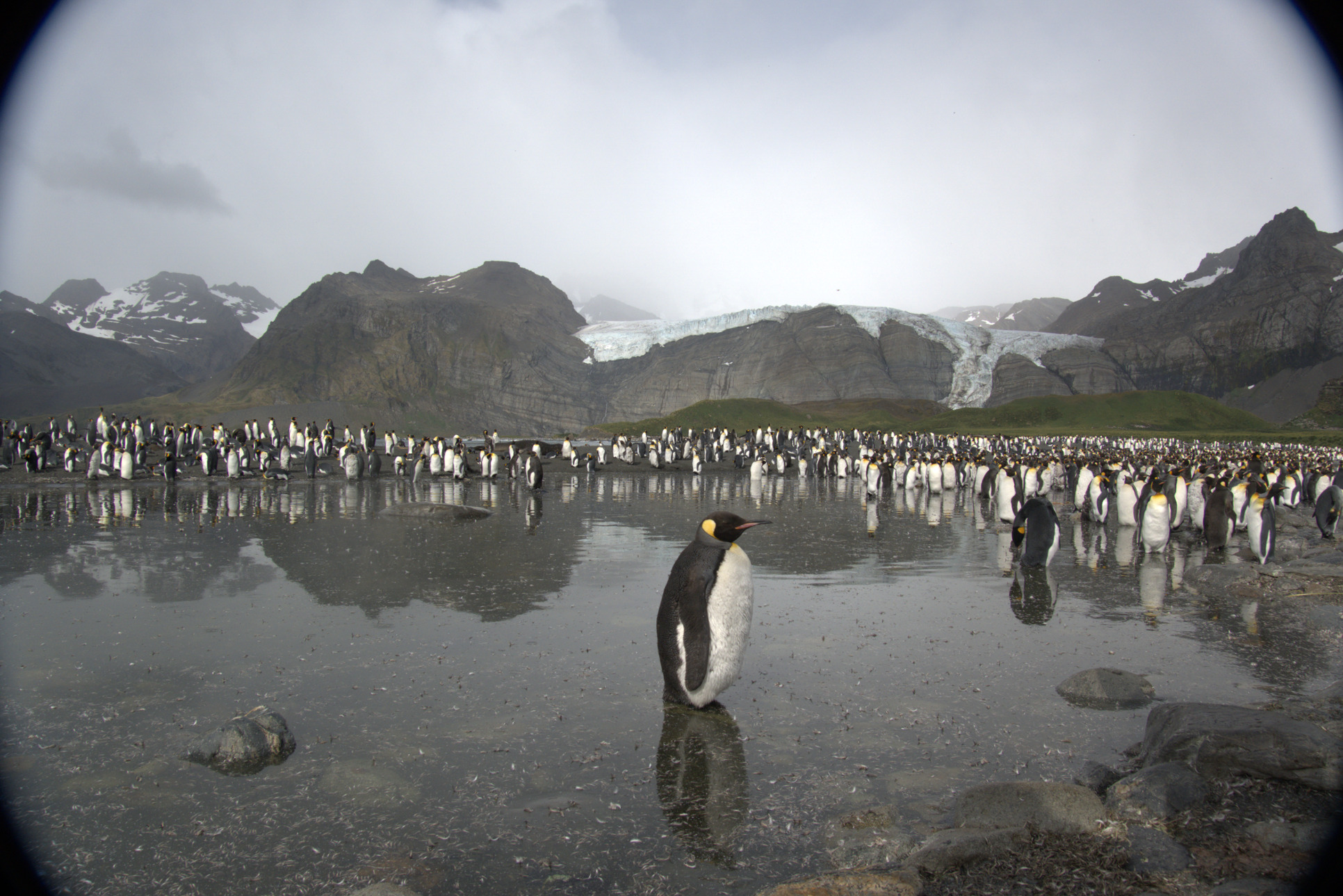
Aha, I had to manually choose a camera (picked RX100 VI) and set the lens to ‘fixed lens’ (the only option there) to make the TCA override sliders usable.
Still seeing a wide blue fringe (1.00050 and 1.00025), but it’s a good result.
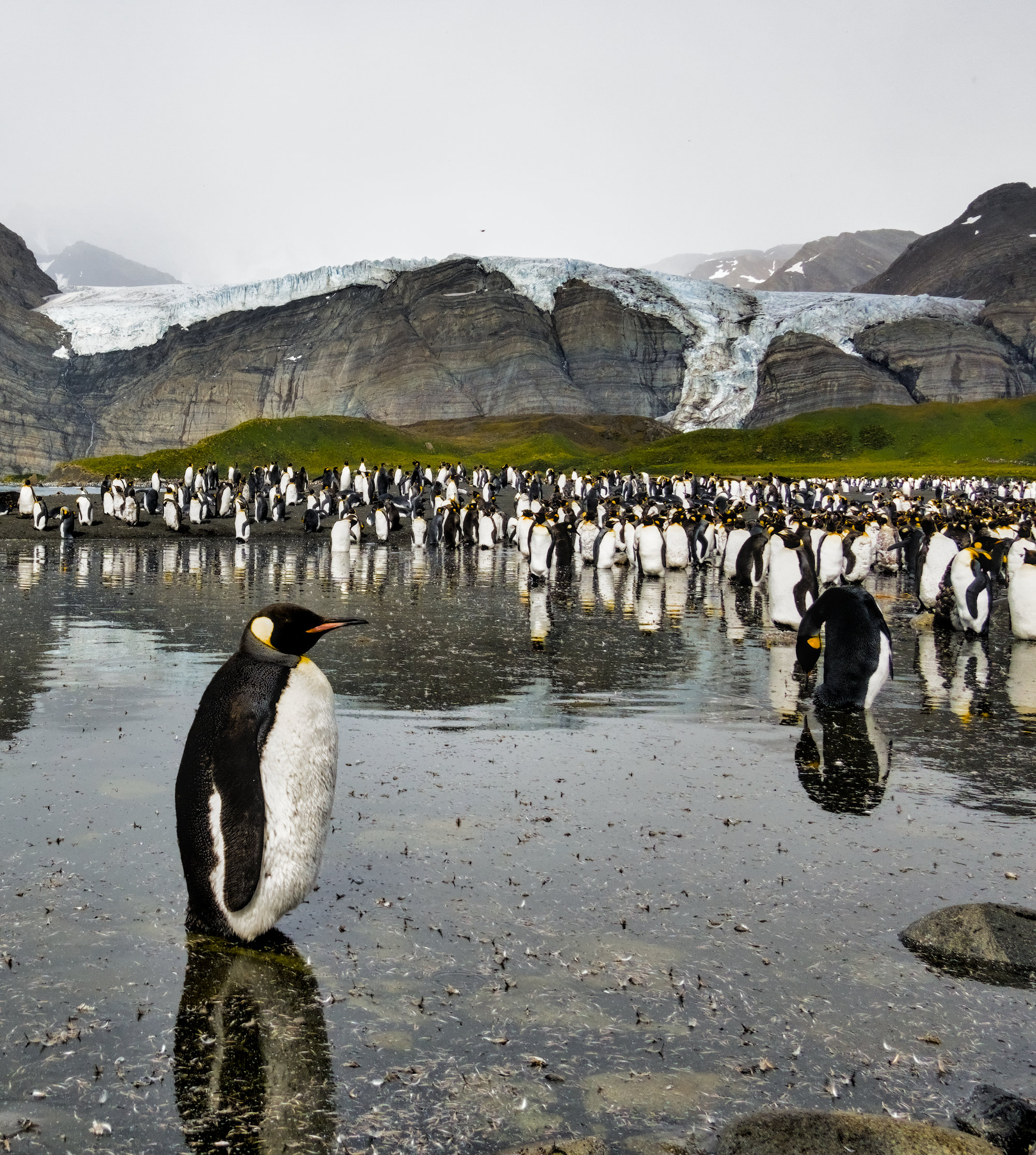
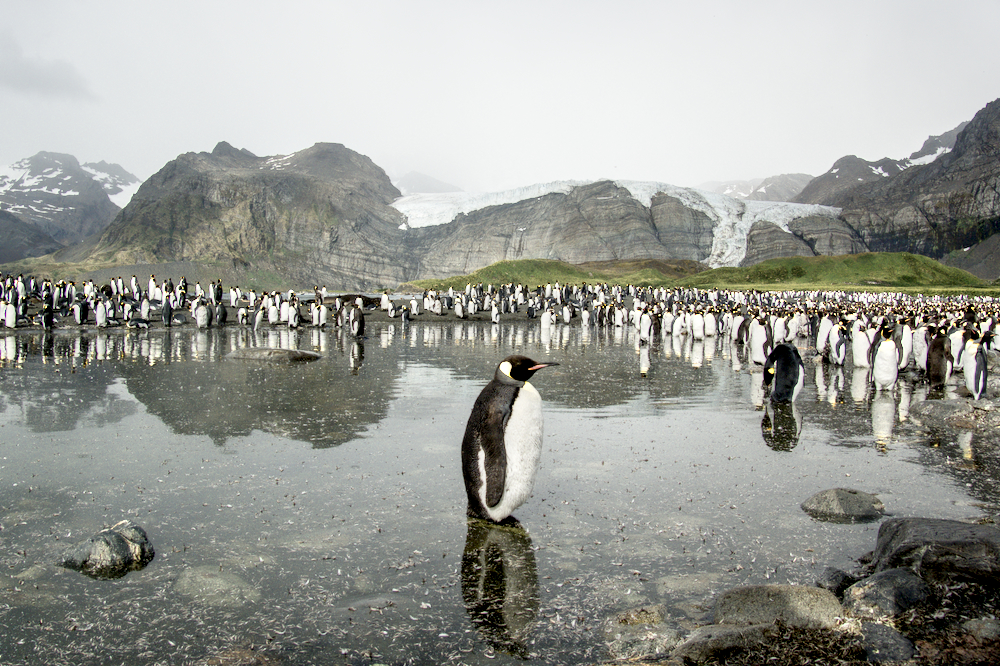
I tried to keep this beautiful (but undoubtedly foul-smelling) place cold so I changed the WB abit. @gwbarn I had to override the CA settings as well - I see no CAs anymore.
Welcome! Lovely shot, this. I like the way the central figure seems to be enjoying a rare moment of peace.
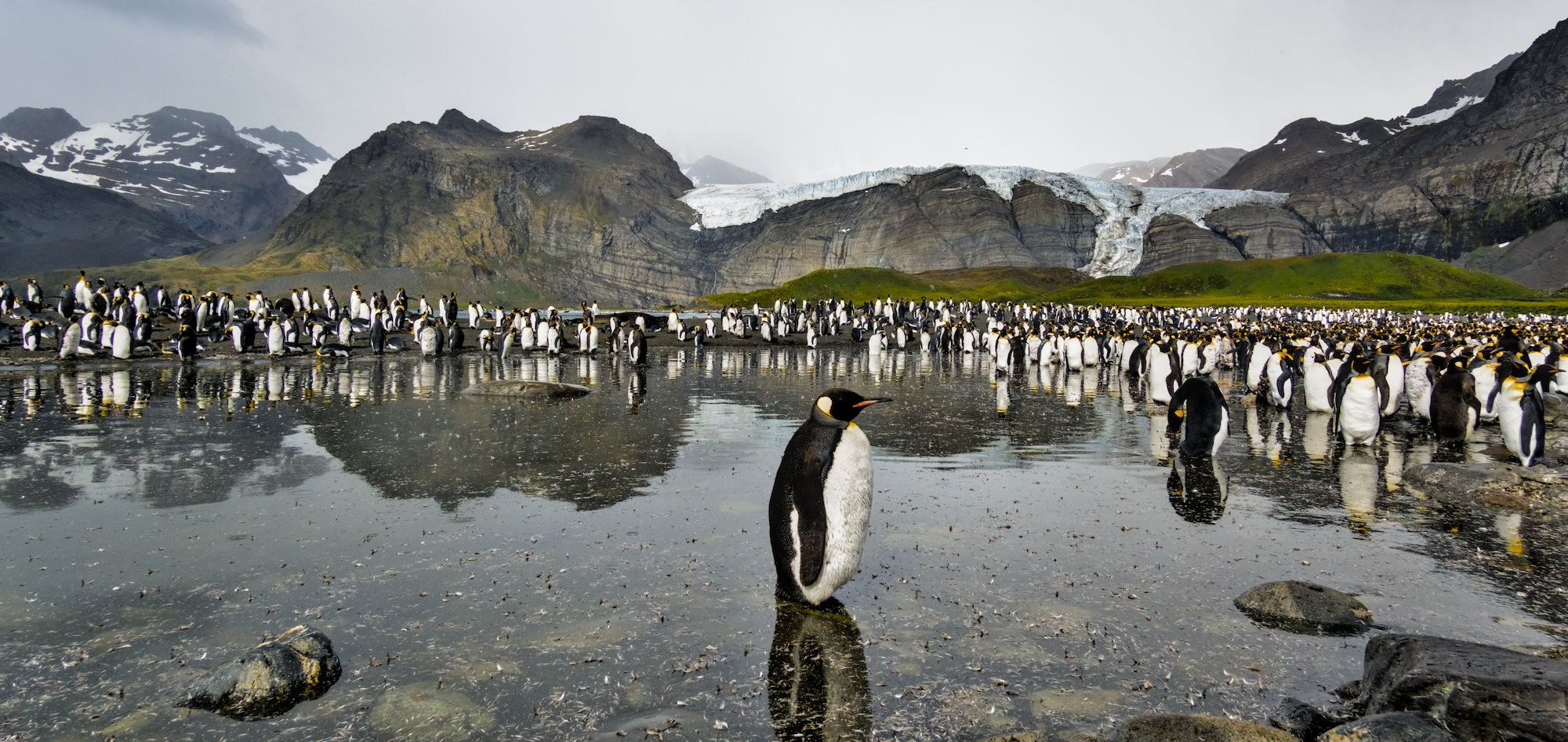
I looked to highlight this by keeping the subject and reflection central in the full field, with a widescreen crop. Some masking to lift the haze in the background and a spot mask on his(?) face to bring up his closed eye.
 !
!