For any reason, I’m not able to add certain folders / its content to the Darktable library. In particular even the standard “pictures” folder of Windows seems to be empty - what is definitely not the case.
Other folders can be opened, but the substructure is only partially visible. Is there any hidden property in some windows folders that make it unvisible / unreadable for DT? In some cases I get also ann error popup “the folder contents could not be displayed” with the message "Error when getting information for file “***”:Input/ Output error.
Any hints for a solution?
BTW. At least for one folder I was able to import the images by drag and drop …
Thanks for any help.
Do you have any special/accented characters in your folder path names?
1 Like
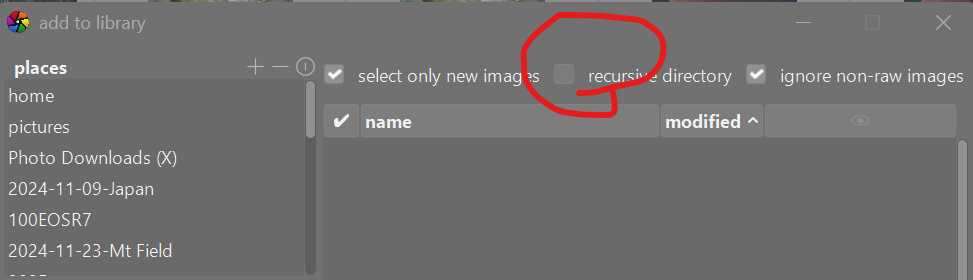
Could the answer be as simple as the recursive directory box is unticked. In non-darktable speak some of us call this a sub-folder
1 Like
I had it first - then renamed it: But nothing changed.
Hi Terry,
I hoped it would be that easy …
But of course - I checked this (literally).
1 Like