I’ve tried the new filmic rgb in Ansel, and I think it’s pretty nice.
Just for fun, I’ve fit some presets that approximate the Ansel look. Since filmic rgb keeps much more saturation by default, the matches cannot be made perfect. Take them for what they are: an experiment, a bit of fun. If you want to keep saturation in the highlights, AgX may not the best tool.
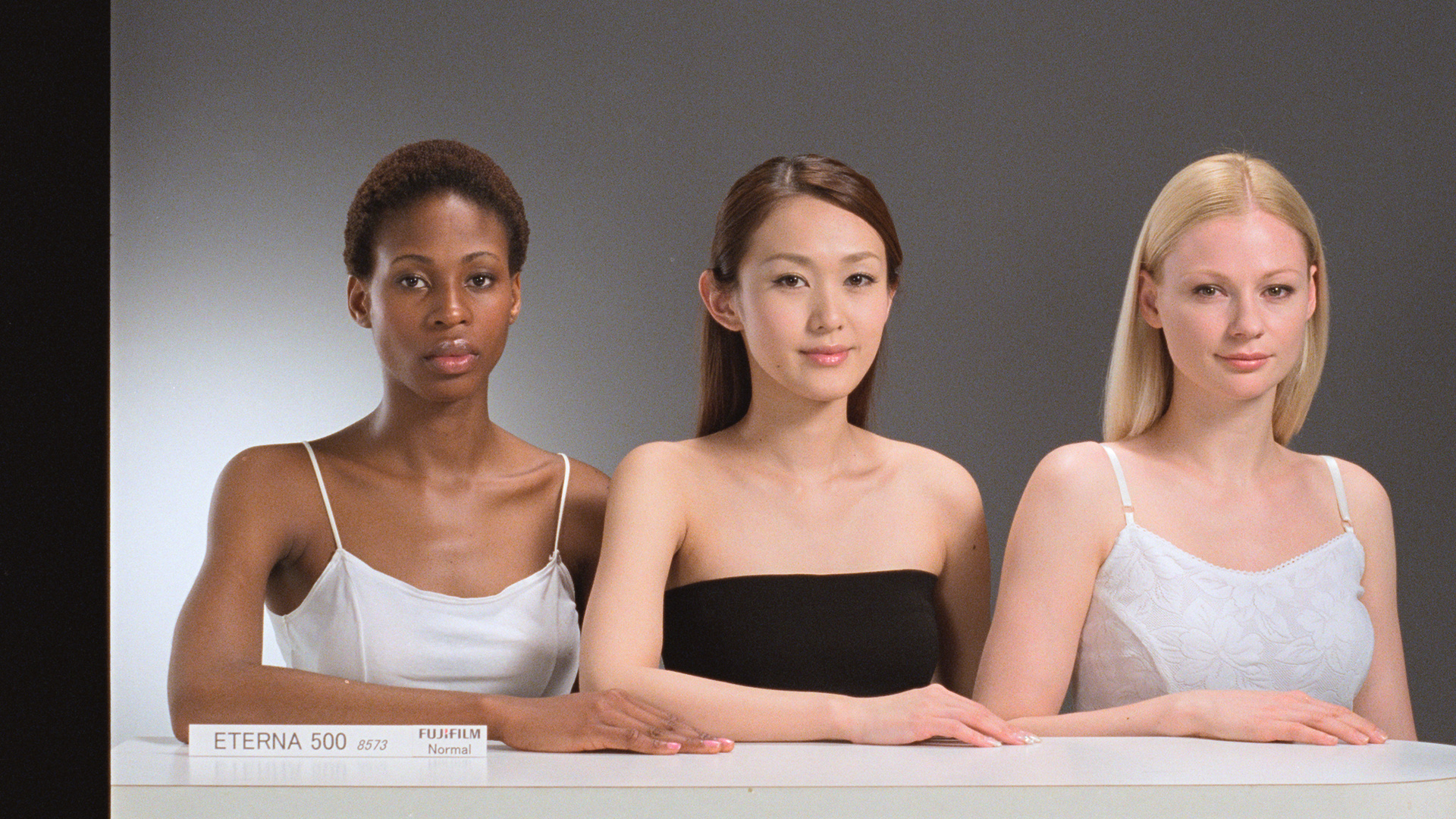
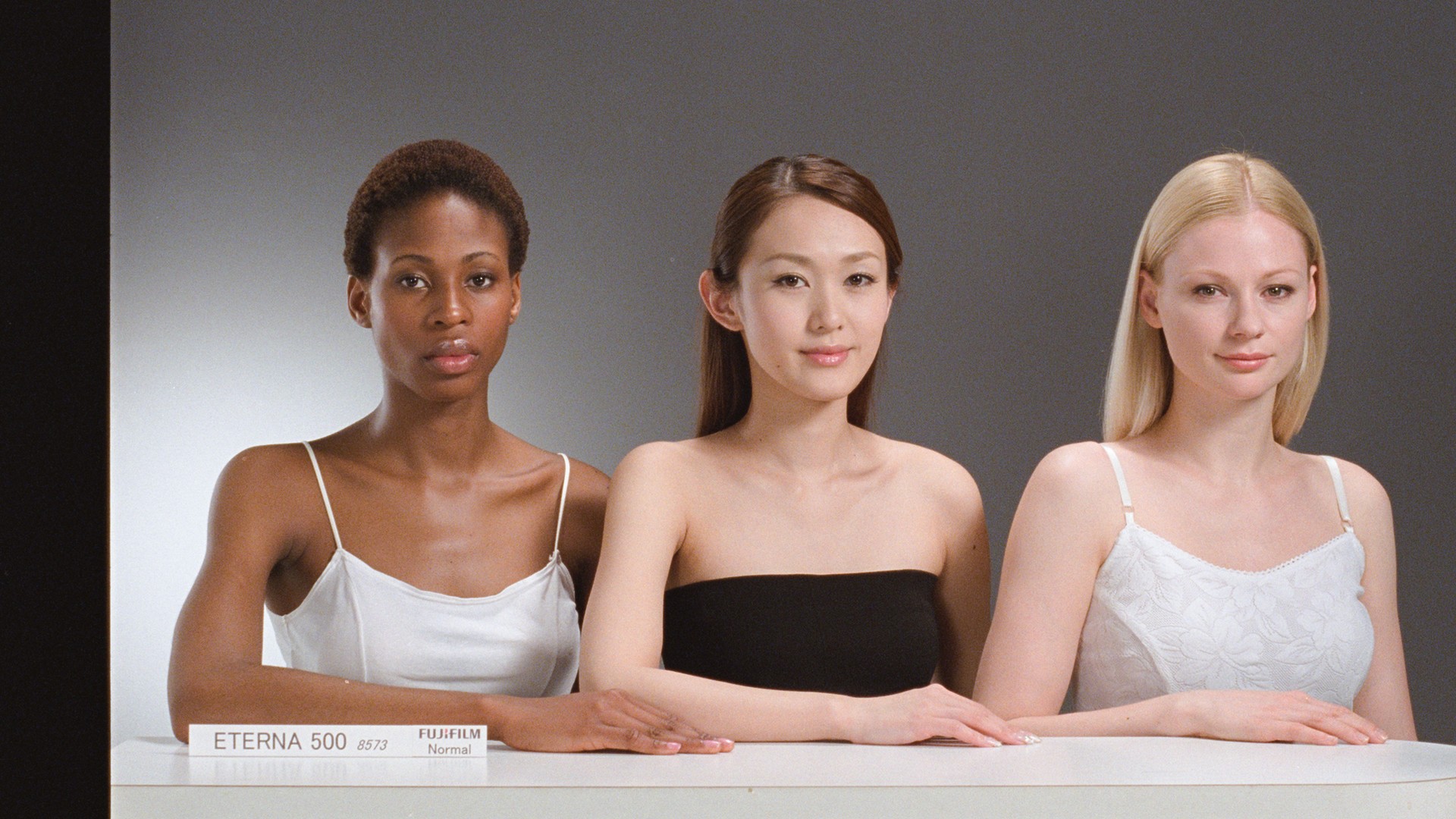
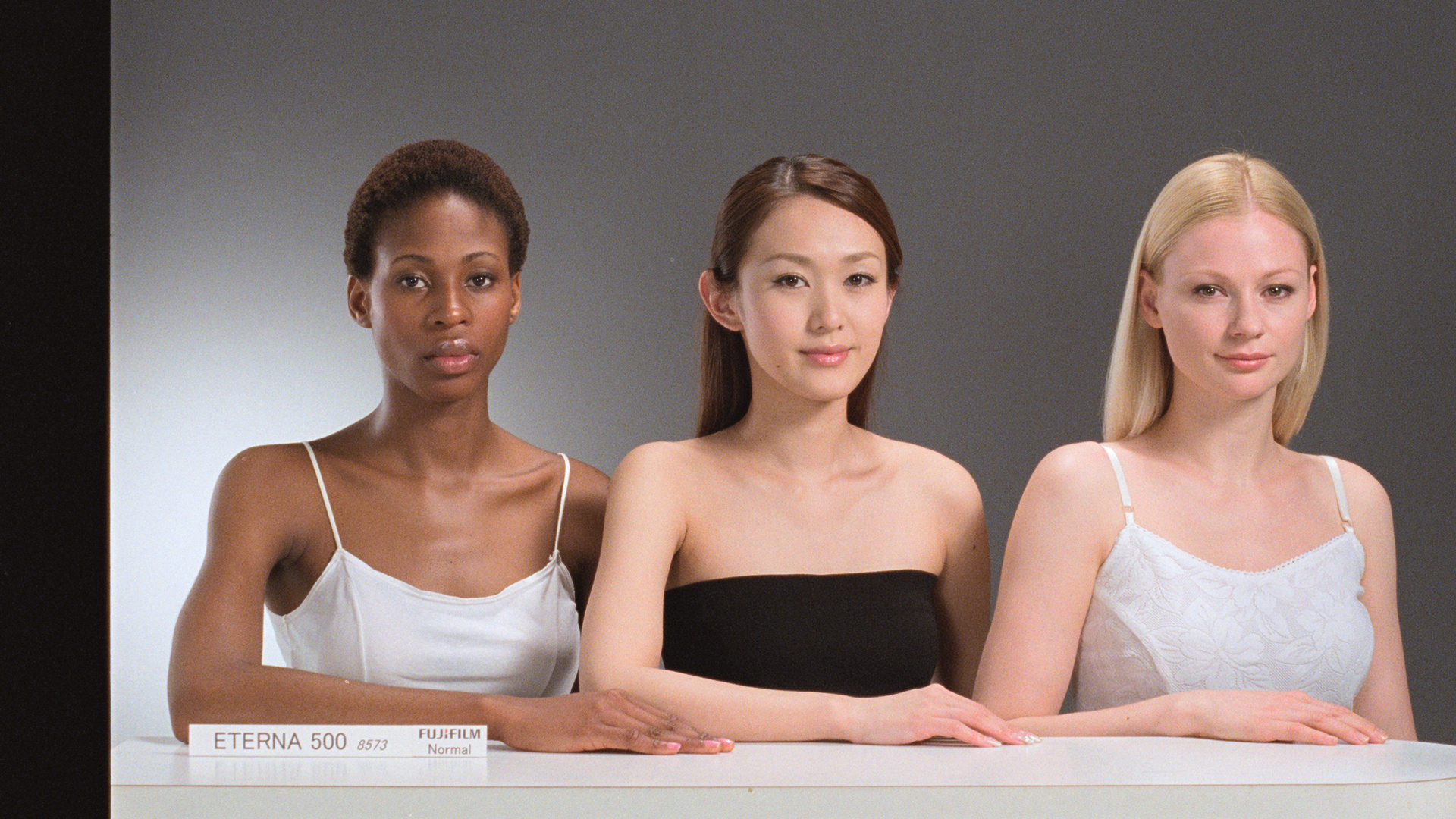
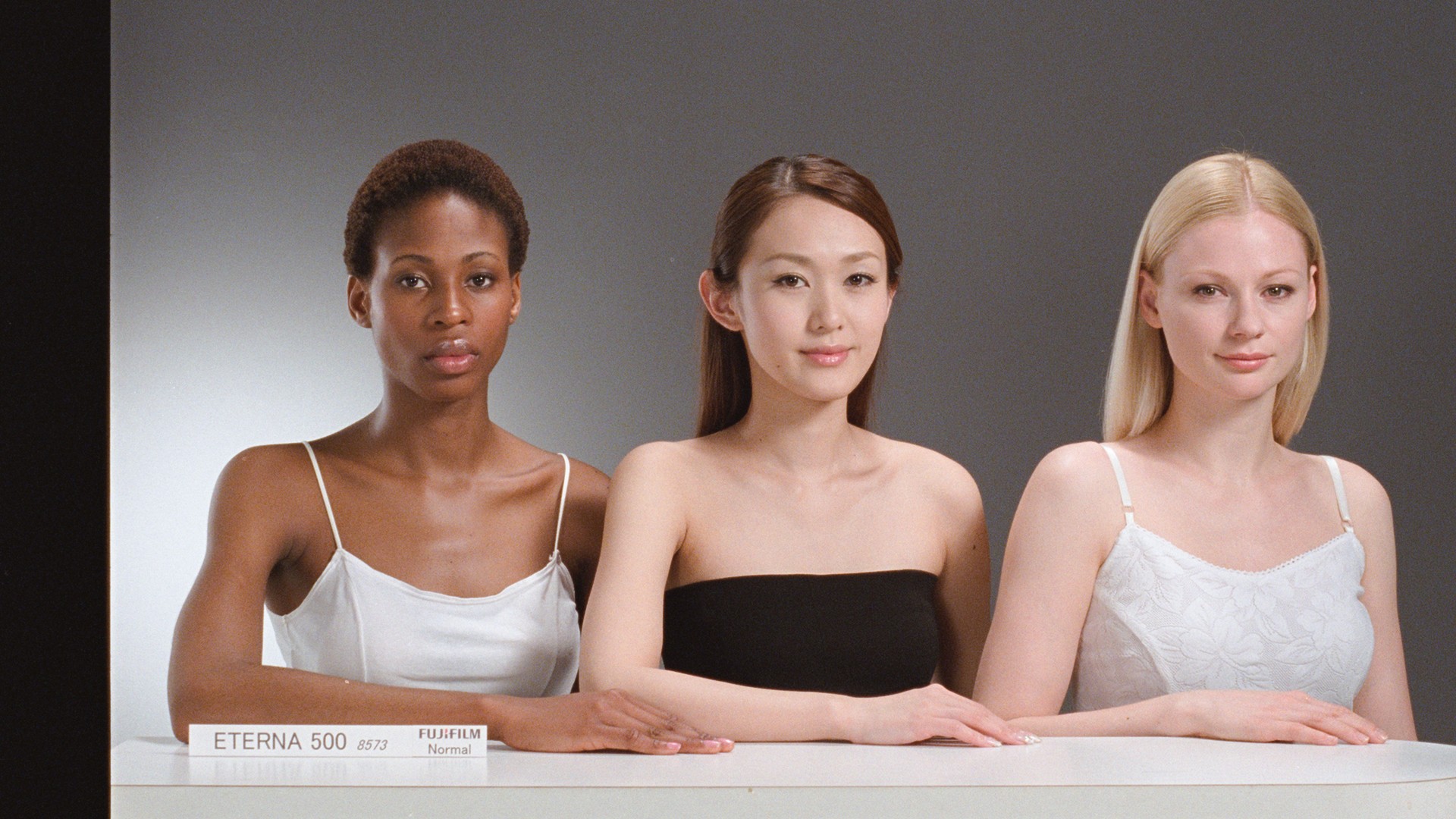
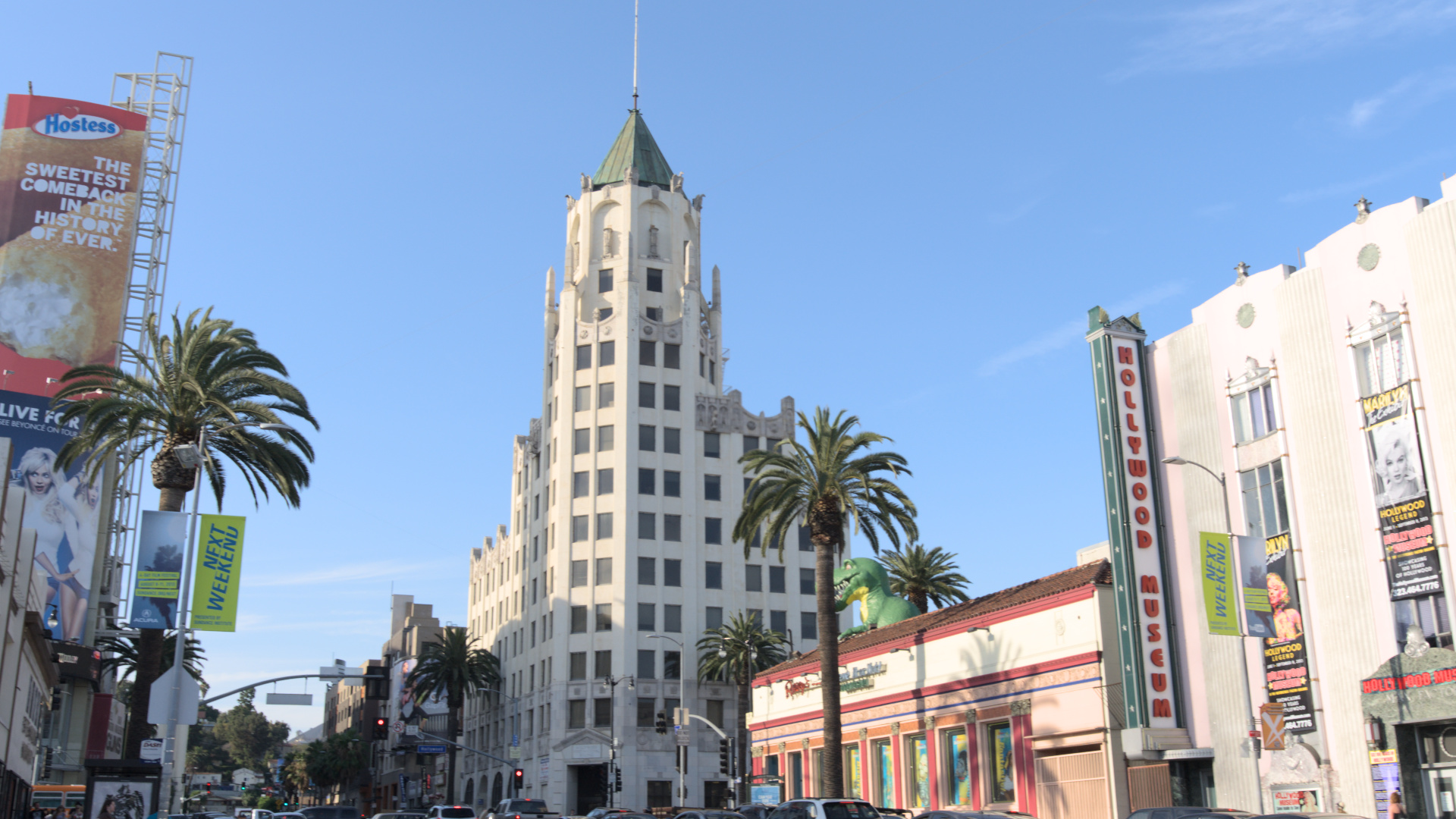
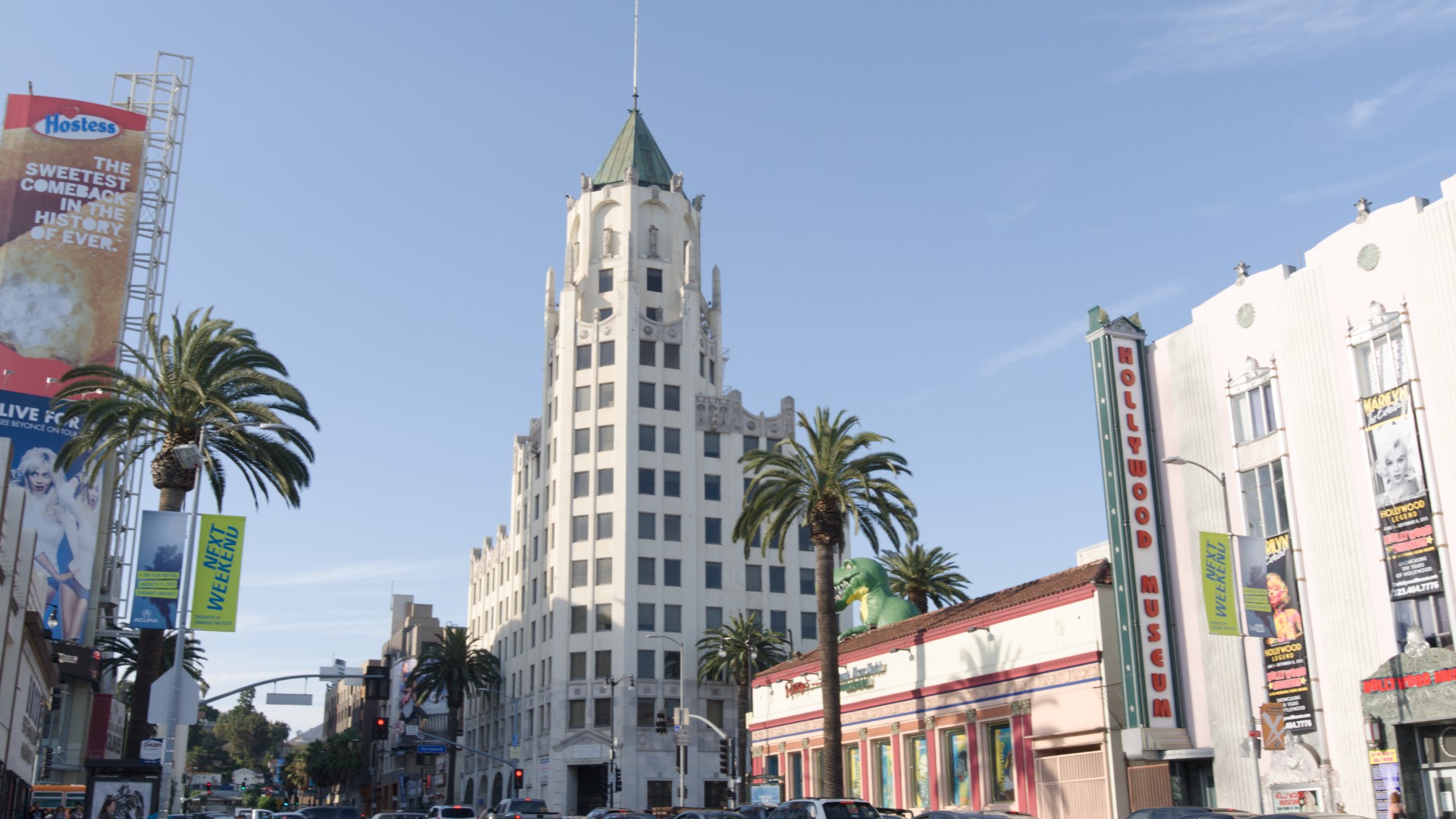
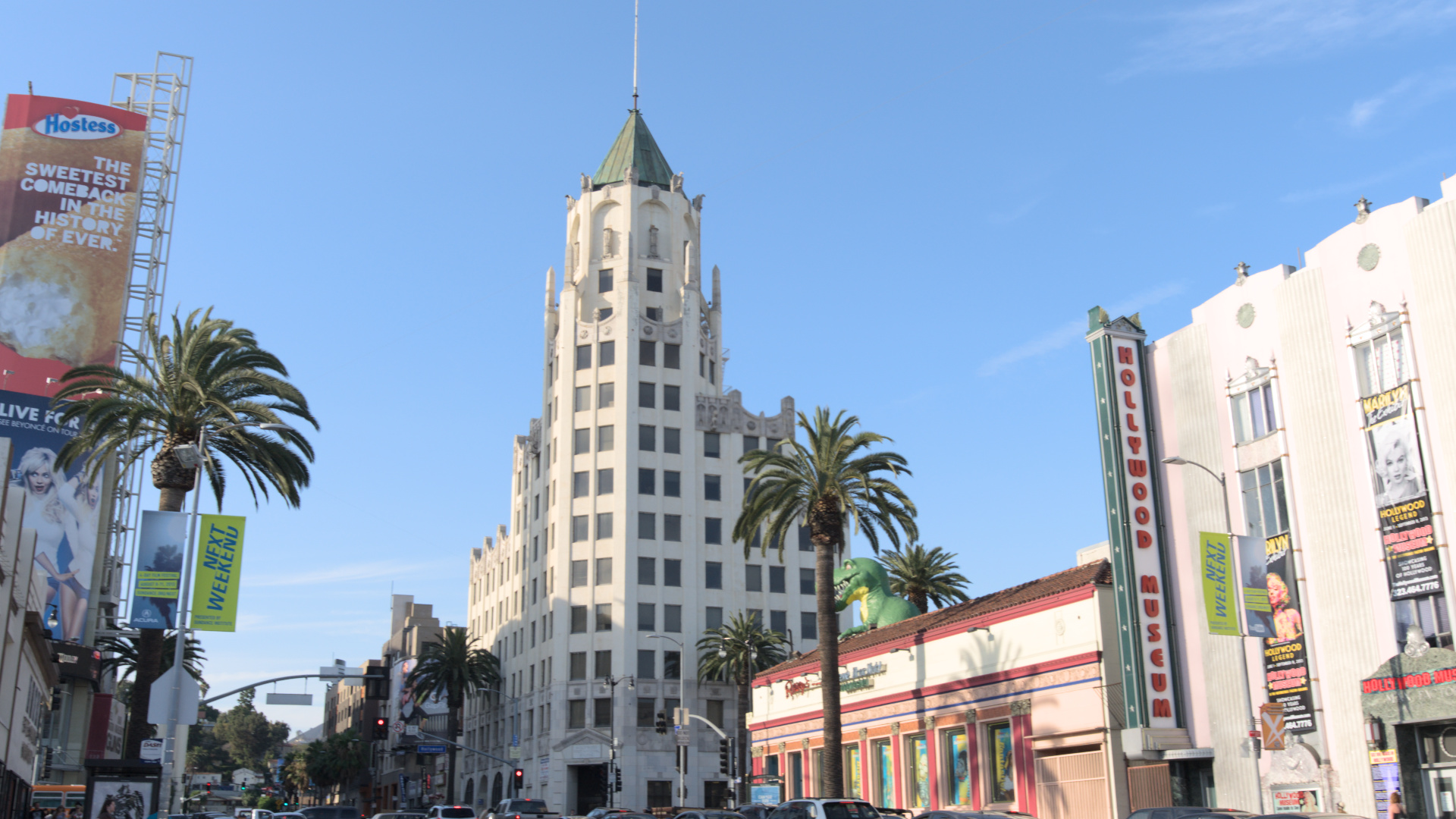
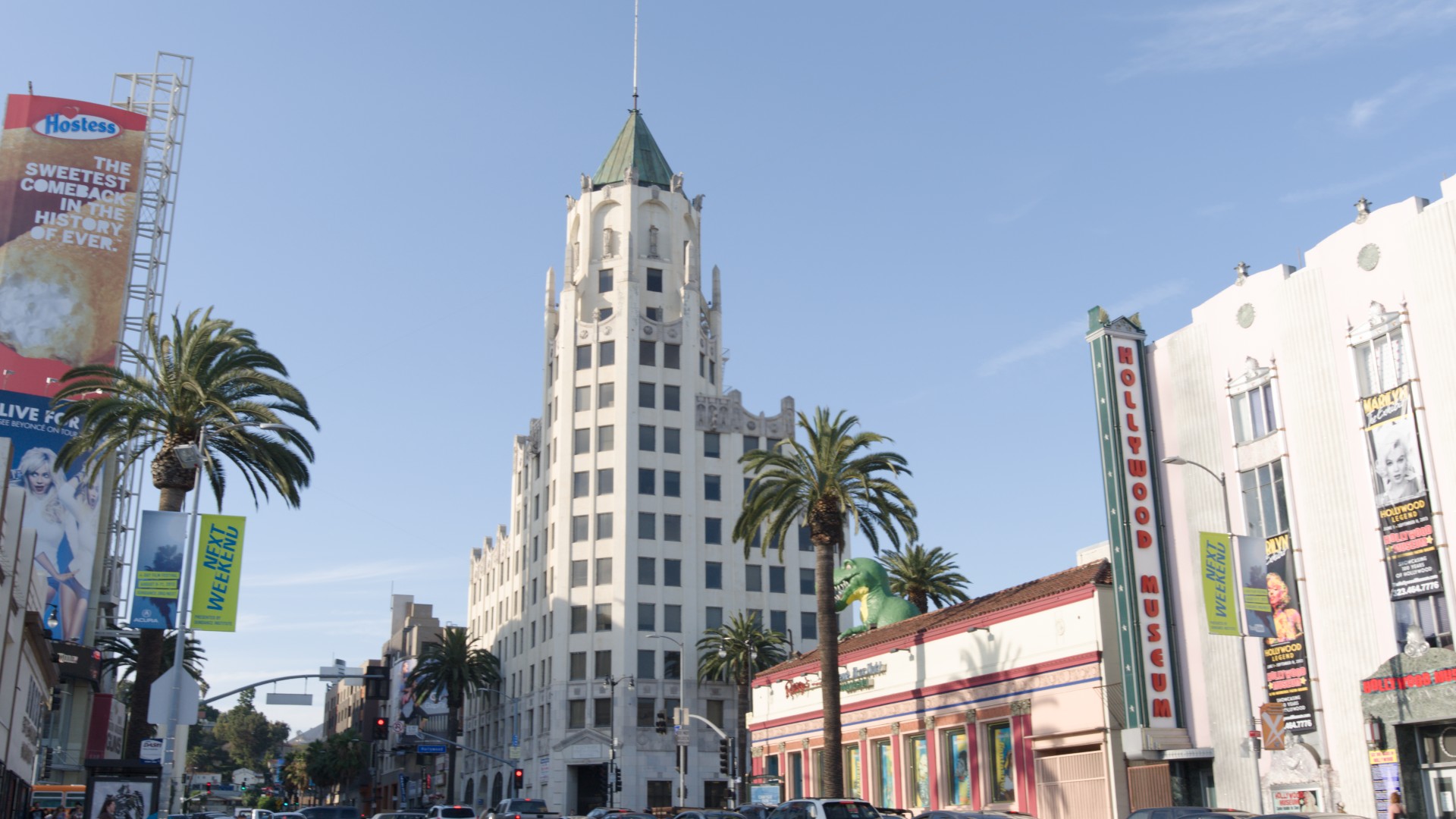
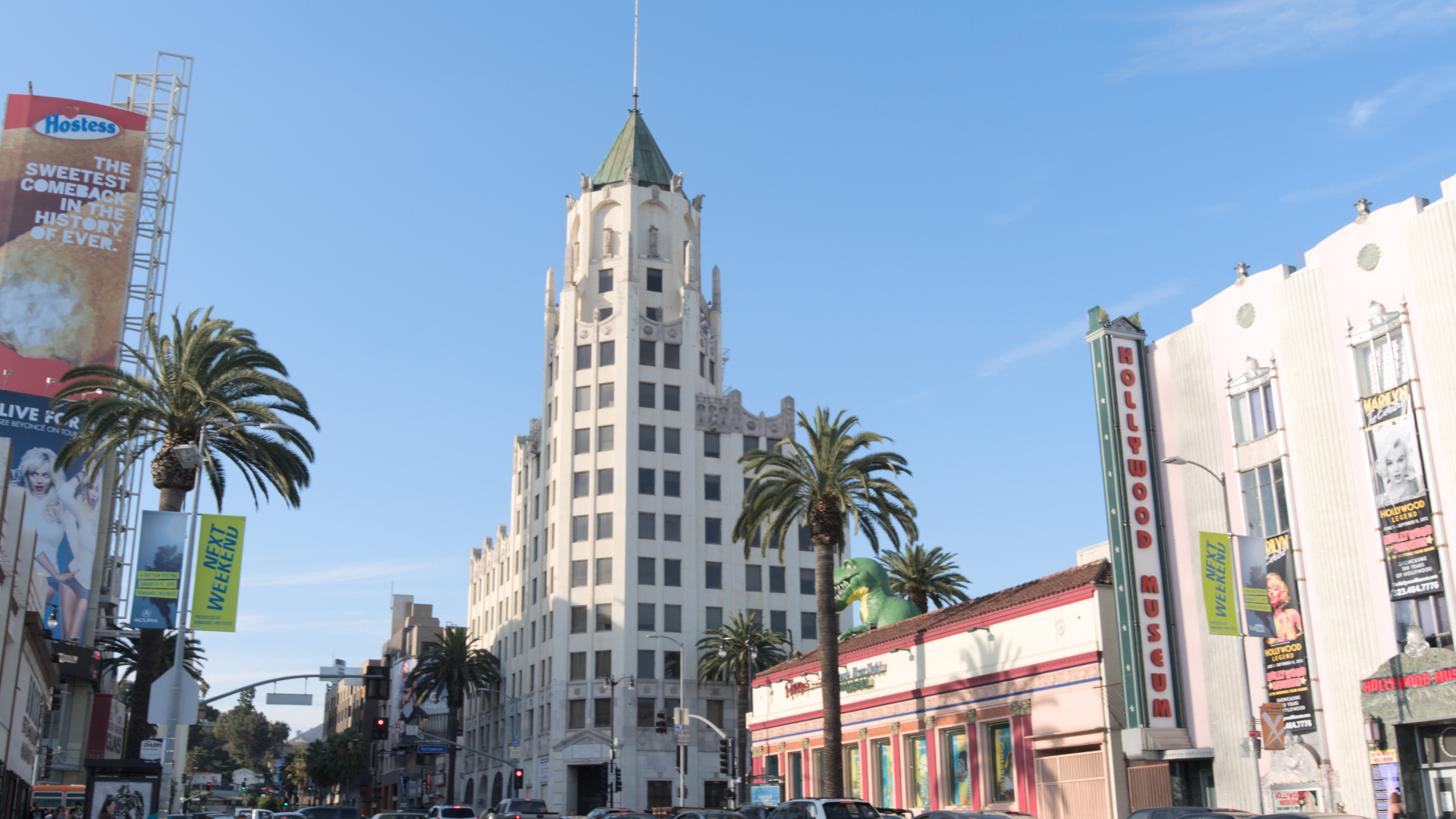
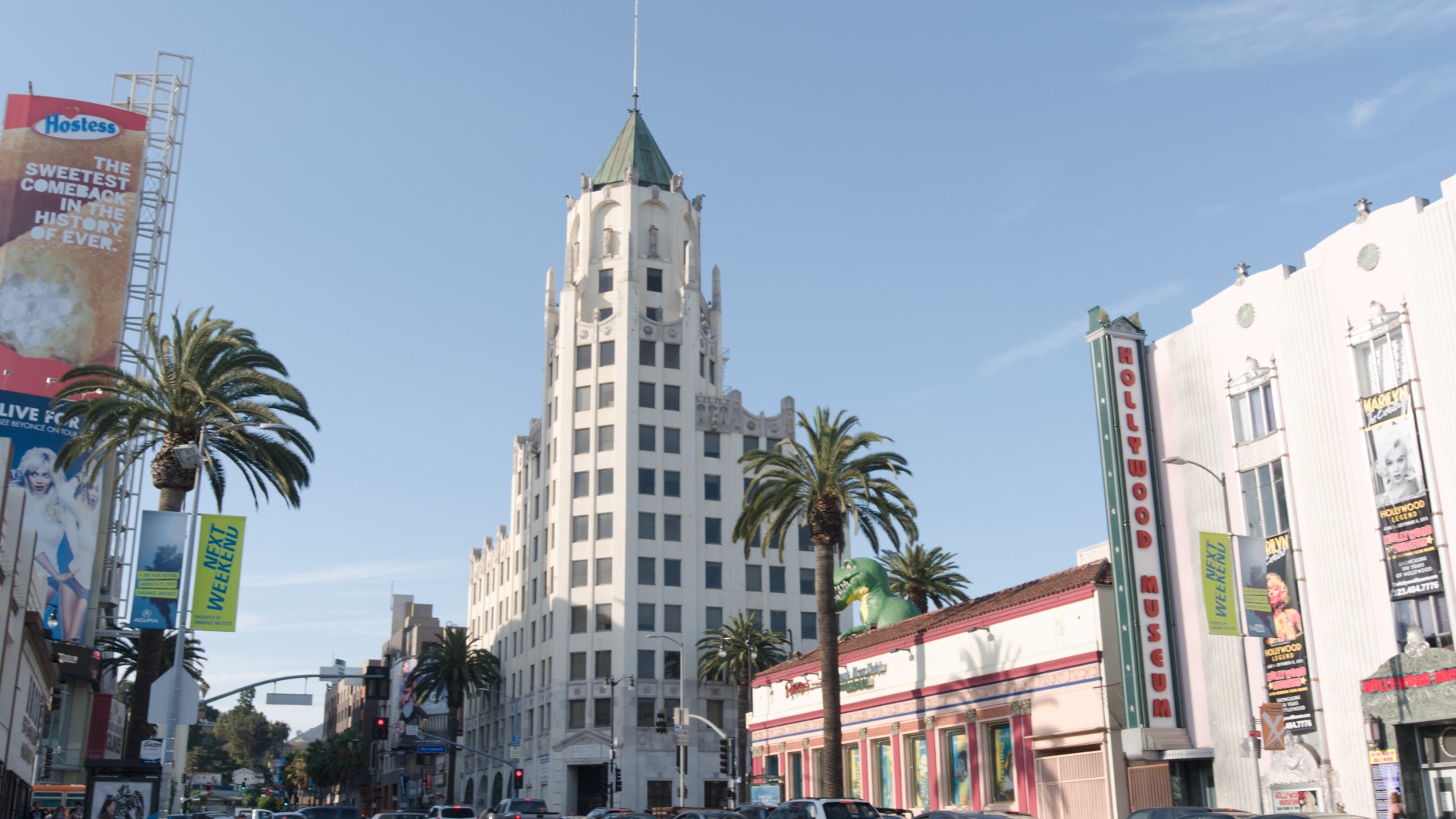
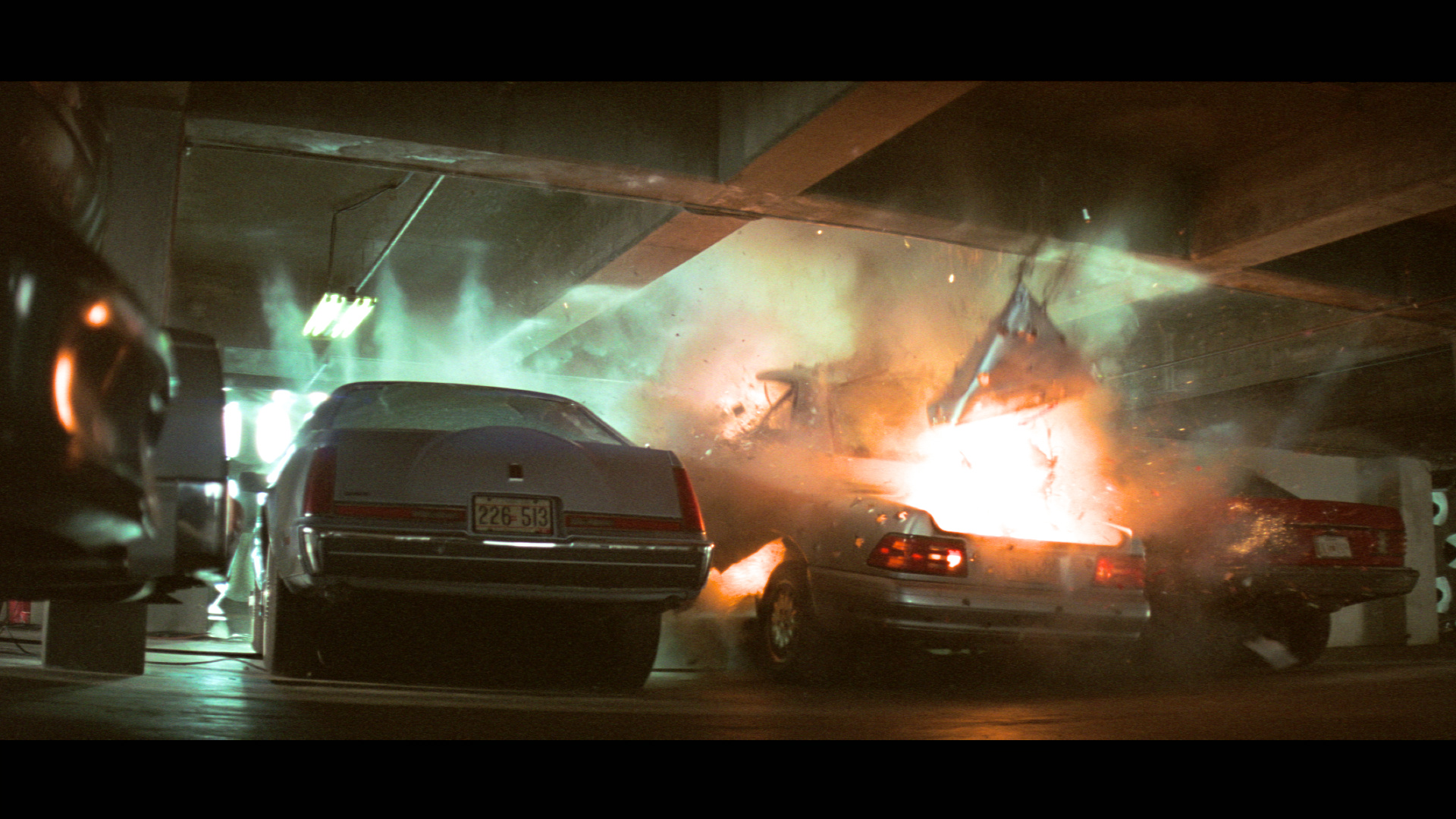
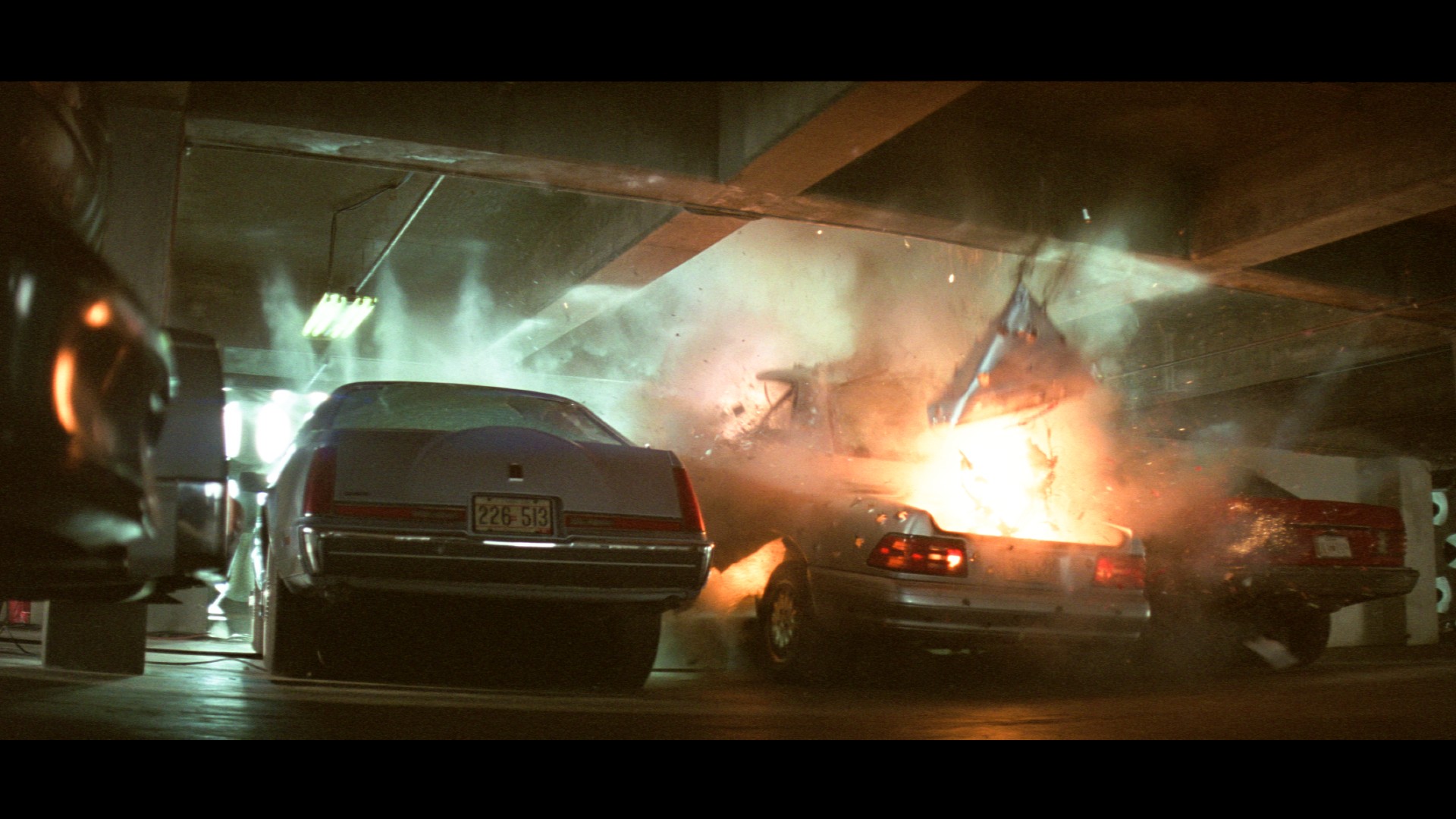
The examples below are Ansel Filmic “V8” defaults vs the preset defaults (no auto picker in either application).
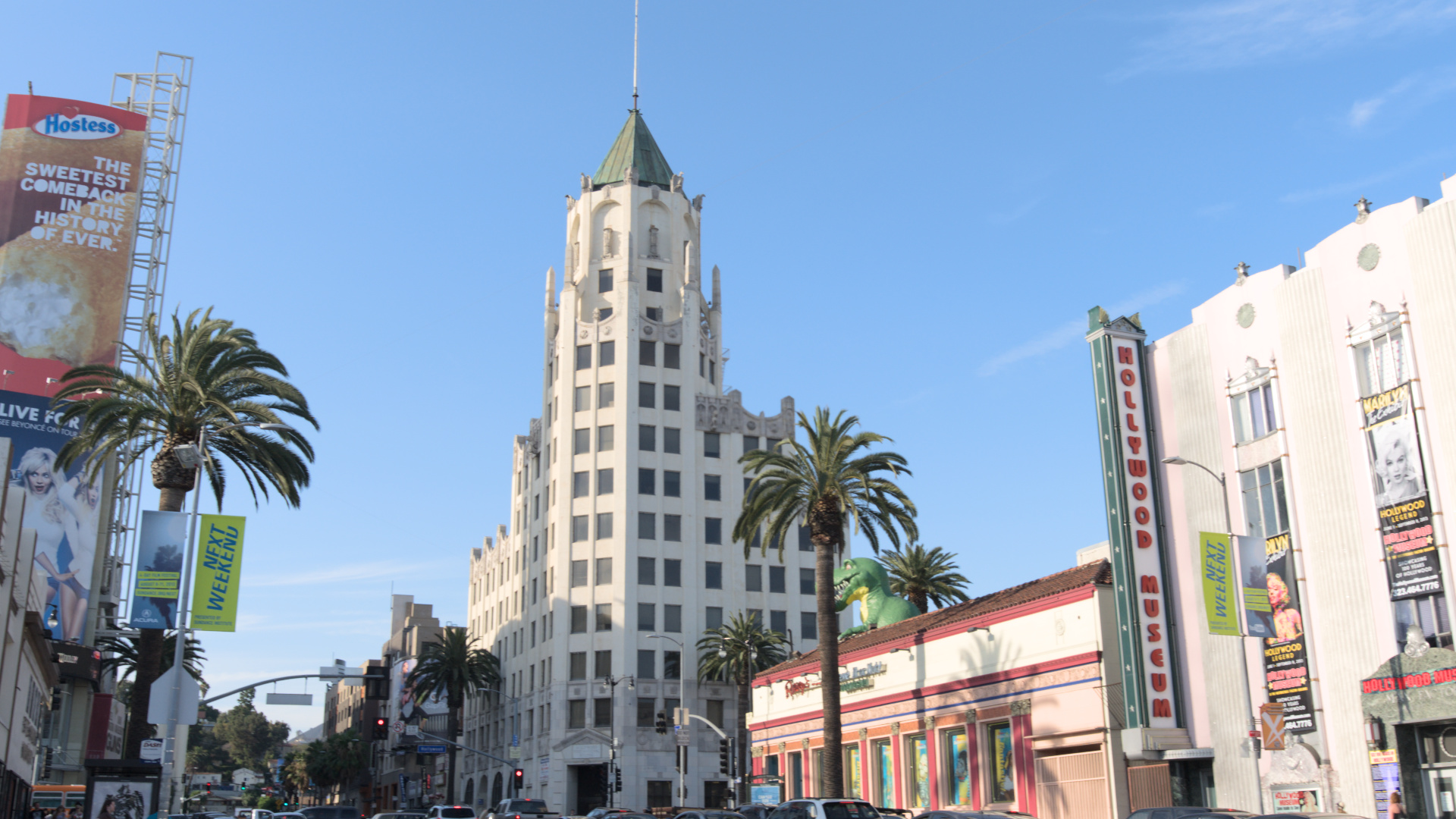
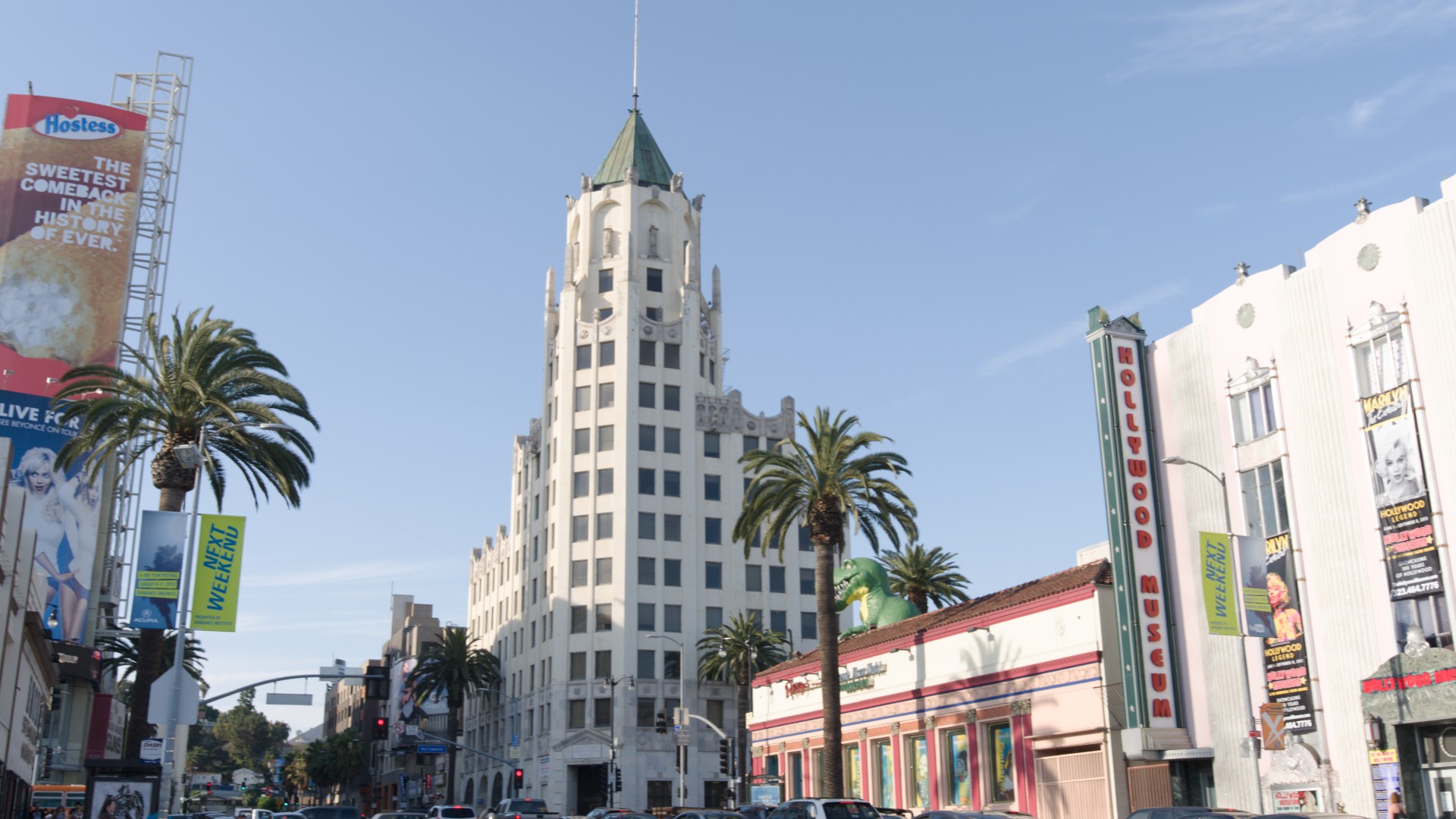
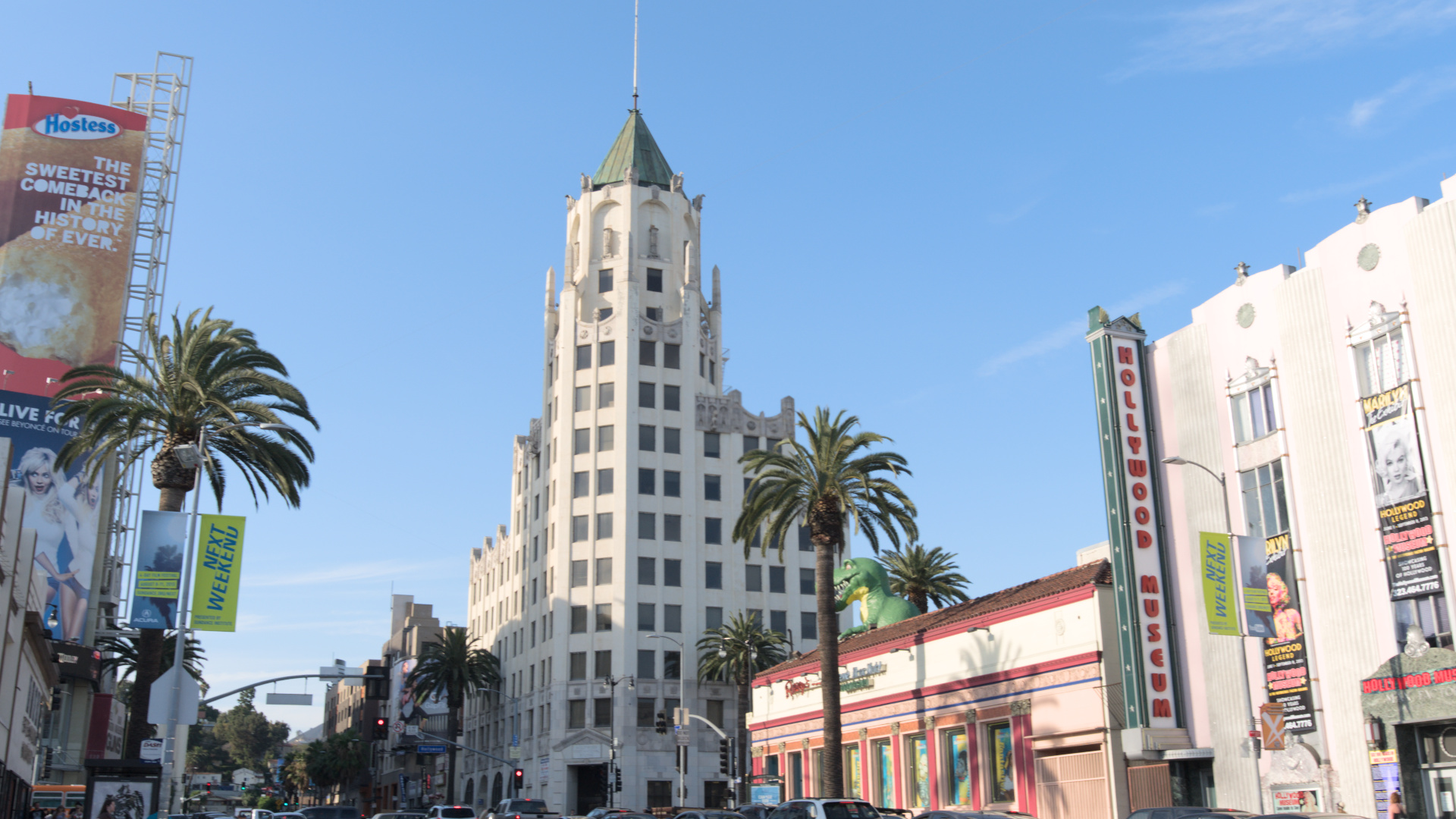
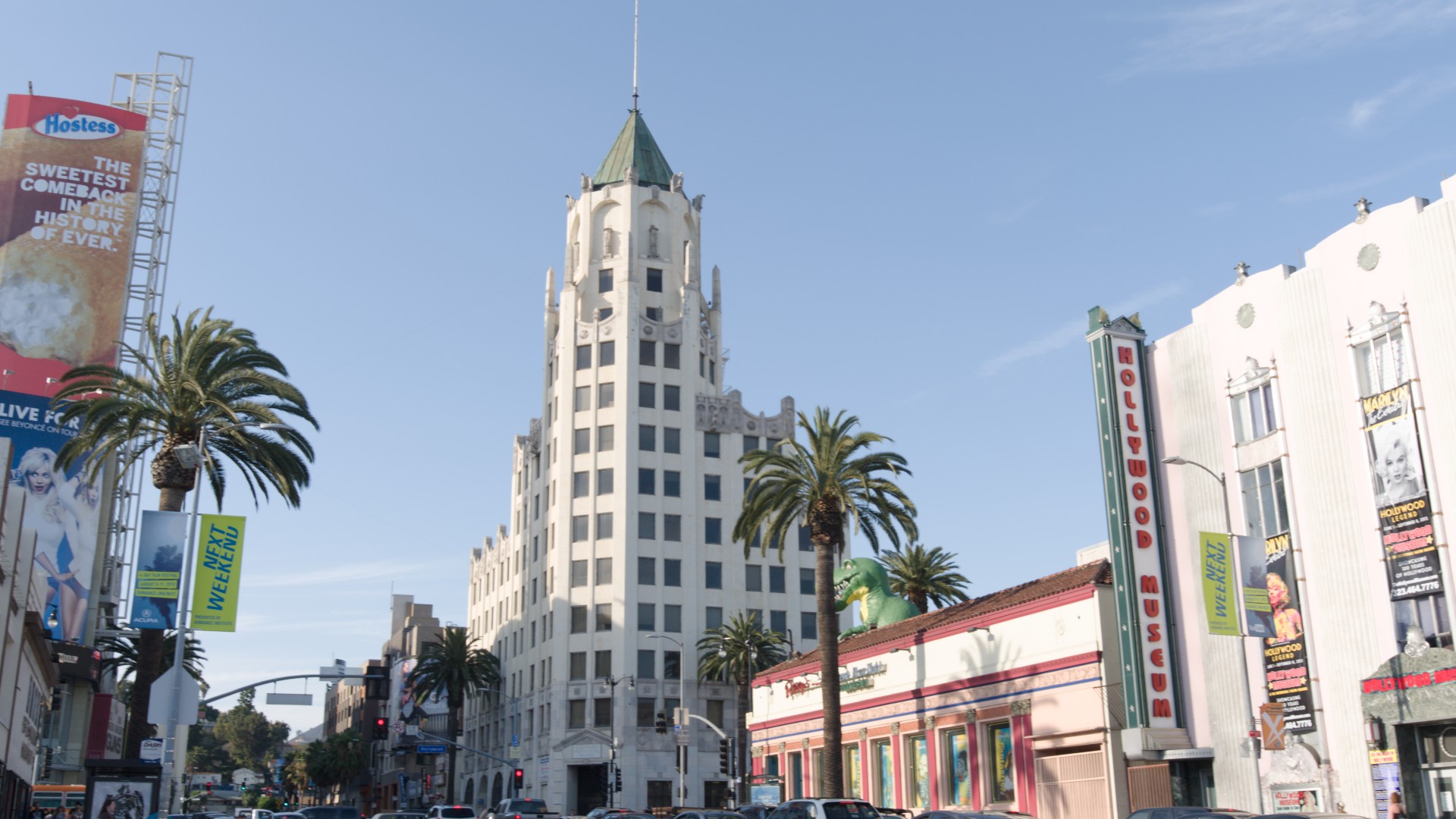
A bright outdoor scene - you’ll notice the sky is much less saturated in darktable. Interestingly, the traffic lights vary (the fitting algo contained some randomness).
The yellow in the darktable images is caused by the very high shoulder power and the missing upper guard rail, pushing red into clipping (a problem in my AgX port).
So are these presets based on various forms of bleach bypass?
If so, in your opinion, how do these compare with the older method of adding a second color calibration (monochrome) module with a uniform mask at reduced %?
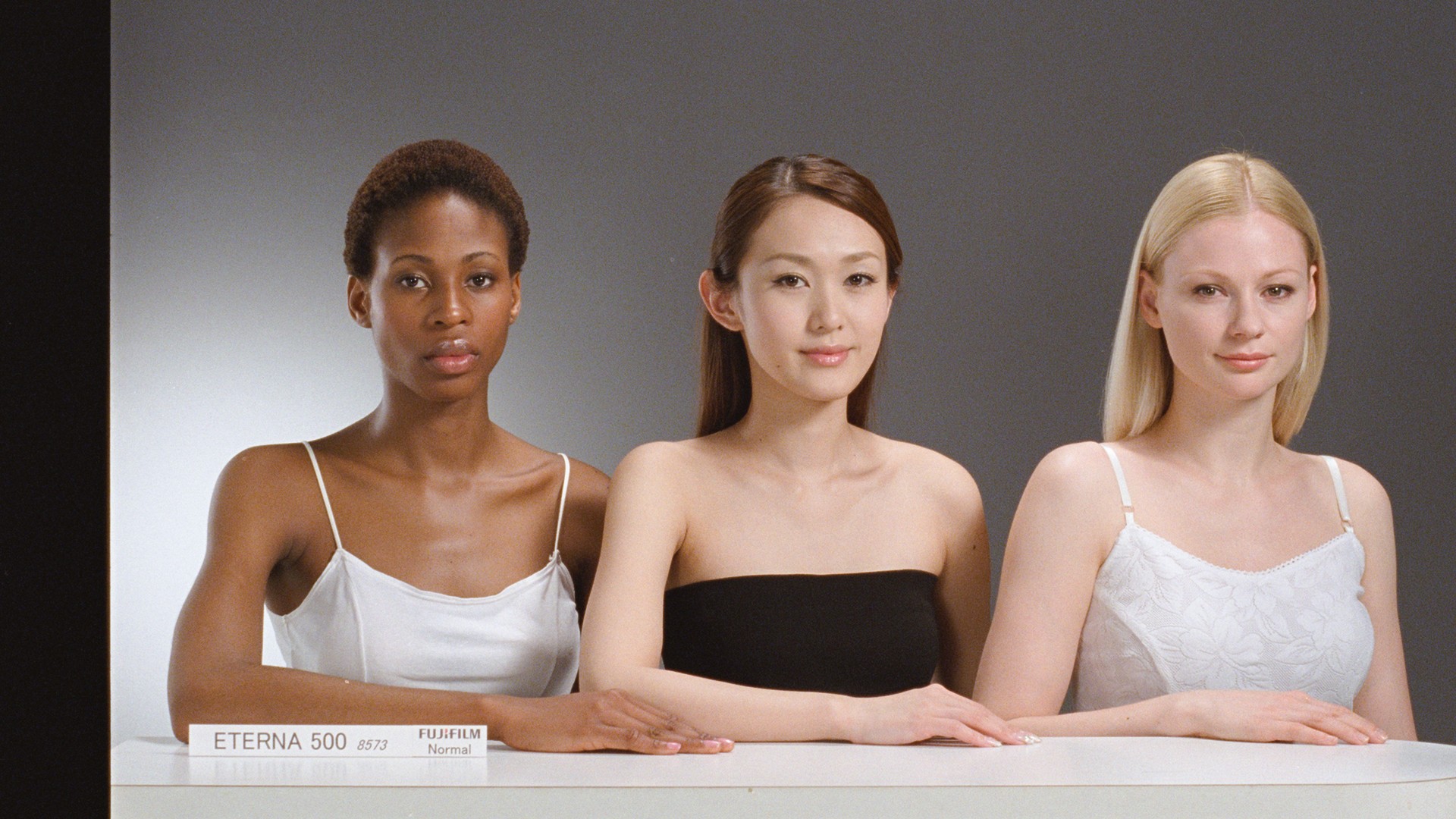
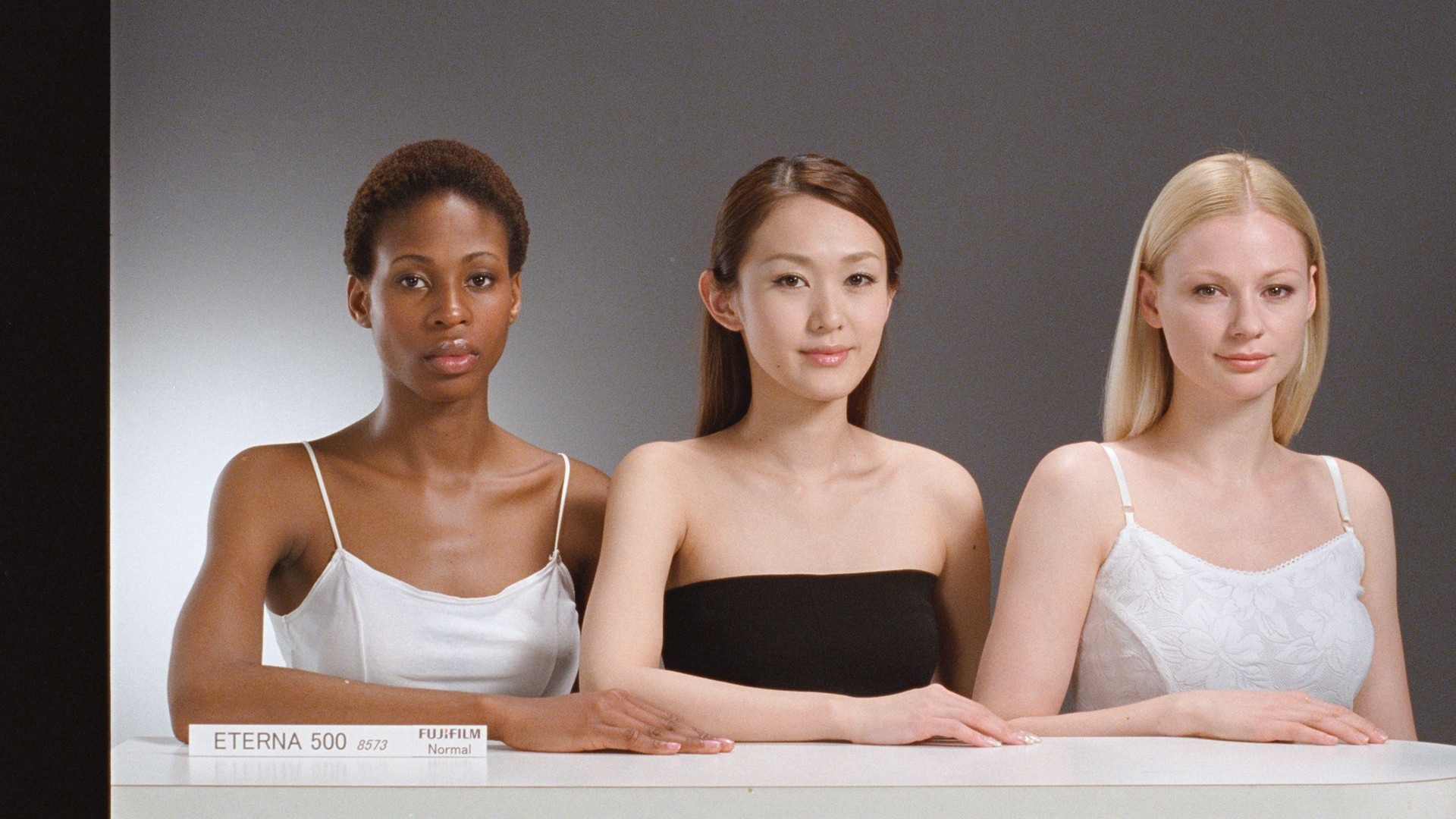
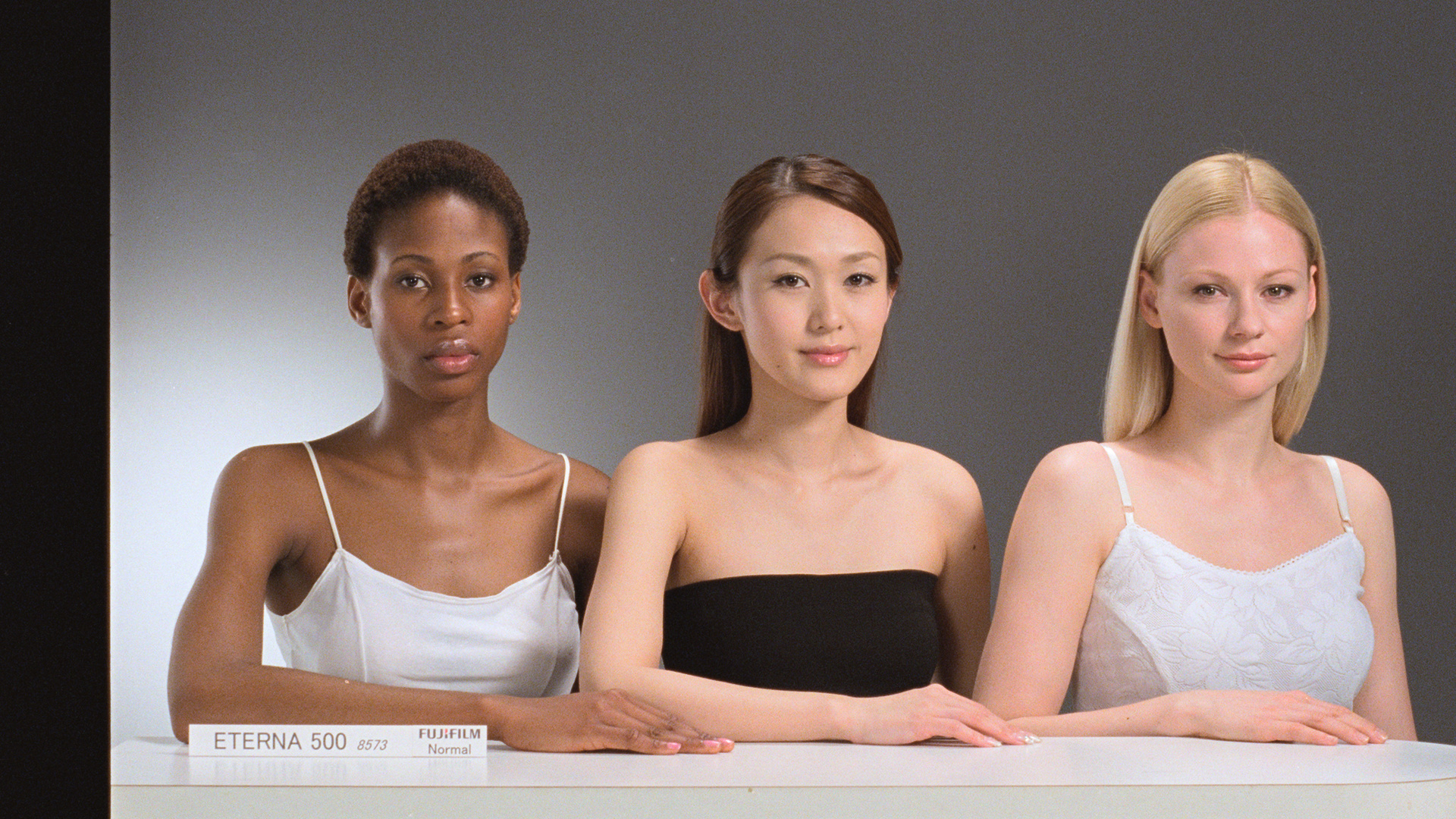
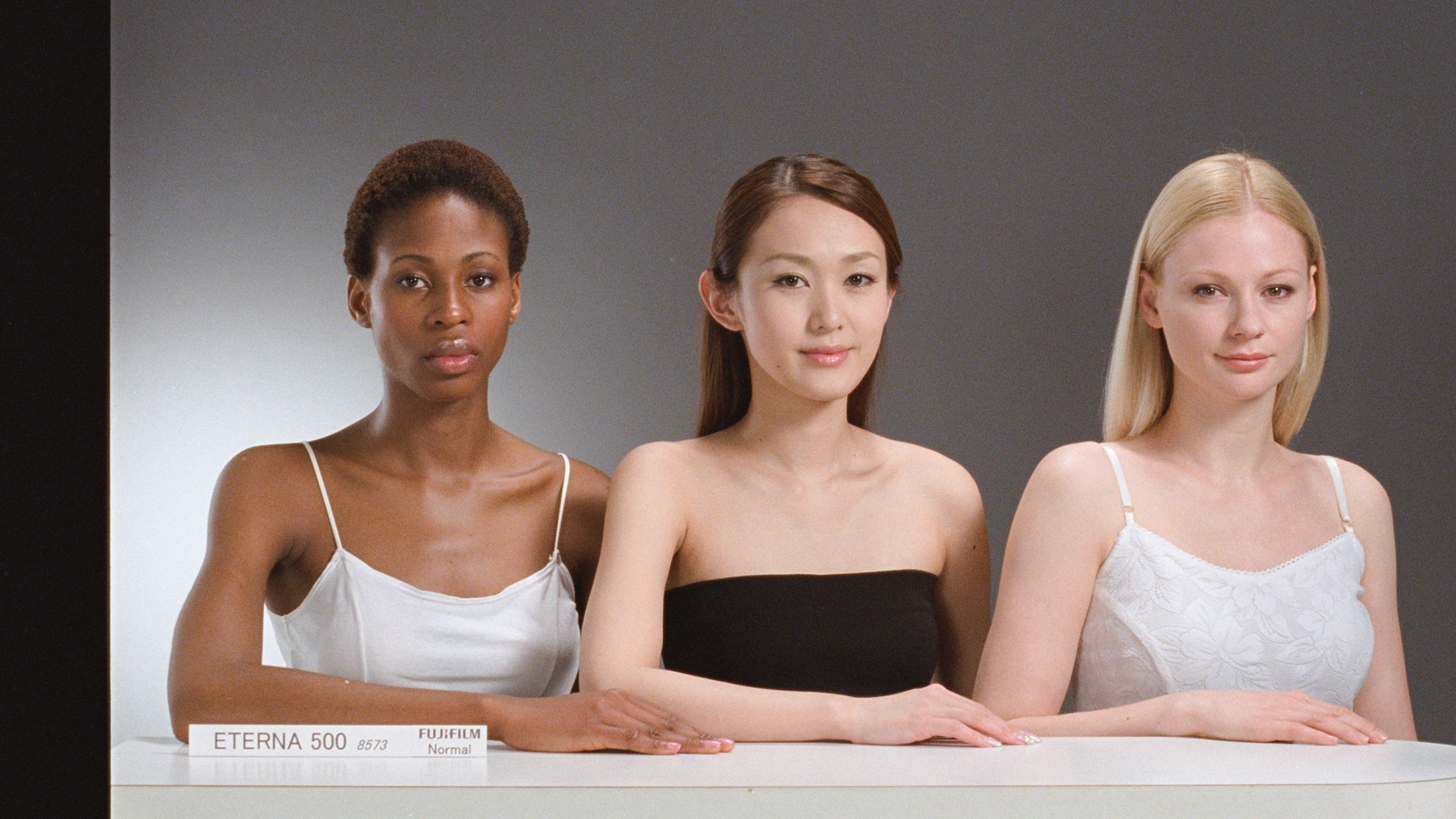
Hi István, as a side question. The image with the three skin tones is a nice one when trying to balance skin tones. Is this image available for download somewhere?
Second question is if the edits shown here are performed in Ansel or DT. I presumed DT but just wanted to check.
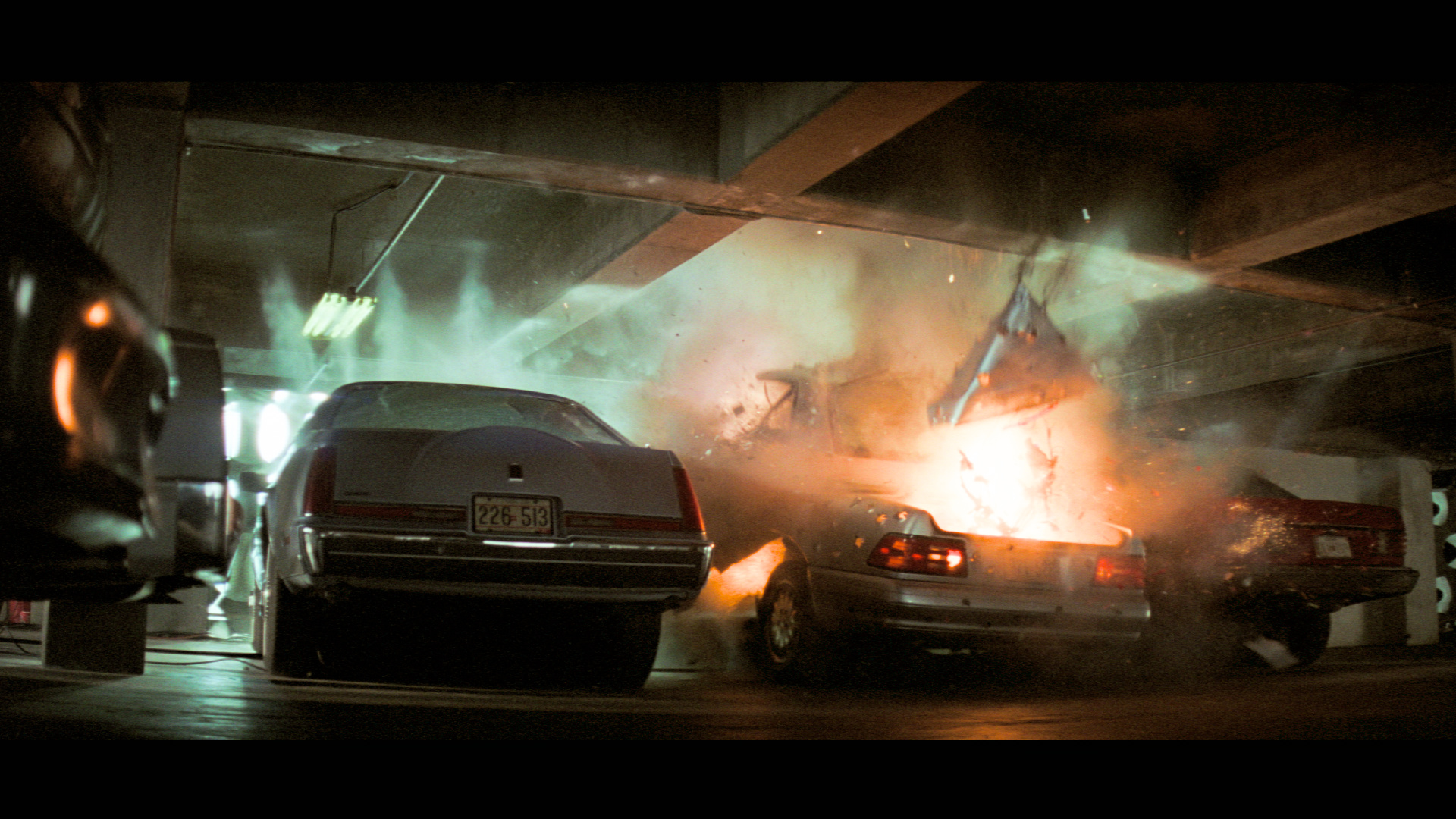
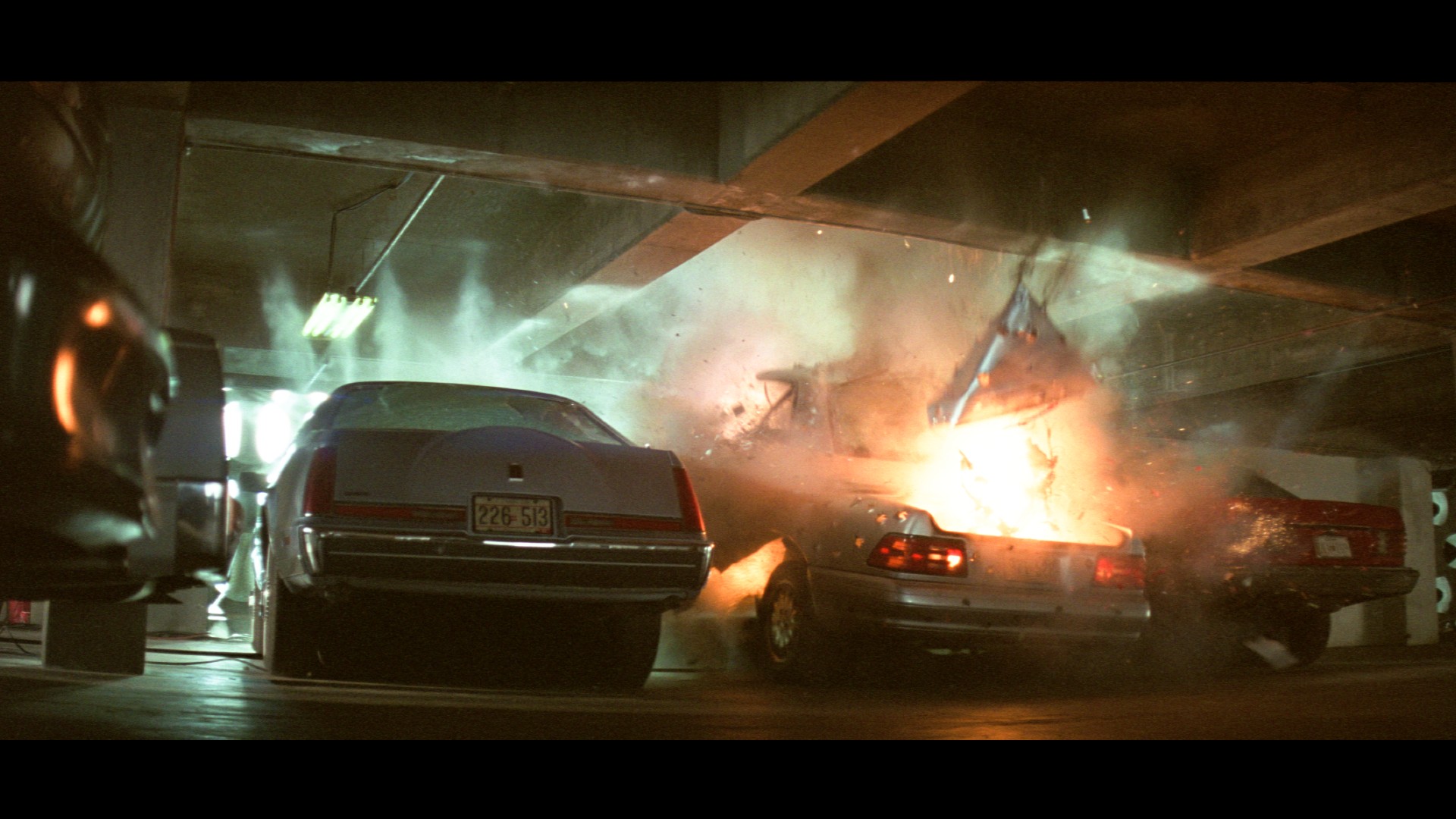
The right is with ansel-like_no-bleach, the mid with extra-bleach, and the left back to no-bleach plus a second CC instance in monochrome with a 15% uniform mask. Above 15% the bypass effect is obviously much more pronounced.
Still, the edit with 15% mask has the strongest bleach-bypass effect here.
Let me check if I understand correctly. You inserted a copy of the Color Calibration module - but where in the stack? Regarding “monochrome”, do you mean a preset with this name, unmodified? And as for the 15% uniform mask, this step is clear. But to me, this sounds like just a global partial desaturation, acting the same on all colors and tones - am I wrong here? Why is it beneficial?
The second CC module is above the first CC module in the stack (my flow, anyway). Yes, it desaturates. Ideally it is to be combined with increased contrast.
There are several monochrome presets in Color Calibration, or for creative effect one can independently tune r, g, and b going into monochrome.
Beneficial? That’s hard to say. But one can create a different look. The idea is to recreate bypassing removal of silver from the film emulsion, such as used in “Saving Private Ryan” and “Minority Report.” This method may be a little crude, but I’ve seen similar workflows taught for video editing. I think one can get a similar effect by just desat and increasing contrast, but with a bit less flexibility.
Yes. Very different processing, the tone curve is easy to approximate, but the colour processing is fundamentally different, and was never intended to be the same (keeping saturation vs intentional desaturation). Years and years ago, filmic also desaturated, and users complained - so I was quite surprised when AgX was (initially) not criticised for that.
These are, colour-wise, pretty much the same as the previous batch, but behave better in the highlights (lower shoulder power), if you use the auto-picker on images with very bright highlights. Of course, it’s mostly a tone curve match, and less saturated colours are also quite accurate - but you still won’t get deep blue skies. ansel-like-presets.zip (3.2 KB)
Example difference (previous mid-bleach + picker, the original preset vs this one):
I’ve found saturated highlights to work fine with a combination of tone equalizer reducing high brightness, and color balance rgb increasing highlight saturation (with adjusted highlight fall-off and grey point).
But this point keeps coming back to me. AgX seems to perform excessive desaturation on images with specular highlights and models under stage lights (because they are naturally desaturated). In principle, is the strength of “path to white” tunable? Or is this the same as the shoulder slider?
saturation is linked to contrast, so yes, shoulder power has an effect
there is a natural desaturation from per-channel curves
increasing inset (attenuation), even if later countered by purity boost, affects highlights more than mid-tones (I demonstrated this in a couple of posts).
Indeed you have fielded a lot of questions about this! Thanks for your patience. Your demo with a few models under studio lights was very helpful. I will play with the primary adjustment next time, and will keep in mind that desaturation wouldn’t be straightforward to tune within the algorithm.
The ansel version definitely retains a bit more red in the skin, which seems a bit more natural to my eyes. I suppose it’s difficult to know what the ground truth is for these studio portraits. If the rgb value for the red in the “i” of “fujifilm” was known that might help determine things.
EDIT: Actually it is known: 251, 0, 32. In these exports the ansel versions get closer to that.
The Ansel version is still called AgX but the documentation implies is not a per-channel algorithm. That’s a pretty significant difference. Though I don’t know the implementation so it may mean less than I’m assuming.
The v8 (AgX) color science implements the one genuinely useful idea popularized by Blender’s AgX view transform and its darktable port: applying the tone curve to each RGB channel separately , inside a rendering color space whose primaries have been slightly compressed and rotated. Per-channel curves couple color to tonality – highlights bleach toward white and shadows sink toward black as a function of the tona