Do you have any tips how to deal with lens flare? Probably it’s difficult to completely remove it unless “retouch” is used (not always possible). How to at least remove the awful color? 
It can be very tricky, depending on its size and location in the image.
The trouble is that it’s usually a matter of correcting both the luminance and hue. And depending on the flare, it might require several hues to be created with smooth graduated transitions. Obviously it also requires a mask to avoid adjusting the rest of the image, and creating an accurate mask is a challenge in itself. Nightmare!
Other than cloning it out, it usually requires a combination of tools. I find the Global Offset hue picker in Color Balance RGB to be particularly useful for neutralizing the colour cast, as well as the luminance slider to restore the shadow. Hue can then be adjusted using either RGB Primaries, Color Calibration, Color Balance RGB or Colour Equalizer.
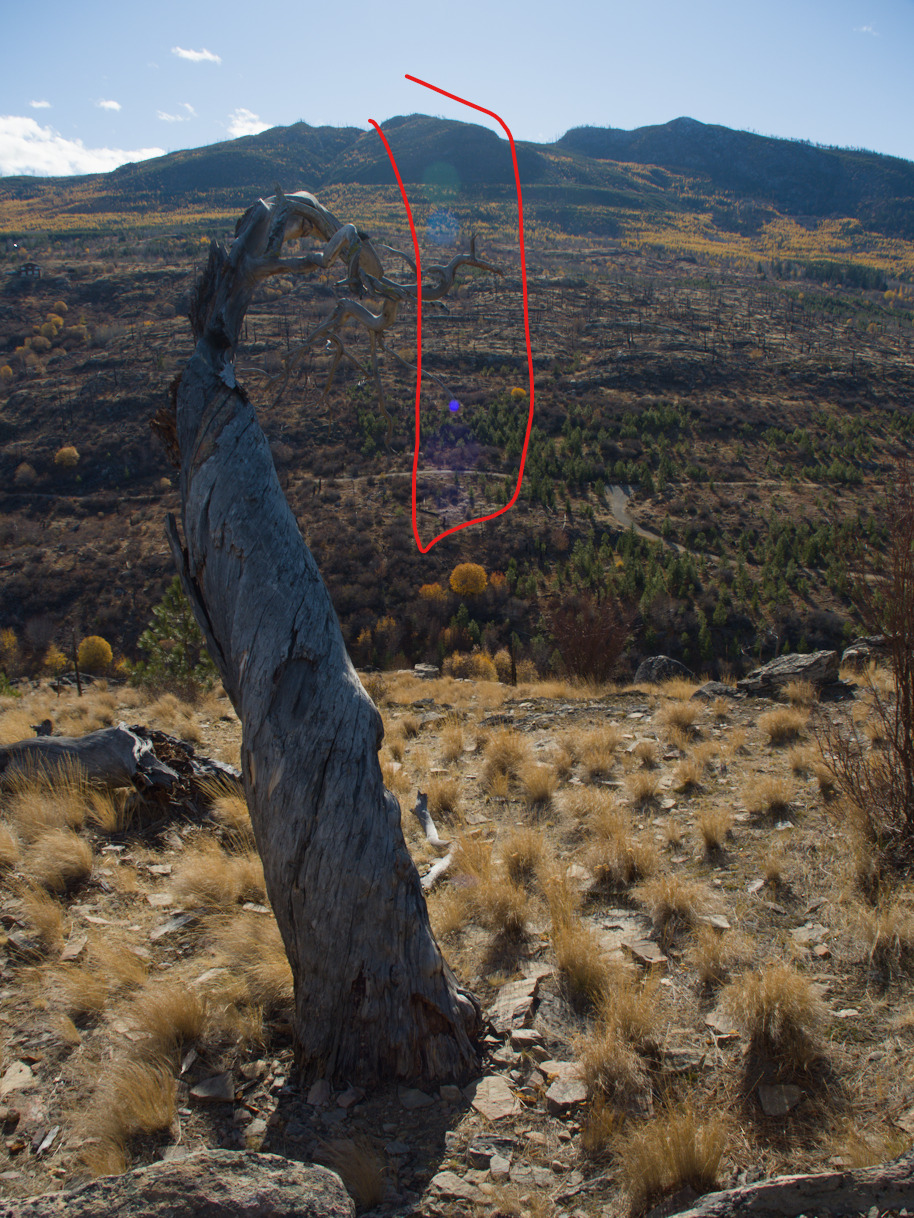
Here’s a recent one that I haven’t tackled yet. It’s got about 5 colours to correct! (I probably will just delete this one. I don’t think the image is worth the bother)
This one wasn’t lens flare, but rather light leakage at the top and bottom. But I managed to correct it all within Darktable.
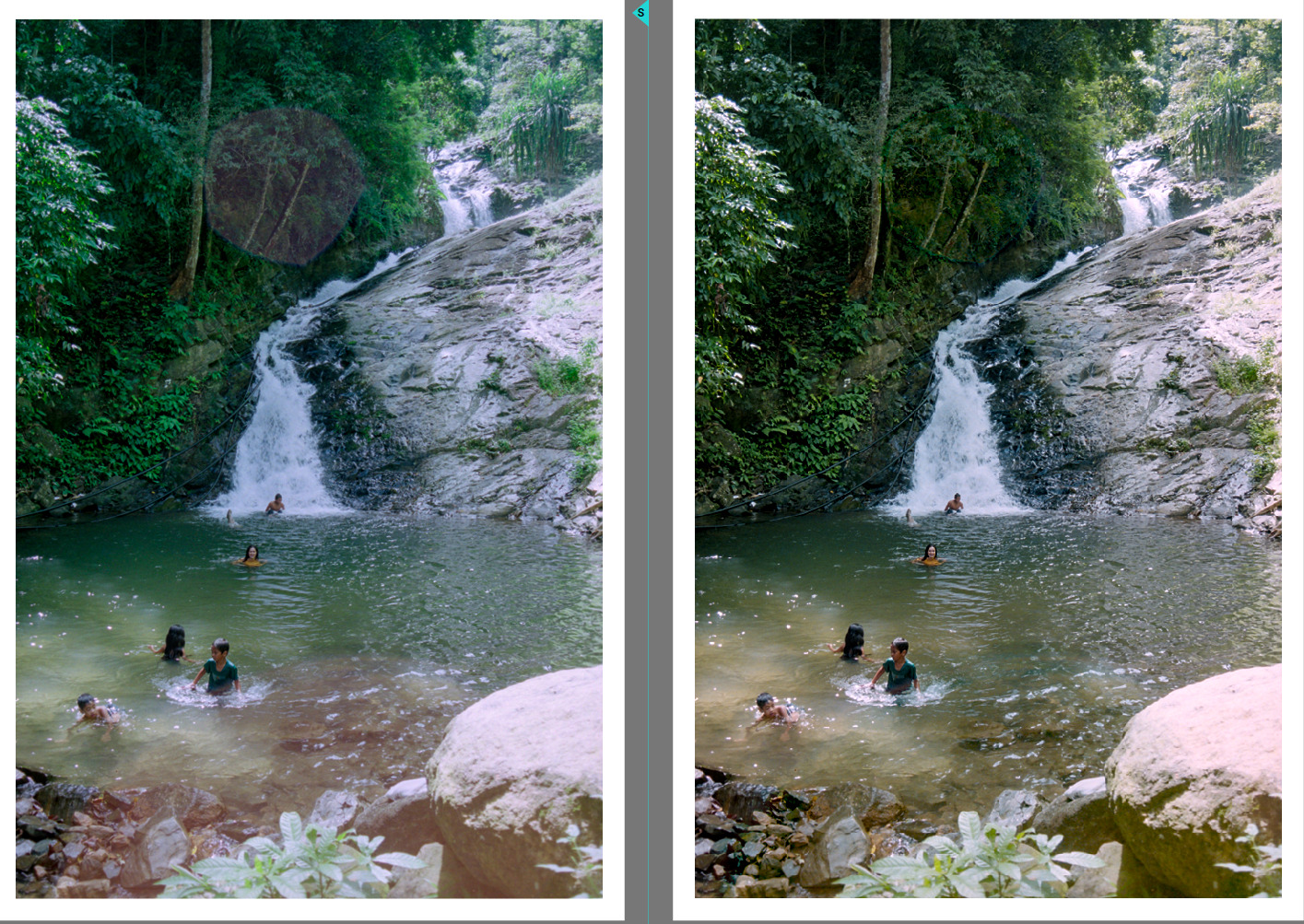
Generally, Darktable isn’t the best tool for the job but it can work depending on how bad the flare is.
2 Likes
have had some success with local contrast module masked to the lens flare. Maybe post a sample photo with licence for people to test their skills with.
1 Like