Hi there,
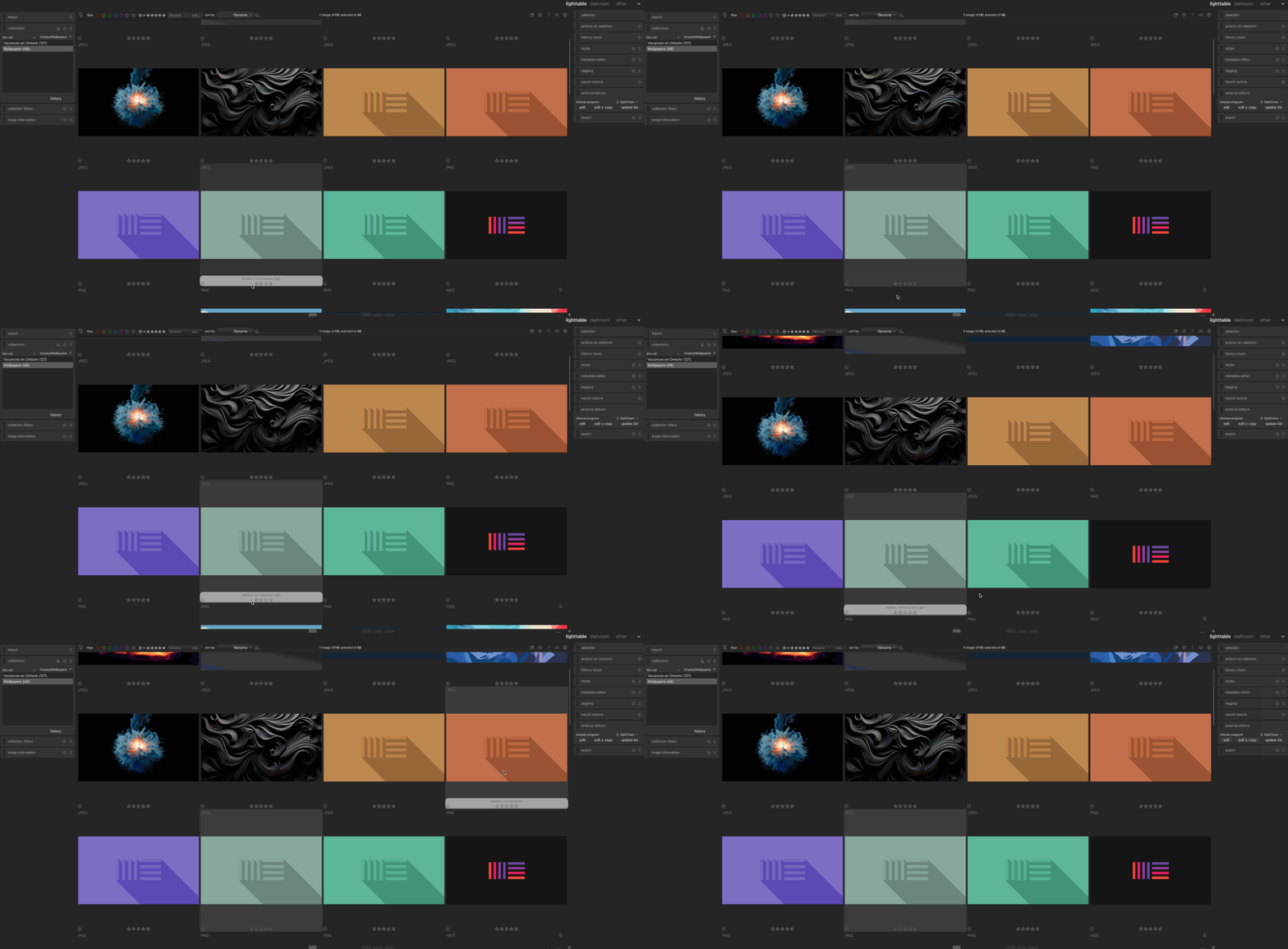
When I assign a star or color rating to an image in the lighttable section of darktable, in the grid view, the grill scrolls automatically, usually moving an image that was in the last row of the grid further down so I only see half of it afterwards. It can get confusing at times.
My filter are all clear, sorting is set to filename, so I really don’t understand what is causing this.
Is there a setting somewhere I might have overlooked?
I remember being confused about some similar (but not the same) effect in the past. In my case it was caused by the mouseover behaviour. Hovering with the mouse over a thumbnail without clicking means something in DT, which is rarely the case in any other software.
Try turning off “Prioritize the hovered image over the selected image” in Lighttable settings and see if it still happens.
I’d consider this a bug, not something that would be fixed with a setting. It seems to scroll to the wrong position sometimes, but I haven’t paid that much attention to it. I haven’t filed a bug yet, so that’s on me. Do you want to? Can you give silly detailed steps about how you reproduce it (like “open a collection with 8 images. Zoom such that three images fit on a line. Mouse over the fourth image…”
Cannot reproduce on Ubuntu 24.04 with current master 5.7.0+173~g00f5274700.
Again the questions : OS ? dt version ? Settings as already asked by JovianSettler ?
The endless looping video seems more confusing than helpful to me. A step-by-step guide to reproduce the problem would be more useful.
Here are more details.
Darktable version 5.6.0
MacOS Tahoe 26.5.2 using a 4K monitor.
My settings are as follow:
Steps to reproduce:
-Go to the lighttable
-Set the number of displayed images per row to 4 (3 also works)
-Scroll down to hide at least the first row of images and to make the bottom of the last row of images close to the bottom of the app
-Give a star or color rating to an image using either your mouse or a shortcut
-See the lighttable gallery scroll as I described in my original post
I am able to reproduce it with the lastest nightly build (appimage). To me it seems to happen when the top row is only partly visible. Then click on the star rating of any thumbnail in the middle. The lighttable scrolls until the top row is completely visible
I have the same issue on opensuse tumbleweed latest darktable version. I think it’s a bug and I procastinated too much reporting. If you report, please let me now the issue and I’ll comment more details if they are needed.