I have written a check program for setup of ART user command for nind-denoise.
nind-test_4ART.py (2.8 KB)
read_sh.py (2.7 KB)
Please put these scripts and any test jpeg file named “test.jpg” in your nind-denoise user command installed directory.
Change current directory to user commands directory, and run this program with following command.
$ python3 nind-test_4ART.py
If your nind_denoise_raw.sh setting is not correct, following messages will be displayed, like…
“Python interpreter path is not correct!
/home/username/scripts/nind-denoise/.venv/bin/python”
And at last this program show the testing command of nind-denoise script, so copy the command and execute the command from the command line.
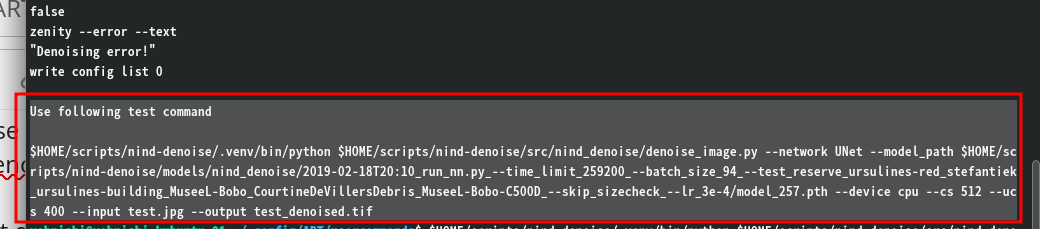
And even if your nind_denoise_raw.sh is correct, however nind-denoise is not setup correctly, denoise process will not operate.
If denoise process operates successfully, you will see following display in your terminal.
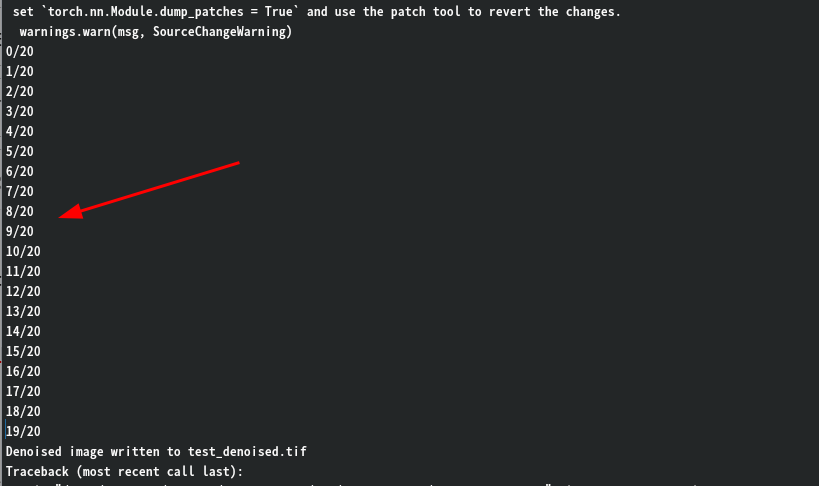
Attention! nind-denoise script itself is not compatible with Windows. It can be usable on Linux and Mac OS.