Darktable v4.4.2 on Windows 10 Pro.
When trying to refine a parametric mask, square tiles containing results from previous settings are being displayed and applied to input (see attached picture for an example).
Did anyone here on this forum experienced this behaviour ? At this stage I’m trying to figure out if it is a problem with my PC or a bug in darktable.
Any troubleshooting suggestions would be appreciated.
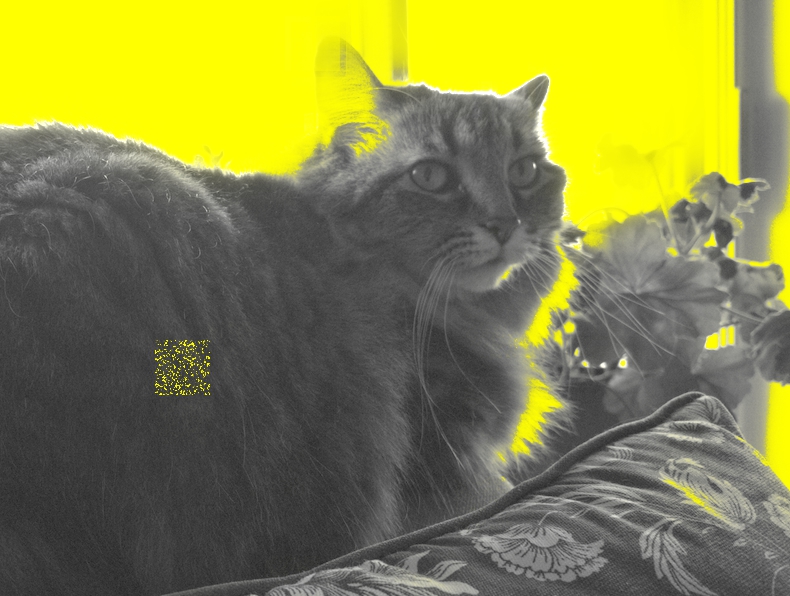
It was a bug. It is fixed in current master and you should see the fix in 4.6 in a couple of weeks.
2 Likes
I’m not sure it’s the same, as those artefacts affected high-contrast edges, and only when feathering was on.
@nilie , could you please share the raw file and the sidecar?
Sure about feathering but certainly also affecting low signal areas if the mask transition was “sharp”
1 Like
Here’s the photo I’m working on. It’s not my work (I’m using it with permission from my son) and I’m only using it to learn how to use darktable. By the way, if you have suggestions on how should I approach the restoration, they’re welcome.
IMG_20231029_135200.dng (22.9 MB)
IMG_20231029_135200_01.dng.xmp (16.2 KB)
Exposure - window1:
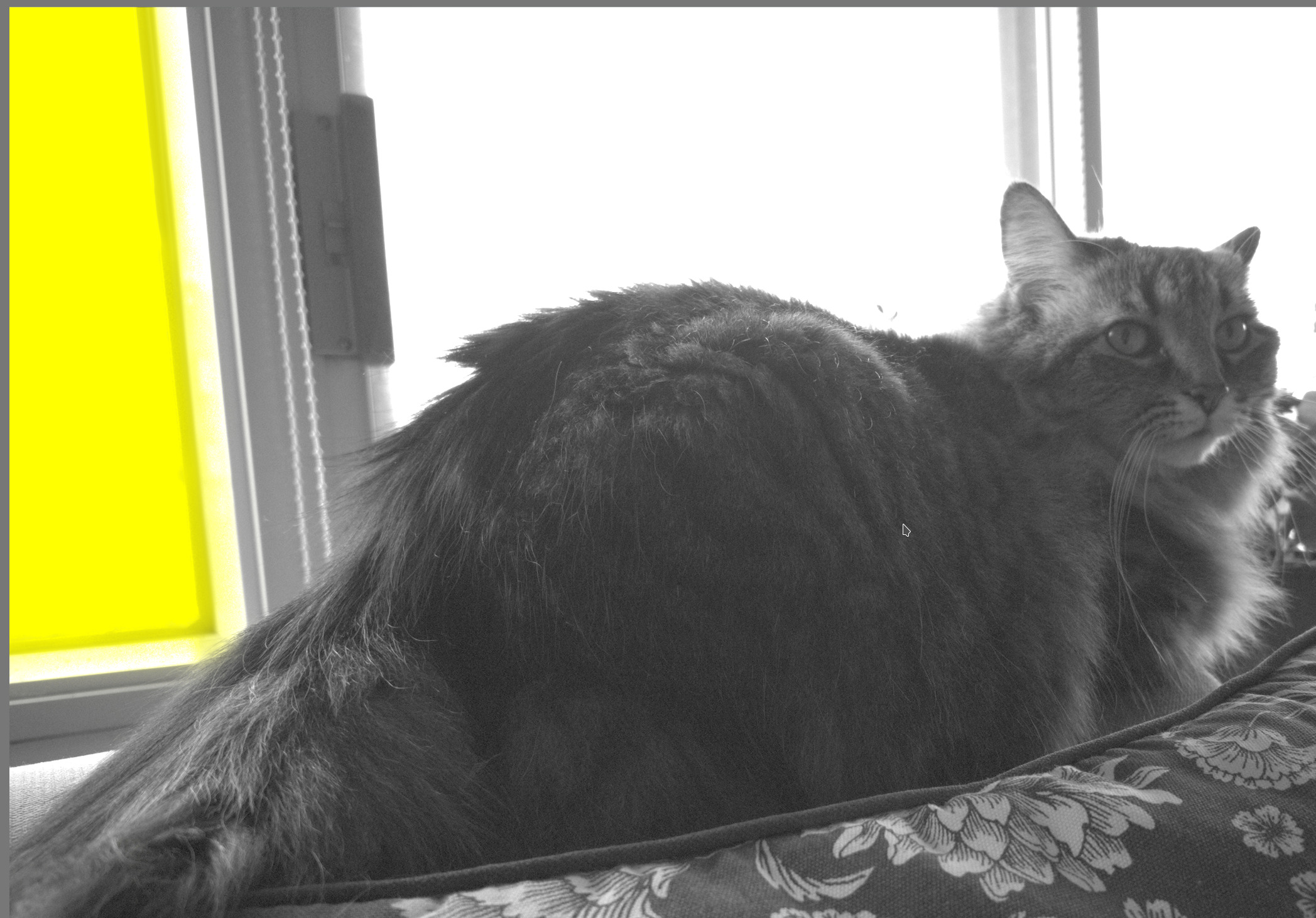
Exposure - window2:
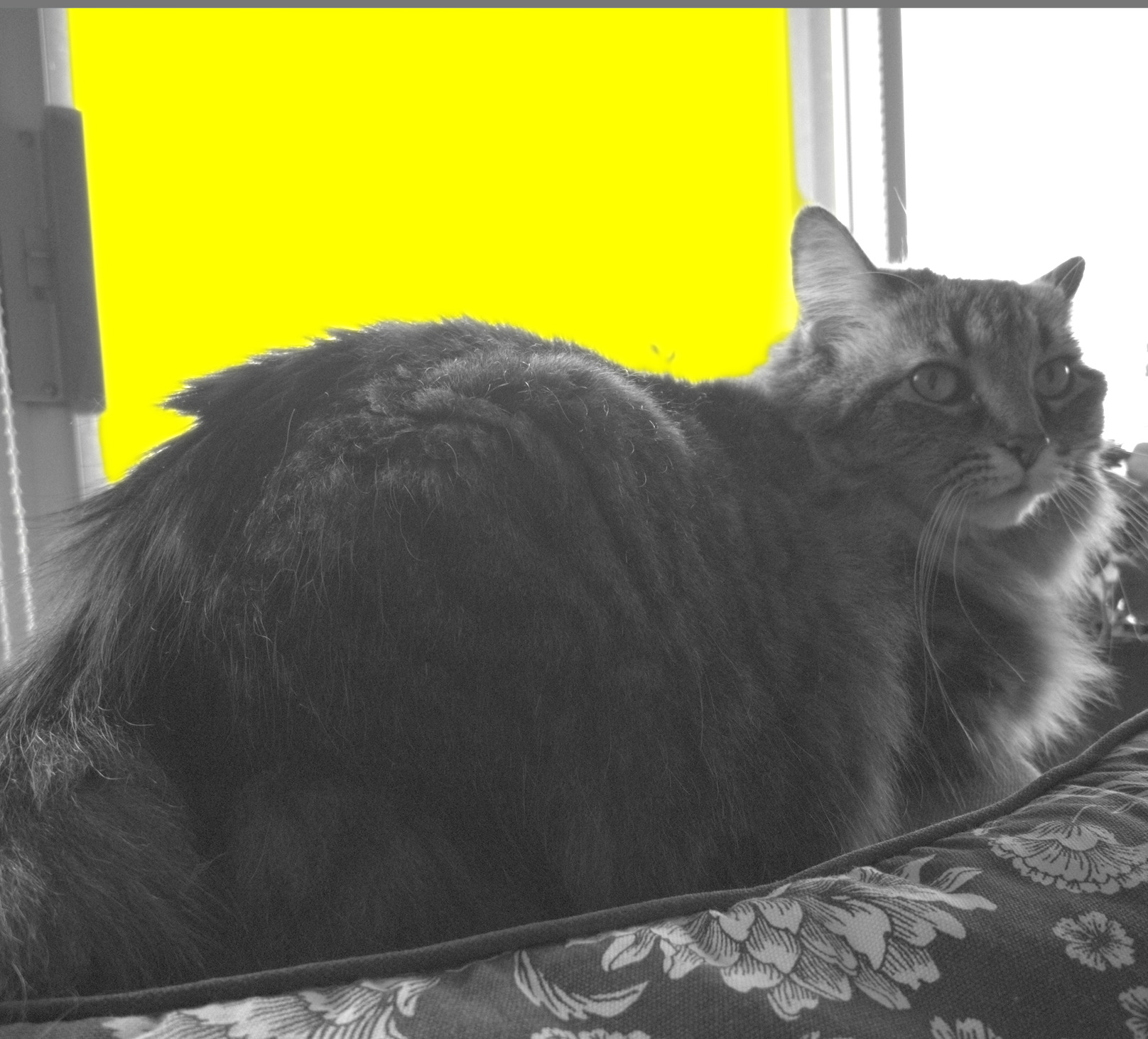
Exposure - window3: everything is selected.
This is with the current master (development) version.
As for fixing the photo: dropping exposure and disabling all curves, switching to segmentation-based highlight recovery brings back some detail:
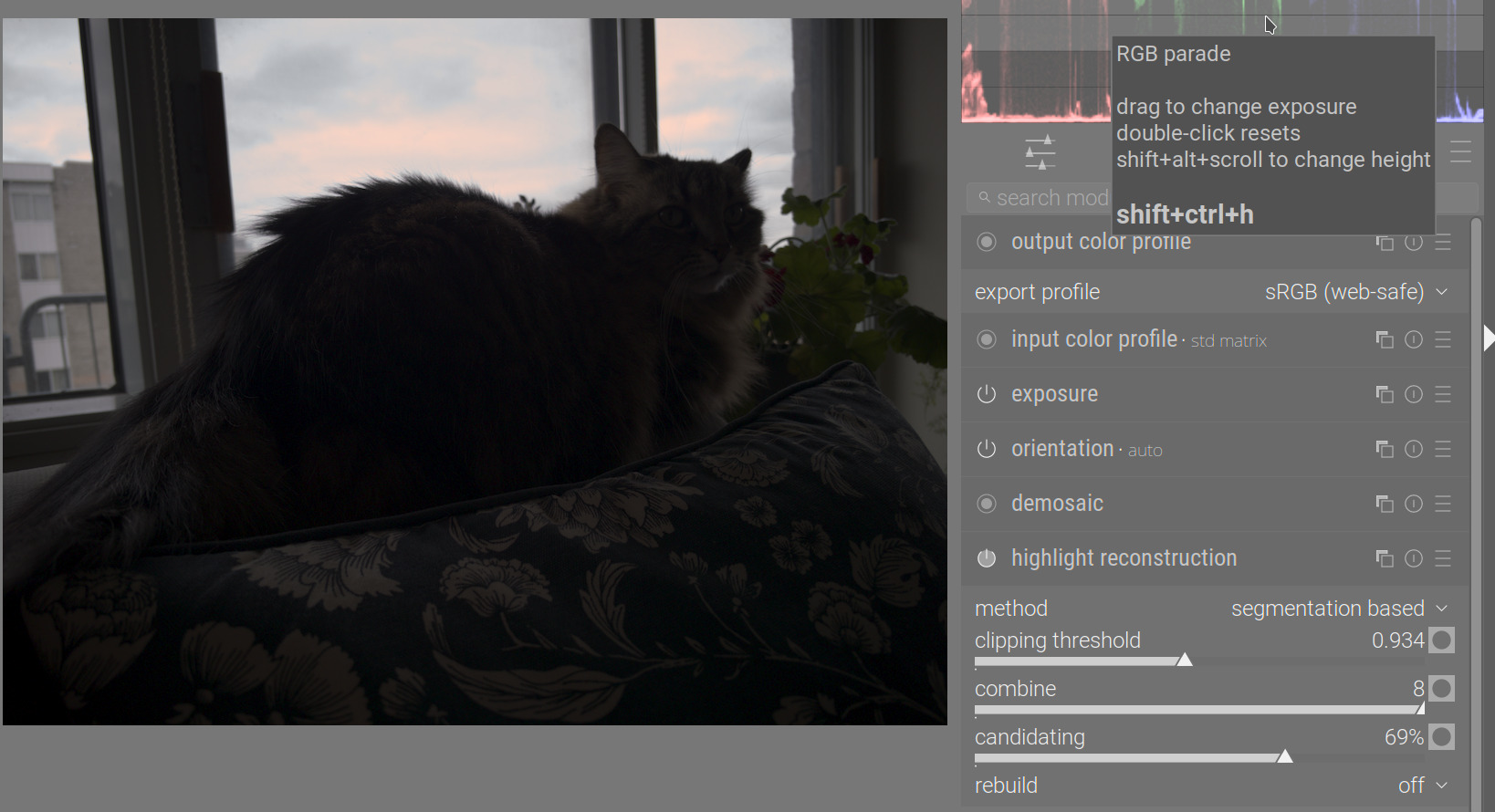
There is a huge dynamic range, with a phone sensor, with no noise profile available. If you post this as a PlayRaw challenge, others will give you better results (I hate how this turned out in my processing). The tone equalizer could probably help, but I do not have the time to tweak it today.
IMG_20231029_135200_01.dng.xmp (18.9 KB)
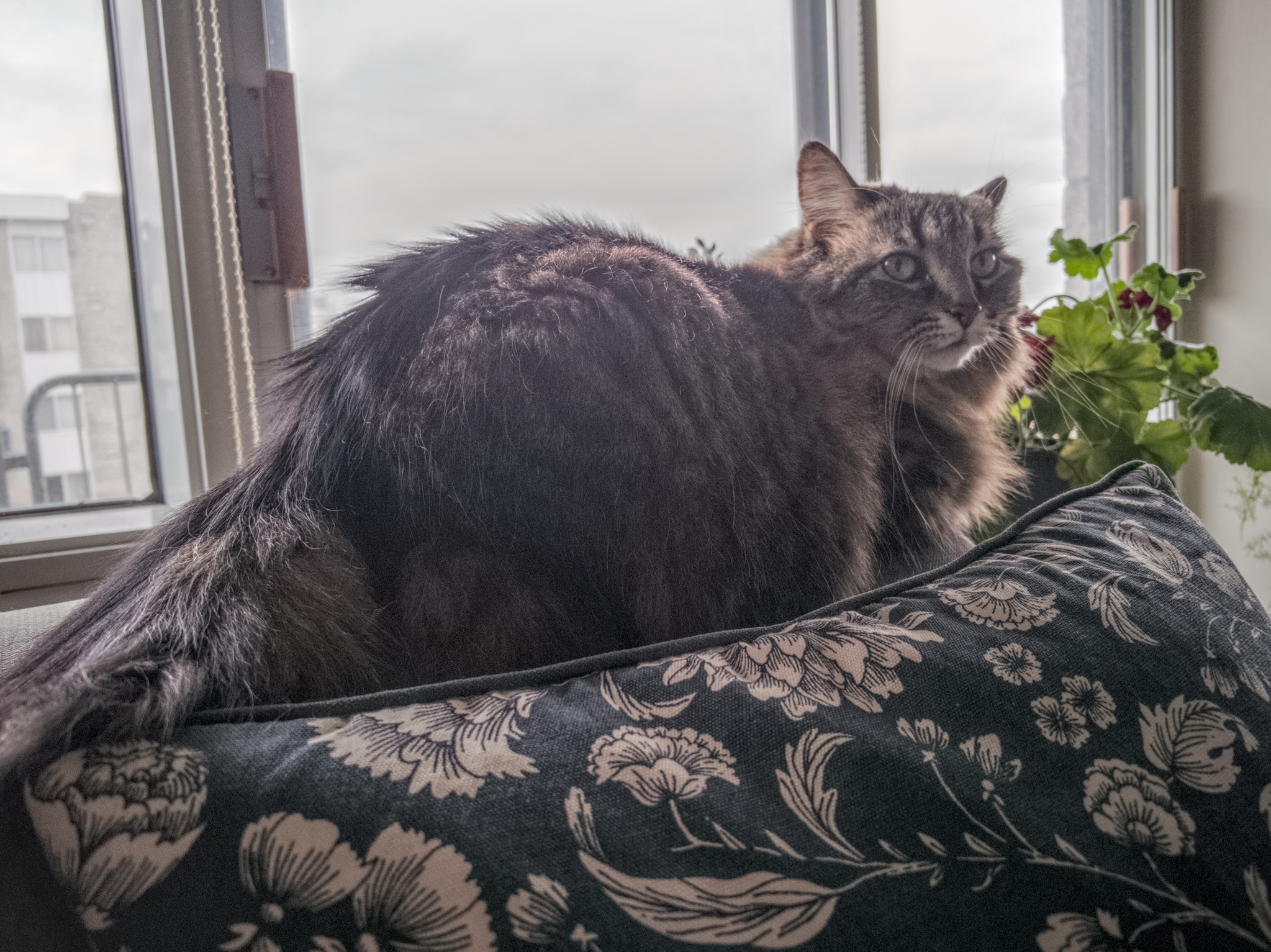
Less artificial:
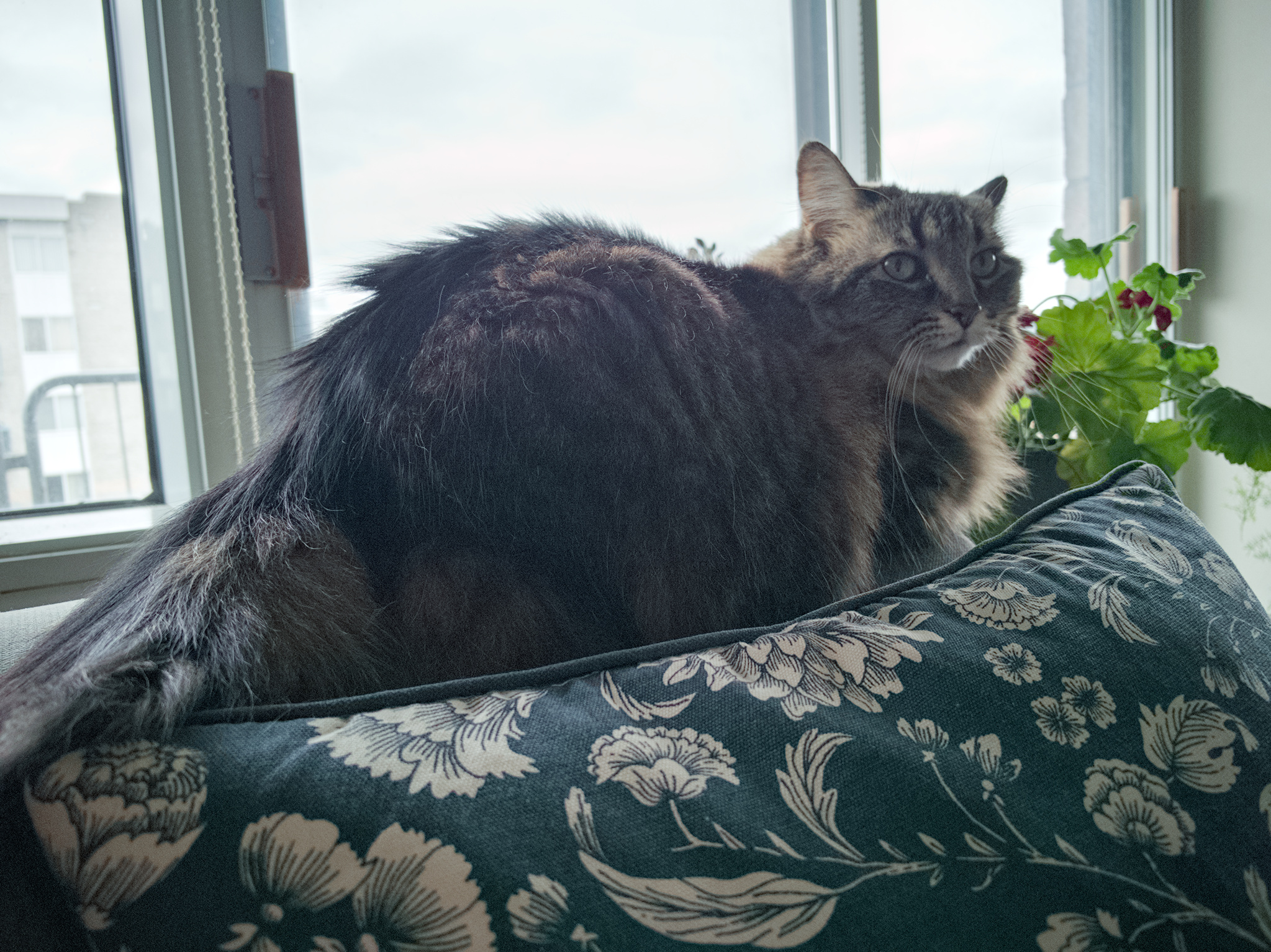
IMG_20231029_135200_02.dng.xmp (14.8 KB)
No blockies?
None at all 
3 Likes